
Overview of Skills Graphic Design Technology Presented by
Overview of Skills Graphic Design Technology Presented by: Ms. Bela Gupta Academic Skill Partner
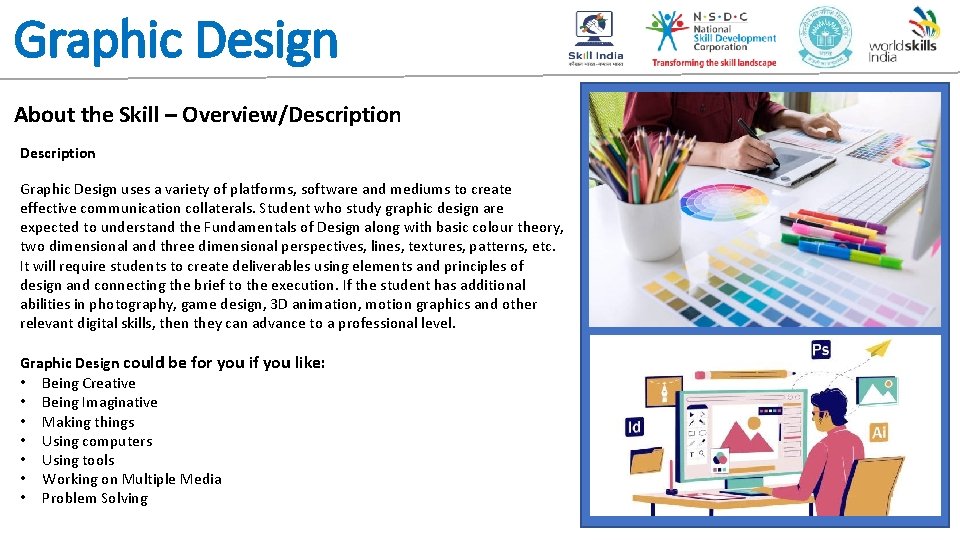
Graphic Design About the Skill – Overview/Description Graphic Design uses a variety of platforms, software and mediums to create effective communication collaterals. Student who study graphic design are expected to understand the Fundamentals of Design along with basic colour theory, two dimensional and three dimensional perspectives, lines, textures, patterns, etc. It will require students to create deliverables using elements and principles of design and connecting the brief to the execution. If the student has additional abilities in photography, game design, 3 D animation, motion graphics and other relevant digital skills, then they can advance to a professional level. Graphic Design could be for you if you like: • Being Creative • Being Imaginative • Making things • Using computers • Using tools • Working on Multiple Media • Problem Solving
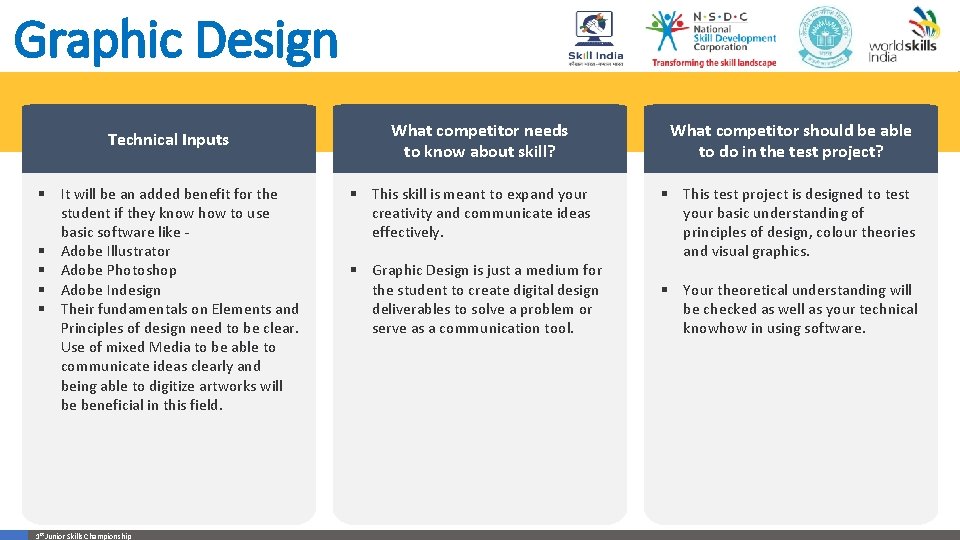
Graphic Design Technical Inputs § It will be an added benefit for the student if they know how to use basic software like § Adobe Illustrator § Adobe Photoshop § Adobe Indesign § Their fundamentals on Elements and Principles of design need to be clear. Use of mixed Media to be able to communicate ideas clearly and being able to digitize artworks will be beneficial in this field. 1 st Junior Skills Championship What competitor needs to know about skill? § This skill is meant to expand your creativity and communicate ideas effectively. § Graphic Design is just a medium for the student to create digital design deliverables to solve a problem or serve as a communication tool. What competitor should be able to do in the test project? § This test project is designed to test your basic understanding of principles of design, colour theories and visual graphics. § Your theoretical understanding will be checked as well as your technical knowhow in using software.
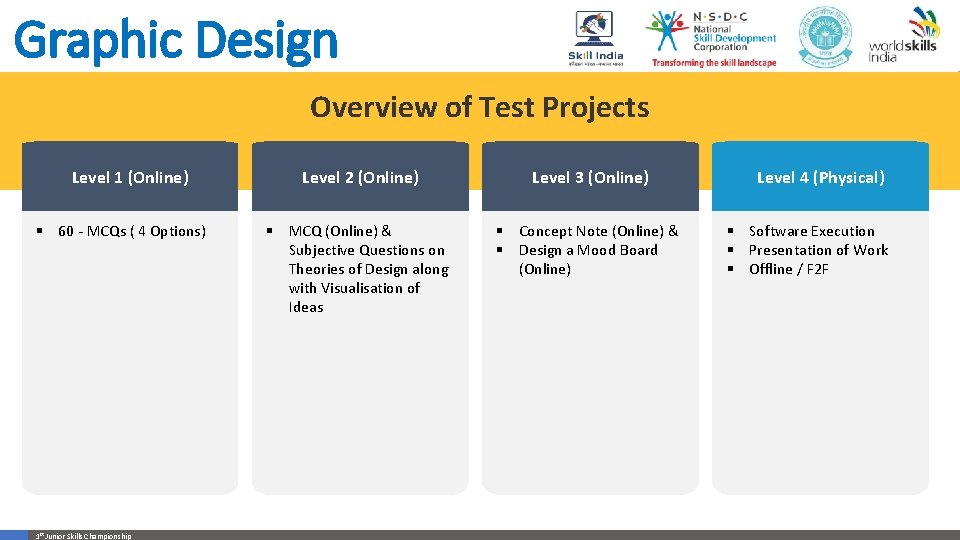
Graphic Design Overview of Test Projects Level 1 (Online) § 60 - MCQs ( 4 Options) 1 st Junior Skills Championship Level 2 (Online) Level 3 (Online) § MCQ (Online) & Subjective Questions on Theories of Design along with Visualisation of Ideas § Concept Note (Online) & § Design a Mood Board (Online) Level 4 (Physical) § Software Execution § Presentation of Work § Offline / F 2 F
Graphic Design EVALUATION SYSTEM & PARAMETERS • The student will be assessed on their theoretical understanding of Graphics and Design and their ability to effectively understand the basic fundamentals of software usage. They will be further assessed on how well they can conceptualise, Visualise and then finally graphically execute an idea. The basis of each project will assess colour usage, typography, digitisation of the idea and creativity. • Detailed evaluation will be provided as well as mock test papers, as the competition progresses.
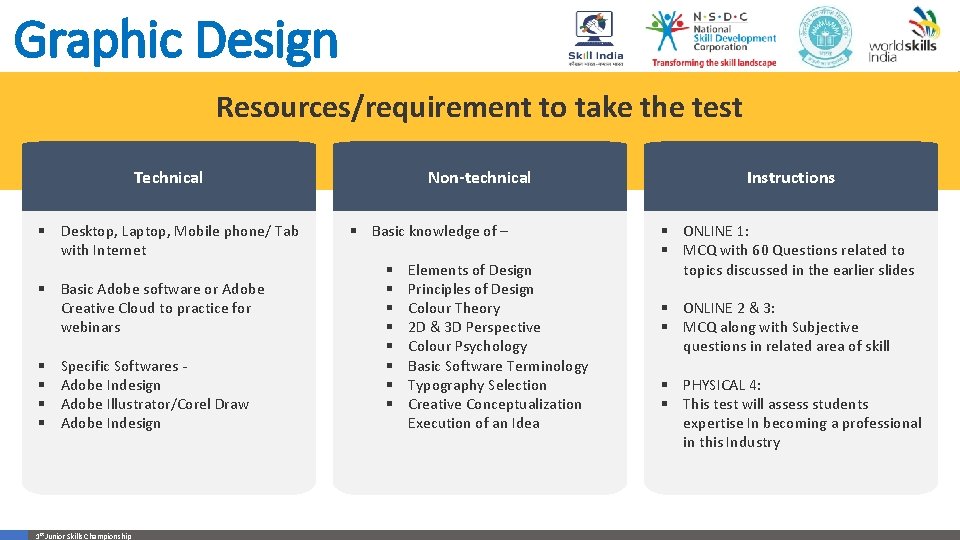
Graphic Design Resources/requirement to take the test Technical § Desktop, Laptop, Mobile phone/ Tab with Internet § Basic Adobe software or Adobe Creative Cloud to practice for webinars § § Specific Softwares Adobe Indesign Adobe Illustrator/Corel Draw Adobe Indesign 1 st Junior Skills Championship Non-technical § Basic knowledge of – § § § § Elements of Design Principles of Design Colour Theory 2 D & 3 D Perspective Colour Psychology Basic Software Terminology Typography Selection Creative Conceptualization Execution of an Idea Instructions § ONLINE 1: § MCQ with 60 Questions related to topics discussed in the earlier slides § ONLINE 2 & 3: § MCQ along with Subjective questions in related area of skill § PHYSICAL 4: § This test will assess students expertise In becoming a professional in this Industry
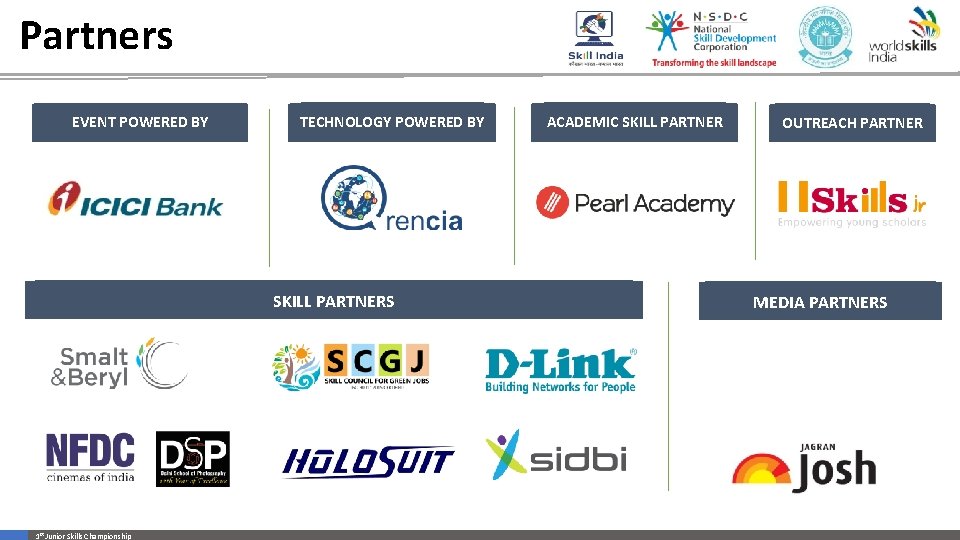
Partners EVENT POWERED BY TECHNOLOGY POWERED BY SKILL PARTNERS 1 st Junior Skills Championship ACADEMIC SKILL PARTNER OUTREACH PARTNER MEDIA PARTNERS

THANK YOU
- Slides: 8