
Overview of Microsoft Office EPM Timesheets David Ducolon
- Slides: 14
Overview of Microsoft Office EPM Timesheets David Ducolon Program Manager Project Microsoft Corporation
What You will Learn What timesheets are in the Microsoft Office EPM solution What administration is required How team members enter time Best practices for tracking non project time
Timesheets are for… Organizations who need to have users track exact time spent or remaining on tasks within a project Need to have an approval process for time spent on tasks within a project Need to integrate time spent on tasks with accounting or billing systems Organizations who do project work that desire to provide team members with a single system for time tracking
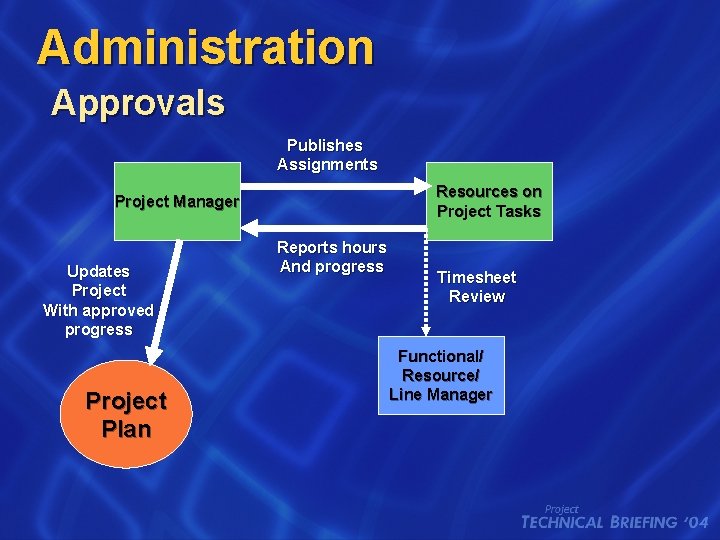
Administration Approvals Publishes Assignments Resources on Project Tasks Project Manager Updates Project With approved progress Project Plan Reports hours And progress Timesheet Review Functional/ Resource/ Line Manager
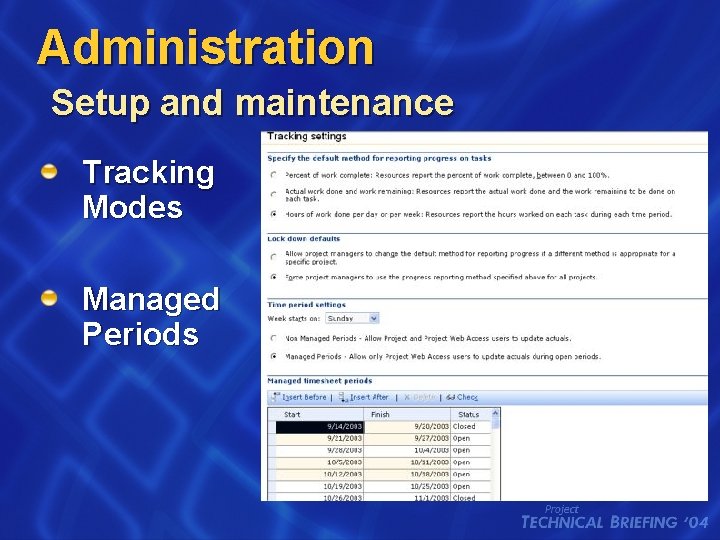
Administration Setup and maintenance Tracking Modes Managed Periods
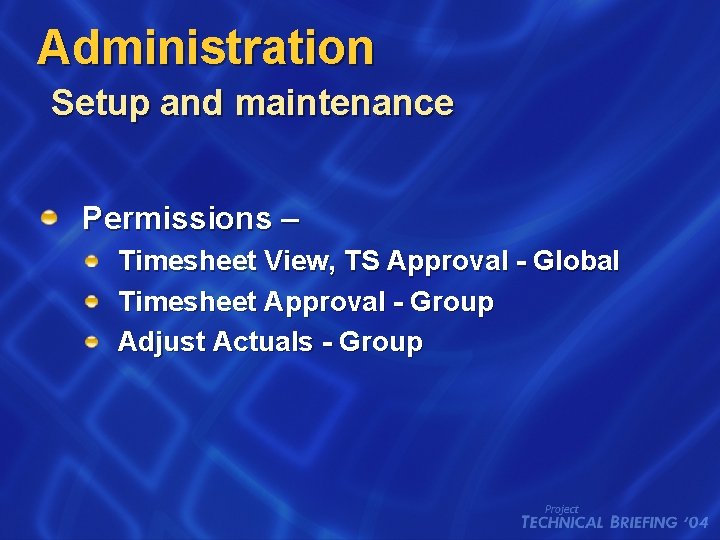
Administration Setup and maintenance Permissions – Timesheet View, TS Approval - Global Timesheet Approval - Group Adjust Actuals - Group
Timesheet Administration David Ducolon Program Manager Project
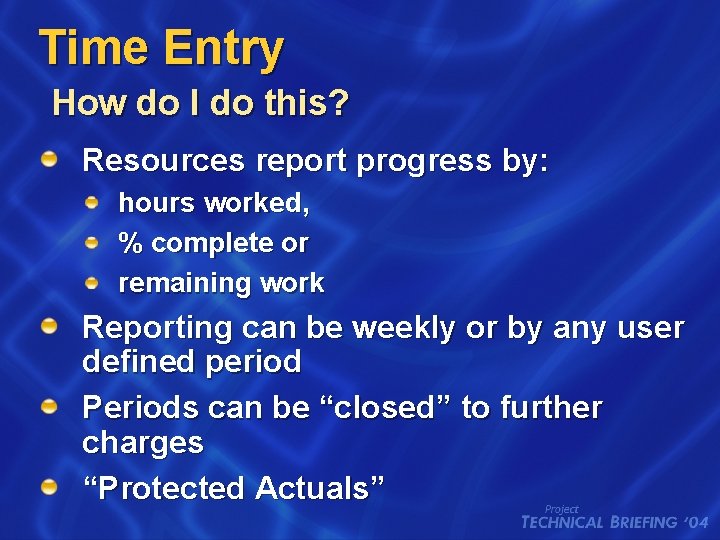
Time Entry How do I do this? Resources report progress by: hours worked, % complete or remaining work Reporting can be weekly or by any user defined period Periods can be “closed” to further charges “Protected Actuals”
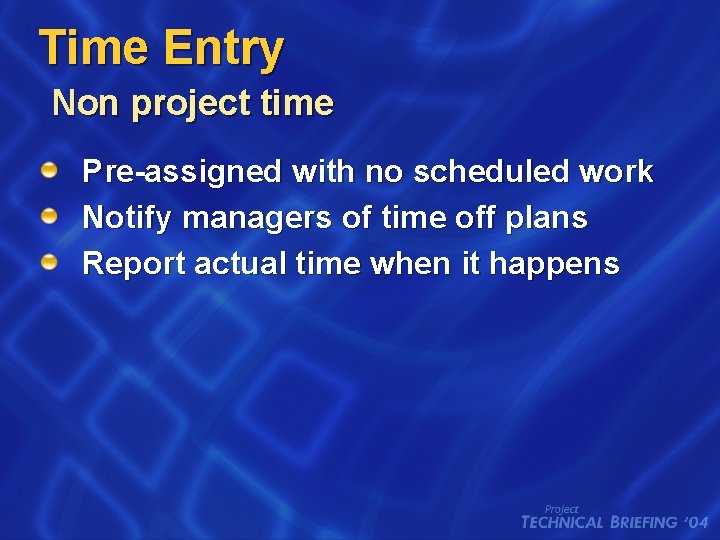
Time Entry Non project time Pre-assigned with no scheduled work Notify managers of time off plans Report actual time when it happens
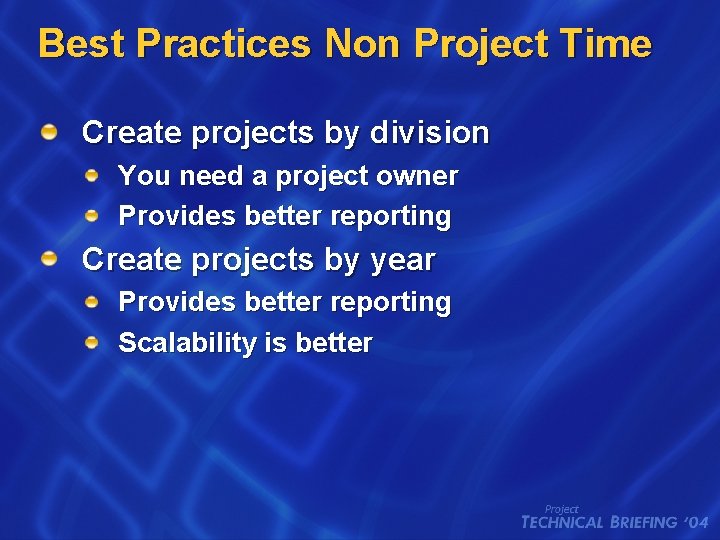
Best Practices Non Project Time Create projects by division You need a project owner Provides better reporting Create projects by year Provides better reporting Scalability is better
Entering Time David Ducolon Program Manager Project
Summary Timesheets allow organizations to capture team member time on tasks Approvals and notifications are part of the process All team member time can be recorded in one place Minimal Administration is required
© 2004 Microsoft Corporation. All rights reserved. This presentation is for informational purposes only. Microsoft makes no warranties, express or implied, in this summary.