
Overview of Atmospheric Radiation Measurements ARM Data Management

- Slides: 40
Overview of Atmospheric Radiation Measurements (ARM) Data Management and Archiving in Net. CDF formats A presentation for the 4 th COPS Workshop September 25 -26, 2006 Hohenheim, Germany Raymond Mc. Cord Oak Ridge National Laboratory* Oak Ridge, Tennessee, USA Assisted by Dave Turner University of Wisconsin Madison, Wisconsin, USA *Oak Ridge National Laboratory is operated by UT-Battelle, LLC, for the U. S. Department of Energy under contract DE-AC 05 -00 OR 22725
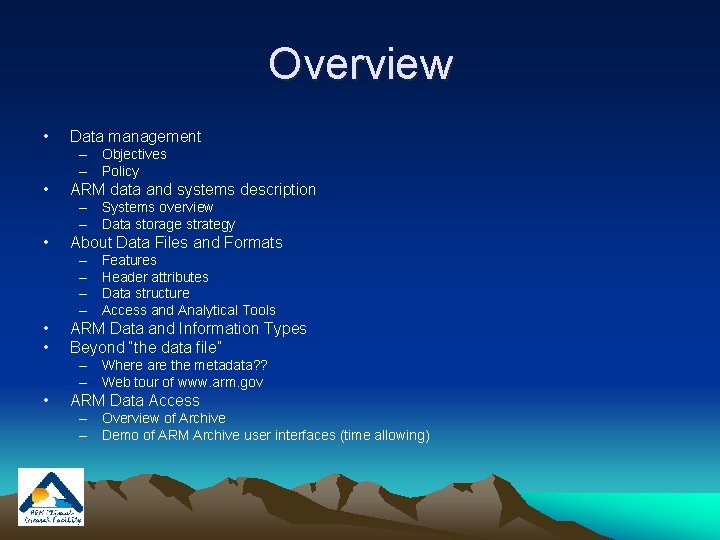
Overview • Data management – Objectives – Policy • ARM data and systems description – Systems overview – Data storage strategy • About Data Files and Formats – – • • Features Header attributes Data structure Access and Analytical Tools ARM Data and Information Types Beyond “the data file” – Where are the metadata? ? – Web tour of www. arm. gov • ARM Data Access – Overview of Archive – Demo of ARM Archive user interfaces (time allowing)
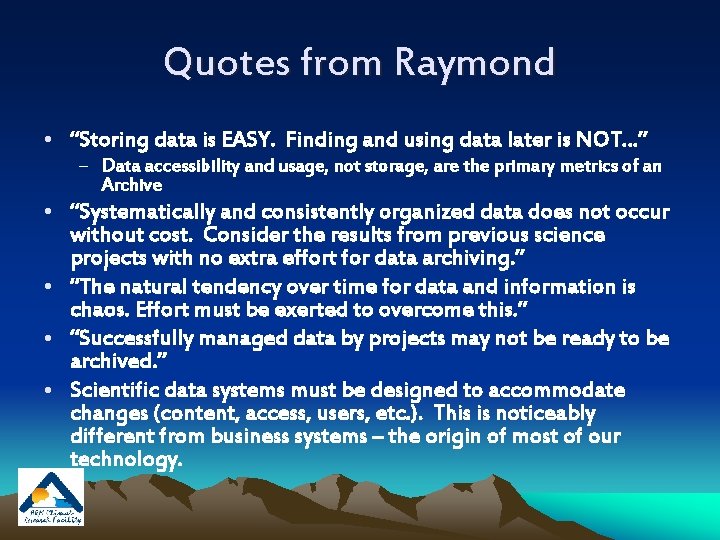
Quotes from Raymond • “Storing data is EASY. Finding and using data later is NOT…” – Data accessibility and usage, not storage, are the primary metrics of an Archive • “Systematically and consistently organized data does not occur without cost. Consider the results from previous science projects with no extra effort for data archiving. ” • “The natural tendency over time for data and information is chaos. Effort must be exerted to overcome this. ” • “Successfully managed data by projects may not be ready to be archived. ” • Scientific data systems must be designed to accommodate changes (content, access, users, etc. ). This is noticeably different from business systems – the origin of most of our technology.
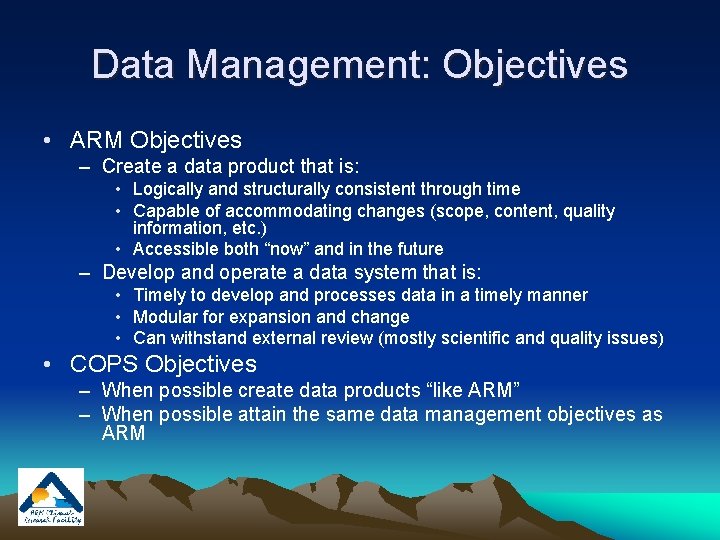
Data Management: Objectives • ARM Objectives – Create a data product that is: • Logically and structurally consistent through time • Capable of accommodating changes (scope, content, quality information, etc. ) • Accessible both “now” and in the future – Develop and operate a data system that is: • Timely to develop and processes data in a timely manner • Modular for expansion and change • Can withstand external review (mostly scientific and quality issues) • COPS Objectives – When possible create data products “like ARM” – When possible attain the same data management objectives as ARM
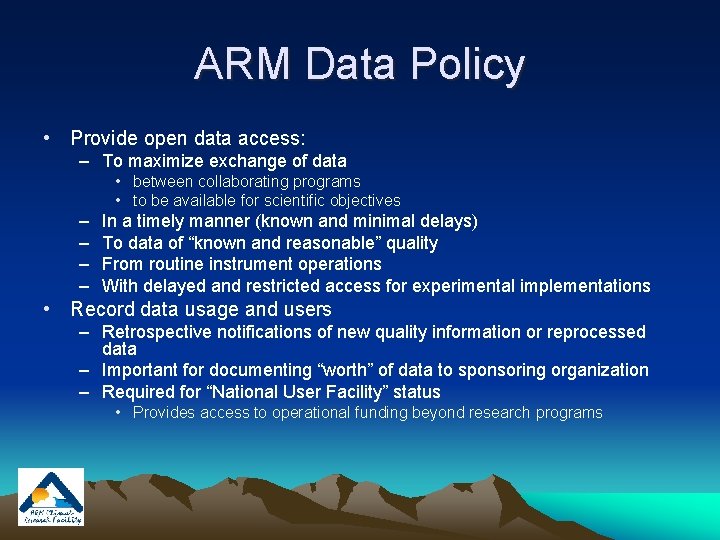
ARM Data Policy • Provide open data access: – To maximize exchange of data • between collaborating programs • to be available for scientific objectives – – In a timely manner (known and minimal delays) To data of “known and reasonable” quality From routine instrument operations With delayed and restricted access for experimental implementations • Record data usage and users – Retrospective notifications of new quality information or reprocessed data – Important for documenting “worth” of data to sponsoring organization – Required for “National User Facility” status • Provides access to operational funding beyond research programs
Data Systems
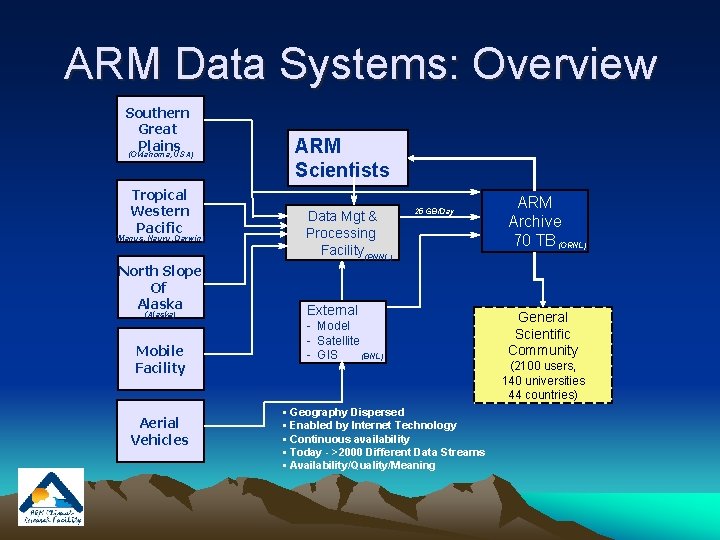
ARM Data Systems: Overview Southern Great Plains (Oklahoma, USA) Tropical Western Pacific (Manus, Nauru, Darwin) North Slope Of Alaska (Alaska) Mobile Facility Aerial Vehicles ARM Scientists Data Mgt & Processing Facility (PNNL) 25 GB/Day External - Model - Satellite (BNL) - GIS • Geography Dispersed • Enabled by Internet Technology • Continuous availability • Today - >2000 Different Data Streams • Availability/Quality/Meaning ARM Archive 70 TB (ORNL) General Scientific Community (2100 users, 140 universities 44 countries)
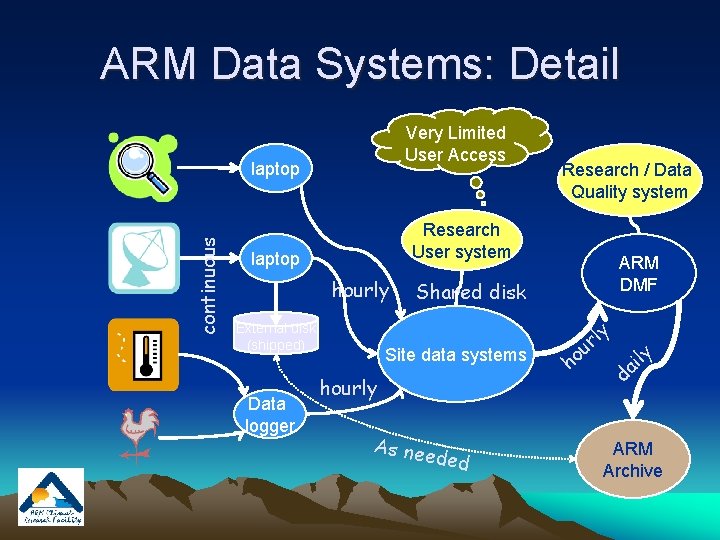
ARM Data Systems: Detail Very Limited User Access continuous laptop Research User system laptop hourly External disk (shipped) Data logger Research / Data Quality system ARM DMF Shared disk Site data systems hourly As nee ded ho y l ur ly i a d ARM Archive
ARM Data Storage Strategy • ARM data are stored in Data Streams – A “data stream” is a series of files (daily) that have similar contents and structure. • Files can be concatenated across time if needed. • Daily files are created as a convenience for processing, review, transfer, and distribution. • The same instruments at different locations create files with the same data stream structure. • Automated QC flags are contained within the data files.
About Data Files and Formats
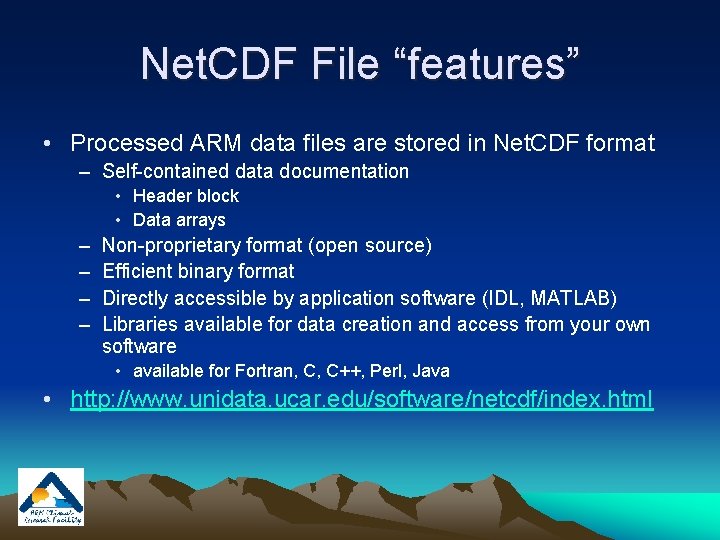
Net. CDF File “features” • Processed ARM data files are stored in Net. CDF format – Self-contained data documentation • Header block • Data arrays – – Non-proprietary format (open source) Efficient binary format Directly accessible by application software (IDL, MATLAB) Libraries available for data creation and access from your own software • available for Fortran, C, C++, Perl, Java • http: //www. unidata. ucar. edu/software/netcdf/index. html
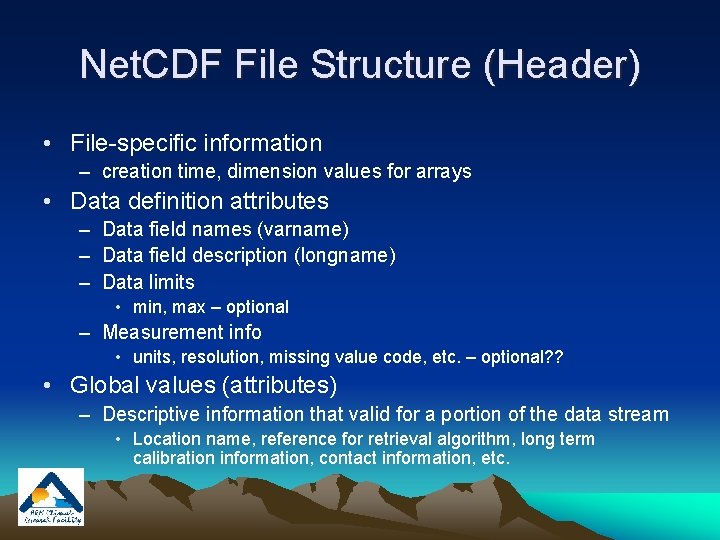
Net. CDF File Structure (Header) • File-specific information – creation time, dimension values for arrays • Data definition attributes – Data field names (varname) – Data field description (longname) – Data limits • min, max – optional – Measurement info • units, resolution, missing value code, etc. – optional? ? • Global values (attributes) – Descriptive information that valid for a portion of the data stream • Location name, reference for retrieval algorithm, long term calibration information, contact information, etc.
Examples of ARM Header Information Online Demo Link Here
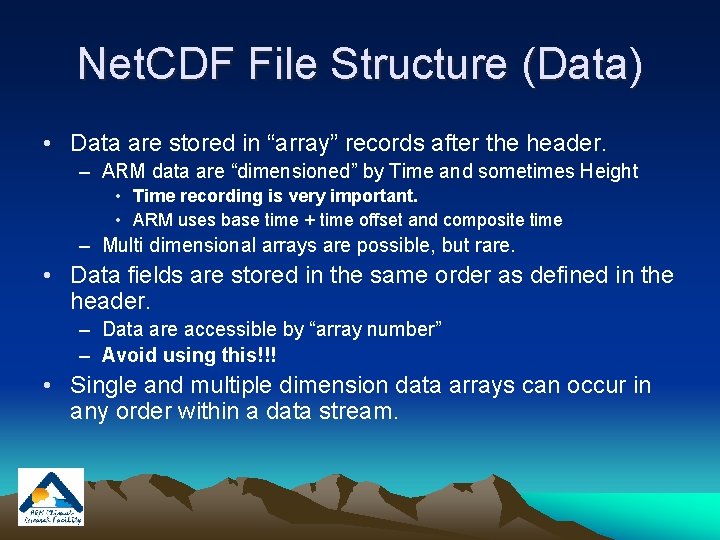
Net. CDF File Structure (Data) • Data are stored in “array” records after the header. – ARM data are “dimensioned” by Time and sometimes Height • Time recording is very important. • ARM uses base time + time offset and composite time – Multi dimensional arrays are possible, but rare. • Data fields are stored in the same order as defined in the header. – Data are accessible by “array number” – Avoid using this!!! • Single and multiple dimension data arrays can occur in any order within a data stream.
Net. CDF Data Access and Analysis • Applications using Net. CDF can: – Access data by filename / data field name – Concatenate similar files (e. g. , from a time series) – Merge of values based on similar dimension values • Links to Net. CDF tools can be found at: – http: //www. arm. gov/data/tools. stm
ARM Data/Information Structure Going to a “higher” view!!
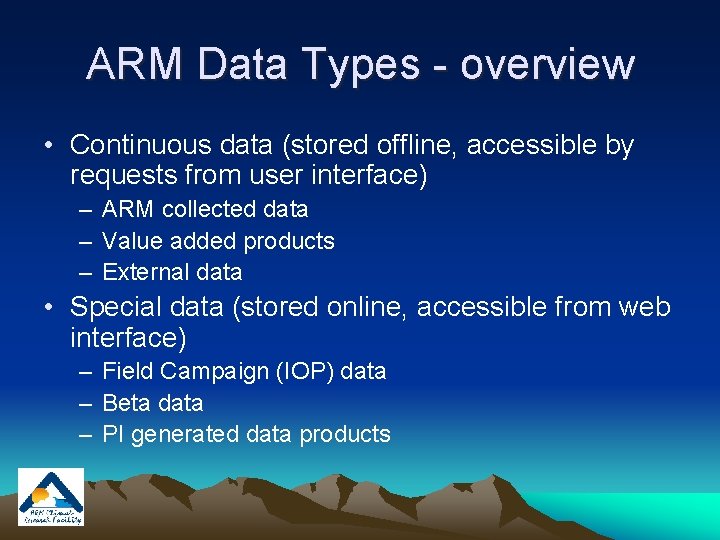
ARM Data Types - overview • Continuous data (stored offline, accessible by requests from user interface) – ARM collected data – Value added products – External data • Special data (stored online, accessible from web interface) – Field Campaign (IOP) data – Beta data – PI generated data products
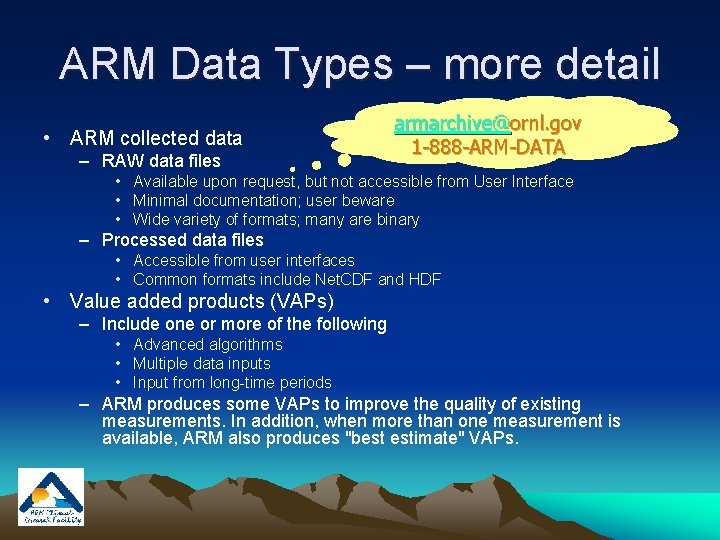
ARM Data Types – more detail • ARM collected data – RAW data files armarchive@ornl. gov 1 -888 -ARM-DATA • Available upon request, but not accessible from User Interface • Minimal documentation; user beware • Wide variety of formats; many are binary – Processed data files • Accessible from user interfaces • Common formats include Net. CDF and HDF • Value added products (VAPs) – Include one or more of the following • Advanced algorithms • Multiple data inputs • Input from long-time periods – ARM produces some VAPs to improve the quality of existing measurements. In addition, when more than one measurement is available, ARM also produces "best estimate" VAPs.
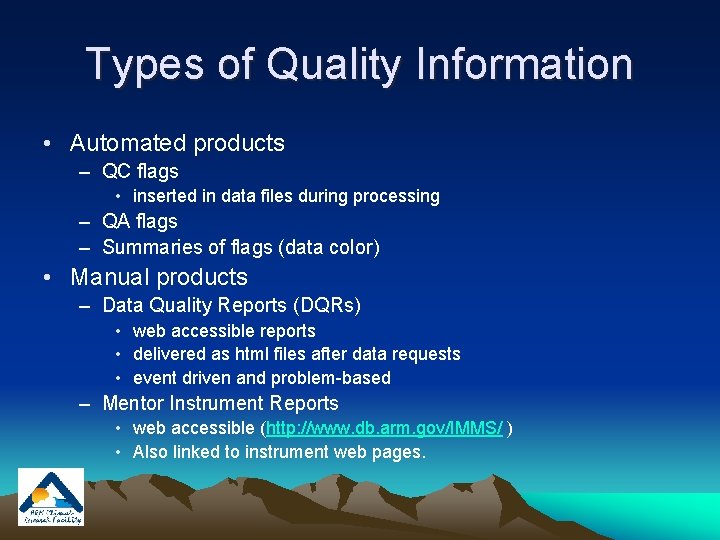
Types of Quality Information • Automated products – QC flags • inserted in data files during processing – QA flags – Summaries of flags (data color) • Manual products – Data Quality Reports (DQRs) • web accessible reports • delivered as html files after data requests • event driven and problem-based – Mentor Instrument Reports • web accessible (http: //www. db. arm. gov/IMMS/ ) • Also linked to instrument web pages.
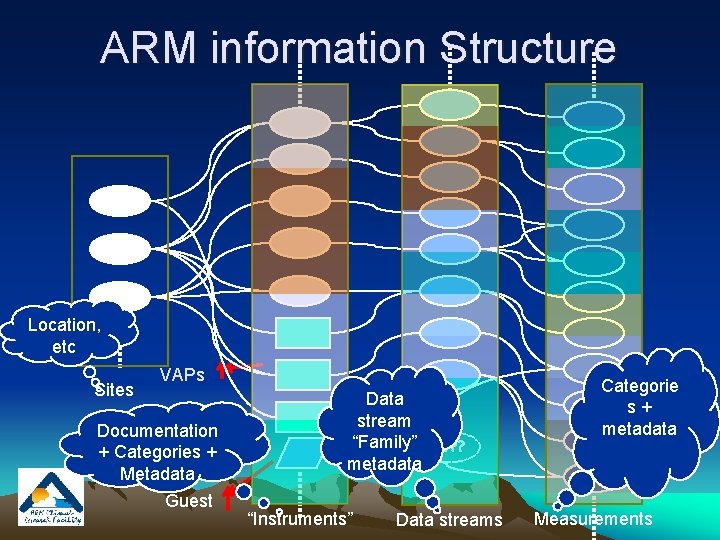
Beyond the Data File!! • Overview of Information Structure – “Patience… Please… getting ready for a Web Tour” • • • You will benefit from our “logic”. You will need our “content”. We will need to know your “content”. Your structural “logic” will also be helpful to us. A “sneak attack” on Metadata Issues
ARM information Structure Location, etc Sites VAPs Documentation + Categories + Metadata Guest Data stream “Family” ? ? metadata “Instruments” Data streams Categorie s+ metadata Measurements
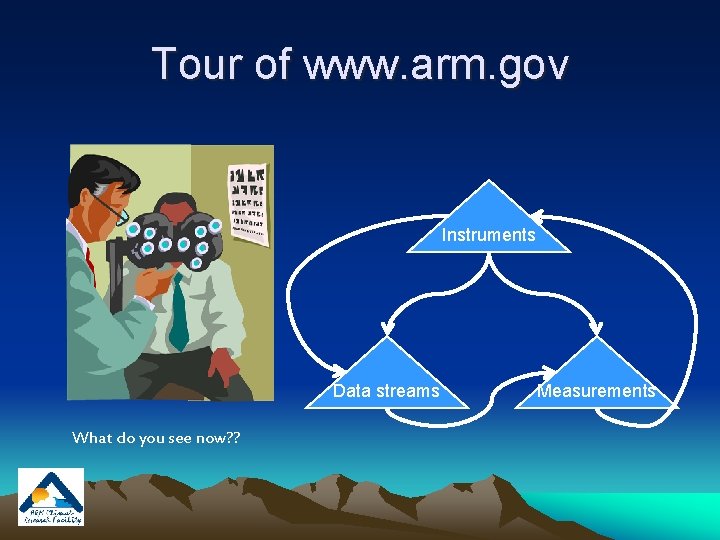
Tour of www. arm. gov Instruments Data streams What do you see now? ? Measurements
Data Access (user interfaces) How many doors are enough? ?
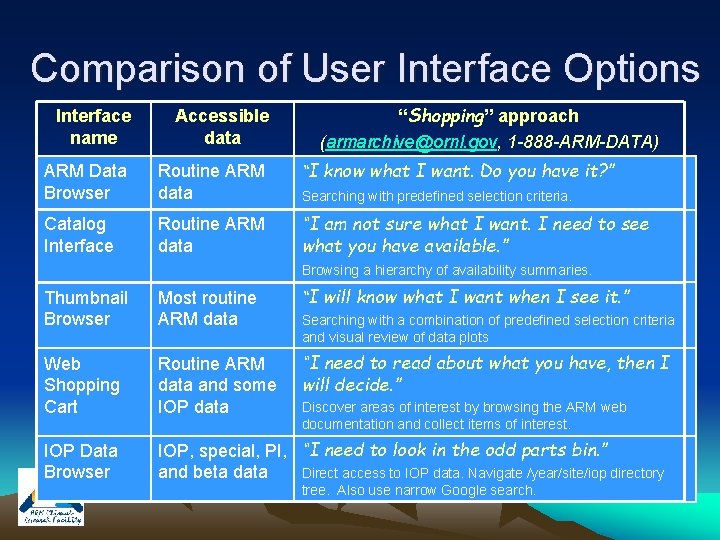
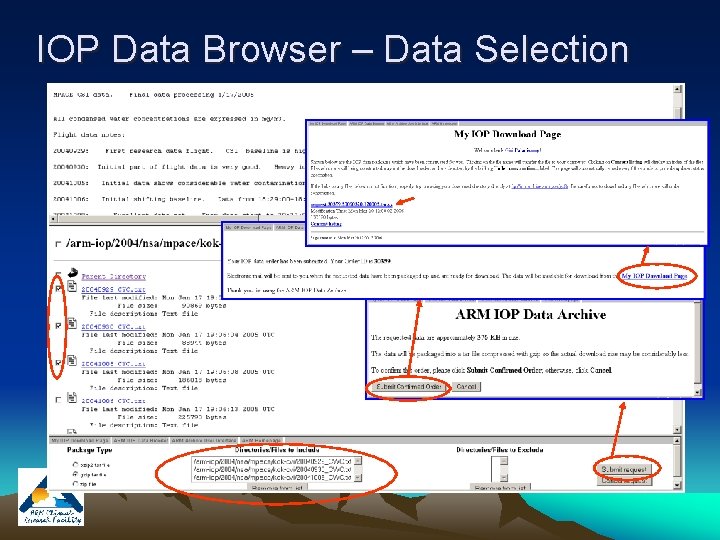
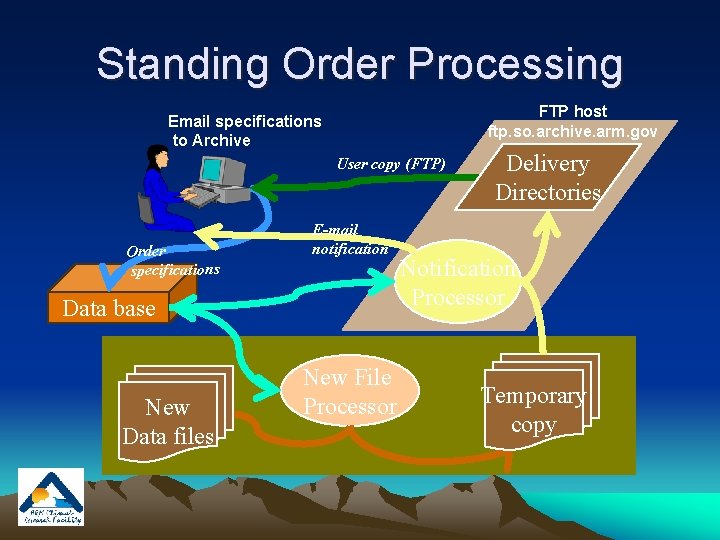
Accessing Data from the Archive • User interface options – Overall scheme of user interfaces – Logical view of interfaces • More details and demo (time allowing) – – – ARM Data Browser Web Shopping Cart Catalog Interface Thumbnail Browser IOP Data Browser Contact Us…. . • 1 -888 -ARM-DATA, armarchive@ornl. gov • Continuous data distribution – “Standing Orders”
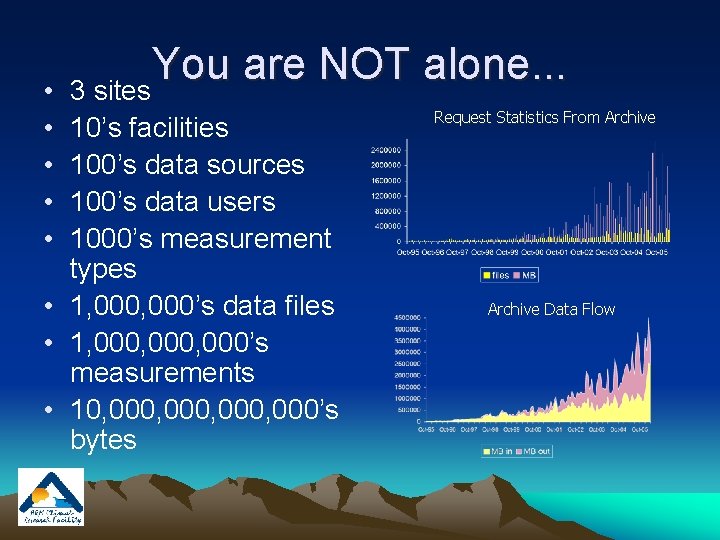
• • • You are NOT alone. . . 3 sites 10’s facilities 100’s data sources 100’s data users 1000’s measurement types • 1, 000’s data files • 1, 000, 000’s measurements • 10, 000, 000’s bytes Request Statistics From Archive Data Flow
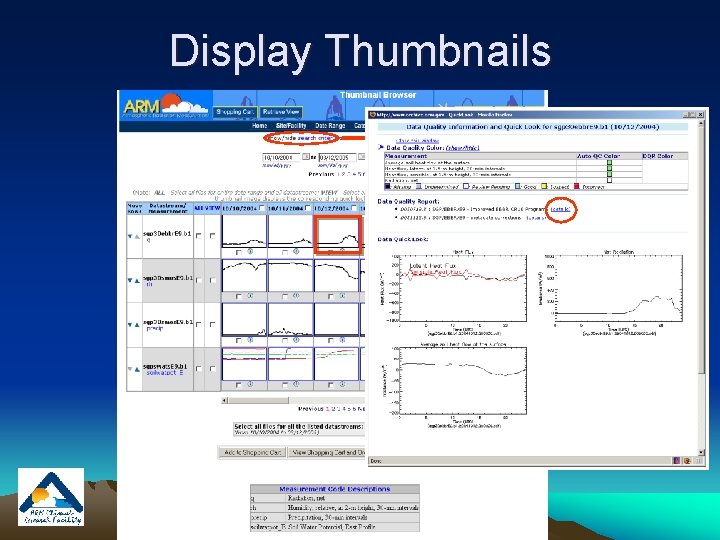
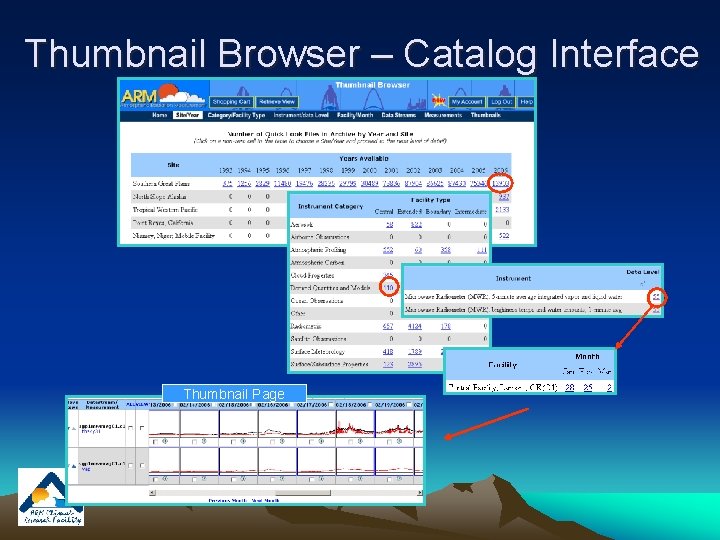
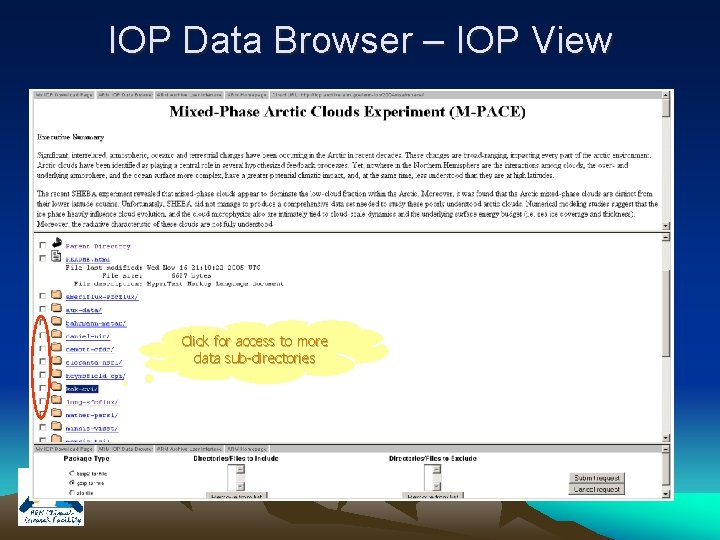
Comparison of User Interface Options “Shopping” approach (armarchive@ornl. gov, 1 -888 -ARM-DATA) Interface name Accessible data ARM Data Browser Routine ARM data “I know what I want. Do you have it? ” Searching with predefined selection criteria. Catalog Interface Routine ARM data “I am not sure what I want. I need to see what you have available. ” Browsing a hierarchy of availability summaries. Thumbnail Browser Most routine ARM data “I will know what I want when I see it. ” Web Shopping Cart Routine ARM data and some IOP data “I need to read about what you have, then I will decide. ” IOP Data Browser IOP, special, PI, “I need to look in the odd parts bin. ” Direct access to IOP data. Navigate /year/site/iop directory and beta data Searching with a combination of predefined selection criteria and visual review of data plots Discover areas of interest by browsing the ARM web documentation and collect items of interest. tree. Also use narrow Google search.
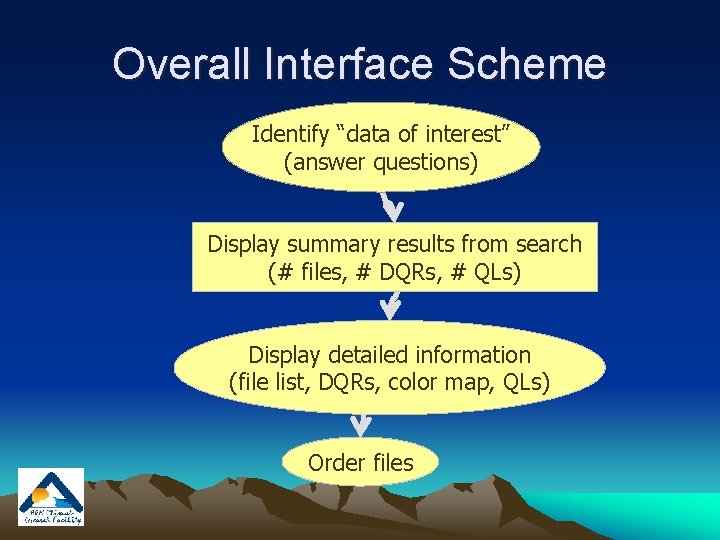
Overall Interface Scheme Identify “data of interest” (answer questions) Display summary results from search (# files, # DQRs, # QLs) Display detailed information (file list, DQRs, color map, QLs) Order files
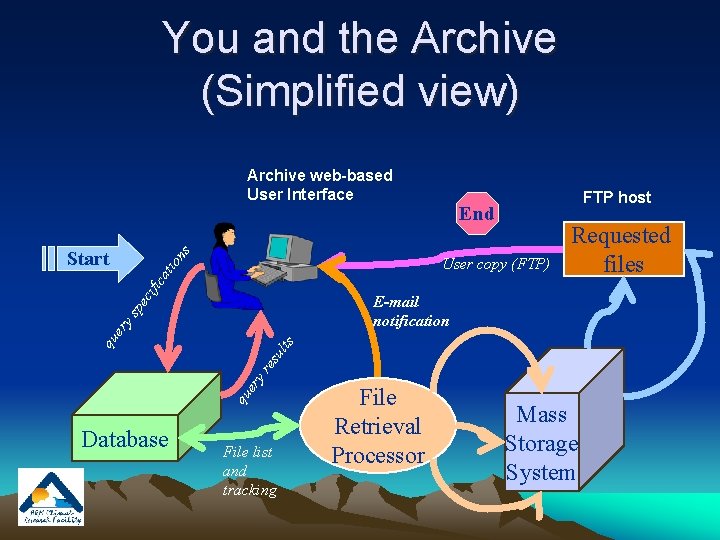
You and the Archive (Simplified view) Archive web-based User Interface ns Start FTP host End cif ica tio User copy (FTP) Requested files qu er yr es ult s qu er ys pe E-mail notification Database File list and tracking File Retrieval Processor Mass Storage System
User Interface “Demo” Go to web interface use presentation
Display Thumbnails
Thumbnail Browser – Catalog Interface Thumbnail Page
IOP Data Browser – IOP View Click for access to more data sub-directories
IOP Data Browser – Data Selection
Standing Order Processing FTP host ftp. so. archive. arm. gov Email specifications to Archive User copy (FTP) Order specifications E-mail notification Data base New Data files New File Processor Delivery Directories Notification Processor Temporary copy
Questions? Comments?
Detailed Reference Slides
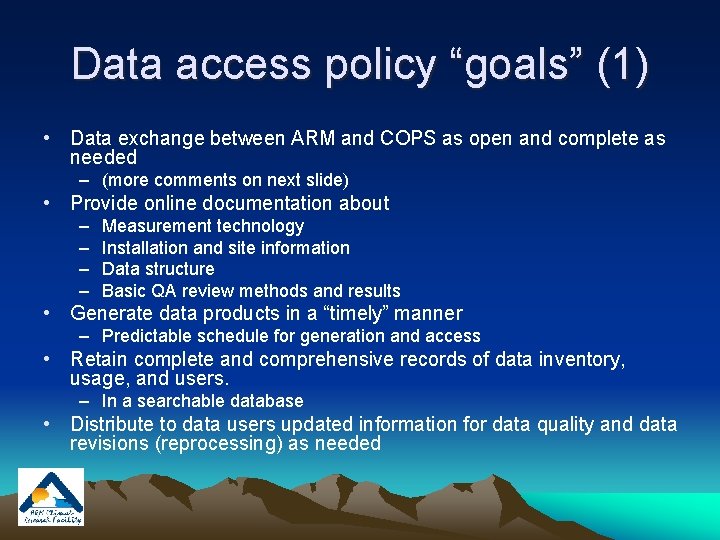
Data access policy “goals” (1) • Data exchange between ARM and COPS as open and complete as needed – (more comments on next slide) • Provide online documentation about – – Measurement technology Installation and site information Data structure Basic QA review methods and results • Generate data products in a “timely” manner – Predictable schedule for generation and access • Retain complete and comprehensive records of data inventory, usage, and users. – In a searchable database • Distribute to data users updated information for data quality and data revisions (reprocessing) as needed
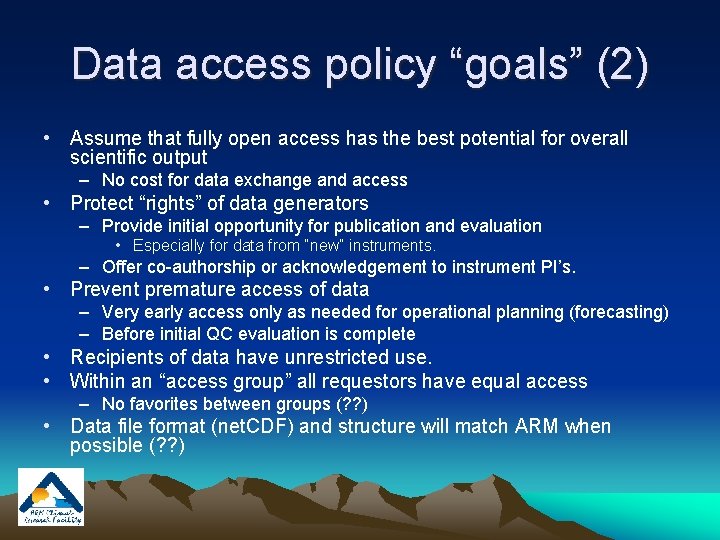
Data access policy “goals” (2) • Assume that fully open access has the best potential for overall scientific output – No cost for data exchange and access • Protect “rights” of data generators – Provide initial opportunity for publication and evaluation • Especially for data from “new” instruments. – Offer co-authorship or acknowledgement to instrument PI’s. • Prevent premature access of data – Very early access only as needed for operational planning (forecasting) – Before initial QC evaluation is complete • Recipients of data have unrestricted use. • Within an “access group” all requestors have equal access – No favorites between groups (? ? ) • Data file format (net. CDF) and structure will match ARM when possible (? ? )
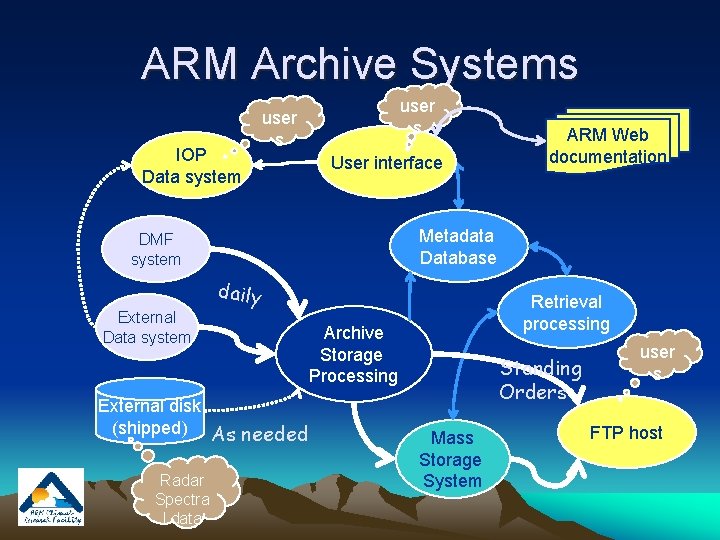
ARM Archive Systems IOP Data system user s User interface Metadata Database DMF system daily External Data system External disk (shipped) As needed Radar Spectra l data ARM Web documentation Retrieval processing Archive Storage Processing Standing Orders Mass Storage System user s FTP host
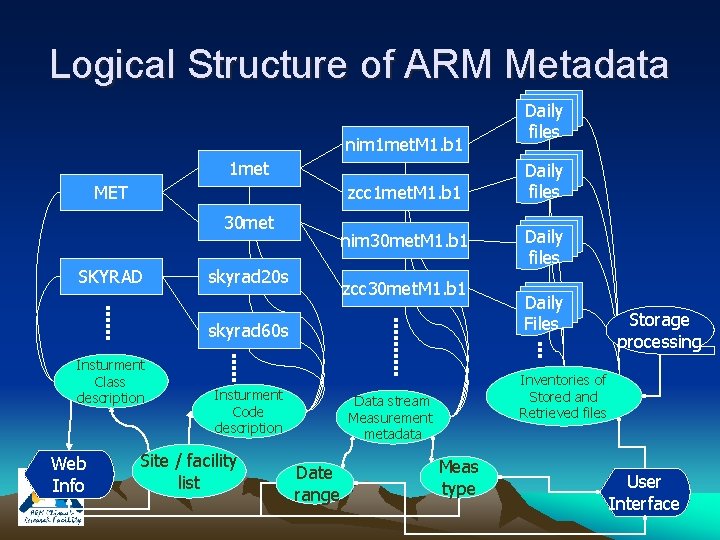
Logical Structure of ARM Metadata nim 1 met. M 1. b 1 1 met MET zcc 1 met. M 1. b 1 30 met SKYRAD nim 30 met. M 1. b 1 skyrad 20 s zcc 30 met. M 1. b 1 skyrad 60 s Insturment Class description Web Info Insturment Code description Site / facility list Daily files Daily Files Storage processing Inventories of Stored and Retrieved files Data stream Measurement metadata Date range Daily files Meas type User Interface