
Overpayment Processing Overview Agenda Validate Overpayment Needs Assessment


- Slides: 17
Overpayment Processing Overview
Agenda • • • Validate Overpayment Needs Assessment Process in UCPath Overpayment Recovery Uncollected Overpayments Time Constraints 2
Validate Overpayment Once an overpayment is discovered, verify the employee is overpaid. Start by making a spreadsheet and find the overpayment earnings details.
Overpayment is Discovered • Office of administration, this is the area(s) that conduct HR/Payroll and Finance business o Fund Manager o Payroll Processor o HR Processor • Review of Payroll • Employee or Supervisor
Validate Overpayment 1. Review the Employee Earnings • UCI Paycheck report o Department Paycheck Report RUCI 124 o Recommended • UCI DOPE report 2. Verify details • Empl. Rec • Earns Beg/End • Earn. Code 3. Identify Scope of Overpayment • What is the affected Earnings Period? • Is Time/Effort overpaid? • Is the Amount overpaid?
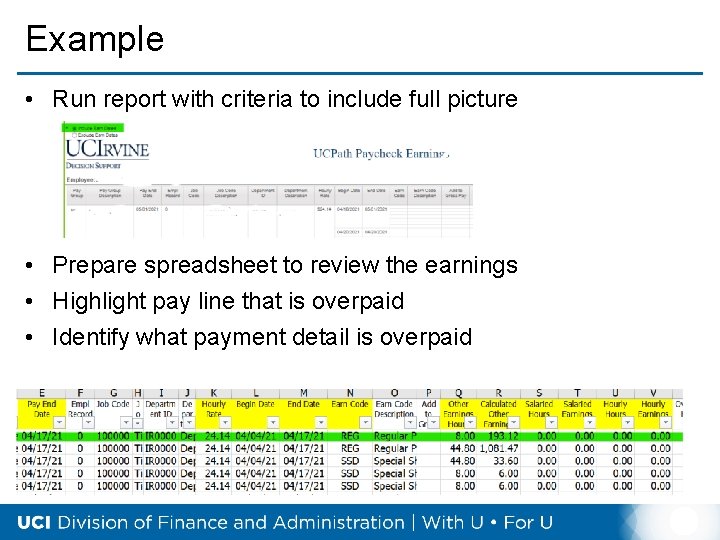
Example • Run report with criteria to include full picture • Prepare spreadsheet to review the earnings • Highlight pay line that is overpaid • Identify what payment detail is overpaid
Perform a Needs Assessment Review the earnings detail of the overpayment to identify what is incorrect. Determine what is required to correct the earnings or the “back-out” what is overpaid and how to process in UCPath.
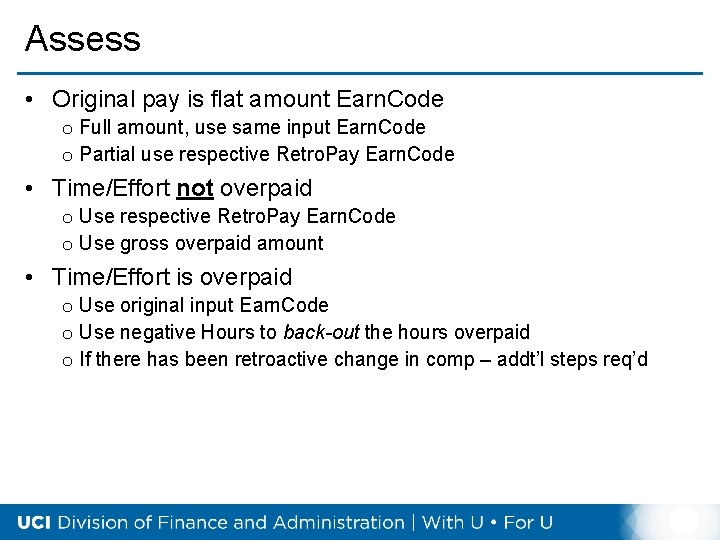
Assess • Original pay is flat amount Earn. Code o Full amount, use same input Earn. Code o Partial use respective Retro. Pay Earn. Code • Time/Effort not overpaid o Use respective Retro. Pay Earn. Code o Use gross overpaid amount • Time/Effort is overpaid o Use original input Earn. Code o Use negative Hours to back-out the hours overpaid o If there has been retroactive change in comp – addt’l steps req’d
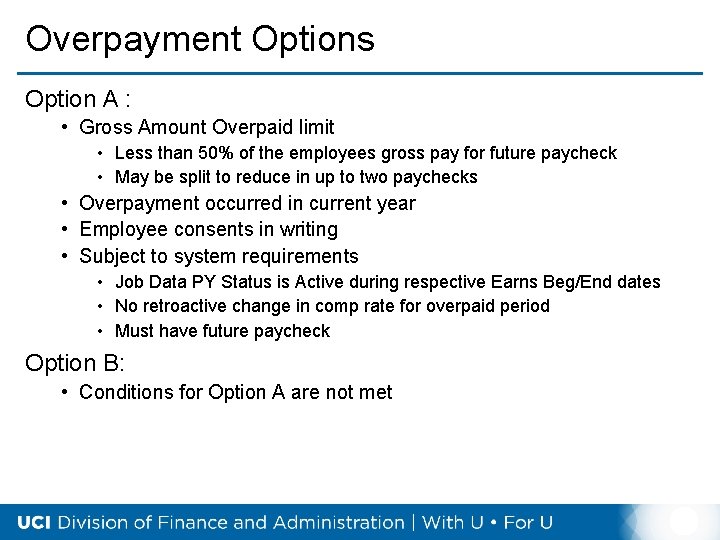
Overpayment Options Option A : • Gross Amount Overpaid limit • Less than 50% of the employees gross pay for future paycheck • May be split to reduce in up to two paychecks • Overpayment occurred in current year • Employee consents in writing • Subject to system requirements • Job Data PY Status is Active during respective Earns Beg/End dates • No retroactive change in comp rate for overpaid period • Must have future paycheck Option B: • Conditions for Option A are not met
Process in UCPath Based on conclusions resulting from assessment, determine option to process in UCPath, either by earnings reduction or by Overpayment Pay. Request
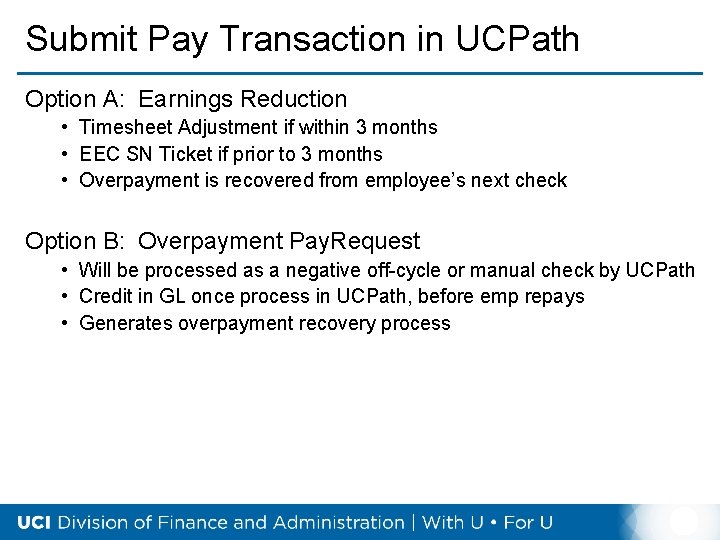
Submit Pay Transaction in UCPath Option A: Earnings Reduction • Timesheet Adjustment if within 3 months • EEC SN Ticket if prior to 3 months • Overpayment is recovered from employee’s next check Option B: Overpayment Pay. Request • Will be processed as a negative off-cycle or manual check by UCPath • Credit in GL once process in UCPath, before emp repays • Generates overpayment recovery process
Overpayment Recovery Overpayment by Earnings Reduction is collected from the next check. Other overpayment transactions are collected by the UCPath Overpayment Recovery Process. The department receives the Overpayment Recovery Packet to present it to the employee. When the employee is not on active pay status, UCPath Center manages OP Recovery directly.
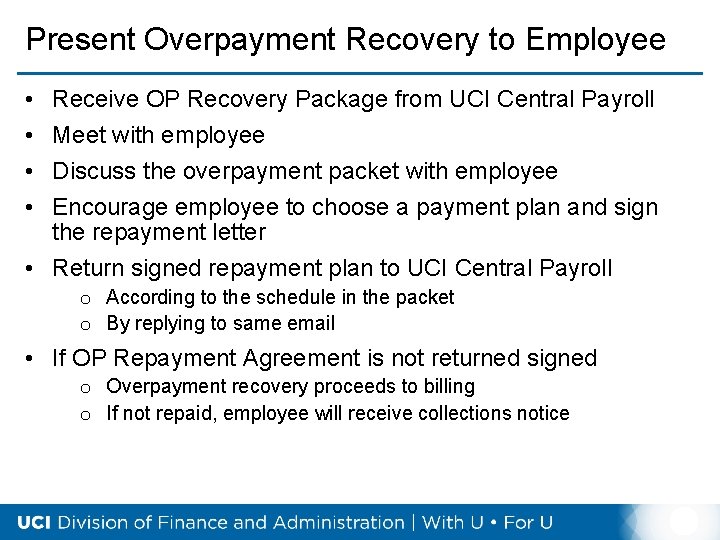
Present Overpayment Recovery to Employee • • Receive OP Recovery Package from UCI Central Payroll Meet with employee Discuss the overpayment packet with employee Encourage employee to choose a payment plan and sign the repayment letter • Return signed repayment plan to UCI Central Payroll o According to the schedule in the packet o By replying to same email • If OP Repayment Agreement is not returned signed o Overpayment recovery proceeds to billing o If not repaid, employee will receive collections notice
Important Considerations When the overpayment is not repaid, it is charged back to the department. There are statute of limitations for tax adjustments. This is a regulatory requirement.
Uncollected Overpayments • Overpayment account is referred to collections if not paid by employee • Overpayment will be charged back to the department on the general ledger • Partial credit will be applied to GL if recovered through collection process
Time Constraints • Prior year overpayments impact on federal and state tax per law • Very important to process overpayments as soon as you become aware to employee enough time to pay back in current year • Statute of Limitations