
Outline Introduction Overview Gameplay Techniques Gameplay Phases Gameplay
- Slides: 45
Outline • • Introduction Overview Gameplay Techniques Gameplay Phases Gameplay Modes Demos Testing and Conclusion
Introduction • The need of programming is increasing. • Educational games. • Last massive event was hour of code provided by code. org. • We decided to be involved in this field.
Logica • what is Logica ? • Game’s Target ? • What are the goals of Logica ? • How to achieve these goals ?
Technologies • • • Unity 3 D as game engine. C# as programming language. Adobe Photoshop, Illustrator for 2 D design. Autodesk 3 DS Max for 3 D design. Adobe Audition for audio editing.
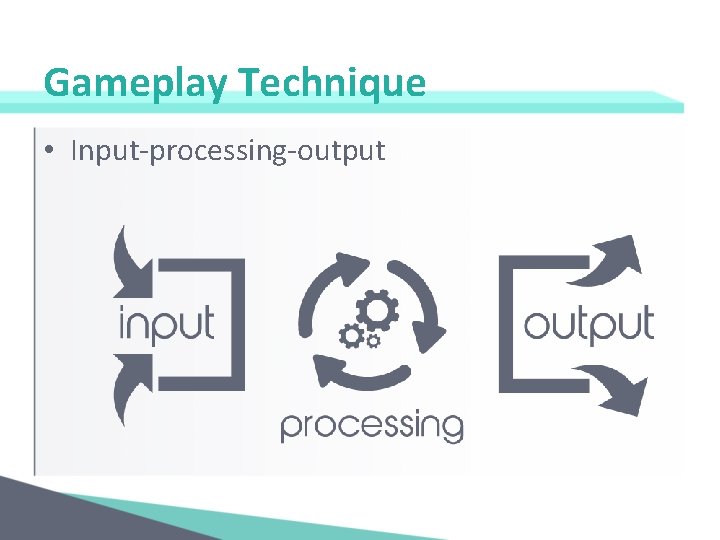
Gameplay Technique • Input-processing-output
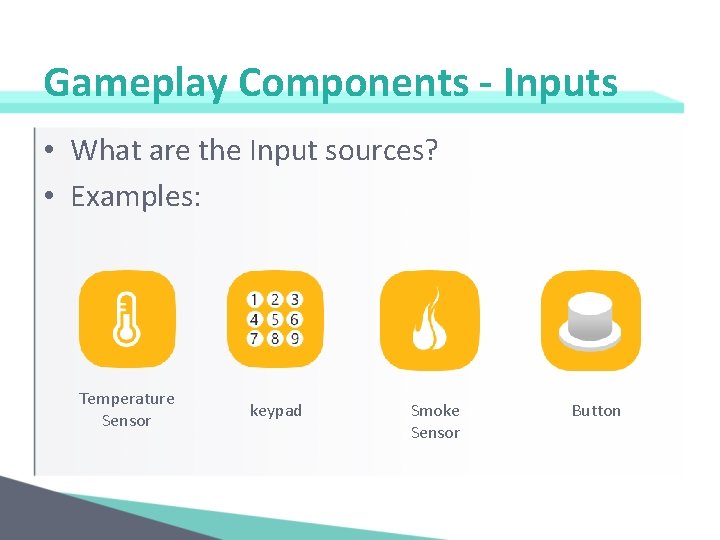
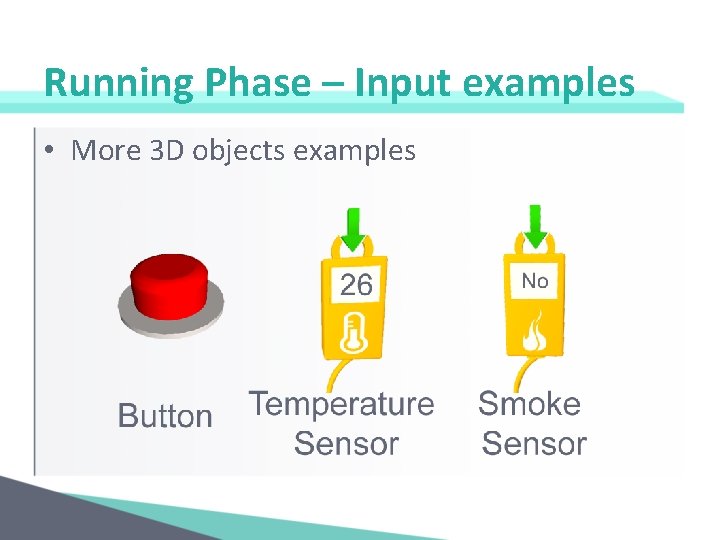
Gameplay Components - Inputs • What are the Input sources? • Examples: Temperature Sensor keypad Smoke Sensor Button
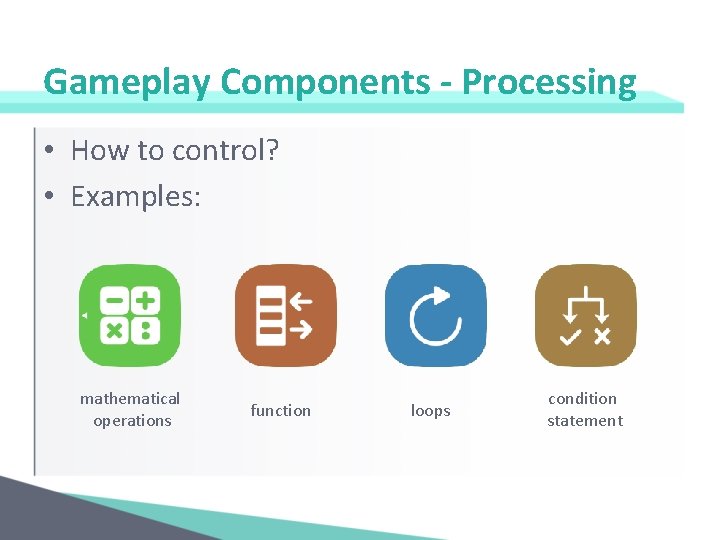
Gameplay Components - Processing • How to control? • Examples: mathematical operations function loops condition statement
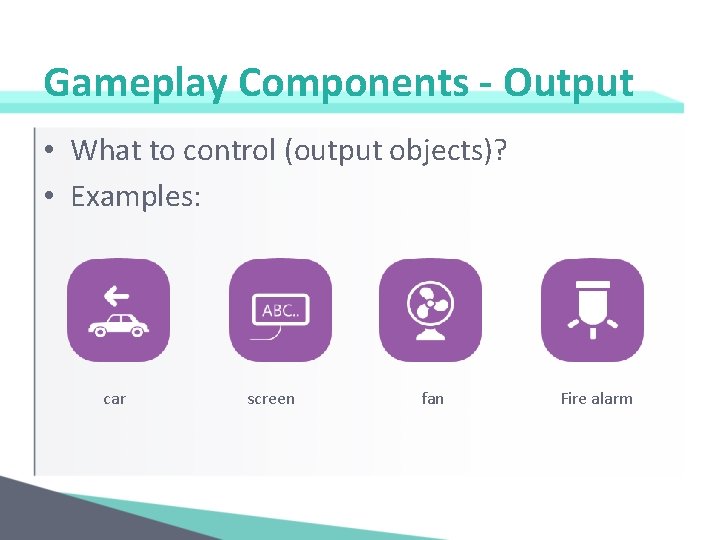
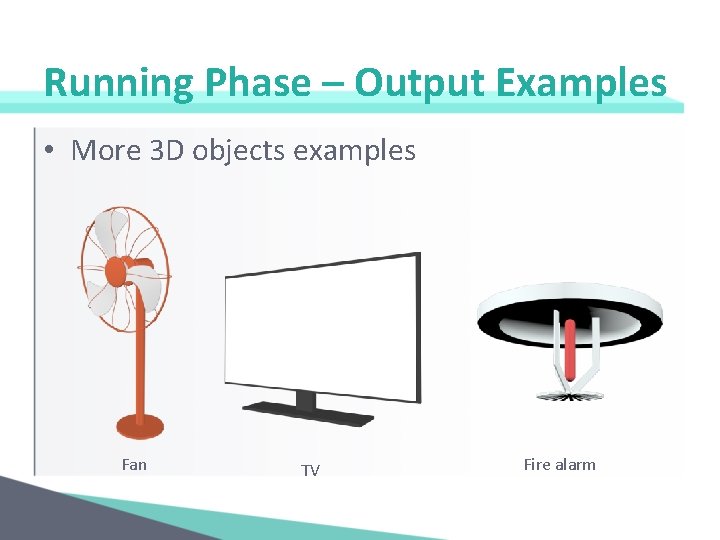
Gameplay Components - Output • What to control (output objects)? • Examples: car screen fan Fire alarm
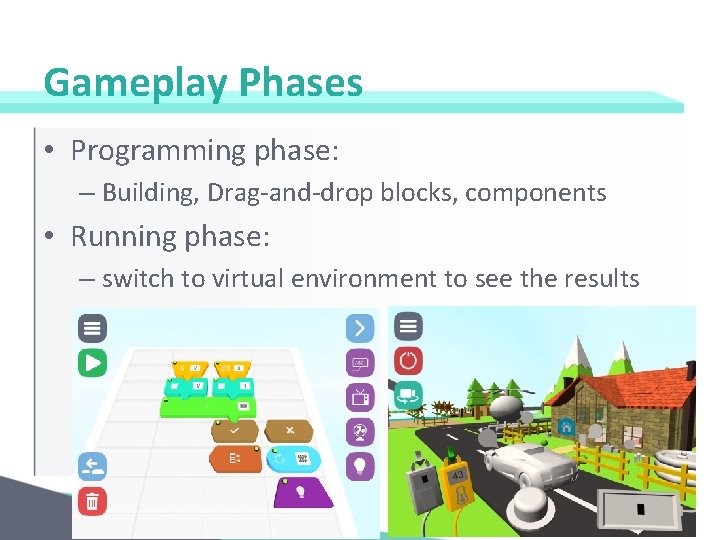
Gameplay Phases • Programming phase: – Building, Drag-and-drop blocks, components • Running phase: – switch to virtual environment to see the results
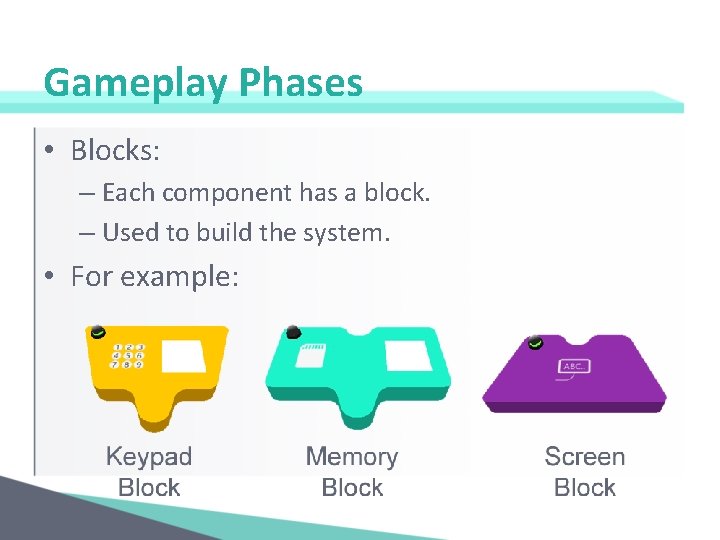
Gameplay Phases • Blocks: – Each component has a block. – Used to build the system. • For example:
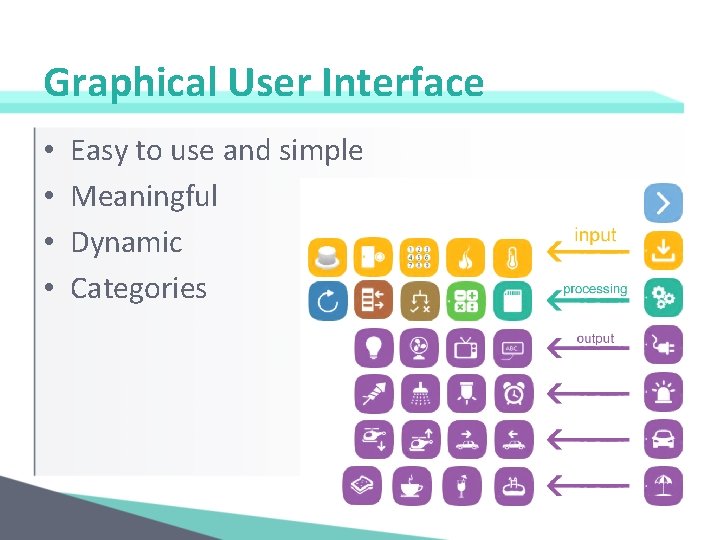
Graphical User Interface • • Easy to use and simple Meaningful Dynamic Categories
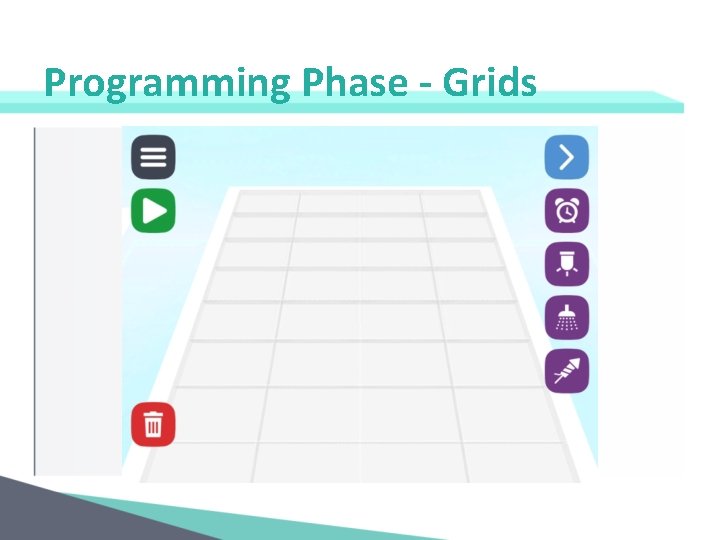
Programming Phase - Grids
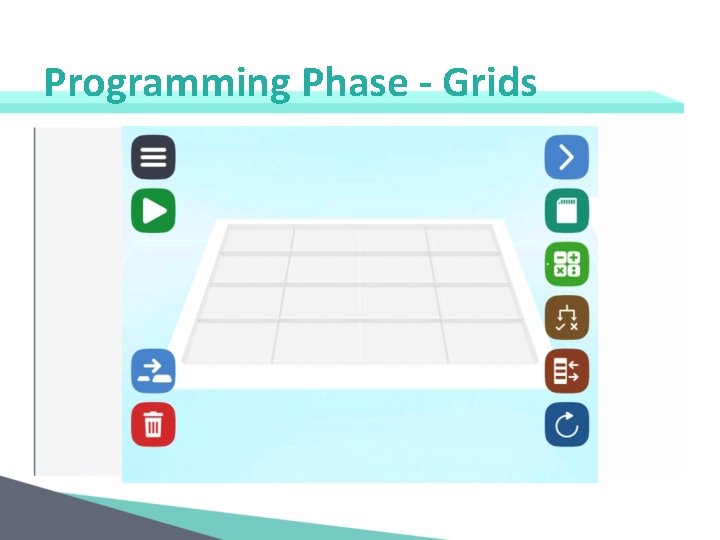
Programming Phase - Grids
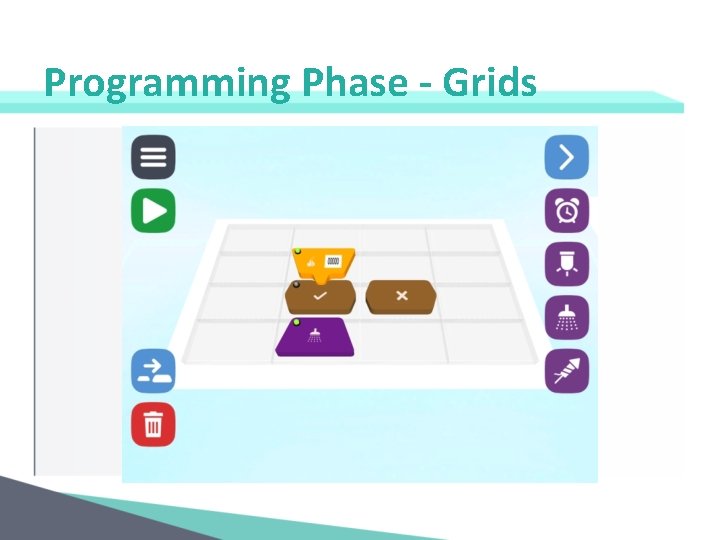
Programming Phase - Grids
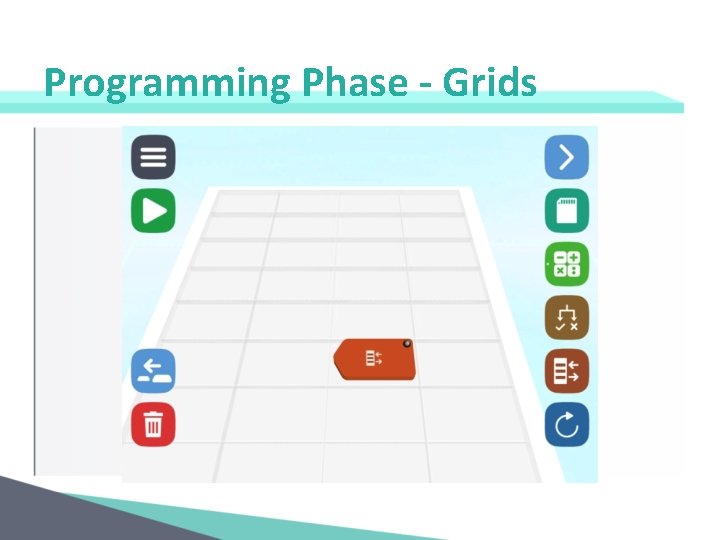
Programming Phase - Grids
Programming Phase - Snipping
Programming Phase - Snipping
Programming Phase – Block’s LED
Programming Phase – Grid’s Alert
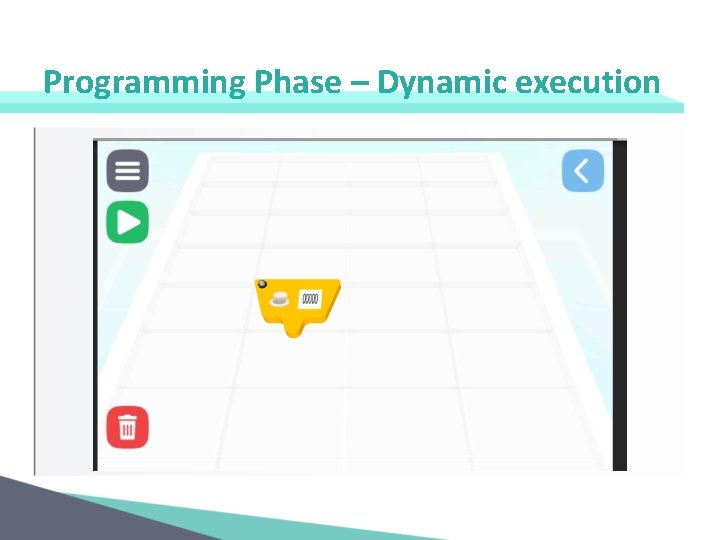
Programming Phase – Dynamic execution
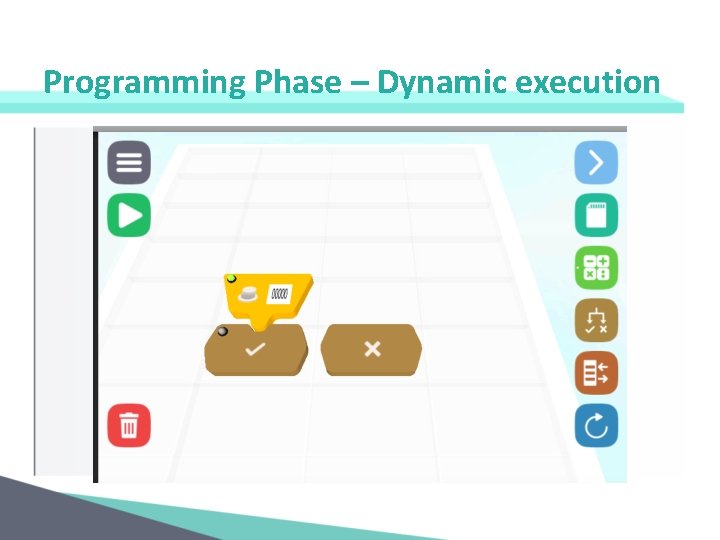
Programming Phase – Dynamic execution
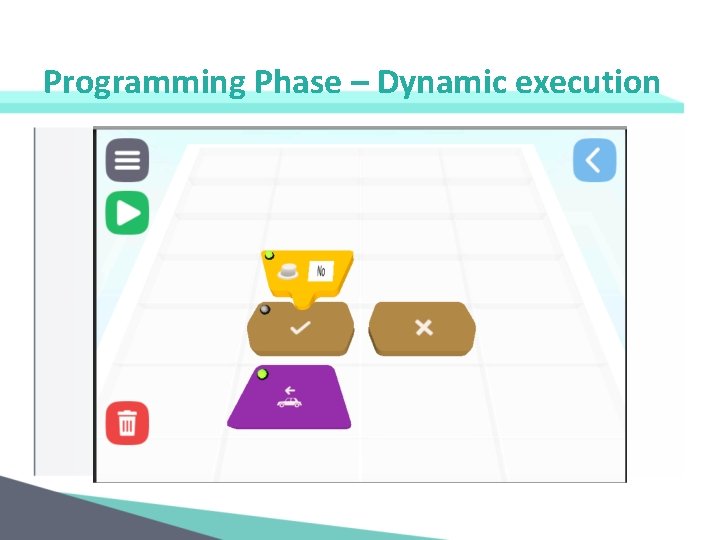
Programming Phase – Dynamic execution
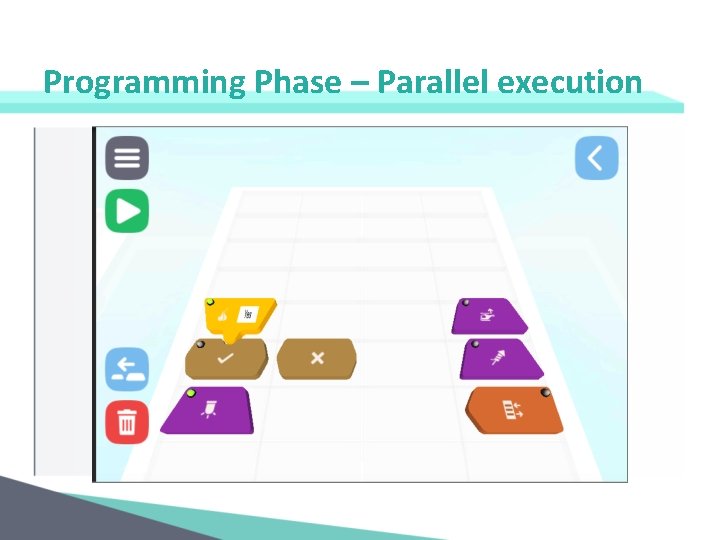
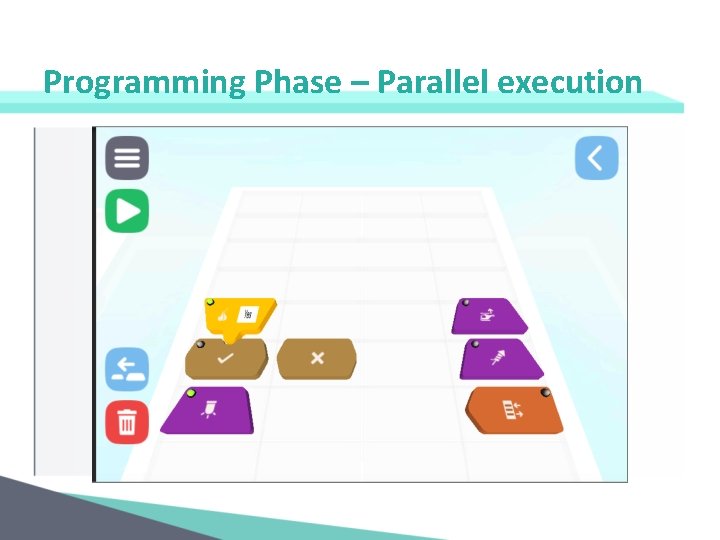
Programming Phase – Parallel execution
Programming Phase – Parallel execution
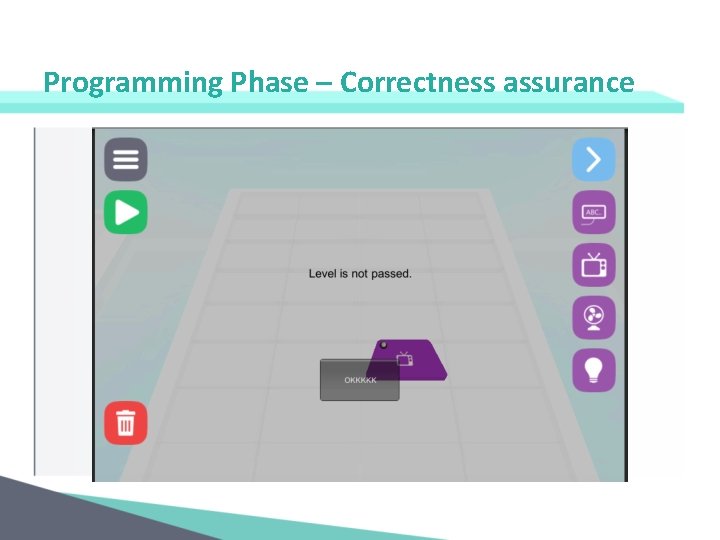
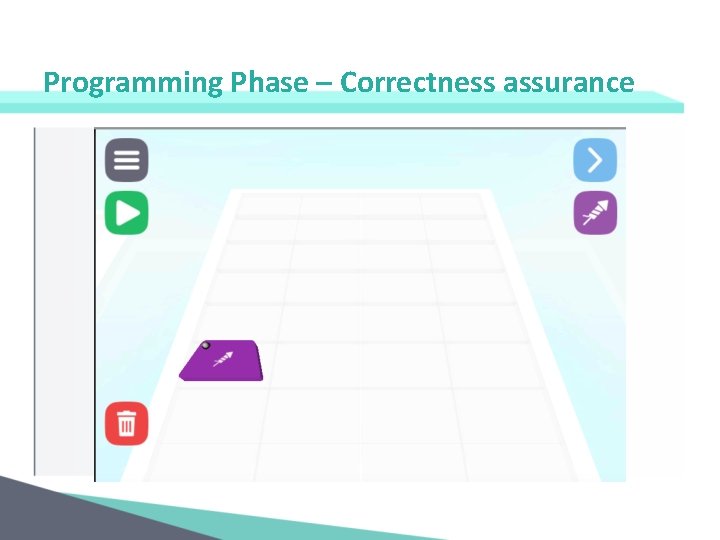
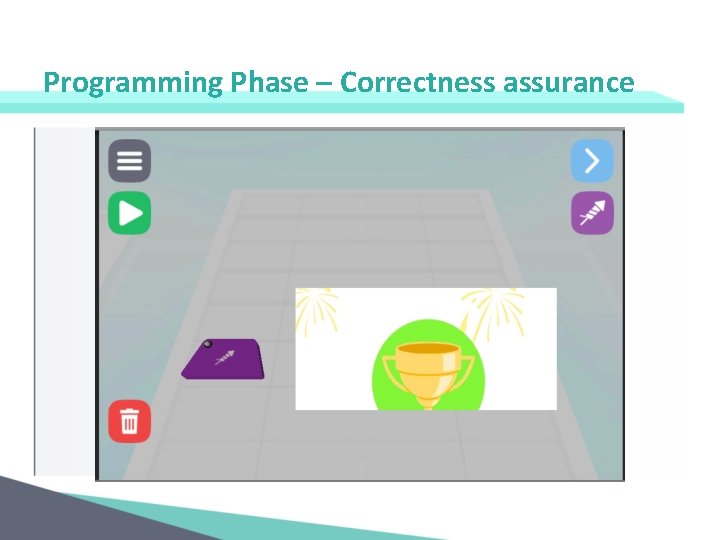
Programming Phase – Correctness assurance
Programming Phase – Correctness assurance
Programming Phase – Correctness assurance
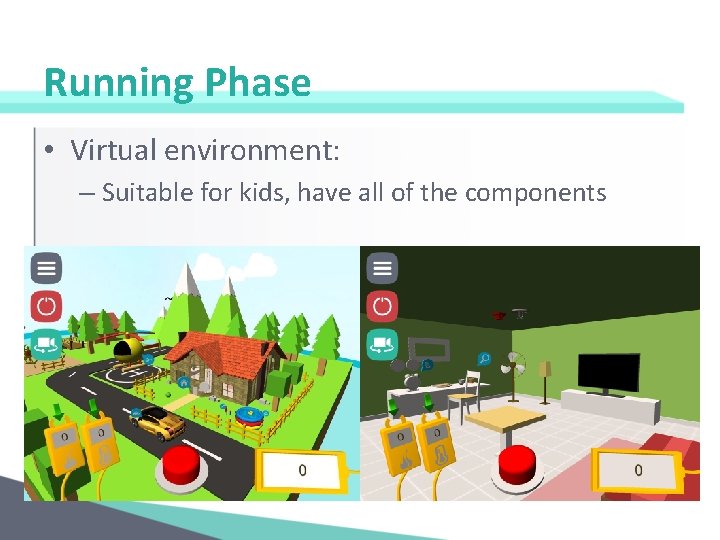
Running Phase • Virtual environment: – Suitable for kids, have all of the components
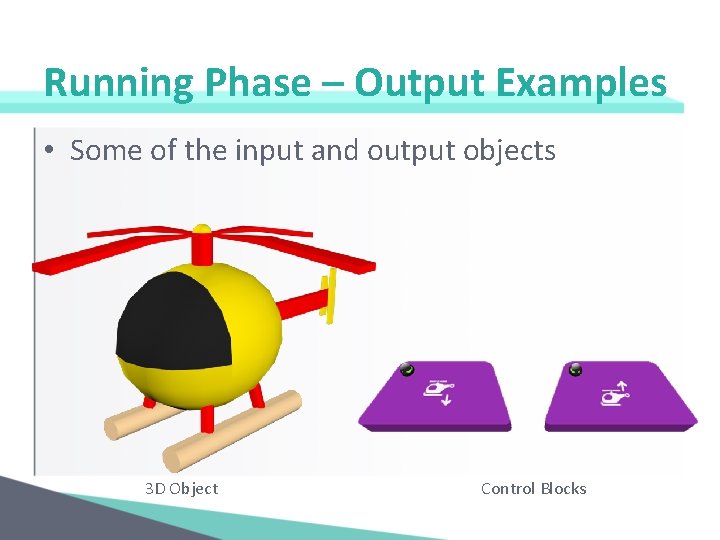
Running Phase – Output Examples • Some of the input and output objects 3 D Object Control Blocks
Running Phase – Output Examples • More 3 D objects examples Fan TV Fire alarm
Running Phase – Input examples • More 3 D objects examples
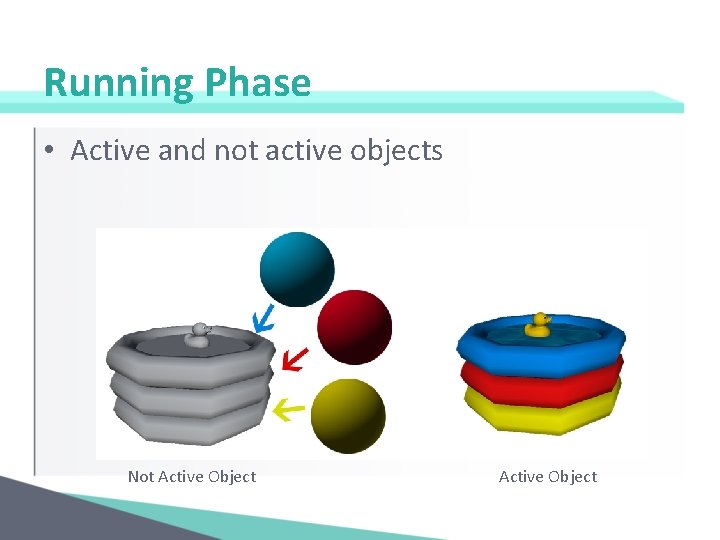
Running Phase • Active and not active objects Not Active Object
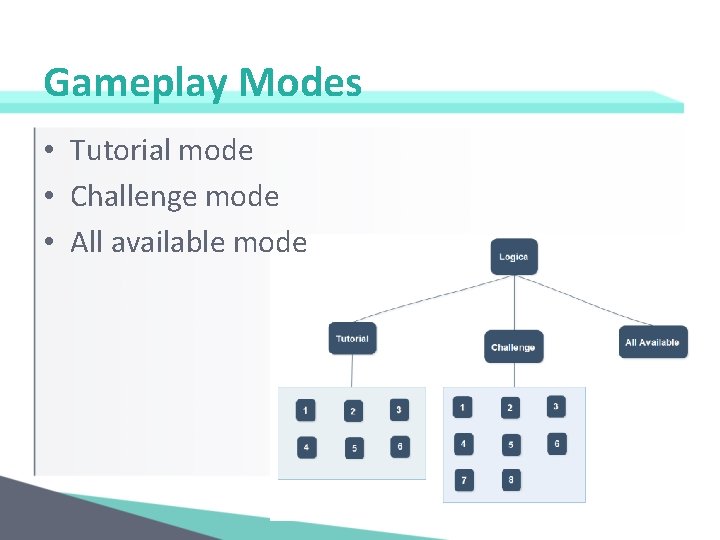
Gameplay Modes • Tutorial mode • Challenge mode • All available mode
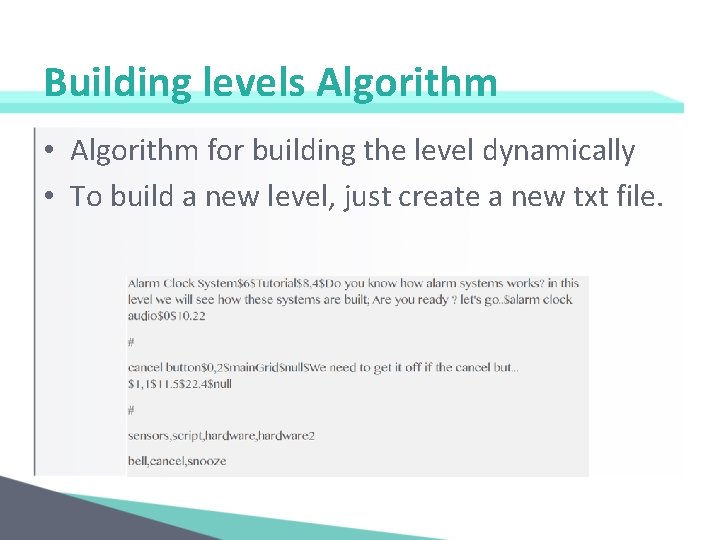
Building levels Algorithm • Algorithm for building the level dynamically • To build a new level, just create a new txt file.
Gameplay Modes • Demo for the three modes
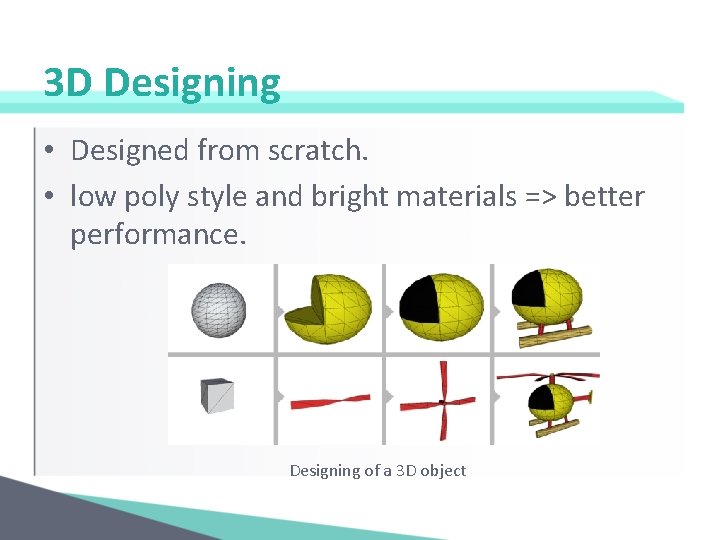
3 D Designing • Designed from scratch. • low poly style and bright materials => better performance. Designing of a 3 D object
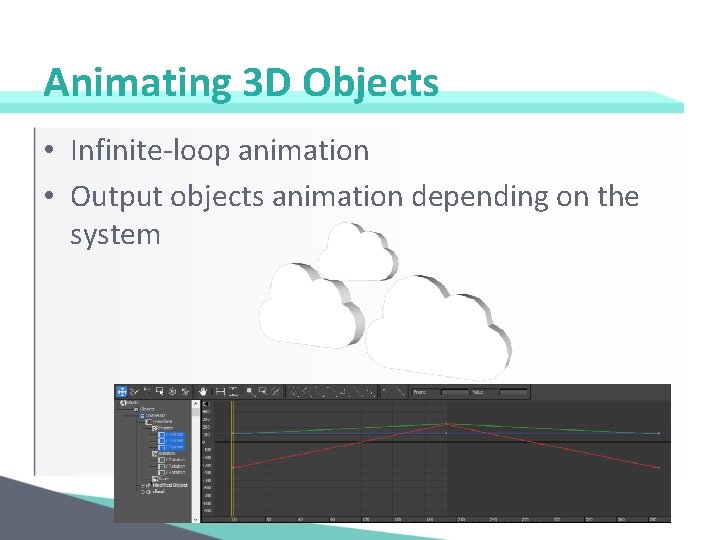
Animating 3 D Objects • Infinite-loop animation • Output objects animation depending on the system
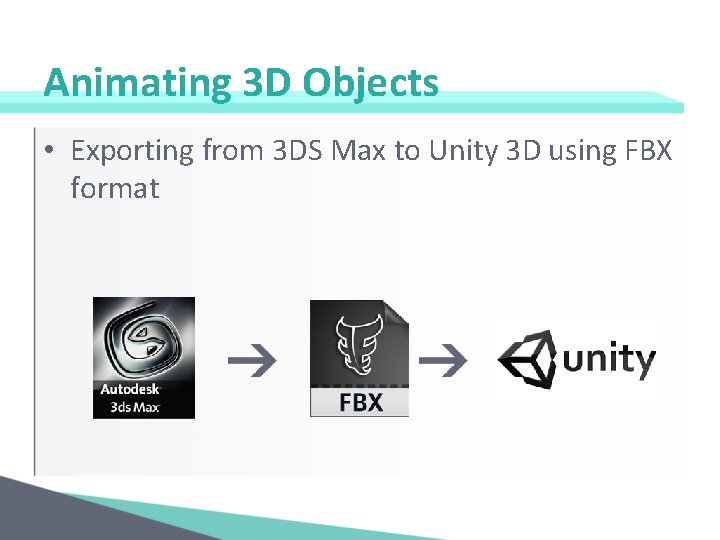
Animating 3 D Objects • Exporting from 3 DS Max to Unity 3 D using FBX format
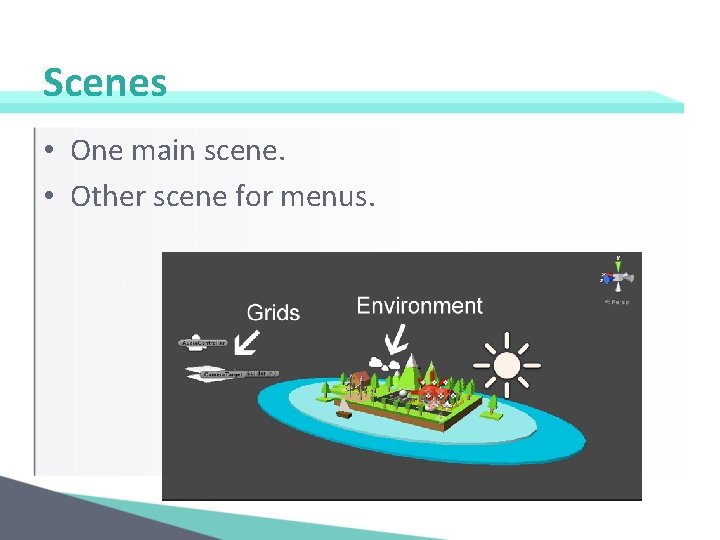
Scenes • One main scene. • Other scene for menus.
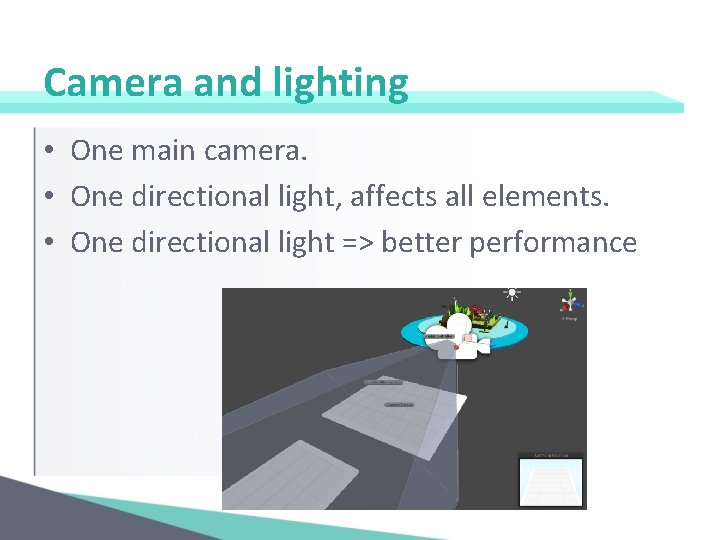
Camera and lighting • One main camera. • One directional light, affects all elements. • One directional light => better performance
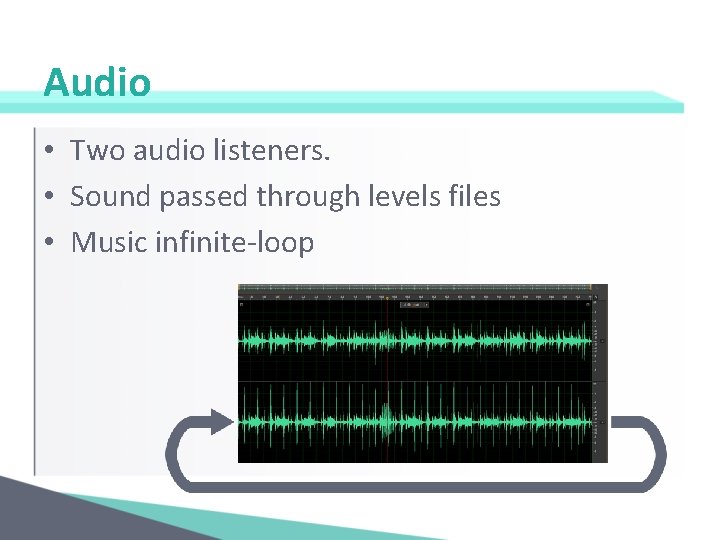
Audio • Two audio listeners. • Sound passed through levels files • Music infinite-loop
Testing • IOS: – iphone 4 with IOS 7 – ipad 3 with IOS 8 • Andoid: – Galaxy tab 3 with android 4. 4 • Good performance on mobiles. • Very good performance on tablets.
Result and Conclusion • Logica is a platform that teaches kids the basic concepts of programming in a fun and interactive way.