
Outline Basic IO v File class v The
Outline Basic IO v File class v The Stream Zoo v Serialization v Regular Expressions v
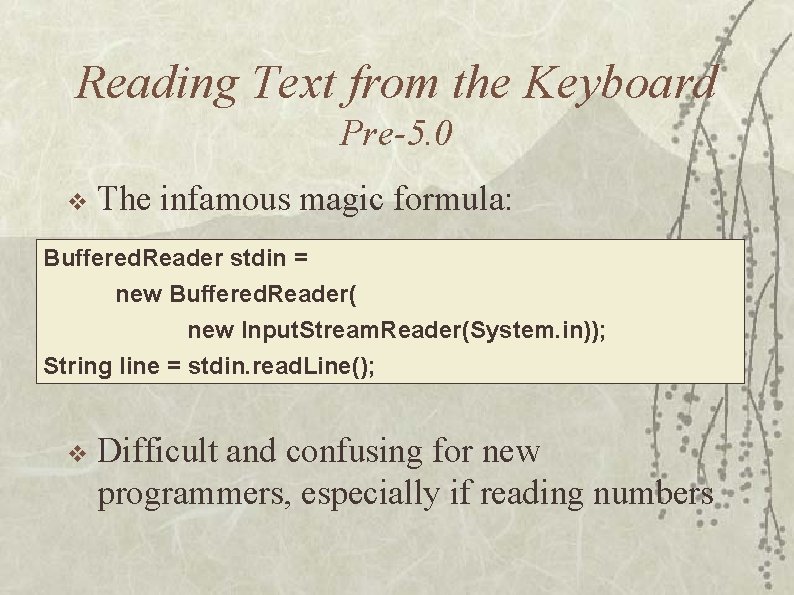
Reading Text from the Keyboard Pre-5. 0 v The infamous magic formula: Buffered. Reader stdin = new Buffered. Reader( new Input. Stream. Reader(System. in)); String line = stdin. read. Line(); v Difficult and confusing for new programmers, especially if reading numbers
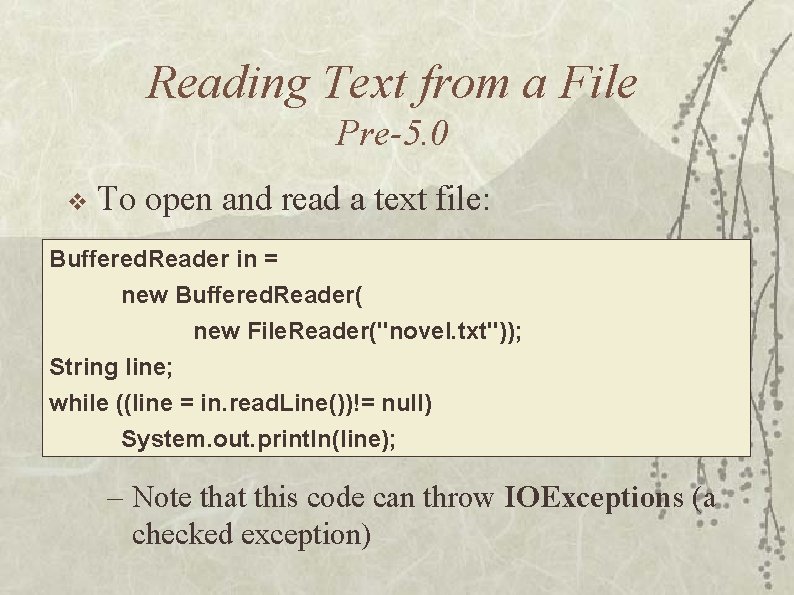
Reading Text from a File Pre-5. 0 v To open and read a text file: Buffered. Reader in = new Buffered. Reader( new File. Reader("novel. txt")); String line; while ((line = in. read. Line())!= null) System. out. println(line); – Note that this code can throw IOExceptions (a checked exception)
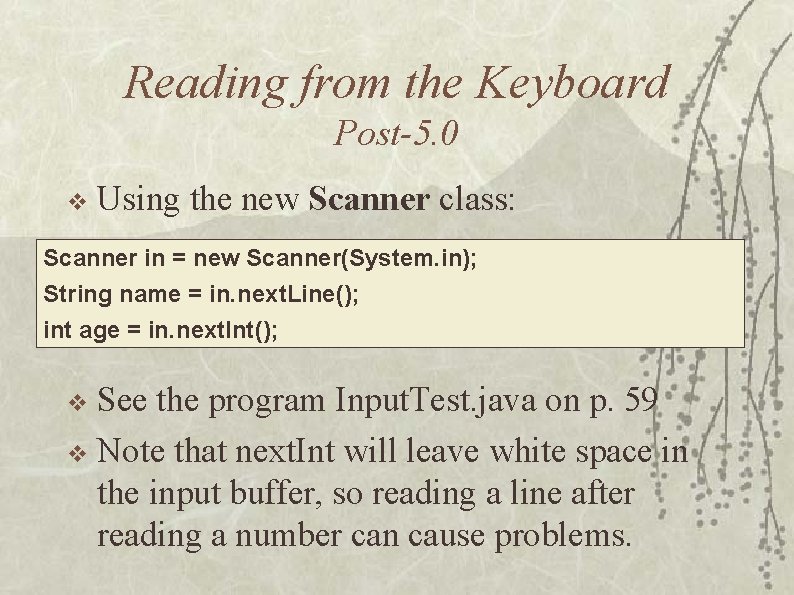
Reading from the Keyboard Post-5. 0 v Using the new Scanner class: Scanner in = new Scanner(System. in); String name = in. next. Line(); int age = in. next. Int(); See the program Input. Test. java on p. 59 v Note that next. Int will leave white space in the input buffer, so reading a line after reading a number can cause problems. v
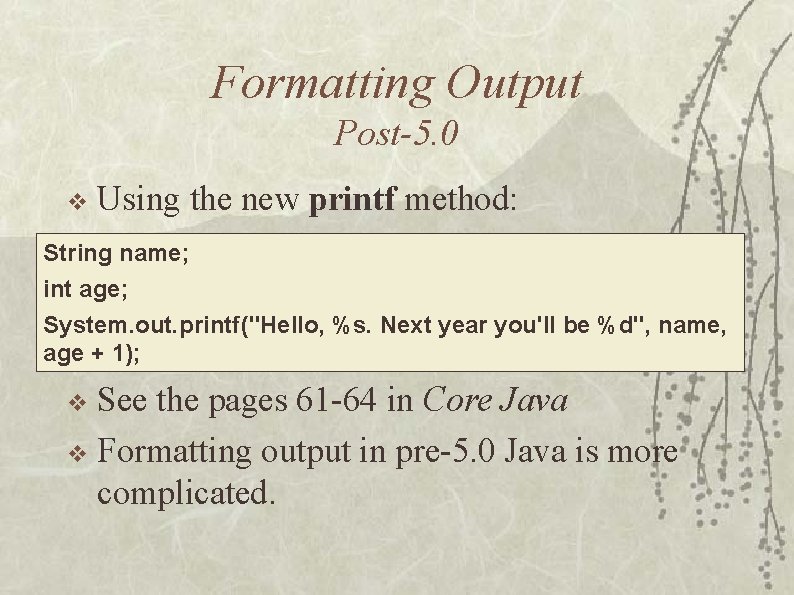
Formatting Output Post-5. 0 v Using the new printf method: String name; int age; System. out. printf("Hello, %s. Next year you'll be %d", name, age + 1); See the pages 61 -64 in Core Java v Formatting output in pre-5. 0 Java is more complicated. v
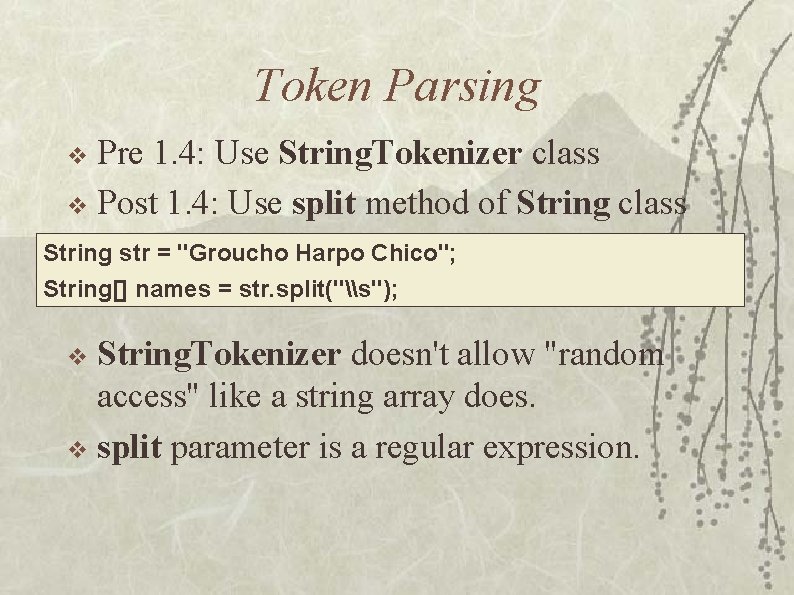
Token Parsing Pre 1. 4: Use String. Tokenizer class v Post 1. 4: Use split method of String class v String str = "Groucho Harpo Chico"; String[] names = str. split("\s"); String. Tokenizer doesn't allow "random access" like a string array does. v split parameter is a regular expression. v
The File Class Misleading name, should be called Path v Use to: v – Get list of files in a directory – See if a file exists – Create, delete, and rename files v Uses system-dependent information – e. g. , uses right kind of slash
The Input/Output Framework Java supports two types of IO: v Stream IO – A stream is a sequence of bytes. – Stream-based IO supports reading or writing data sequentially. – A stream may be opened for reading or writing, but not reading and writing. – There are two types of streams: the byte stream and the character stream. v Random access IO – Random access IO support reading and writing data at any positions of a file. A random access file may be opened for reading and writing.
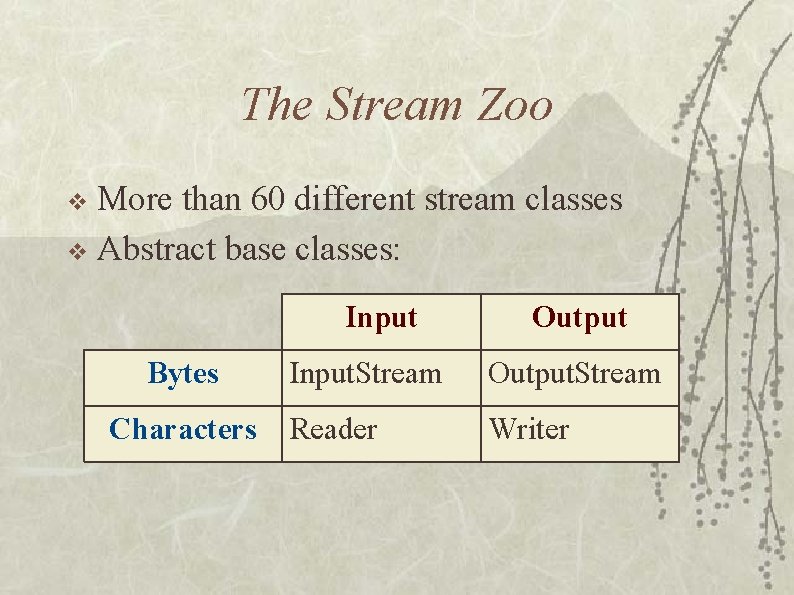
The Stream Zoo More than 60 different stream classes v Abstract base classes: v Input Bytes Characters Output Input. Stream Output. Stream Reader Writer

Byte Streams

Character Streams
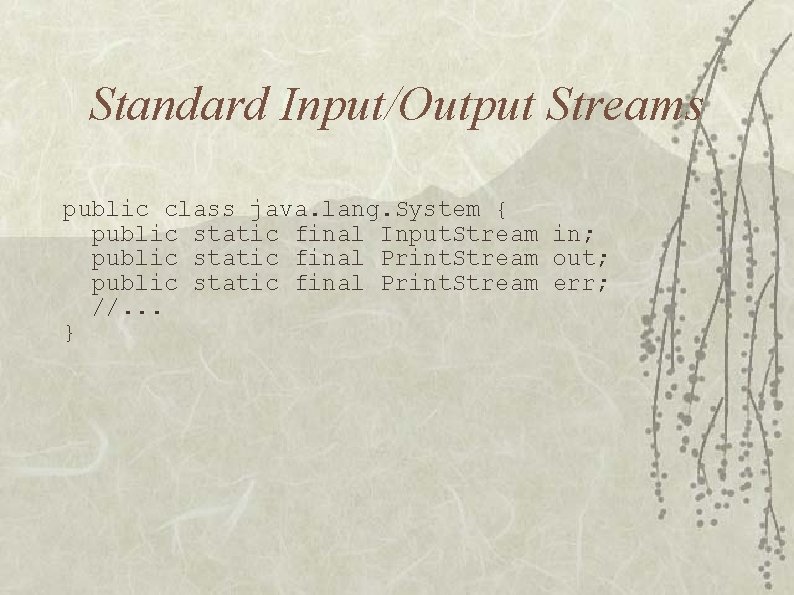
Standard Input/Output Streams public class java. lang. System { public static final Input. Stream in; public static final Print. Stream out; public static final Print. Stream err; //. . . }
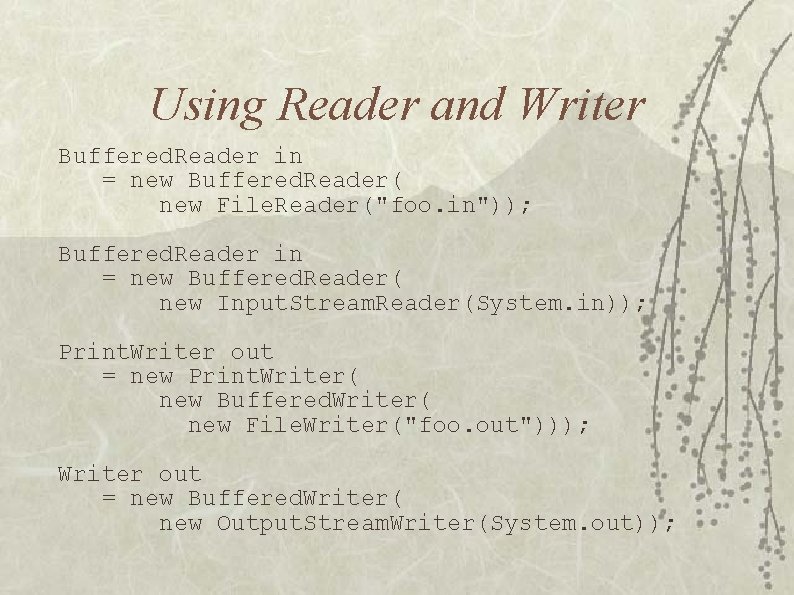
Using Reader and Writer Buffered. Reader in = new Buffered. Reader( new File. Reader("foo. in")); Buffered. Reader in = new Buffered. Reader( new Input. Stream. Reader(System. in)); Print. Writer out = new Print. Writer( new Buffered. Writer( new File. Writer("foo. out"))); Writer out = new Buffered. Writer( new Output. Stream. Writer(System. out));
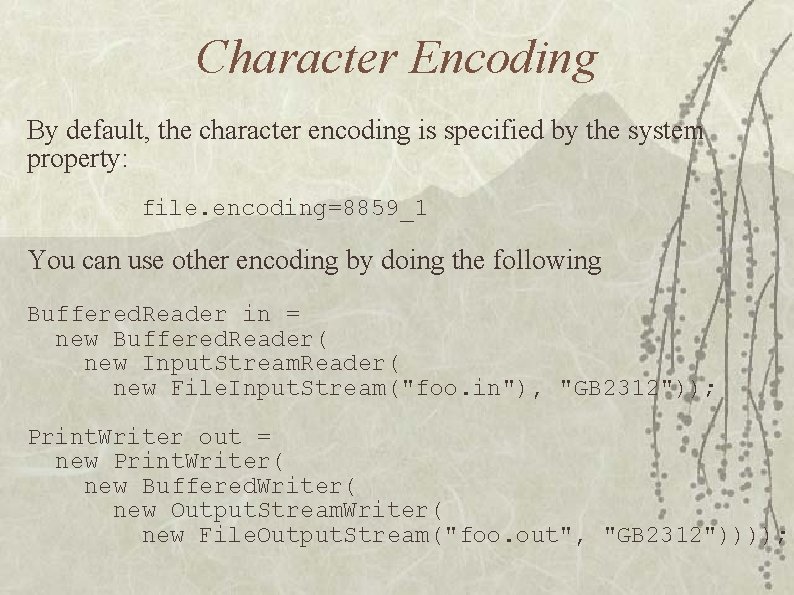
Character Encoding By default, the character encoding is specified by the system property: file. encoding=8859_1 You can use other encoding by doing the following Buffered. Reader in = new Buffered. Reader( new Input. Stream. Reader( new File. Input. Stream("foo. in"), "GB 2312")); Print. Writer out = new Print. Writer( new Buffered. Writer( new Output. Stream. Writer( new File. Output. Stream("foo. out", "GB 2312"))));
Serialization Useful for writing objects to a file or sending across network connection v Use Object. Output. Stream and Object. Input. Stream v Declare that class implements Serializable interface v – No methods in Serializable interface Does not deal with static variables v Uses reflection to determine structure of objects v
Versions Will not read in objects serialized with a different version of the class! v It is possible to indicate that older versions are compatible with the current version, but you must do some extra work. v – See Versioning, pages 679 -681 v Uses the serialver program that comes with the JDK
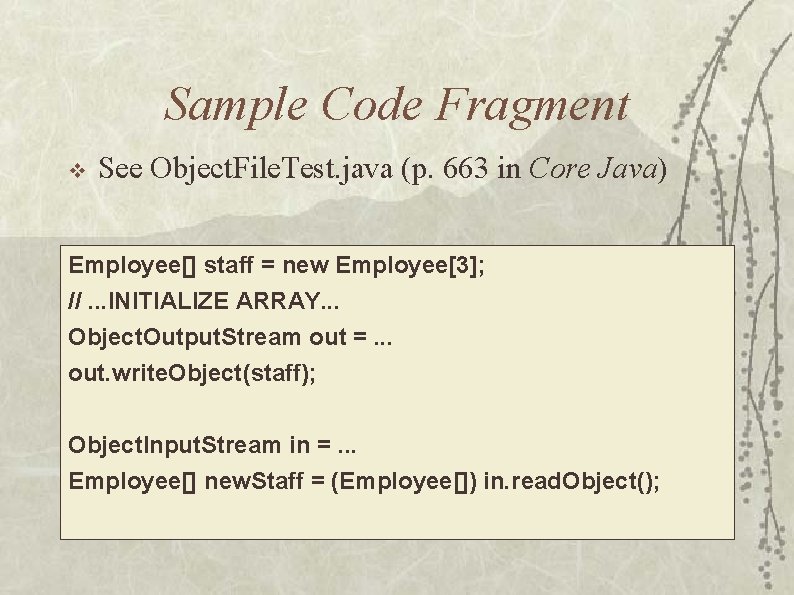
Sample Code Fragment v See Object. File. Test. java (p. 663 in Core Java) Employee[] staff = new Employee[3]; //. . . INITIALIZE ARRAY. . . Object. Output. Stream out =. . . out. write. Object(staff); Object. Input. Stream in =. . . Employee[] new. Staff = (Employee[]) in. read. Object();
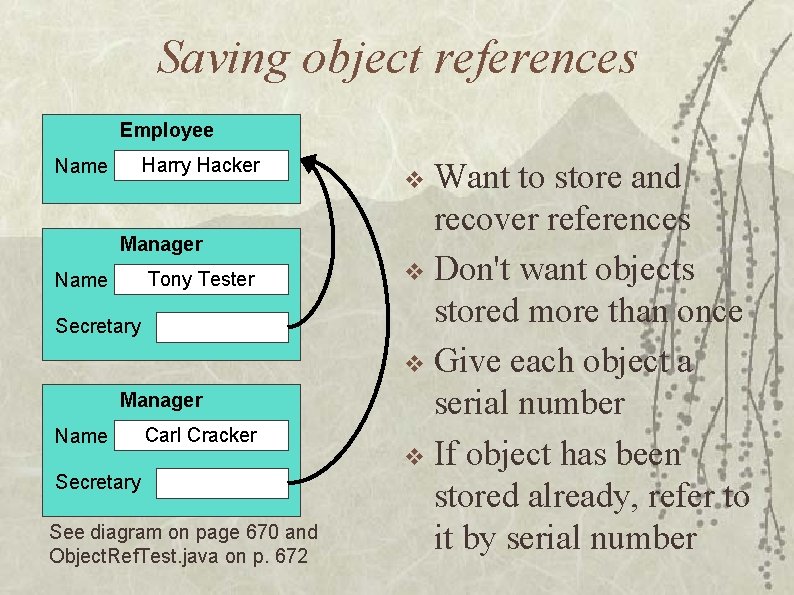
Saving object references Employee Harry Hacker Name Manager Tony Tester Name Secretary Manager Name Carl Cracker Secretary See diagram on page 670 and Object. Ref. Test. java on p. 672 Want to store and recover references v Don't want objects stored more than once v Give each object a serial number v If object has been stored already, refer to it by serial number v
Modified serialization v Some fields should not or can not be serialized: – file handles, handles of windows – instances of classes that don't implement Serializable v Declare as transient – will be ignored during serialization
read. Object and write. Object Automatically called during serialization v Can be used to write out transient data v Take one parameter: v Object. Input. Stream or Object. Output. Stream v These methods are private and can only be called by the serialization mechanism.
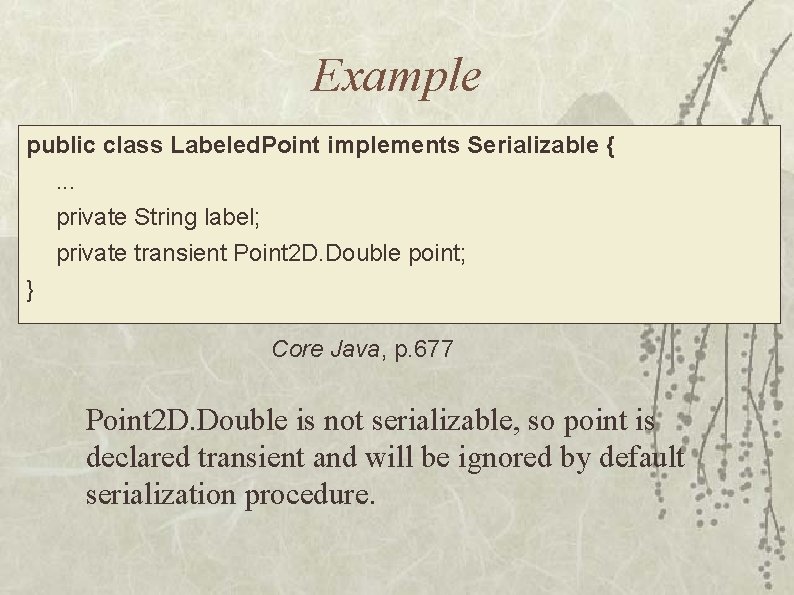
Example public class Labeled. Point implements Serializable {. . . private String label; private transient Point 2 D. Double point; } Core Java, p. 677 Point 2 D. Double is not serializable, so point is declared transient and will be ignored by default serialization procedure.
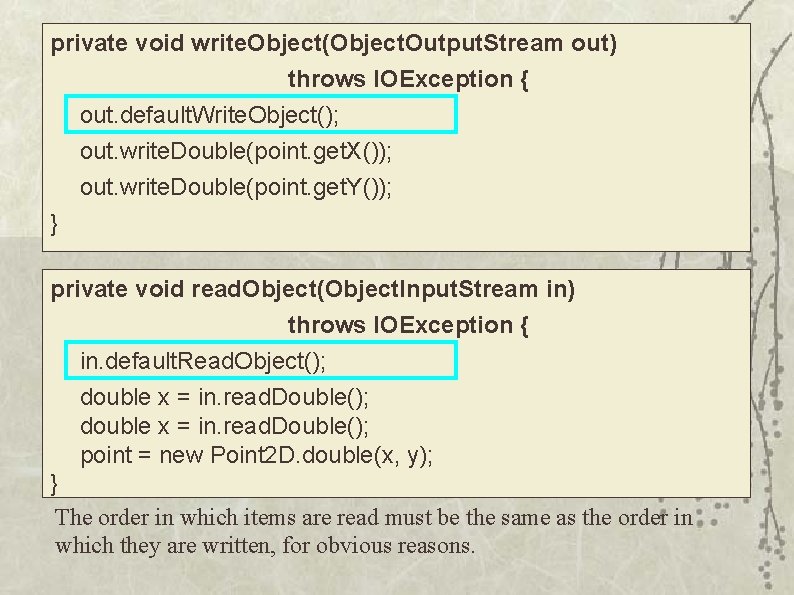
private void write. Object(Object. Output. Stream out) throws IOException { out. default. Write. Object(); out. write. Double(point. get. X()); out. write. Double(point. get. Y()); } private void read. Object(Object. Input. Stream in) throws IOException { in. default. Read. Object(); double x = in. read. Double(); point = new Point 2 D. double(x, y); } The order in which items are read must be the same as the order in which they are written, for obvious reasons.
The Externalizable interface v Has two methods: – read. External and write. External fully responsible for saving and restoring data, including superclass data v faster than serialization v public methods, which might permit modifications to an object v
"New" I/O: java. nio Supports the following features: v Memory-mapped files – uses virtual memory implementation to map a file into memory – can improve performance File locking v Character set encoders and decoders v Nonblocking I/O v
Regular expressions v v "Similar" to REs in Perl Pattern class – matcher method returns a Matcher object v Matcher provides various methods: – find--returns true if another match is found – group(int g)--returns the string matching group g – looking. At--returns true if beginning of input matches pattern – replace and replace. All – reset
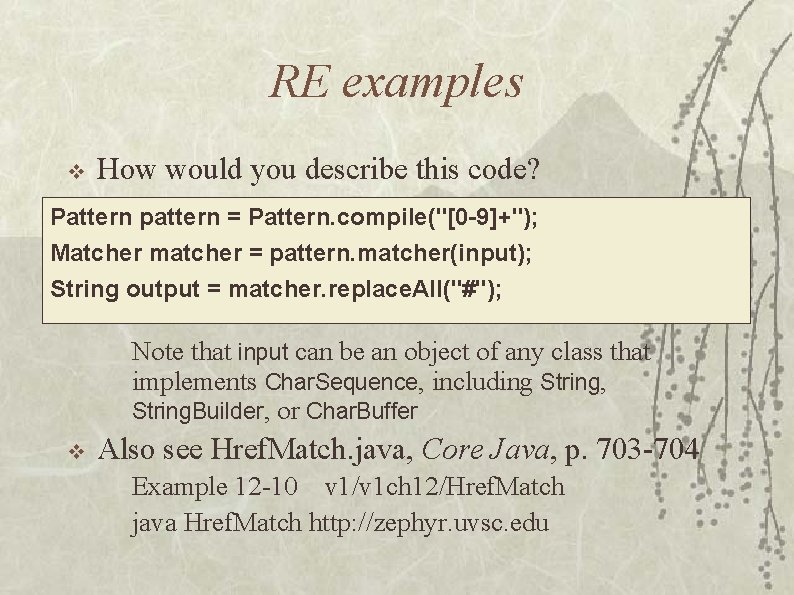
RE examples v How would you describe this code? Pattern pattern = Pattern. compile("[0 -9]+"); Matcher matcher = pattern. matcher(input); String output = matcher. replace. All("#"); Note that input can be an object of any class that implements Char. Sequence, including String, String. Builder, or Char. Buffer v Also see Href. Match. java, Core Java, p. 703 -704 Example 12 -10 v 1/v 1 ch 12/Href. Match java Href. Match http: //zephyr. uvsc. edu
- Slides: 26