
Our Lady and St Patricks High School S



- Slides: 11
Our Lady and St Patrick’s High School S 1 Keyboard
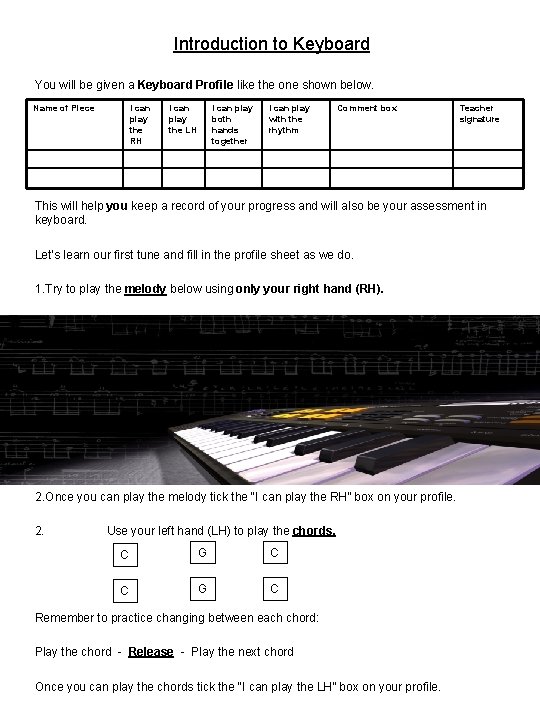
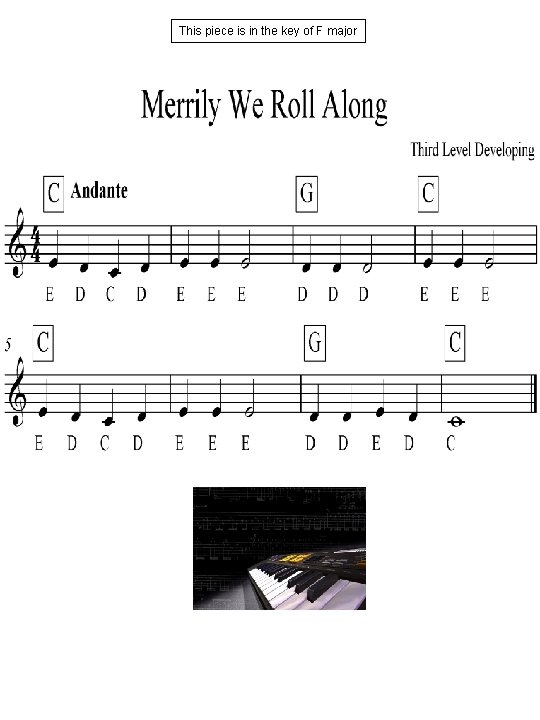
Introduction to Keyboard You will be given a Keyboard Profile like the one shown below. Name of Piece I can play the RH I can play the LH I can play both hands together I can play with the rhythm Comment box Teacher signature This will help you keep a record of your progress and will also be your assessment in keyboard. Let’s learn our first tune and fill in the profile sheet as we do. 1. Try to play the melody below using only your right hand (RH). 2. Once you can play the melody tick the “I can play the RH” box on your profile. 2. Use your left hand (LH) to play the chords. C G C Remember to practice changing between each chord: Play the chord - Release - Play the next chord Once you can play the chords tick the “I can play the LH” box on your profile.
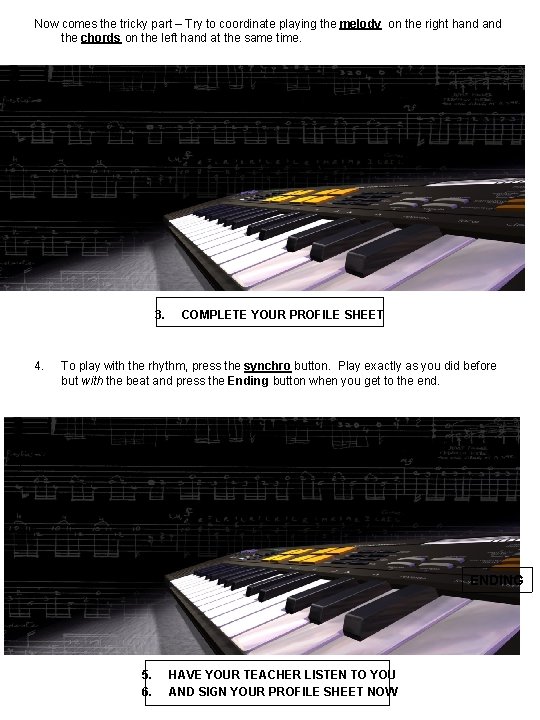
Now comes the tricky part – Try to coordinate playing the melody on the right hand the chords on the left hand at the same time. 3. 4. COMPLETE YOUR PROFILE SHEET To play with the rhythm, press the synchro button. Play exactly as you did before but with the beat and press the Ending button when you get to the end. SYNCHRO ENDING 5. 6. HAVE YOUR TEACHER LISTEN TO YOU AND SIGN YOUR PROFILE SHEET NOW
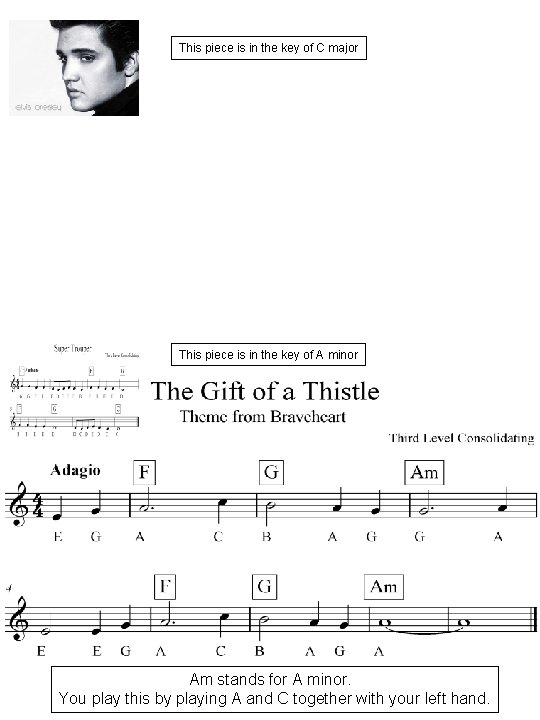
This piece is in the key of C major This piece is in the key of A minor Am stands for A minor. You play this by playing A and C together with your left hand.
This piece is in the key of F major
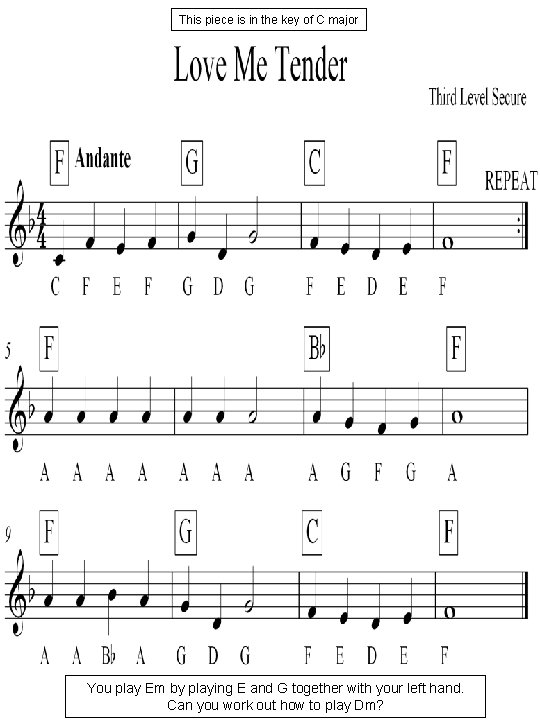
This piece is in the key of C major You play Em by playing E and G together with your left hand. Can you work out how to play Dm?
This piece is in the key of G major
This piece is in the key of F major
This piece is in the key of C major
This piece is in the key of G major
This piece is in the key of E minor