
OTHER THINGS YOU SHOULD KNOW CS 436363534722 OVERVIEW

- Slides: 42
OTHER THINGS YOU SHOULD KNOW CS 4363/6353/4722
OVERVIEW • Matrix Stacks • Raytracing and NPR • Physics Engines • Common File Formats
MATRIX STACKS • Typically, matrices are stored in a stack to avoid this • Stacks give us the ability to rotate one body around another • Stacks are also how (character) animation is done • Let’s say we wanted to fly through the solar system • You still have a camera matrix • The sun has been translated (but probably not rotated)
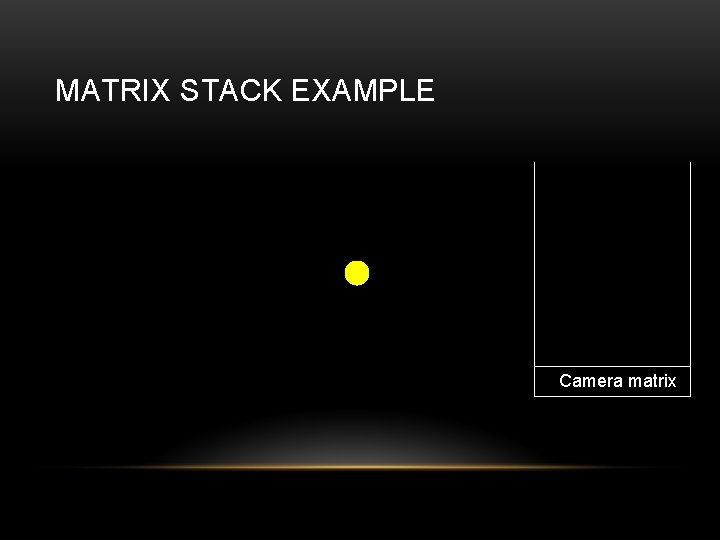
MATRIX STACK EXAMPLE Camera matrix
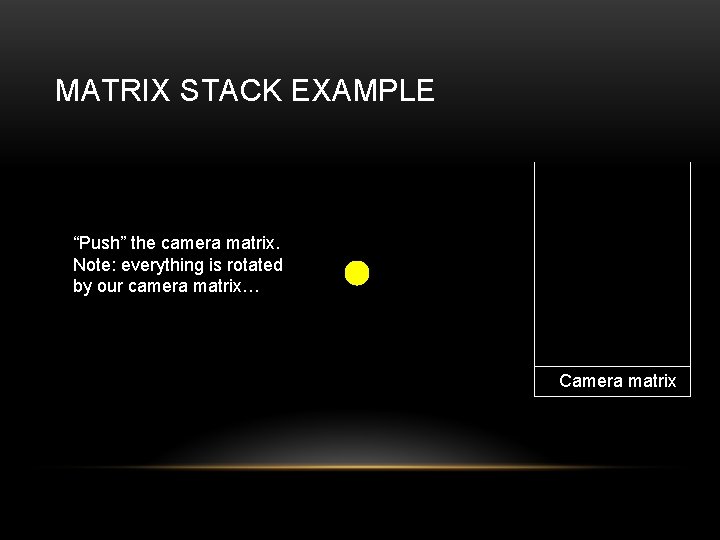
MATRIX STACK EXAMPLE “Push” the camera matrix. Note: everything is rotated by our camera matrix… Camera matrix
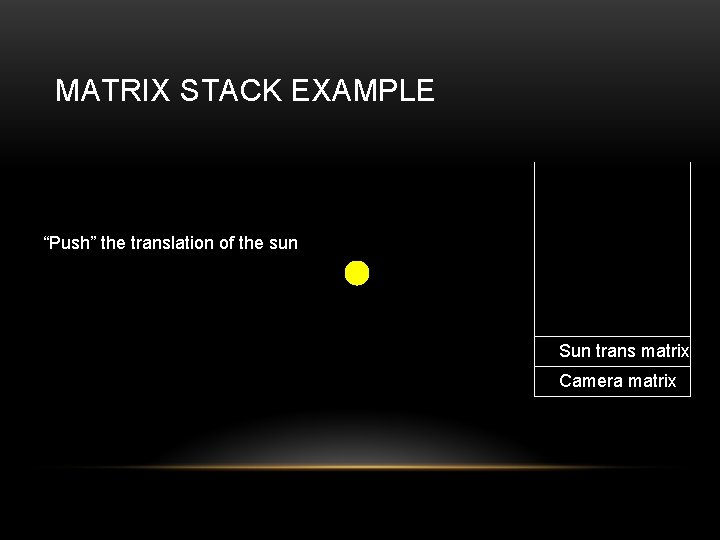
MATRIX STACK EXAMPLE “Push” the translation of the sun Sun trans matrix Camera matrix
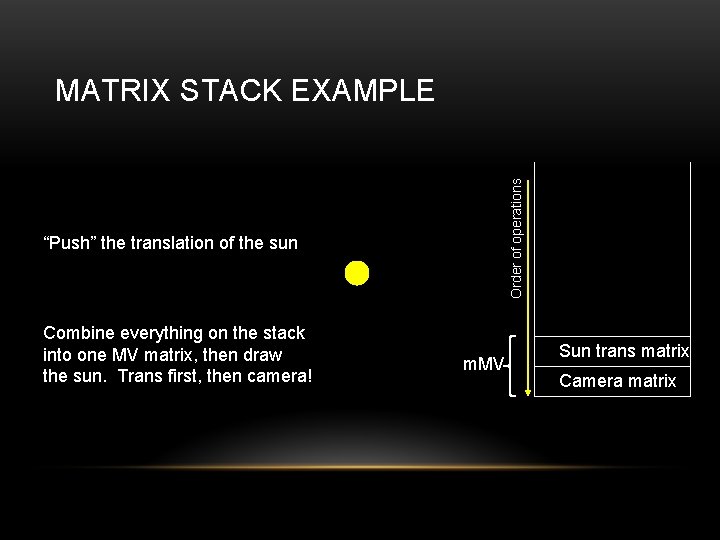
Order of operations MATRIX STACK EXAMPLE “Push” the translation of the sun Combine everything on the stack into one MV matrix, then draw the sun. Trans first, then camera! m. MV Sun trans matrix Camera matrix
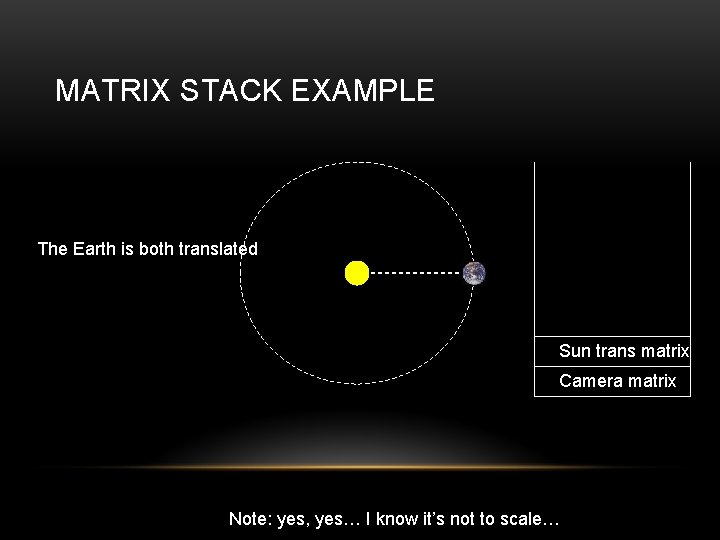
MATRIX STACK EXAMPLE The Earth is both translated Sun trans matrix Camera matrix Note: yes, yes… I know it’s not to scale…
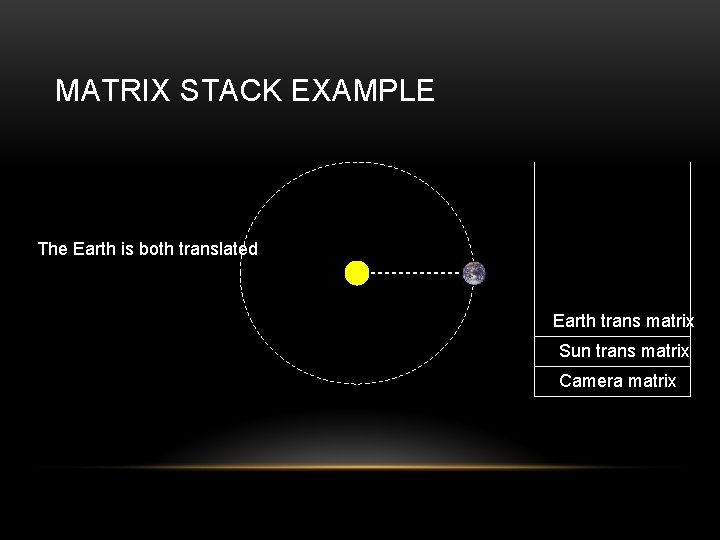
MATRIX STACK EXAMPLE The Earth is both translated Earth trans matrix Sun trans matrix Camera matrix
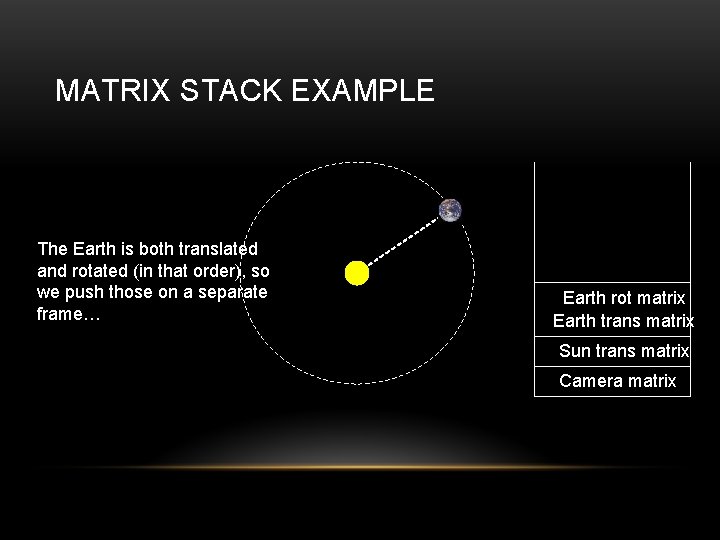
MATRIX STACK EXAMPLE The Earth is both translated and rotated (in that order), so we push those on a separate frame… Earth rot matrix Earth trans matrix Sun trans matrix Camera matrix
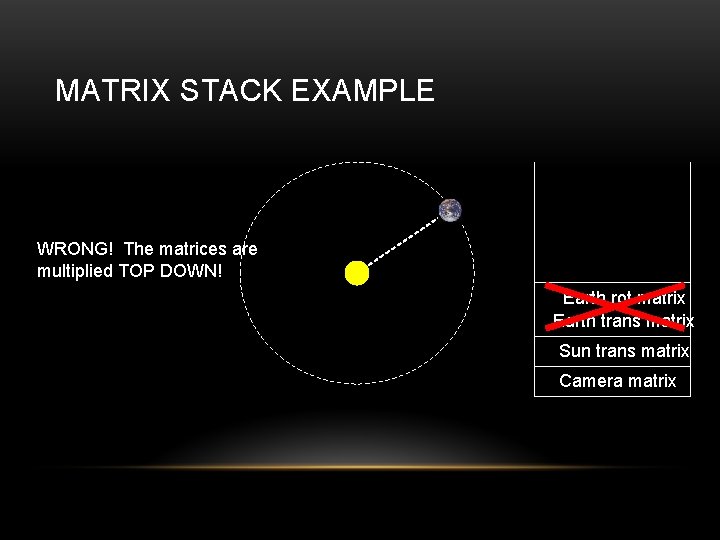
MATRIX STACK EXAMPLE WRONG! The matrices are multiplied TOP DOWN! Earth rot matrix Earth trans matrix Sun trans matrix Camera matrix
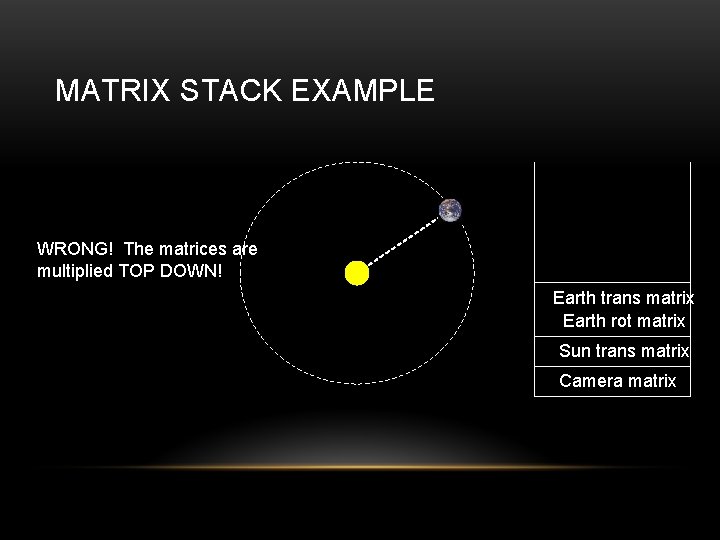
MATRIX STACK EXAMPLE WRONG! The matrices are multiplied TOP DOWN! Earth trans matrix Earth rot matrix Sun trans matrix Camera matrix
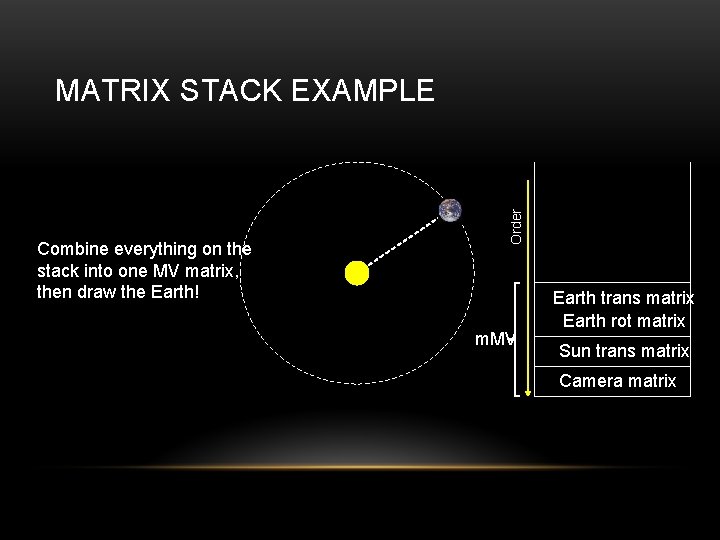
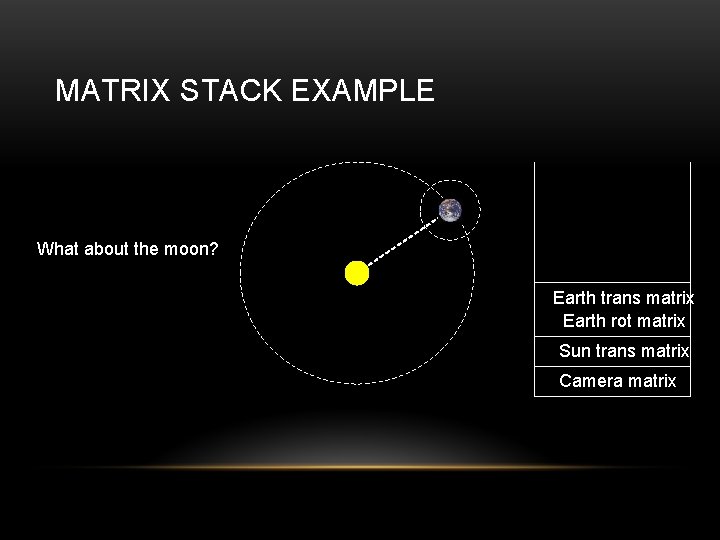
Combine everything on the stack into one MV matrix, then draw the Earth! Order MATRIX STACK EXAMPLE m. MV Earth trans matrix Earth rot matrix Sun trans matrix Camera matrix
MATRIX STACK EXAMPLE What about the moon? Earth trans matrix Earth rot matrix Sun trans matrix Camera matrix
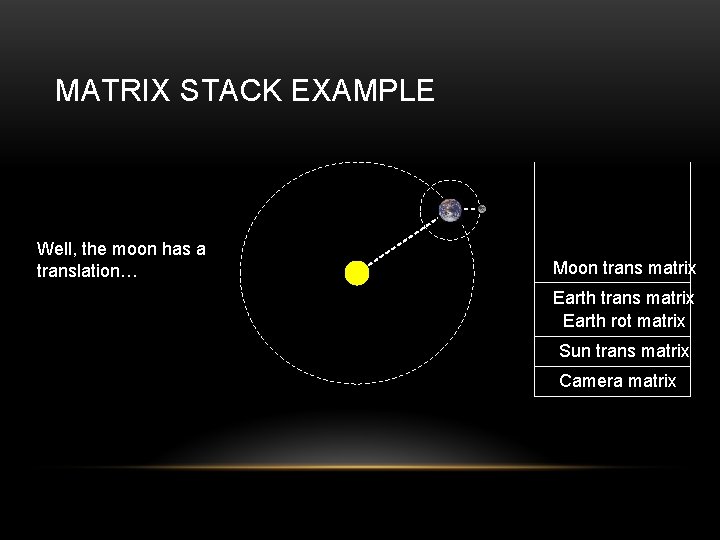
MATRIX STACK EXAMPLE Well, the moon has a translation… Moon trans matrix Earth rot matrix Sun trans matrix Camera matrix
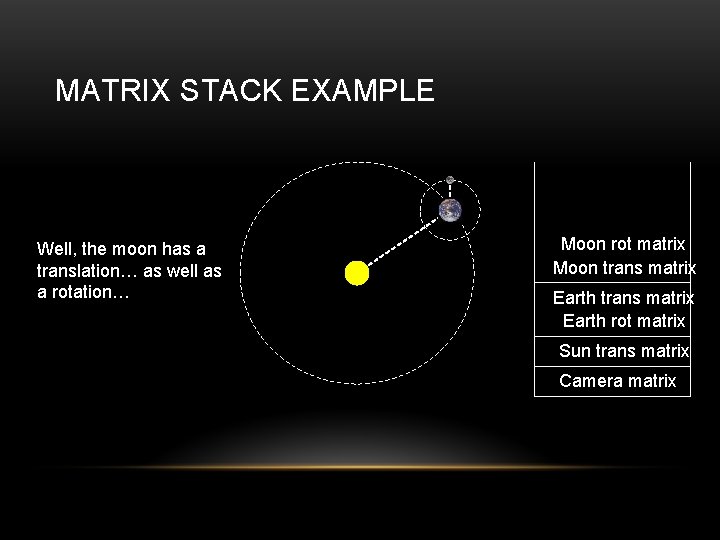
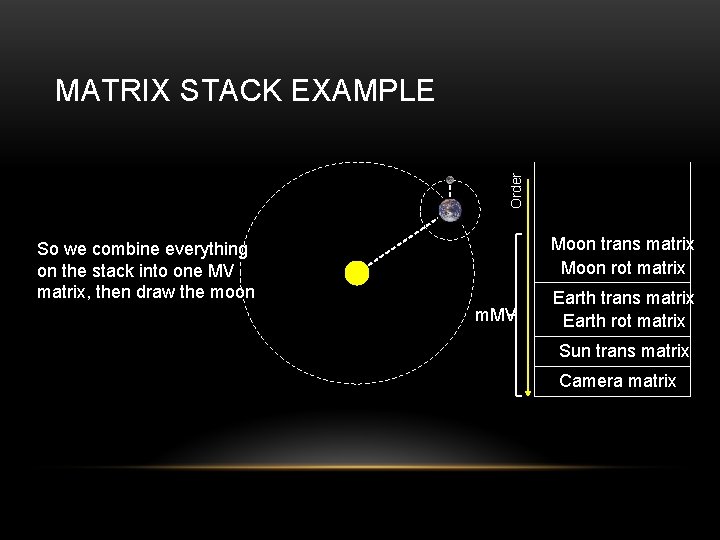
MATRIX STACK EXAMPLE Well, the moon has a translation… as well as a rotation… Moon rot matrix Moon trans matrix Earth rot matrix Sun trans matrix Camera matrix
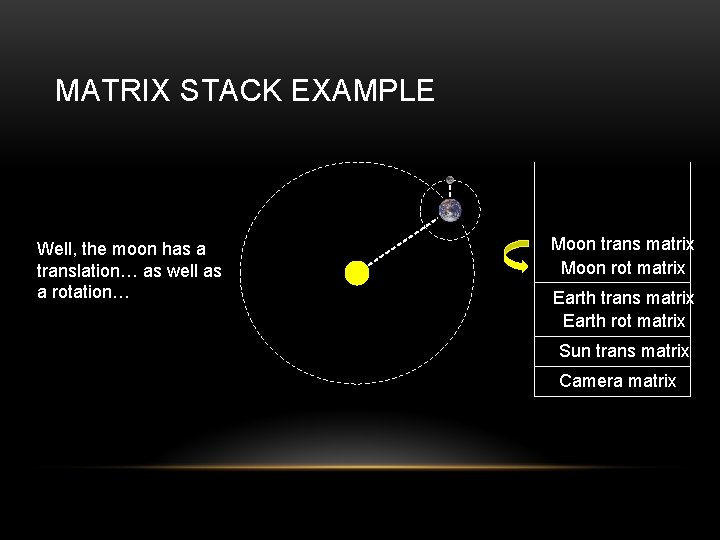
MATRIX STACK EXAMPLE Well, the moon has a translation… as well as a rotation… Moon trans matrix Moon rot matrix Earth trans matrix Earth rot matrix Sun trans matrix Camera matrix
Order MATRIX STACK EXAMPLE Moon trans matrix Moon rot matrix So we combine everything on the stack into one MV matrix, then draw the moon m. MV Earth trans matrix Earth rot matrix Sun trans matrix Camera matrix
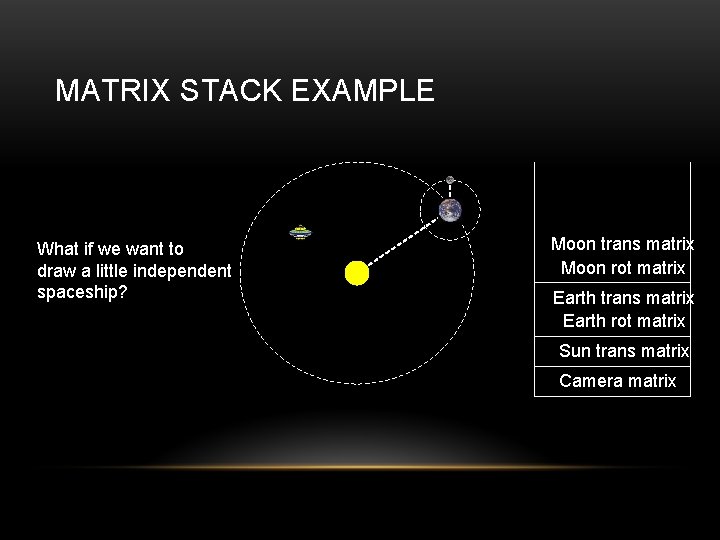
MATRIX STACK EXAMPLE What if we want to draw a little independent spaceship? Moon trans matrix Moon rot matrix Earth trans matrix Earth rot matrix Sun trans matrix Camera matrix
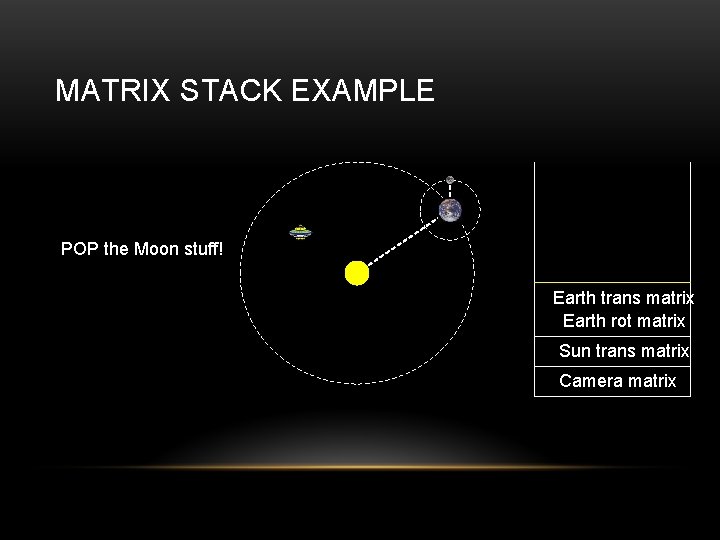
MATRIX STACK EXAMPLE POP the Moon stuff! Earth trans matrix Earth rot matrix Sun trans matrix Camera matrix
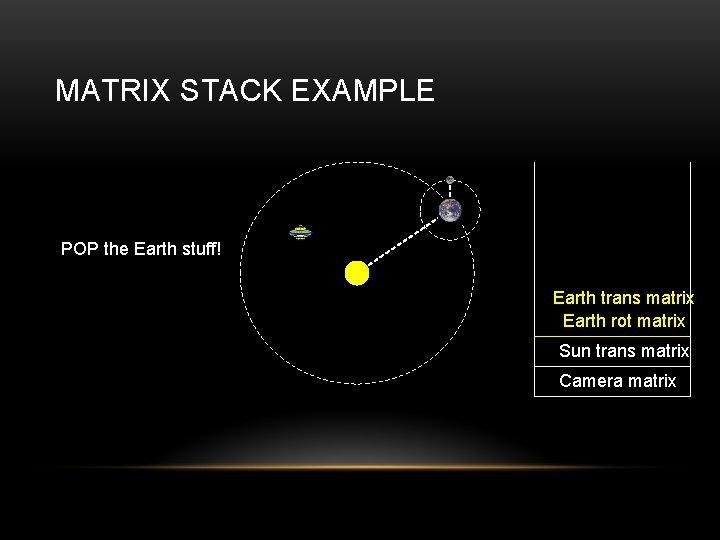
MATRIX STACK EXAMPLE POP the Earth stuff! Earth trans matrix Earth rot matrix Sun trans matrix Camera matrix
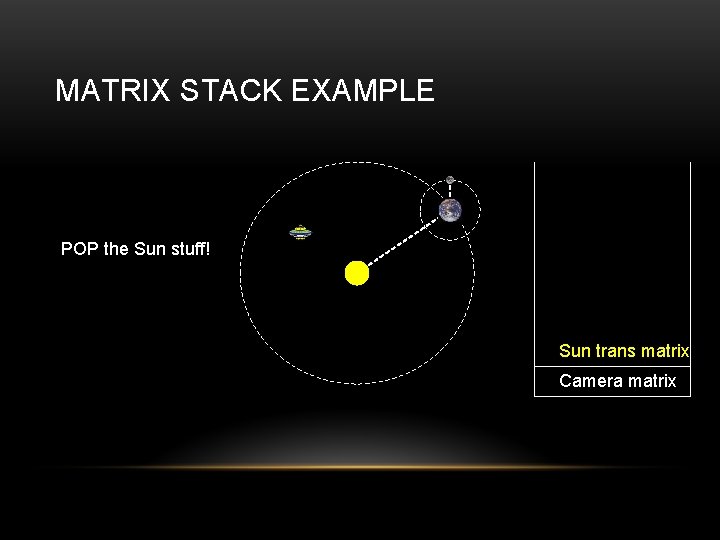
MATRIX STACK EXAMPLE POP the Sun stuff! Sun trans matrix Camera matrix
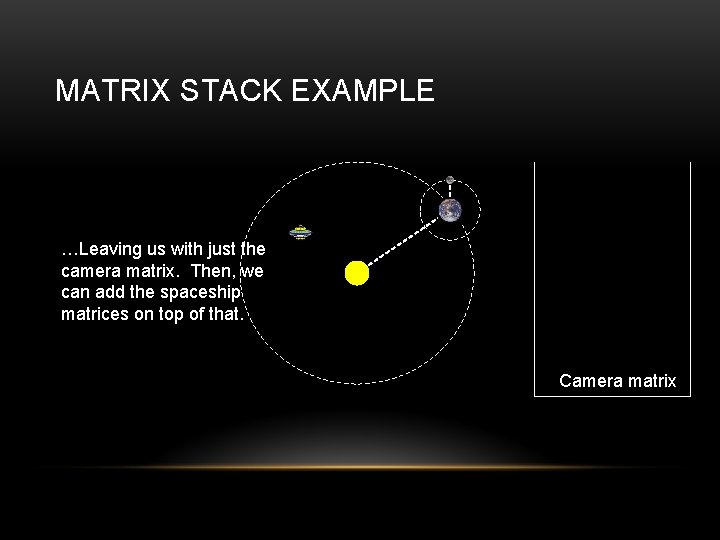
MATRIX STACK EXAMPLE …Leaving us with just the camera matrix. Then, we can add the spaceship matrices on top of that. Camera matrix
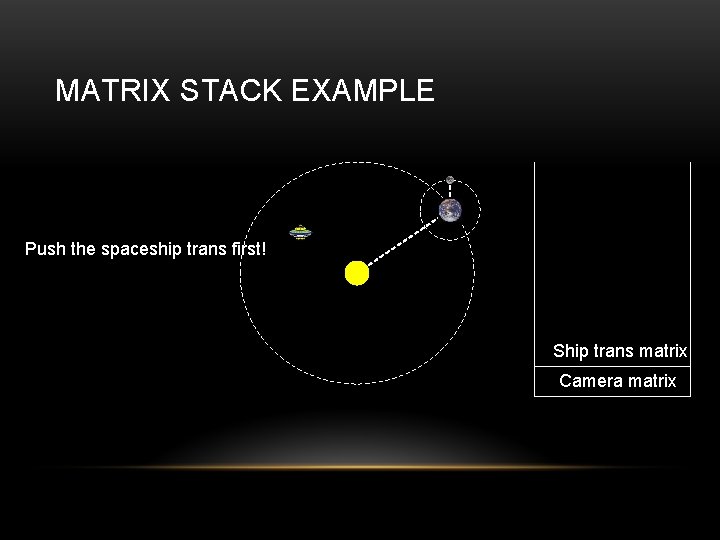
MATRIX STACK EXAMPLE Push the spaceship trans first! Ship trans matrix Camera matrix
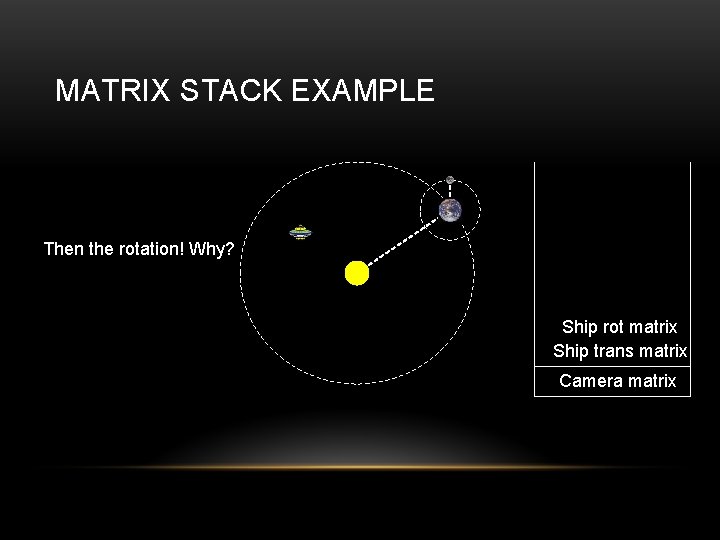
MATRIX STACK EXAMPLE Then the rotation! Why? Ship rot matrix Ship trans matrix Camera matrix
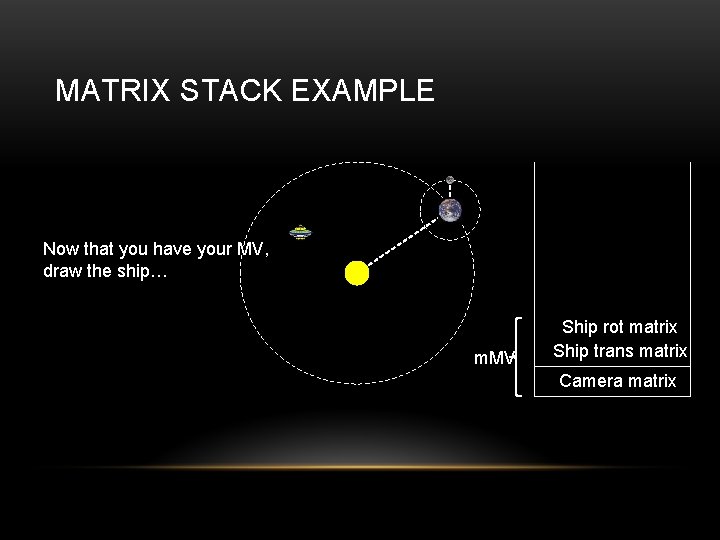
MATRIX STACK EXAMPLE Now that you have your MV, draw the ship… m. MV Ship rot matrix Ship trans matrix Camera matrix
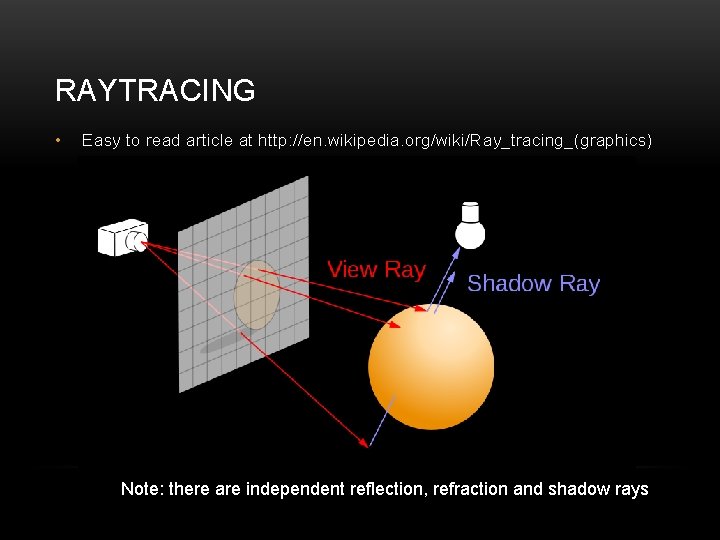
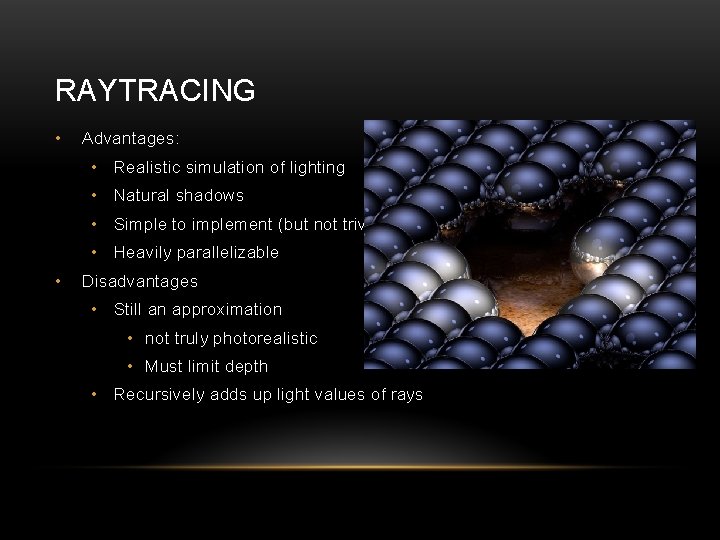
RAYTRACING • Easy to read article at http: //en. wikipedia. org/wiki/Ray_tracing_(graphics) Note: there are independent reflection, refraction and shadow rays
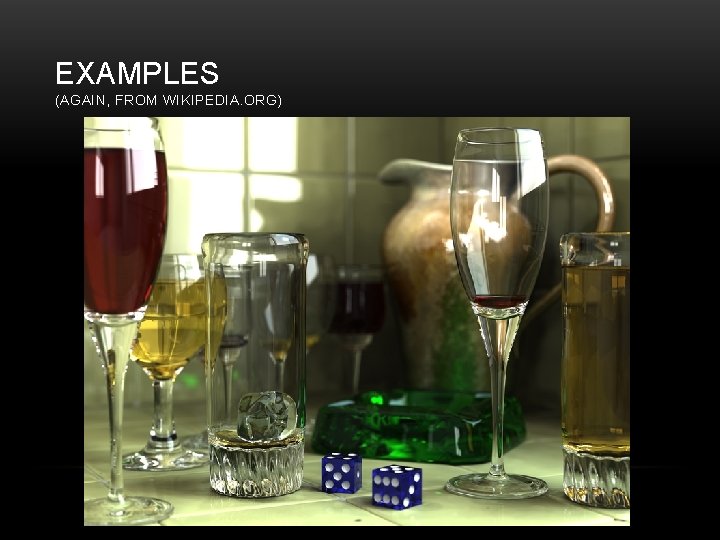
EXAMPLES (AGAIN, FROM WIKIPEDIA. ORG)
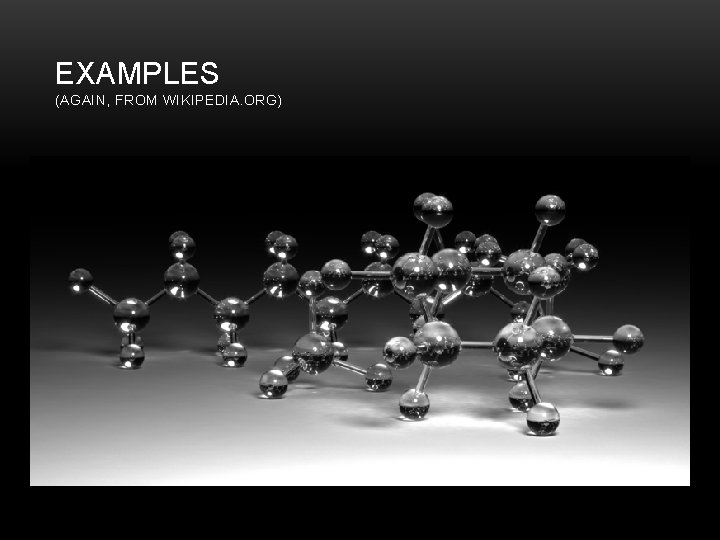
EXAMPLES (AGAIN, FROM WIKIPEDIA. ORG)
RAYTRACING • Advantages: • Realistic simulation of lighting • Natural shadows • Simple to implement (but not trivial) • Heavily parallelizable • Disadvantages • Still an approximation • not truly photorealistic • Must limit depth • Recursively adds up light values of rays
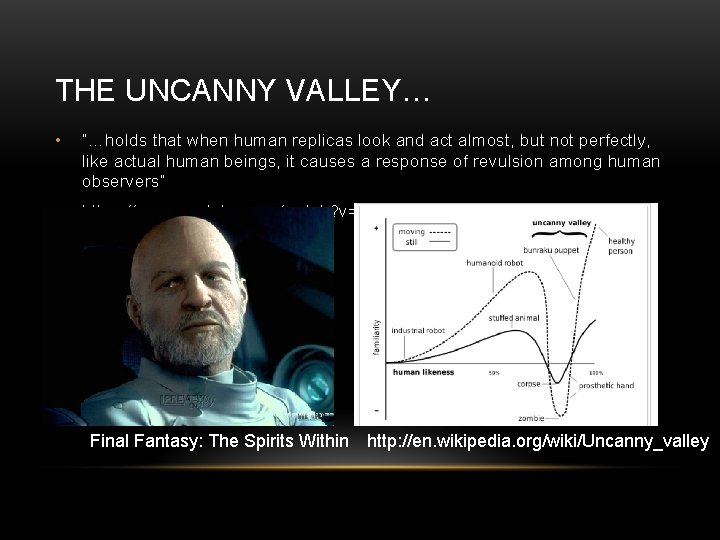
THE UNCANNY VALLEY… • “…holds that when human replicas look and act almost, but not perfectly, like actual human beings, it causes a response of revulsion among human observers” • https: //www. youtube. com/watch? v=8 ar 7 WO 1 T 5 Cs Final Fantasy: The Spirits Within http: //en. wikipedia. org/wiki/Uncanny_valley
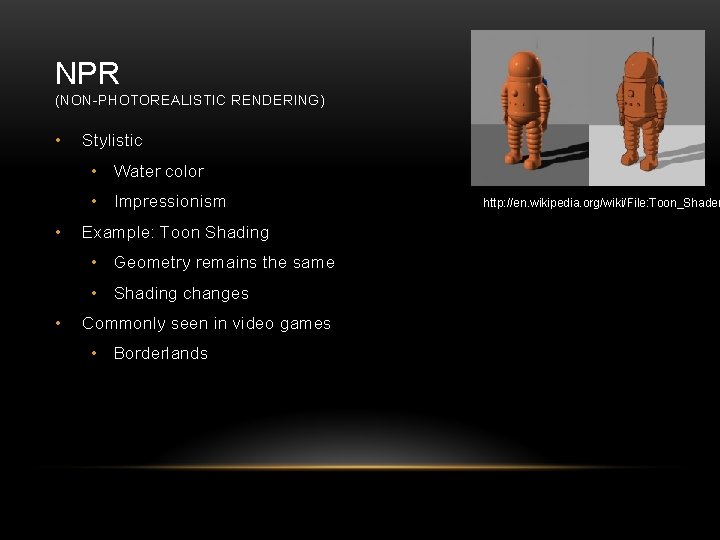
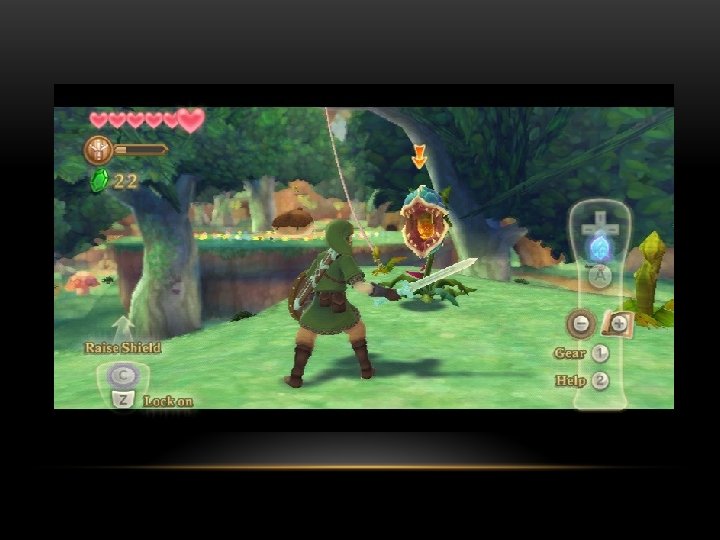
NPR (NON-PHOTOREALISTIC RENDERING) • Stylistic • Water color • Impressionism • Example: Toon Shading • Geometry remains the same • Shading changes • Commonly seen in video games • Borderlands http: //en. wikipedia. org/wiki/File: Toon_Shader
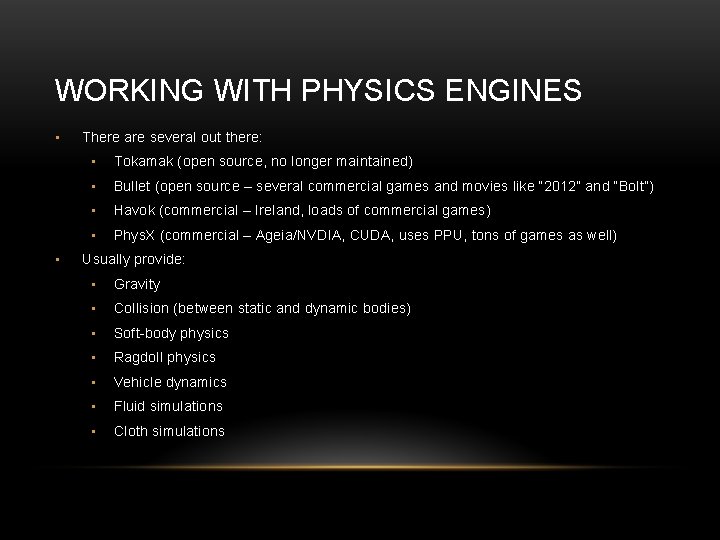
WORKING WITH PHYSICS ENGINES • • There are several out there: • Tokamak (open source, no longer maintained) • Bullet (open source – several commercial games and movies like “ 2012” and “Bolt”) • Havok (commercial – Ireland, loads of commercial games) • Phys. X (commercial – Ageia/NVDIA, CUDA, uses PPU, tons of games as well) Usually provide: • Gravity • Collision (between static and dynamic bodies) • Soft-body physics • Ragdoll physics • Vehicle dynamics • Fluid simulations • Cloth simulations
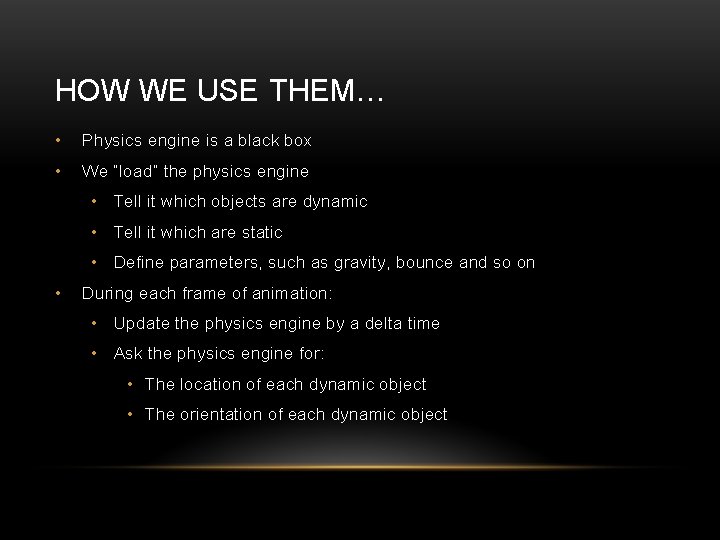
HOW WE USE THEM… • Physics engine is a black box • We “load” the physics engine • Tell it which objects are dynamic • Tell it which are static • Define parameters, such as gravity, bounce and so on • During each frame of animation: • Update the physics engine by a delta time • Ask the physics engine for: • The location of each dynamic object • The orientation of each dynamic object
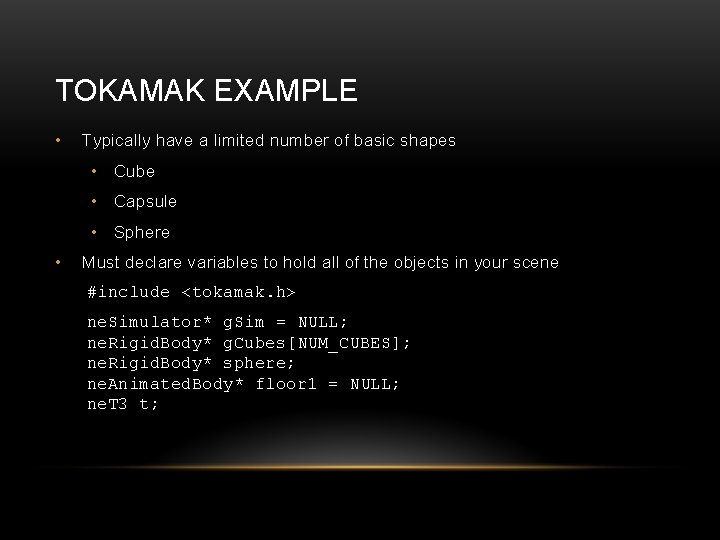
TOKAMAK EXAMPLE • Typically have a limited number of basic shapes • Cube • Capsule • Sphere • Must declare variables to hold all of the objects in your scene #include <tokamak. h> ne. Simulator* g. Sim = NULL; ne. Rigid. Body* g. Cubes[NUM_CUBES]; ne. Rigid. Body* sphere; ne. Animated. Body* floor 1 = NULL; ne. T 3 t;
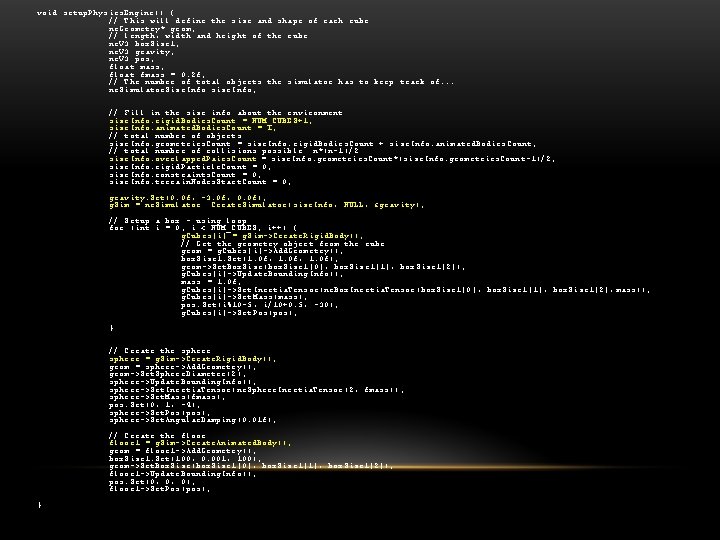
void setup. Physics. Engine() { // This will define the size and shape of each cube ne. Geometry* geom; // length, width and height of the cube ne. V 3 box. Size 1; ne. V 3 gravity; ne. V 3 pos; float mass; float fmass = 0. 2 f; // The number of total objects the simulator has to keep track of. . . ne. Simulator. Size. Info size. Info; // Fill in the size info about the environment size. Info. rigid. Bodies. Count = NUM_CUBES+1; size. Info. animated. Bodies. Count = 1; // total number of objects size. Info. geometries. Count = size. Info. rigid. Bodies. Count + size. Info. animated. Bodies. Count; // total number of collisions possible n*(n-1)/2 size. Info. overlapped. Pairs. Count = size. Info. geometries. Count*(size. Info. geometries. Count-1)/2; size. Info. rigid. Particle. Count = 0; size. Info. constraints. Count = 0; size. Info. terrain. Nodes. Start. Count = 0; gravity. Set(0. 0 f, -3. 0 f, 0. 0 f); g. Sim = ne. Simulator: : Create. Simulator(size. Info, NULL, &gravity); // Setup a box - using loop for (int i = 0; i < NUM_CUBES; i++) { g. Cubes[i] = g. Sim->Create. Rigid. Body(); // Get the geometry object from the cube geom = g. Cubes[i]->Add. Geometry(); box. Size 1. Set(1. 0 f, 1. 0 f); geom->Set. Box. Size(box. Size 1[0], box. Size 1[1], box. Size 1[2]); g. Cubes[i]->Update. Bounding. Info(); mass = 1. 0 f; g. Cubes[i]->Set. Inertia. Tensor(ne. Box. Inertia. Tensor(box. Size 1[0], box. Size 1[1], box. Size 1[2], mass)); g. Cubes[i]->Set. Mass(mass); pos. Set(i%10 -5, i/10+0. 5, -30); g. Cubes[i]->Set. Pos(pos); } // Create the sphere = g. Sim->Create. Rigid. Body(); geom = sphere->Add. Geometry(); geom->Set. Sphere. Diameter(2); sphere->Update. Bounding. Info(); sphere->Set. Inertia. Tensor(ne. Sphere. Inertia. Tensor(2, fmass)); sphere->Set. Mass(fmass); pos. Set(0, 1, -4); sphere->Set. Pos(pos); sphere->Set. Angular. Damping(0. 01 f); // Create the floor 1 = g. Sim->Create. Animated. Body(); geom = floor 1 ->Add. Geometry(); box. Size 1. Set(100, 0. 001, 100); geom->Set. Box. Size(box. Size 1[0], box. Size 1[1], box. Size 1[2]); floor 1 ->Update. Bounding. Info(); pos. Set(0, 0, 0); floor 1 ->Set. Pos(pos); }
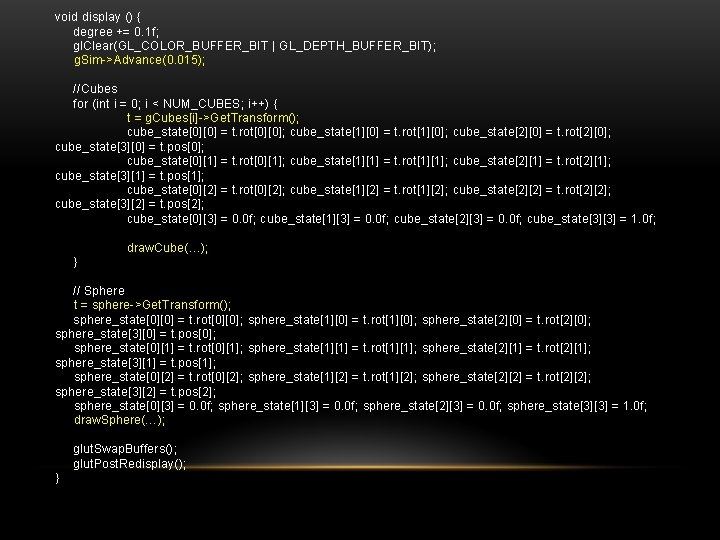
void display () { degree += 0. 1 f; gl. Clear(GL_COLOR_BUFFER_BIT | GL_DEPTH_BUFFER_BIT); g. Sim->Advance(0. 015); //Cubes for (int i = 0; i < NUM_CUBES; i++) { t = g. Cubes[i]->Get. Transform(); cube_state[0][0] = t. rot[0][0]; cube_state[1][0] = t. rot[1][0]; cube_state[2][0] = t. rot[2][0]; cube_state[3][0] = t. pos[0]; cube_state[0][1] = t. rot[0][1]; cube_state[1][1] = t. rot[1][1]; cube_state[2][1] = t. rot[2][1]; cube_state[3][1] = t. pos[1]; cube_state[0][2] = t. rot[0][2]; cube_state[1][2] = t. rot[1][2]; cube_state[2][2] = t. rot[2][2]; cube_state[3][2] = t. pos[2]; cube_state[0][3] = 0. 0 f; cube_state[1][3] = 0. 0 f; cube_state[2][3] = 0. 0 f; cube_state[3][3] = 1. 0 f; draw. Cube(…); } // Sphere t = sphere->Get. Transform(); sphere_state[0][0] = t. rot[0][0]; sphere_state[1][0] = t. rot[1][0]; sphere_state[2][0] = t. rot[2][0]; sphere_state[3][0] = t. pos[0]; sphere_state[0][1] = t. rot[0][1]; sphere_state[1][1] = t. rot[1][1]; sphere_state[2][1] = t. rot[2][1]; sphere_state[3][1] = t. pos[1]; sphere_state[0][2] = t. rot[0][2]; sphere_state[1][2] = t. rot[1][2]; sphere_state[2][2] = t. rot[2][2]; sphere_state[3][2] = t. pos[2]; sphere_state[0][3] = 0. 0 f; sphere_state[1][3] = 0. 0 f; sphere_state[2][3] = 0. 0 f; sphere_state[3][3] = 1. 0 f; draw. Sphere(…); glut. Swap. Buffers(); glut. Post. Redisplay(); }
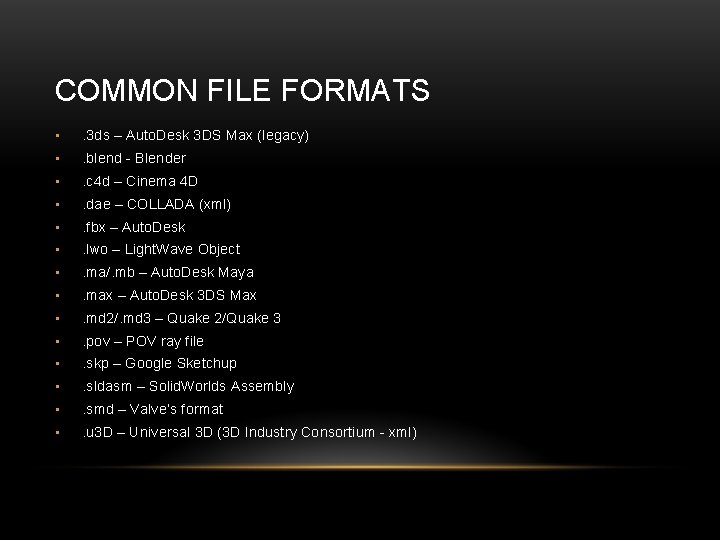
COMMON FILE FORMATS • . 3 ds – Auto. Desk 3 DS Max (legacy) • . blend - Blender • . c 4 d – Cinema 4 D • . dae – COLLADA (xml) • . fbx – Auto. Desk • . lwo – Light. Wave Object • . ma/. mb – Auto. Desk Maya • . max – Auto. Desk 3 DS Max • . md 2/. md 3 – Quake 2/Quake 3 • . pov – POV ray file • . skp – Google Sketchup • . sldasm – Solid. Worlds Assembly • . smd – Valve’s format • . u 3 D – Universal 3 D (3 D Industry Consortium - xml)
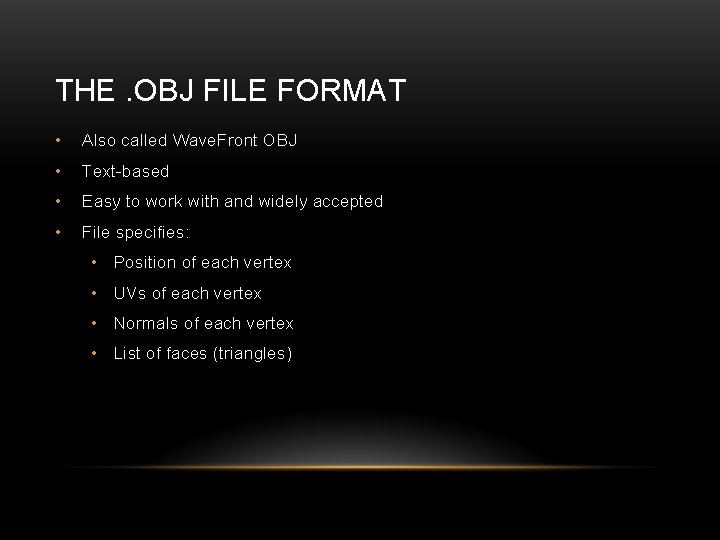
THE. OBJ FILE FORMAT • Also called Wave. Front OBJ • Text-based • Easy to work with and widely accepted • File specifies: • Position of each vertex • UVs of each vertex • Normals of each vertex • List of faces (triangles)
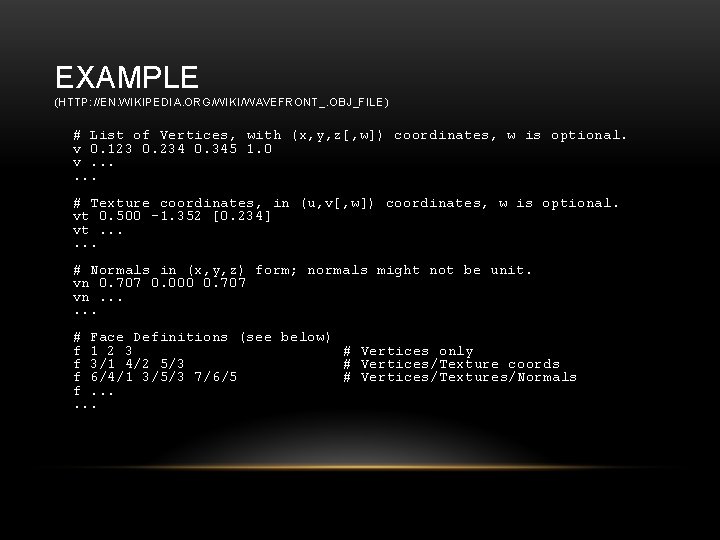
EXAMPLE (HTTP: //EN. WIKIPEDIA. ORG/WIKI/WAVEFRONT_. OBJ_FILE) # List of Vertices, with (x, y, z[, w]) coordinates, w is optional. v 0. 123 0. 234 0. 345 1. 0 v. . . # Texture coordinates, in (u, v[, w]) coordinates, w is optional. vt 0. 500 -1. 352 [0. 234] vt. . . # Normals in (x, y, z) form; normals might not be unit. vn 0. 707 0. 000 0. 707 vn. . . # Face Definitions (see below) f 1 2 3 # Vertices only f 3/1 4/2 5/3 # Vertices/Texture coords f 6/4/1 3/5/3 7/6/5 # Vertices/Textures/Normals f. . .
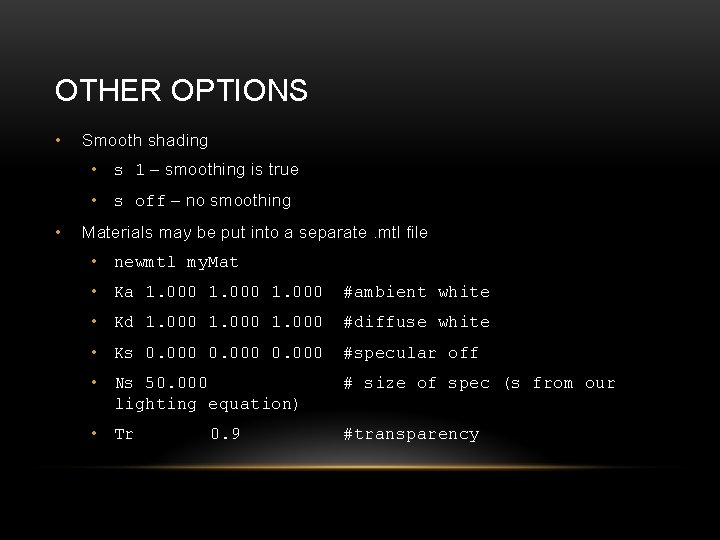
OTHER OPTIONS • Smooth shading • s 1 – smoothing is true • s off – no smoothing • Materials may be put into a separate. mtl file • newmtl my. Mat • Ka 1. 000 #ambient white • Kd 1. 000 #diffuse white • Ks 0. 000 #specular off • Ns 50. 000 lighting equation) # size of spec (s from our • Tr #transparency 0. 9