
OS interface file and IO system calls File
- Slides: 9
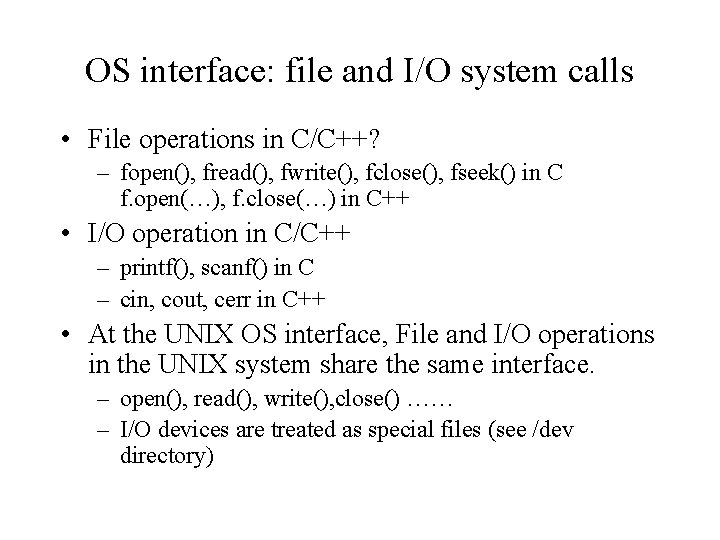
OS interface: file and I/O system calls • File operations in C/C++? – fopen(), fread(), fwrite(), fclose(), fseek() in C f. open(…), f. close(…) in C++ • I/O operation in C/C++ – printf(), scanf() in C – cin, cout, cerr in C++ • At the UNIX OS interface, File and I/O operations in the UNIX system share the same interface. – open(), read(), write(), close() …… – I/O devices are treated as special files (see /dev directory)
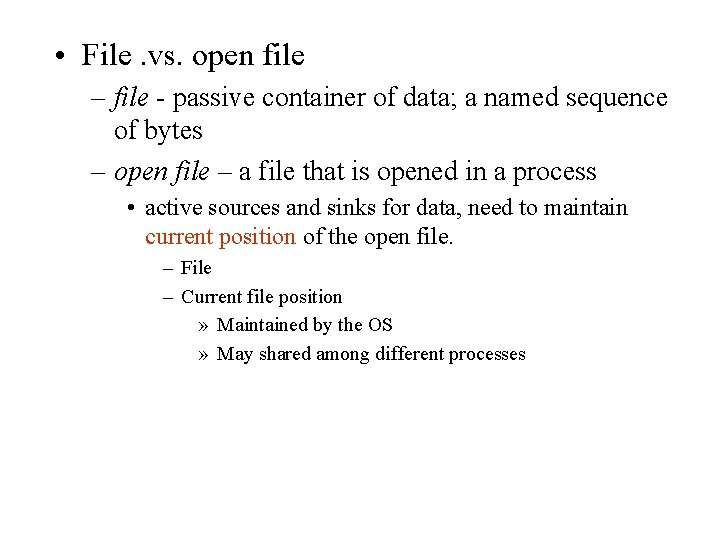
• File. vs. open file – file - passive container of data; a named sequence of bytes – open file – a file that is opened in a process • active sources and sinks for data, need to maintain current position of the open file. – File – Current file position » Maintained by the OS » May shared among different processes
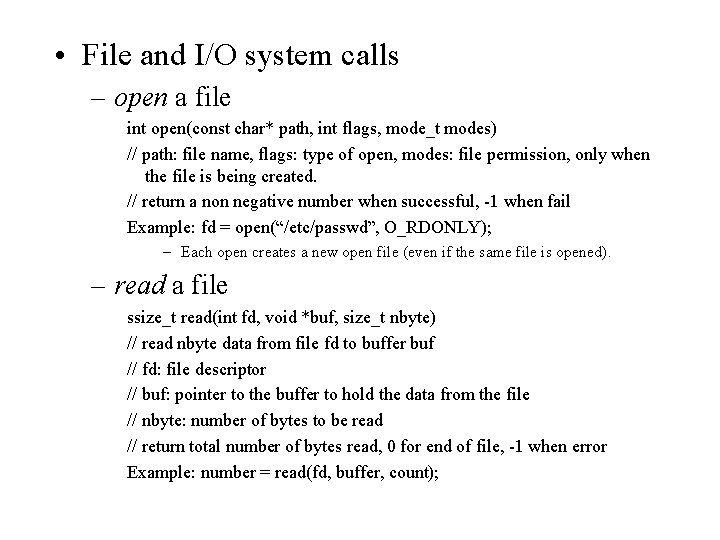
• File and I/O system calls – open a file int open(const char* path, int flags, mode_t modes) // path: file name, flags: type of open, modes: file permission, only when the file is being created. // return a non negative number when successful, -1 when fail Example: fd = open(“/etc/passwd”, O_RDONLY); – Each open creates a new open file (even if the same file is opened). – read a file ssize_t read(int fd, void *buf, size_t nbyte) // read nbyte data from file fd to buffer buf // fd: file descriptor // buf: pointer to the buffer to hold the data from the file // nbyte: number of bytes to be read // return total number of bytes read, 0 for end of file, -1 when error Example: number = read(fd, buffer, count);
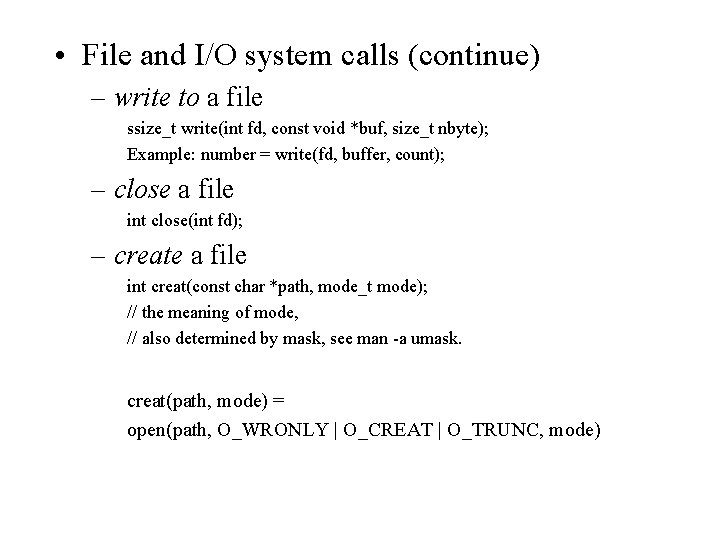
• File and I/O system calls (continue) – write to a file ssize_t write(int fd, const void *buf, size_t nbyte); Example: number = write(fd, buffer, count); – close a file int close(int fd); – create a file int creat(const char *path, mode_t mode); // the meaning of mode, // also determined by mask, see man -a umask. creat(path, mode) = open(path, O_WRONLY | O_CREAT | O_TRUNC, mode)
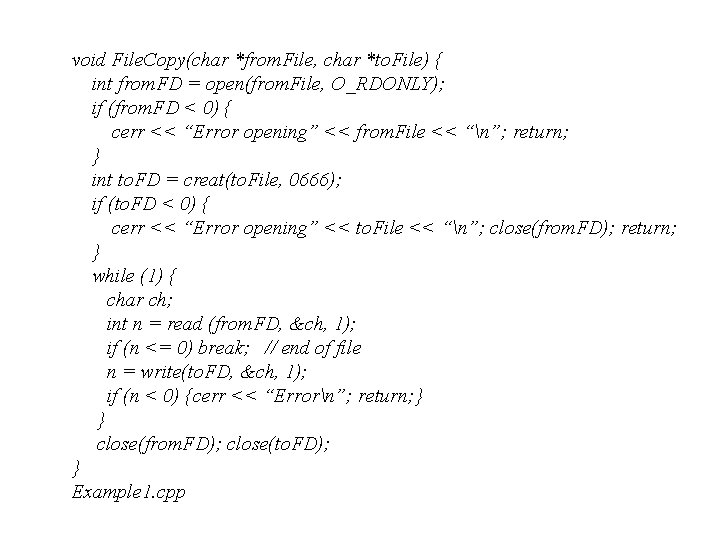
void File. Copy(char *from. File, char *to. File) { int from. FD = open(from. File, O_RDONLY); if (from. FD < 0) { cerr << “Error opening” << from. File << “n”; return; } int to. FD = creat(to. File, 0666); if (to. FD < 0) { cerr << “Error opening” << to. File << “n”; close(from. FD); return; } while (1) { char ch; int n = read (from. FD, &ch, 1); if (n <= 0) break; // end of file n = write(to. FD, &ch, 1); if (n < 0) {cerr << “Errorn”; return; } } close(from. FD); close(to. FD); } Example 1. cpp
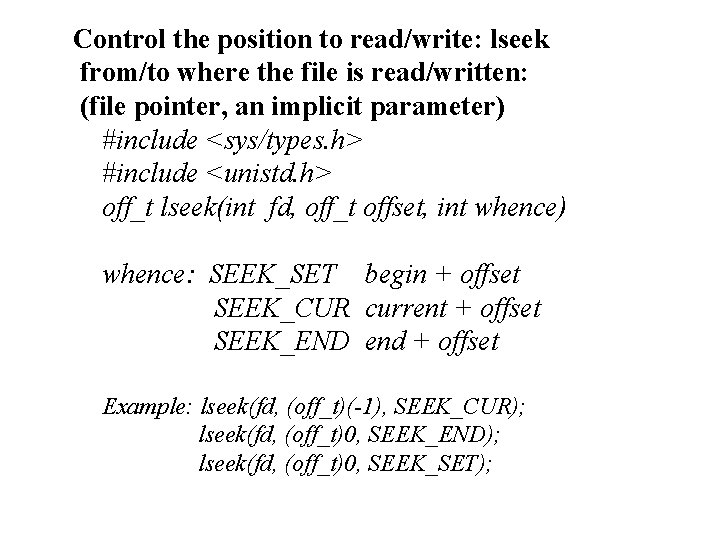
Control the position to read/write: lseek from/to where the file is read/written: (file pointer, an implicit parameter) #include <sys/types. h> #include <unistd. h> off_t lseek(int fd, off_t offset, int whence) whence: SEEK_SET begin + offset SEEK_CUR current + offset SEEK_END end + offset Example: lseek(fd, (off_t)(-1), SEEK_CUR); lseek(fd, (off_t)0, SEEK_END); lseek(fd, (off_t)0, SEEK_SET);
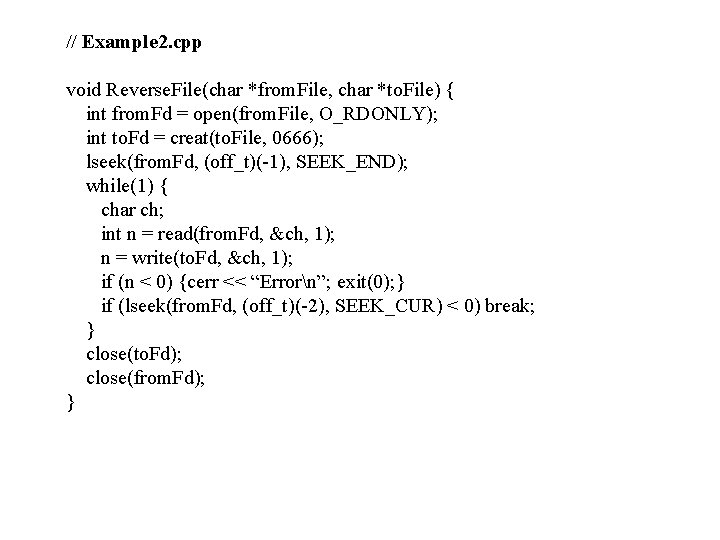
// Example 2. cpp void Reverse. File(char *from. File, char *to. File) { int from. Fd = open(from. File, O_RDONLY); int to. Fd = creat(to. File, 0666); lseek(from. Fd, (off_t)(-1), SEEK_END); while(1) { char ch; int n = read(from. Fd, &ch, 1); n = write(to. Fd, &ch, 1); if (n < 0) {cerr << “Errorn”; exit(0); } if (lseek(from. Fd, (off_t)(-2), SEEK_CUR) < 0) break; } close(to. Fd); close(from. Fd); }
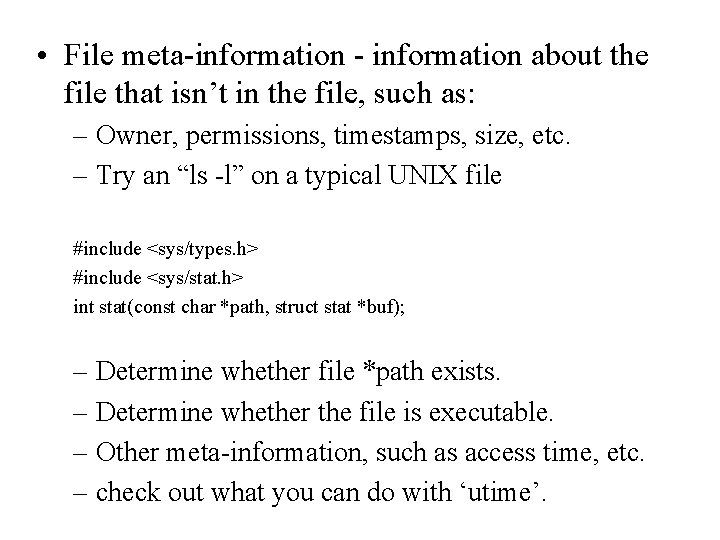
• File meta-information - information about the file that isn’t in the file, such as: – Owner, permissions, timestamps, size, etc. – Try an “ls -l” on a typical UNIX file #include <sys/types. h> #include <sys/stat. h> int stat(const char *path, struct stat *buf); – Determine whether file *path exists. – Determine whether the file is executable. – Other meta-information, such as access time, etc. – check out what you can do with ‘utime’.
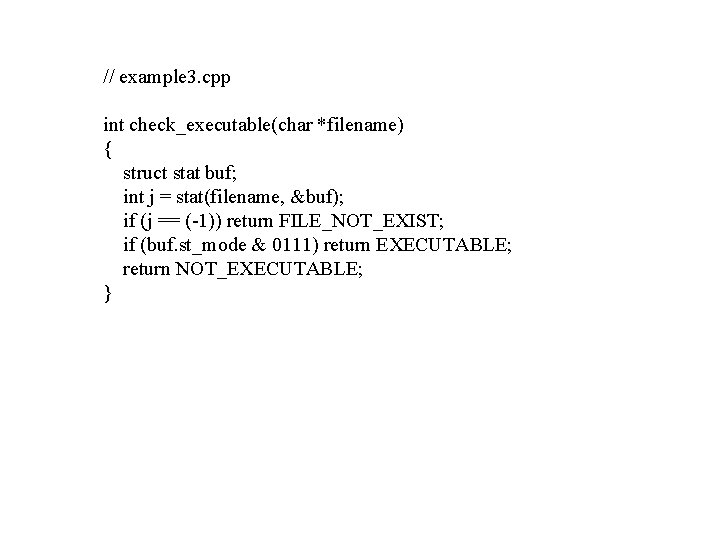
// example 3. cpp int check_executable(char *filename) { struct stat buf; int j = stat(filename, &buf); if (j == (-1)) return FILE_NOT_EXIST; if (buf. st_mode & 0111) return EXECUTABLE; return NOT_EXECUTABLE; }