
Organization management in Model Execution Environment 18 00

- Slides: 14
Organization management in Model Execution Environment 18: 00 – 18: 30 Presenters: Marek Kasztelnik, Damian Sosnowski (Cyfronet)
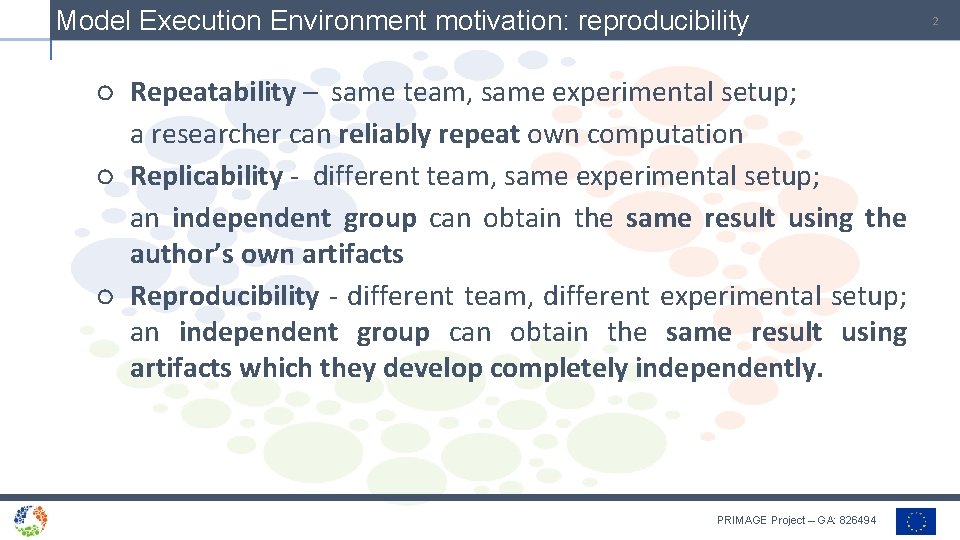
Model Execution Environment motivation: reproducibility ○ Repeatability – same team, same experimental setup; a researcher can reliably repeat own computation ○ Replicability - different team, same experimental setup; an independent group can obtain the same result using the author’s own artifacts ○ Reproducibility - different team, different experimental setup; an independent group can obtain the same result using artifacts which they develop completely independently. PRIMAGE Project – GA: 826494 2
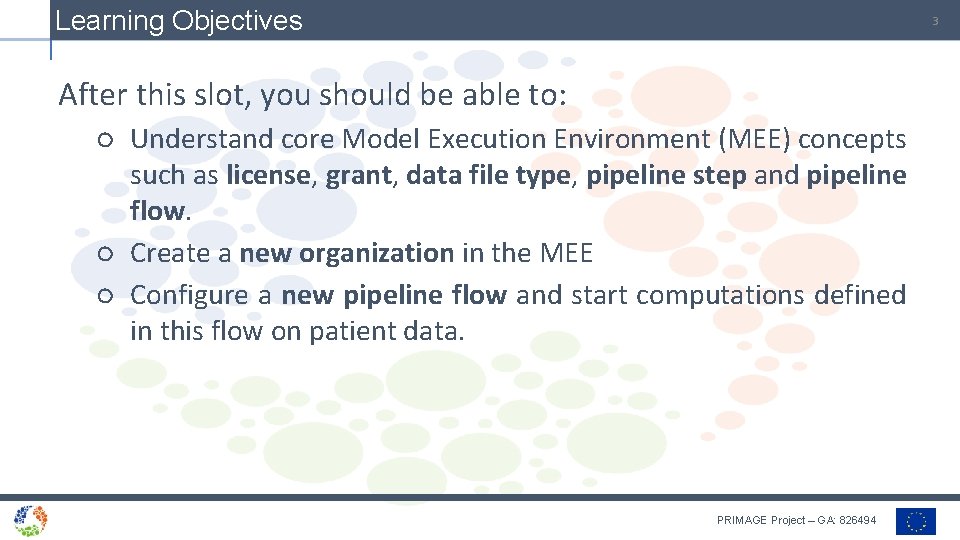
Learning Objectives 3 After this slot, you should be able to: ○ Understand core Model Execution Environment (MEE) concepts such as license, grant, data file type, pipeline step and pipeline flow. ○ Create a new organization in the MEE ○ Configure a new pipeline flow and start computations defined in this flow on patient data. PRIMAGE Project – GA: 826494
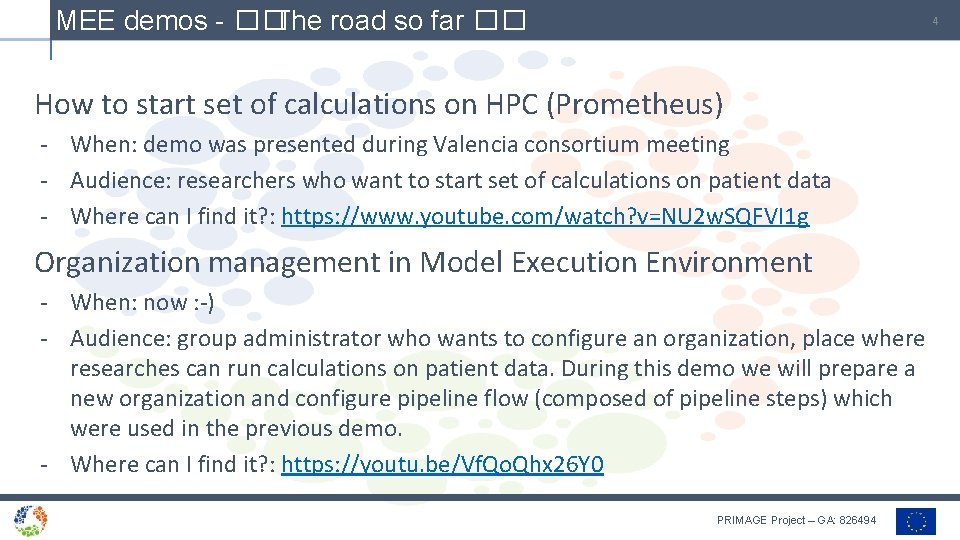
MEE demos - �� The road so far �� 4 How to start set of calculations on HPC (Prometheus) - When: demo was presented during Valencia consortium meeting - Audience: researchers who want to start set of calculations on patient data - Where can I find it? : https: //www. youtube. com/watch? v=NU 2 w. SQFVI 1 g Organization management in Model Execution Environment - When: now : -) - Audience: group administrator who wants to configure an organization, place where researches can run calculations on patient data. During this demo we will prepare a new organization and configure pipeline flow (composed of pipeline steps) which were used in the previous demo. - Where can I find it? : https: //youtu. be/Vf. Qo. Qhx 26 Y 0 PRIMAGE Project – GA: 826494
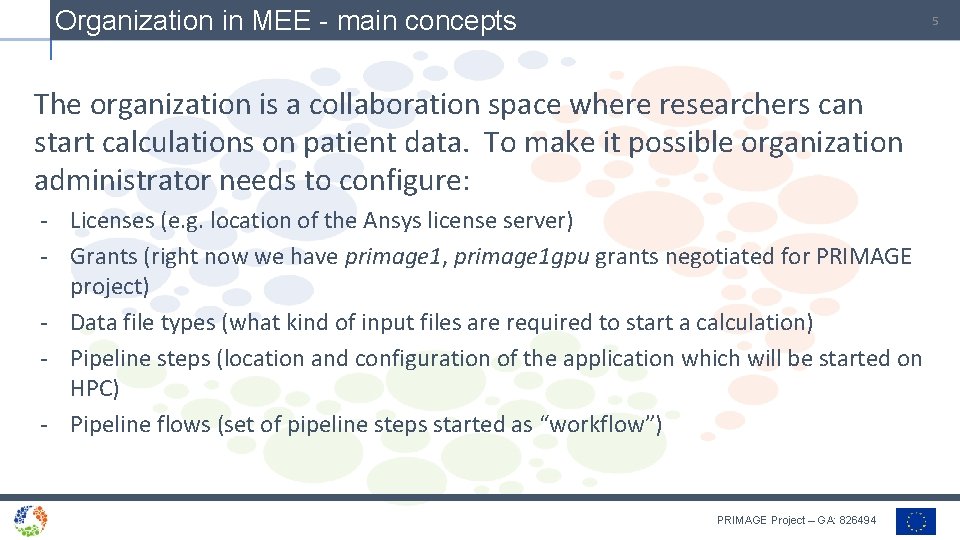
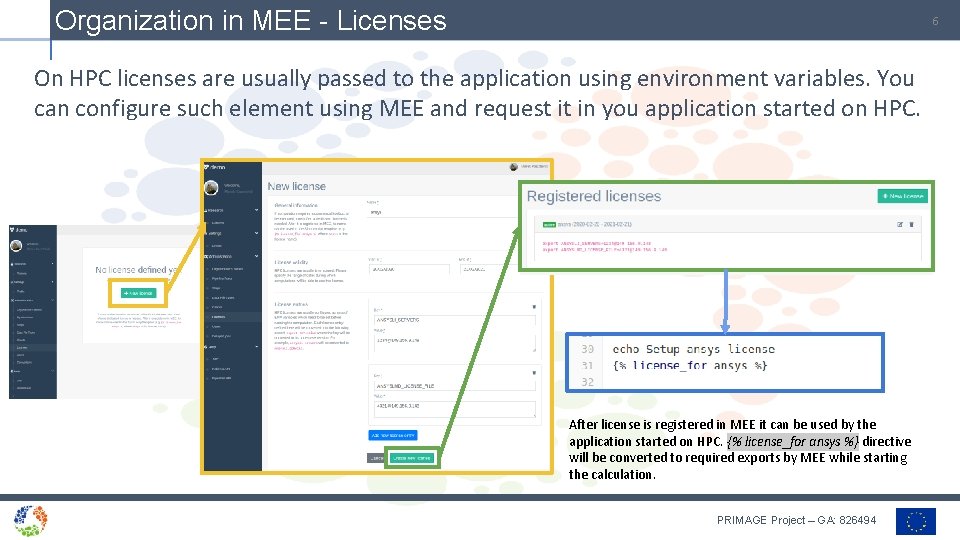
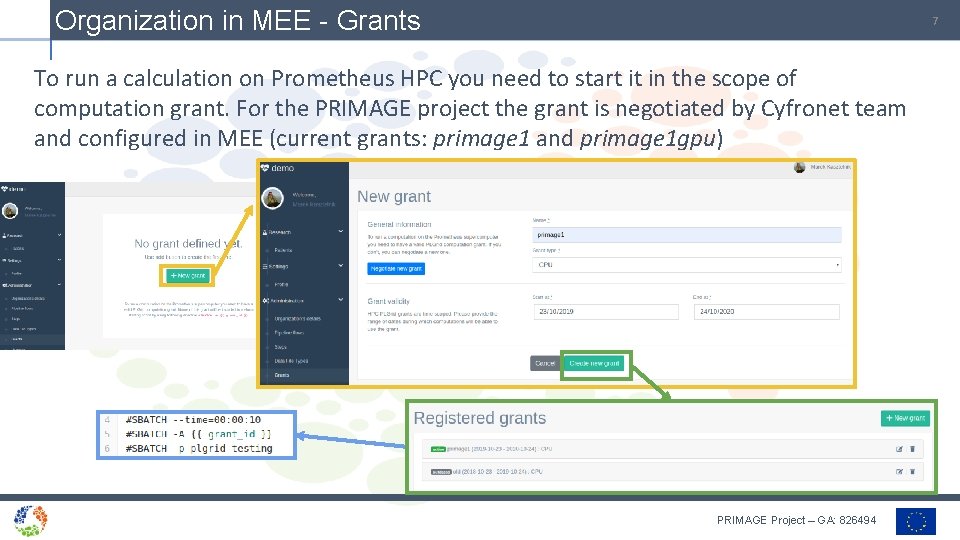
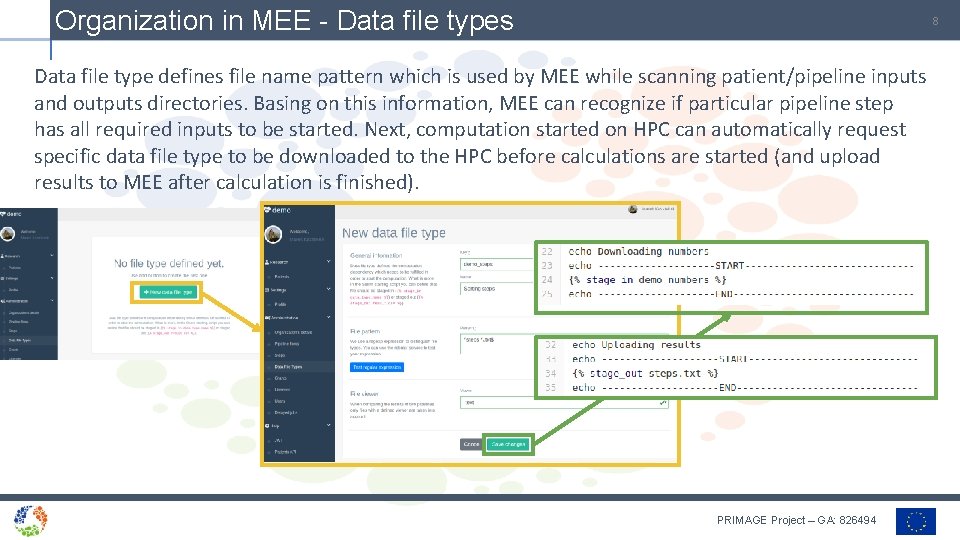
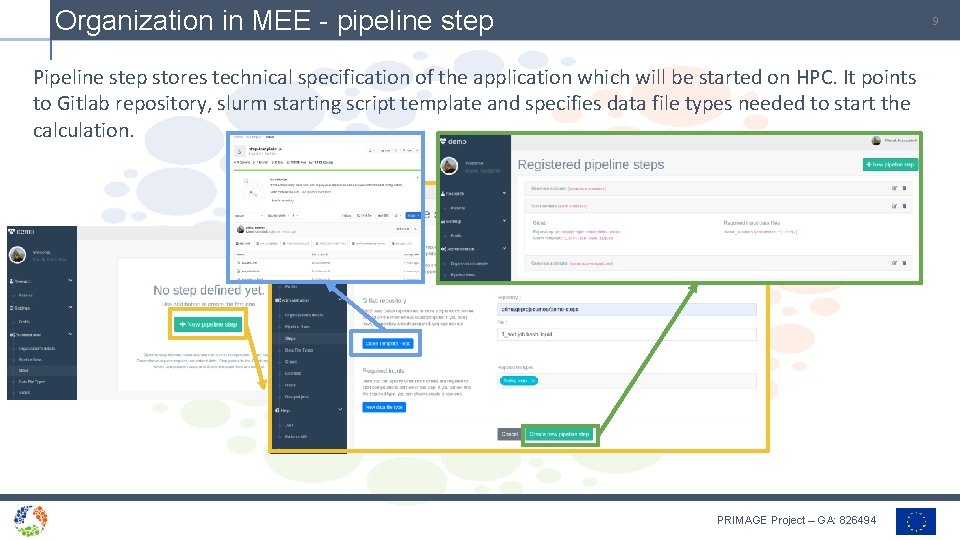
Organization in MEE - main concepts 5 The organization is a collaboration space where researchers can start calculations on patient data. To make it possible organization administrator needs to configure: - Licenses (e. g. location of the Ansys license server) - Grants (right now we have primage 1, primage 1 gpu grants negotiated for PRIMAGE project) - Data file types (what kind of input files are required to start a calculation) - Pipeline steps (location and configuration of the application which will be started on HPC) - Pipeline flows (set of pipeline steps started as “workflow”) PRIMAGE Project – GA: 826494
Organization in MEE - Licenses 6 On HPC licenses are usually passed to the application using environment variables. You can configure such element using MEE and request it in you application started on HPC. After license is registered in MEE it can be used by the application started on HPC. {% license_for ansys %} directive will be converted to required exports by MEE while starting the calculation. PRIMAGE Project – GA: 826494
Organization in MEE - Grants 7 To run a calculation on Prometheus HPC you need to start it in the scope of computation grant. For the PRIMAGE project the grant is negotiated by Cyfronet team and configured in MEE (current grants: primage 1 and primage 1 gpu) PRIMAGE Project – GA: 826494
Organization in MEE - Data file types 8 Data file type defines file name pattern which is used by MEE while scanning patient/pipeline inputs and outputs directories. Basing on this information, MEE can recognize if particular pipeline step has all required inputs to be started. Next, computation started on HPC can automatically request specific data file type to be downloaded to the HPC before calculations are started (and upload results to MEE after calculation is finished). PRIMAGE Project – GA: 826494
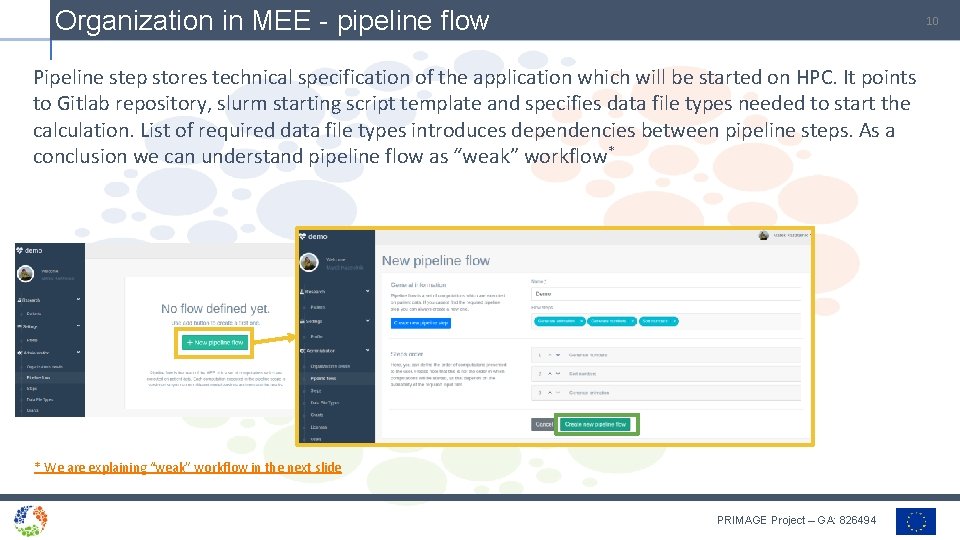
Organization in MEE - pipeline step 9 Pipeline step stores technical specification of the application which will be started on HPC. It points to Gitlab repository, slurm starting script template and specifies data file types needed to start the calculation. PRIMAGE Project – GA: 826494
Organization in MEE - pipeline flow 10 Pipeline step stores technical specification of the application which will be started on HPC. It points to Gitlab repository, slurm starting script template and specifies data file types needed to start the calculation. List of required data file types introduces dependencies between pipeline steps. As a conclusion we can understand pipeline flow as “weak” workflow* * We are explaining “weak” workflow in the next slide PRIMAGE Project – GA: 826494
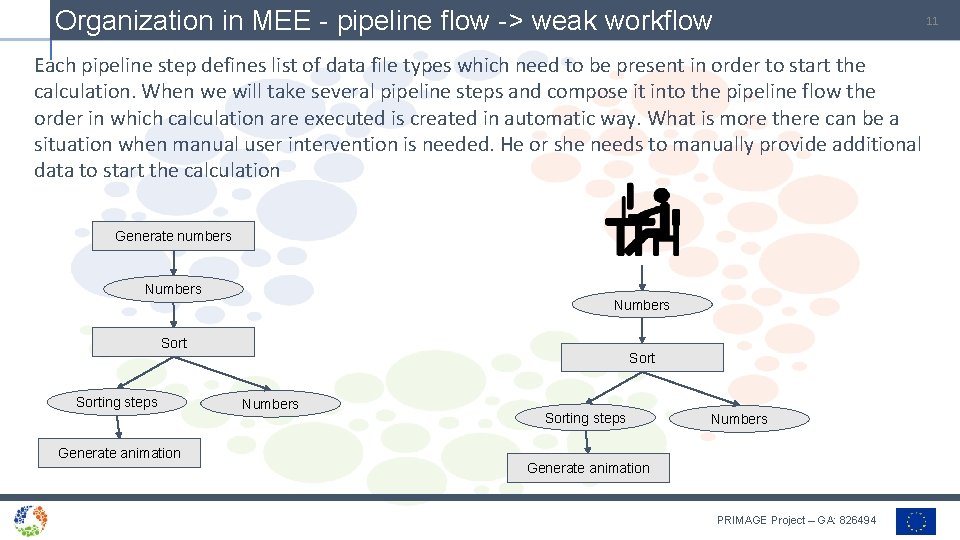
Organization in MEE - pipeline flow -> weak workflow 11 Each pipeline step defines list of data file types which need to be present in order to start the calculation. When we will take several pipeline steps and compose it into the pipeline flow the order in which calculation are executed is created in automatic way. What is more there can be a situation when manual user intervention is needed. He or she needs to manually provide additional data to start the calculation Generate numbers Numbers Sorting steps Generate animation Sort Numbers Sorting steps Numbers Generate animation PRIMAGE Project – GA: 826494
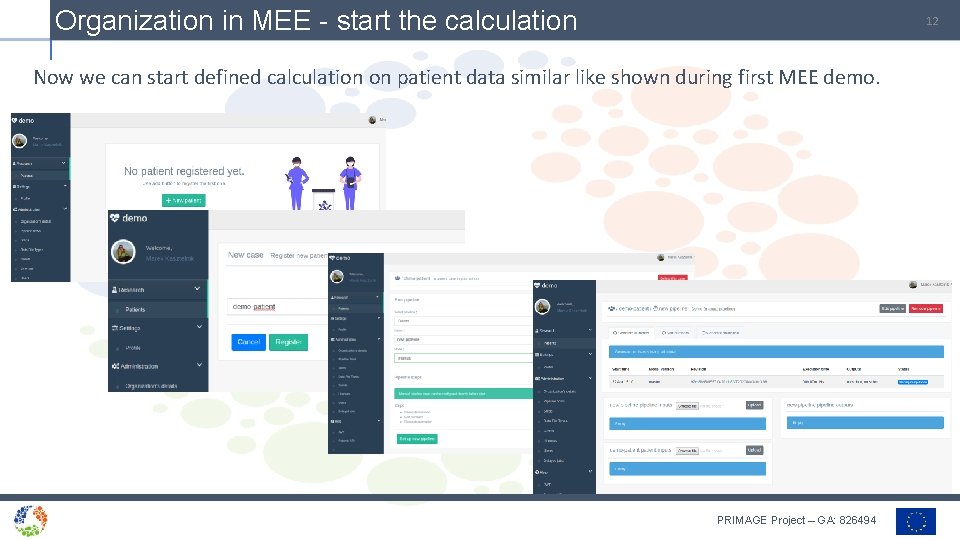
Organization in MEE - start the calculation 12 Now we can start defined calculation on patient data similar like shown during first MEE demo. PRIMAGE Project – GA: 826494
Model Execution Environment - live demo 13 Now it is time to see all these elements in action >> DEMO << https: //youtu. be/Vf. Qo. Qhx 26 Y 0 PRIMAGE Project – GA: 826494
Conclusions 14 These slides have gone through the administrator functionalities of the Model Execution Environment used in the PRIMAGE project - Register new organization (team collaboration space) Create licenses, grants, data file types Create pipeline steps and flows Run newly created pipelines on patient data This is not the end - In the next period of the project we are planning to improve the UI - Simplify the way how research interact with the system - Add more integrations with other systems created in the PRIMAGE project (e. g. One. Data storage) PRIMAGE Project – GA: 826494