
Order of Evaluation And more Order of evaluation

![Makes sense, right? But. . . (2) Product[Sum. Of. All. Unit. Price]= CALCULATE(Sum(Product[Unit. Price]),](https://slidetodoc.com/presentation_image_h2/8ddc33363fd5fa43e768dac6947b8eef/image-14.jpg "Makes sense, right? But. . . (2) Product[Sum. Of. All. Unit. Price]= CALCULATE(Sum(Product[Unit. Price]),")
- Slides: 16
Order of Evaluation And more()
Order of evaluation. . . Or Parameter order? Easy to get confused, but they are not the same
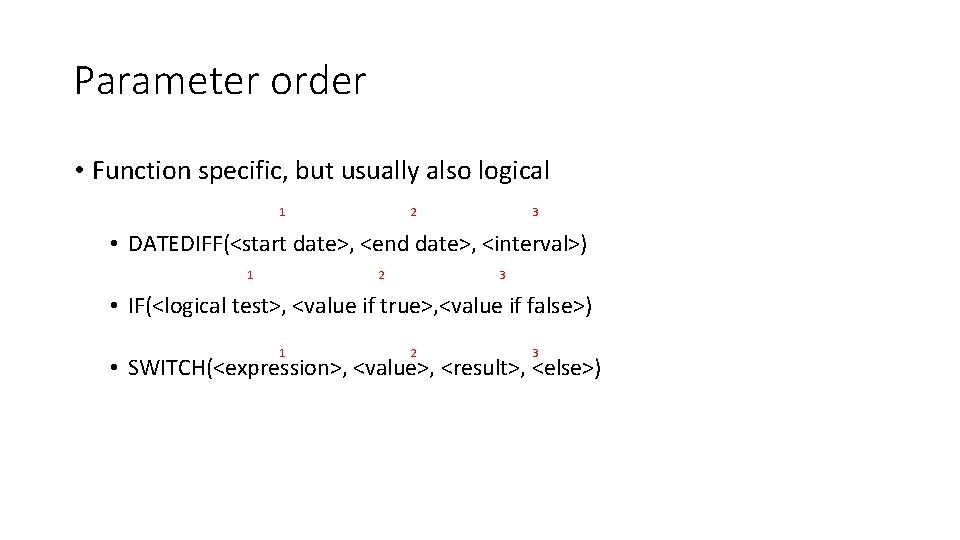
Parameter order • Function specific, but usually also logical 2 1 3 • DATEDIFF(<start date>, <end date>, <interval>) 2 1 3 • IF(<logical test>, <value if true>, <value if false>) 1 2 3 • SWITCH(<expression>, <value>, <result>, <else>)
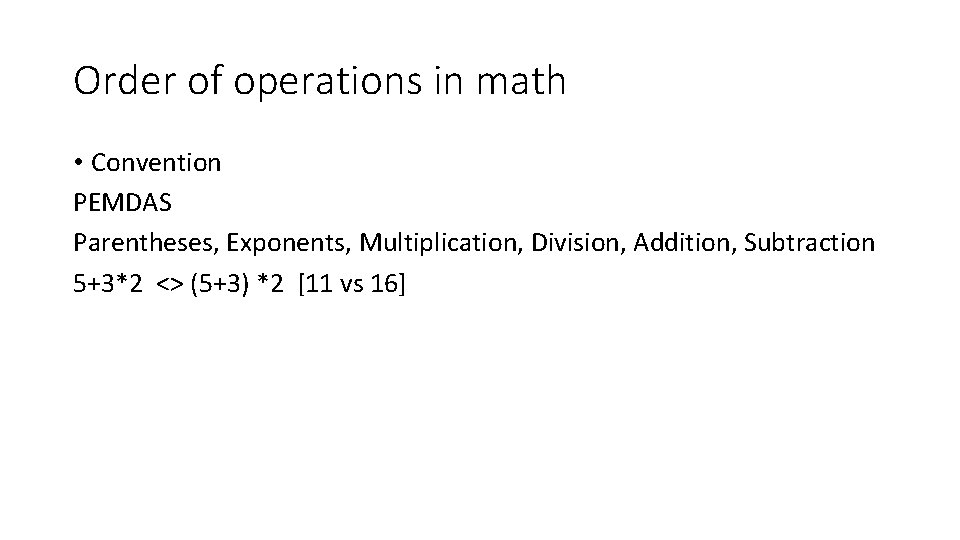
Order of operations in math • Convention PEMDAS Parentheses, Exponents, Multiplication, Division, Addition, Subtraction 5+3*2 <> (5+3) *2 [11 vs 16]
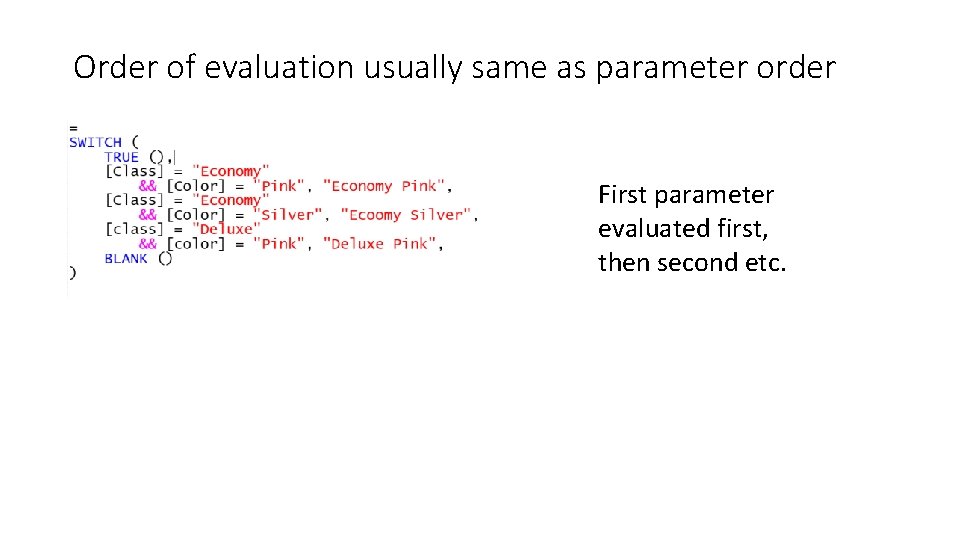
Order of evaluation usually same as parameter order First parameter evaluated first, then second etc.
Order of evaluation only an issue when nesting
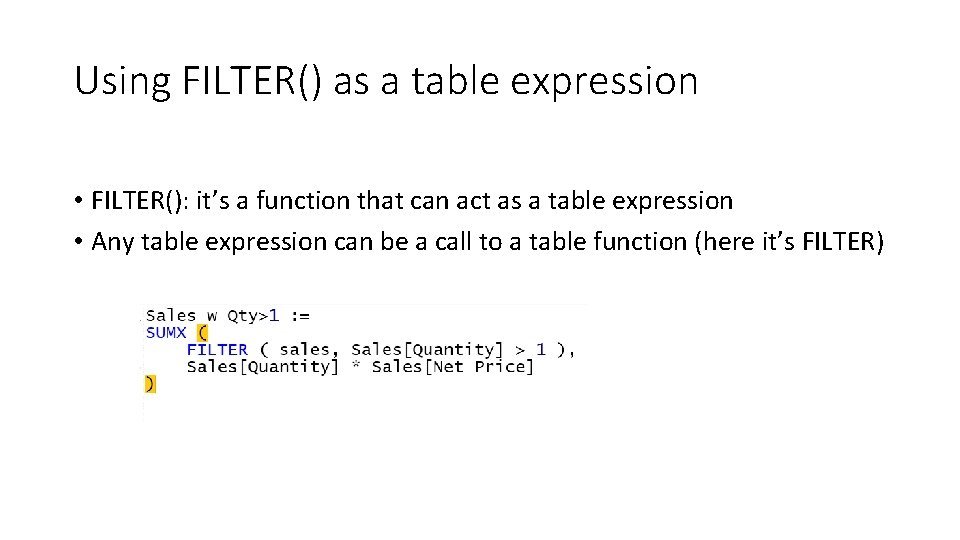
Using FILTER() as a table expression • FILTER(): it’s a function that can act as a table expression • Any table expression can be a call to a table function (here it’s FILTER)
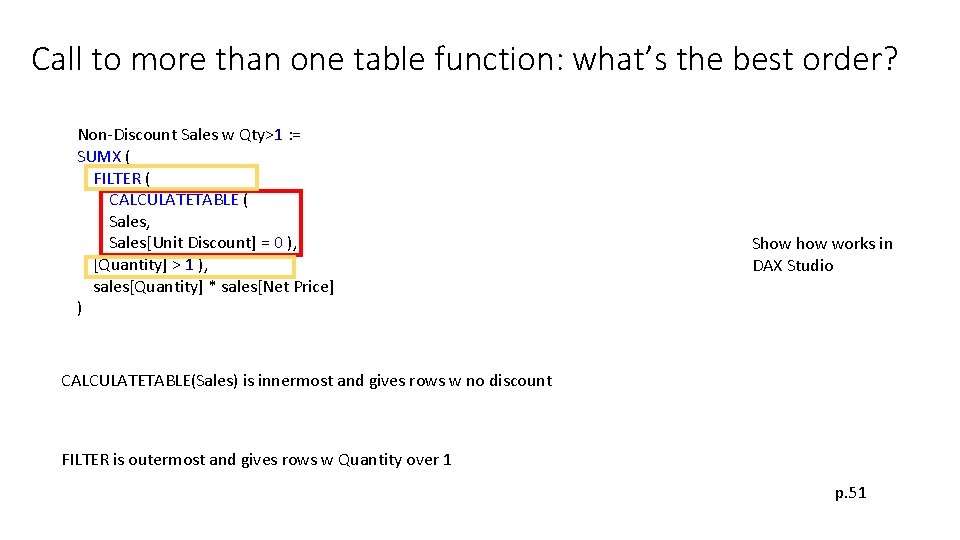
Call to more than one table function: what’s the best order? Non-Discount Sales w Qty>1 : = SUMX ( FILTER ( CALCULATETABLE ( Sales, Sales[Unit Discount] = 0 ), [Quantity] > 1 ), sales[Quantity] * sales[Net Price] ) Show works in DAX Studio CALCULATETABLE(Sales) is innermost and gives rows w no discount FILTER is outermost and gives rows w Quantity over 1 p. 51
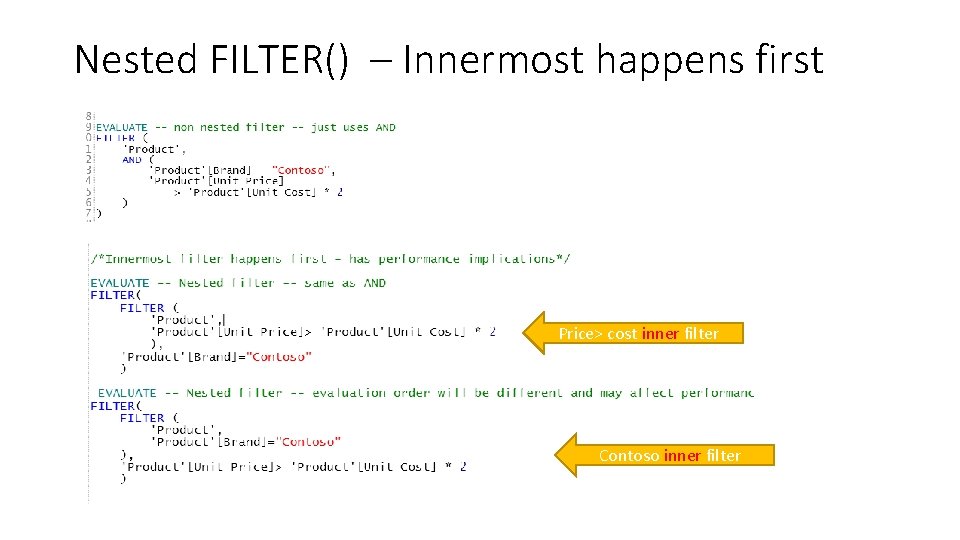
Nested FILTER() – Innermost happens first Price> cost inner filter Contoso inner filter
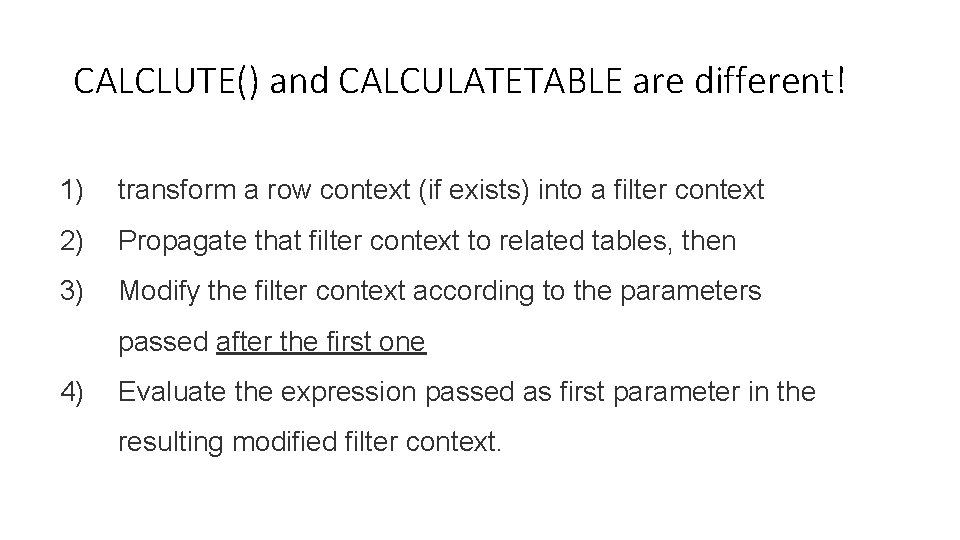
CALCLUTE() and CALCULATETABLE are different! 1) transform a row context (if exists) into a filter context 2) Propagate that filter context to related tables, then 3) Modify the filter context according to the parameters passed after the first one 4) Evaluate the expression passed as first parameter in the resulting modified filter context.
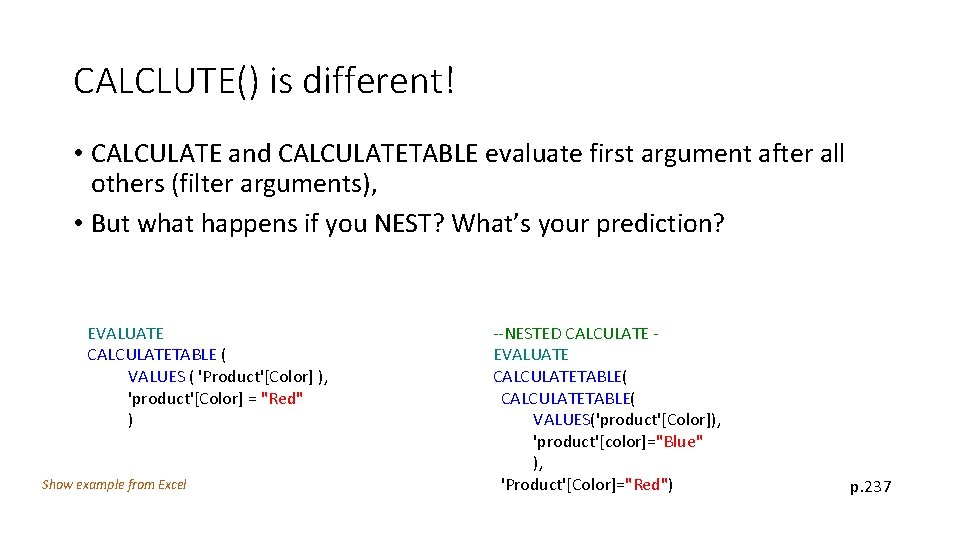
CALCLUTE() is different! • CALCULATE and CALCULATETABLE evaluate first argument after all others (filter arguments), • But what happens if you NEST? What’s your prediction? EVALUATE CALCULATETABLE ( VALUES ( 'Product'[Color] ), 'product'[Color] = "Red" ) Show example from Excel --NESTED CALCULATE EVALUATE CALCULATETABLE( VALUES('product'[Color]), 'product'[color]="Blue" ), 'Product'[Color]="Red") p. 237
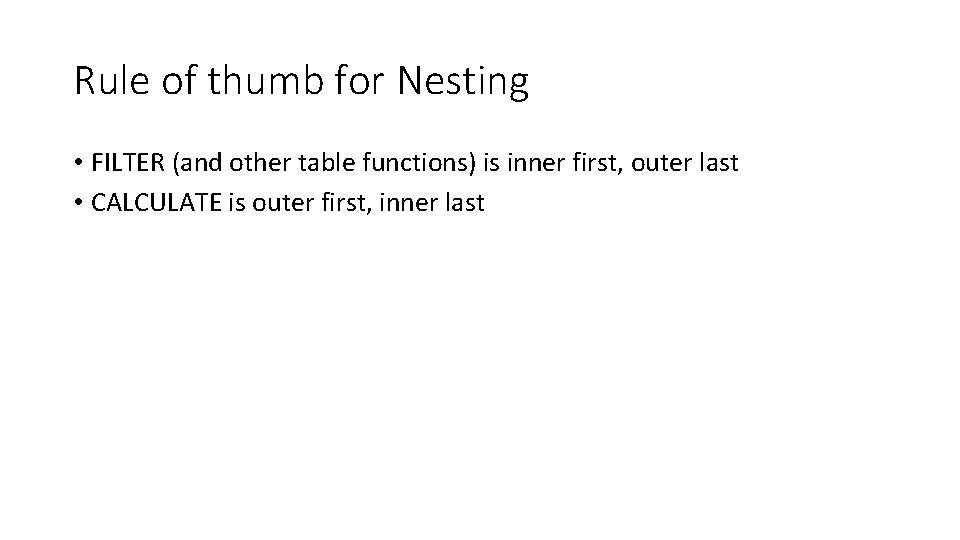
Rule of thumb for Nesting • FILTER (and other table functions) is inner first, outer last • CALCULATE is outer first, inner last
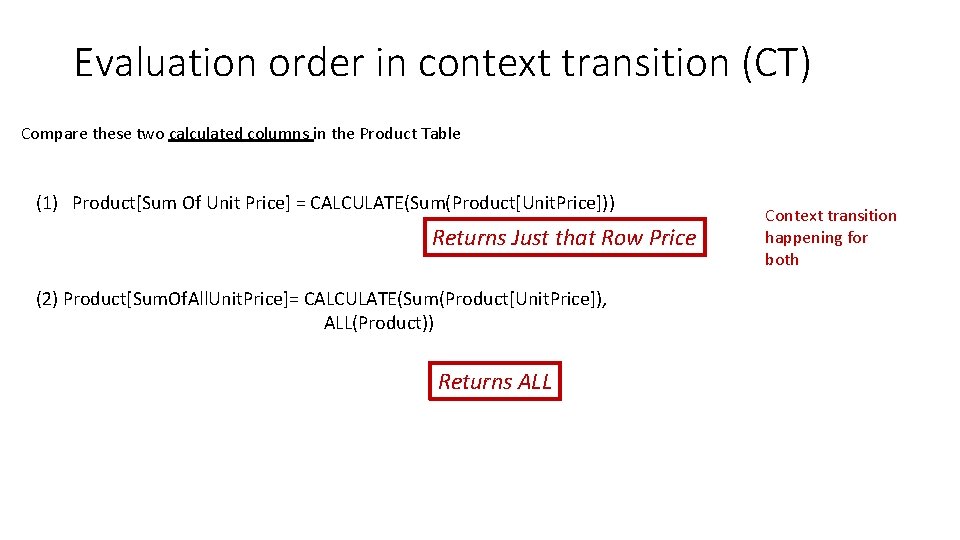
Evaluation order in context transition (CT) Compare these two calculated columns in the Product Table (1) Product[Sum Of Unit Price] = CALCULATE(Sum(Product[Unit. Price])) Returns Just that Row Price (2) Product[Sum. Of. All. Unit. Price]= CALCULATE(Sum(Product[Unit. Price]), ALL(Product)) Returns ALL Context transition happening for both
Makes sense, right? But. . . (2) Product[Sum. Of. All. Unit. Price]= CALCULATE(Sum(Product[Unit. Price]), ALL(Product)) This has, in fact, Two filters 1 – filter by being context transitioned 2 – filter of ALL Put these two conditions in AND, and Context Transition, which is more restrictive, should win.
What happened? Order of Precedence when CT is involved • CALCULATE executes CT first, and applies other filters later. • The later filter, in this case ALL, overrides CT
Rule of Thumb • When context transition is involved, CALCULATE gets uncomfortable and applies it first. : ) Later players trump.