
Oracle on Linux Installation for NonDBAs Sheryl Calish

Oracle on Linux Installation for Non-DBAs Sheryl Calish Blue Heron Consulting Paper #36684
Introduction · Linux Installation · Oracle Installation · Most Recently: · Oracle 9 i (Release 2) on Su. SE 8. 0 (kernel 2. 4. 18) · Past installs: · Oracle 9 i on Su. SE 7. 2 (kernel 2. 4. 4) · Oracle 8. 1. 7 on Red Hat 6. 2 (kernel 2. 2. 16)
Linux Installation · Hardware and System Considerations · Linux distributions · How to prepare for a Linux installation
Oracle Installation · Preparation tasks · Reported installation issues · Recommendations for novices

Hardware and System Considerations · · · To check for compatibility with Linux and Xfree 86 To ensure proper configuration of your system To enable others to help you, if something goes wrong
Component Information Monitor: make, model, manufacture, horizontal and vertical scan rate for each resolution Video Card: make, chipset, model number and VRAM Sound Card: make, chipset, and model number
More Components Memory: amount of RAM Oracle 9 i requires 512 MB minimum Mouse: type, protocol and number of buttons Modem: type and port number CD-ROM: interface type SCSI Adapter: make and model number Paper #36684
Hard Disk Requirements Hard Drive(s): number, size and type Oracle 9 i space requirements: 3. 5 GB for database software (typical not customized installation) 1. 0 GB for seed database 1. 0 GB for swap space
System Information Network Information: IP address, netmask, gateway IP address, one or more server IP addresses, domain name, organization name Hostname: name of your computer Partitions: default or map of planned partitions and mount points
Which Distribution? United Linux: Su. SE Linux, Turbolinux, Conectiva, The SCOgroup (Caldera) Red Hat Mandrake Debian
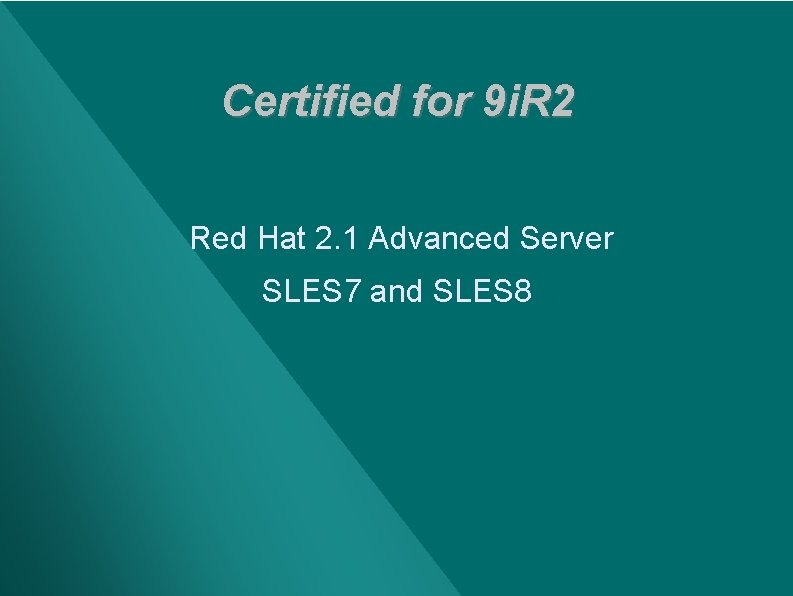
Certified for 9 i. R 2 Red Hat 2. 1 Advanced Server SLES 7 and SLES 8
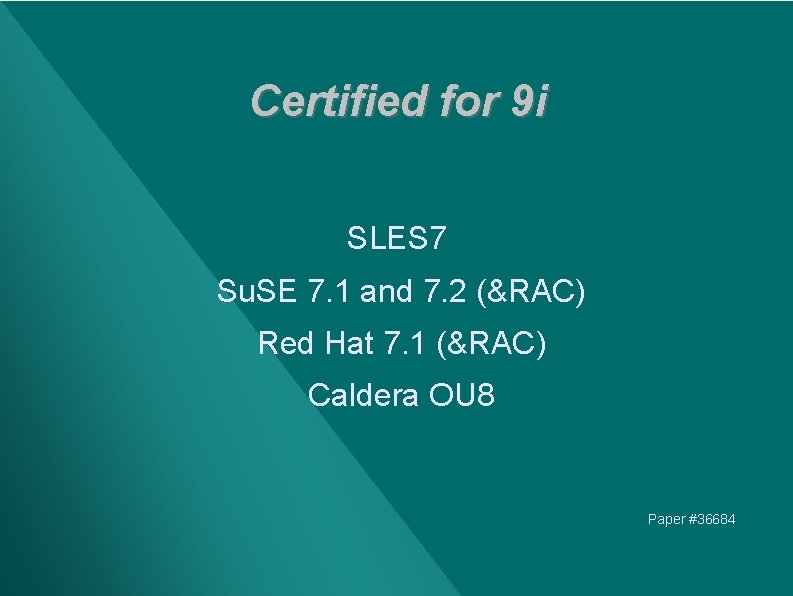
Certified for 9 i SLES 7 Su. SE 7. 1 and 7. 2 (&RAC) Red Hat 7. 1 (&RAC) Caldera OU 8 Paper #36684
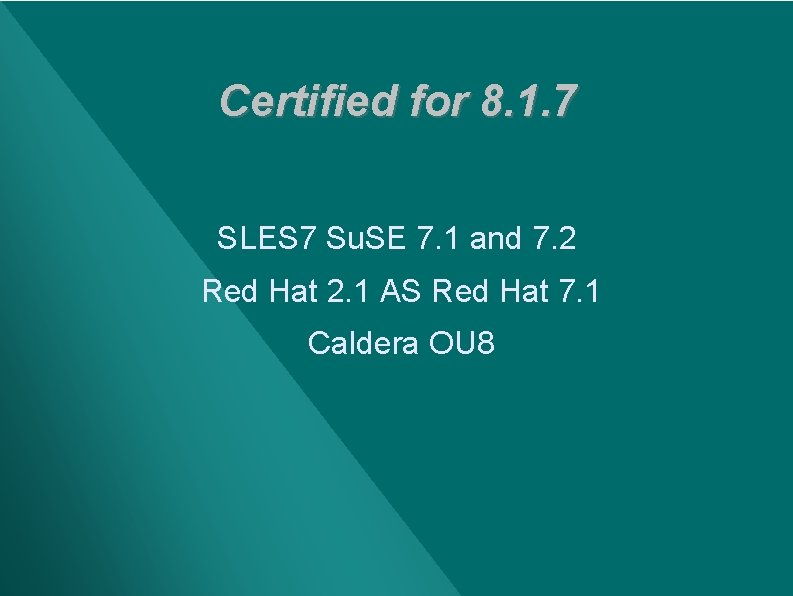
Certified for 8. 1. 7 SLES 7 Su. SE 7. 1 and 7. 2 Red Hat 2. 1 AS Red Hat 7. 1 Caldera OU 8
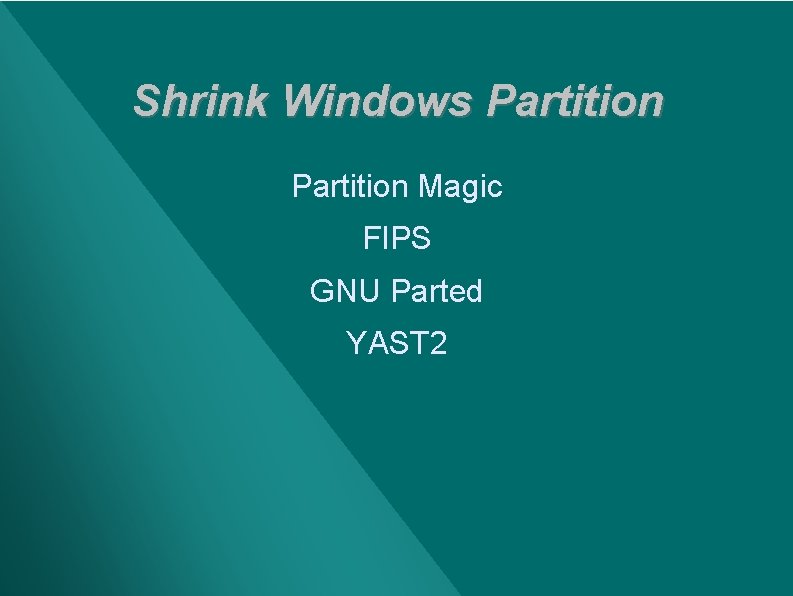
Shrink Windows Partition Magic FIPS GNU Parted YAST 2
Partitioning Rationale "Partitioning Your Hard Drive": www. newriders. com/debian/html/noframes/node 15 "4. 3 Partitioning Hard Drives(s)": www. linuxdoc. org/LDP/lame/LAME/linux-adminmade-easy/install-partitioning
Optimal Flexible Architecture Four separate mount points: /u 01, /u 02, /u 03, /u 04 each in its own partition
Two References "Tips for Installing and Configuring Oracle 9 i Database on Red Hat Linux", from Oracle. World 2003 "Installation Instructions for Oracle 9 i Release 2 (9. 2. 0. x) on United Linux 1. 0 based Linux systems", from www. suse. com/oracle
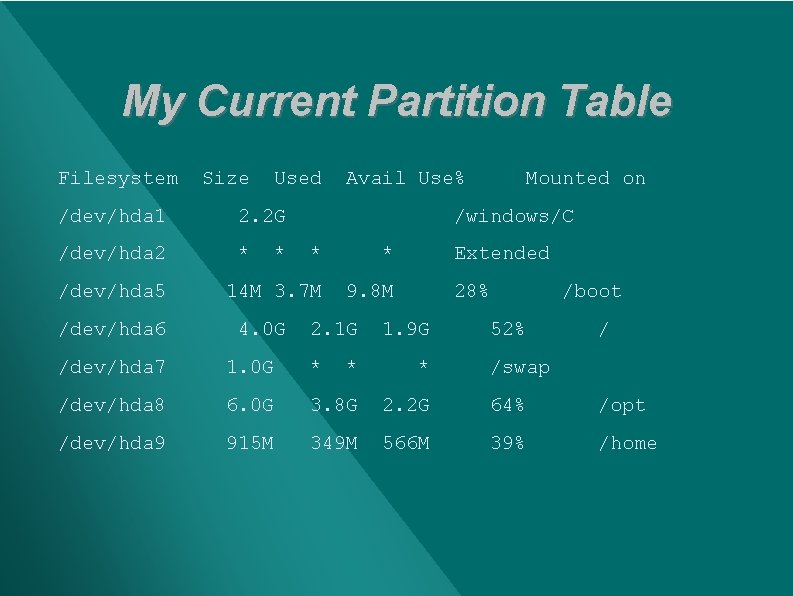
My Current Partition Table Filesystem Size Used /dev/hda 1 2. 2 G /dev/hda 2 * /dev/hda 5 /dev/hda 6 * Avail Use% /windows/C * * 14 M 3. 7 M 9. 8 M 4. 0 G Mounted on 2. 1 G Extended 28% 1. 9 G /boot 52% / /dev/hda 7 1. 0 G * * * /swap /dev/hda 8 6. 0 G 3. 8 G 2. 2 G 64% /opt /dev/hda 9 915 M 349 M 566 M 39% /home
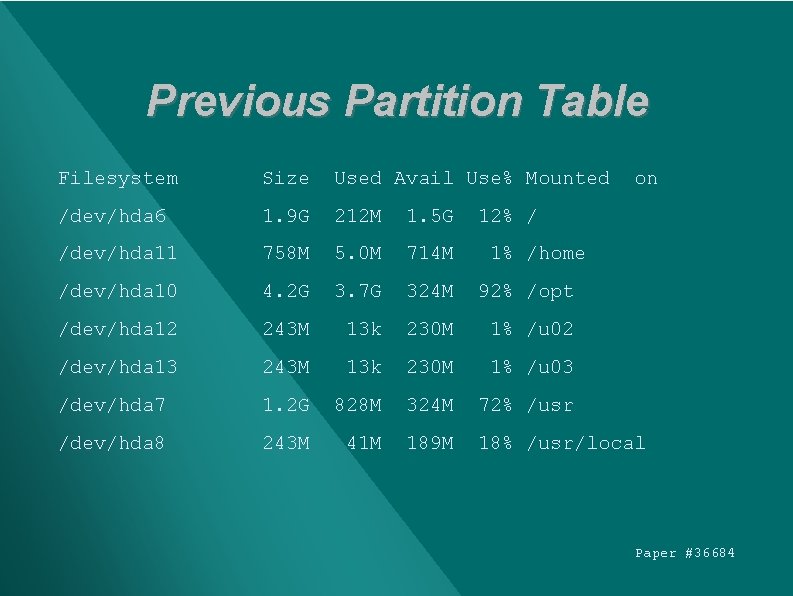
Previous Partition Table Filesystem Size Used Avail Use% Mounted on /dev/hda 6 1. 9 G 212 M 1. 5 G /dev/hda 11 758 M 5. 0 M 714 M /dev/hda 10 4. 2 G 3. 7 G 324 M 92% /opt /dev/hda 12 243 M 13 k 230 M 1% /u 02 /dev/hda 13 243 M 13 k 230 M 1% /u 03 /dev/hda 7 1. 2 G 828 M 324 M 72% /usr /dev/hda 8 243 M 41 M 189 M 18% /usr/local 12% / 1% /home Paper #36684
Swap Space · · Oracle 9 i installation requires swap space to be equal to physical memory or 1 GB, whichever is greater A temporary swap file can be used
Run Linux Installer · · Follow the documentation for your distribution Check with your Linux distribution for the latest updates and patches
Prepare for Oracle Installation · Make sure appropriate software is installed · Create the database administrator groups · Create the Oracle user · Create mount points · Modify kernel parameters · Set environment variables
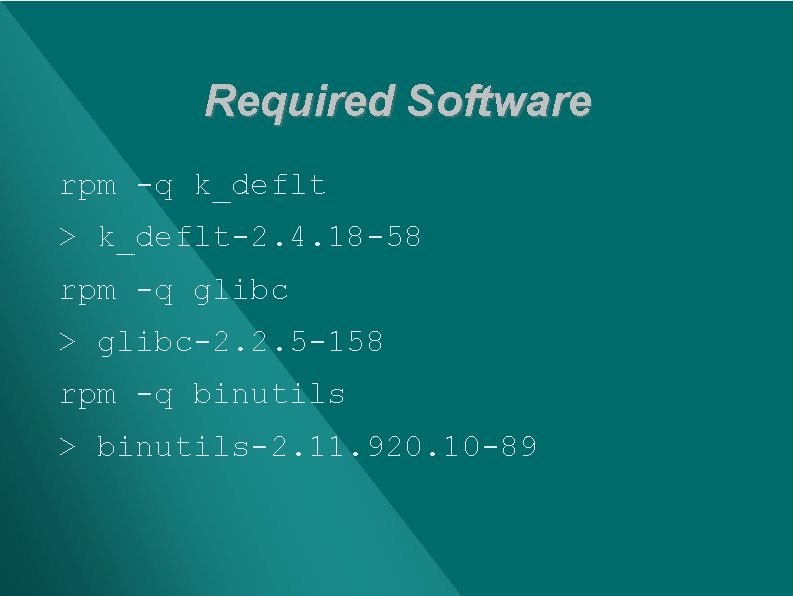
Required Software rpm -q k_deflt > k_deflt-2. 4. 18 -58 rpm -q glibc > glibc-2. 2. 5 -158 rpm -q binutils > binutils-2. 11. 920. 10 -89
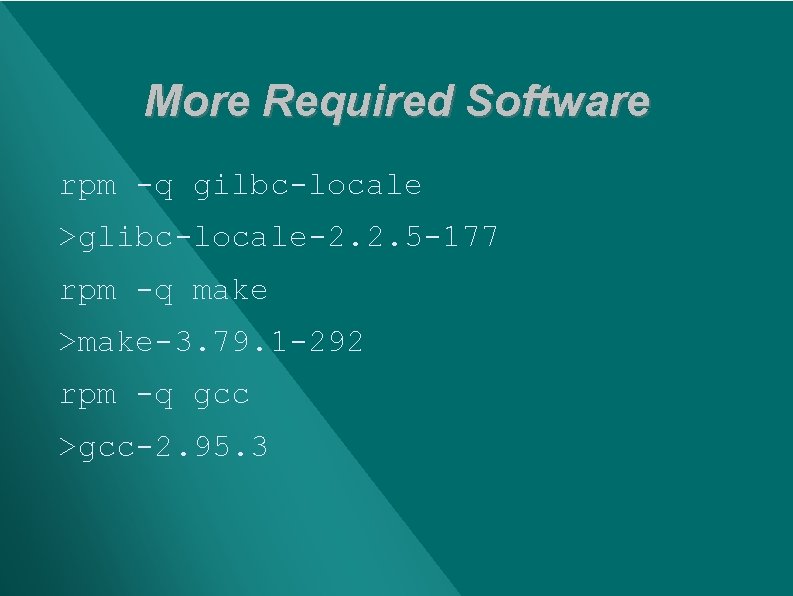
More Required Software rpm -q gilbc-locale >glibc-locale-2. 2. 5 -177 rpm -q make >make-3. 79. 1 -292 rpm -q gcc >gcc-2. 95. 3
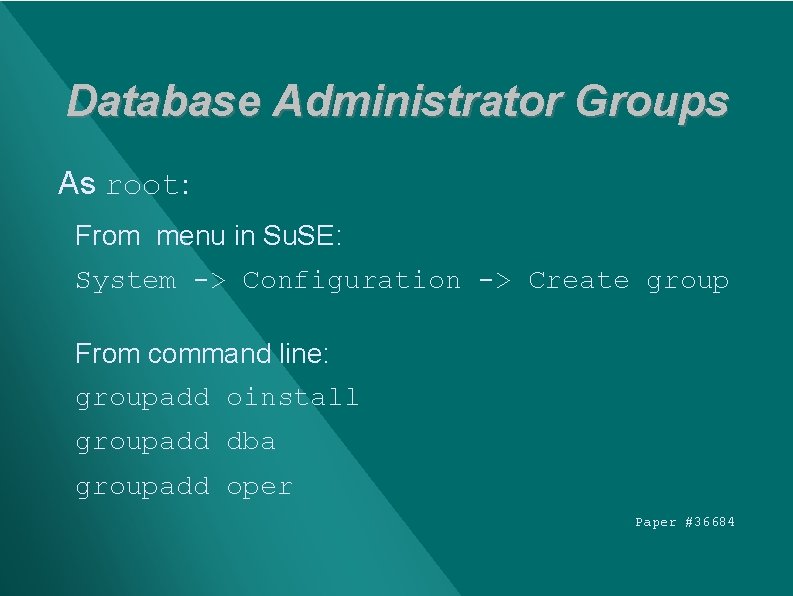
Database Administrator Groups As root: From menu in Su. SE: System -> Configuration -> Create group From command line: groupadd oinstall groupadd dba groupadd oper Paper #36684
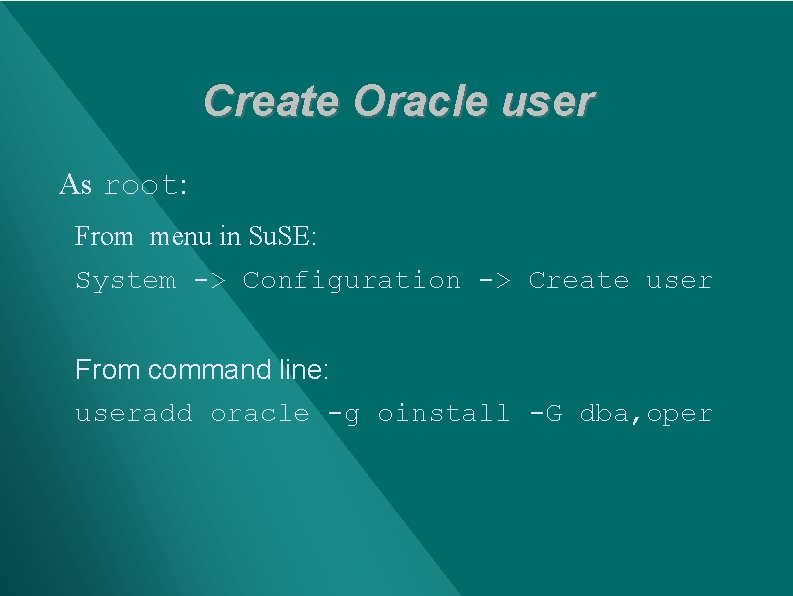
Create Oracle user As root: From menu in Su. SE: System -> Configuration -> Create user From command line: useradd oracle -g oinstall -G dba, oper
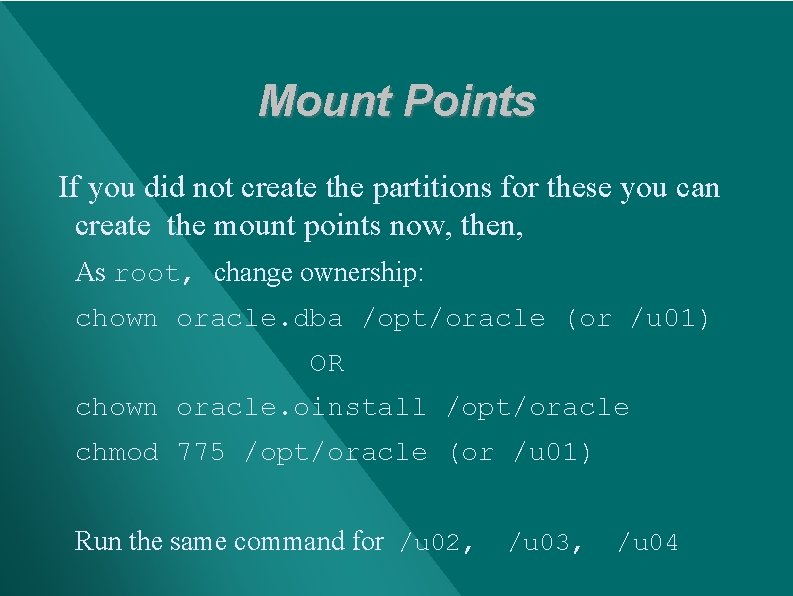
Mount Points If you did not create the partitions for these you can create the mount points now, then, As root, change ownership: chown oracle. dba /opt/oracle (or /u 01) OR chown oracle. oinstall /opt/oracle chmod 775 /opt/oracle (or /u 01) Run the same command for /u 02, /u 03, /u 04
Kernel Parameters Oracle documentation warns of possible installation or production problems if the settings are insufficient SHMMAX
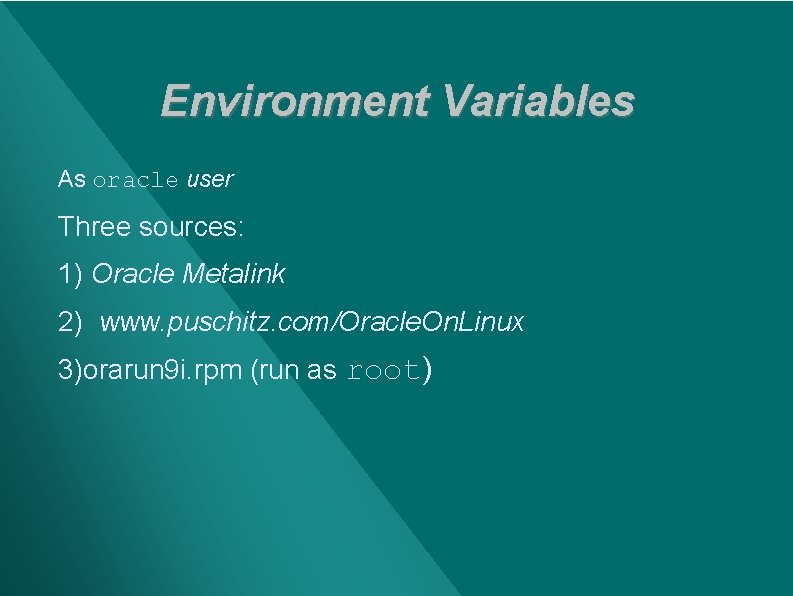
Environment Variables As oracle user Three sources: 1) Oracle Metalink 2) www. puschitz. com/Oracle. On. Linux 3)orarun 9 i. rpm (run as root)
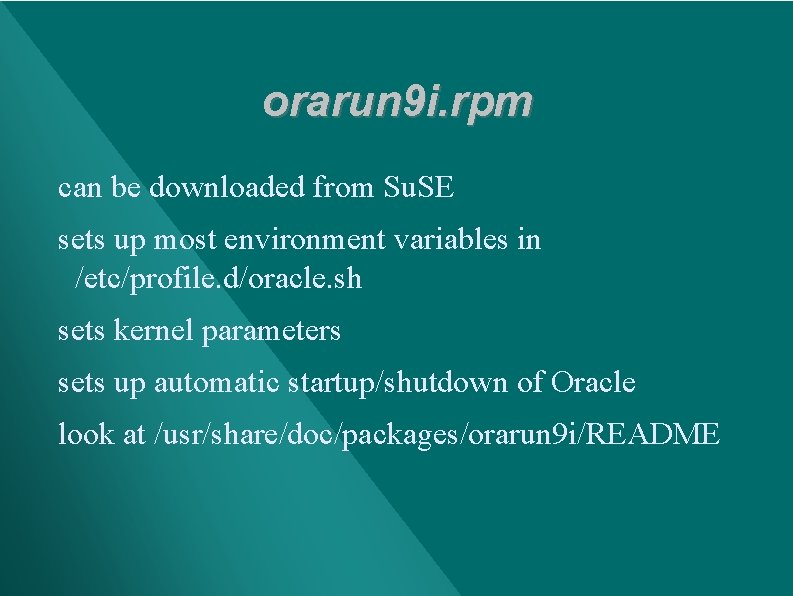
orarun 9 i. rpm can be downloaded from Su. SE sets up most environment variables in /etc/profile. d/oracle. sh sets kernel parameters sets up automatic startup/shutdown of Oracle look at /usr/share/doc/packages/orarun 9 i/README
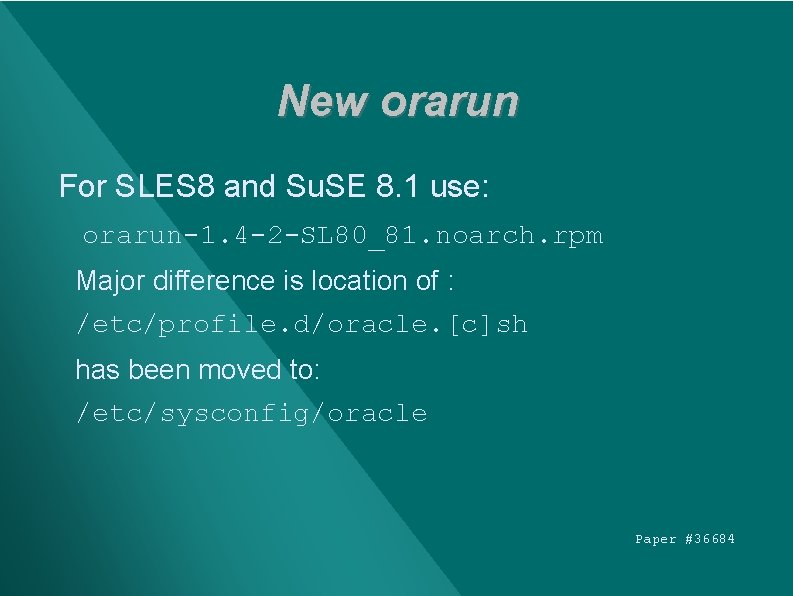
New orarun For SLES 8 and Su. SE 8. 1 use: orarun-1. 4 -2 -SL 80_81. noarch. rpm Major difference is location of : /etc/profile. d/oracle. [c]sh has been moved to: /etc/sysconfig/oracle Paper #36684
Oracle 9 i RHL Run Package Available from GURU LABS www. gurulabs. com/downloads. html Based on orarun 9 i. rpm from Su. SE modified to work with Red Hat
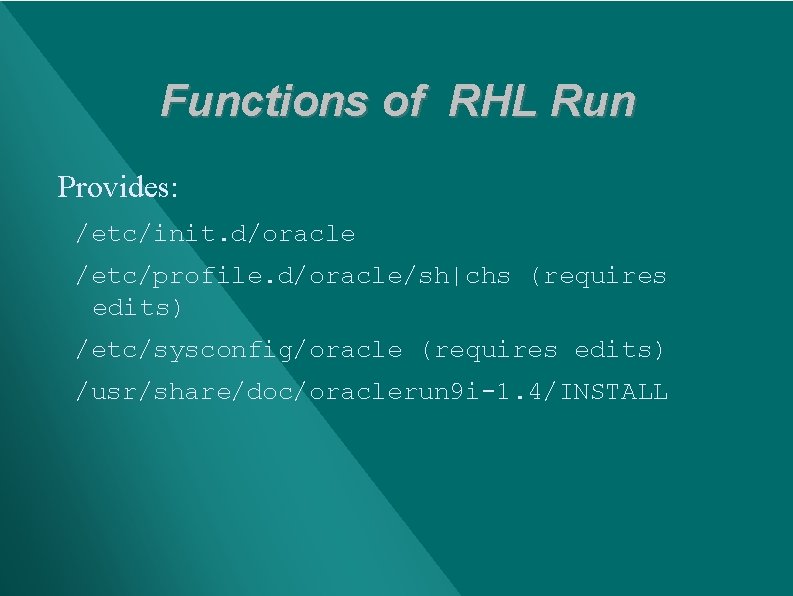
Functions of RHL Run Provides: /etc/init. d/oracle /etc/profile. d/oracle/sh|chs (requires edits) /etc/sysconfig/oracle (requires edits) /usr/share/doc/oraclerun 9 i-1. 4/INSTALL
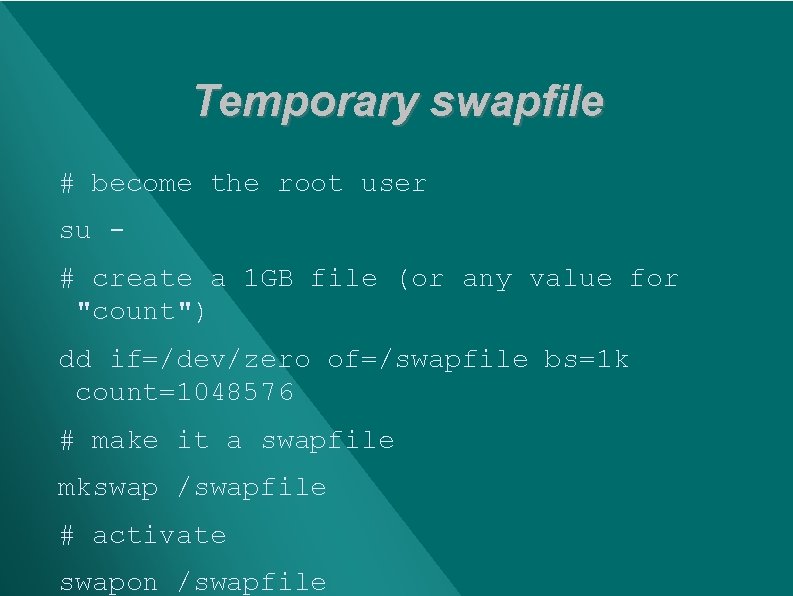
Temporary swapfile # become the root user su # create a 1 GB file (or any value for "count") dd if=/dev/zero of=/swapfile bs=1 k count=1048576 # make it a swapfile mkswap /swapfile # activate swapon /swapfile
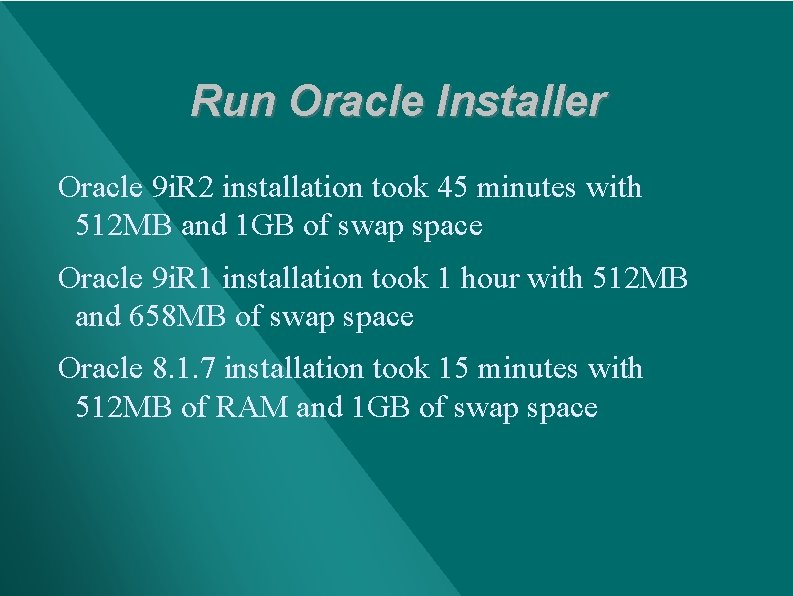
Run Oracle Installer Oracle 9 i. R 2 installation took 45 minutes with 512 MB and 1 GB of swap space Oracle 9 i. R 1 installation took 1 hour with 512 MB and 658 MB of swap space Oracle 8. 1. 7 installation took 15 minutes with 512 MB of RAM and 1 GB of swap space
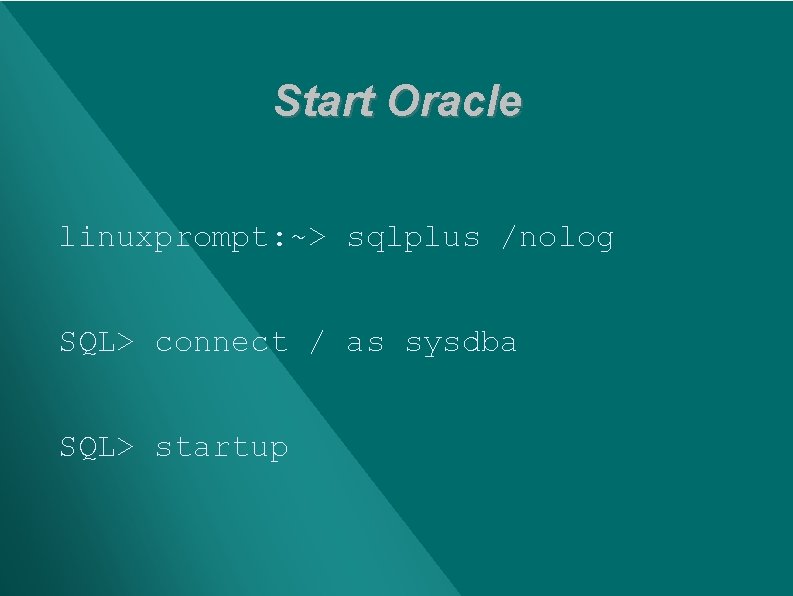
Start Oracle linuxprompt: ~> sqlplus /nolog SQL> connect / as sysdba SQL> startup
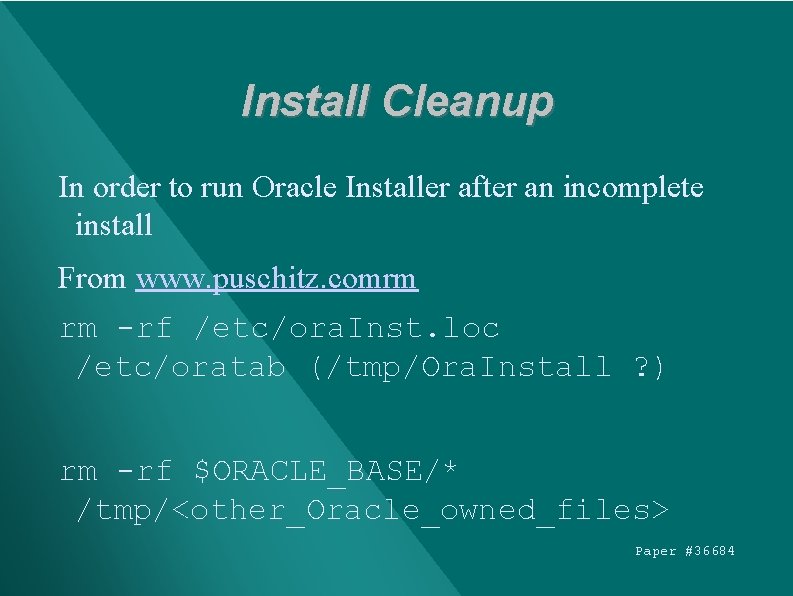
Install Cleanup In order to run Oracle Installer after an incomplete install From www. puschitz. comrm rm -rf /etc/ora. Inst. loc /etc/oratab (/tmp/Ora. Install ? ) rm -rf $ORACLE_BASE/* /tmp/<other_Oracle_owned_files> Paper #36684
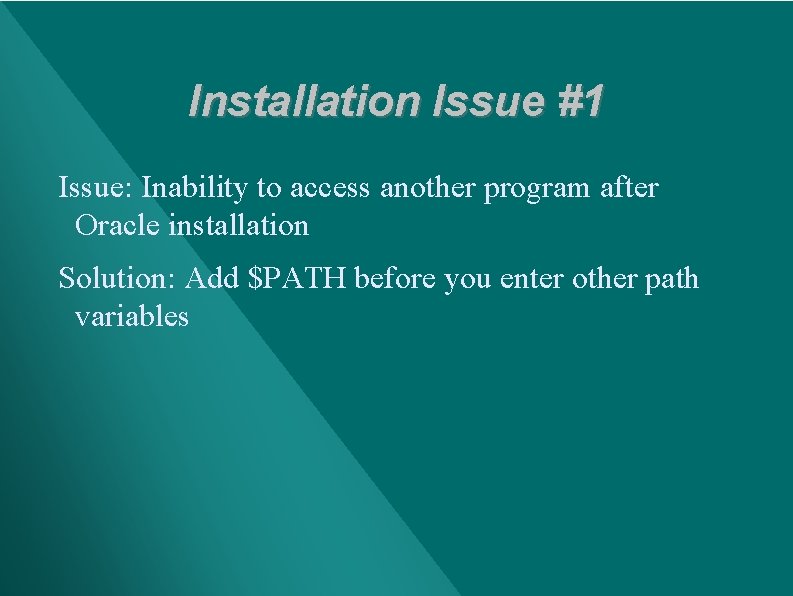
Installation Issue #1 Issue: Inability to access another program after Oracle installation Solution: Add $PATH before you enter other path variables
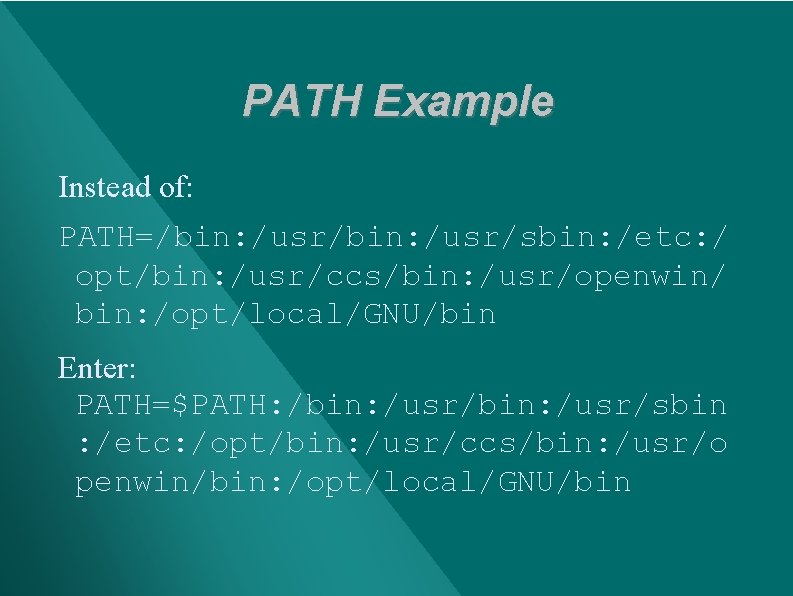
PATH Example Instead of: PATH=/bin: /usr/sbin: /etc: / opt/bin: /usr/ccs/bin: /usr/openwin/ bin: /opt/local/GNU/bin Enter: PATH=$PATH: /bin: /usr/sbin : /etc: /opt/bin: /usr/ccs/bin: /usr/o penwin/bin: /opt/local/GNU/bin
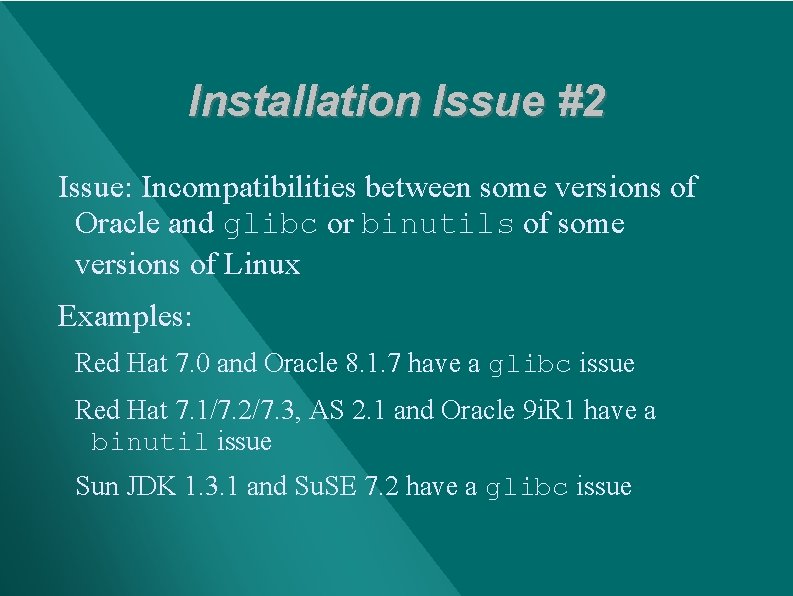
Installation Issue #2 Issue: Incompatibilities between some versions of Oracle and glibc or binutils of some versions of Linux Examples: Red Hat 7. 0 and Oracle 8. 1. 7 have a glibc issue Red Hat 7. 1/7. 2/7. 3, AS 2. 1 and Oracle 9 i. R 1 have a binutil issue Sun JDK 1. 3. 1 and Su. SE 7. 2 have a glibc issue
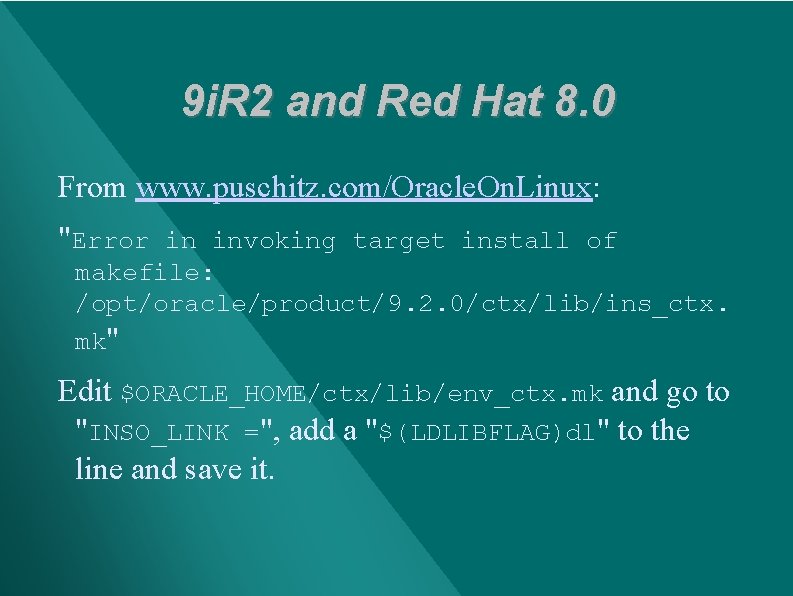
9 i. R 2 and Red Hat 8. 0 From www. puschitz. com/Oracle. On. Linux: "Error in invoking target install of makefile: /opt/oracle/product/9. 2. 0/ctx/lib/ins_ctx. mk" Edit $ORACLE_HOME/ctx/lib/env_ctx. mk and go to "INSO_LINK =", add a "$(LDLIBFLAG)dl" to the line and save it.
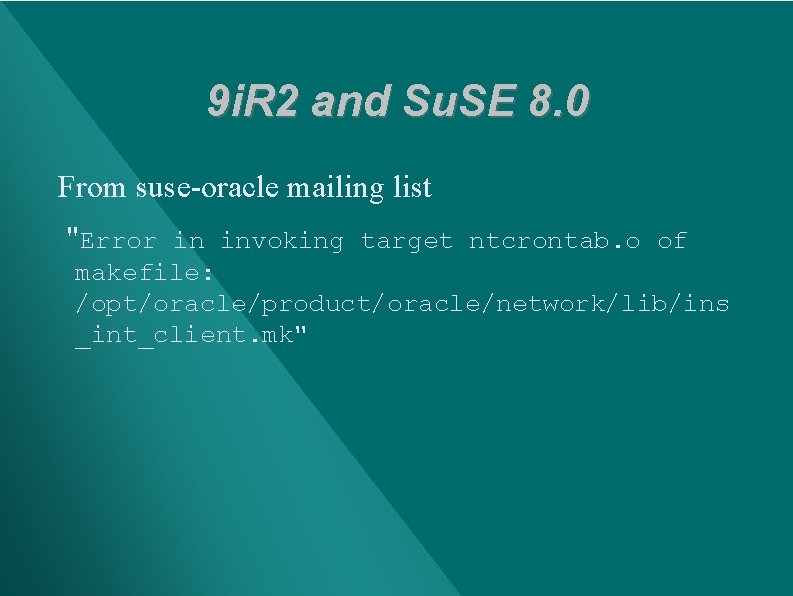
9 i. R 2 and Su. SE 8. 0 From suse-oracle mailing list "Error in invoking target ntcrontab. o of makefile: /opt/oracle/product/oracle/network/lib/ins _int_client. mk"
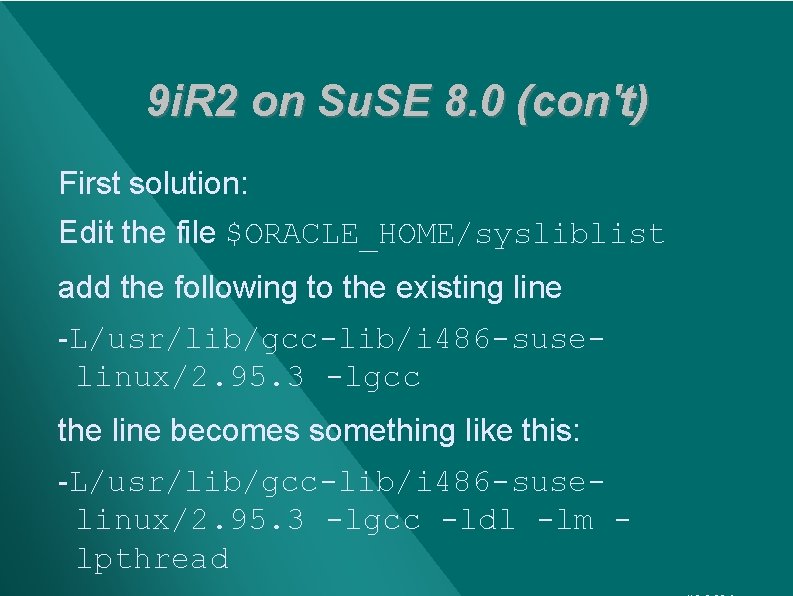
9 i. R 2 on Su. SE 8. 0 (con't) First solution: Edit the file $ORACLE_HOME/sysliblist add the following to the existing line -L/usr/lib/gcc-lib/i 486 -suselinux/2. 95. 3 -lgcc the line becomes something like this: -L/usr/lib/gcc-lib/i 486 -suselinux/2. 95. 3 -lgcc -ldl -lm lpthread
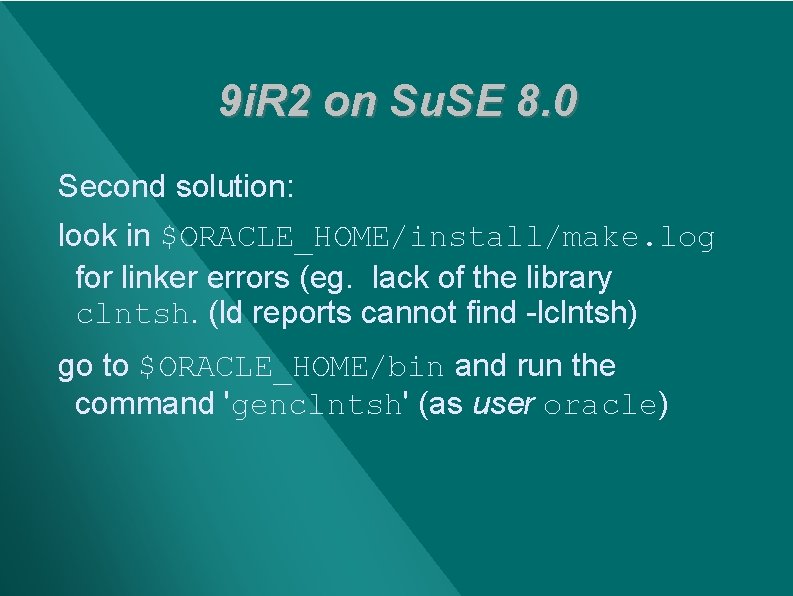
9 i. R 2 on Su. SE 8. 0 Second solution: look in $ORACLE_HOME/install/make. log for linker errors (eg. lack of the library clntsh. (ld reports cannot find -lclntsh) go to $ORACLE_HOME/bin and run the command 'genclntsh' (as user oracle)
Installation Issue #3 Issue: Some have reported that the Installer hangs during installation Enter: unset LANG Then run Oracle Universal Installer
Installation Issue #4 Issue: Mounting and unmounting cdrom Run Oracle Universal Installer as Oracle user From Oracle user directory: mount /media/cdrom/oracle 9 i/run. Installer unmount /media/cdrom DO NOT cd to cdrom directory to. /run. Installer!
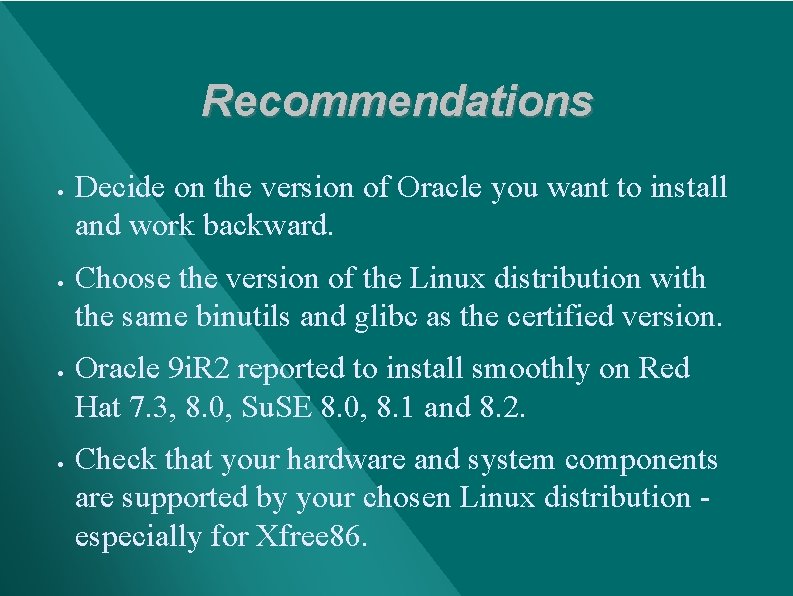
Recommendations · · Decide on the version of Oracle you want to install and work backward. Choose the version of the Linux distribution with the same binutils and glibc as the certified version. Oracle 9 i. R 2 reported to install smoothly on Red Hat 7. 3, 8. 0, Su. SE 8. 0, 8. 1 and 8. 2. Check that your hardware and system components are supported by your chosen Linux distribution especially for Xfree 86.
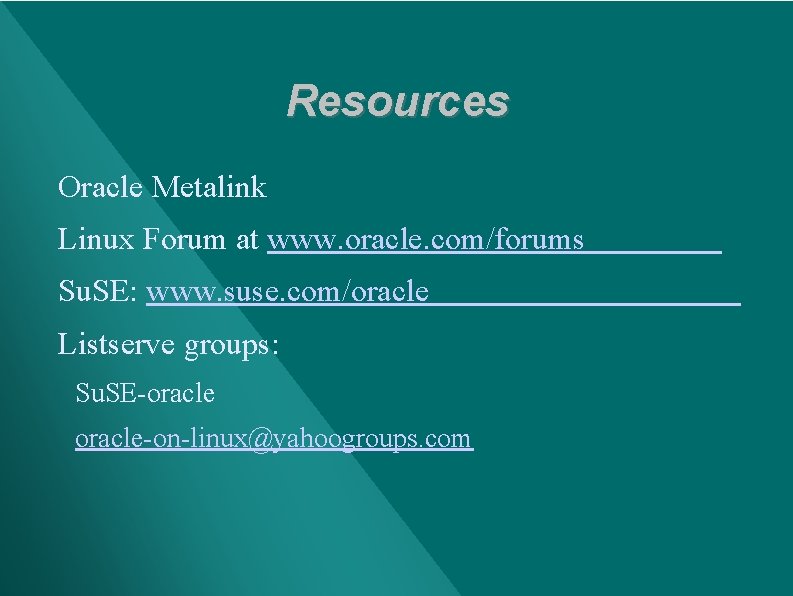
Resources Oracle Metalink Linux Forum at www. oracle. com/forums Su. SE: www. suse. com/oracle Listserve groups: Su. SE-oracle-on-linux@yahoogroups. com

Contact Information Sheryl Calish Blue Heron Consulting scalish@earthlink. net Paper #36684

- Slides: 50