
Oracle JDBC Driver Manager register Drivernew oracle jdbc
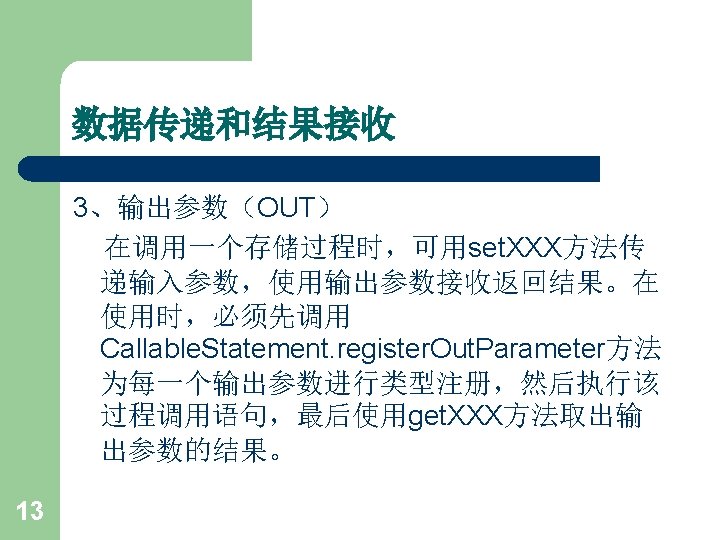
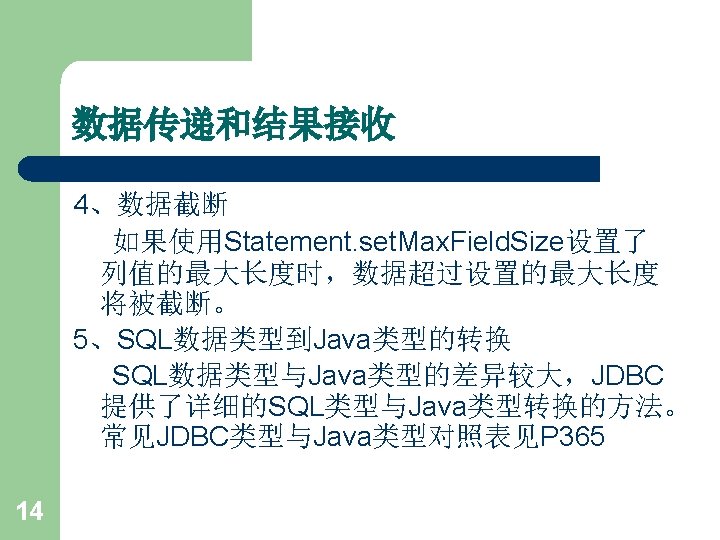
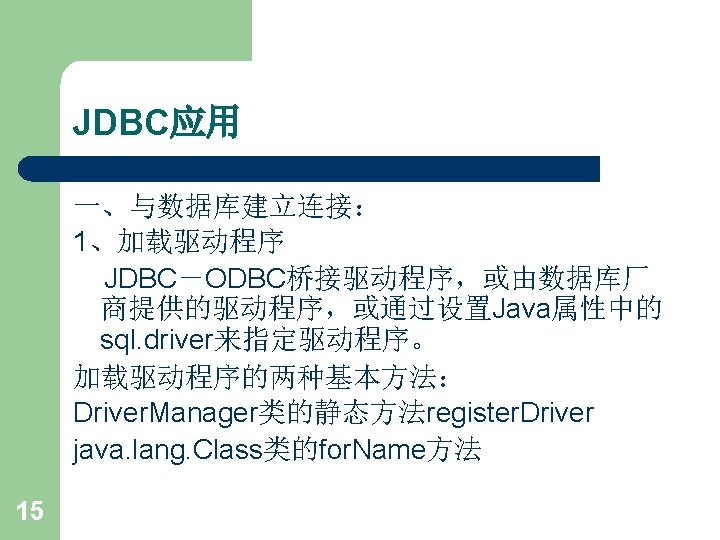
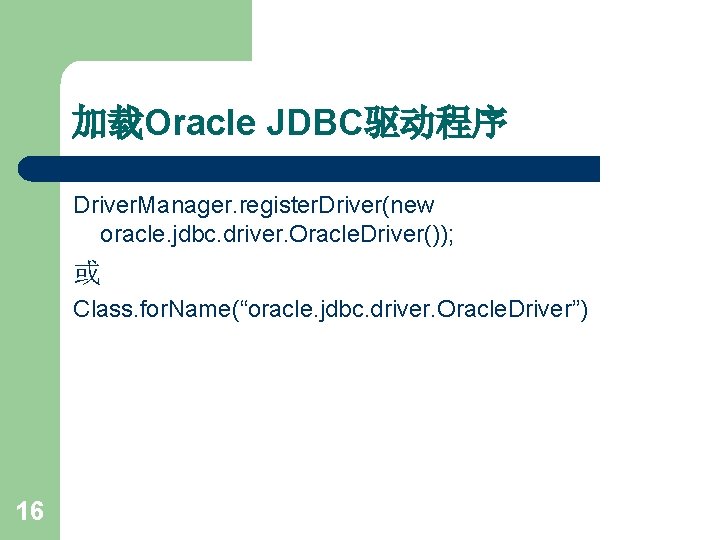
加载Oracle JDBC驱动程序 Driver. Manager. register. Driver(new oracle. jdbc. driver. Oracle. Driver()); 或 Class. for. Name(“oracle. jdbc. driver. Oracle. Driver”) 16
加载MS SQL Server JDBC驱动程序 Driver. Manager. register. Driver(new com. microsoft. jdbc. sqlserver. SQLServer. Driver ()); 或 Class. for. Name(“com. microsoft. jdbc. sqlserver. SQLServ er. Driver”) 17
加载IBM DB 2驱动程序 Driver. Manager. register. Driver(new com. ibm. db 2. jdbc. app. DB 2 Driver ()); 或 Class. for. Name(“com. ibm. db 2. jdbc. app. DB 2 Driver ”) 18
加载IBM Informix驱动程序 Driver. Manager. register. Driver(new com. informix. jdbc. Ifx. Driver ()); 或 Class. for. Name(“com. informix. jdbc. Ifx. Driver”) 19
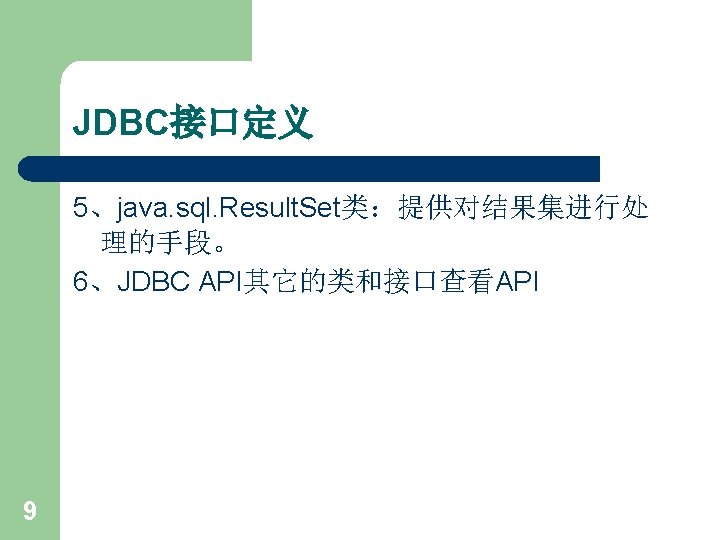
加载Sybase驱动程序 Driver. Manager. register. Driver(new com. sybase. jdbc. Syb. Driver ()); 或 Class. for. Name(“com. sybase. jdbc. Syb. Driver”) 20
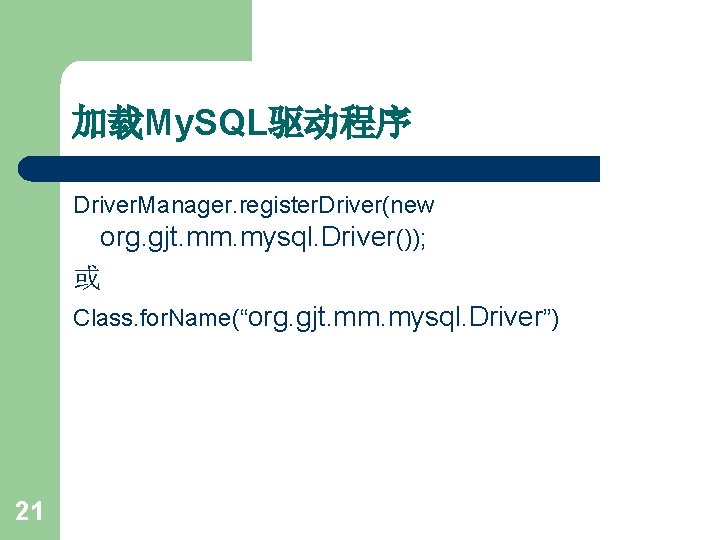
加载My. SQL驱动程序 Driver. Manager. register. Driver(new org. gjt. mm. mysql. Driver()); 或 Class. for. Name(“org. gjt. mm. mysql. Driver”) 21
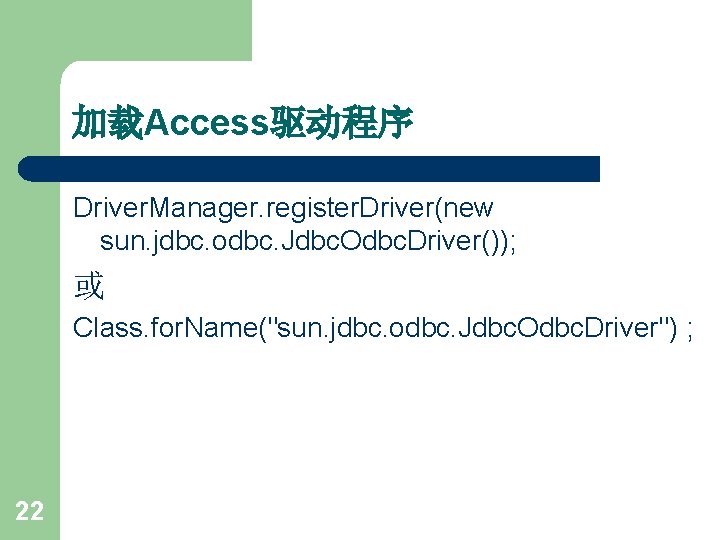
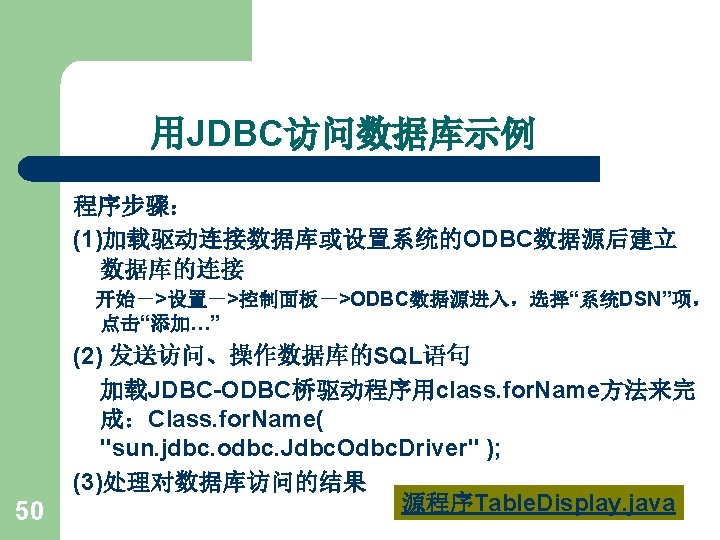
加载Access驱动程序 Driver. Manager. register. Driver(new sun. jdbc. odbc. Jdbc. Odbc. Driver()); 或 Class. for. Name("sun. jdbc. odbc. Jdbc. Odbc. Driver") ; 22
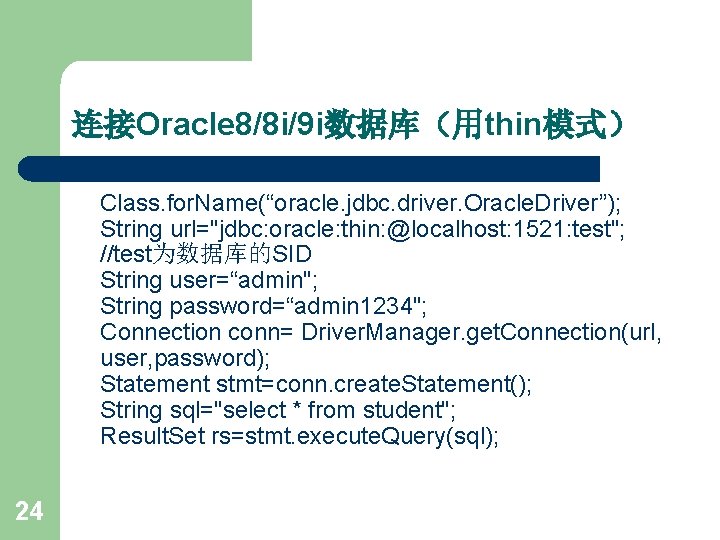
连接Oracle 8/8 i/9 i数据库(用thin模式) Class. for. Name(“oracle. jdbc. driver. Oracle. Driver”); String url="jdbc: oracle: thin: @localhost: 1521: test"; //test为数据库的SID String user=“admin"; String password=“admin 1234"; Connection conn= Driver. Manager. get. Connection(url, user, password); Statement stmt=conn. create. Statement(); String sql="select * from student"; Result. Set rs=stmt. execute. Query(sql); 24
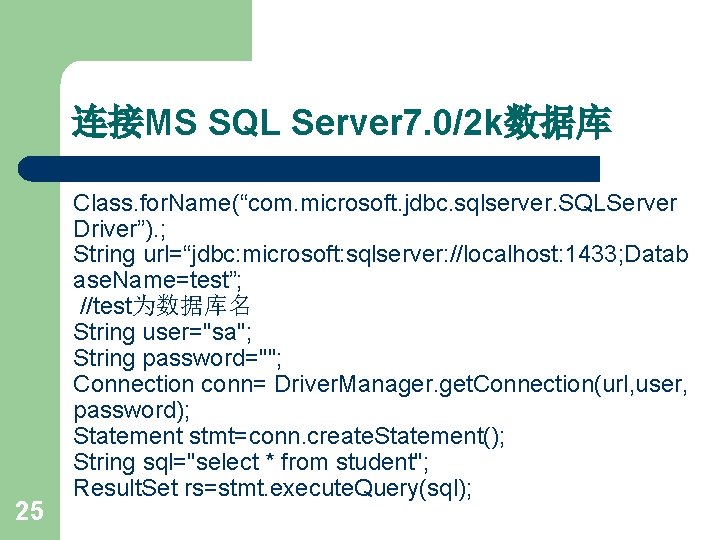
连接MS SQL Server 7. 0/2 k数据库 25 Class. for. Name(“com. microsoft. jdbc. sqlserver. SQLServer Driver”). ; String url=“jdbc: microsoft: sqlserver: //localhost: 1433; Datab ase. Name=test”; //test为数据库名 String user="sa"; String password=""; Connection conn= Driver. Manager. get. Connection(url, user, password); Statement stmt=conn. create. Statement(); String sql="select * from student"; Result. Set rs=stmt. execute. Query(sql);
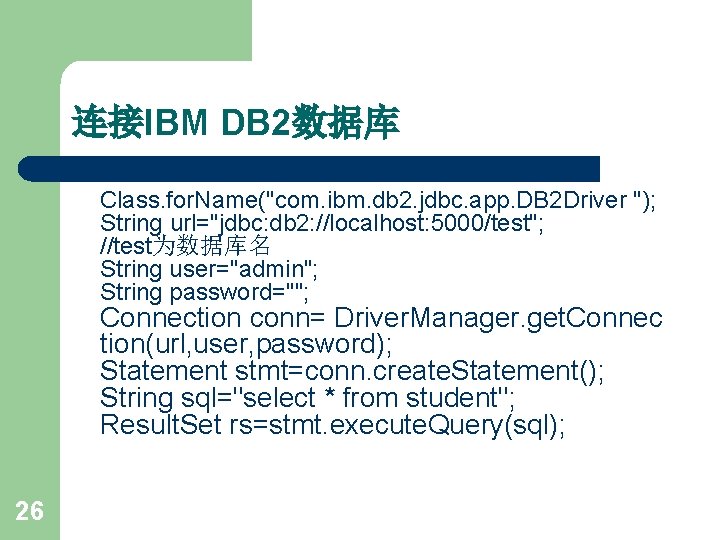
连接IBM DB 2数据库 Class. for. Name("com. ibm. db 2. jdbc. app. DB 2 Driver "); String url="jdbc: db 2: //localhost: 5000/test"; //test为数据库名 String user="admin"; String password=""; Connection conn= Driver. Manager. get. Connec tion(url, user, password); Statement stmt=conn. create. Statement(); String sql="select * from student"; Result. Set rs=stmt. execute. Query(sql); 26
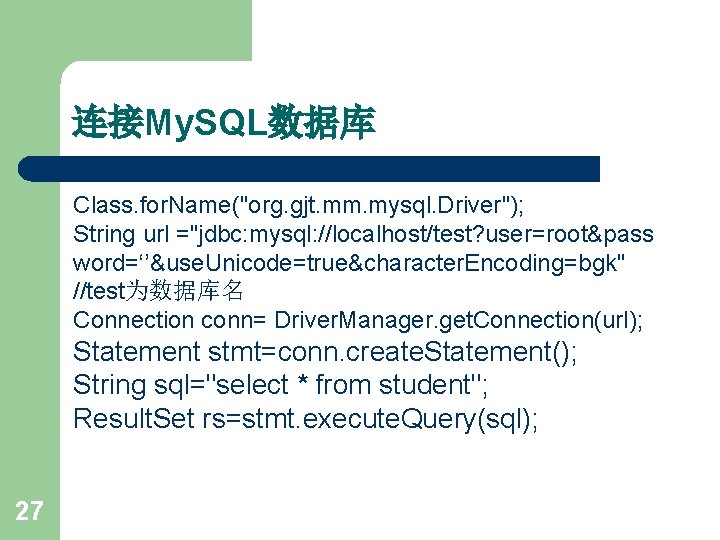
连接My. SQL数据库 Class. for. Name("org. gjt. mm. mysql. Driver"); String url ="jdbc: mysql: //localhost/test? user=root&pass word=‘’&use. Unicode=true&character. Encoding=bgk" //test为数据库名 Connection conn= Driver. Manager. get. Connection(url); Statement stmt=conn. create. Statement(); String sql="select * from student"; Result. Set rs=stmt. execute. Query(sql); 27
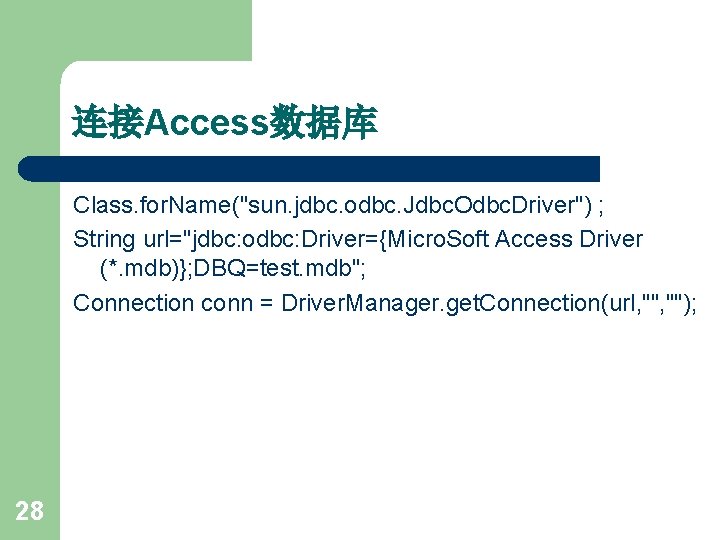
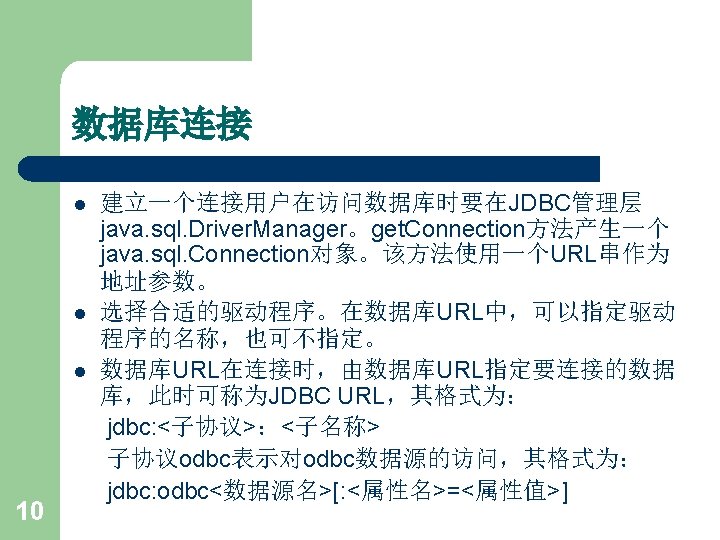
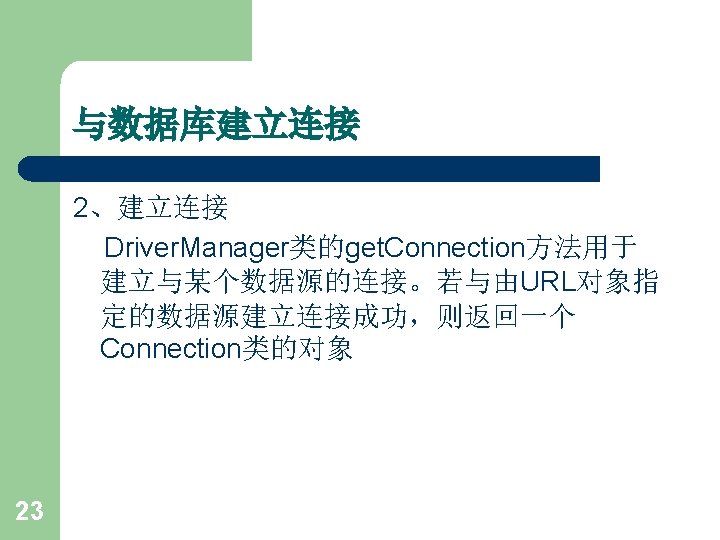
连接Access数据库 Class. for. Name("sun. jdbc. odbc. Jdbc. Odbc. Driver") ; String url="jdbc: odbc: Driver={Micro. Soft Access Driver (*. mdb)}; DBQ=test. mdb"; Connection conn = Driver. Manager. get. Connection(url, ""); 28
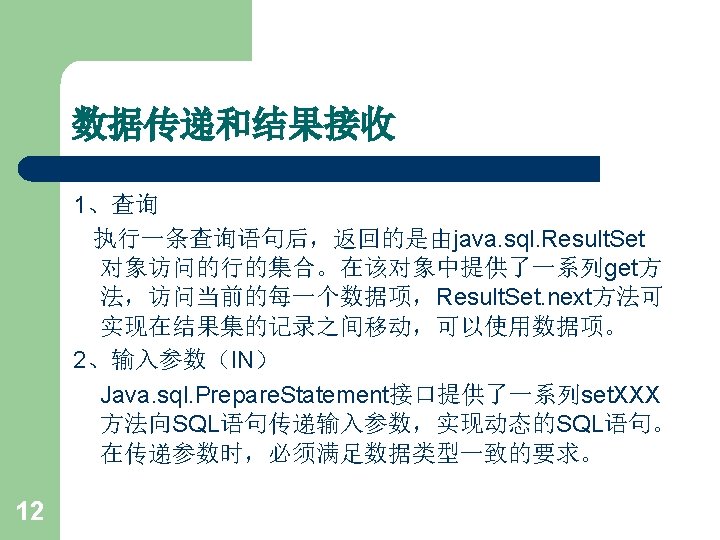
JDBC应用 二 、查询处理 JDBC中查询语句的执行方法可分为三类: Statement Prepared. Statement Callable. Statement 31
Statement类 (1)创建Statement对象主要用于语句的查询。建立一个 Statement对象语句如下: Statement stmt=con. Create. Statement(); (2)执行查询语句 在Statement对象上,可使用execute. Query方法来执 行一查询语句,如: Result. Set rs=stmt. execute. Query(“Select * from Authors”); 32
Prepared. Statement类是Statement类派生的子类。 (1)创建Prepared. Statement对象 l 从一个Connection对象可以创建一个Prepared. Statement 对象。在创建时,应给出预编译的SQL语句,如: Prepared. Statement stmt=con. Prepared. Statement (“Select * from Authors”); 35
Callable. Statement类 Callable. Statement对象用于执行数据库中的 存储过程。 37
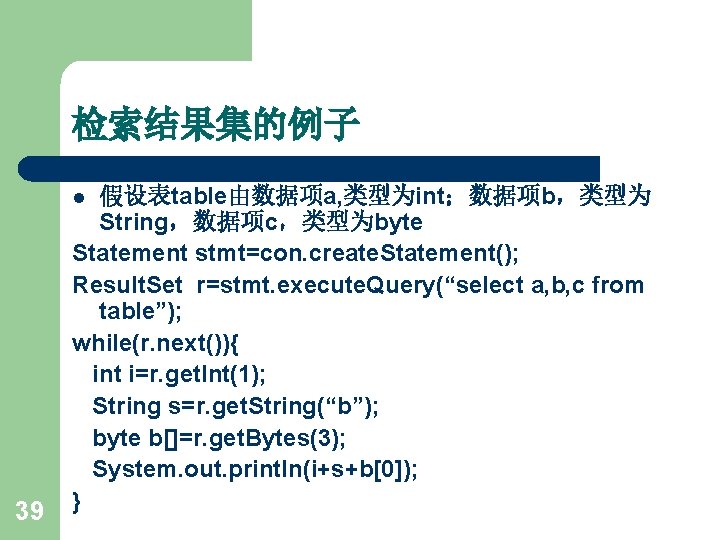
检索结果集的例子 假设表table由数据项a, 类型为int;数据项b,类型为 String,数据项c,类型为byte Statement stmt=con. create. Statement(); Result. Set r=stmt. execute. Query(“select a, b, c from table”); while(r. next()){ int i=r. get. Int(1); String s=r. get. String(“b”); byte b[]=r. get. Bytes(3); System. out. println(i+s+b[0]); } l 39
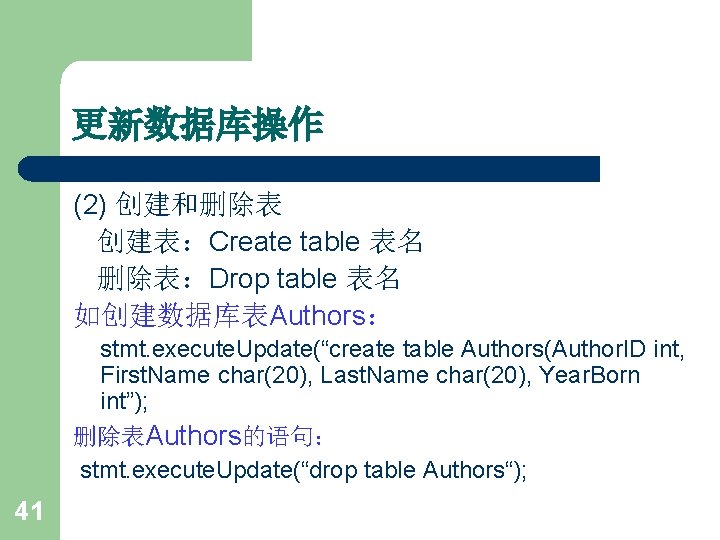
更新数据库操作 (2) 创建和删除表 创建表:Create table 表名 删除表:Drop table 表名 如创建数据库表Authors: stmt. execute. Update(“create table Authors(Author. ID int, First. Name char(20), Last. Name char(20), Year. Born int”); 删除表Authors的语句: stmt. execute. Update(“drop table Authors“); 41
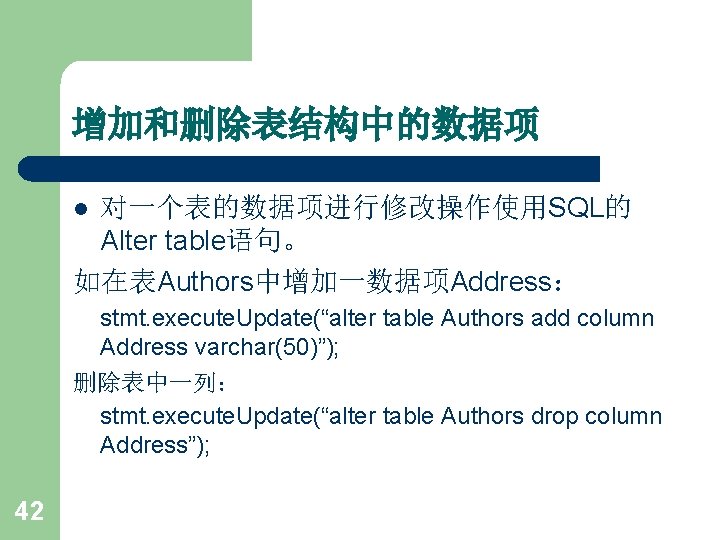
增加和删除表结构中的数据项 对一个表的数据项进行修改操作使用SQL的 Alter table语句。 如在表Authors中增加一数据项Address: l stmt. execute. Update(“alter table Authors add column Address varchar(50)”); 删除表中一列: stmt. execute. Update(“alter table Authors drop column Address”); 42
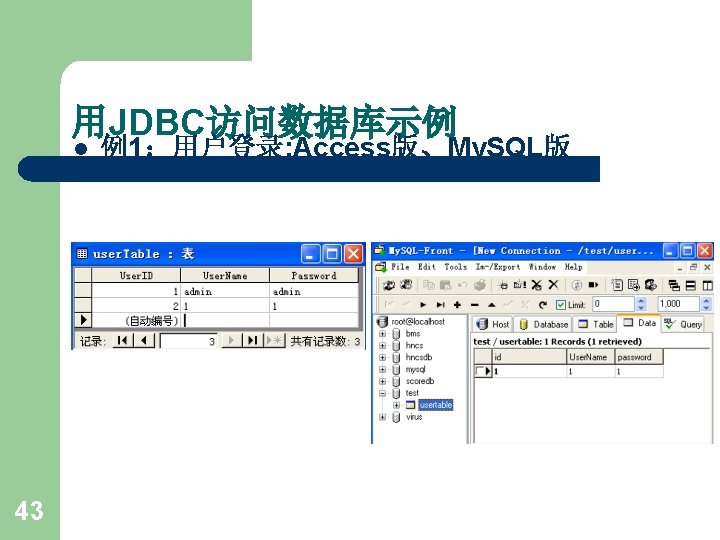
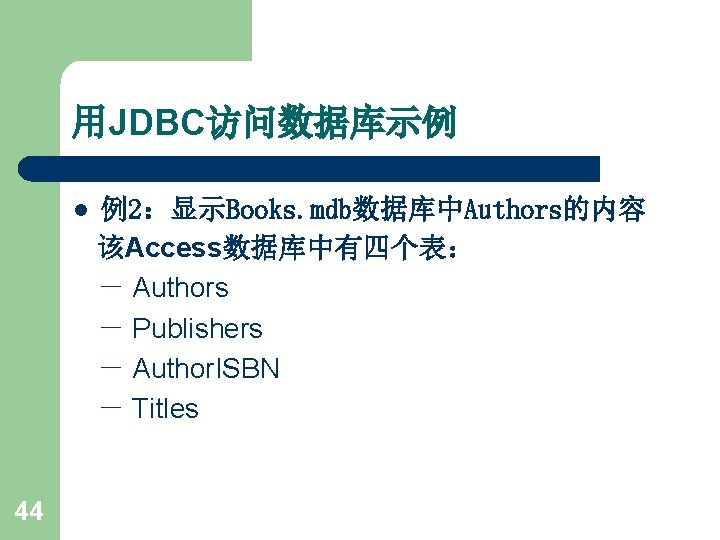
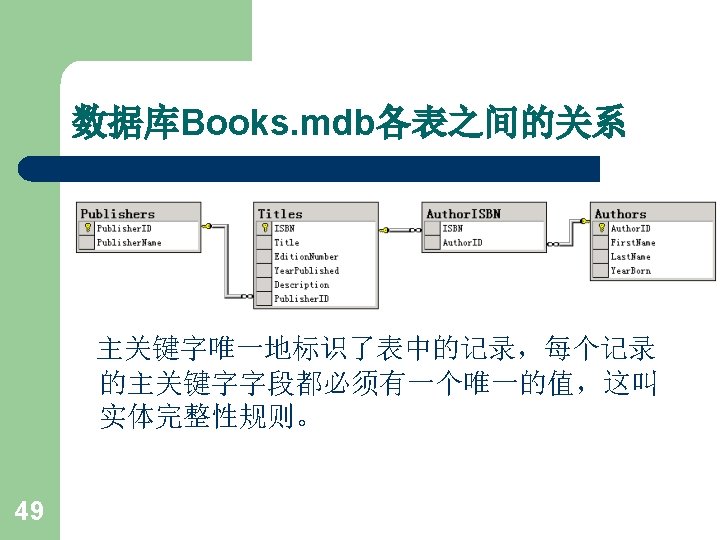
用JDBC访问数据库示例 l 44 例2:显示Books. mdb数据库中Authors的内容 该Access数据库中有四个表: - Authors - Publishers - Author. ISBN - Titles
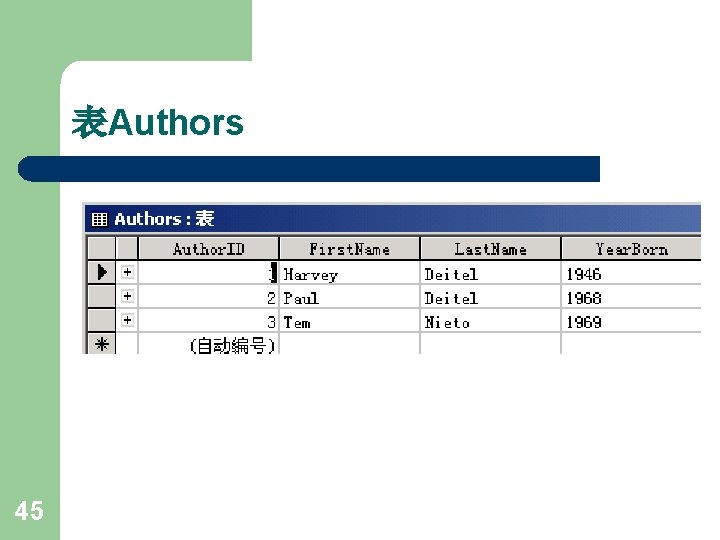
表Authors 45
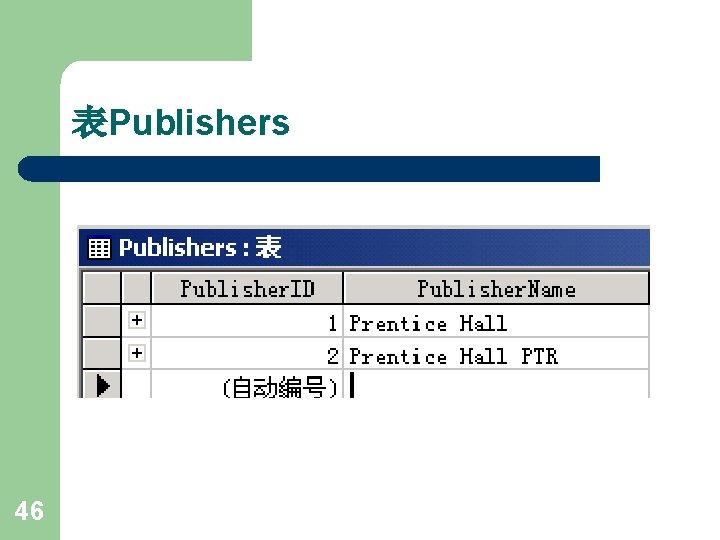
表Publishers 46
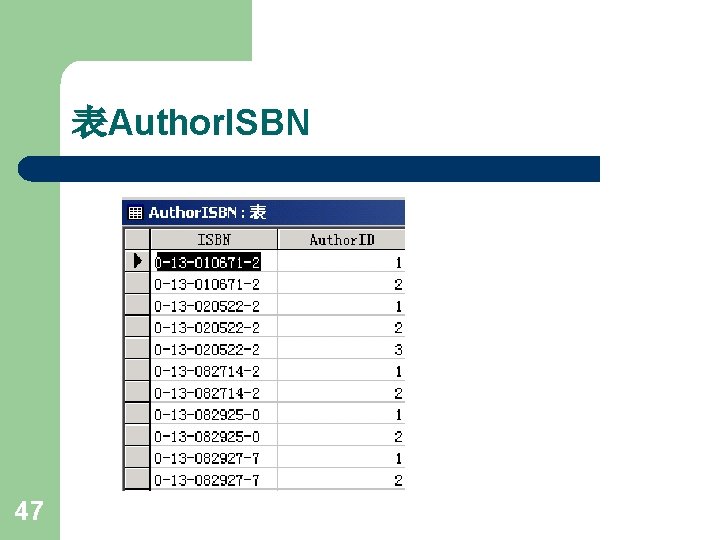
表Author. ISBN 47
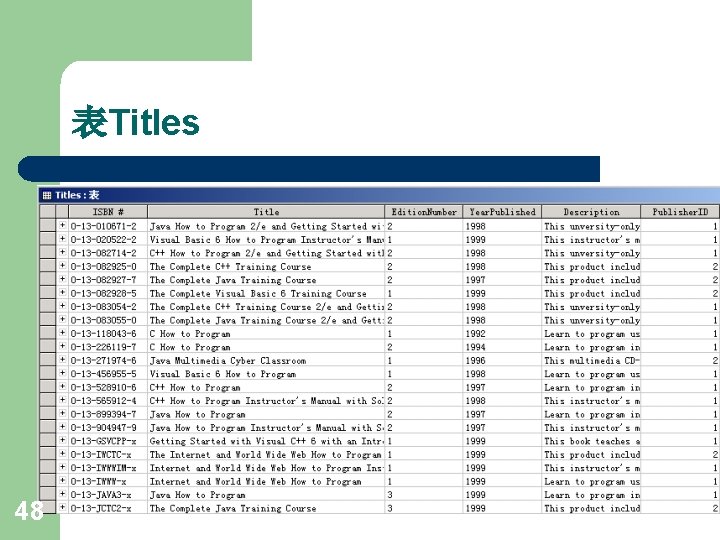
表Titles 48
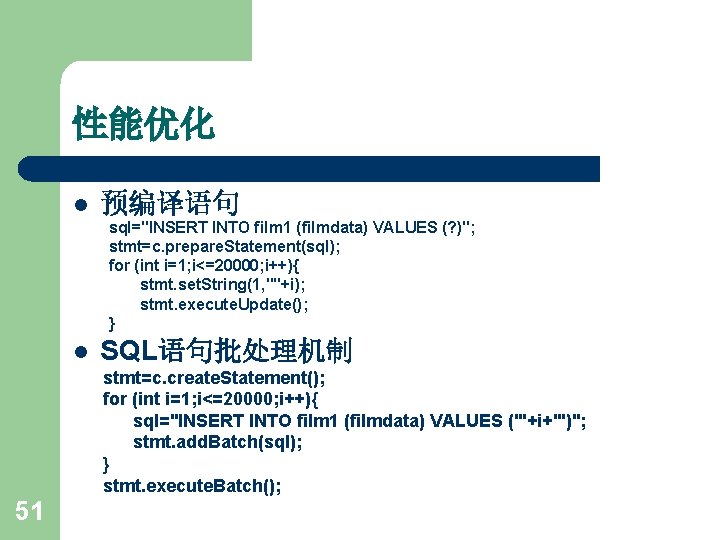
性能优化 l 预编译语句 sql="INSERT INTO film 1 (filmdata) VALUES (? )"; stmt=c. prepare. Statement(sql); for (int i=1; i<=20000; i++){ stmt. set. String(1, ""+i); stmt. execute. Update(); } l SQL语句批处理机制 stmt=c. create. Statement(); for (int i=1; i<=20000; i++){ sql="INSERT INTO film 1 (filmdata) VALUES ('"+i+"')"; stmt. add. Batch(sql); } stmt. execute. Batch(); 51
- Slides: 53