
Oracle Function Oracle function serve the purpose of
![MIN: Syntax: MIN([DISTINCT|ALL]expr) Purpose : Return minimum value of ‘expr’ Example : SQL> select](https://slidetodoc.com/presentation_image_h2/84bd9d525987178b3c70c05519afeaf5/image-2.jpg "MIN: Syntax: MIN([DISTINCT|ALL]expr) Purpose : Return minimum value of ‘expr’ Example : SQL> select")
![SUM: Syntax: SUM([DISTINCT|ALL]n) Purpose : It is used to get sum of values Example:](https://slidetodoc.com/presentation_image_h2/84bd9d525987178b3c70c05519afeaf5/image-4.jpg "SUM: Syntax: SUM([DISTINCT|ALL]n) Purpose : It is used to get sum of values Example:")
![SUBSTR: Syntax: SUBSTR(char , m[, n]) Purpose: to get a portion of string from](https://slidetodoc.com/presentation_image_h2/84bd9d525987178b3c70c05519afeaf5/image-8.jpg "SUBSTR: Syntax: SUBSTR(char , m[, n]) Purpose: to get a portion of string from")
![RTRIM: Syntax: RTRIM(char, [set]) Purpose: It will trim the specified character(s) from the right](https://slidetodoc.com/presentation_image_h2/84bd9d525987178b3c70c05519afeaf5/image-10.jpg "RTRIM: Syntax: RTRIM(char, [set]) Purpose: It will trim the specified character(s) from the right")
![RPAD: Syntax: RPAD(char 1, n [, char 2]) Purpose: Returns ‘char 1’, right padded](https://slidetodoc.com/presentation_image_h2/84bd9d525987178b3c70c05519afeaf5/image-11.jpg "RPAD: Syntax: RPAD(char 1, n [, char 2]) Purpose: Returns ‘char 1’, right padded")
![TO_CHAR(number conversion): Syntax: TO_CHAR(n [, fmt]) Purpose: Convert a value of number datatype to](https://slidetodoc.com/presentation_image_h2/84bd9d525987178b3c70c05519afeaf5/image-13.jpg "TO_CHAR(number conversion): Syntax: TO_CHAR(n [, fmt]) Purpose: Convert a value of number datatype to")
![Date Conversion Function: TO_CHAR(date conversion): is Syntax: TO_CHAR(date[, fmt]) Purpose: Convert a value of](https://slidetodoc.com/presentation_image_h2/84bd9d525987178b3c70c05519afeaf5/image-14.jpg "Date Conversion Function: TO_CHAR(date conversion): is Syntax: TO_CHAR(date[, fmt]) Purpose: Convert a value of")
![TO_DATE: Syntax: TO_DATE(char [, fmt]) Purpose: Convert a character field to a date field.](https://slidetodoc.com/presentation_image_h2/84bd9d525987178b3c70c05519afeaf5/image-15.jpg "TO_DATE: Syntax: TO_DATE(char [, fmt]) Purpose: Convert a character field to a date field.")

- Slides: 49
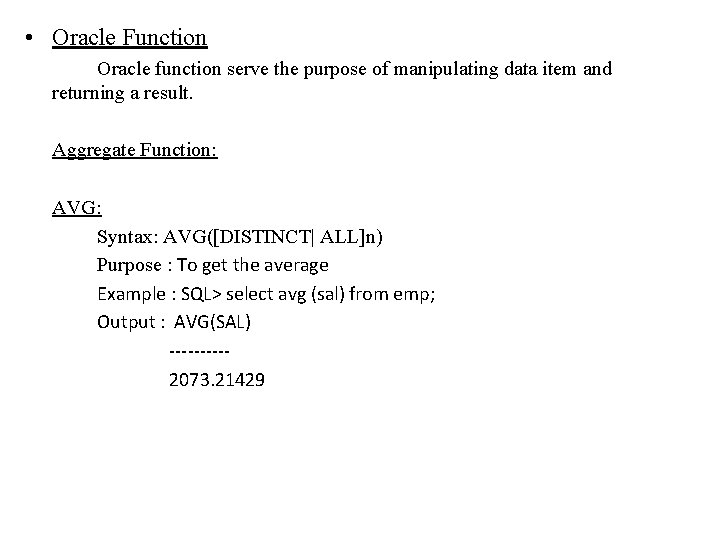
• Oracle Function Oracle function serve the purpose of manipulating data item and returning a result. Aggregate Function: AVG: Syntax: AVG([DISTINCT| ALL]n) Purpose : To get the average Example : SQL> select avg (sal) from emp; Output : AVG(SAL) -----2073. 21429
MIN: Syntax: MIN([DISTINCT|ALL]expr) Purpose : Return minimum value of ‘expr’ Example : SQL> select min(sal) from emp; Output : MIN(SAL) -----800 COUNT(expr) Syntax: COUNT([DISTINCT|ALL]expr) Purpose : Return the number of rows where ‘expr’ is not null. Example : select count(emp_no) from emp; Output : No Of employee -----8
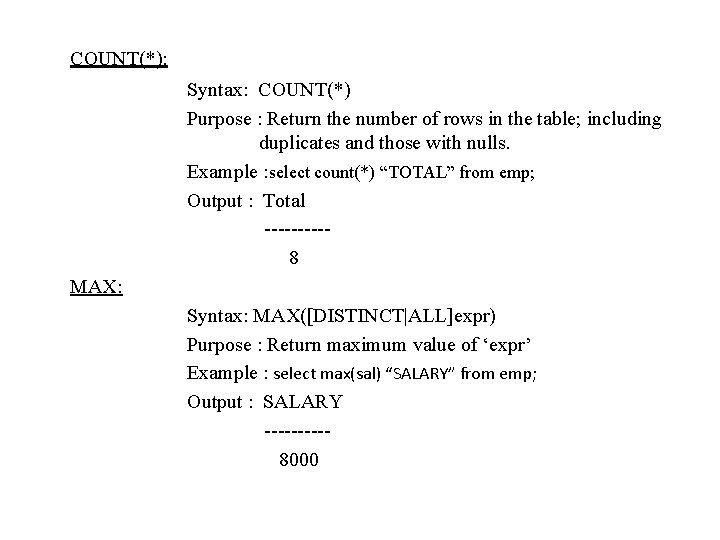
COUNT(*): Syntax: COUNT(*) Purpose : Return the number of rows in the table; including duplicates and those with nulls. Example : select count(*) “TOTAL” from emp; Output : Total -----8 MAX: Syntax: MAX([DISTINCT|ALL]expr) Purpose : Return maximum value of ‘expr’ Example : select max(sal) “SALARY” from emp; Output : SALARY -----8000
SUM: Syntax: SUM([DISTINCT|ALL]n) Purpose : It is used to get sum of values Example: select sum(sal) from emp; Output : SUM(SAL) -----29025 Numeric Function: ABS: Syntax: ABS(n) Purpose : Returns the absolute value of ‘n’. Example: select ABS(-15) “Absolute” from dual; Output : Absolute -----15
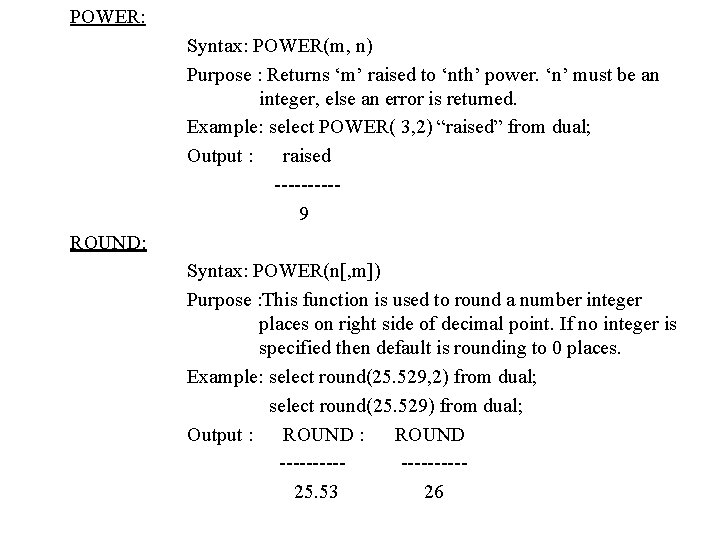
POWER: Syntax: POWER(m, n) Purpose : Returns ‘m’ raised to ‘nth’ power. ‘n’ must be an integer, else an error is returned. Example: select POWER( 3, 2) “raised” from dual; Output : raised -----9 ROUND: Syntax: POWER(n[, m]) Purpose : This function is used to round a number integer places on right side of decimal point. If no integer is specified then default is rounding to 0 places. Example: select round(25. 529, 2) from dual; select round(25. 529) from dual; Output : ROUND ---------25. 53 26
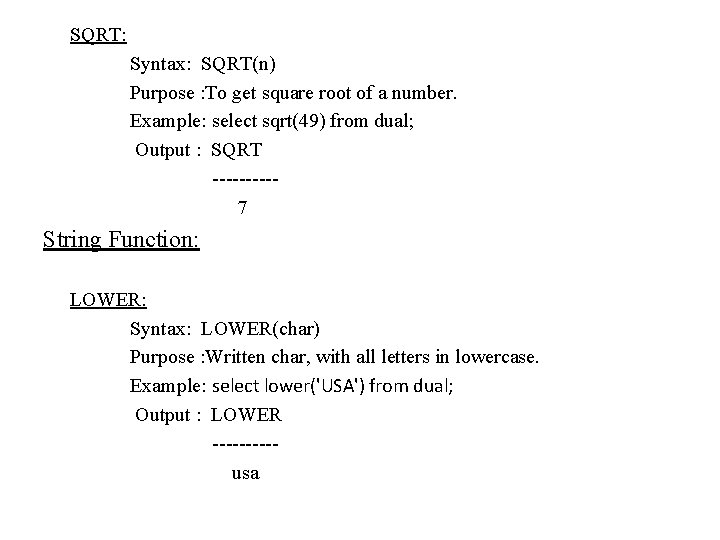
SQRT: Syntax: SQRT(n) Purpose : To get square root of a number. Example: select sqrt(49) from dual; Output : SQRT -----7 String Function: LOWER: Syntax: LOWER(char) Purpose : Written char, with all letters in lowercase. Example: select lower('USA') from dual; Output : LOWER -----usa
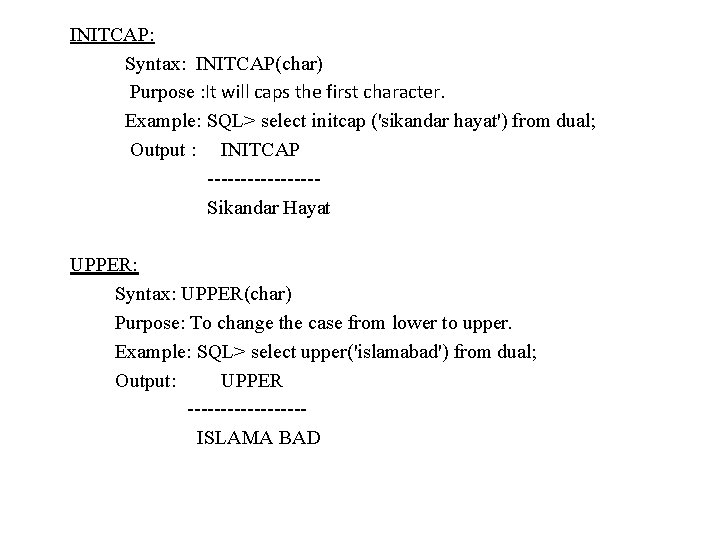
INITCAP: Syntax: INITCAP(char) Purpose : It will caps the first character. Example: SQL> select initcap ('sikandar hayat') from dual; Output : INITCAP --------Sikandar Hayat UPPER: Syntax: UPPER(char) Purpose: To change the case from lower to upper. Example: SQL> select upper('islamabad') from dual; Output: UPPER ---------ISLAMA BAD
SUBSTR: Syntax: SUBSTR(char , m[, n]) Purpose: to get a portion of string from the position you specify up to length provided, beginning at char ‘m’, exceeding upto ‘n’ characters. If ‘n’ is omitted, result is return upto the end char. The first position of char is 1. To search from right to left you will have to specify “-“. Example: SQL> select substr('www. erpstuff. com', 5, 8) from dual; SQL> select substr('www. erpstuff. com', 5) from dual; Output: SUBSTR(‘ SUBSTR(' ----------erpstuff. com
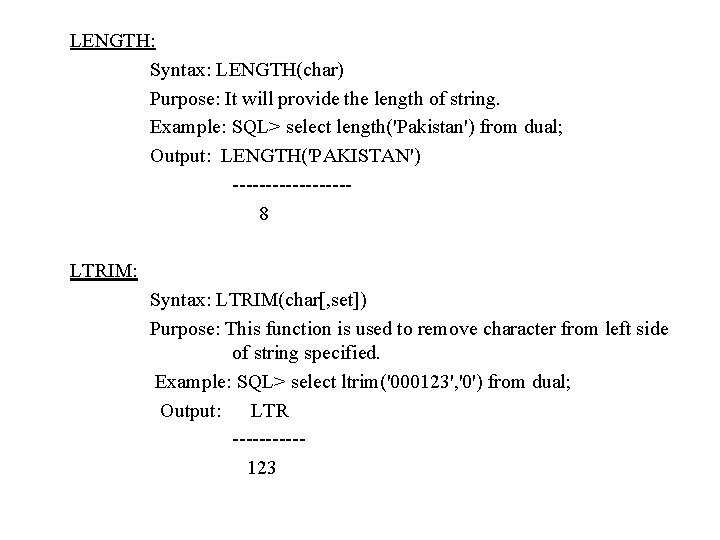
LENGTH: Syntax: LENGTH(char) Purpose: It will provide the length of string. Example: SQL> select length('Pakistan') from dual; Output: LENGTH('PAKISTAN') ---------8 LTRIM: Syntax: LTRIM(char[, set]) Purpose: This function is used to remove character from left side of string specified. Example: SQL> select ltrim('000123', '0') from dual; Output: LTR -----123
RTRIM: Syntax: RTRIM(char, [set]) Purpose: It will trim the specified character(s) from the right side of string. Without specified of any characters it will remove spaces from the right if any. Example: SQL> select rtrim('USA', 'SA') “rtrim” from dual; Output: rtrim ------U LPAD: Syntax: LPAD(char 1, n [, char 2]) Purpose: Returns ‘char 1’, left padded to length ‘n’ with the sequence of characters in ‘char 2’, ‘char 2’ defaults to blanks. Example: SQL> select LPAD(‘page 1’, 10, ’*’) from dual; Output : Lpad ------****page 1
RPAD: Syntax: RPAD(char 1, n [, char 2]) Purpose: Returns ‘char 1’, right padded to length ‘n’ with the characters in ‘char 2’, ‘char 2’ defaults to blanks. Example: select RPAD(name, 10, ’x’) from client_master where name=‘turner’; Output: RPAD ------turnerxxxx
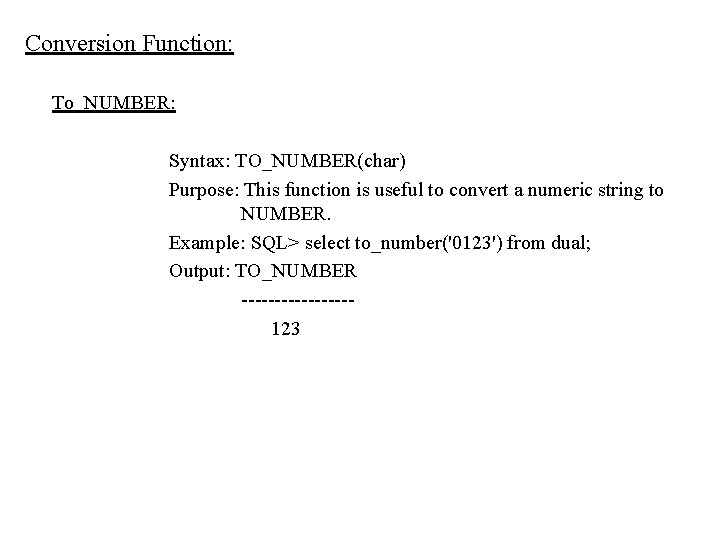
Conversion Function: To_NUMBER: Syntax: TO_NUMBER(char) Purpose: This function is useful to convert a numeric string to NUMBER. Example: SQL> select to_number('0123') from dual; Output: TO_NUMBER --------123
TO_CHAR(number conversion): Syntax: TO_CHAR(n [, fmt]) Purpose: Convert a value of number datatype to a value of accept number(n) and a numeric format(fmt) in which a number has to be appear. If ‘fmt’ is omitted, ‘n’ is converted to a char value exactly long enough to hold significant digits. Example: SQL>select TO_CHAR(17145, ’$099, 999’) from dual; SQL> select to_char(25) from dual; Output: TO_CHAR ---------------$017, 145 25
Date Conversion Function: TO_CHAR(date conversion): is Syntax: TO_CHAR(date[, fmt]) Purpose: Convert a value of DATE datatype to CHAR value. It accept a date (date), as well as the format (fmt) in which the date has to appear. ‘fmt’ must be a date format. If ‘fmt’ is omitted, ‘date’ converted to a character value in the default date format, i. e. “DD-MON-YY” Example: select TO_CHAR(order_date, ’Month DD, YYYY’) “new format” from sales_order where order_no=“ 1222” Output: new format --------January 26, 2009
TO_DATE: Syntax: TO_DATE(char [, fmt]) Purpose: Convert a character field to a date field. Example: insert into sales_order (order_date) values(TO_DATE(‘ 30 -sep-09 10: 55 a. m. ’, ‘DD-MON-YY HH: MI A. M’)); ADD_MONTHS: Syntax: ADD_MONTHS(d, n) Purpose: Add number of months is the specified date and get the next date. Example: SQL > select sysdate, add_months(sysdate, 2) from dual; Output: SYSDATE ADD_MONTH --------------10 -APR-06 10 -JUN-06
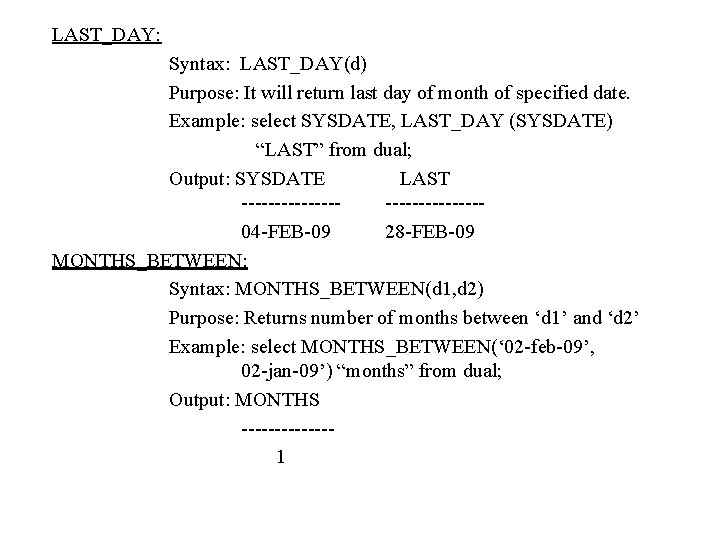
LAST_DAY: Syntax: LAST_DAY(d) Purpose: It will return last day of month of specified date. Example: select SYSDATE, LAST_DAY (SYSDATE) “LAST” from dual; Output: SYSDATE LAST --------------04 -FEB-09 28 -FEB-09 MONTHS_BETWEEN: Syntax: MONTHS_BETWEEN(d 1, d 2) Purpose: Returns number of months between ‘d 1’ and ‘d 2’ Example: select MONTHS_BETWEEN(‘ 02 -feb-09’, 02 -jan-09’) “months” from dual; Output: MONTHS -------1
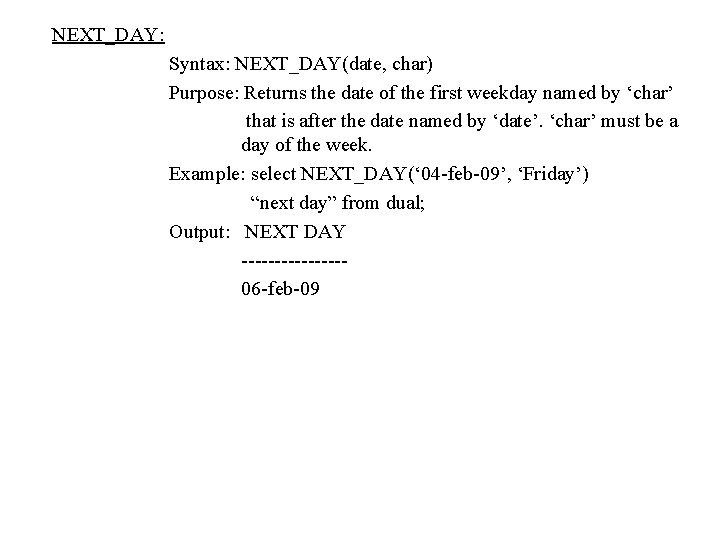
NEXT_DAY: Syntax: NEXT_DAY(date, char) Purpose: Returns the date of the first weekday named by ‘char’ that is after the date named by ‘date’. ‘char’ must be a day of the week. Example: select NEXT_DAY(‘ 04 -feb-09’, ‘Friday’) “next day” from dual; Output: NEXT DAY --------06 -feb-09
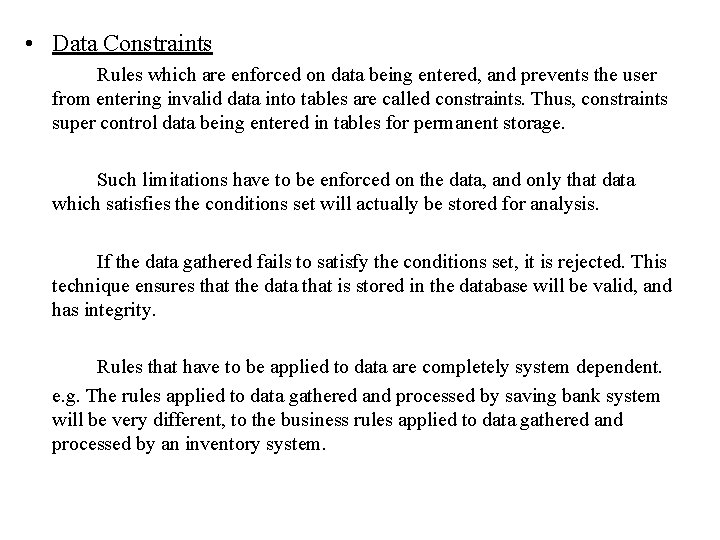
• Data Constraints Rules which are enforced on data being entered, and prevents the user from entering invalid data into tables are called constraints. Thus, constraints super control data being entered in tables for permanent storage. Such limitations have to be enforced on the data, and only that data which satisfies the conditions set will actually be stored for analysis. If the data gathered fails to satisfy the conditions set, it is rejected. This technique ensures that the data that is stored in the database will be valid, and has integrity. Rules that have to be applied to data are completely system dependent. e. g. The rules applied to data gathered and processed by saving bank system will be very different, to the business rules applied to data gathered and processed by an inventory system.
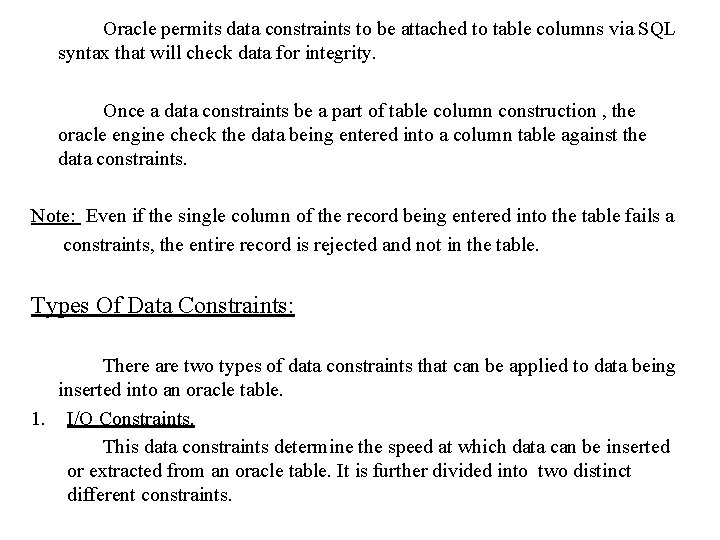
Oracle permits data constraints to be attached to table columns via SQL syntax that will check data for integrity. Once a data constraints be a part of table column construction , the oracle engine check the data being entered into a column table against the data constraints. Note: Even if the single column of the record being entered into the table fails a constraints, the entire record is rejected and not in the table. Types Of Data Constraints: There are two types of data constraints that can be applied to data being inserted into an oracle table. 1. I/O Constraints. This data constraints determine the speed at which data can be inserted or extracted from an oracle table. It is further divided into two distinct different constraints.
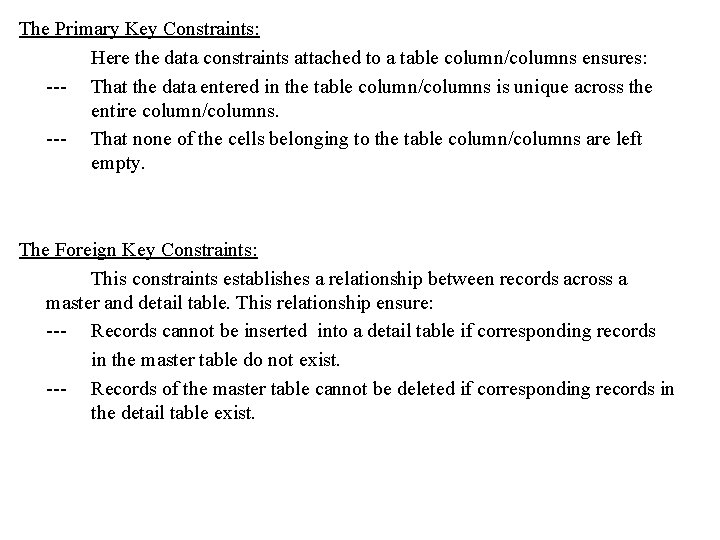
The Primary Key Constraints: Here the data constraints attached to a table column/columns ensures: --- That the data entered in the table column/columns is unique across the entire column/columns. --- That none of the cells belonging to the table column/columns are left empty. The Foreign Key Constraints: This constraints establishes a relationship between records across a master and detail table. This relationship ensure: --- Records cannot be inserted into a detail table if corresponding records in the master table do not exist. --- Records of the master table cannot be deleted if corresponding records in the detail table exist.
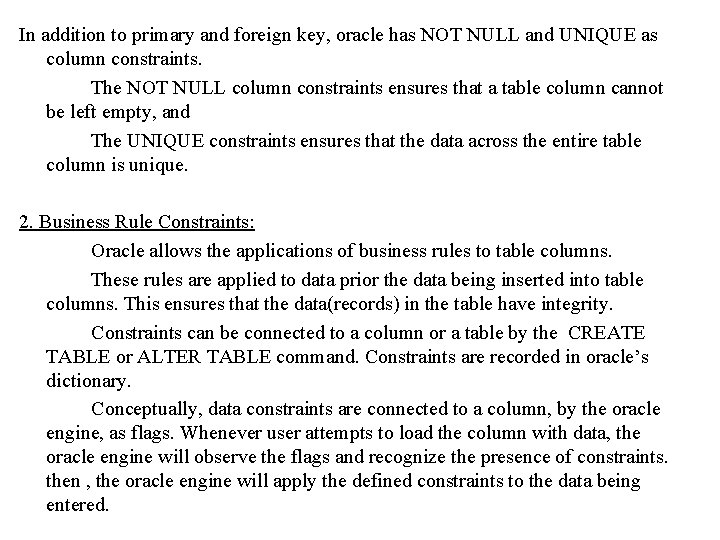
In addition to primary and foreign key, oracle has NOT NULL and UNIQUE as column constraints. The NOT NULL column constraints ensures that a table column cannot be left empty, and The UNIQUE constraints ensures that the data across the entire table column is unique. 2. Business Rule Constraints: Oracle allows the applications of business rules to table columns. These rules are applied to data prior the data being inserted into table columns. This ensures that the data(records) in the table have integrity. Constraints can be connected to a column or a table by the CREATE TABLE or ALTER TABLE command. Constraints are recorded in oracle’s dictionary. Conceptually, data constraints are connected to a column, by the oracle engine, as flags. Whenever user attempts to load the column with data, the oracle engine will observe the flags and recognize the presence of constraints. then , the oracle engine will apply the defined constraints to the data being entered.
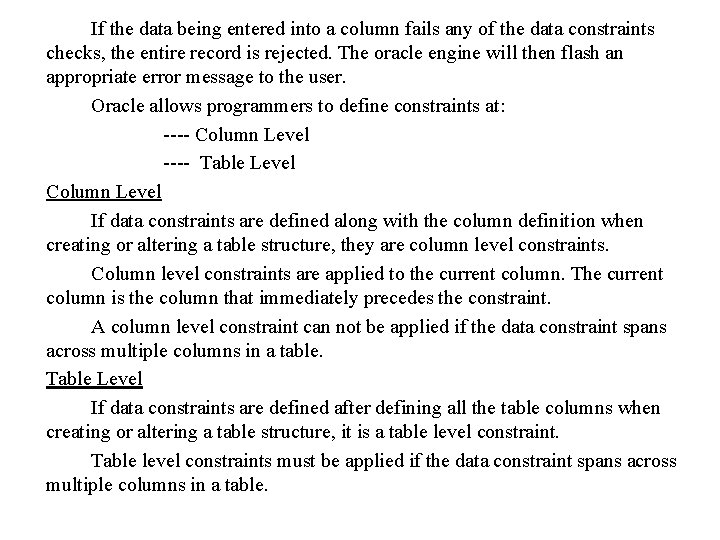
If the data being entered into a column fails any of the data constraints checks, the entire record is rejected. The oracle engine will then flash an appropriate error message to the user. Oracle allows programmers to define constraints at: ---- Column Level ---- Table Level Column Level If data constraints are defined along with the column definition when creating or altering a table structure, they are column level constraints. Column level constraints are applied to the current column. The current column is the column that immediately precedes the constraint. A column level constraint can not be applied if the data constraint spans across multiple columns in a table. Table Level If data constraints are defined after defining all the table columns when creating or altering a table structure, it is a table level constraint. Table level constraints must be applied if the data constraint spans across multiple columns in a table.
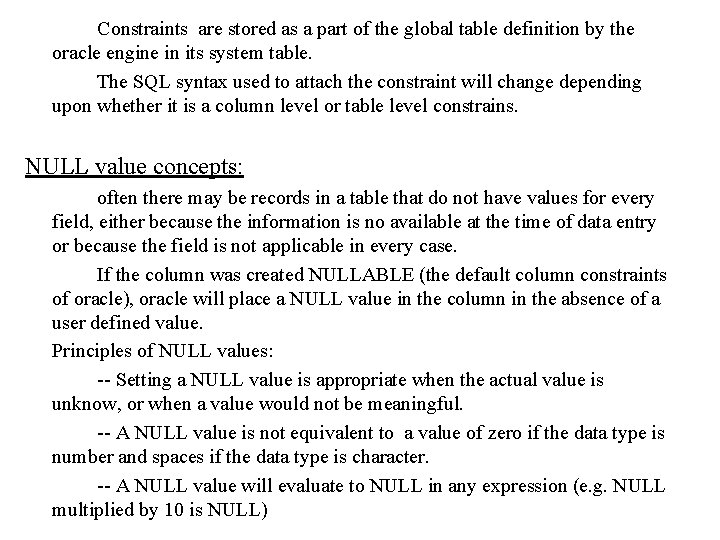
Constraints are stored as a part of the global table definition by the oracle engine in its system table. The SQL syntax used to attach the constraint will change depending upon whether it is a column level or table level constrains. NULL value concepts: often there may be records in a table that do not have values for every field, either because the information is no available at the time of data entry or because the field is not applicable in every case. If the column was created NULLABLE (the default column constraints of oracle), oracle will place a NULL value in the column in the absence of a user defined value. Principles of NULL values: -- Setting a NULL value is appropriate when the actual value is unknow, or when a value would not be meaningful. -- A NULL value is not equivalent to a value of zero if the data type is number and spaces if the data type is character. -- A NULL value will evaluate to NULL in any expression (e. g. NULL multiplied by 10 is NULL)
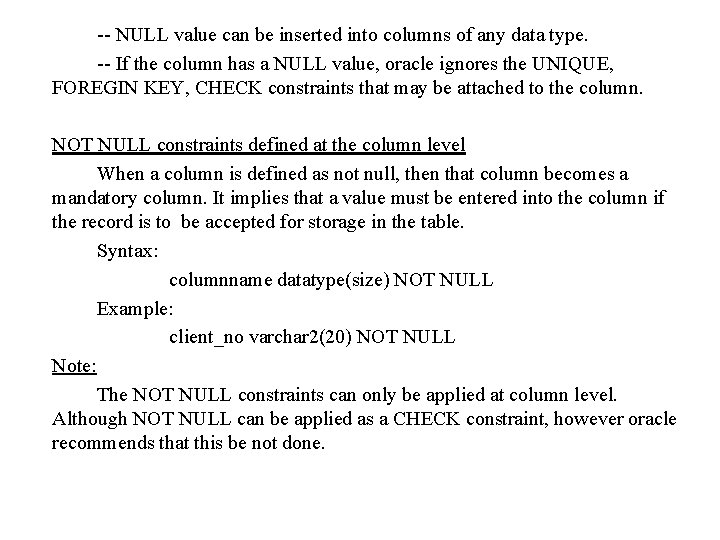
-- NULL value can be inserted into columns of any data type. -- If the column has a NULL value, oracle ignores the UNIQUE, FOREGIN KEY, CHECK constraints that may be attached to the column. NOT NULL constraints defined at the column level When a column is defined as not null, then that column becomes a mandatory column. It implies that a value must be entered into the column if the record is to be accepted for storage in the table. Syntax: columnname datatype(size) NOT NULL Example: client_no varchar 2(20) NOT NULL Note: The NOT NULL constraints can only be applied at column level. Although NOT NULL can be applied as a CHECK constraint, however oracle recommends that this be not done.
The UNIQUE Constraint: The purpose of the unique key is to ensure that information in the column is unique(must not be repeated across the column). UNIQUE constraint defined at the column level: Syntax: columnname datatype(size) unique UNIQUE constraint defined at the table level: Syntax: UNIQUE (columnname [, columnname, …. . ] ) The PRIMARY KEY Constraints: A primary key is one or more column(s) in a table used to uniquely identify each row in the table. A primary key column in a table has special attribute: -- It defines the column as a mandatory column ( NOT NULL attribute is active) -- The data held across the column MUST be UNIQUE.
The single column primary key is called as a simple key. The multicolumn primary key is called a composite primary key. The function of a primary key in a table is to uniquely identify a row. When a record can not be uniquely identified using the value in a single column, will a composite primary key be defined. e. g. In a sales_order_detail, sales order will have multiple products that have been ordered. Standard business rules do not allow multiple entries for the same product, however, multiple orders will definitely have multiple entries of the same product. Under this circumstances, the only way to uniquely identified a row in the table is via composite primary key, consisting of order_no and product_no. thus the combination of order number and product number will uniquely identify a row. PRIMARY KEY constraint defined at the column level: Syntax: columnname datatype(size) PRIMARY KEY
PRIMARY KEY constraint defined at the table level: Syntax: PRIMARY KEY (columnname [, columnname, …. . ] ) The FOREGIN KEY Constraint: Foregin Key represent relationship between tables. A Foregin Key is a column(or a group of column) whose values are derived from the primary key or unique key of some other table. The table in which the Foregin Key is defined is called a Foregin table or Detail table. The table that defines the primary or unique key and is referenced by the Foregin key is called the Primary table or Master table. Delete Operation on the primary table: Oracle display an error message if the user tries to delete a record in the master table WHEN corresponding records exists in the detail table.
Principles of Foreign Key/References Constraint: ---- Reject an INSERT or UPDATE of a value, if a corresponding value does not currently exist in the master key table. ---- If the ON DELETE CASCADE option is set a DELETE operation in the master table will trigger the DELETE operation for corresponding records in the detail table. ---- Must reference a PRIMARY KEY or UNIQUE column(s) in primary table. ---- Will automatically reference the PRIMARY KEY of the master table if no column or group of column is specified when creating the FOREGIN KEY ---- Required that the FOREGIN KEY column(s) and the CONSTRINT column(s) have matching data types. ---- May reference the same table name in the CREATE TABLE statement. Note: The default behavior of the foregin key can be changed by using the ON DELETE CASCADE option. When the ON DELETE CASCADE option is specified in the foregin key definition, if the user deletes a record in the master table, all corresponding records in the detail table along with the record in the master table will be deleted.
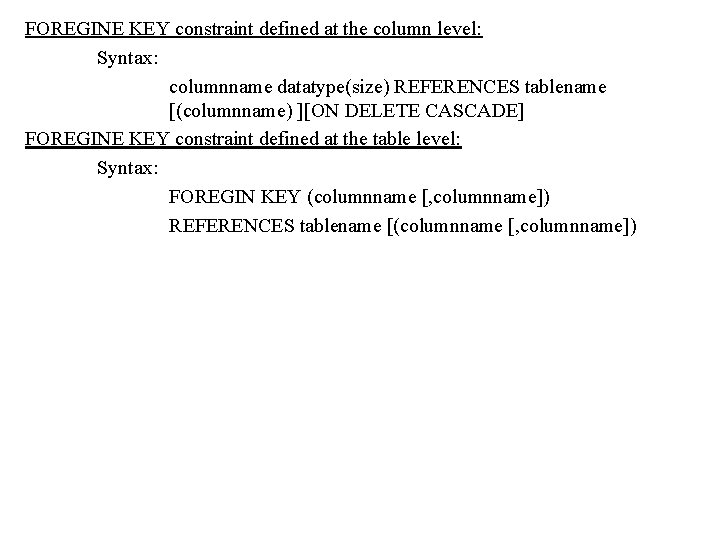
FOREGINE KEY constraint defined at the column level: Syntax: columnname datatype(size) REFERENCES tablename [(columnname) ][ON DELETE CASCADE] FOREGINE KEY constraint defined at the table level: Syntax: FOREGIN KEY (columnname [, columnname]) REFERENCES tablename [(columnname [, columnname])
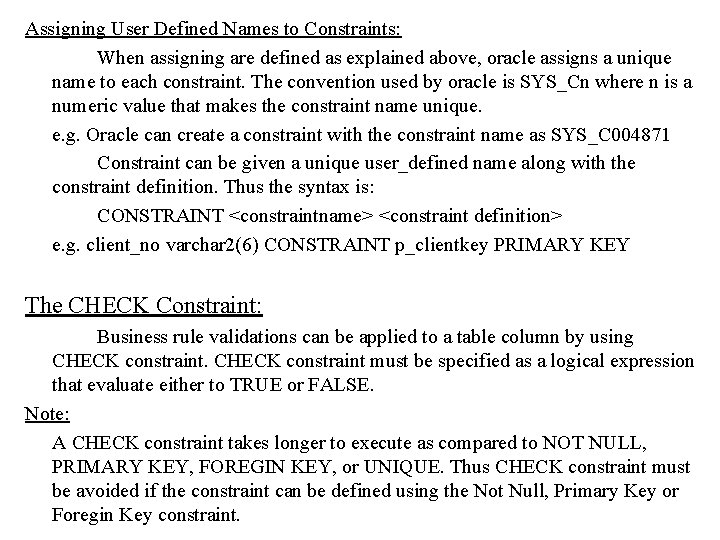
Assigning User Defined Names to Constraints: When assigning are defined as explained above, oracle assigns a unique name to each constraint. The convention used by oracle is SYS_Cn where n is a numeric value that makes the constraint name unique. e. g. Oracle can create a constraint with the constraint name as SYS_C 004871 Constraint can be given a unique user_defined name along with the constraint definition. Thus the syntax is: CONSTRAINT <constraintname> <constraint definition> e. g. client_no varchar 2(6) CONSTRAINT p_clientkey PRIMARY KEY The CHECK Constraint: Business rule validations can be applied to a table column by using CHECK constraint must be specified as a logical expression that evaluate either to TRUE or FALSE. Note: A CHECK constraint takes longer to execute as compared to NOT NULL, PRIMARY KEY, FOREGIN KEY, or UNIQUE. Thus CHECK constraint must be avoided if the constraint can be defined using the Not Null, Primary Key or Foregin Key constraint.
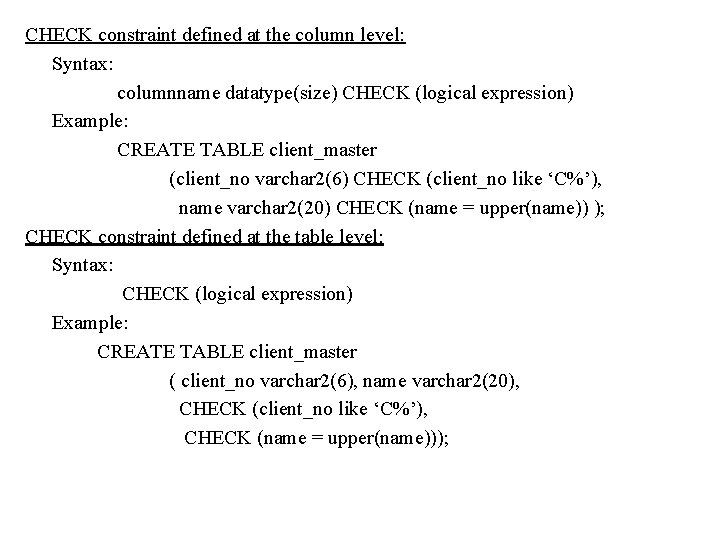
CHECK constraint defined at the column level: Syntax: columnname datatype(size) CHECK (logical expression) Example: CREATE TABLE client_master (client_no varchar 2(6) CHECK (client_no like ‘C%’), name varchar 2(20) CHECK (name = upper(name)) ); CHECK constraint defined at the table level: Syntax: CHECK (logical expression) Example: CREATE TABLE client_master ( client_no varchar 2(6), name varchar 2(20), CHECK (client_no like ‘C%’), CHECK (name = upper(name)));
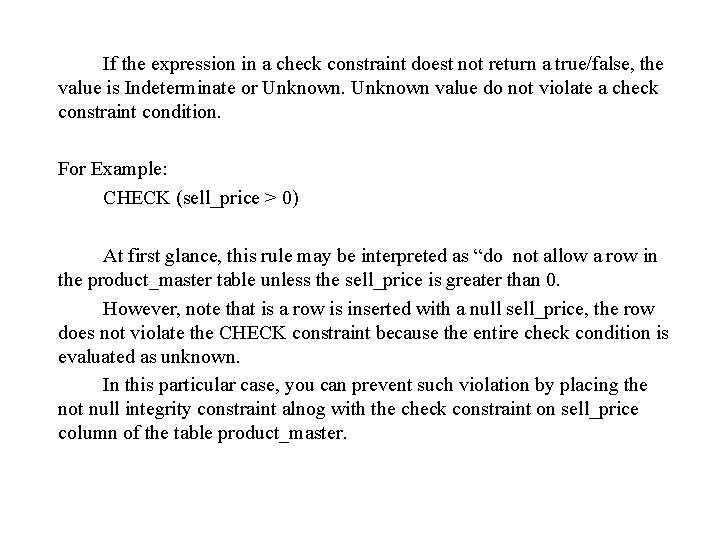
If the expression in a check constraint doest not return a true/false, the value is Indeterminate or Unknown value do not violate a check constraint condition. For Example: CHECK (sell_price > 0) At first glance, this rule may be interpreted as “do not allow a row in the product_master table unless the sell_price is greater than 0. However, note that is a row is inserted with a null sell_price, the row does not violate the CHECK constraint because the entire check condition is evaluated as unknown. In this particular case, you can prevent such violation by placing the not null integrity constraint alnog with the check constraint on sell_price column of the table product_master.
Restrictions on CHECK Constraints: A CHECK integrity constraint require that a condition be true or unknown for the row to be processed. If an SQL statement cause the condition to evaluate to false, an appropriate error message is displayed and processing stops. A CHECK constraint has the following limitations: --- The condition must be a Boolean expression that can be evaluated using the values in the row being inserted or updated. --- The condition cannot contain subqueries or sequences. --- The condition cannot include the SYSDATE, UID, USER or USERENV SQL functions.
The USER_CONSTRAINT Table: Oracle provides the DESCRIBE command but this command display only the column names, datatype, size and the NOTNULL constraint. The information about the other constraint that may be attached to the table columns such as the PRIMARY KEY, FOREIGN KEY, etc. is not available using the DESCRIBE verb. Oracle stores such information in a structure called USER_CONSTRAINTS. Example: SELECT owner, constraint_name, constraint_type FROM USER_CONSTRAINTS WHERE table_name = ‘sales_order_details’;
Defining integrity constraints in the ALTER table command: You can also define integrity constraints, using the constraint clause in the ALTER TABLE command. Oracle will not allow constraint defined using ALTER TABLE, to be applied to the table if data in the table violates such constraints. If a primary key constraint was being applied to a table in retrospect and the column has duplicate values in it, the primary key constraint will not be set to that column. Example: ALTER TABLE supplier_master ADD PRIMARY KEY(supplier_no) ALTER TABLE sales_order_detail MODIFY(qty_order number(8) NOT NULL);
Dropping integrity constraint in the ALTER TABLE command: You can drop integrity constraint if the rule that it enforces is no longer true or if the constraint is no longer needed. Example: ALTER TABLE supplier_master DROP PRIMARY KEY ALTER TABLE sales_order DROP CONSTRAINT fk_prno; Dropping UNIQUE and PRIMARY KEY constraints drops the associated indexes.
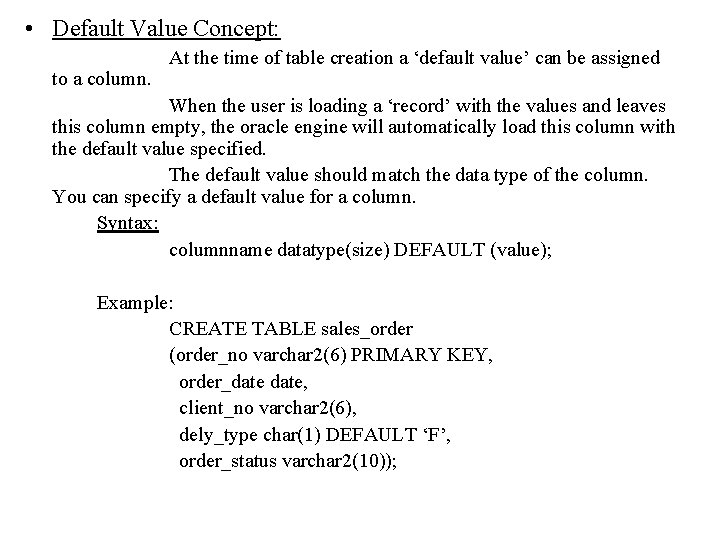
• Default Value Concept: to a column. At the time of table creation a ‘default value’ can be assigned When the user is loading a ‘record’ with the values and leaves this column empty, the oracle engine will automatically load this column with the default value specified. The default value should match the data type of the column. You can specify a default value for a column. Syntax: columnname datatype(size) DEFAULT (value); Example: CREATE TABLE sales_order (order_no varchar 2(6) PRIMARY KEY, order_date, client_no varchar 2(6), dely_type char(1) DEFAULT ‘F’, order_status varchar 2(10));
Note: --- The data type of the default value should match the data type of the column. --- Character and date values will be specified in single quotes. --- If a column level constraint is defined on the column with a default value, the default value clause must precede the constraint definition. Syntax: columnname datatype(size) DEFAULT value constraint definition
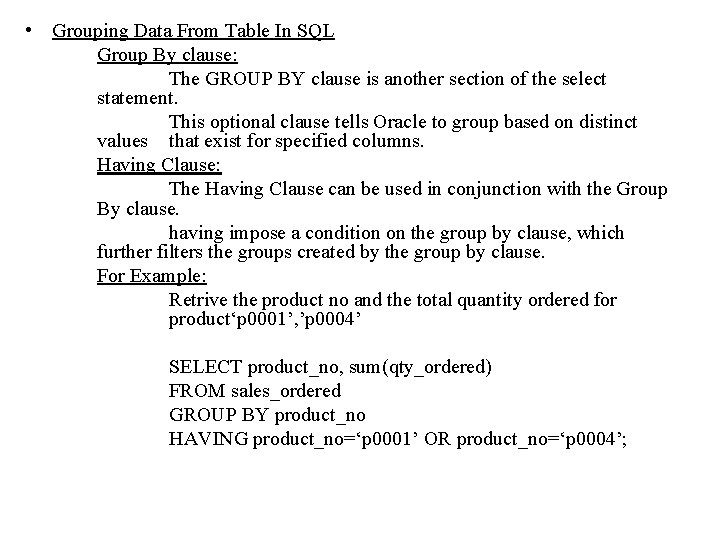
• Grouping Data From Table In SQL Group By clause: The GROUP BY clause is another section of the select statement. This optional clause tells Oracle to group based on distinct values that exist for specified columns. Having Clause: The Having Clause can be used in conjunction with the Group By clause. having impose a condition on the group by clause, which further filters the groups created by the group by clause. For Example: Retrive the product no and the total quantity ordered for product‘p 0001’, ’p 0004’ SELECT product_no, sum(qty_ordered) FROM sales_ordered GROUP BY product_no HAVING product_no=‘p 0001’ OR product_no=‘p 0004’;
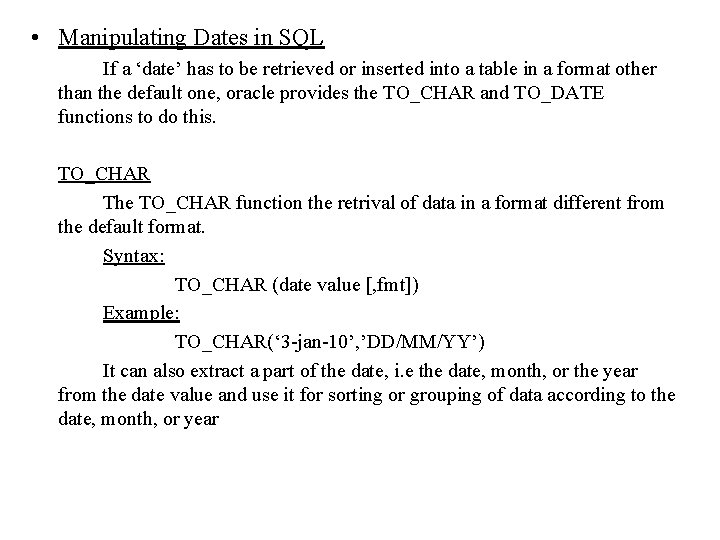
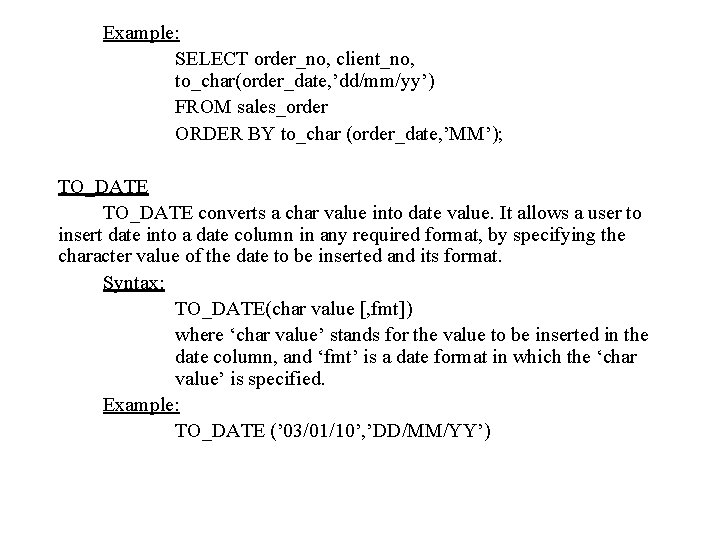
• Manipulating Dates in SQL If a ‘date’ has to be retrieved or inserted into a table in a format other than the default one, oracle provides the TO_CHAR and TO_DATE functions to do this. TO_CHAR The TO_CHAR function the retrival of data in a format different from the default format. Syntax: TO_CHAR (date value [, fmt]) Example: TO_CHAR(‘ 3 -jan-10’, ’DD/MM/YY’) It can also extract a part of the date, i. e the date, month, or the year from the date value and use it for sorting or grouping of data according to the date, month, or year
Example: SELECT order_no, client_no, to_char(order_date, ’dd/mm/yy’) FROM sales_order ORDER BY to_char (order_date, ’MM’); TO_DATE converts a char value into date value. It allows a user to insert date into a date column in any required format, by specifying the character value of the date to be inserted and its format. Syntax: TO_DATE(char value [, fmt]) where ‘char value’ stands for the value to be inserted in the date column, and ‘fmt’ is a date format in which the ‘char value’ is specified. Example: TO_DATE (’ 03/01/10’, ’DD/MM/YY’)
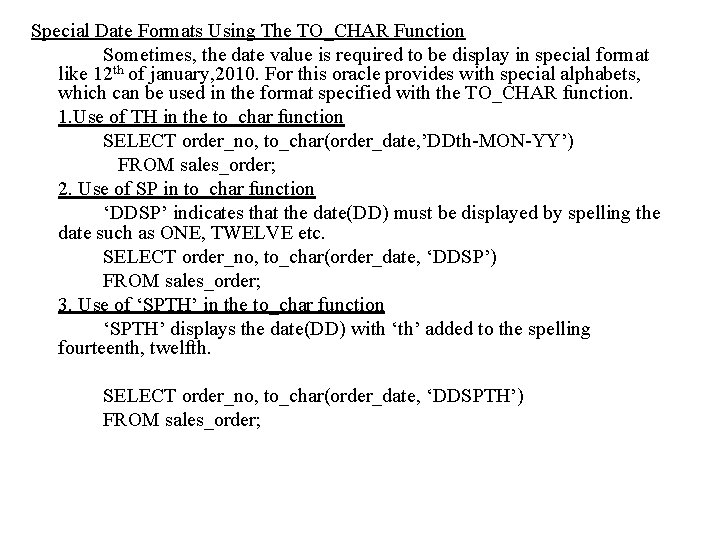
Special Date Formats Using The TO_CHAR Function Sometimes, the date value is required to be display in special format like 12 th of january, 2010. For this oracle provides with special alphabets, which can be used in the format specified with the TO_CHAR function. 1. Use of TH in the to_char function SELECT order_no, to_char(order_date, ’DDth-MON-YY’) FROM sales_order; 2. Use of SP in to_char function ‘DDSP’ indicates that the date(DD) must be displayed by spelling the date such as ONE, TWELVE etc. SELECT order_no, to_char(order_date, ‘DDSP’) FROM sales_order; 3. Use of ‘SPTH’ in the to_char function ‘SPTH’ displays the date(DD) with ‘th’ added to the spelling fourteenth, twelfth. SELECT order_no, to_char(order_date, ‘DDSPTH’) FROM sales_order;
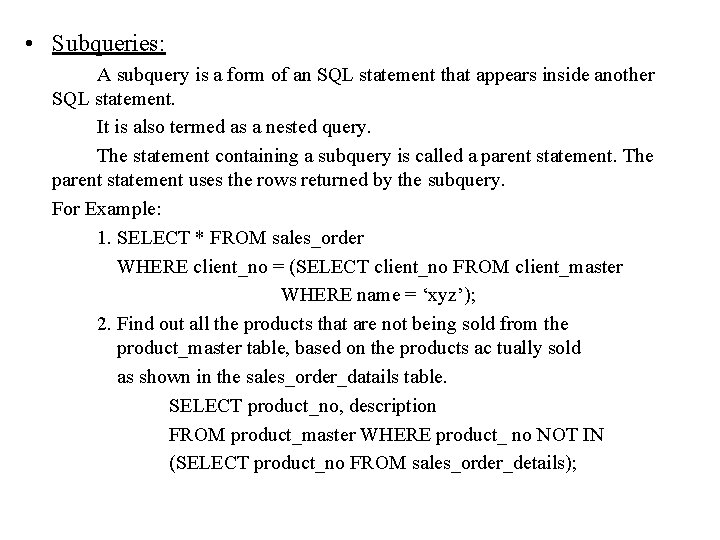
• Subqueries: A subquery is a form of an SQL statement that appears inside another SQL statement. It is also termed as a nested query. The statement containing a subquery is called a parent statement. The parent statement uses the rows returned by the subquery. For Example: 1. SELECT * FROM sales_order WHERE client_no = (SELECT client_no FROM client_master WHERE name = ‘xyz’); 2. Find out all the products that are not being sold from the product_master table, based on the products ac tually sold as shown in the sales_order_datails table. SELECT product_no, description FROM product_master WHERE product_ no NOT IN (SELECT product_no FROM sales_order_details);
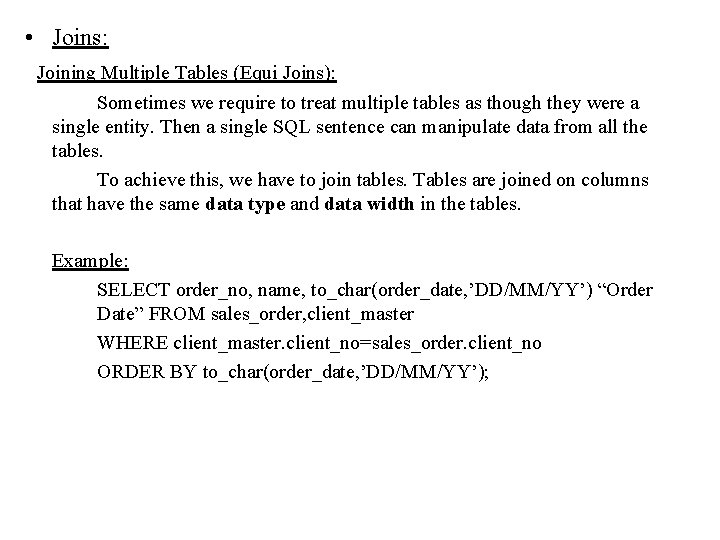
• Joins: Joining Multiple Tables (Equi Joins): Sometimes we require to treat multiple tables as though they were a single entity. Then a single SQL sentence can manipulate data from all the tables. To achieve this, we have to join tables. Tables are joined on columns that have the same data type and data width in the tables. Example: SELECT order_no, name, to_char(order_date, ’DD/MM/YY’) “Order Date” FROM sales_order, client_master WHERE client_master. client_no=sales_order. client_no ORDER BY to_char(order_date, ’DD/MM/YY’);
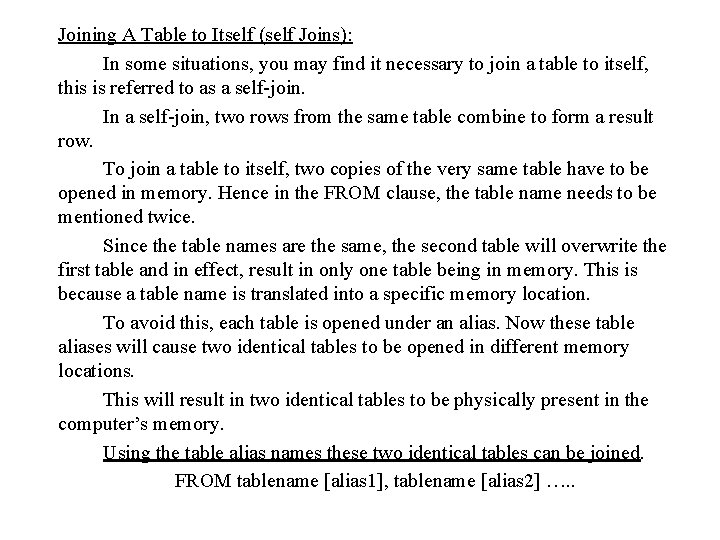
Joining A Table to Itself (self Joins): In some situations, you may find it necessary to join a table to itself, this is referred to as a self-join. In a self-join, two rows from the same table combine to form a result row. To join a table to itself, two copies of the very same table have to be opened in memory. Hence in the FROM clause, the table name needs to be mentioned twice. Since the table names are the same, the second table will overwrite the first table and in effect, result in only one table being in memory. This is because a table name is translated into a specific memory location. To avoid this, each table is opened under an alias. Now these table aliases will cause two identical tables to be opened in different memory locations. This will result in two identical tables to be physically present in the computer’s memory. Using the table alias names these two identical tables can be joined. FROM tablename [alias 1], tablename [alias 2] …. .
For Example: Retrieve the names of the employees and the names of their respective managers from the employee table. SELECT emp. name, mngr. name manager FROM employee emp, employee mngr WHERE emp. manager_no = mngr. employee_no;
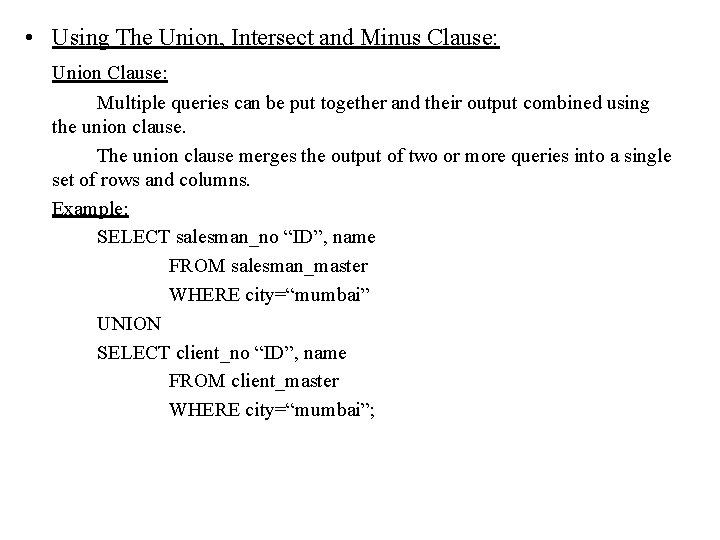
• Using The Union, Intersect and Minus Clause: Union Clause: Multiple queries can be put together and their output combined using the union clause. The union clause merges the output of two or more queries into a single set of rows and columns. Example: SELECT salesman_no “ID”, name FROM salesman_master WHERE city=“mumbai” UNION SELECT client_no “ID”, name FROM client_master WHERE city=“mumbai”;
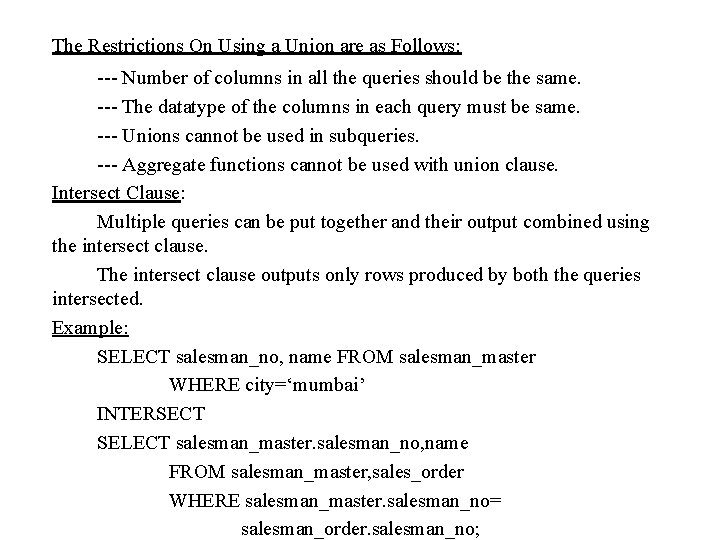
The Restrictions On Using a Union are as Follows: --- Number of columns in all the queries should be the same. --- The datatype of the columns in each query must be same. --- Unions cannot be used in subqueries. --- Aggregate functions cannot be used with union clause. Intersect Clause: Multiple queries can be put together and their output combined using the intersect clause. The intersect clause outputs only rows produced by both the queries intersected. Example: SELECT salesman_no, name FROM salesman_master WHERE city=‘mumbai’ INTERSECT SELECT salesman_master. salesman_no, name FROM salesman_master, sales_order WHERE salesman_master. salesman_no= salesman_order. salesman_no;
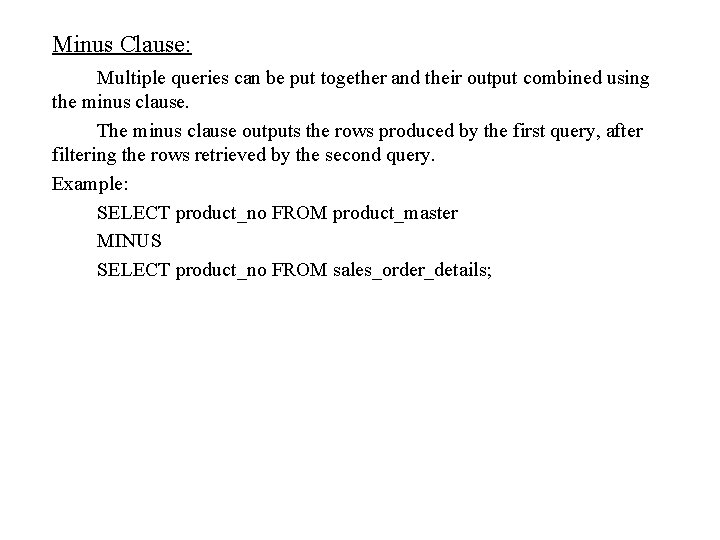
Minus Clause: Multiple queries can be put together and their output combined using the minus clause. The minus clause outputs the rows produced by the first query, after filtering the rows retrieved by the second query. Example: SELECT product_no FROM product_master MINUS SELECT product_no FROM sales_order_details;