
Oracle for SQL Server DBAs Gavin Payne Agenda
Oracle for SQL Server DBAs Gavin Payne
Agenda • Why Oracle? • Inside the database • Installation • Programmability • Physical Storage • Tools • Backup and Recovery • Next Steps 20 slides in 50 minutes Q&A
About Me Gavin Payne Solution Architect 3. 5 years SQL Server DBA 10 years inc Oracle DBA 2 years SQL Bits 7 SQL Server User Group SQL Social Blog Twitter http: //blog. gavinpayneuk. com @Gavin. Payne. UK
Introduction • Today I am not going to: tell you Oracle is better than SQL Server tell you SQL Server is better than Oracle • This is a Level 100 session for newcomers to Oracle: Oracle is a massive product, even the basics Set your expectations appropriately!
Why Oracle? • Very successful product • Lion’s share of the market (think Unix not just Wintel) • Massive legacy install base and still being deployed • Some things only work or are stored with Oracle • One day you will bump into one of those things
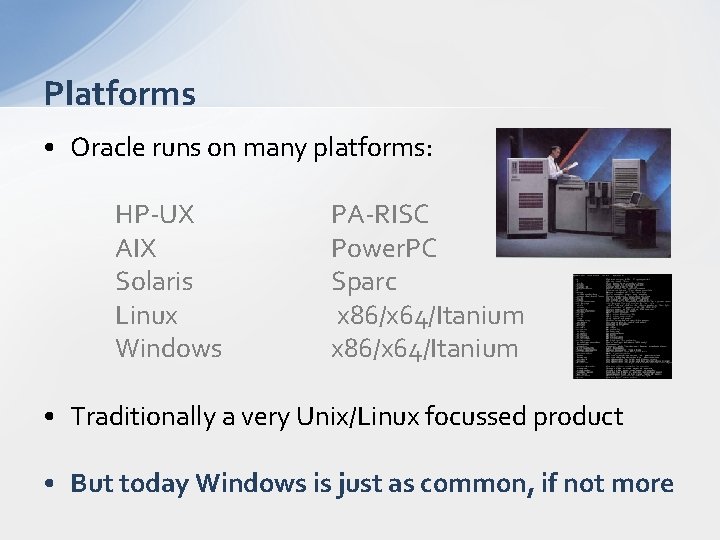
Platforms • Oracle runs on many platforms: HP-UX AIX Solaris Linux Windows PA-RISC Power. PC Sparc x 86/x 64/Itanium • Traditionally a very Unix/Linux focussed product • But today Windows is just as common, if not more
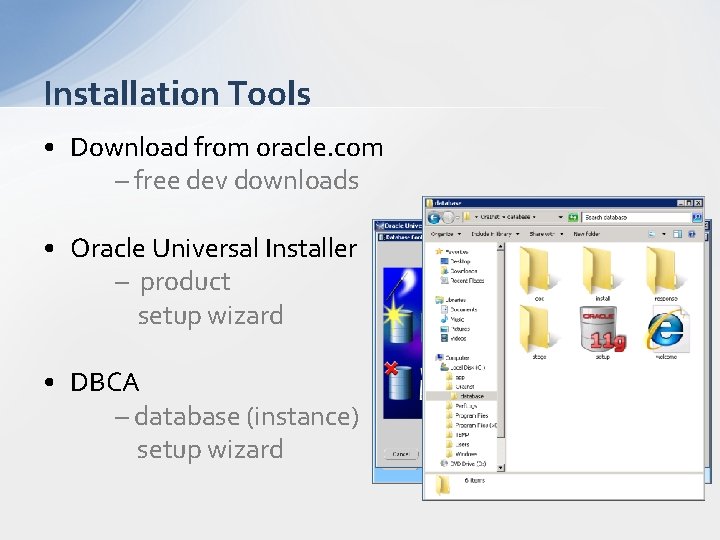
Installation Tools • Download from oracle. com – free dev downloads • Oracle Universal Installer – product setup wizard • DBCA – database (instance) setup wizard
Installation Tips • You can use a virtual machine – I’m using Windows 2008 R 2 on Hyper-V • More resource hungry than SQL Server – memory, IO, CPU, in that order • Just accepting the defaults is fine
Oracle Enterprise Manager • Browser based administration tool • Focuses on platform and schema control rather than data • Primarily of DBA, not developer, interest • Compared to SSMS it’s pretty shocking • Portability over functionality • Not all functionality is free! • Demo
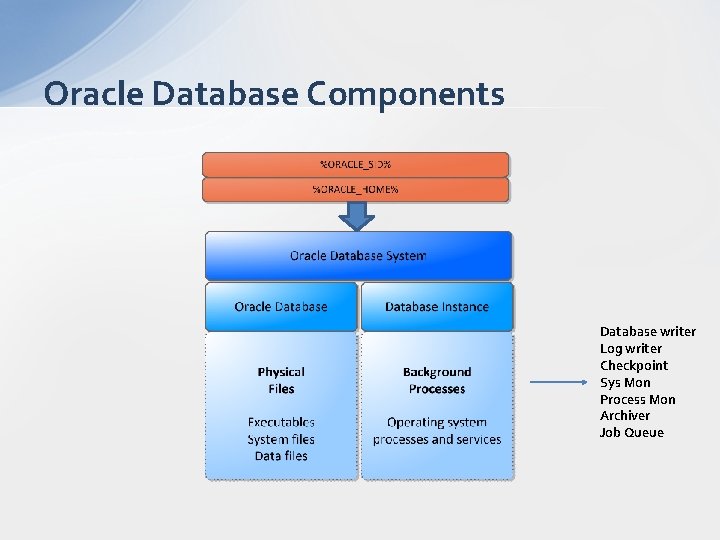
Oracle Database Components Database writer Log writer Checkpoint Sys Mon Process Mon Archiver Job Queue
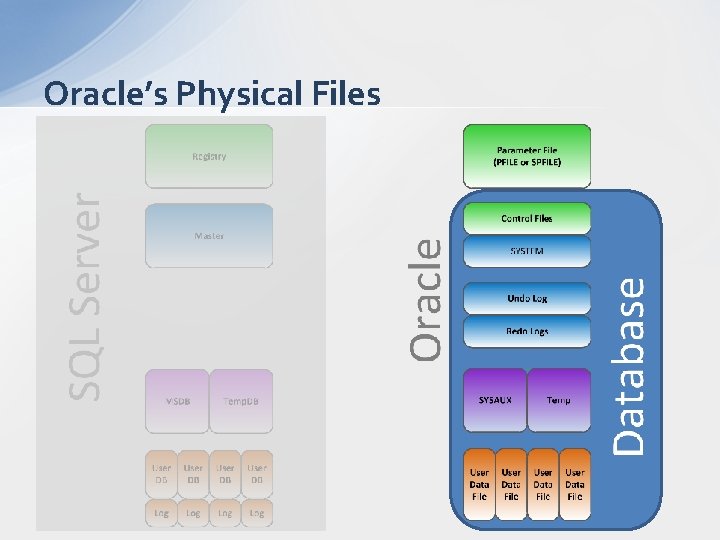
Oracle’s Physical Files
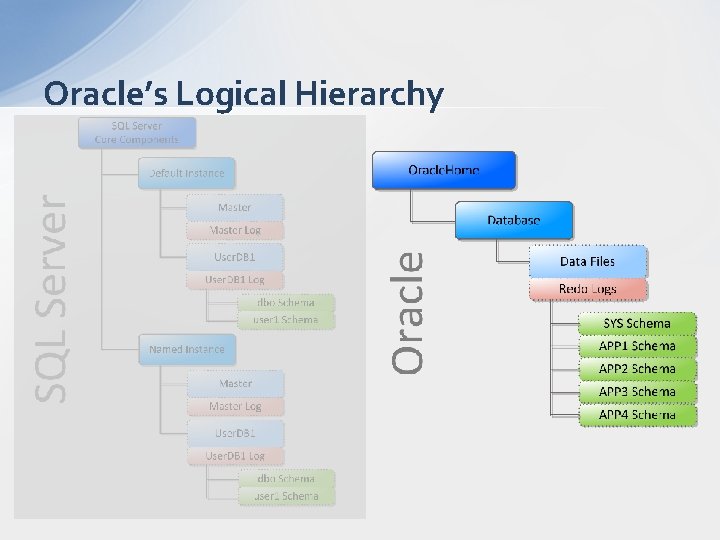
Oracle’s Logical Hierarchy
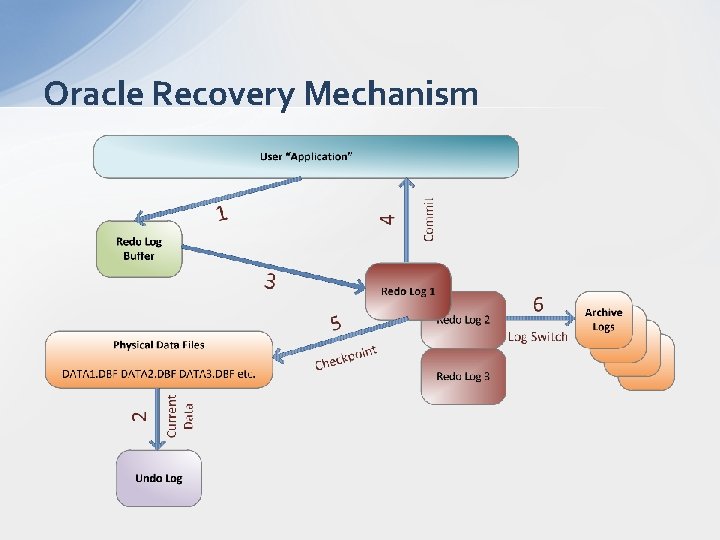
Oracle Recovery Mechanism
Backup and Recovery • Archivelog mode Equivalent to Full recovery mode Writes and then empties the changes in an inactive redo log to an operating system disk file transaction log backup Key to performing point in time recoveries And online backups!
RMAN • Oracle’s Recovery Manager • Command line backup and cataloguing manager • Equivalent of T-SQL Backup and Restore • Production DBA’s best friend • Highly comprehensive scripting language • DEMO
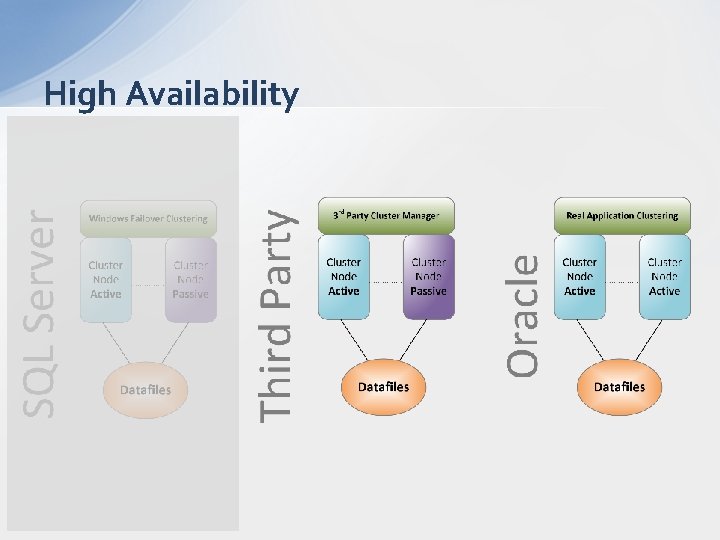
High Availability
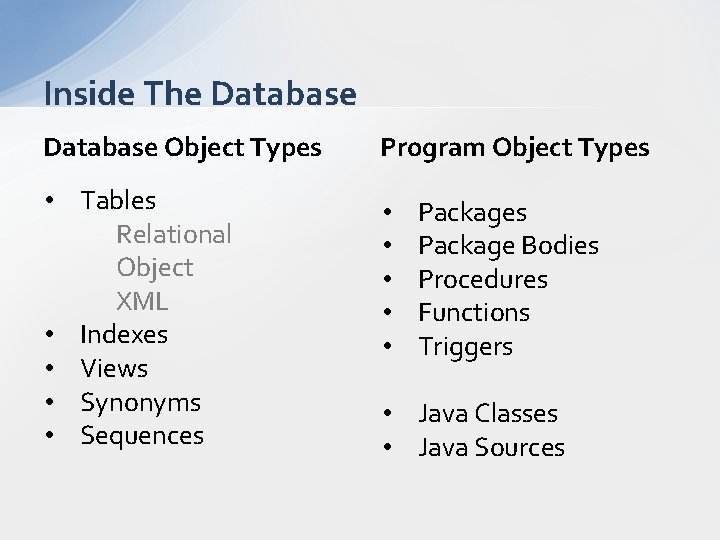
Inside The Database Object Types Program Object Types • Tables Relational Object XML • Indexes • Views • Synonyms • Sequences • • • Packages Package Bodies Procedures Functions Triggers • Java Classes • Java Sources
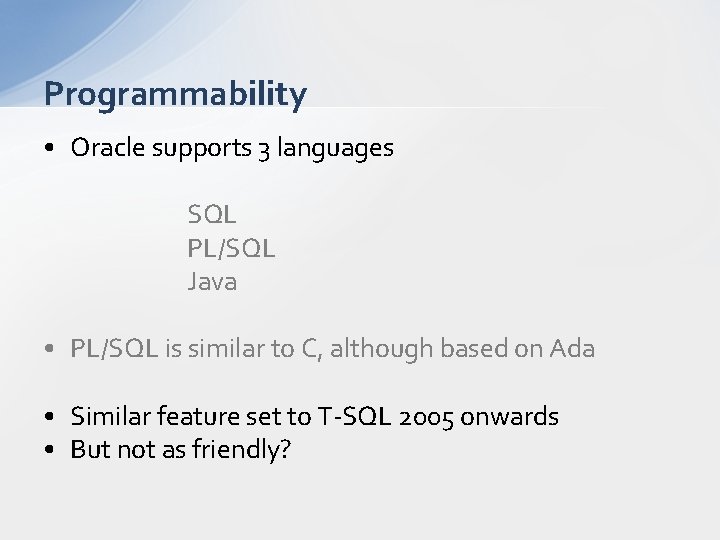
Programmability • Oracle supports 3 languages SQL PL/SQL Java • PL/SQL is similar to C, although based on Ada • Similar feature set to T-SQL 2005 onwards • But not as friendly?
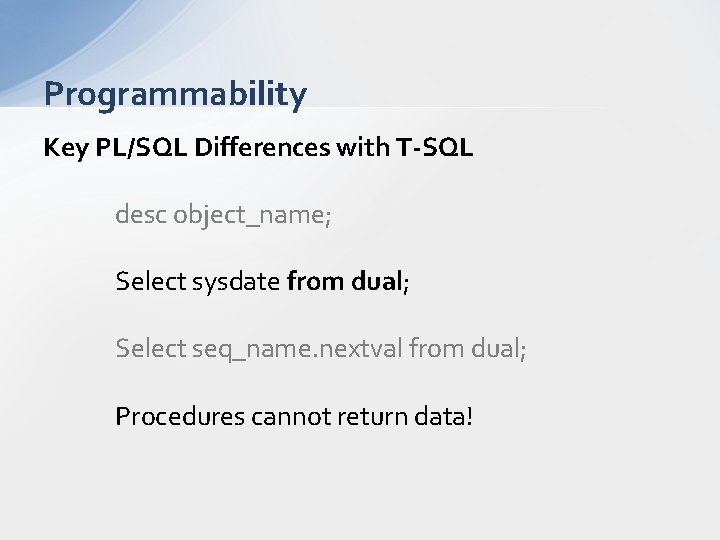
Programmability Key PL/SQL Differences with T-SQL desc object_name; Select sysdate from dual; Select seq_name. nextval from dual; Procedures cannot return data!
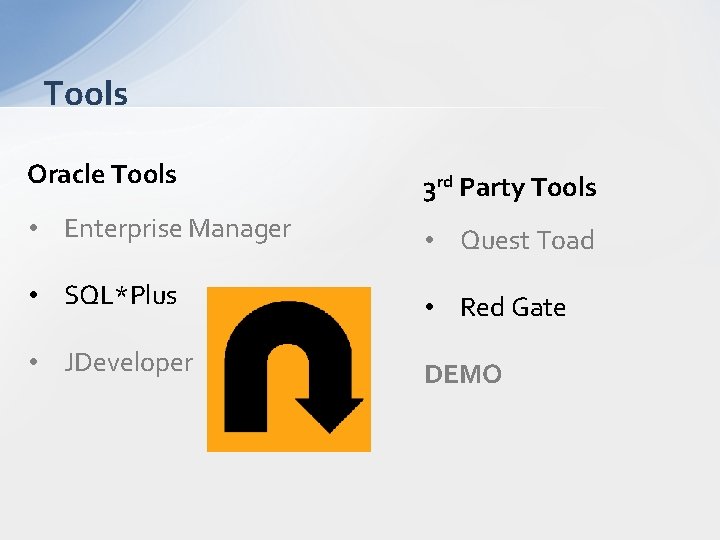
Tools Oracle Tools 3 rd Party Tools • Enterprise Manager • Quest Toad • SQL*Plus • Red Gate • JDeveloper DEMO
Next Steps • Download and install, get to the Enterprise Mgr page • Decide what you want to learn more about next? • What we didn’t cover: Networking and Listeners Security Memory management Dynamic and Flash storage PL/SQL
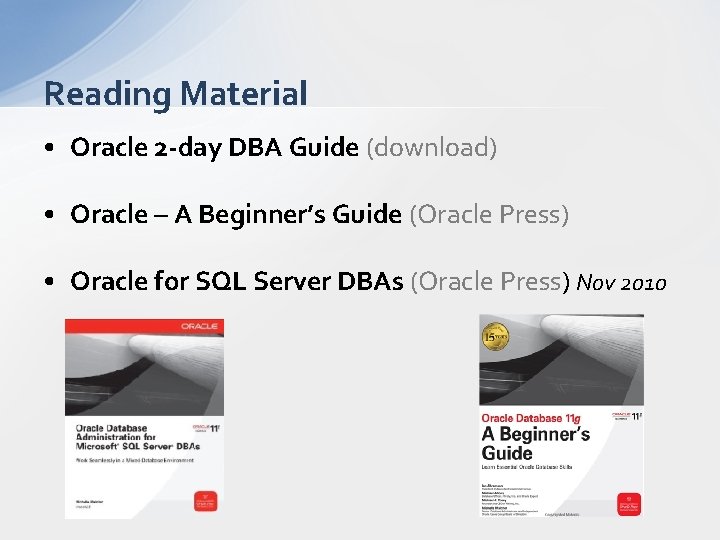
Reading Material • Oracle 2 -day DBA Guide (download) • Oracle – A Beginner’s Guide (Oracle Press) • Oracle for SQL Server DBAs (Oracle Press) Nov 2010

Q&A
- Slides: 23