
Oracle Developer2000 Developer2000 Products Forms Reports Graphics Oracle

- Slides: 18
Oracle Developer/2000
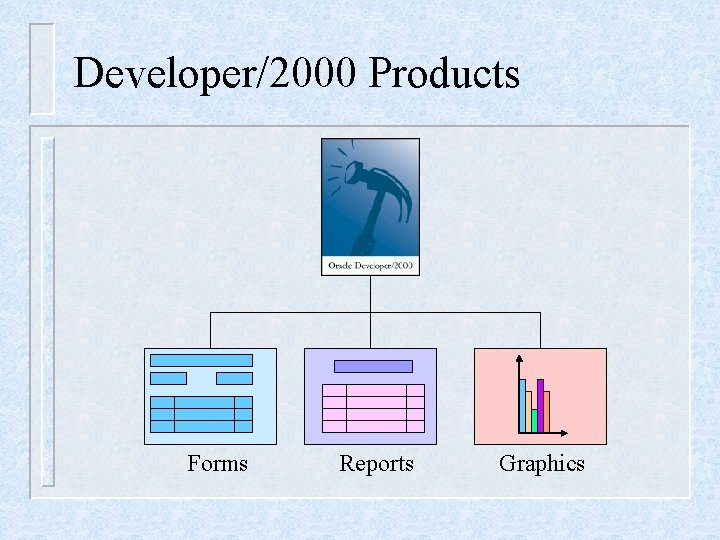
Developer/2000 Products Forms Reports Graphics
Oracle Forms
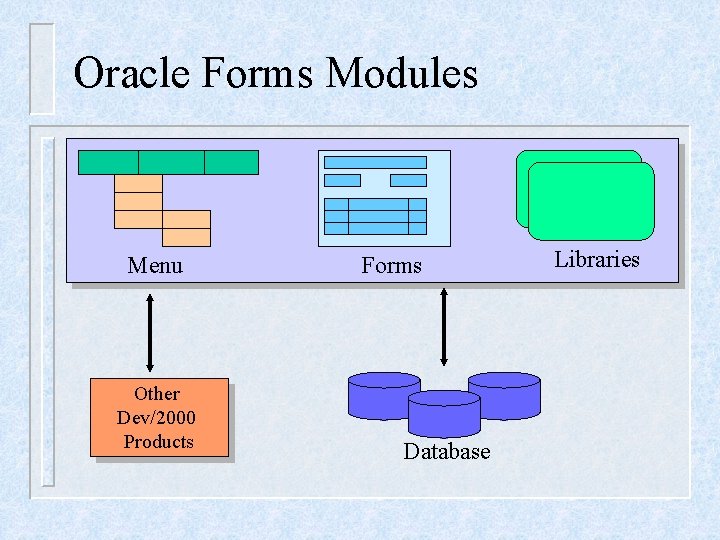
Oracle Forms Modules Menu Other Dev/2000 Products Forms Database Libraries
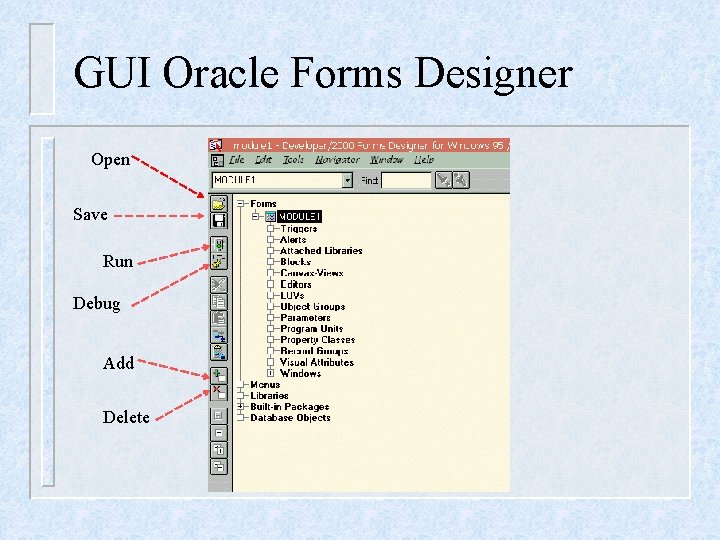
GUI Oracle Forms Designer Open Save Run Debug Add Delete
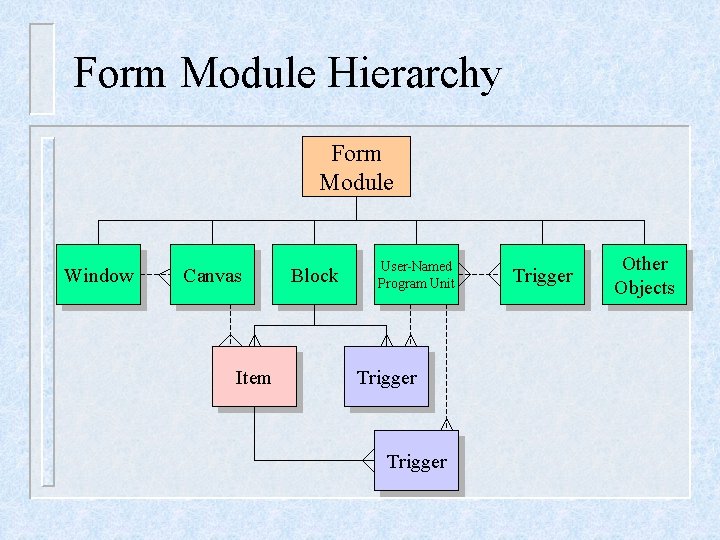
Form Module Hierarchy Form Module Window Canvas Item Block User-Named Program Unit Trigger Other Objects
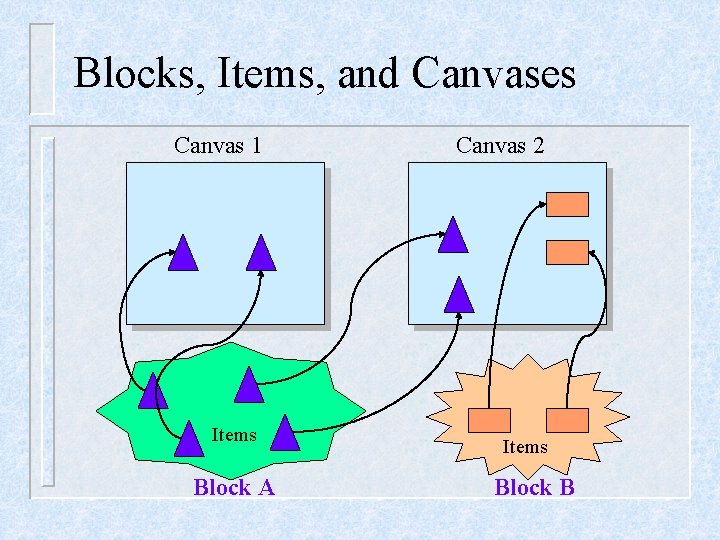
Blocks, Items, and Canvases Canvas 1 Items Block A Canvas 2 Items Block B
Creating a New Form Module w w Buat modul baru Ganti nama modul ÕDiawali dengan huruf ÕUnik ÕBukan w reserved word Atur property modul
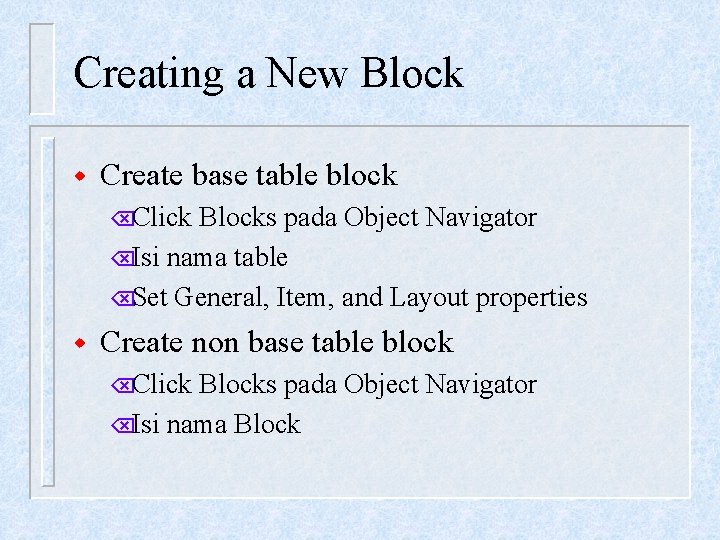
Creating a New Block w Create base table block ÕClick Blocks pada Object Navigator ÕIsi nama table ÕSet General, Item, and Layout properties w Create non base table block ÕClick Blocks pada Object Navigator ÕIsi nama Block
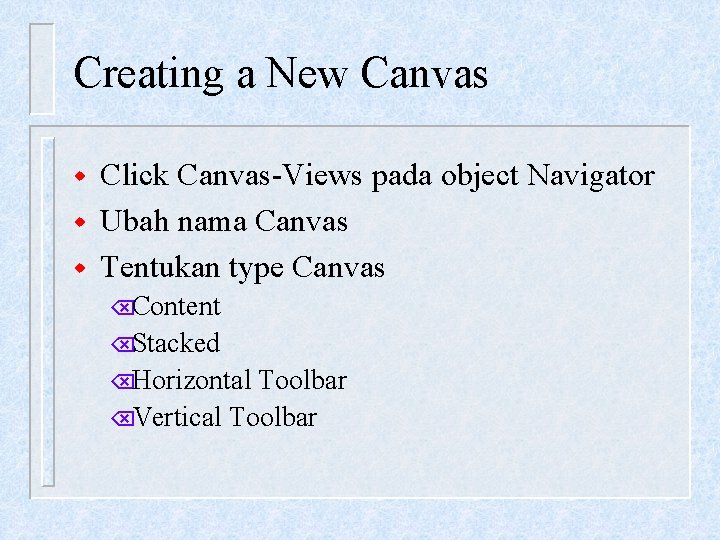
Creating a New Canvas w w w Click Canvas-Views pada object Navigator Ubah nama Canvas Tentukan type Canvas ÕContent ÕStacked ÕHorizontal Toolbar ÕVertical Toolbar
Time to Practice
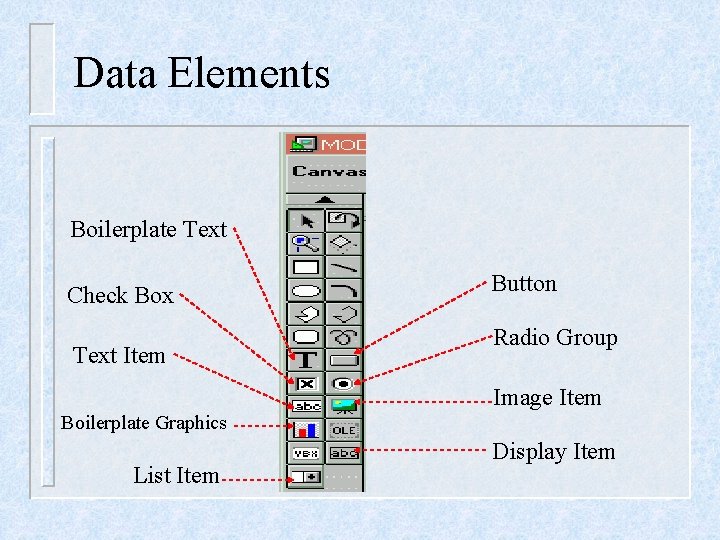
Data Elements Boilerplate Text Check Box Text Item Button Radio Group Image Item Boilerplate Graphics List Item Display Item
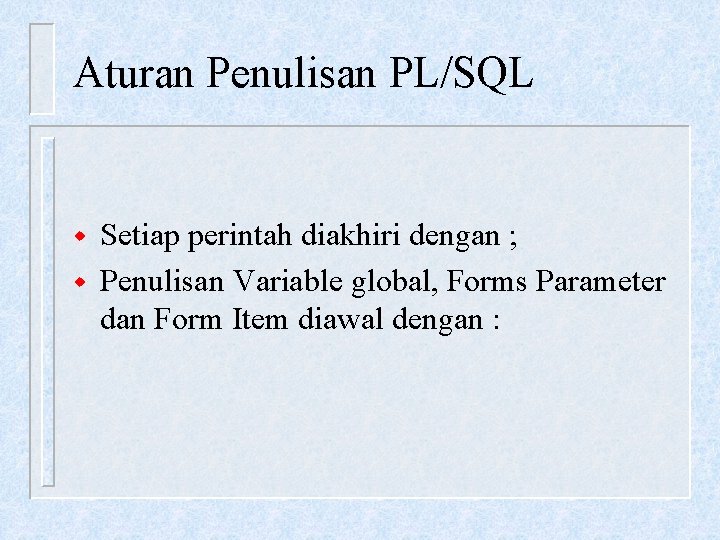
Aturan Penulisan PL/SQL w w Setiap perintah diakhiri dengan ; Penulisan Variable global, Forms Parameter dan Form Item diawal dengan :
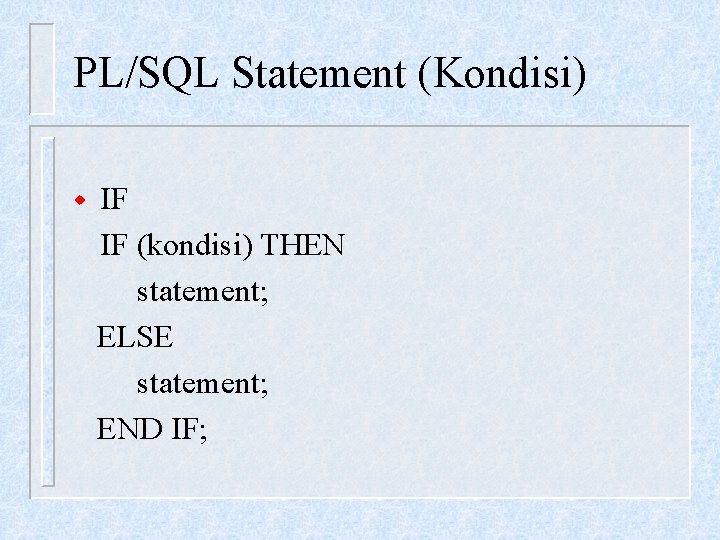
PL/SQL Statement (Kondisi) w IF IF (kondisi) THEN statement; ELSE statement; END IF;
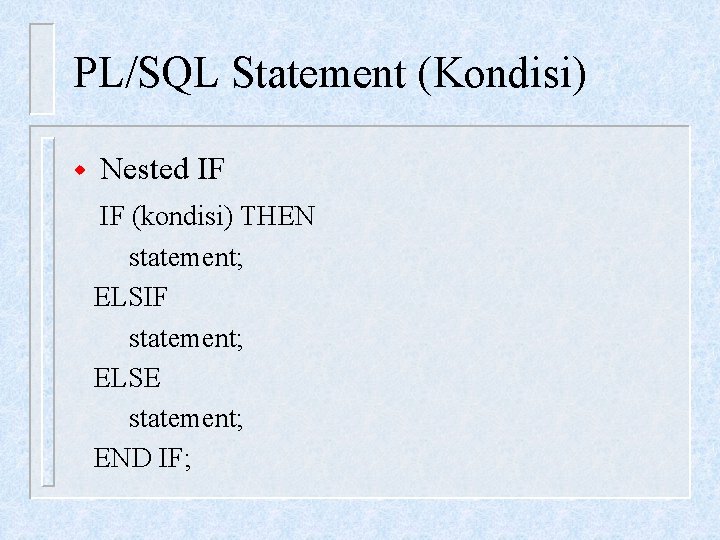
PL/SQL Statement (Kondisi) w Nested IF IF (kondisi) THEN statement; ELSIF statement; ELSE statement; END IF;
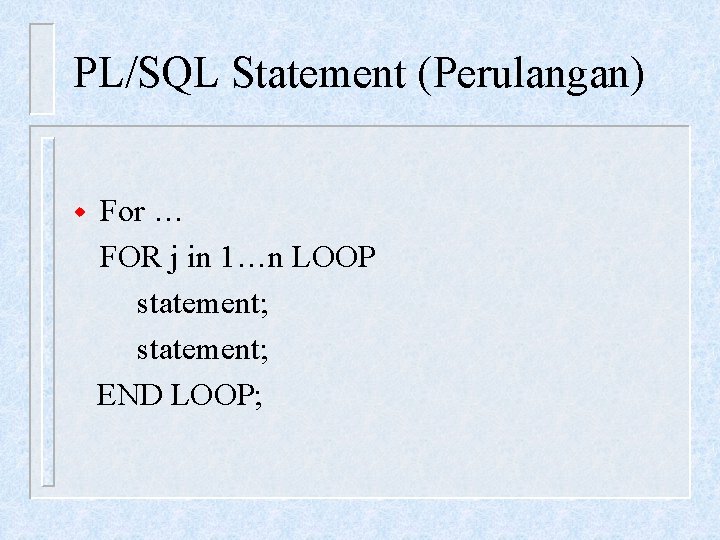
PL/SQL Statement (Perulangan) w For … FOR j in 1…n LOOP statement; END LOOP;
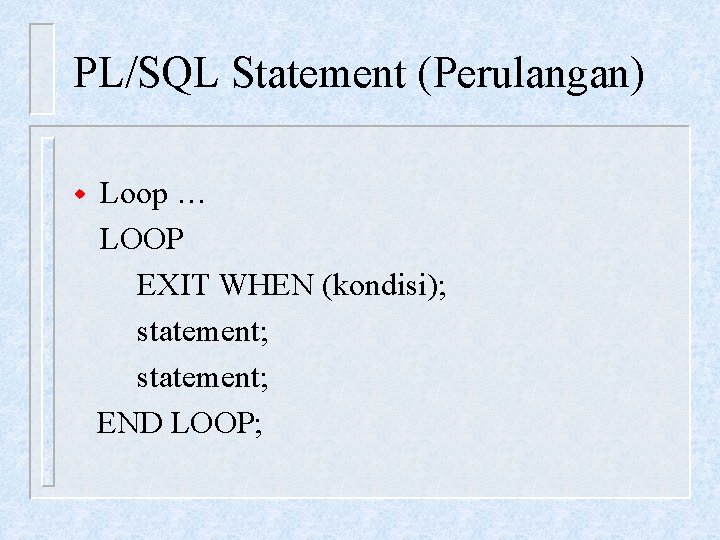
PL/SQL Statement (Perulangan) w Loop … LOOP EXIT WHEN (kondisi); statement; END LOOP;
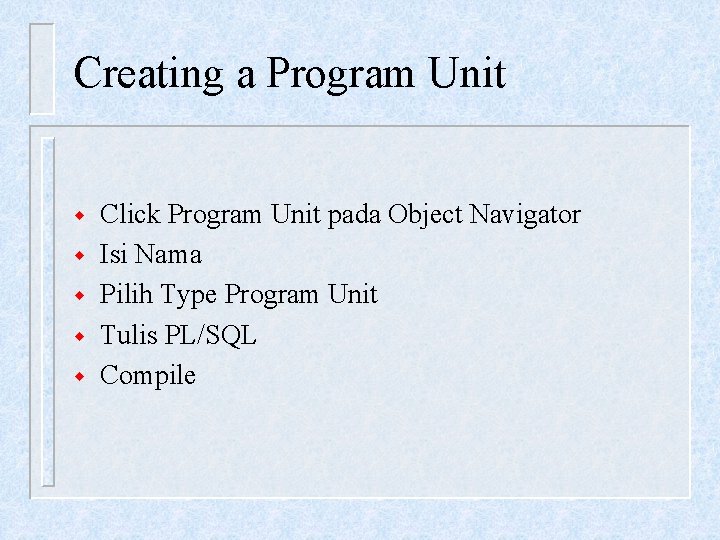
Creating a Program Unit w w w Click Program Unit pada Object Navigator Isi Nama Pilih Type Program Unit Tulis PL/SQL Compile