
Oracle Database Architecture An Oracle server Is a
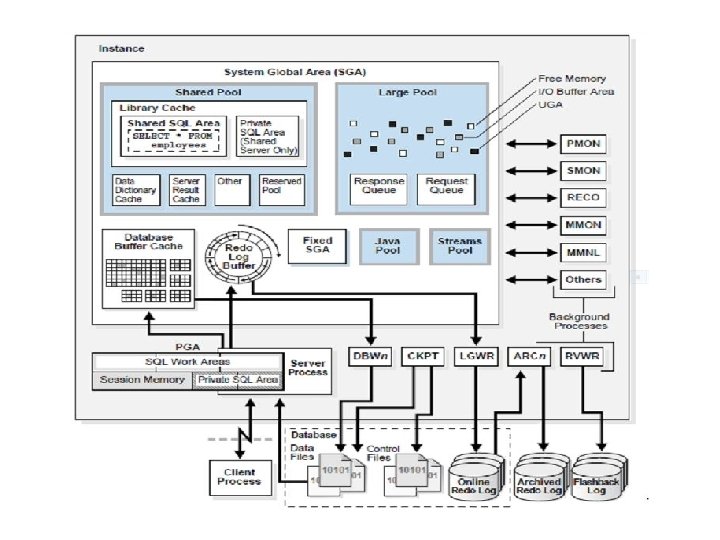
Oracle Database Architecture • An Oracle server: – Is a database management system that provides an open, comprehensive, integrated approach to information management – Consists of an Oracle instance and an Oracle database
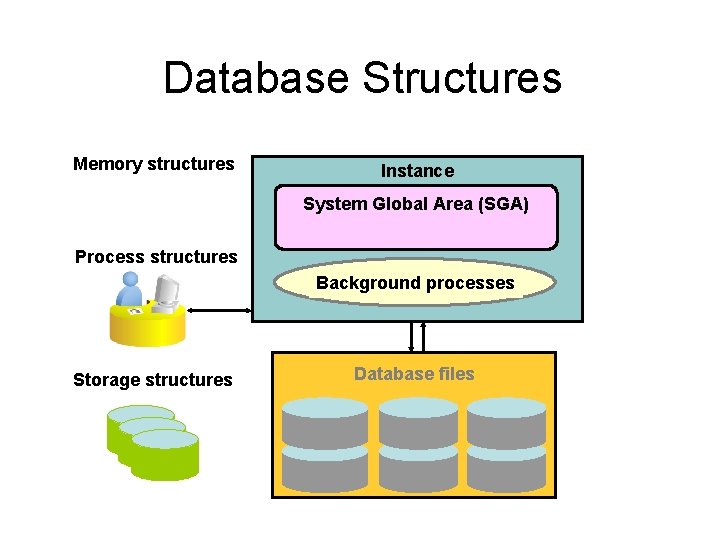
Database Structures Memory structures Instance System Global Area (SGA) Process structures Background processes Storage structures Database files
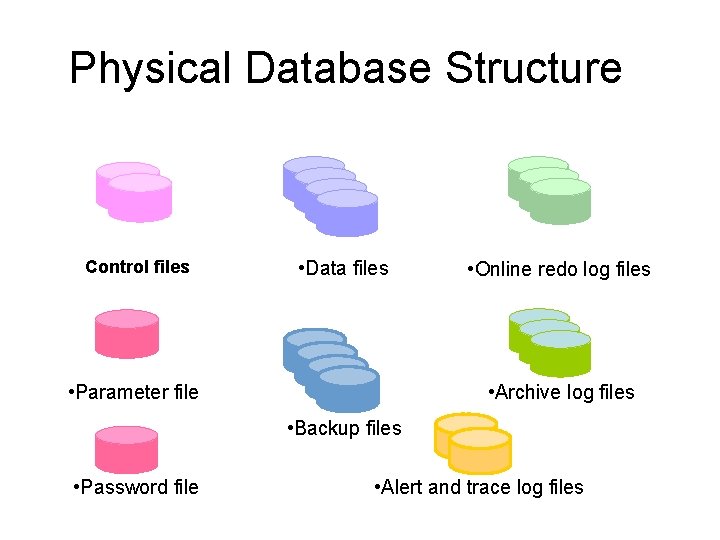
Physical Database Structure Control files • Data files • Parameter file • Online redo log files • Archive log files • Backup files • Password file . • Alert and trace log files
Files of a database A data file is a physical file on disk that was created by Oracle Database and contains data structures such as tables and indexes. A control file contains information such as the following: the database name, information about data files, online redo log files, tablespace information, etc. The online redo log is a set of files containing records of changes made to data. Online redo log is the most crucial structure for recovery. Alert log is a file that provides a chronological log of database messages and errors.
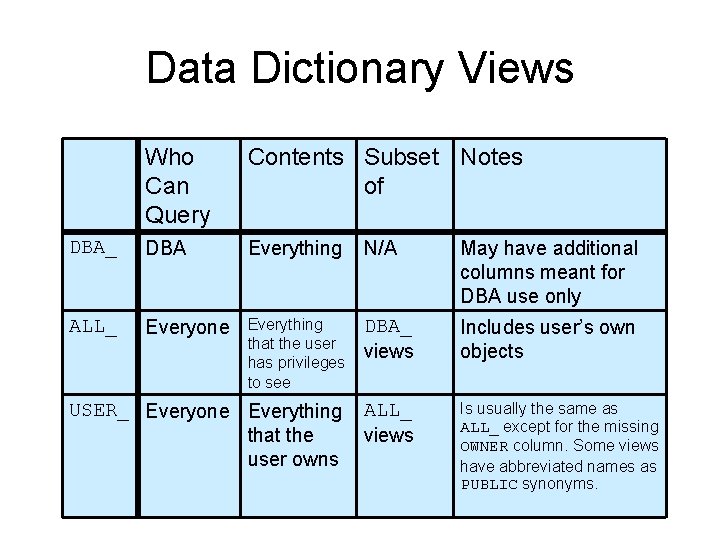
Data Dictionary Views Who Can Query Contents Subset Notes of DBA_ DBA Everything N/A May have additional columns meant for DBA use only ALL_ Everyone Everything that the user has privileges to see DBA_ views Includes user’s own objects USER_ Everyone Everything that the user owns ALL_ views Is usually the same as ALL_ except for the missing OWNER column. Some views have abbreviated names as PUBLIC synonyms.
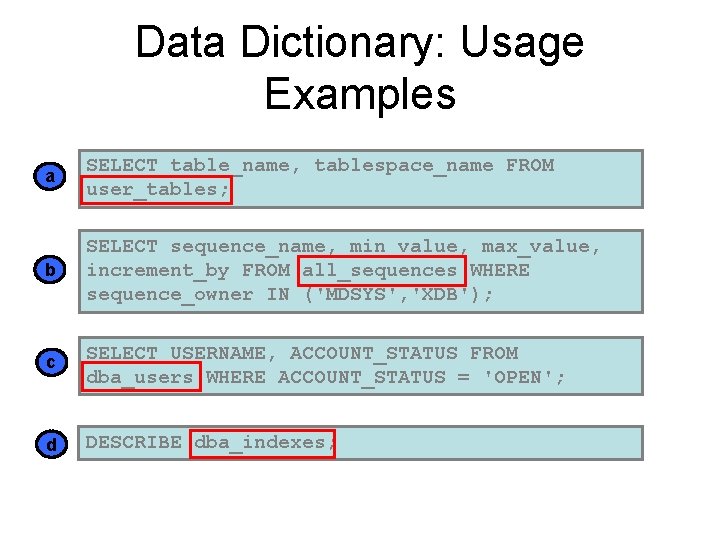
Data Dictionary: Usage Examples a SELECT table_name, tablespace_name FROM user_tables; b SELECT sequence_name, min_value, max_value, increment_by FROM all_sequences WHERE sequence_owner IN ('MDSYS', 'XDB'); c SELECT USERNAME, ACCOUNT_STATUS FROM dba_users WHERE ACCOUNT_STATUS = 'OPEN'; d DESCRIBE dba_indexes;
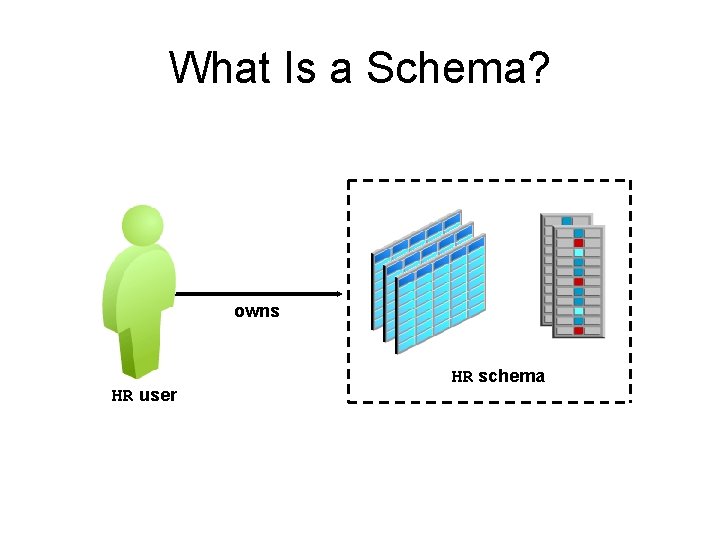
What Is a Schema? owns HR user HR schema
Schema Objects • In Oracle Database, a database schema is a collection of logical data structures, or schema objects. A database schema is owned by a database user and has the same name as the username.
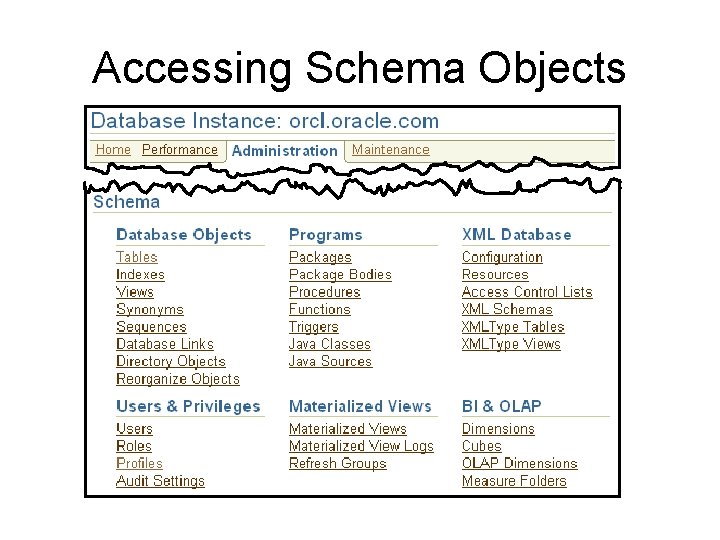
Accessing Schema Objects
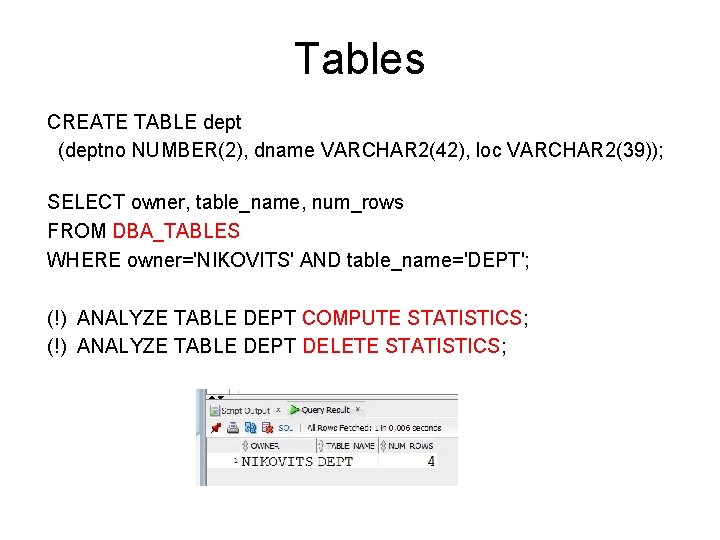
Tables CREATE TABLE dept (deptno NUMBER(2), dname VARCHAR 2(42), loc VARCHAR 2(39)); SELECT owner, table_name, num_rows FROM DBA_TABLES WHERE owner='NIKOVITS' AND table_name='DEPT'; (!) ANALYZE TABLE DEPT COMPUTE STATISTICS; (!) ANALYZE TABLE DEPT DELETE STATISTICS;
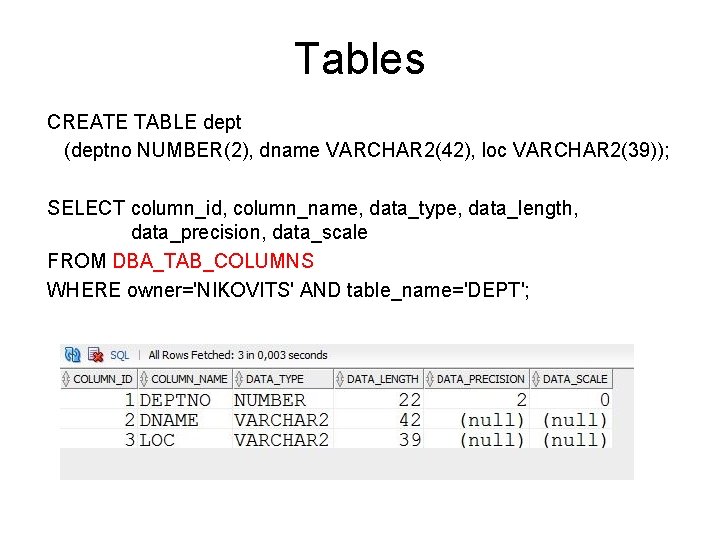
Tables CREATE TABLE dept (deptno NUMBER(2), dname VARCHAR 2(42), loc VARCHAR 2(39)); SELECT column_id, column_name, data_type, data_length, data_precision, data_scale FROM DBA_TAB_COLUMNS WHERE owner='NIKOVITS' AND table_name='DEPT';
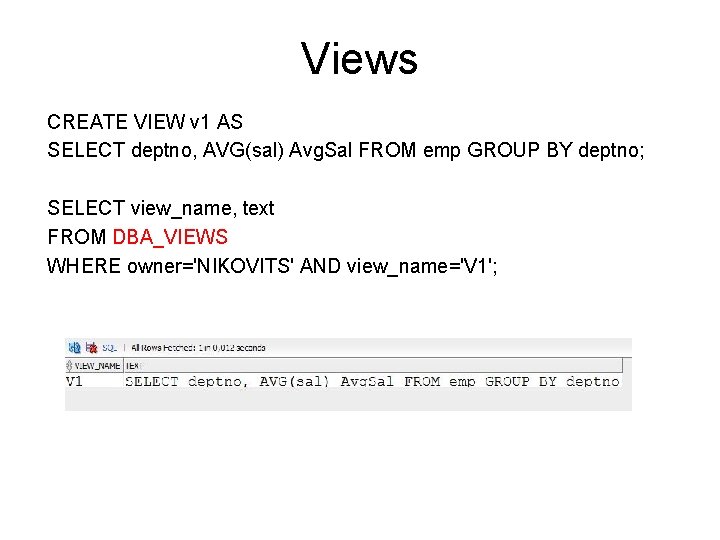
Views CREATE VIEW v 1 AS SELECT deptno, AVG(sal) Avg. Sal FROM emp GROUP BY deptno; SELECT view_name, text FROM DBA_VIEWS WHERE owner='NIKOVITS' AND view_name='V 1';
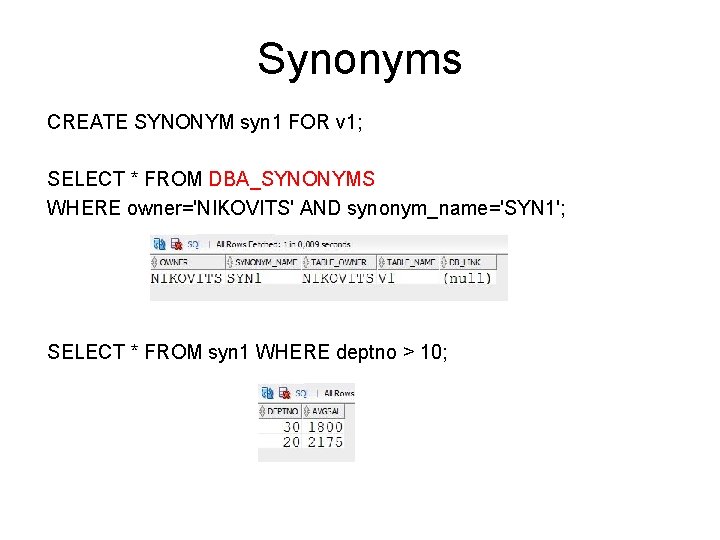
Synonyms CREATE SYNONYM syn 1 FOR v 1; SELECT * FROM DBA_SYNONYMS WHERE owner='NIKOVITS' AND synonym_name='SYN 1'; SELECT * FROM syn 1 WHERE deptno > 10;
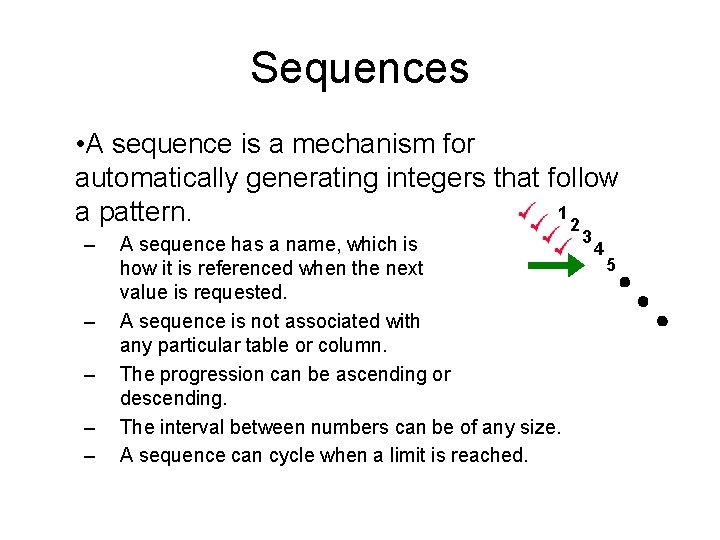
Sequences • A sequence is a mechanism for automatically generating integers that follow 1 a pattern. 2 – – – A sequence has a name, which is how it is referenced when the next value is requested. A sequence is not associated with any particular table or column. The progression can be ascending or descending. The interval between numbers can be of any size. A sequence can cycle when a limit is reached. 3 4 5
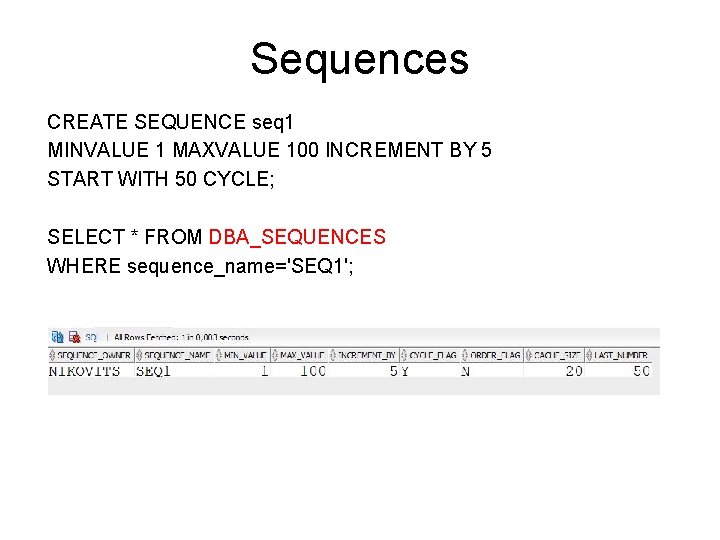
Sequences CREATE SEQUENCE seq 1 MINVALUE 1 MAXVALUE 100 INCREMENT BY 5 START WITH 50 CYCLE; SELECT * FROM DBA_SEQUENCES WHERE sequence_name='SEQ 1';
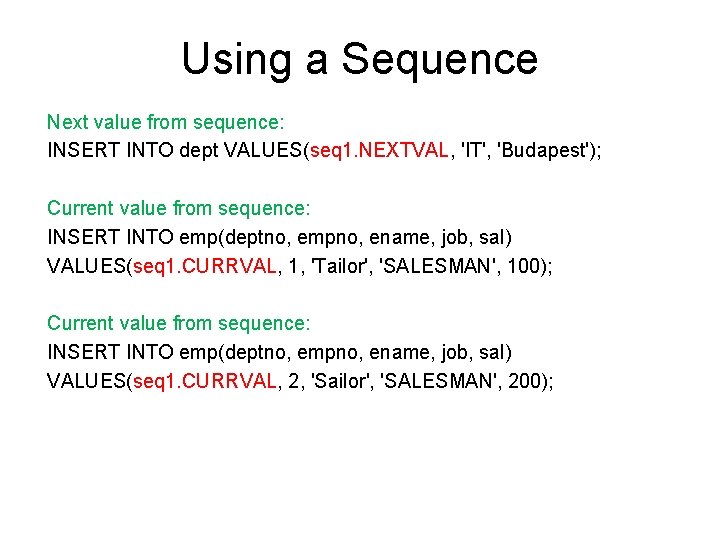
Using a Sequence Next value from sequence: INSERT INTO dept VALUES(seq 1. NEXTVAL, 'IT', 'Budapest'); Current value from sequence: INSERT INTO emp(deptno, empno, ename, job, sal) VALUES(seq 1. CURRVAL, 1, 'Tailor', 'SALESMAN', 100); Current value from sequence: INSERT INTO emp(deptno, empno, ename, job, sal) VALUES(seq 1. CURRVAL, 2, 'Sailor', 'SALESMAN', 200);
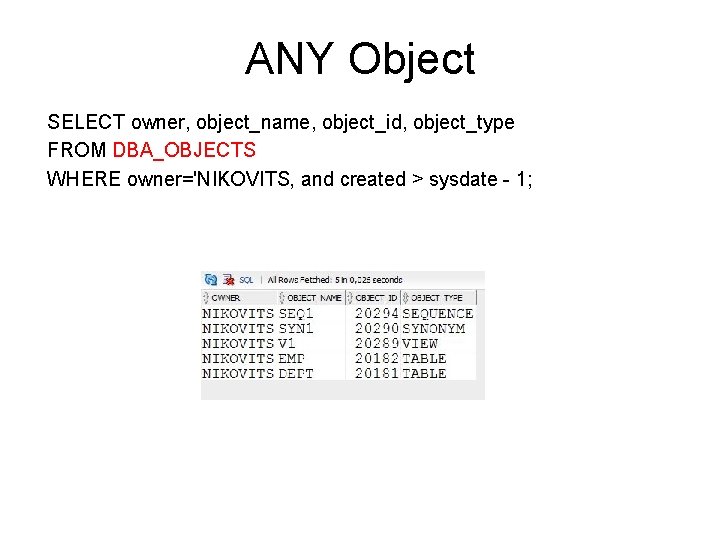
ANY Object SELECT owner, object_name, object_id, object_type FROM DBA_OBJECTS WHERE owner='NIKOVITS‚ and created > sysdate - 1;
- Slides: 18