
Oracle Application Express APEX Project Implementation for COSC
- Slides: 36
Oracle Application Express (APEX) Project Implementation for COSC 5050 Distributed Database Applications Lab 2
Using Application Builder �Oracle SQL and PL/SQL script �Navigating the Application Builder �Install and run the demonstration applications �Navigating between pages �GUI components �Reports and forms �Create application
Oracle SQL �DDL with create and drop �Create table, primary key and foreign key �Create sequence �Create view �Drop objects �DML with Insert, update, delete �Transaction management with commit and rollback �Maintain your database with script files �For create, data, and drop
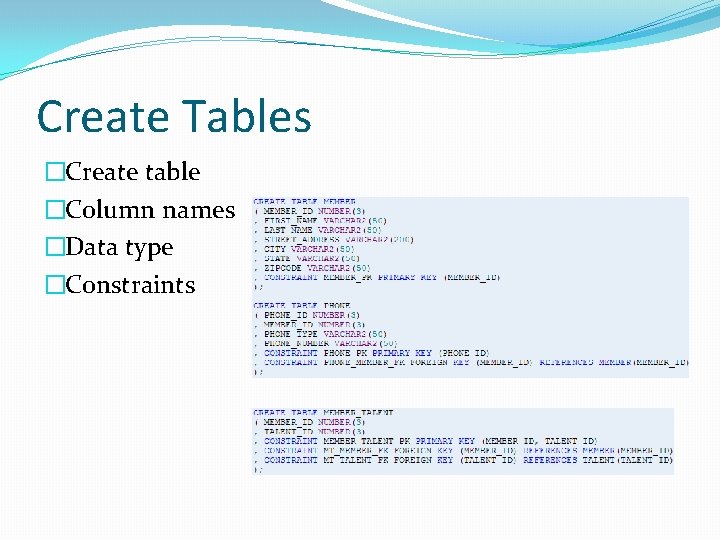
Create Tables �Create table �Column names �Data type �Constraints
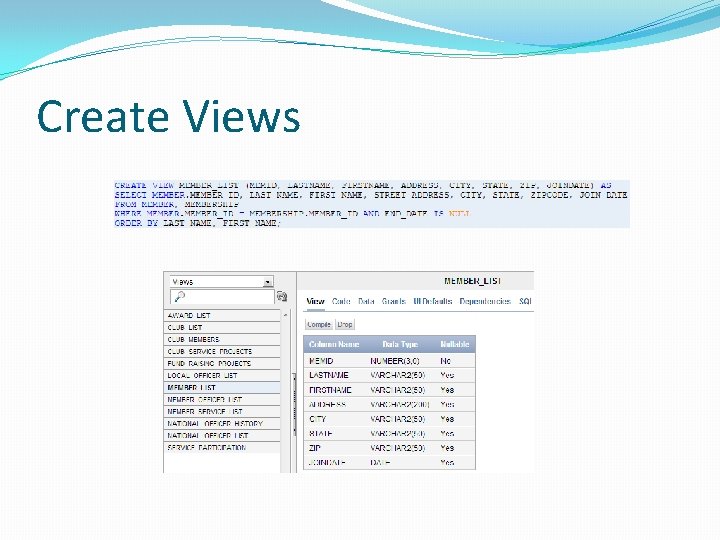
Create Views
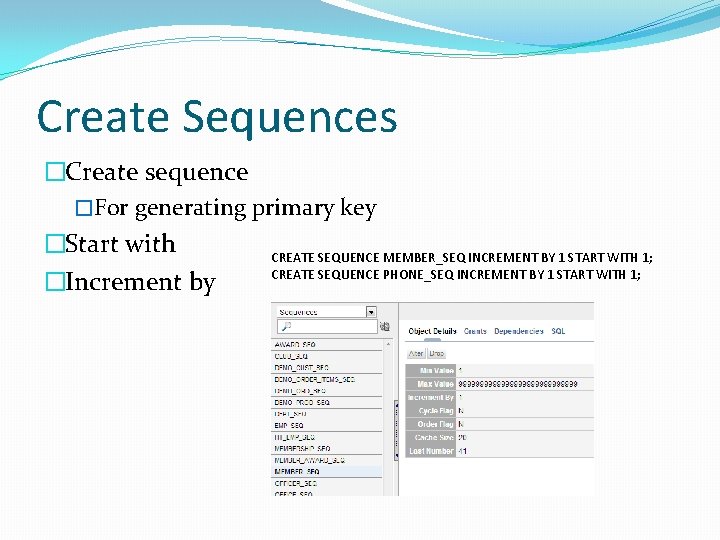
Create Sequences �Create sequence �For generating primary key �Start with CREATE SEQUENCE MEMBER_SEQ INCREMENT BY 1 START WITH 1; CREATE SEQUENCE PHONE_SEQ INCREMENT BY 1 START WITH 1; �Increment by
Drop Objects �The DROP command is used to remove any database object from the database �DROP TABLE MEMBER; �DROP SEQUENCE MEMBER_SEQ; �DROP VIEW MEMBER_LIST;
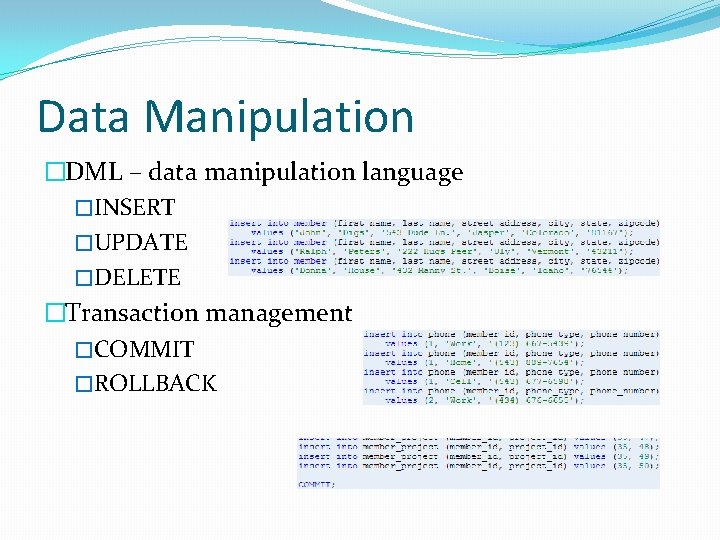
Data Manipulation �DML – data manipulation language �INSERT �UPDATE �DELETE �Transaction management �COMMIT �ROLLBACK
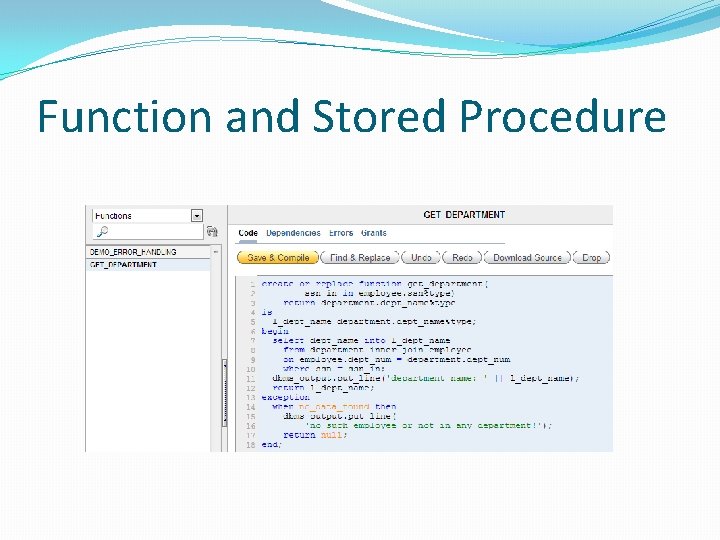
Function and Stored Procedure
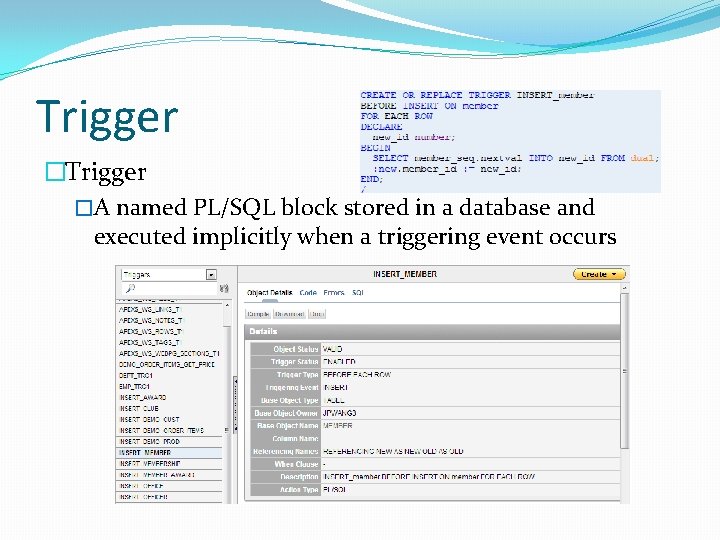
Trigger �A named PL/SQL block stored in a database and executed implicitly when a triggering event occurs
What Is Application Builder? �Application Builder is an environment to build applications �Assemble an HTML interface (or application) on top of database objects such as tables and views �Through wizards or direct input �Each application is a collection of pages linked together using tabs, buttons, or hypertext links
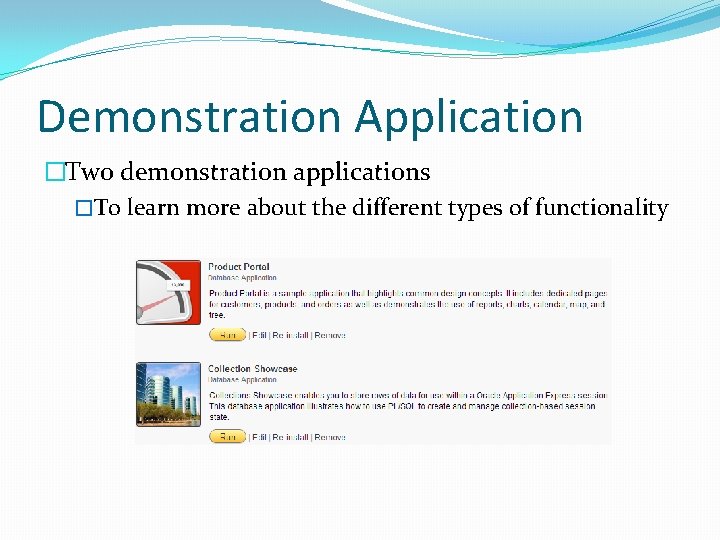
Demonstration Application �Two demonstration applications �To learn more about the different types of functionality
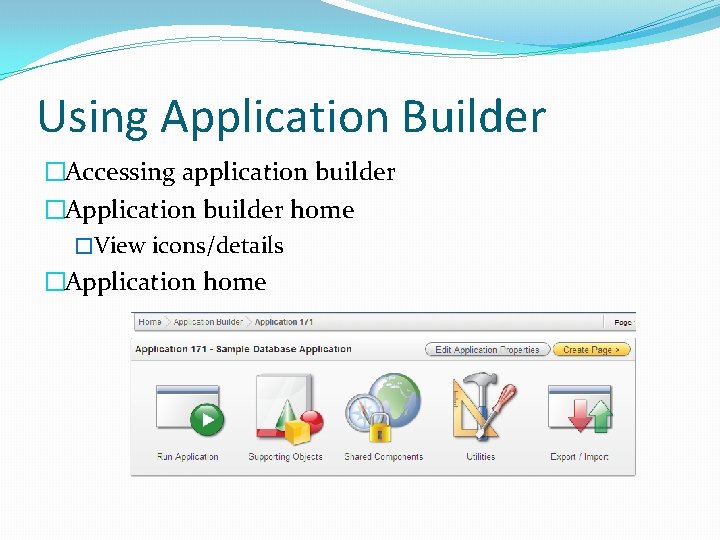
Using Application Builder �Accessing application builder �Application builder home �View icons/details �Application home
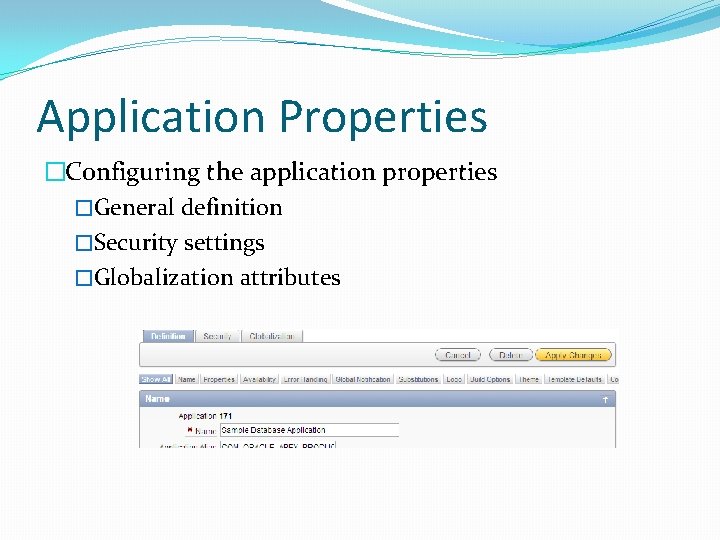
Application Properties �Configuring the application properties �General definition �Security settings �Globalization attributes
Page �A page is the basic building block of an application �Pages also contain user interface elements such as tabs, lists, buttons, items, and regions �To see the definition of each page belonging to your application, you use the Page Definition page �Page rendering �Page processing �Shared components
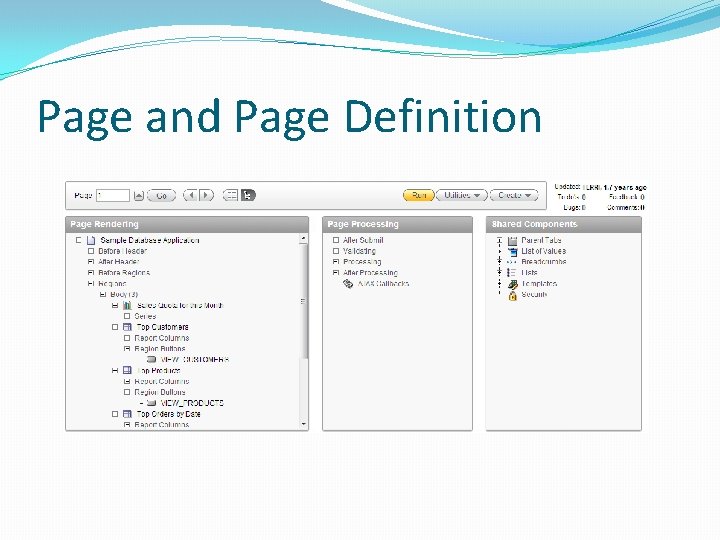
Page and Page Definition
Page Definition �Page Rendering �Controls and logic that are executed when a page is rendered �Page rendering is the process of generating a page from the database �Page Processing �Logic controls (such as computations and processes) that are evaluated and executed when the page is processed �Shared Components �Components used by the current page that can also be referenced by other pages within your application
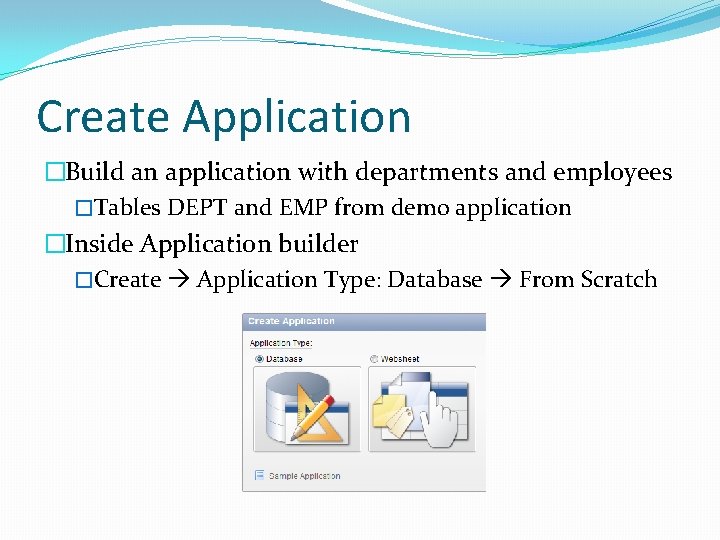
Create Application �Build an application with departments and employees �Tables DEPT and EMP from demo application �Inside Application builder �Create Application Type: Database From Scratch
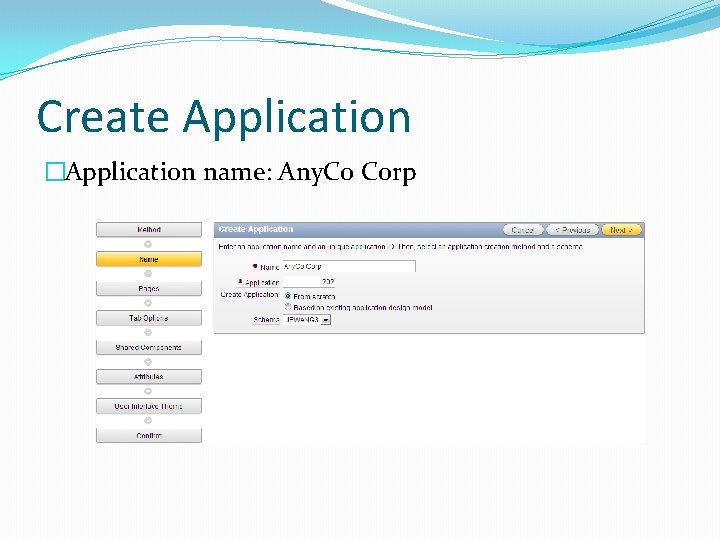
Create Application �Application name: Any. Co Corp
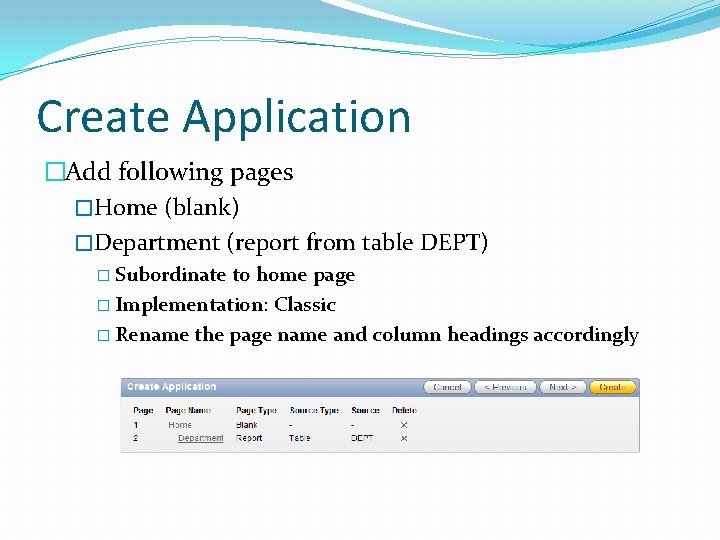
Create Application �Add following pages �Home (blank) �Department (report from table DEPT) � Subordinate to home page � Implementation: Classic � Rename the page name and column headings accordingly
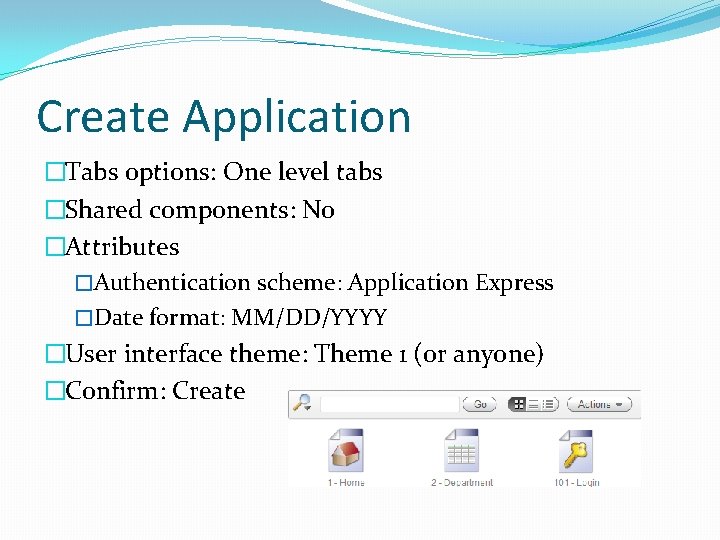
Create Application �Tabs options: One level tabs �Shared components: No �Attributes �Authentication scheme: Application Express �Date format: MM/DD/YYYY �User interface theme: Theme 1 (or anyone) �Confirm: Create
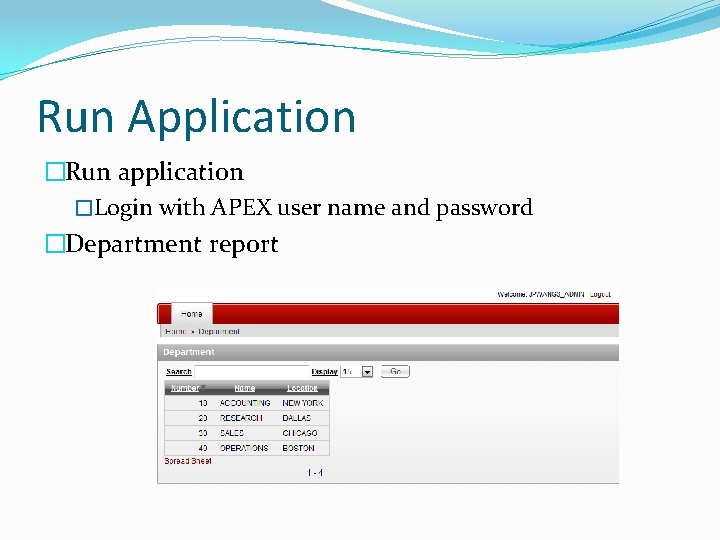
Run Application �Run application �Login with APEX user name and password �Department report
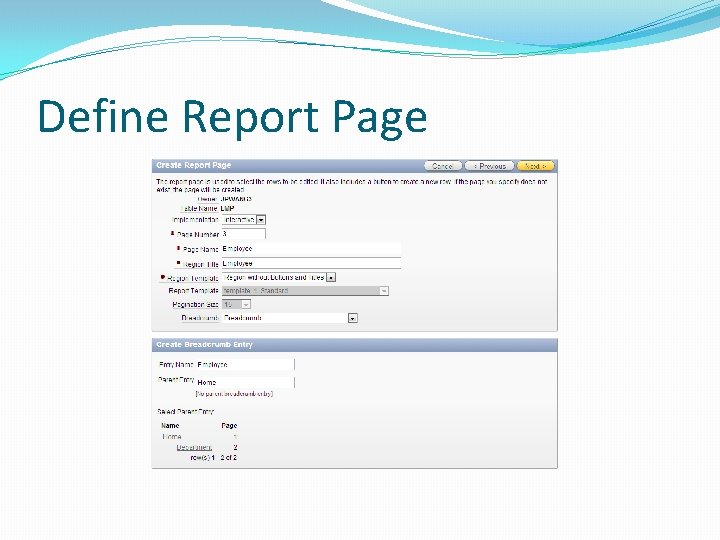
Add Pages �Adding an employee report and an entry form �Inside the application home Create Page Form on a Table with Report �Table name: EMP �Define report page �Page name: Employee �Region title: Employee �Breadcrumb: Breadcrumb �Breadcrumb entry name: Employee �Select parent entry: Home
Define Report Page
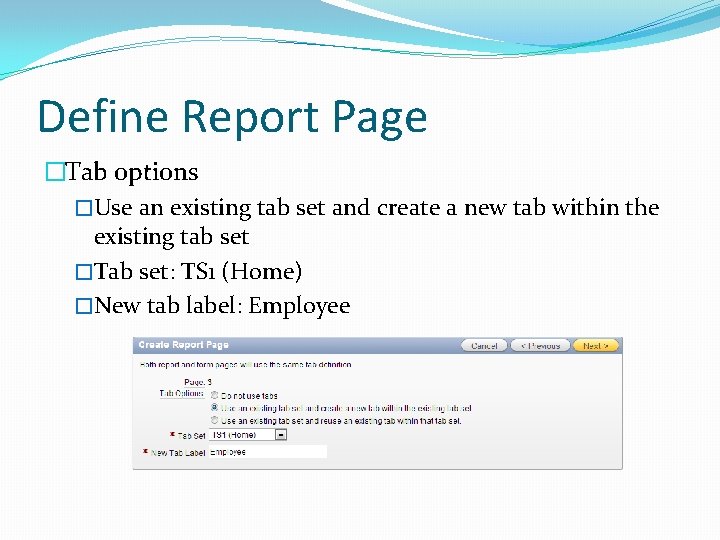
Define Report Page �Tab options �Use an existing tab set and create a new tab within the existing tab set �Tab set: TS 1 (Home) �New tab label: Employee
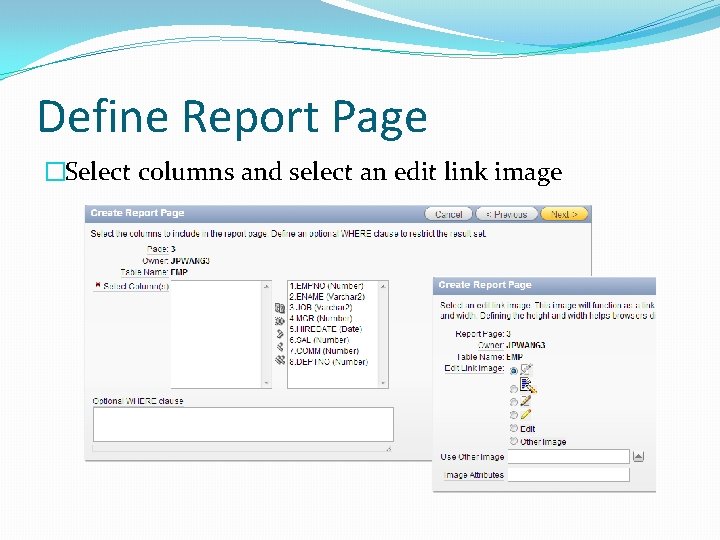
Define Report Page �Select columns and select an edit link image
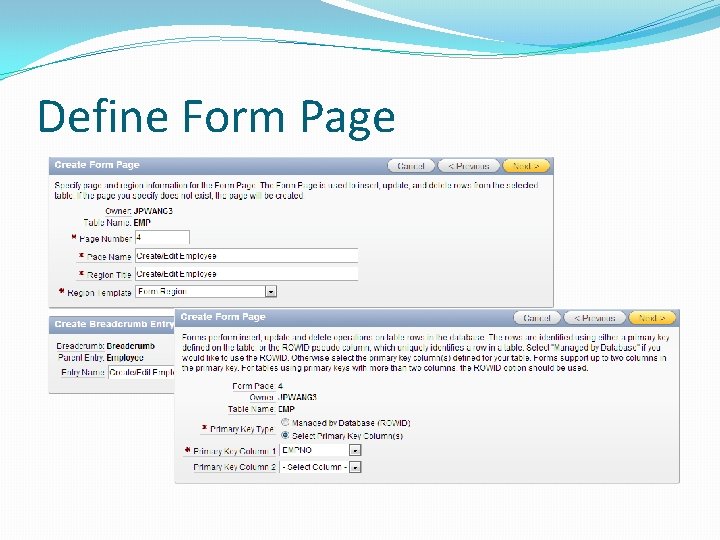
Define Form Page �Define form page �Page name: Create/Edit Employee �Region title: Create/Edit Employee �Breadcrumb entry name: Create/Edit Employee �Primary key type: Select primary key column(s) �Primary key column: EMPNO
Define Form Page
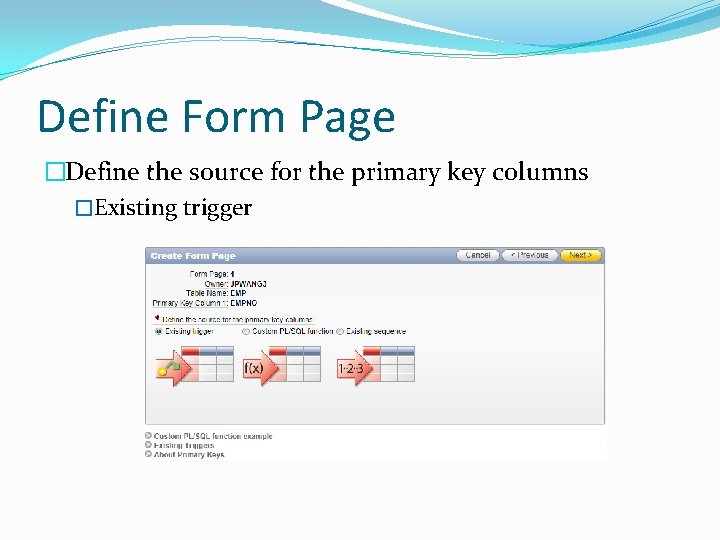
Define Form Page �Define the source for the primary key columns �Existing trigger
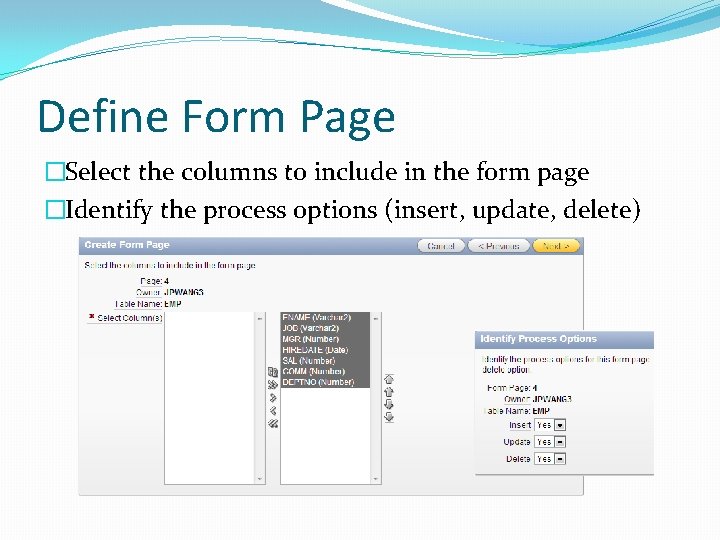
Define Form Page �Select the columns to include in the form page �Identify the process options (insert, update, delete)
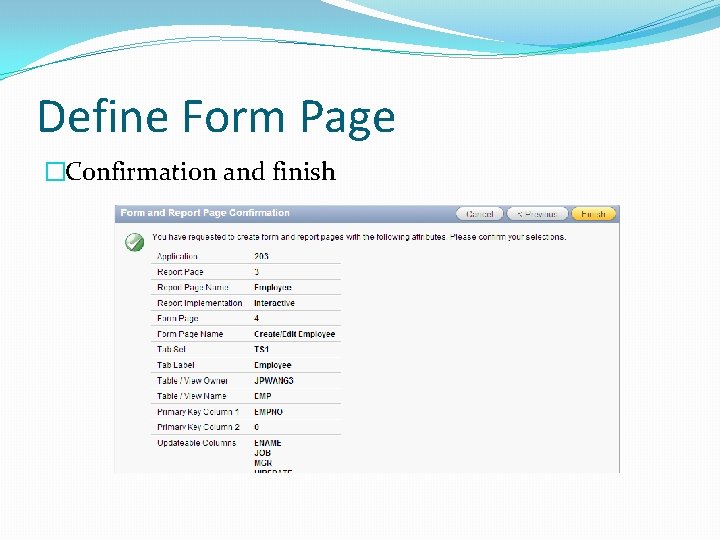
Define Form Page �Confirmation and finish
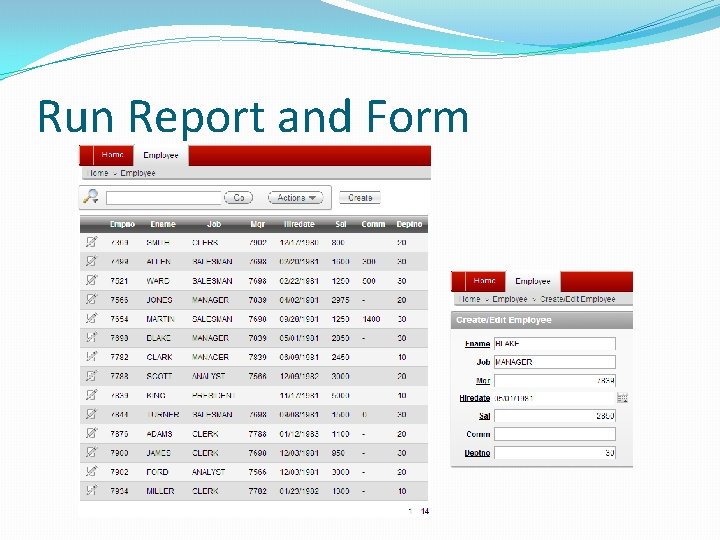
Run Report and Form
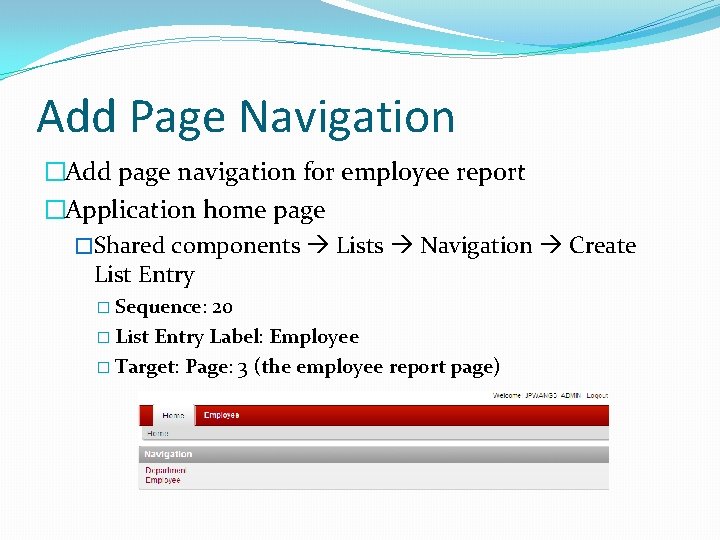
Add Page Navigation �Add page navigation for employee report �Application home page �Shared components Lists Navigation Create List Entry � Sequence: 20 � List Entry Label: Employee � Target: Page: 3 (the employee report page)
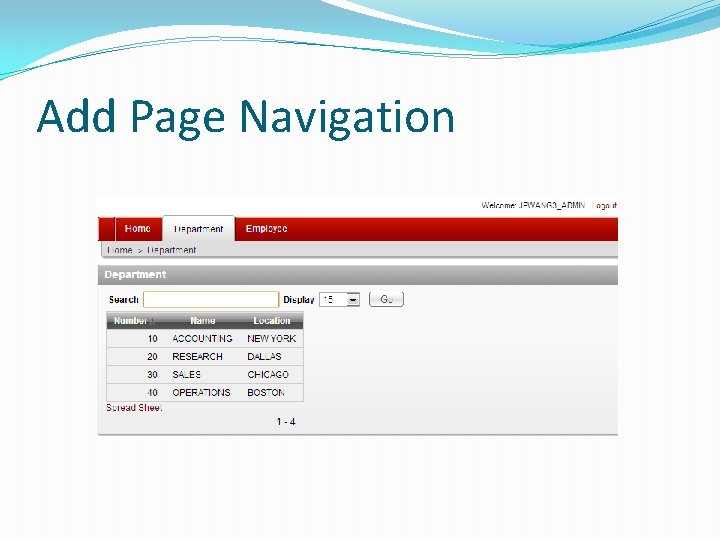
Add Page Navigation �Add tab for department �Application home page �Shared components Tabs Manage tabs �Add new standard tab � Tab label: Department � Tab current page: 2 (the department report page) � Sequence: 15 �Edit standard tab: Home � Remove tab also current for pages
Add Page Navigation
Readings �Oracle Application Express SQL Workshop and Utilities Guide �Managing Database Objects with Object Browser �Using SQL Scripts �Using SQL Commands � 2 Day + Application Express Development Guide �Getting Started with Oracle Application Express �Building Your Application