
Oracle Application Express 5 Architecture Administration Name Title



- Slides: 94
Oracle Application Express 5 Architecture & Administration <Name> <Title> <Organization> <Date> Copyright © 2014 Oracle and/or its affiliates. All rights reserved. | 2
Agenda 1 Oracle Application Express Overview 2 Architecture 3 Database Configuration 4 Managing Instance Settings 5 Deploying Applications 6 Tuning / Performance 7 Reference Material Copyright © 2014 Oracle and/or its affiliates. All rights reserved. | 3
Oracle Application Express Overview Copyright © 2014 Oracle and/or its affiliates. All rights reserved. | 4
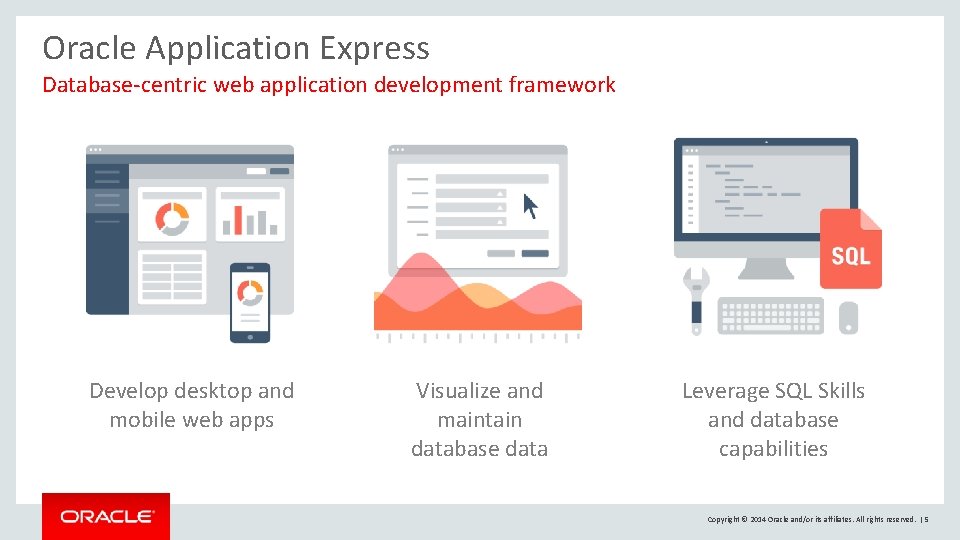
Oracle Application Express Database-centric web application development framework Develop desktop and mobile web apps Visualize and maintain database data Leverage SQL Skills and database capabilities Copyright © 2014 Oracle and/or its affiliates. All rights reserved. | 5
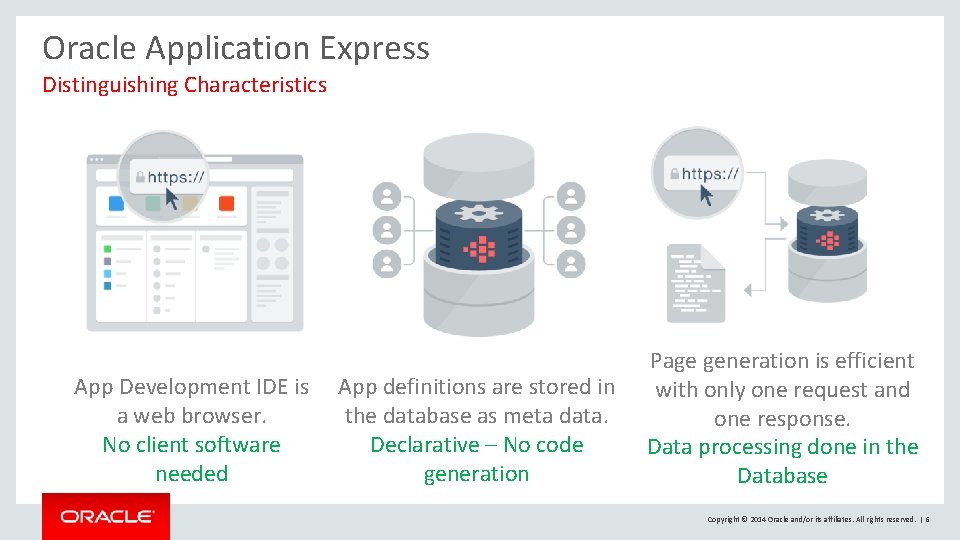
Oracle Application Express Distinguishing Characteristics App Development IDE is a web browser. No client software needed App definitions are stored in the database as meta data. Declarative – No code generation Page generation is efficient with only one request and one response. Data processing done in the Database Copyright © 2014 Oracle and/or its affiliates. All rights reserved. | 6
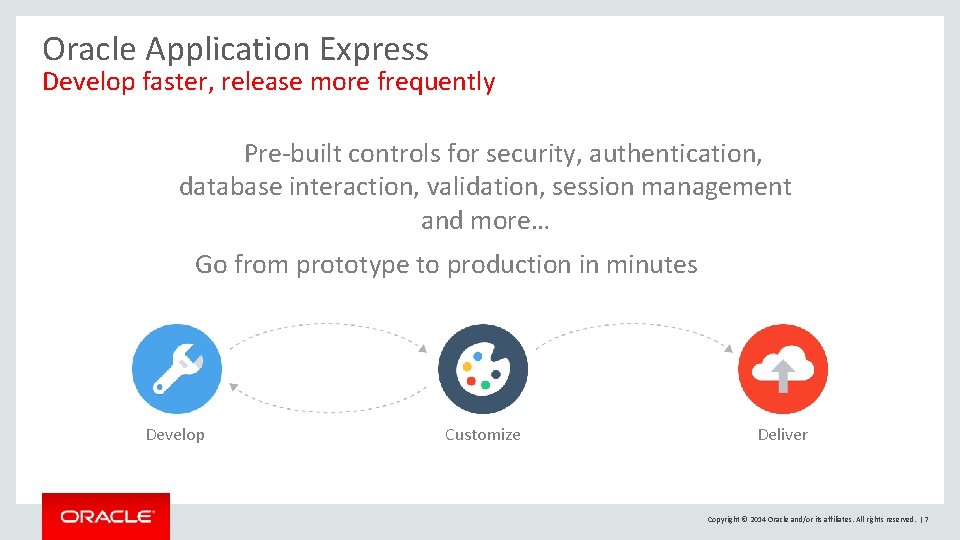
Oracle Application Express Develop faster, release more frequently Pre-built controls for security, authentication, database interaction, validation, session management and more… Go from prototype to production in minutes Develop Customize Deliver Copyright © 2014 Oracle and/or its affiliates. All rights reserved. | 7
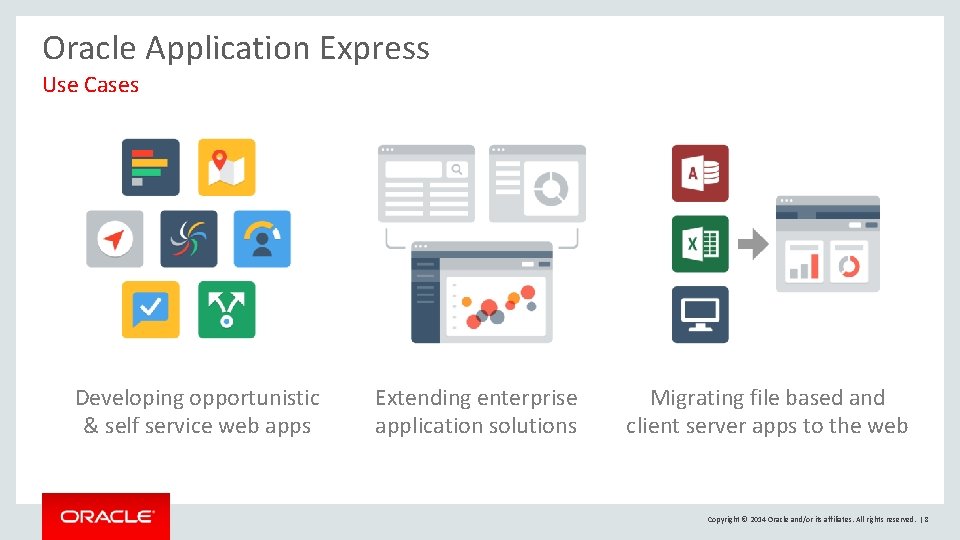
Oracle Application Express Use Cases Developing opportunistic & self service web apps Extending enterprise application solutions Migrating file based and client server apps to the web Copyright © 2014 Oracle and/or its affiliates. All rights reserved. | 8
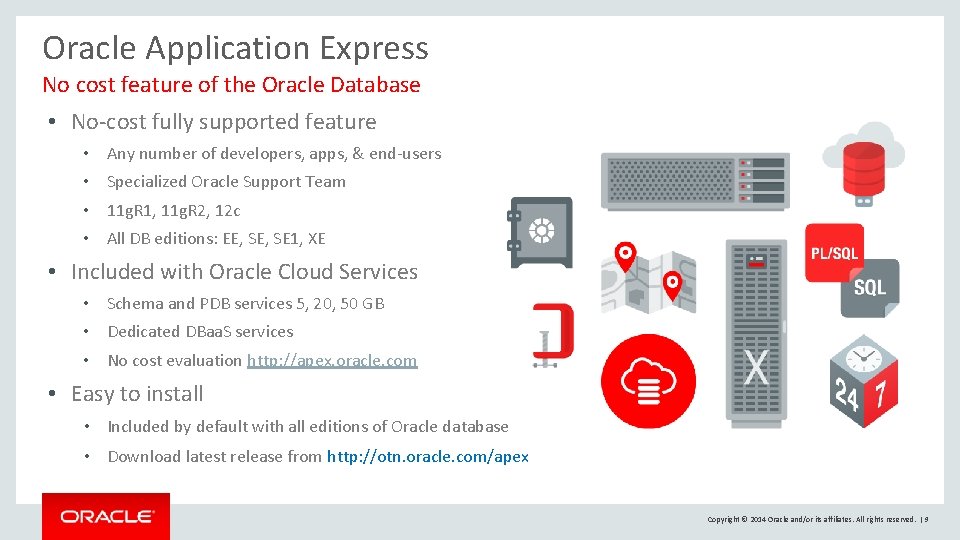
Oracle Application Express No cost feature of the Oracle Database • No-cost fully supported feature • Any number of developers, apps, & end-users • Specialized Oracle Support Team • 11 g. R 1, 11 g. R 2, 12 c • All DB editions: EE, SE 1, XE • Included with Oracle Cloud Services • Schema and PDB services 5, 20, 50 GB • Dedicated DBaa. S services • No cost evaluation http: //apex. oracle. com • Easy to install • Included by default with all editions of Oracle database • Download latest release from http: //otn. oracle. com/apex Copyright © 2014 Oracle and/or its affiliates. All rights reserved. | 9
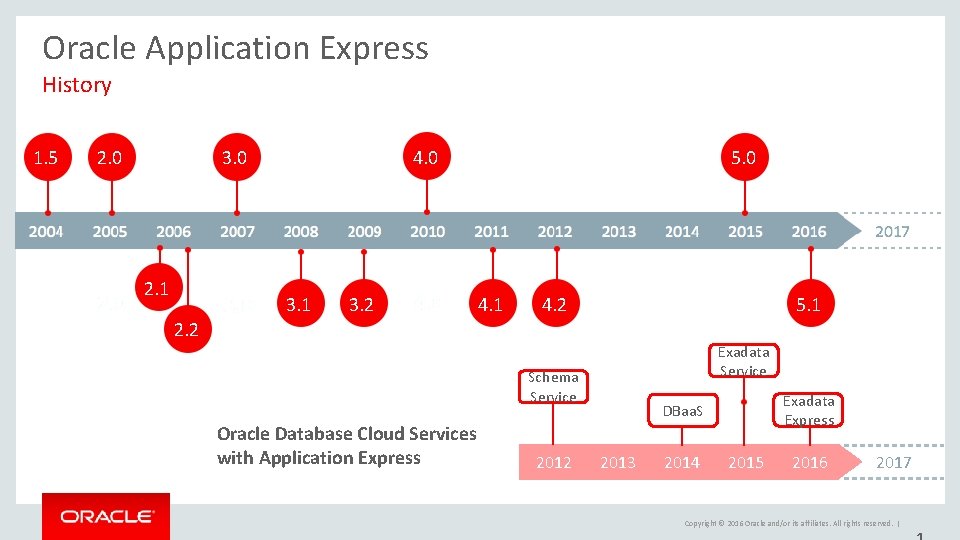
Oracle Application Express History 1. 5 2. 0 3. 0 2. 1 4. 0 3. 1 3. 2 5. 0 4. 1 4. 2 5. 1 2. 2 Exadata Service Schema Service Oracle Database Cloud Services with Application Express 2012 Exadata Express DBaa. S 2013 2014 2015 2016 2017 Copyright © 2016 Oracle and/or its affiliates. All rights reserved. |
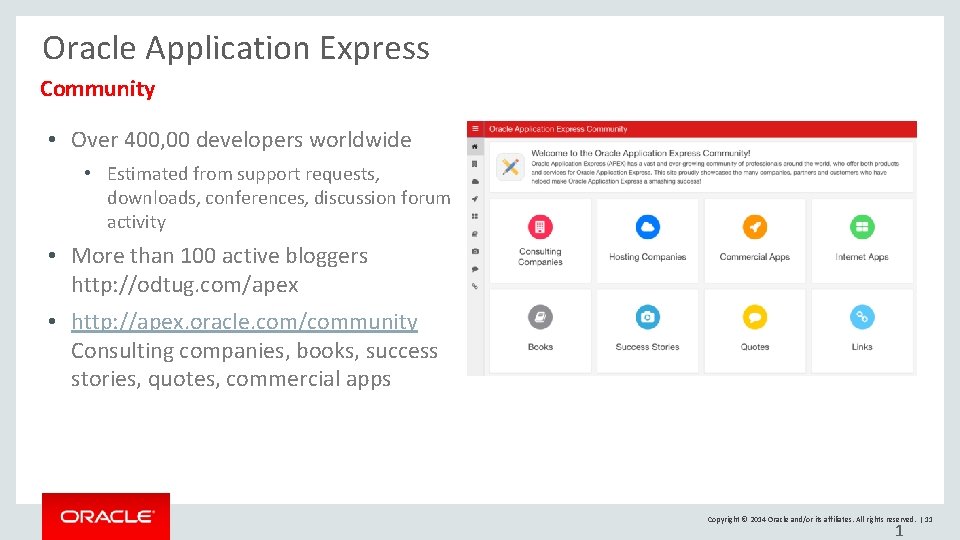
Oracle Application Express Community • Over 400, 00 developers worldwide • Estimated from support requests, downloads, conferences, discussion forum activity • More than 100 active bloggers http: //odtug. com/apex • http: //apex. oracle. com/community Consulting companies, books, success stories, quotes, commercial apps Copyright © 2014 Oracle and/or its affiliates. All rights reserved. | 11 1
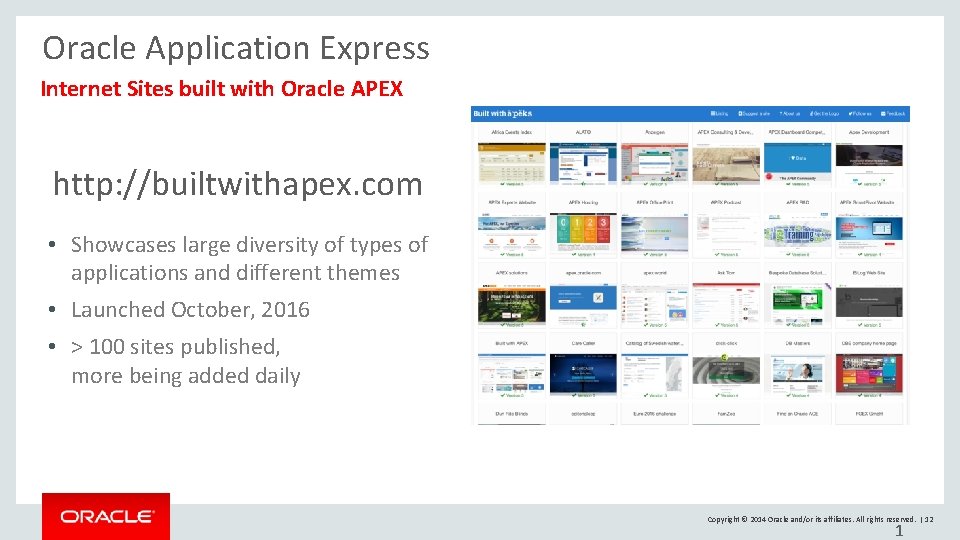
Oracle Application Express Internet Sites built with Oracle APEX http: //builtwithapex. com • Showcases large diversity of types of applications and different themes • Launched October, 2016 • > 100 sites published, more being added daily Copyright © 2014 Oracle and/or its affiliates. All rights reserved. | 12 1
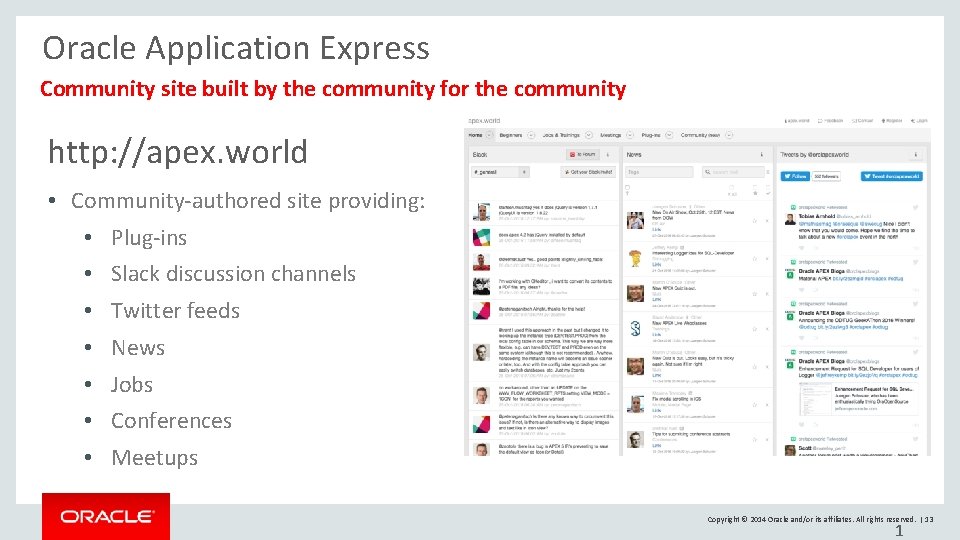
Oracle Application Express Community site built by the community for the community http: //apex. world • Community-authored site providing: • Plug-ins • Slack discussion channels • Twitter feeds • News • Jobs • Conferences • Meetups Copyright © 2014 Oracle and/or its affiliates. All rights reserved. | 13 1
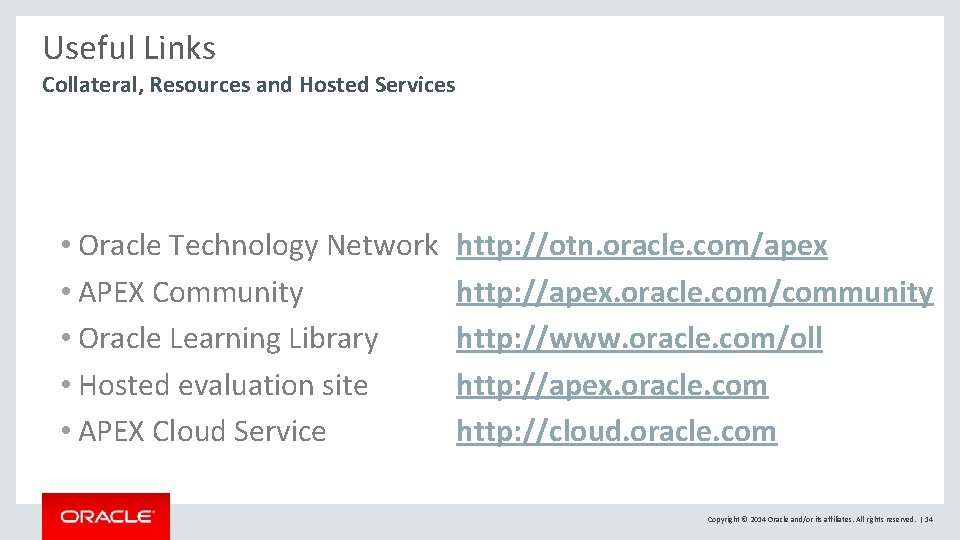
Useful Links Collateral, Resources and Hosted Services • Oracle Technology Network • APEX Community • Oracle Learning Library • Hosted evaluation site • APEX Cloud Service http: //otn. oracle. com/apex http: //apex. oracle. com/community http: //www. oracle. com/oll http: //apex. oracle. com http: //cloud. oracle. com Copyright © 2014 Oracle and/or its affiliates. All rights reserved. | 14
Oracle Application Express Architecture Copyright © 2014 Oracle and/or its affiliates. All rights reserved. | 15
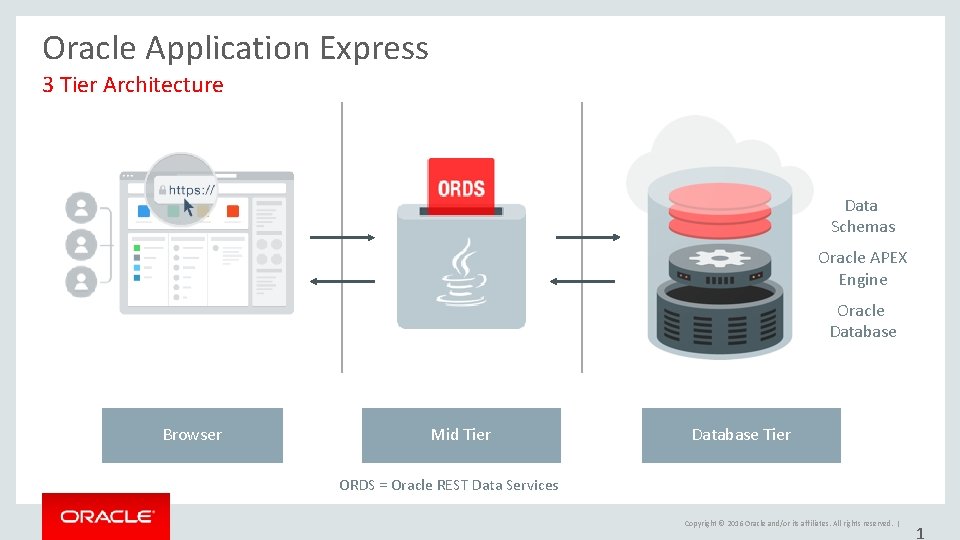
Oracle Application Express 3 Tier Architecture Data Schemas Oracle APEX Engine Oracle Database Browser Mid Tier Database Tier ORDS = Oracle REST Data Services Copyright © 2016 Oracle and/or its affiliates. All rights reserved. | 1
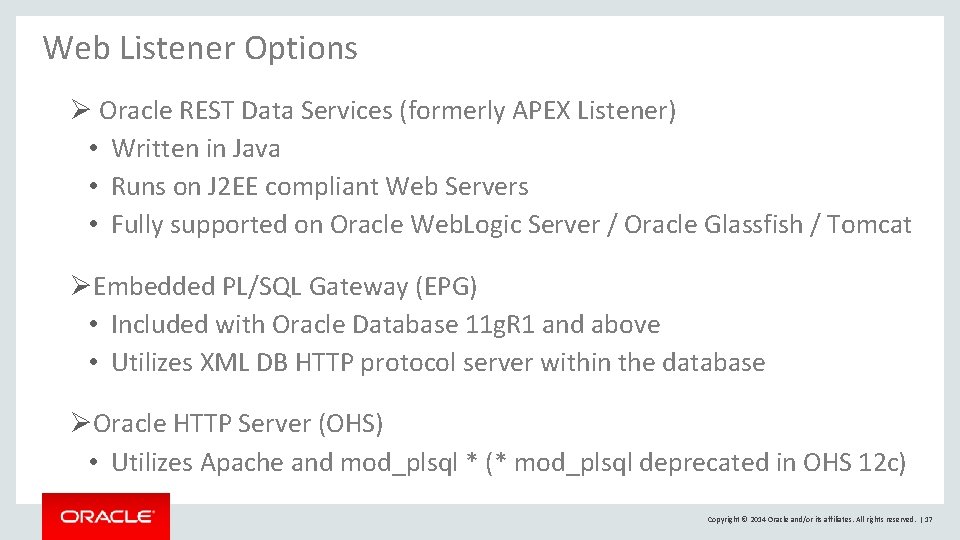
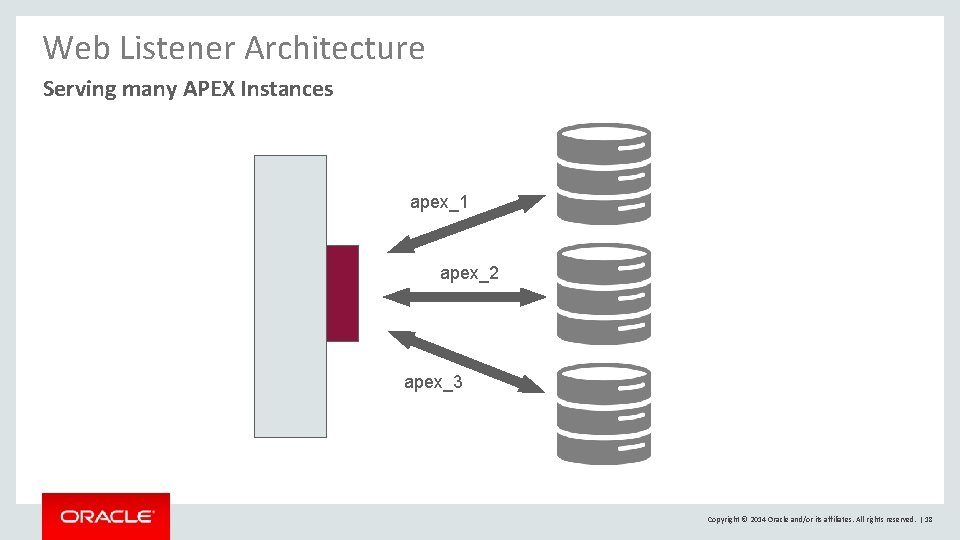
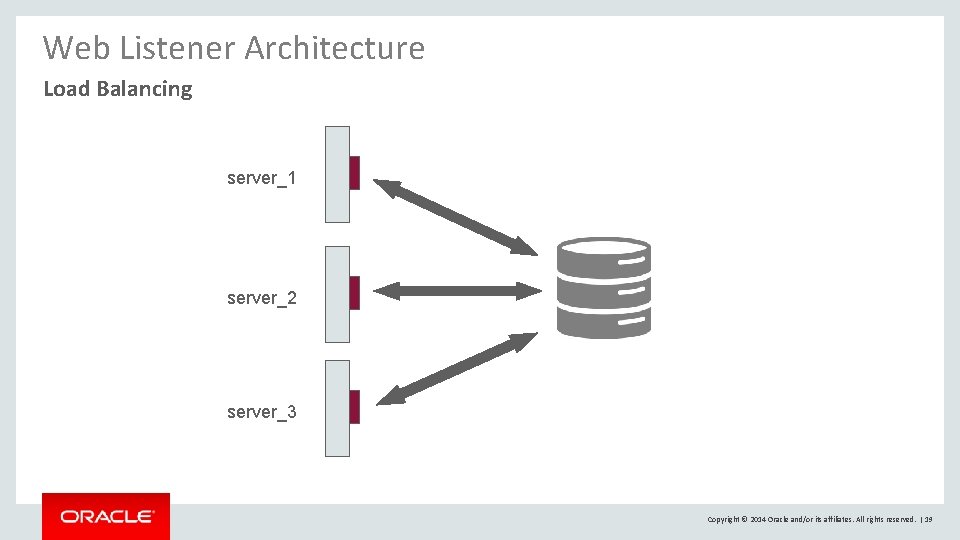
Web Listener Options Ø Oracle REST Data Services (formerly APEX Listener) • Written in Java • Runs on J 2 EE compliant Web Servers • Fully supported on Oracle Web. Logic Server / Oracle Glassfish / Tomcat ØEmbedded PL/SQL Gateway (EPG) • Included with Oracle Database 11 g. R 1 and above • Utilizes XML DB HTTP protocol server within the database ØOracle HTTP Server (OHS) • Utilizes Apache and mod_plsql * (* mod_plsql deprecated in OHS 12 c) Copyright © 2014 Oracle and/or its affiliates. All rights reserved. | 17
Web Listener Architecture Serving many APEX Instances apex_1 apex_2 apex_3 Copyright © 2014 Oracle and/or its affiliates. All rights reserved. | 18
Web Listener Architecture Load Balancing server_1 server_2 server_3 Copyright © 2014 Oracle and/or its affiliates. All rights reserved. | 19
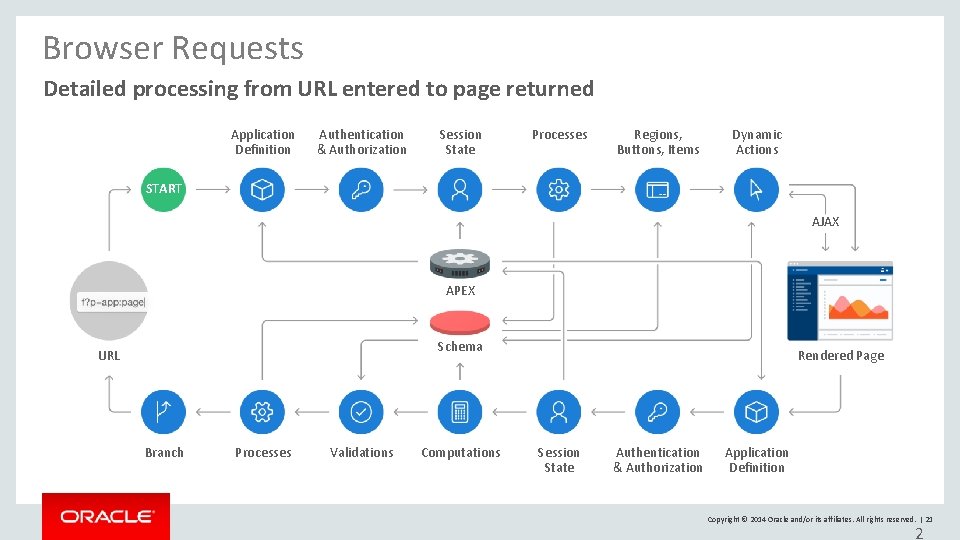
Browser Requests Page requests and page submissions • Sample URL f? p=105: 12: 1675: : NO: ARG 1: VAL 1 • Executes Database procedure • ‘f’ procedure with parameters ‘p=…’ • Called procedure writes HTML to internal buffer using the PL/SQL Web Toolkit (HTP, HTF, OWA_UTIL) • Results returned from buffer to browser • APEX is built on top of the PL/SQL Web Toolkit Copyright © 2014 Oracle and/or its affiliates. All rights reserved. | 20
Browser Requests Detailed processing from URL entered to page returned Application Definition Authentication & Authorization Session State Processes Regions, Buttons, Items Dynamic Actions START AJAX APEX Schema URL Branch Processes Validations Computations Rendered Page Session State Authentication & Authorization Application Definition Copyright © 2014 Oracle and/or its affiliates. All rights reserved. | 21 2
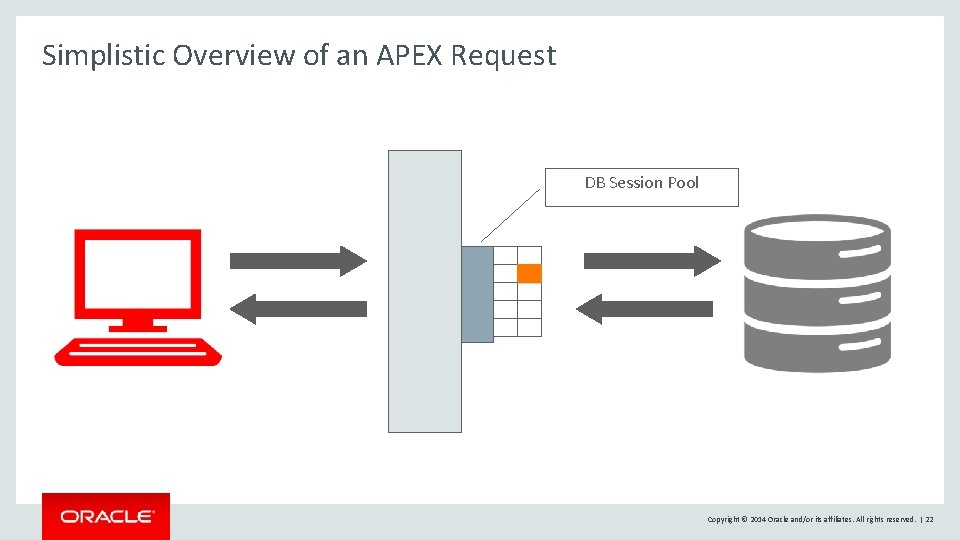
Simplistic Overview of an APEX Request DB Session Pool Copyright © 2014 Oracle and/or its affiliates. All rights reserved. | 22
Connection Pool • Maintains a pool of database connections • PL/SQL package state reset before every request • Database sessions are ACTIVE only when performing a request, otherwise, connected but INACTIVE Ø Oracle Rest Data Services • JDBC Connection parameters Ø Single-threaded Oracle HTTP Server • Min. Spare. Servers / Max. Clients Ø Embedded PL/SQL Gateway (init. ora) • SHARED_SERVERS / MAX_SHARED_SERVERS Copyright © 2014 Oracle and/or its affiliates. All rights reserved. | 23
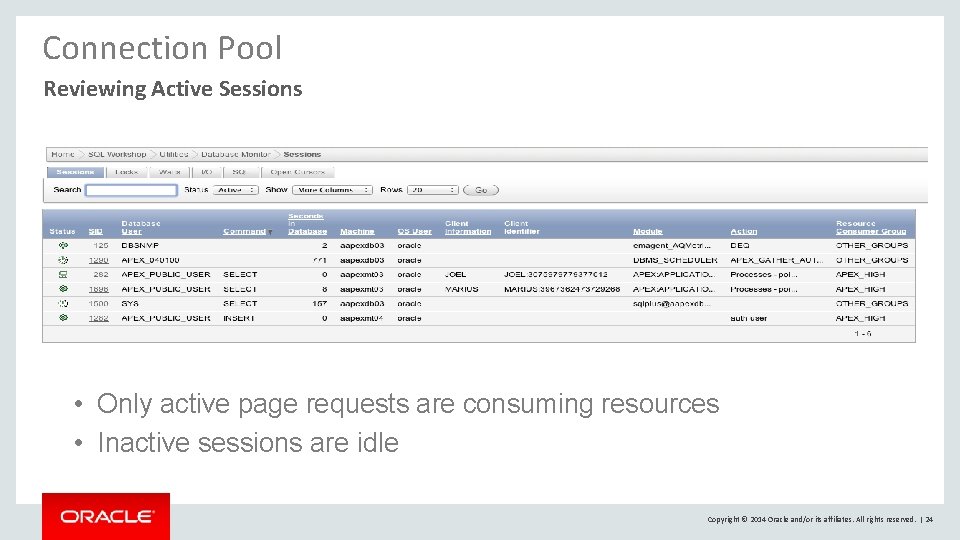
Connection Pool Reviewing Active Sessions • Only active page requests are consuming resources • Inactive sessions are idle Copyright © 2014 Oracle and/or its affiliates. All rights reserved. | 24
Parsing of SQL • Physical connection from pool established as APEX_PUBLIC_USER – Minimally privileged database user • An APEX workspace is mapped to one or more database users (schemas) • These DB users parse the SQL of APEX applications • SYS. DBMS_SYS_SQL enables the APEX engine to parse SQL as another user Copyright © 2014 Oracle and/or its affiliates. All rights reserved. | 25
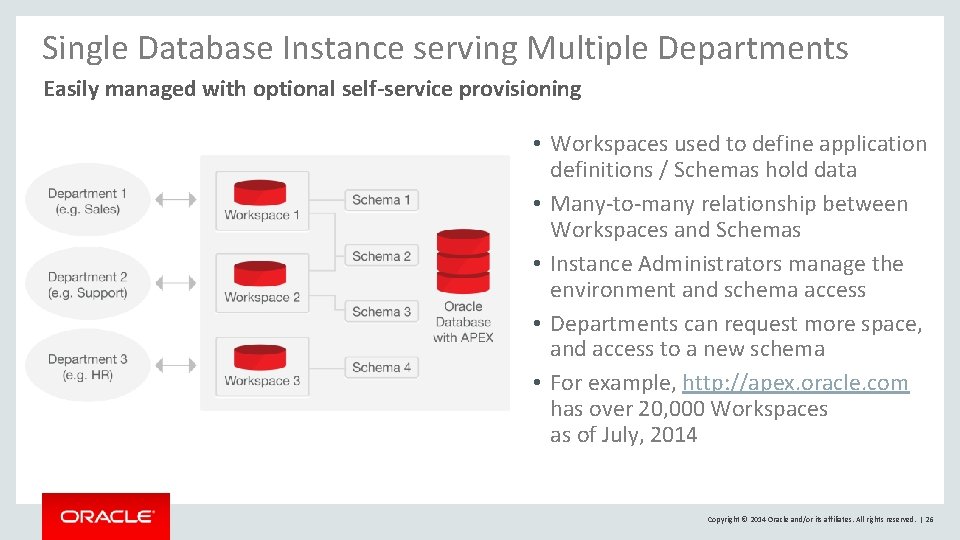
Single Database Instance serving Multiple Departments Easily managed with optional self-service provisioning • Workspaces used to define application definitions / Schemas hold data • Many-to-many relationship between Workspaces and Schemas • Instance Administrators manage the environment and schema access • Departments can request more space, and access to a new schema • For example, http: //apex. oracle. com has over 20, 000 Workspaces as of July, 2014 Copyright © 2014 Oracle and/or its affiliates. All rights reserved. | 26
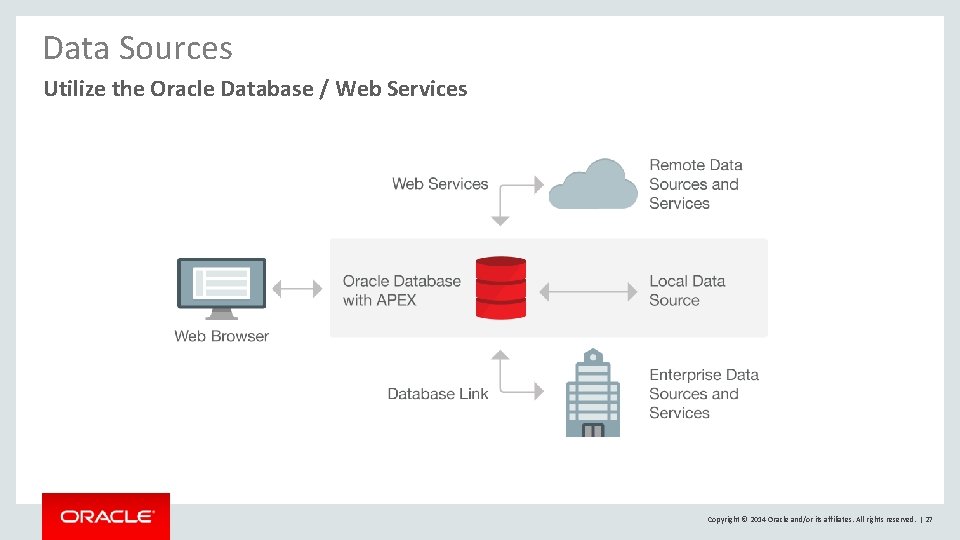
Data Sources Utilize the Oracle Database / Web Services Copyright © 2014 Oracle and/or its affiliates. All rights reserved. | 27
Minimize use of Database Links • Database links can be “chatty” • Strongly recommend REST Web Servivces, materialized views or refreshable tables • Only use database links when no other option available • apex_util. close_open_db_links – configure in ORDS <entry key="procedure. post. Process">apex_util. close_open_db_links</entry> <entry key="procedure. pre. Process">apex_util. close_open_db_links</entry> • “Sniper” database job Copyright © 2014 Oracle and/or its affiliates. All rights reserved. | 28 2
Oracle Application Express Database Configuration Copyright © 2014 Oracle and/or its affiliates. All rights reserved. | 29
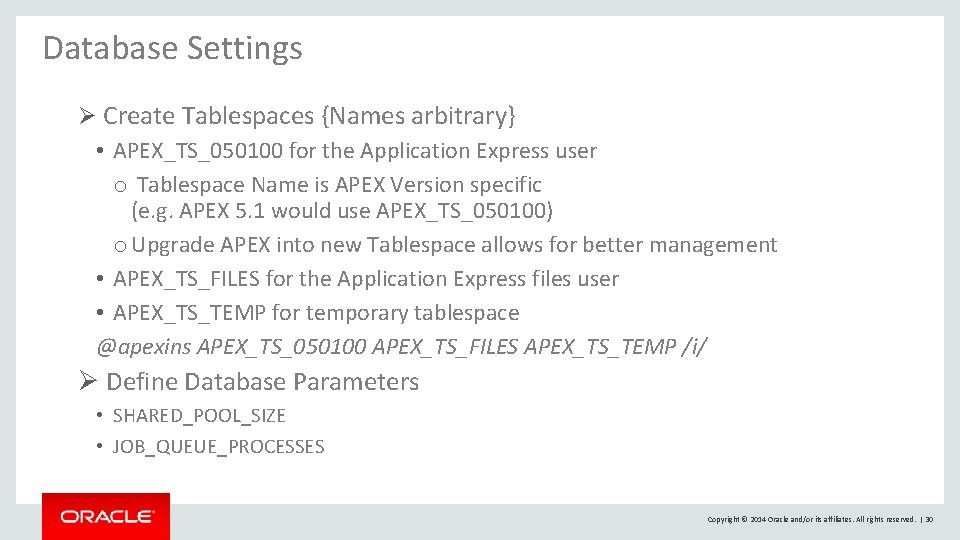
Database Settings Ø Create Tablespaces {Names arbitrary} • APEX_TS_050100 for the Application Express user o Tablespace Name is APEX Version specific (e. g. APEX 5. 1 would use APEX_TS_050100) o Upgrade APEX into new Tablespace allows for better management • APEX_TS_FILES for the Application Express files user • APEX_TS_TEMP for temporary tablespace @apexins APEX_TS_050100 APEX_TS_FILES APEX_TS_TEMP /i/ Ø Define Database Parameters • SHARED_POOL_SIZE • JOB_QUEUE_PROCESSES Copyright © 2014 Oracle and/or its affiliates. All rights reserved. | 30
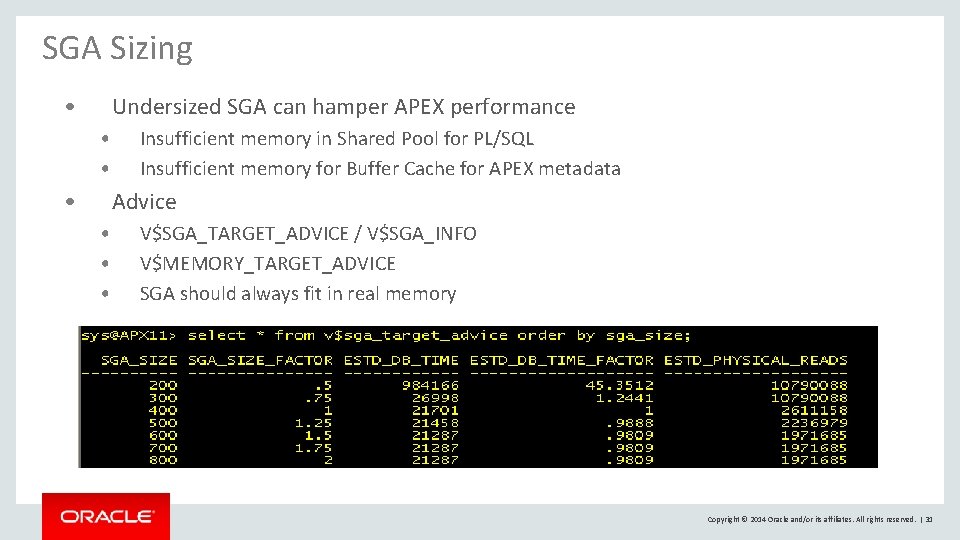
SGA Sizing • Undersized SGA can hamper APEX performance • • • Insufficient memory in Shared Pool for PL/SQL Insufficient memory for Buffer Cache for APEX metadata Advice • • • V$SGA_TARGET_ADVICE / V$SGA_INFO V$MEMORY_TARGET_ADVICE SGA should always fit in real memory Copyright © 2014 Oracle and/or its affiliates. All rights reserved. | 31
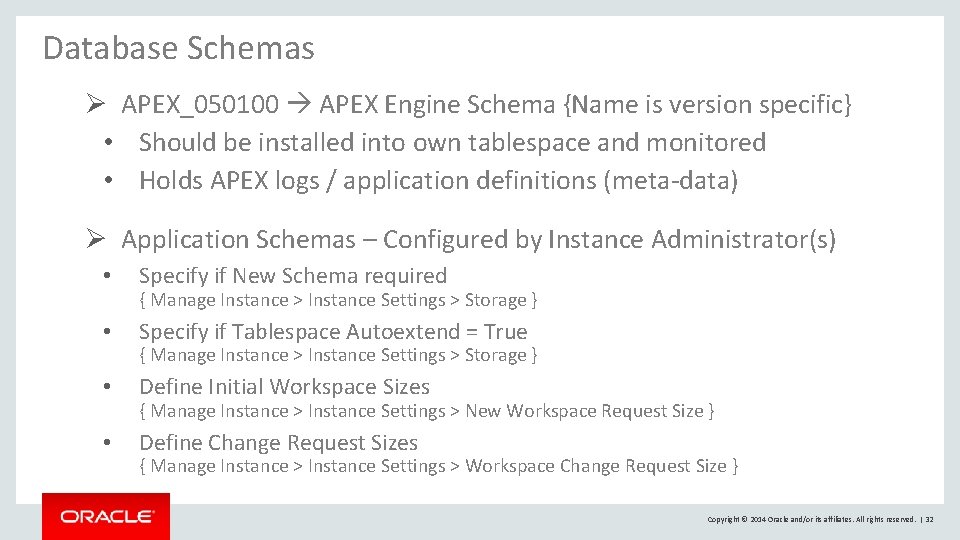
Database Schemas Ø APEX_050100 APEX Engine Schema {Name is version specific} • Should be installed into own tablespace and monitored • Holds APEX logs / application definitions (meta-data) Ø Application Schemas – Configured by Instance Administrator(s) • Specify if New Schema required • Specify if Tablespace Autoextend = True • Define Initial Workspace Sizes • Define Change Request Sizes { Manage Instance > Instance Settings > Storage } { Manage Instance > Instance Settings > New Workspace Request Size } { Manage Instance > Instance Settings > Workspace Change Request Size } Copyright © 2014 Oracle and/or its affiliates. All rights reserved. | 32
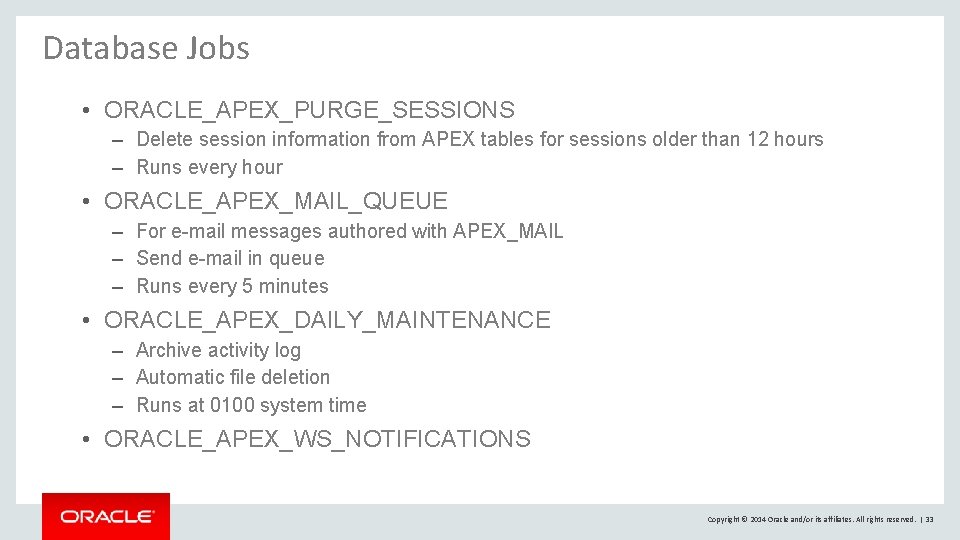
Database Jobs • ORACLE_APEX_PURGE_SESSIONS – Delete session information from APEX tables for sessions older than 12 hours – Runs every hour • ORACLE_APEX_MAIL_QUEUE – For e-mail messages authored with APEX_MAIL – Send e-mail in queue – Runs every 5 minutes • ORACLE_APEX_DAILY_MAINTENANCE – Archive activity log – Automatic file deletion – Runs at 0100 system time • ORACLE_APEX_WS_NOTIFICATIONS Copyright © 2014 Oracle and/or its affiliates. All rights reserved. | 33
Database Backup • Use Java programs provided with APEX Installation – Define job to perform nightly application exports to Source Control – Define job to perform nightly application component exports • Standard Oracle Backup of complete database – Can restore “workspace” schemas – Restores the developer defined database objects and data – Does not restore application definitions – Can restore APEX Engine Schema – Restores APEX meta-data for all workspaces and applications – Can NOT restore individual workspaces or applications – Must import APEX Engine Schema into separate database and then export Copyright © 2014 Oracle and/or its affiliates. All rights reserved. | 34
Database Flashback availability based on DB settings and space allocation • Can export application “as of” • Can retrieve report source, etc. Copyright © 2014 Oracle and/or its affiliates. All rights reserved. | 35
Database Resource Manager • • • Guarantee minimum amount of resources, regardless of load Multiple Groups and resource plans among those groups Automatically switch between groups (HIGH, LOW, BATCH) Cancel SQL or Kill Session Can assign a workspace to a Resource Consumer Group in APEX * EE only feature Copyright © 2014 Oracle and/or its affiliates. All rights reserved. | 36
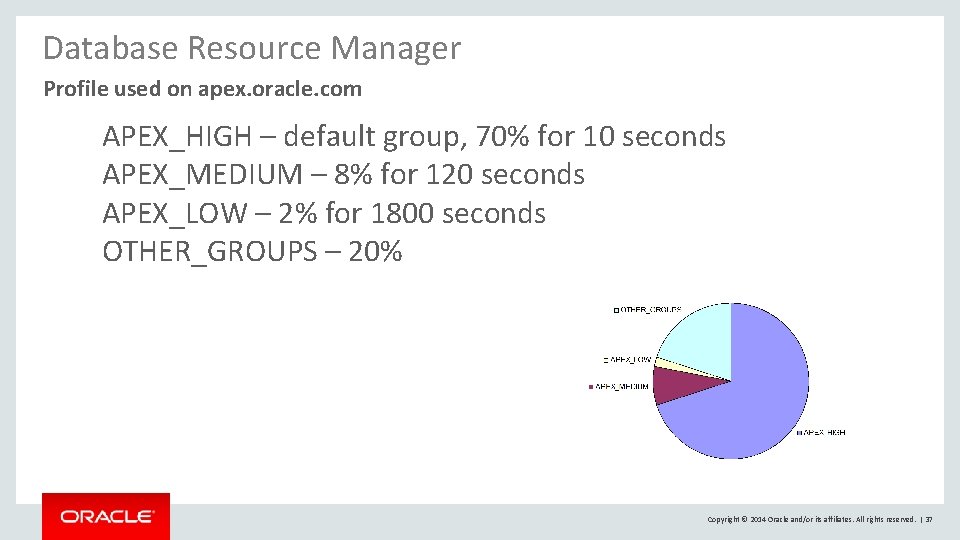
Database Resource Manager Profile used on apex. oracle. com APEX_HIGH – default group, 70% for 10 seconds APEX_MEDIUM – 8% for 120 seconds APEX_LOW – 2% for 1800 seconds OTHER_GROUPS – 20% Copyright © 2014 Oracle and/or its affiliates. All rights reserved. | 37
Partition APEX Tables • Typically only relevant for multi-node RAC clusters • Will manifest itself in AWR as GCS / GES wait events (Global Cache Service, Global Enqueue Service) • Only when necessary, partition the “hot” tables of APEX apex/utilities/apxpart. sql Copyright © 2014 Oracle and/or its affiliates. All rights reserved. | 38 3
Oracle Application Express Managing Instance Settings Copyright © 2014 Oracle and/or its affiliates. All rights reserved. | 39
Application Express Users Ø Instance Administrator • Manage Requests (Workspace Provisioning) • Manage Instance (Settings, Shared Components, Meta Data, Messages, . . . ) • Manage Workspaces • Monitor Activity Ø Workspace Administrator • Manage Service (Requests, Preferences, Utilization) • Manage Users • Monitor Activity Ø Developer Ø End User Copyright © 2014 Oracle and/or its affiliates. All rights reserved. | 40
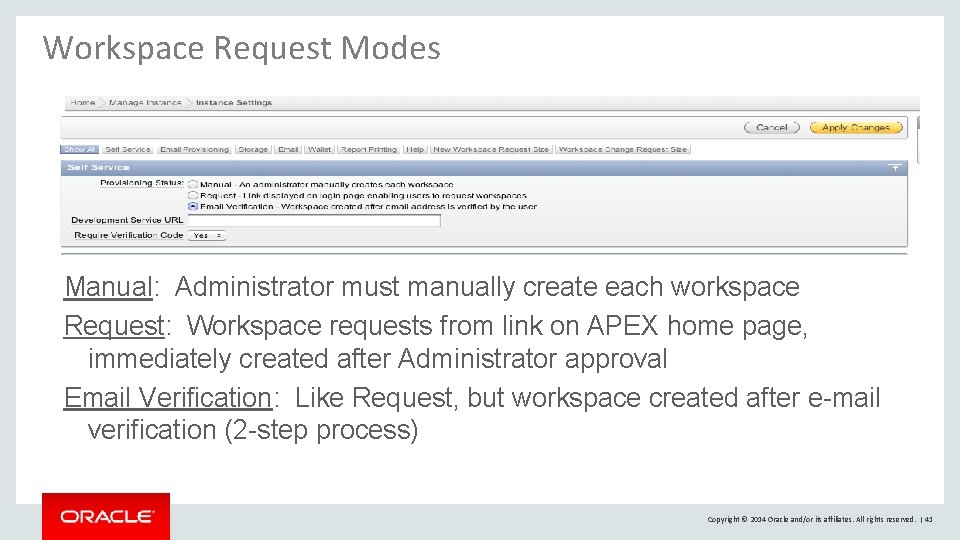
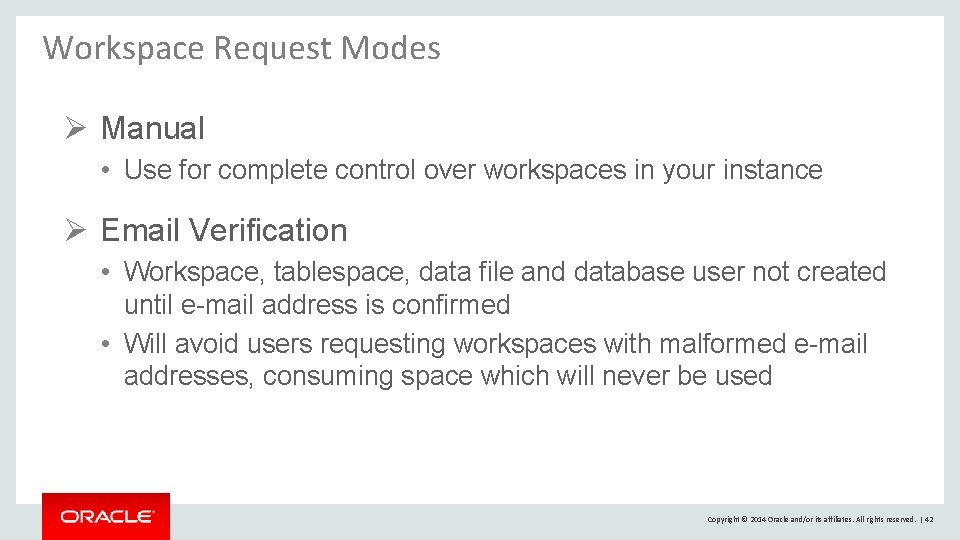
Workspace Request Modes Manual: Administrator must manually create each workspace Request: Workspace requests from link on APEX home page, immediately created after Administrator approval Email Verification: Like Request, but workspace created after e-mail verification (2 -step process) Copyright © 2014 Oracle and/or its affiliates. All rights reserved. | 41
Workspace Request Modes Ø Manual • Use for complete control over workspaces in your instance Ø Email Verification • Workspace, tablespace, data file and database user not created until e-mail address is confirmed • Will avoid users requesting workspaces with malformed e-mail addresses, consuming space which will never be used Copyright © 2014 Oracle and/or its affiliates. All rights reserved. | 42
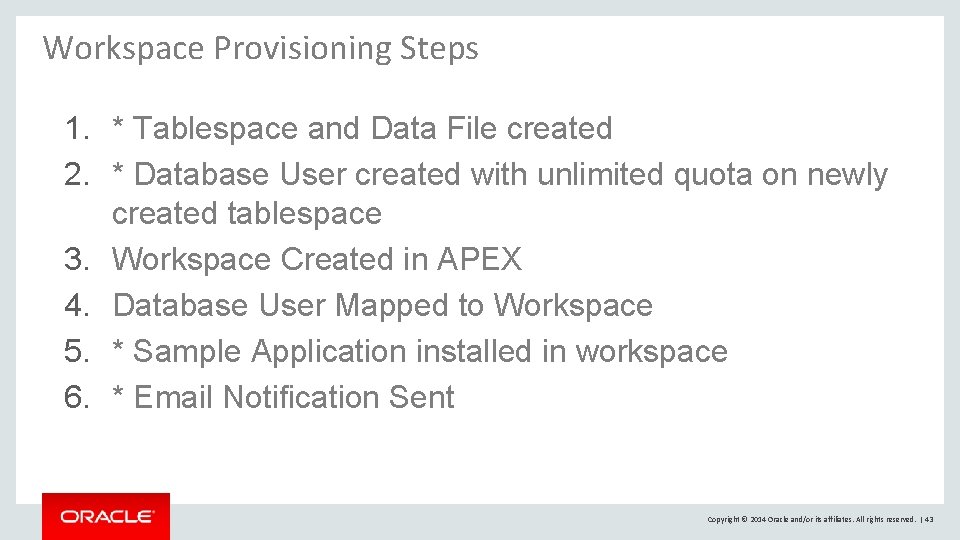
Workspace Provisioning Steps 1. * Tablespace and Data File created 2. * Database User created with unlimited quota on newly created tablespace 3. Workspace Created in APEX 4. Database User Mapped to Workspace 5. * Sample Application installed in workspace 6. * Email Notification Sent Copyright © 2014 Oracle and/or its affiliates. All rights reserved. | 43
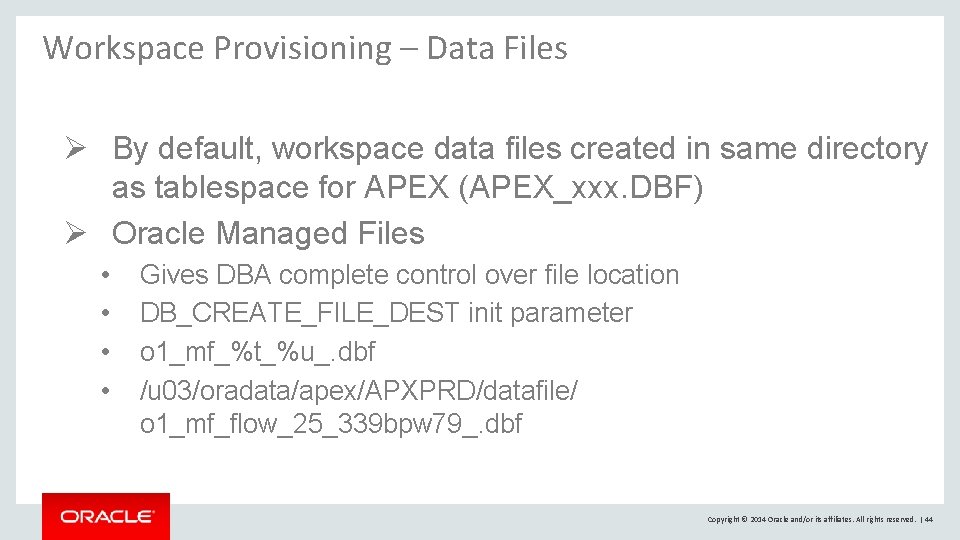
Workspace Provisioning – Data Files Ø By default, workspace data files created in same directory as tablespace for APEX (APEX_xxx. DBF) Ø Oracle Managed Files • • Gives DBA complete control over file location DB_CREATE_FILE_DEST init parameter o 1_mf_%t_%u_. dbf /u 03/oradata/apex/APXPRD/datafile/ o 1_mf_flow_25_339 bpw 79_. dbf Copyright © 2014 Oracle and/or its affiliates. All rights reserved. | 44
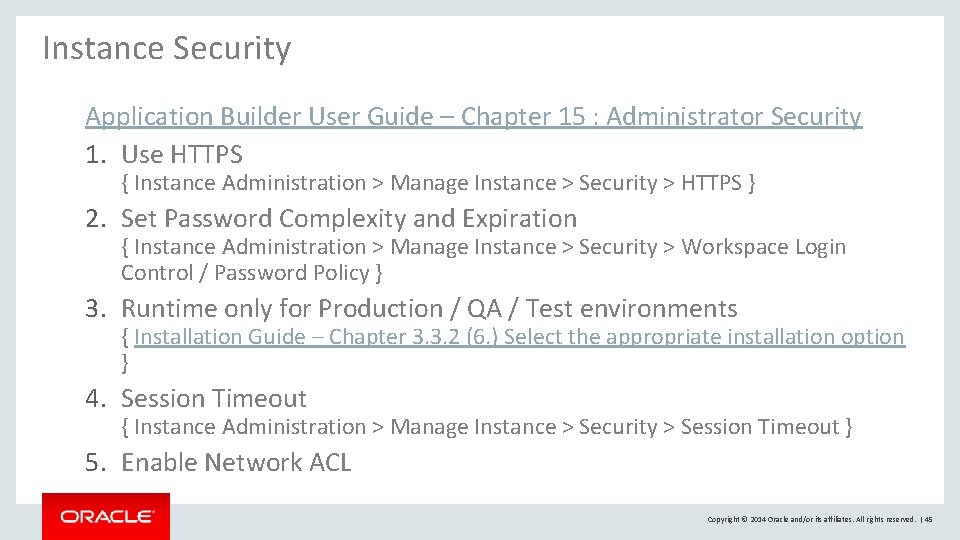
Instance Security Application Builder User Guide – Chapter 15 : Administrator Security 1. Use HTTPS { Instance Administration > Manage Instance > Security > HTTPS } 2. Set Password Complexity and Expiration { Instance Administration > Manage Instance > Security > Workspace Login Control / Password Policy } 3. Runtime only for Production / QA / Test environments { Installation Guide – Chapter 3. 3. 2 (6. ) Select the appropriate installation option } 4. Session Timeout { Instance Administration > Manage Instance > Security > Session Timeout } 5. Enable Network ACL Copyright © 2014 Oracle and/or its affiliates. All rights reserved. | 45
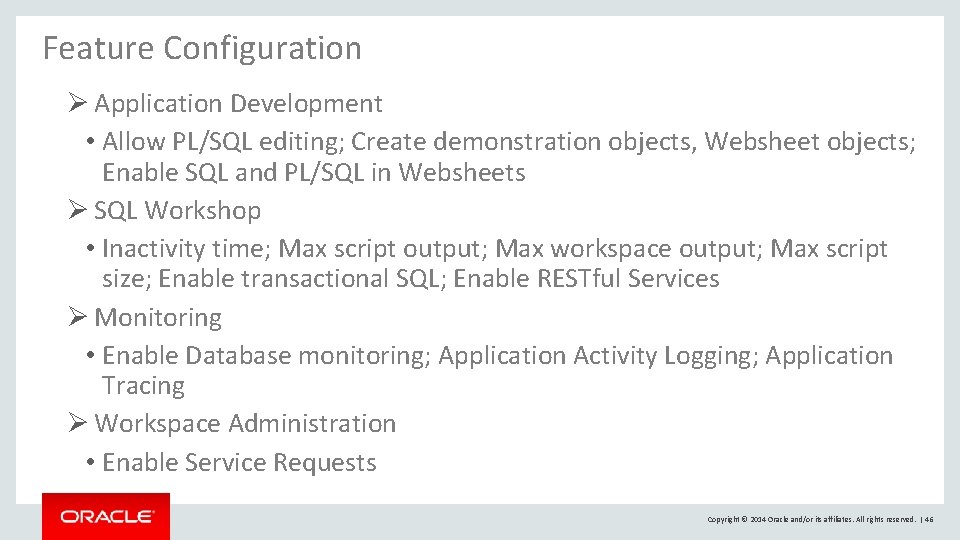
Feature Configuration Ø Application Development • Allow PL/SQL editing; Create demonstration objects, Websheet objects; Enable SQL and PL/SQL in Websheets Ø SQL Workshop • Inactivity time; Max script output; Max workspace output; Max script size; Enable transactional SQL; Enable RESTful Services Ø Monitoring • Enable Database monitoring; Application Activity Logging; Application Tracing Ø Workspace Administration • Enable Service Requests Copyright © 2014 Oracle and/or its affiliates. All rights reserved. | 46
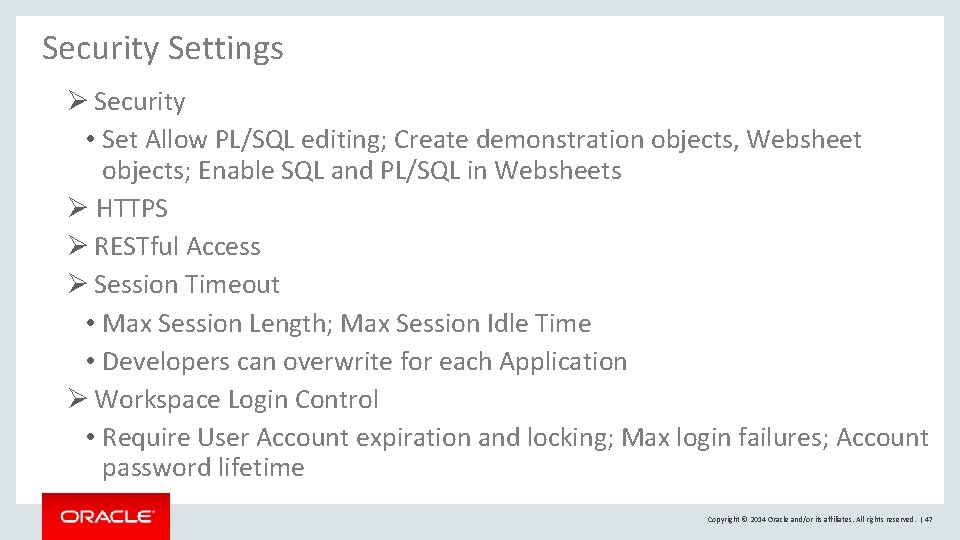
Security Settings Ø Security • Set Allow PL/SQL editing; Create demonstration objects, Websheet objects; Enable SQL and PL/SQL in Websheets Ø HTTPS Ø RESTful Access Ø Session Timeout • Max Session Length; Max Session Idle Time • Developers can overwrite for each Application Ø Workspace Login Control • Require User Account expiration and locking; Max login failures; Account password lifetime Copyright © 2014 Oracle and/or its affiliates. All rights reserved. | 47
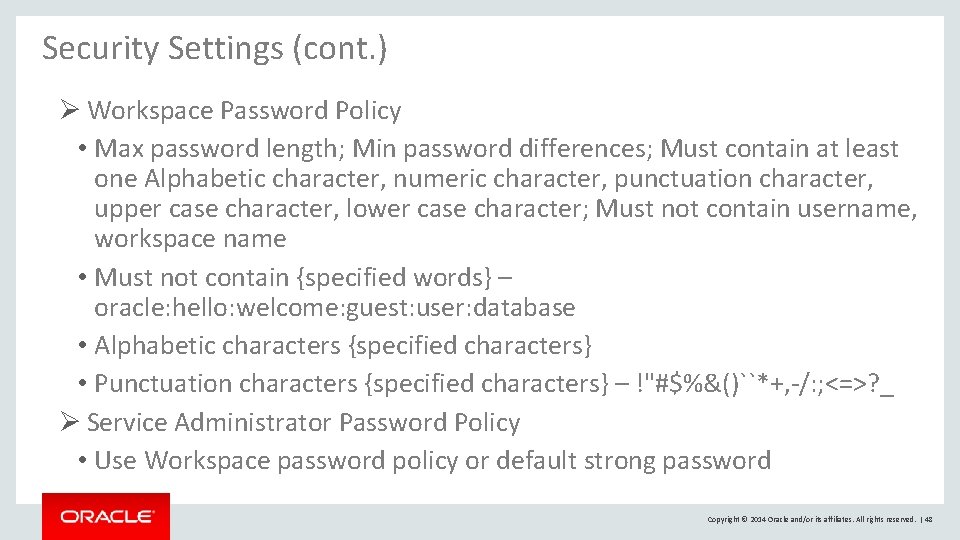
Security Settings (cont. ) Ø Workspace Password Policy • Max password length; Min password differences; Must contain at least one Alphabetic character, numeric character, punctuation character, upper case character, lower case character; Must not contain username, workspace name • Must not contain {specified words} – oracle: hello: welcome: guest: user: database • Alphabetic characters {specified characters} • Punctuation characters {specified characters} – !"#$%&()``*+, -/: ; <=>? _ Ø Service Administrator Password Policy • Use Workspace password policy or default strong password Copyright © 2014 Oracle and/or its affiliates. All rights reserved. | 48
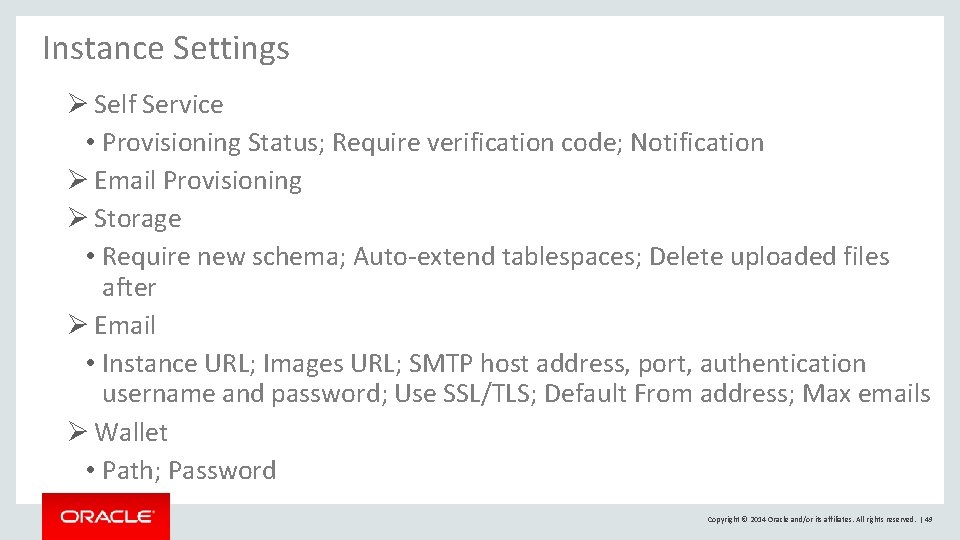
Instance Settings Ø Self Service • Provisioning Status; Require verification code; Notification Ø Email Provisioning Ø Storage • Require new schema; Auto-extend tablespaces; Delete uploaded files after Ø Email • Instance URL; Images URL; SMTP host address, port, authentication username and password; Use SSL/TLS; Default From address; Max emails Ø Wallet • Path; Password Copyright © 2014 Oracle and/or its affiliates. All rights reserved. | 49
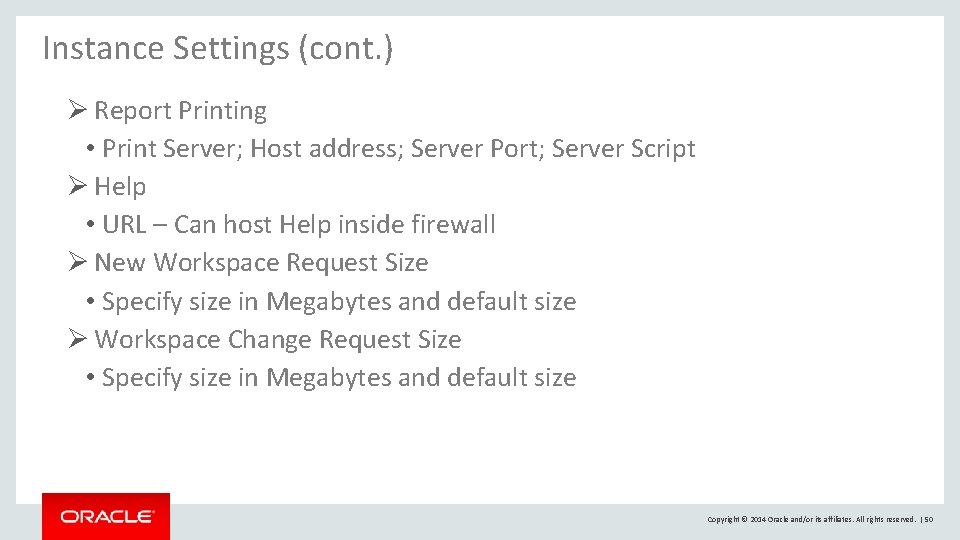
Instance Settings (cont. ) Ø Report Printing • Print Server; Host address; Server Port; Server Script Ø Help • URL – Can host Help inside firewall Ø New Workspace Request Size • Specify size in Megabytes and default size Ø Workspace Change Request Size • Specify size in Megabytes and default size Copyright © 2014 Oracle and/or its affiliates. All rights reserved. | 50
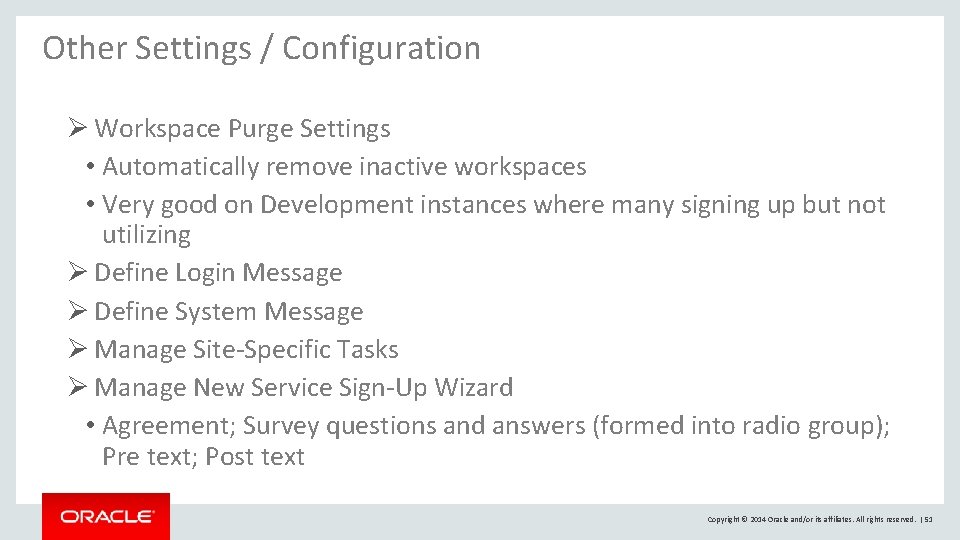
Other Settings / Configuration Ø Workspace Purge Settings • Automatically remove inactive workspaces • Very good on Development instances where many signing up but not utilizing Ø Define Login Message Ø Define System Message Ø Manage Site-Specific Tasks Ø Manage New Service Sign-Up Wizard • Agreement; Survey questions and answers (formed into radio group); Pre text; Post text Copyright © 2014 Oracle and/or its affiliates. All rights reserved. | 51
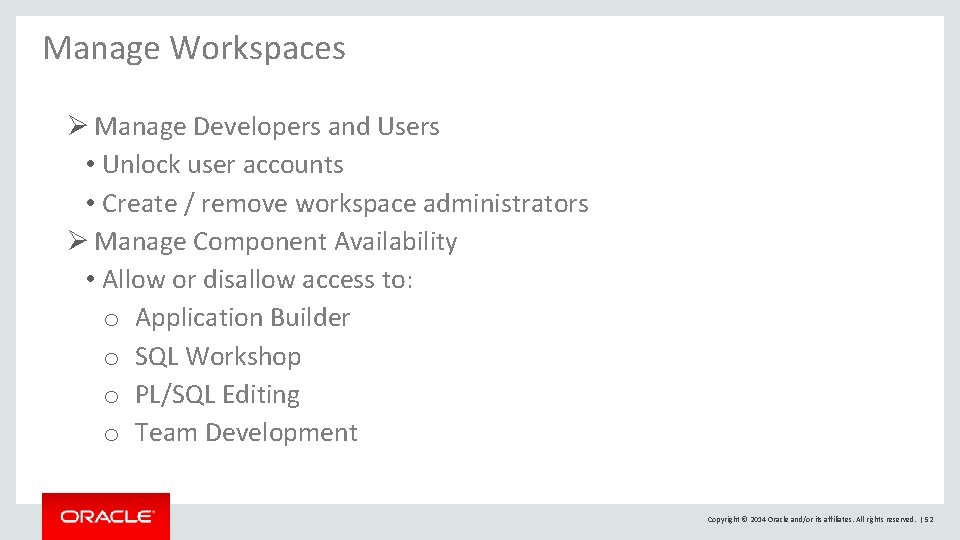
Manage Workspaces Ø Manage Developers and Users • Unlock user accounts • Create / remove workspace administrators Ø Manage Component Availability • Allow or disallow access to: o Application Builder o SQL Workshop o PL/SQL Editing o Team Development Copyright © 2014 Oracle and/or its affiliates. All rights reserved. | 52
Oracle Application Express Deploying Applications Copyright © 2014 Oracle and/or its affiliates. All rights reserved. | 53
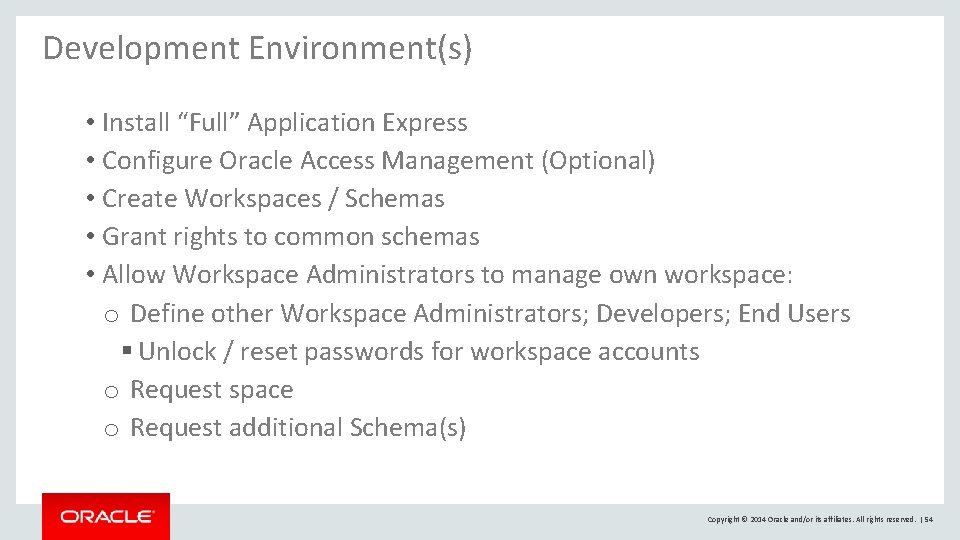
Development Environment(s) • Install “Full” Application Express • Configure Oracle Access Management (Optional) • Create Workspaces / Schemas • Grant rights to common schemas • Allow Workspace Administrators to manage own workspace: o Define other Workspace Administrators; Developers; End Users § Unlock / reset passwords for workspace accounts o Request space o Request additional Schema(s) Copyright © 2014 Oracle and/or its affiliates. All rights reserved. | 54
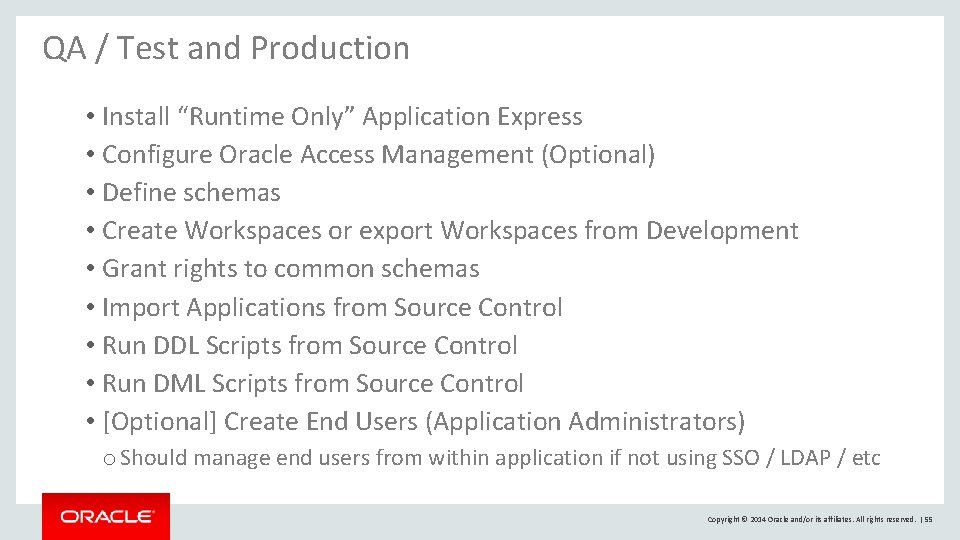
QA / Test and Production • Install “Runtime Only” Application Express • Configure Oracle Access Management (Optional) • Define schemas • Create Workspaces or export Workspaces from Development • Grant rights to common schemas • Import Applications from Source Control • Run DDL Scripts from Source Control • Run DML Scripts from Source Control • [Optional] Create End Users (Application Administrators) o Should manage end users from within application if not using SSO / LDAP / etc Copyright © 2014 Oracle and/or its affiliates. All rights reserved. | 55
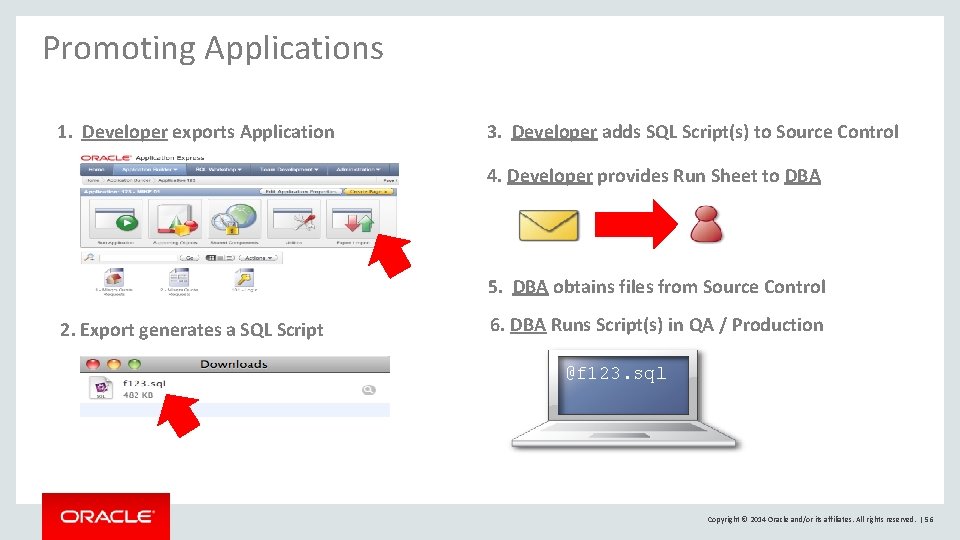
Promoting Applications 1. Developer exports Application 3. Developer adds SQL Script(s) to Source Control 4. Developer provides Run Sheet to DBA 5. DBA obtains files from Source Control 2. Export generates a SQL Script 6. DBA Runs Script(s) in QA / Production @f 123. sql Copyright © 2014 Oracle and/or its affiliates. All rights reserved. | 56
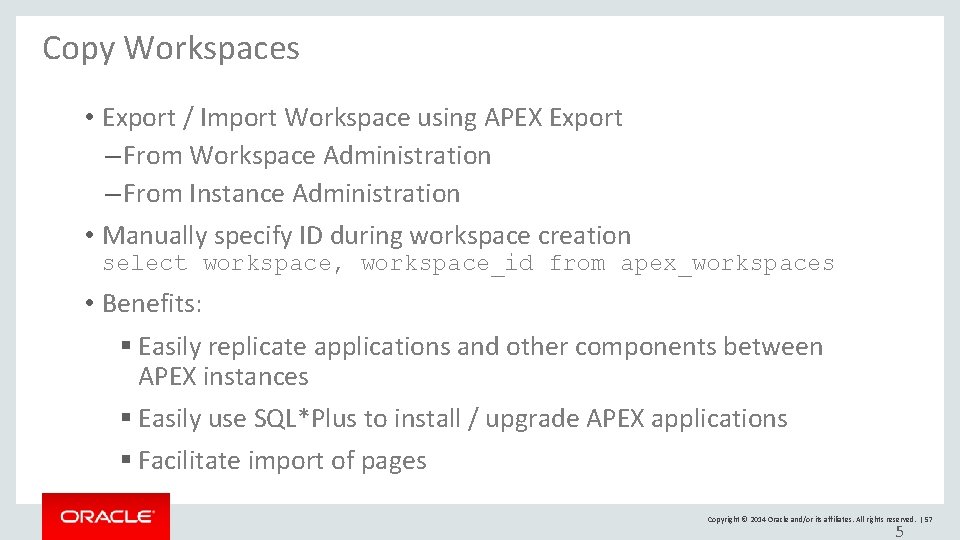
Copy Workspaces • Export / Import Workspace using APEX Export – From Workspace Administration – From Instance Administration • Manually specify ID during workspace creation select workspace, workspace_id from apex_workspaces • Benefits: § Easily replicate applications and other components between APEX instances § Easily use SQL*Plus to install / upgrade APEX applications § Facilitate import of pages Copyright © 2014 Oracle and/or its affiliates. All rights reserved. | 57 5
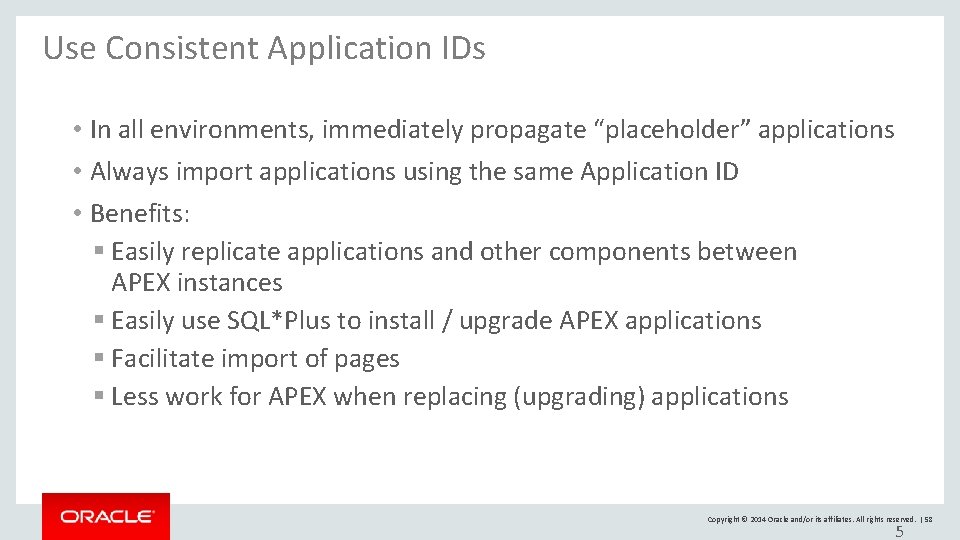
Use Consistent Application IDs • In all environments, immediately propagate “placeholder” applications • Always import applications using the same Application ID • Benefits: § Easily replicate applications and other components between APEX instances § Easily use SQL*Plus to install / upgrade APEX applications § Facilitate import of pages § Less work for APEX when replacing (upgrading) applications Copyright © 2014 Oracle and/or its affiliates. All rights reserved. | 58 5
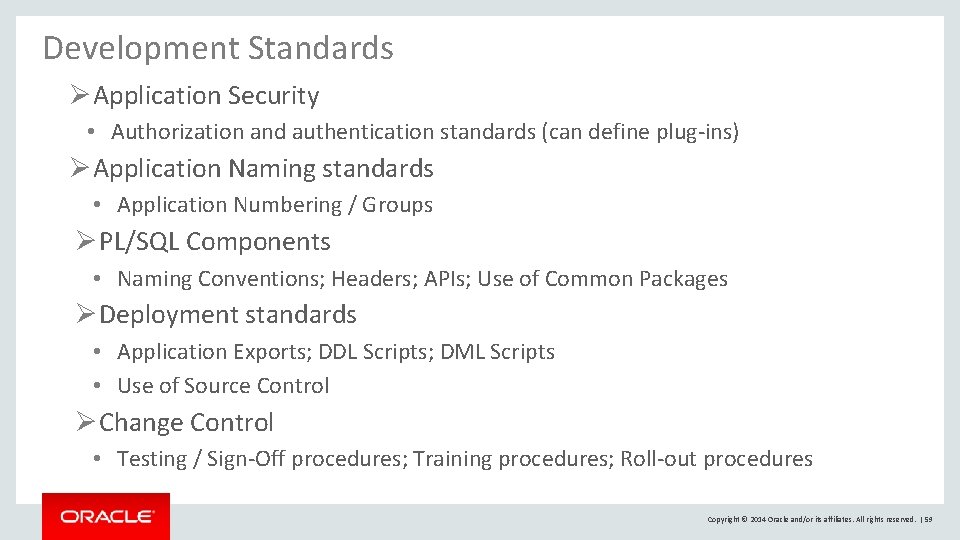
Development Standards Ø Application Security • Authorization and authentication standards (can define plug-ins) Ø Application Naming standards • Application Numbering / Groups Ø PL/SQL Components • Naming Conventions; Headers; APIs; Use of Common Packages Ø Deployment standards • Application Exports; DDL Scripts; DML Scripts • Use of Source Control Ø Change Control • Testing / Sign-Off procedures; Training procedures; Roll-out procedures Copyright © 2014 Oracle and/or its affiliates. All rights reserved. | 59
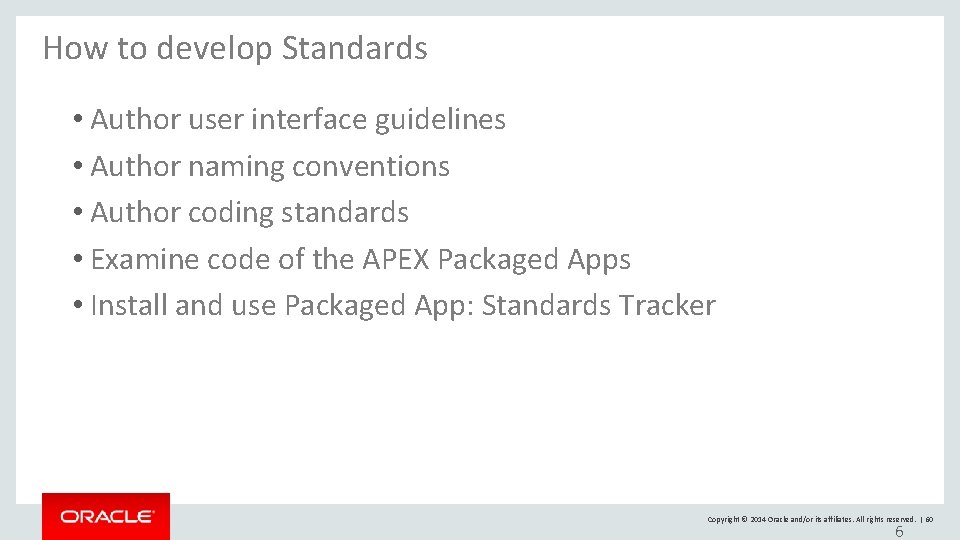
How to develop Standards • Author user interface guidelines • Author naming conventions • Author coding standards • Examine code of the APEX Packaged Apps • Install and use Packaged App: Standards Tracker Copyright © 2014 Oracle and/or its affiliates. All rights reserved. | 60 6
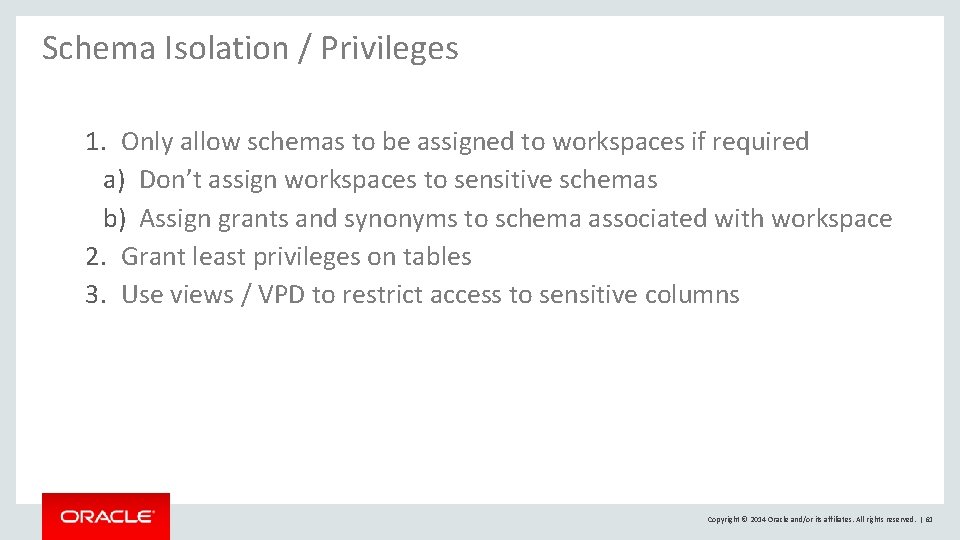
Schema Isolation / Privileges 1. Only allow schemas to be assigned to workspaces if required a) Don’t assign workspaces to sensitive schemas b) Assign grants and synonyms to schema associated with workspace 2. Grant least privileges on tables 3. Use views / VPD to restrict access to sensitive columns Copyright © 2014 Oracle and/or its affiliates. All rights reserved. | 61
Application Security Application Builder User Guide – Chapter 19 : Managing Application Security 1. Understand Items of type Password 2. Understand Cross-Site Scripting protection 3. About Session State and Security 4. Understand Session State Protection Copyright © 2014 Oracle and/or its affiliates. All rights reserved. | 62
Application Security Reviews 1. Use Application Advisor { Application Builder > Application xxx > Utilities > Advisor } 2. Utilize 3 rd party tool to analyze applications in depth for vulnerabilities a) APEXSec Security Tool { https: //secure. recx. co. uk/apexsec/ } b) APEX-Sert {http: //www. oraopensource. com/apex-sert/ } Copyright © 2014 Oracle and/or its affiliates. All rights reserved. | 63
Operate like a Service Provider • Use source code control (Subversion, GIT) • Establish a nightly build process (Jenkins, Hudson) • Know how to write patch scripts for your applications • Automate installation testing of your application patches • Ensure applications reviewed and tested before release • Benefits: § Established processes in place, can react quickly § Easy to establish a “cadence” for updates Copyright © 2014 Oracle and/or its affiliates. All rights reserved. | 64 6
Oracle Application Express Tuning / Performance Copyright © 2014 Oracle and/or its affiliates. All rights reserved. | 65
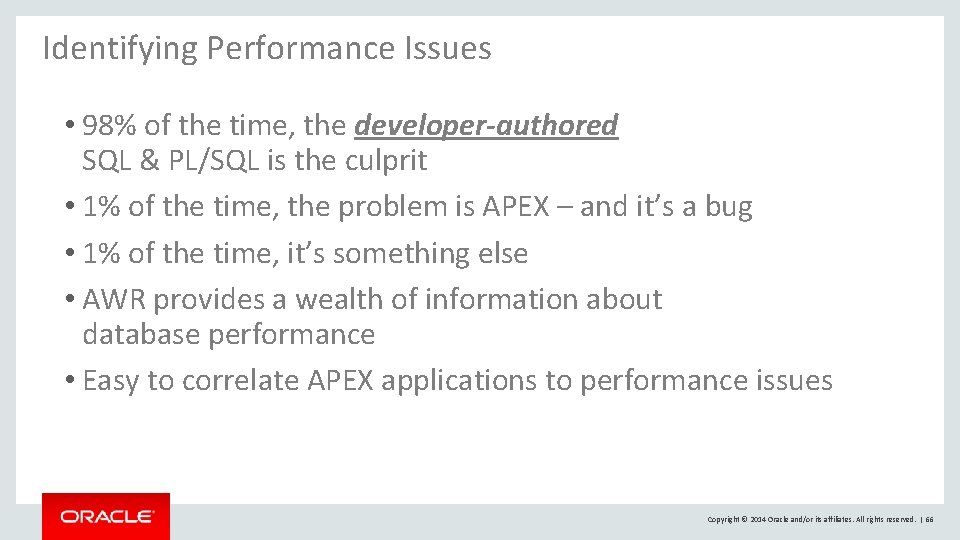
Identifying Performance Issues • 98% of the time, the developer-authored SQL & PL/SQL is the culprit • 1% of the time, the problem is APEX – and it’s a bug • 1% of the time, it’s something else • AWR provides a wealth of information about database performance • Easy to correlate APEX applications to performance issues Copyright © 2014 Oracle and/or its affiliates. All rights reserved. | 66
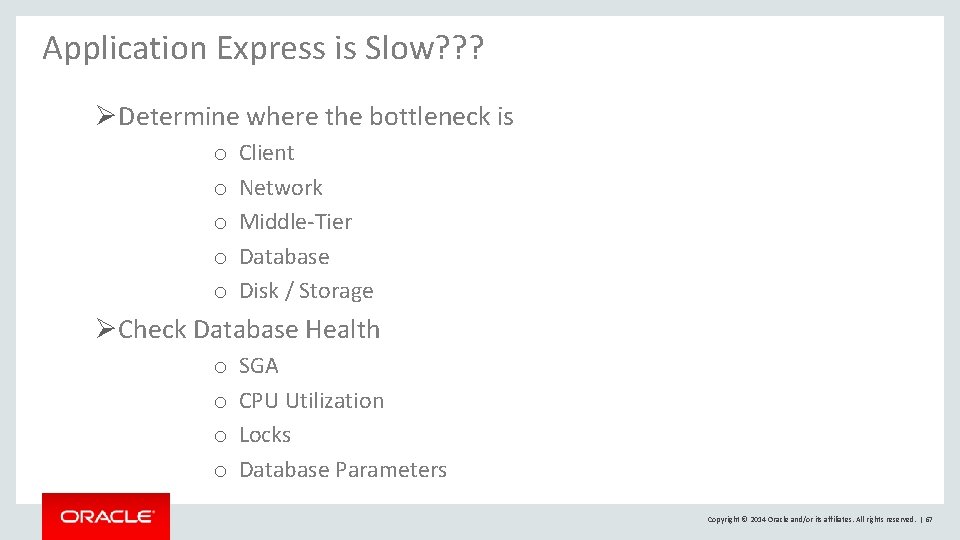
Application Express is Slow? ? ? Ø Determine where the bottleneck is o o o Client Network Middle-Tier Database Disk / Storage Ø Check Database Health o o SGA CPU Utilization Locks Database Parameters Copyright © 2014 Oracle and/or its affiliates. All rights reserved. | 67
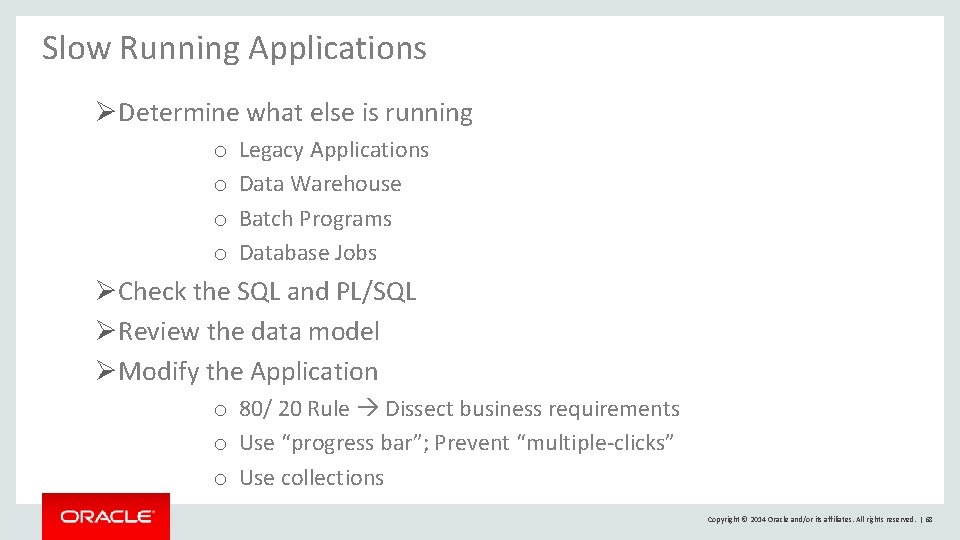
Slow Running Applications Ø Determine what else is running o o Legacy Applications Data Warehouse Batch Programs Database Jobs Ø Check the SQL and PL/SQL Ø Review the data model Ø Modify the Application o 80/ 20 Rule Dissect business requirements o Use “progress bar”; Prevent “multiple-clicks” o Use collections Copyright © 2014 Oracle and/or its affiliates. All rights reserved. | 68
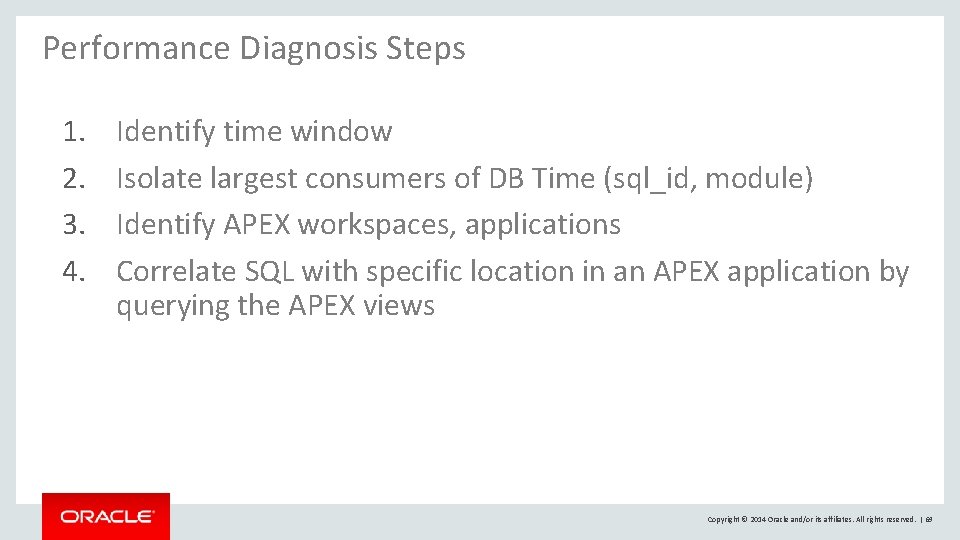
Performance Diagnosis Steps 1. 2. 3. 4. Identify time window Isolate largest consumers of DB Time (sql_id, module) Identify APEX workspaces, applications Correlate SQL with specific location in an APEX application by querying the APEX views Copyright © 2014 Oracle and/or its affiliates. All rights reserved. | 69
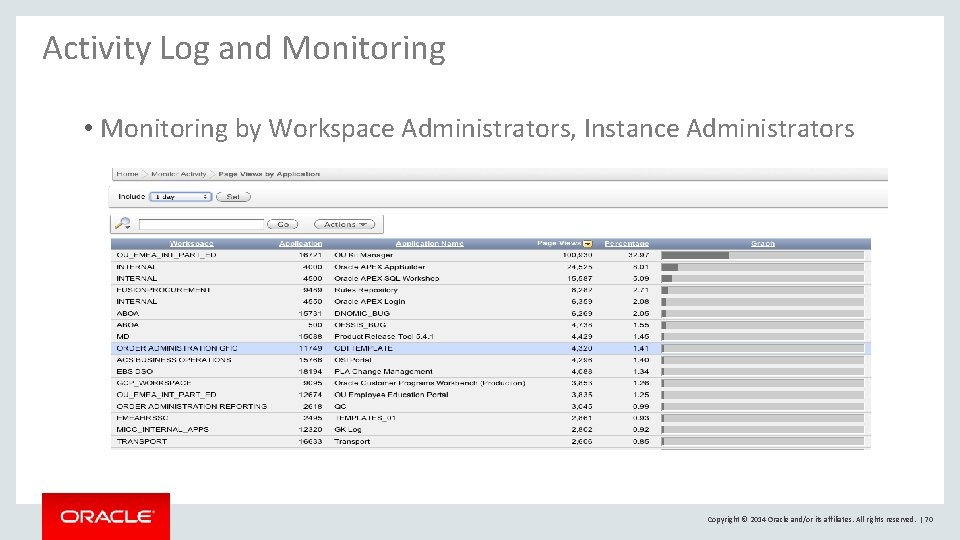
Activity Log and Monitoring • Monitoring by Workspace Administrators, Instance Administrators Copyright © 2014 Oracle and/or its affiliates. All rights reserved. | 70
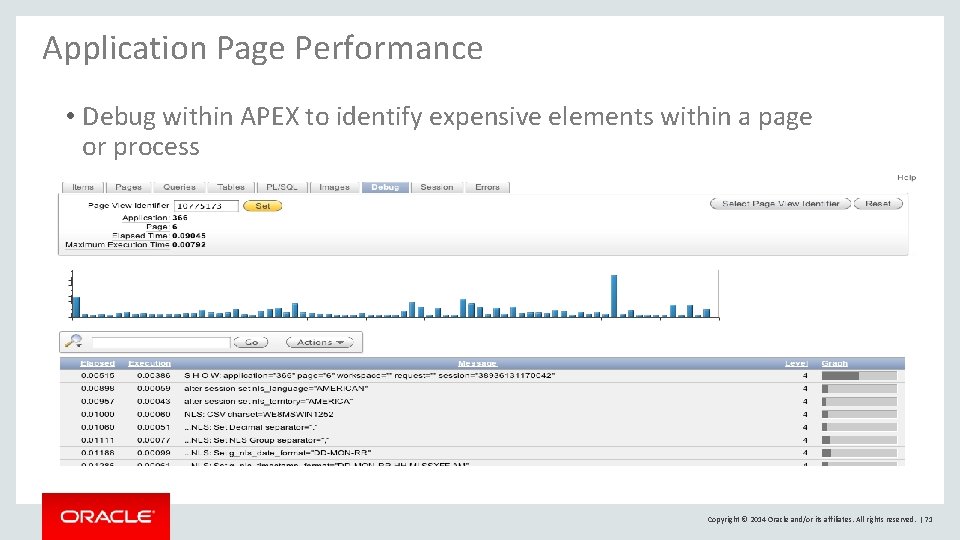
Application Page Performance • Debug within APEX to identify expensive elements within a page or process Copyright © 2014 Oracle and/or its affiliates. All rights reserved. | 71
Database Traces • TKPROF is an Oracle utility that formats SQL trace files • No graphical interface for TKPROF • Look in the user dump destination directory on the database server file system. – On OFA compliant systems this will be $ORACLE_BASE/admin/$ORACLE_SID/udump Copyright © 2014 Oracle and/or its affiliates. All rights reserved. | 72
Tracing from Application Express URL • Generate Oracle Trace file for detailed examination of all SQL associated with a page or process • p_trace=YES name/value in URL f? p=105: 12: 1675: : NO: ARG 1: VAL 1&p_trace=YES • Instrument code using ALTER SESSION – DBMS_SESSION_TRACE_ENABLE – DBMS_SESSION_TRACE_DISABLE • Use TKPROF to analyze and format output Copyright © 2014 Oracle and/or its affiliates. All rights reserved. | 73
Reviewing Traces with APEX Applications • Pay attention to the parsing user_id in tkprof output • Most APEX tables are named with a WWV_ prefix • “Bind Peeking” and Adaptive Cursor Sharing: – Are available for the SQL of the APEX engine – Are not available for user SQL (your application SQL) Copyright © 2014 Oracle and/or its affiliates. All rights reserved. | 74
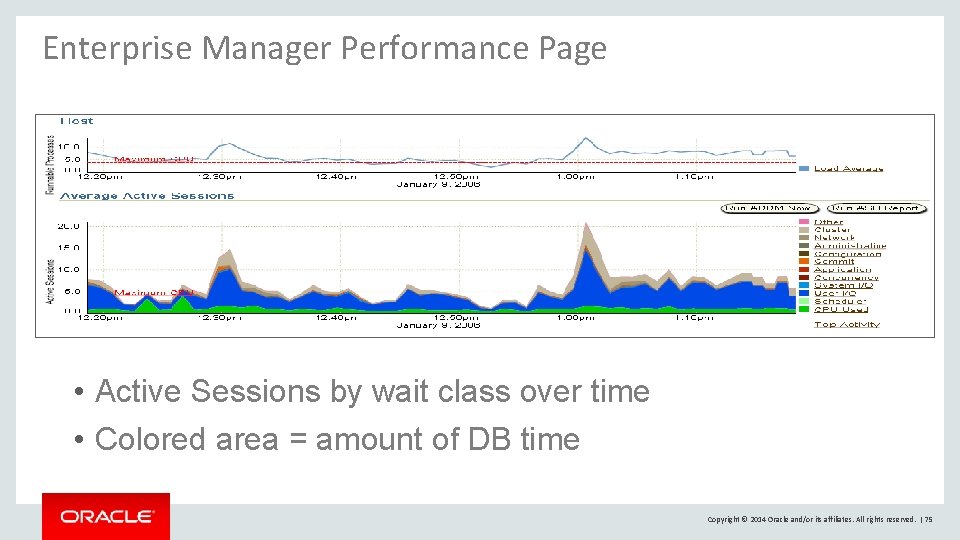
Enterprise Manager Performance Page • Active Sessions by wait class over time • Colored area = amount of DB time Copyright © 2014 Oracle and/or its affiliates. All rights reserved. | 75
Database Time • Total time in database calls by foreground sessions • Includes CPU time, IO time and non-idle wait time • DB time <> Response time Database time is total time spent by user processes either actively working or actively waiting in a database call. Copyright © 2014 Oracle and/or its affiliates. All rights reserved. | 76
How to query Database Time • V$SYS_TIME_MODEL, V$SESS_TIME_MODEL – STAT_NAME = ‘DB time’ – Cumulative database processing time • V$SYSMETRIC_HISTORY – “Database Time Per Second”, “CPU Usage Per Sec” – 10 g units = centi-secs/sec (100 x. Avg. Active Sessions) – 11 g new metric “Average Active Sessions” • V$SQL – ELAPSED_TIME and CPU_TIME – Wait class times: APPLICATION, CONCURRENCY, CLUSTER, USER_IO • V$ACTIVE_SESSION_HISTORY Copyright © 2014 Oracle and/or its affiliates. All rights reserved. | 77
Active Session History (ASH) • All ‘Active’ sessions captured every second – Foregrounds and backgrounds are sampled – Active foregrounds contribute to DB Time • In-memory: V$ACTIVE_SESSION_HISTORY – Sampling interval = 1 second • On-disk: DBA_HIST_ACTIVE_SESS_HISTORY – Sampling interval = 10 second • ASH is a system-wide record of database activity Copyright © 2014 Oracle and/or its affiliates. All rights reserved. | 78
Automatic Workload Repository (AWR) • Collects performance statistics – By default, every hour and retained for 7 days • Active Sessions • Resource Intensive SQL Statements • Wait events • Can establish baseline and compare with current. • DBA_HIST_SNAPSHOT • Shows top-level numbers about all snapshots in the Workload Repository Copyright © 2014 Oracle and/or its affiliates. All rights reserved. | 79
Application Express Views • The database catalog of everything APEX • Application definitions, workspaces, logs • Display all views and columns select * from apex_dictionary • Display all view names select distinct apex_view_name from apex_dictionary • Can be queried via SQL*Plus, SQL Developer or other command-line tools • If granted APEX_ADMINISTRATOR_ROLE role, can view across entire instance Copyright © 2014 Oracle and/or its affiliates. All rights reserved. | 80
Application Express Views APEX_WORKSPACES – all workspaces defined on the instance APEX_APPLICATIONS – all APEX applications APEX_WORKSPACE_ACTIVITY_LOG – all logged page views APEX_WORKSPACE_APEX_USERS – all developers, administrators and end users of a workspace APEX_APPLICATION_PAGE_REGIONS – HTML regions, class SQL reports Copyright © 2014 Oracle and/or its affiliates. All rights reserved. | 81
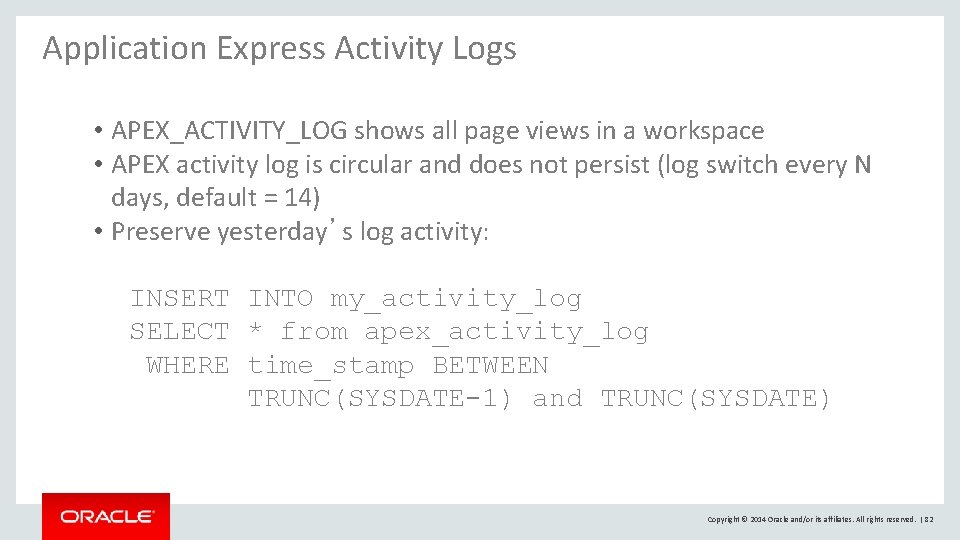
Application Express Activity Logs • APEX_ACTIVITY_LOG shows all page views in a workspace • APEX activity log is circular and does not persist (log switch every N days, default = 14) • Preserve yesterday’s log activity: INSERT INTO my_activity_log SELECT * from apex_activity_log WHERE time_stamp BETWEEN TRUNC(SYSDATE-1) and TRUNC(SYSDATE) Copyright © 2014 Oracle and/or its affiliates. All rights reserved. | 82
PL/SQL Hierarchical Profiler • Reports the dynamic execution profile of a PL/SQL program organized by function calls • Accounts for SQL and PL/SQL execution times separately • No special source or compile-time preparation is required Copyright © 2014 Oracle and/or its affiliates. All rights reserved. | 83
Query Plans and Statistics • APEX is a large number of database applications (PL/SQL) • Cost-based optimizer will develop better query plans with accurate statistics GATHER_STATS_JOB Copyright © 2014 Oracle and/or its affiliates. All rights reserved. | 84
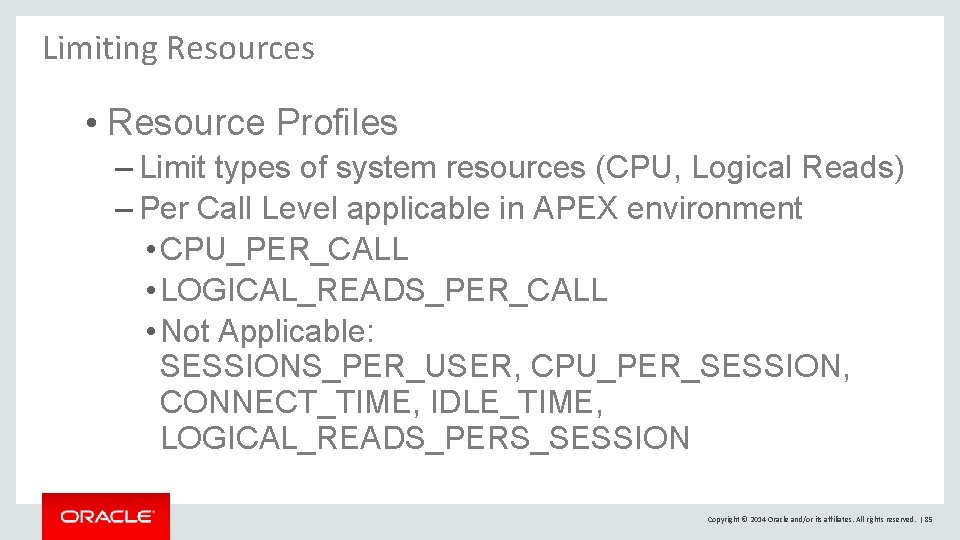
Limiting Resources • Resource Profiles – Limit types of system resources (CPU, Logical Reads) – Per Call Level applicable in APEX environment • CPU_PER_CALL • LOGICAL_READS_PER_CALL • Not Applicable: SESSIONS_PER_USER, CPU_PER_SESSION, CONNECT_TIME, IDLE_TIME, LOGICAL_READS_PERS_SESSION Copyright © 2014 Oracle and/or its affiliates. All rights reserved. | 85
CPU Resource Monitoring • Very fine-grained scheduling – Resource Manager schedules at a 100 ms quantum – Low-priority session will yield to a high-priority session in ~1 quantum • Background processes are not managed – Backgrounds are either high-priority or not CPU-intensive • Maximize CPU utilization – If one consumer group doesn’t use its allocation, it is redistributed to other consumer groups based on the resource plan Copyright © 2014 Oracle and/or its affiliates. All rights reserved. | 86
Monitor Resource Plan Utilization • V$RSRC_PLAN – Currently active resource plan • V$RSRC_CONSUMER_GROUP – Cumulative amount of CPU stats • V$RSRC_PLAN_HISTORY – History of resource plan, when enabled, disabled or modified • V$RSRC_CONS_GROUP_HISTORY – History of consumer group statistics • V$RSRCMGRMETRIC – Information about resources consumed and wait times per consumer group • V$RSRCMGRMETRIC_HISTORY – History of Resource Manager metrics Copyright © 2014 Oracle and/or its affiliates. All rights reserved. | 87
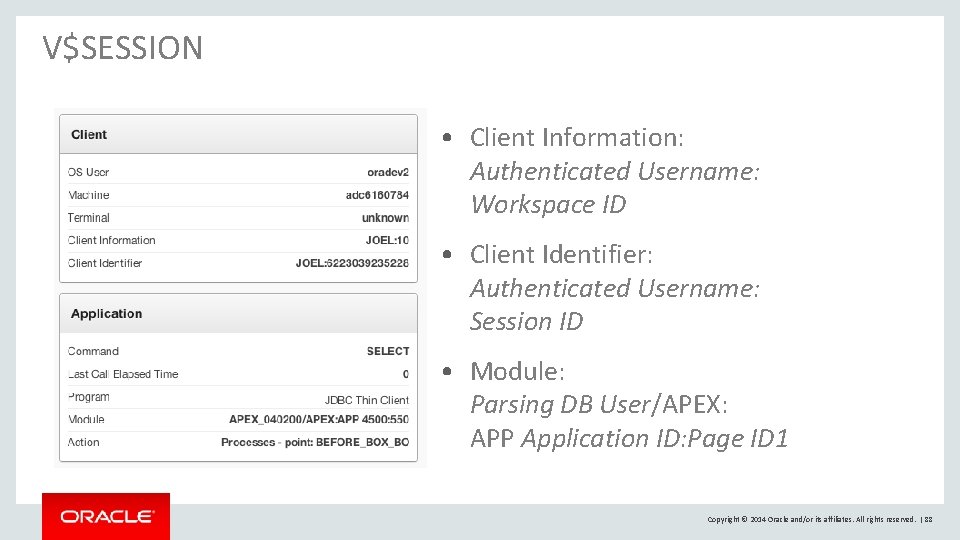
V$SESSION • Client Information: Authenticated Username: Workspace ID • Client Identifier: Authenticated Username: Session ID • Module: Parsing DB User/APEX: APP Application ID: Page ID 1 Copyright © 2014 Oracle and/or its affiliates. All rights reserved. | 88
Oracle Application Express Reference Material Copyright © 2014 Oracle and/or its affiliates. All rights reserved. | 89
Useful Links Collateral, Resources and Hosted Services • Oracle Technology Network • Oracle Learning Library • Hosted evaluation site • APEX Cloud Service http: //otn. oracle. com/apex http: //www. oracle. com/oll http: //apex. oracle. com http: //cloud. oracle. com Copyright © 2014 Oracle and/or its affiliates. All rights reserved. | 90
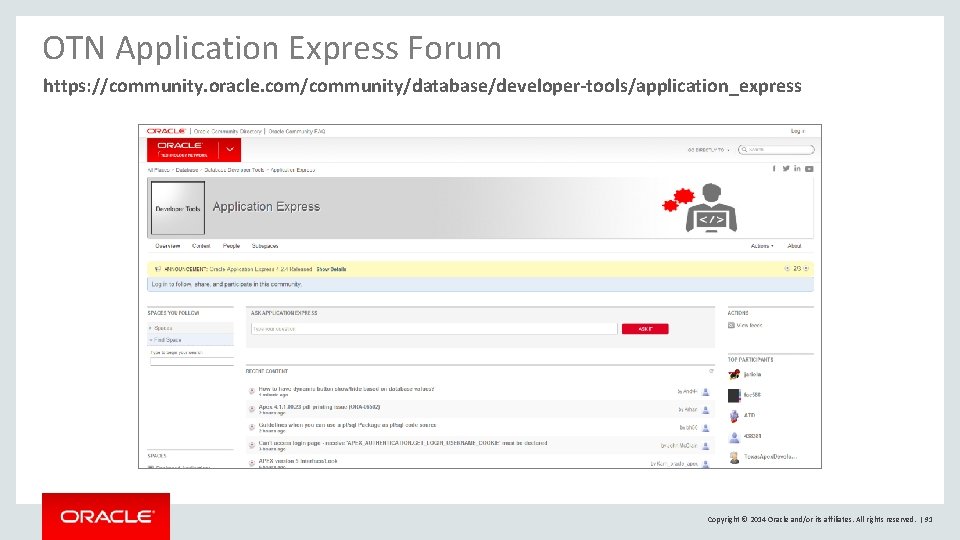
OTN Application Express Forum https: //community. oracle. com/community/database/developer-tools/application_express Copyright © 2014 Oracle and/or its affiliates. All rights reserved. | 91
Copyright © 2014 Oracle and/or its affiliates. All rights reserved. | 92
Copyright © 2014 Oracle and/or its affiliates. All rights reserved. | 93