
Optional Case Study Chapter 3 Outline 3 1


![3. 4 Elevator Statechart Diagram Moving button press [need to move] button press [other](https://slidetodoc.com/presentation_image_h2/4c2970f29c27b5f9e1488eab26dc5ae2/image-8.jpg "3. 4 Elevator Statechart Diagram Moving button press [need to move] button press [other")
![3. 5 Activity Diagram (III) [ button pressed] [ in motion] [ current. Time](https://slidetodoc.com/presentation_image_h2/4c2970f29c27b5f9e1488eab26dc5ae2/image-12.jpg "3. 5 Activity Diagram (III) [ button pressed] [ in motion] [ current. Time")
- Slides: 14
Optional Case Study - Chapter 3 Outline 3. 1 Introduction 3. 2 Class Attributes 3. 3 Statechart Diagrams 3. 4 Elevator Statechart Diagram 3. 5 Activity Diagrams 3. 6 Conclusion 2000 Deitel & Associates, Inc. All rights reserved.
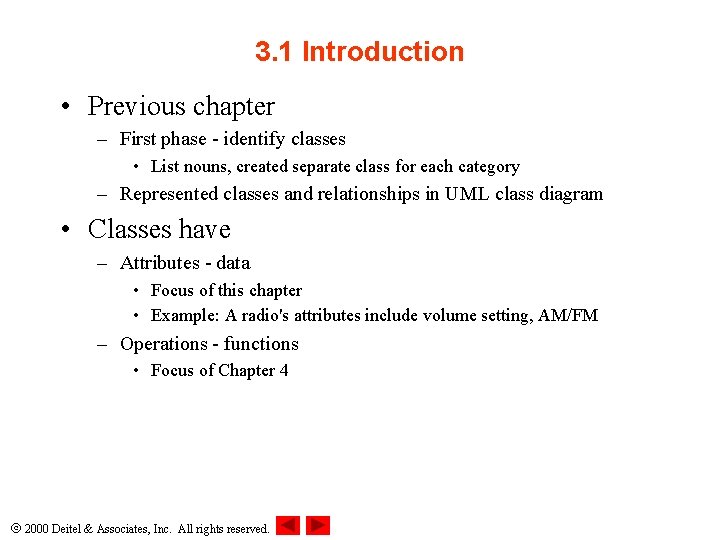
3. 1 Introduction • Previous chapter – First phase - identify classes • List nouns, created separate class for each category – Represented classes and relationships in UML class diagram • Classes have – Attributes - data • Focus of this chapter • Example: A radio's attributes include volume setting, AM/FM – Operations - functions • Focus of Chapter 4 2000 Deitel & Associates, Inc. All rights reserved.
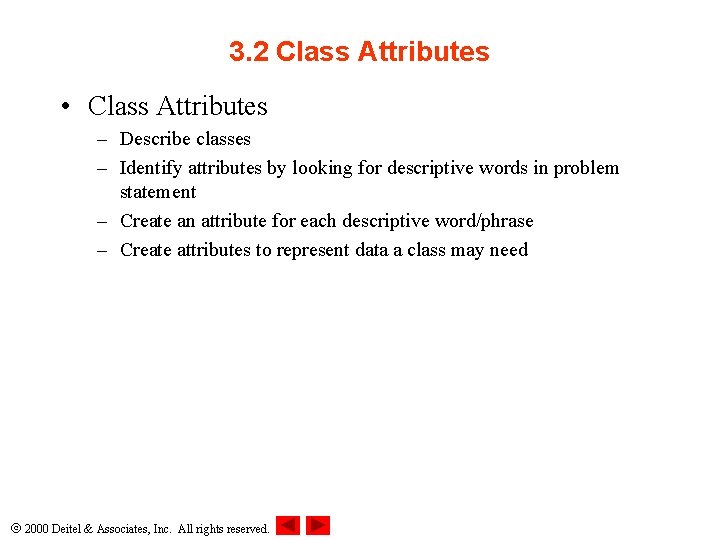
3. 2 Class Attributes • Class Attributes – Describe classes – Identify attributes by looking for descriptive words in problem statement – Create an attribute for each descriptive word/phrase – Create attributes to represent data a class may need 2000 Deitel & Associates, Inc. All rights reserved.
3. 2 Class Attributes (II) 2000 Deitel & Associates, Inc. All rights reserved.
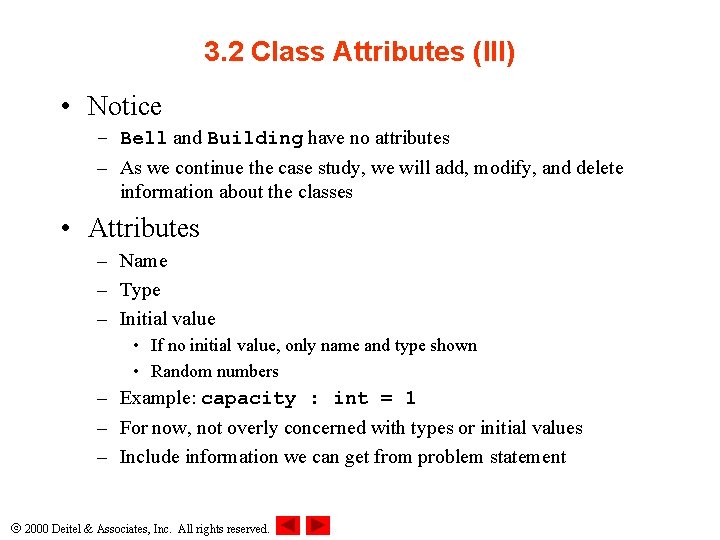
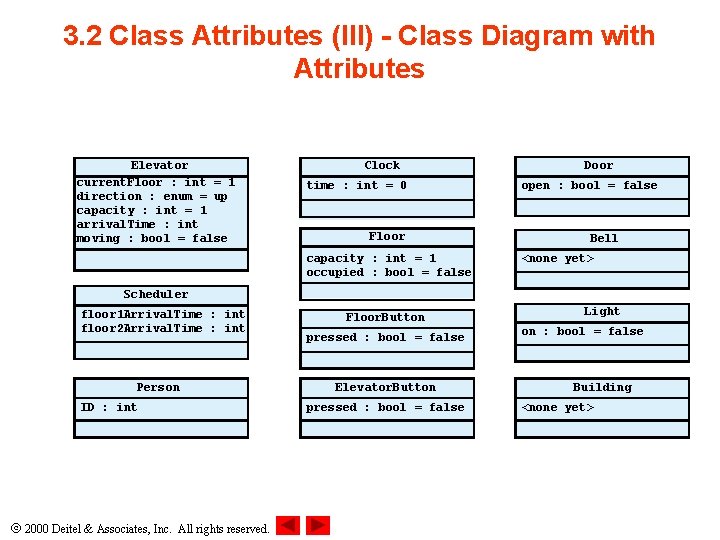
3. 2 Class Attributes (III) • Notice – Bell and Building have no attributes – As we continue the case study, we will add, modify, and delete information about the classes • Attributes – Name – Type – Initial value • If no initial value, only name and type shown • Random numbers – Example: capacity : int = 1 – For now, not overly concerned with types or initial values – Include information we can get from problem statement 2000 Deitel & Associates, Inc. All rights reserved.
3. 2 Class Attributes (III) - Class Diagram with Attributes Elevator current. Floor : int = 1 direction : enum = up capacity : int = 1 arrival. Time : int moving : bool = false Clock time : int = 0 Floor capacity : int = 1 occupied : bool = false Door open : bool = false Bell <none yet> Scheduler floor 1 Arrival. Time : int floor 2 Arrival. Time : int Person ID : int 2000 Deitel & Associates, Inc. All rights reserved. Floor. Button pressed : bool = false Elevator. Button pressed : bool = false Light on : bool = false Building <none yet>
3. 3 Statechart Diagrams • States – Describe condition of an object at a given point in time • Statechart diagrams (state diagrams) – Express how, and under what conditions, objects change state • Format – Rounded rectangle - represents a state – Solid circle with arrowhead - points to initial state – Solid lines with arrows - transitions • Object can transition in response to an event • Name of event written near line button press Pressed Not pressed button reset 2000 Deitel & Associates, Inc. All rights reserved.
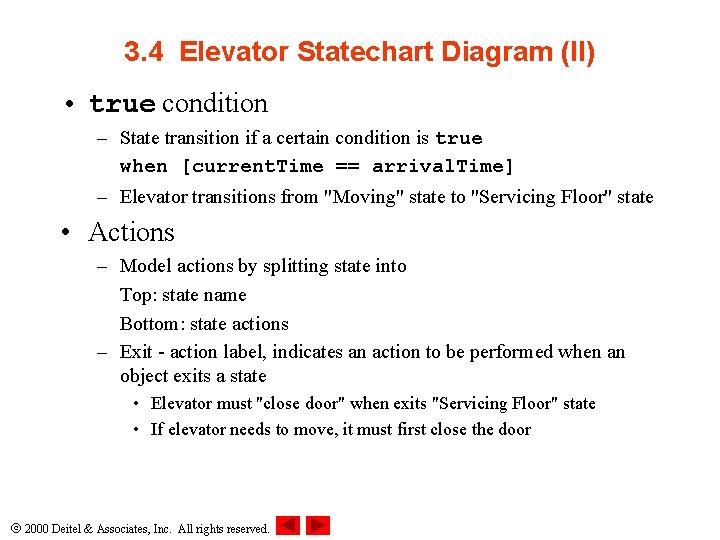
3. 4 Elevator Statechart Diagram Moving button press [need to move] button press [other floor]/ arrival. Time = current. Time + 5 when [current. Time == arrival. Time] button press [current floor] Servicing Floor Waiting [no further requests] exit/ close door • Guard condition - transition only occurs if condition met – Elevator transitions from "Waiting" state to "Servicing Floor" state when a button is pressed on the elevator's floor • Forward slash / - indicates action with state change 2000 Deitel & Associates, Inc. All rights reserved.
3. 4 Elevator Statechart Diagram (II) • true condition – State transition if a certain condition is true when [current. Time == arrival. Time] – Elevator transitions from "Moving" state to "Servicing Floor" state • Actions – Model actions by splitting state into Top: state name Bottom: state actions – Exit - action label, indicates an action to be performed when an object exits a state • Elevator must "close door" when exits "Servicing Floor" state • If elevator needs to move, it must first close the door 2000 Deitel & Associates, Inc. All rights reserved.
3. 5 Activity Diagrams • Activity diagram – Variation of statechart diagram • Statechart diagram does not how the elevator decides if it needs to move – Models what object does during its lifetime (its activities) 2000 Deitel & Associates, Inc. All rights reserved.
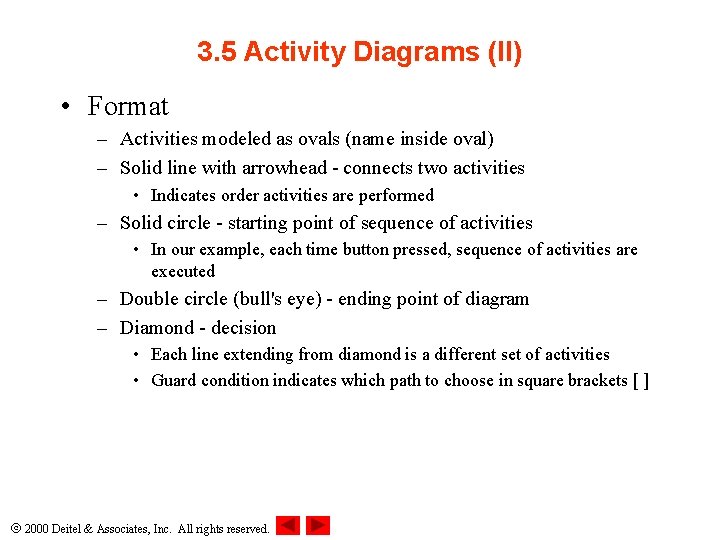
3. 5 Activity Diagrams (II) • Format – Activities modeled as ovals (name inside oval) – Solid line with arrowhead - connects two activities • Indicates order activities are performed – Solid circle - starting point of sequence of activities • In our example, each time button pressed, sequence of activities are executed – Double circle (bull's eye) - ending point of diagram – Diamond - decision • Each line extending from diamond is a different set of activities • Guard condition indicates which path to choose in square brackets [ ] 2000 Deitel & Associates, Inc. All rights reserved.
3. 5 Activity Diagram (III) [ button pressed] [ in motion] [ current. Time == arrival. Time] [ current floor button not pressed] Close door Move to other floor Stop moving [ current. Time < arrival. Time] Reset elevator button Guard conditions Ring bell Open door 2000 Deitel & Associates, Inc. All rights reserved. [ current floor button pressed]
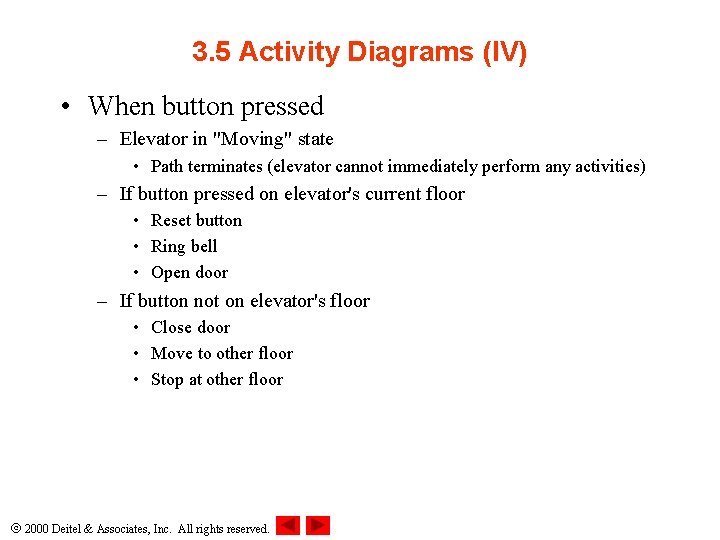
3. 5 Activity Diagrams (IV) • When button pressed – Elevator in "Moving" state • Path terminates (elevator cannot immediately perform any activities) – If button pressed on elevator's current floor • Reset button • Ring bell • Open door – If button not on elevator's floor • Close door • Move to other floor • Stop at other floor 2000 Deitel & Associates, Inc. All rights reserved.
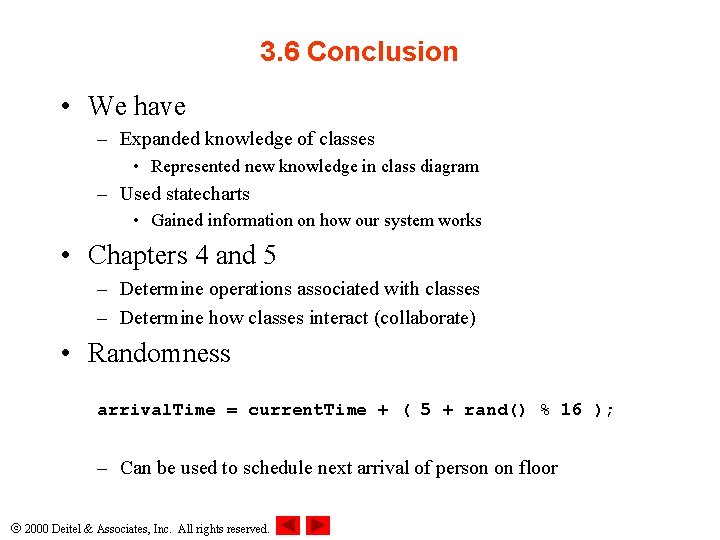
3. 6 Conclusion • We have – Expanded knowledge of classes • Represented new knowledge in class diagram – Used statecharts • Gained information on how our system works • Chapters 4 and 5 – Determine operations associated with classes – Determine how classes interact (collaborate) • Randomness arrival. Time = current. Time + ( 5 + rand() % 16 ); – Can be used to schedule next arrival of person on floor 2000 Deitel & Associates, Inc. All rights reserved.