
OPS 245 Python Shell Scripting Part 4 and
- Slides: 17
OPS 245 Python Shell Scripting Part 4
and write to files. This will allow your python Introduction scripts to make more persistent changes to your systems.
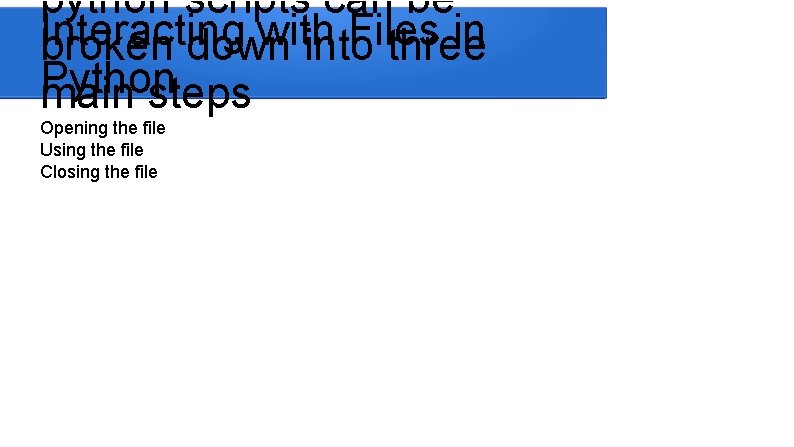
python scripts can be Interacting with Files in broken down into three Python main steps Opening the file Using the file Closing the file
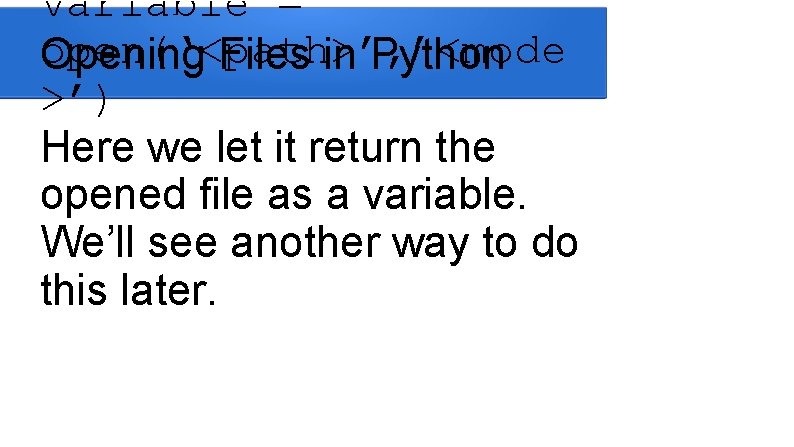
variable = open(‘<path>’, ’<mode Opening Files in Python >’) Here we let it return the opened file as a variable. We’ll see another way to do this later.
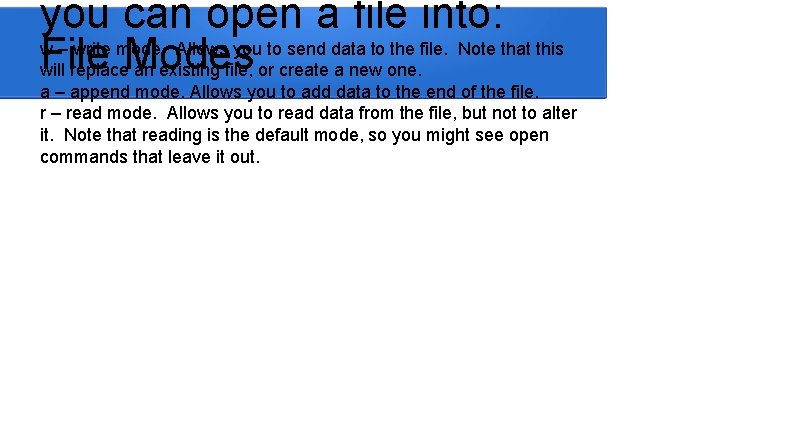
you can open a file into: w – write mode. Allows you to send data to the file. Note that this File will replace. Modes an existing file, or create a new one. a – append mode. Allows you to add data to the end of the file. r – read mode. Allows you to read data from the file, but not to alter it. Note that reading is the default mode, so you might see open commands that leave it out.
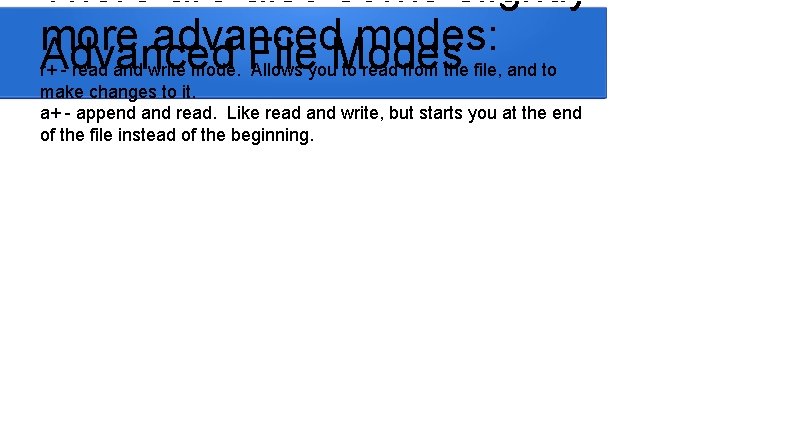
There also some slightly more advanced modes: Advanced File Modes r+ - read and write mode. Allows you to read from the file, and to make changes to it. a+ - append and read. Like read and write, but starts you at the end of the file instead of the beginning.
Note that reading and writing Interacting with an Open rely on you opening the file File with a mode that supports that activity. The mode you choose will also impact your initial position within the file.
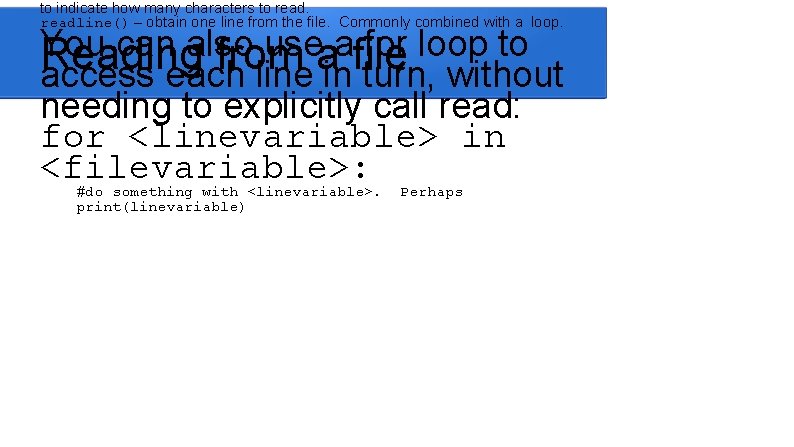
to indicate how many characters to readline() – obtain one line from the file. Commonly combined with a loop. You can also use a for loop to Reading from a file access each line in turn, without needing to explicitly call read: for <linevariable> in <filevariable>: #do something with <linevariable>. print(linevariable) Perhaps
(stringvariable) Writing to a File Note that when you want a new line in your file, you have to explicitly write it with n.
The seek()Position function. Within will do Changing this. the File Well, some of it. Simply read()-ing a specific number of characters and not doing anything with them will also work.
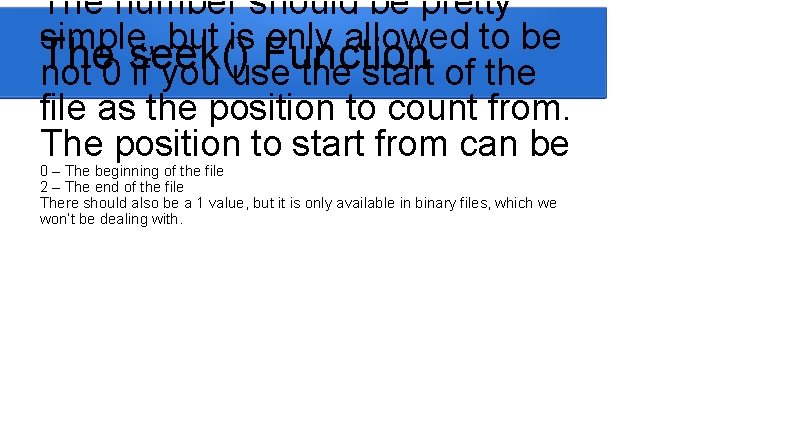
The number should be pretty simple, but is only allowed to be The seek() Function not 0 if you use the start of the file as the position to count from. The position to start from can be 0 – The beginning of the file 2 – The end of the file There should also be a 1 value, but it is only available in binary files, which we won’t be dealing with.
Calling the readlines() function on an. Data openinfile will Substituting a File return the entire contents as a list. One line per element. This will usually allow you to manipulate the data (and move around) much more easily than with the seek() function.
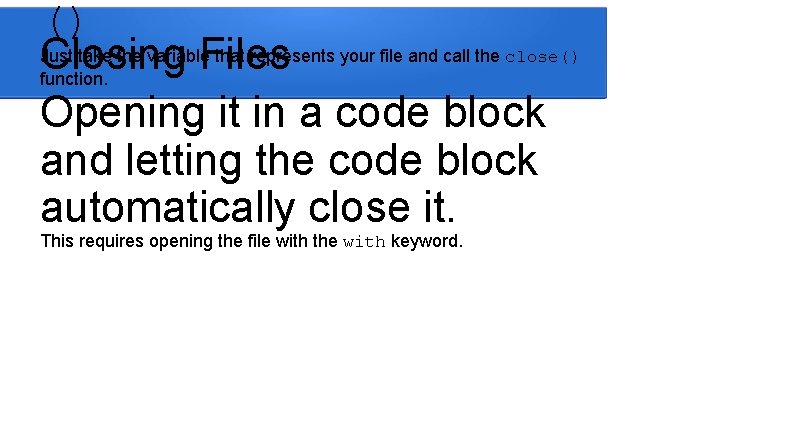
() Just take the variable that represents your file and call the close() Closing Files function. Opening it in a code block and letting the code block automatically close it. This requires opening the file with the with keyword.
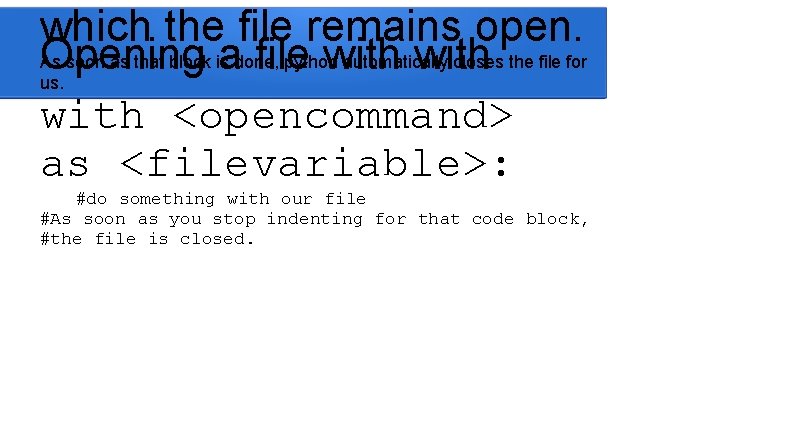
which the file remains open. As soon as that block is done, python automatically closes the file for Opening a file with us. with <opencommand> as <filevariable>: #do something with our file #As soon as you stop indenting for that code block, #the file is closed.
been a bad habit to avoid, The exit() command but it can be an actual Files problem when working with files. Don’t exit() while you still have a file open. Close it, then exit, or just close it and let your script exit at the end.
File. Not. Found. Error – When attempting to open a file that does not exist for reading. Permission. Error – When attempting to read or write to a file you don’t have sufficient permission for. Possible Exceptions Note: If using the read() or readline() functions, you won’t encounter EOFError, you’ll just get empty strings.
This will allow you to write Summary scripts that can make changes to files on your systems. Since most configuration is stored as files, this will allow you to make configuration changes to your system, and the services running on it, using sscripts.