
Operators areas of activity and life of objects
Operators, areas of activity and life of objects Operators Nesnelerin faalıyet alanıve ve ömürleriyle ilgili program analizleri. Program analysis of the field of activity and life of objects.
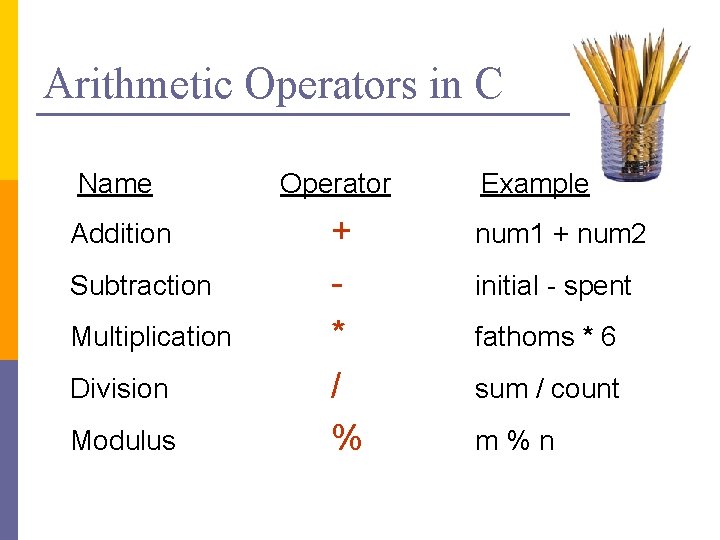
Arithmetic Operators in C Name Addition Subtraction Multiplication Division Modulus Operator + * / % Example num 1 + num 2 initial - spent fathoms * 6 sum / count m%n
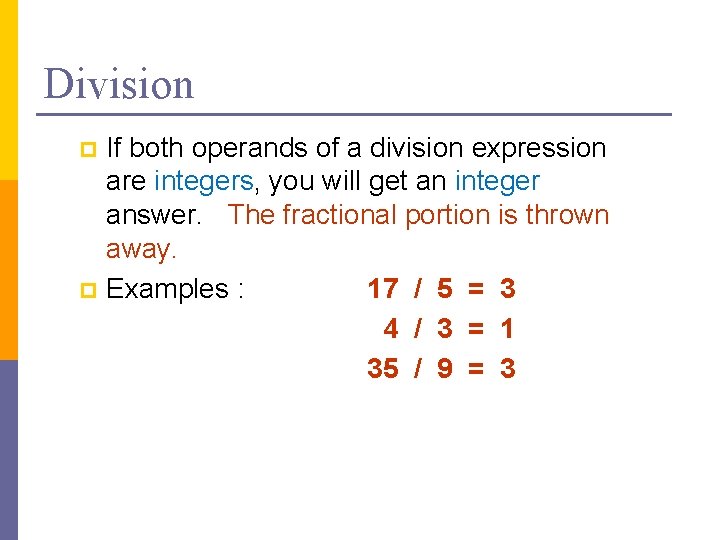
Division If both operands of a division expression are integers, you will get an integer answer. The fractional portion is thrown away. p Examples : 17 / 5 = 3 4 / 3 = 1 35 / 9 = 3 p
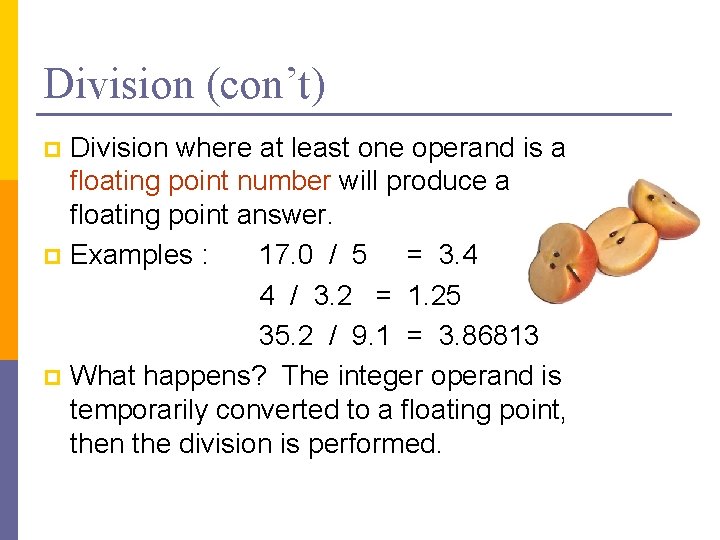
Division (con’t) Division where at least one operand is a floating point number will produce a floating point answer. p Examples : 17. 0 / 5 = 3. 4 4 / 3. 2 = 1. 25 35. 2 / 9. 1 = 3. 86813 p What happens? The integer operand is temporarily converted to a floating point, then the division is performed. p
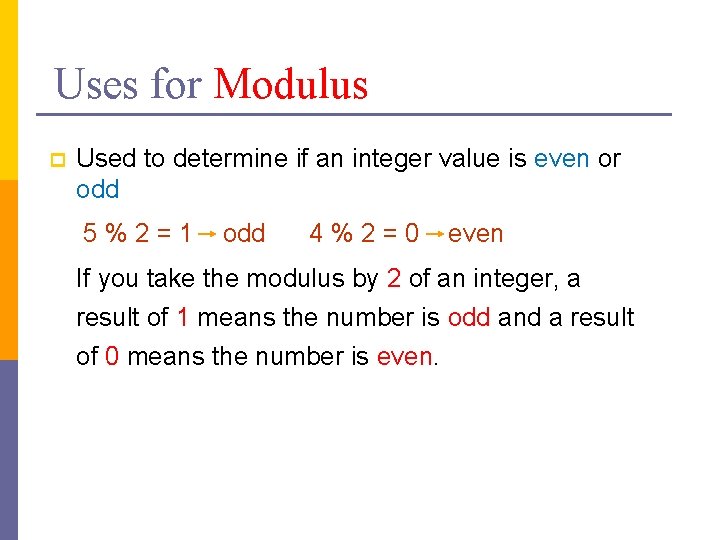
Uses for Modulus p Used to determine if an integer value is even or odd 5%2=1 odd 4%2=0 even If you take the modulus by 2 of an integer, a result of 1 means the number is odd and a result of 0 means the number is even.

Modulus The expression m % n yields the integer remainder after m is divided by n. p Modulus is an integer operation -- both operands MUST be integers. p Examples : 17 % 5 = 2 6%3 = 0 9%2 = 1 5%8 = 5 p

Data structures
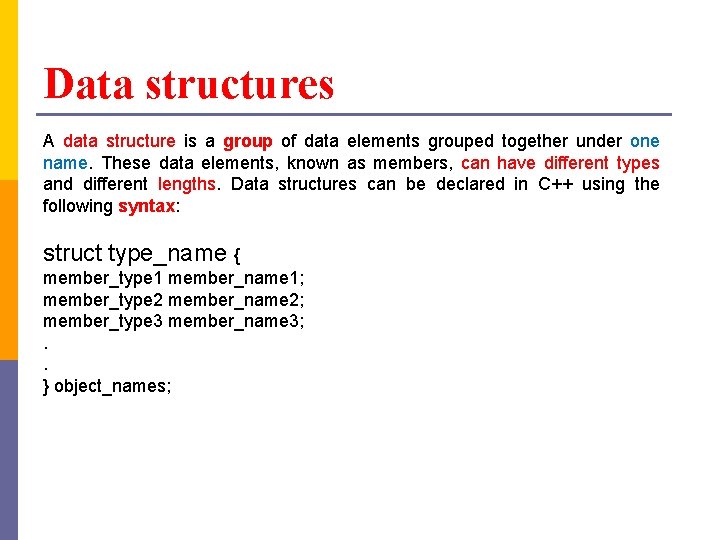
Data structures A data structure is a group of data elements grouped together under one name. These data elements, known as members, can have different types and different lengths. Data structures can be declared in C++ using the following syntax: struct type_name { member_type 1 member_name 1; member_type 2 member_name 2; member_type 3 member_name 3; . . } object_names;
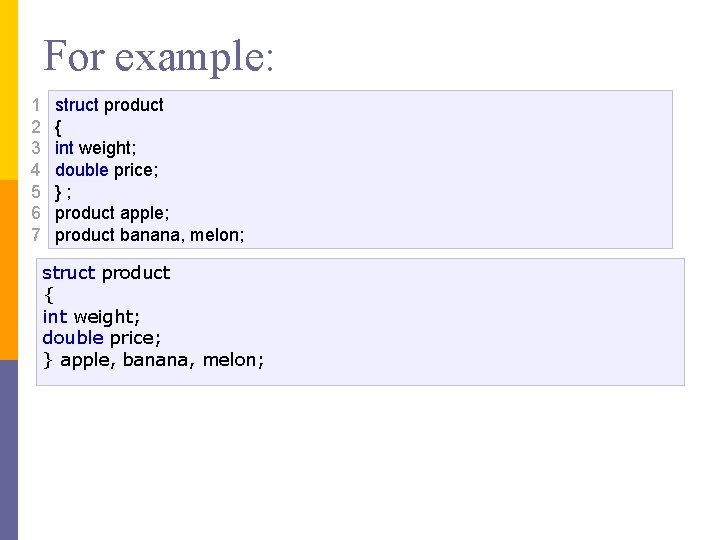
For example: 1 2 3 4 5 6 7 struct product { int weight; double price; }; product apple; product banana, melon; struct product { int weight; double price; } apple, banana, melon;
![Data structures struct Person { char name[50]; int age; float salary; }; How to](http://slidetodoc.com/presentation_image_h2/a00d862d5e5b09c361cd24c1410ac600/image-10.jpg "Data structures struct Person { char name[50]; int age; float salary; }; How to")
Data structures struct Person { char name[50]; int age; float salary; }; How to define a structure variable? Person bill; How to access members of a structure? bill. age = 50;
![Example: C++ Structure #include <iostream> using namespace std; struct Person {char name[50]; int age;](http://slidetodoc.com/presentation_image_h2/a00d862d5e5b09c361cd24c1410ac600/image-11.jpg "Example: C++ Structure #include <iostream> using namespace std; struct Person {char name[50]; int age;")
Example: C++ Structure #include <iostream> using namespace std; struct Person {char name[50]; int age; float salary; }; int main() {Person p 1; cout << "Enter Full name: "; cin. get(p 1. name, 50); cout << "Enter age: "; cin >> p 1. age; cout << "Enter salary: "; cin >> p 1. salary; cout << "n. Displaying Information. " << endl; cout << "Name: " << p 1. name << endl; cout <<"Age: " << p 1. age << endl; cout << "Salary: " << p 1. salary; return 0; }
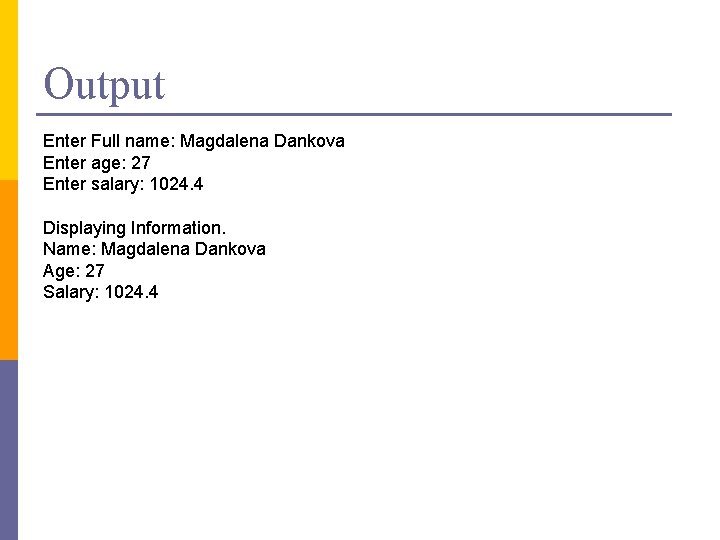
Output Enter Full name: Magdalena Dankova Enter age: 27 Enter salary: 1024. 4 Displaying Information. Name: Magdalena Dankova Age: 27 Salary: 1024. 4
div() function in C++ Given a numerator and denominator, we have to find their quotient and remainder without using the modulo or division operator. div() function allows us to do the same task easily and efficiently. p div() function: Returns the integral quotient and remainder of the division of numer by denom (numer/denom) as a structure of type div_t, ldiv_t or lldiv_t, which has two members: quot and rem. p
Syntax div_t div (int numerator, int denominator); p ldiv_t div (long numerator, long denominator); p lldiv_t div (long numerator, long denominator); When we use div() function, it returns a structure which contains the quotient and remainder of the parameters. The first parameter passed in a div() function is taken as numerator and the 2 nd parameter is taken as denominator. p
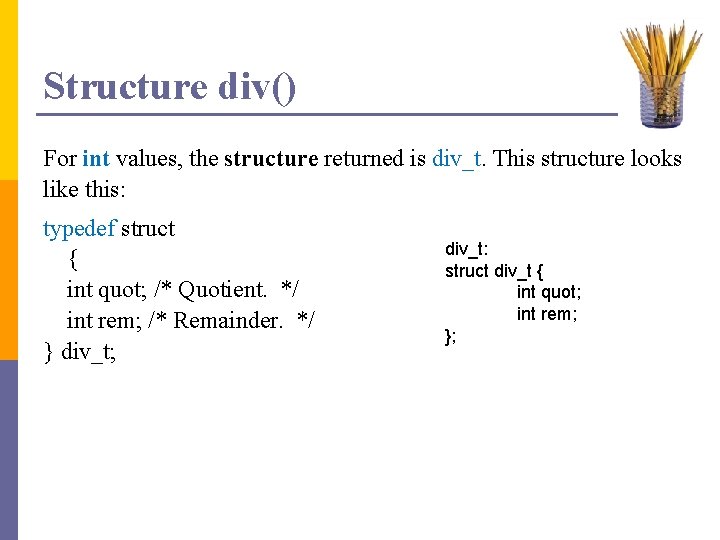
Structure div() For int values, the structure returned is div_t. This structure looks like this: typedef struct { int quot; /* Quotient. */ int rem; /* Remainder. */ } div_t; div_t: struct div_t { int quot; int rem; };
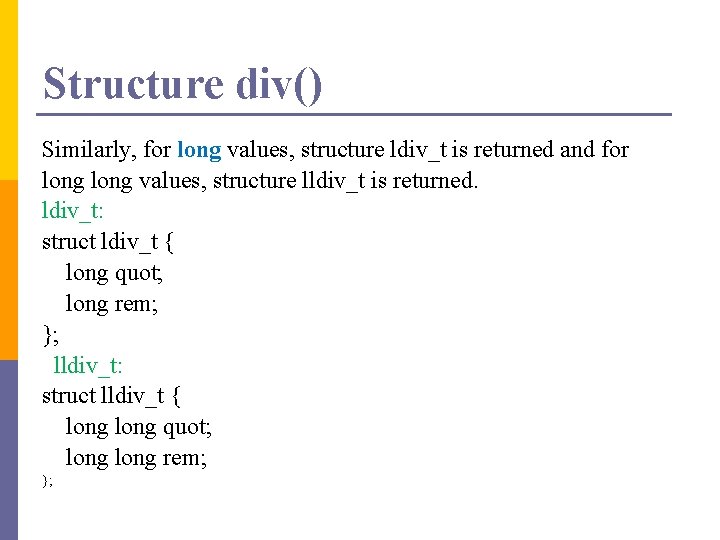
Structure div() Similarly, for long values, structure ldiv_t is returned and for long values, structure lldiv_t is returned. ldiv_t: struct ldiv_t { long quot; long rem; }; lldiv_t: struct lldiv_t { long quot; long rem; };
Where is it useful? The question is, since we have both % and / operators, why should we use div() function? . Well, in a program where we require both – quotient and remainder, using div() function would be the best choice as it calculates both the values for you at once, moreover, it requires less time as compared to using % and / functions one by one. While using div() function, the difference for the % operator is that, % operator may return a negative value, but div() always returns a non-negative value. So, div() function can be efficiently used according to one’s requirement.
What happens when the denominator is 0? If any one of the part of this function, i. e. the remainder or the quotient cannot be represented or cannot find a result, then the whole structure shows an undefined behavior. NOTE: While using div() function, remember to include cstdlib. h library in your program.
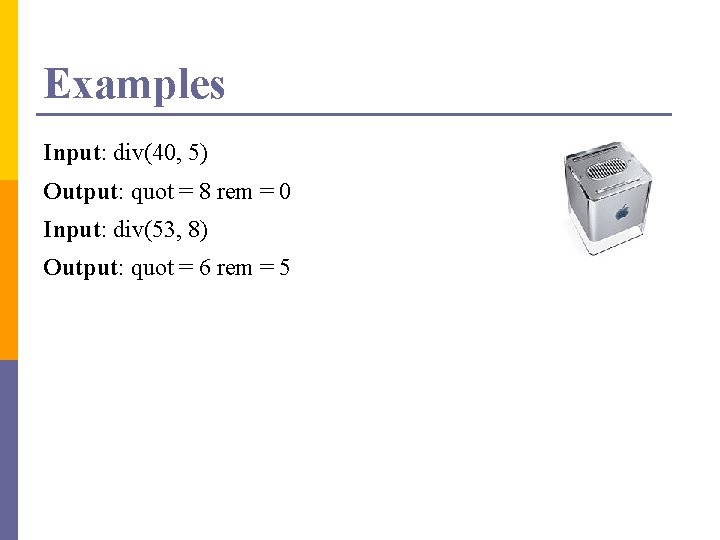
Examples Input: div(40, 5) Output: quot = 8 rem = 0 Input: div(53, 8) Output: quot = 6 rem = 5
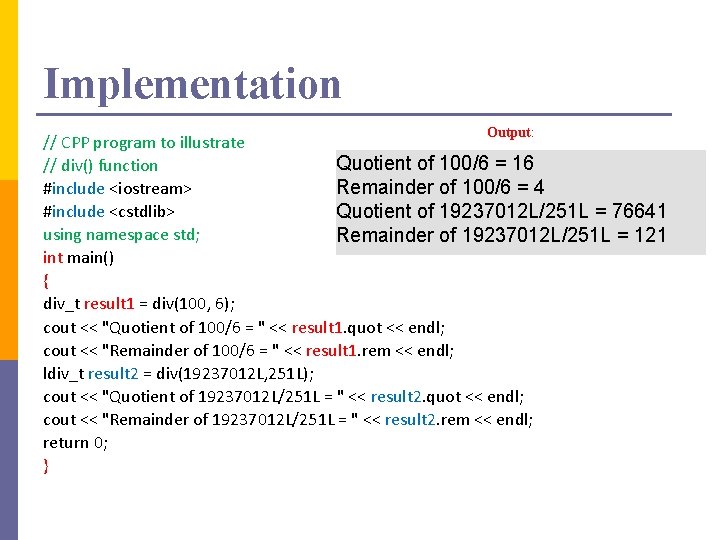
Implementation Output: // CPP program to illustrate Quotient of 100/6 = 16 // div() function #include <iostream> Remainder of 100/6 = 4 #include <cstdlib> Quotient of 19237012 L/251 L = 76641 using namespace std; Remainder of 19237012 L/251 L = 121 int main() { div_t result 1 = div(100, 6); cout << "Quotient of 100/6 = " << result 1. quot << endl; cout << "Remainder of 100/6 = " << result 1. rem << endl; ldiv_t result 2 = div(19237012 L, 251 L); cout << "Quotient of 19237012 L/251 L = " << result 2. quot << endl; cout << "Remainder of 19237012 L/251 L = " << result 2. rem << endl; return 0; }
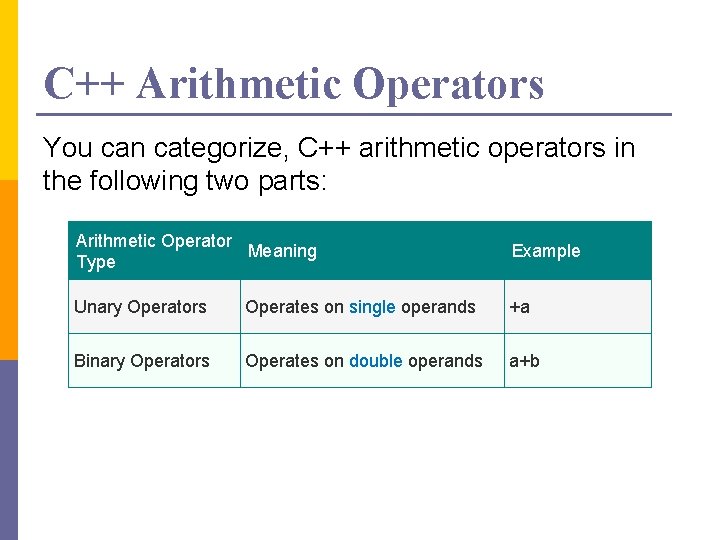
C++ Arithmetic Operators You can categorize, C++ arithmetic operators in the following two parts: Arithmetic Operator Meaning Type Example Unary Operators Operates on single operands +a Binary Operators Operates on double operands a+b
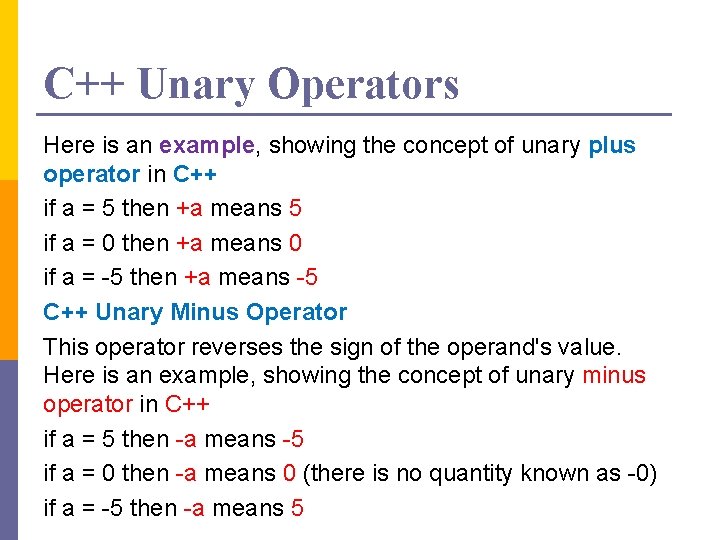
C++ Unary Operators Here is an example, showing the concept of unary plus operator in C++ if a = 5 then +a means 5 if a = 0 then +a means 0 if a = -5 then +a means -5 C++ Unary Minus Operator This operator reverses the sign of the operand's value. Here is an example, showing the concept of unary minus operator in C++ if a = 5 then -a means -5 if a = 0 then -a means 0 (there is no quantity known as -0) if a = -5 then -a means 5
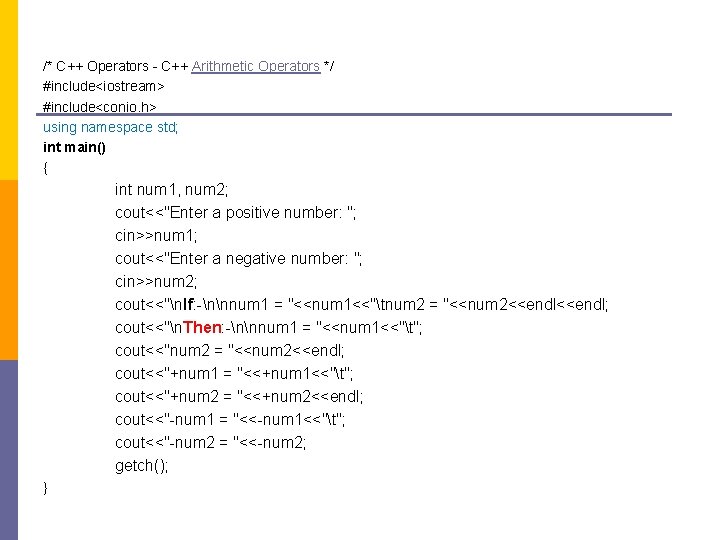
/* C++ Operators - C++ Arithmetic Operators */ #include<iostream> #include<conio. h> using namespace std; int main() { int num 1, num 2; cout<<"Enter a positive number: "; cin>>num 1; cout<<"Enter a negative number: "; cin>>num 2; cout<<"n. If: -nnnum 1 = "<<num 1<<"tnum 2 = "<<num 2<<endl; cout<<"n. Then: -nnnum 1 = "<<num 1<<"t"; cout<<"num 2 = "<<num 2<<endl; cout<<"+num 1 = "<<+num 1<<"t"; cout<<"+num 2 = "<<+num 2<<endl; cout<<"-num 1 = "<<-num 1<<"t"; cout<<"-num 2 = "<<-num 2; getch(); }
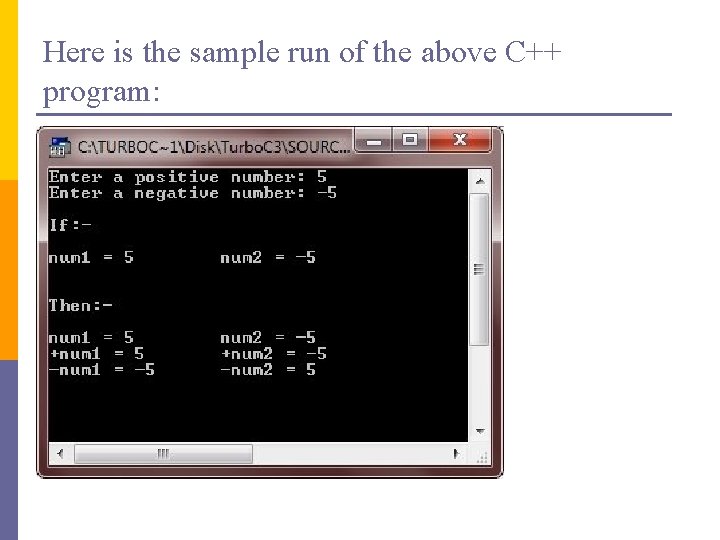
Here is the sample run of the above C++ program:
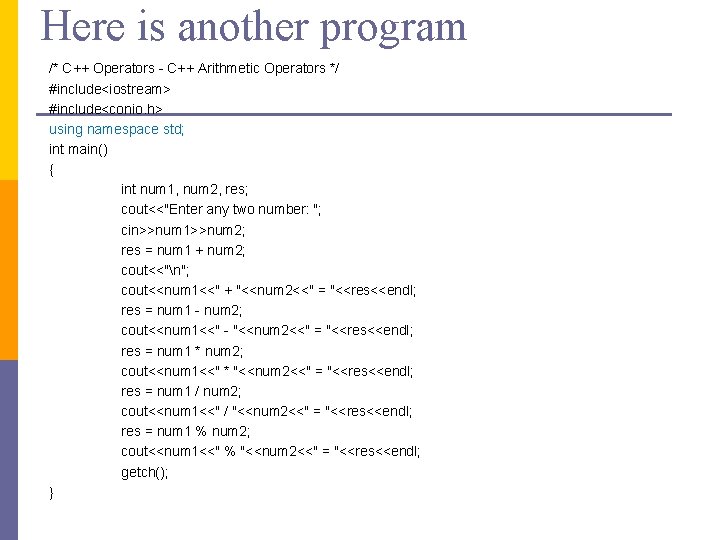
Here is another program /* C++ Operators - C++ Arithmetic Operators */ #include<iostream> #include<conio. h> using namespace std; int main() { int num 1, num 2, res; cout<<"Enter any two number: "; cin>>num 1>>num 2; res = num 1 + num 2; cout<<"n"; cout<<num 1<<" + "<<num 2<<" = "<<res<<endl; res = num 1 - num 2; cout<<num 1<<" - "<<num 2<<" = "<<res<<endl; res = num 1 * num 2; cout<<num 1<<" * "<<num 2<<" = "<<res<<endl; res = num 1 / num 2; cout<<num 1<<" / "<<num 2<<" = "<<res<<endl; res = num 1 % num 2; cout<<num 1<<" % "<<num 2<<" = "<<res<<endl; getch(); }
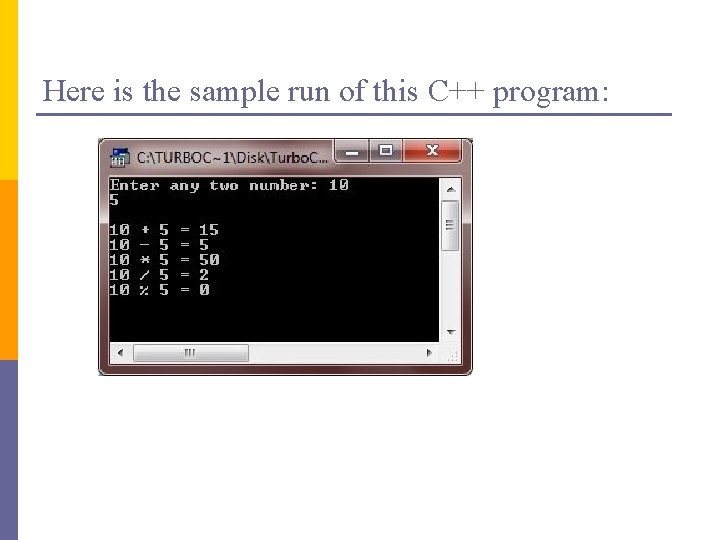
Here is the sample run of this C++ program:
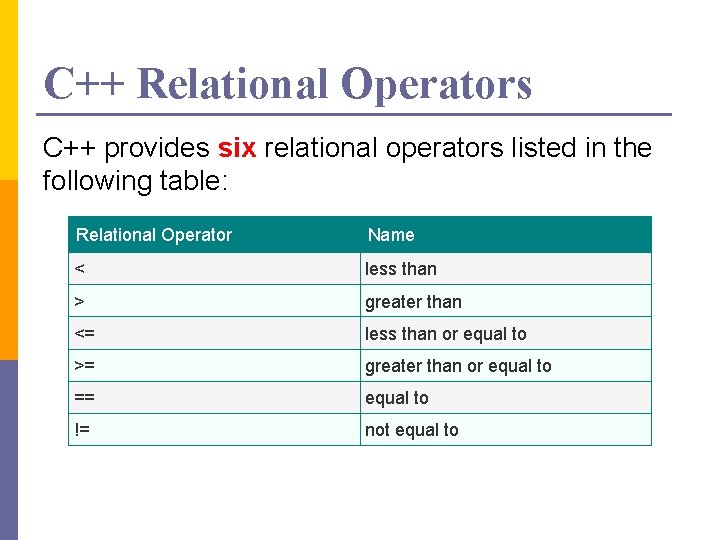
C++ Relational Operators C++ provides six relational operators listed in the following table: Relational Operator Name < less than > greater than <= less than or equal to >= greater than or equal to == equal to != not equal to
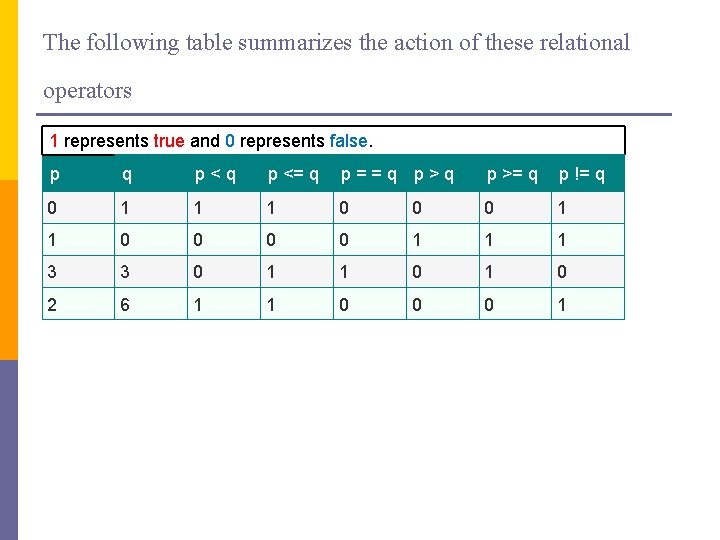
The following table summarizes the action of these relational operators 1 represents true and 0 represents false. p q p<q p <= q p==q p>q p >= q p != q 0 1 1 1 0 0 0 0 1 1 1 3 3 0 1 1 0 2 6 1 1 0 0 0 1
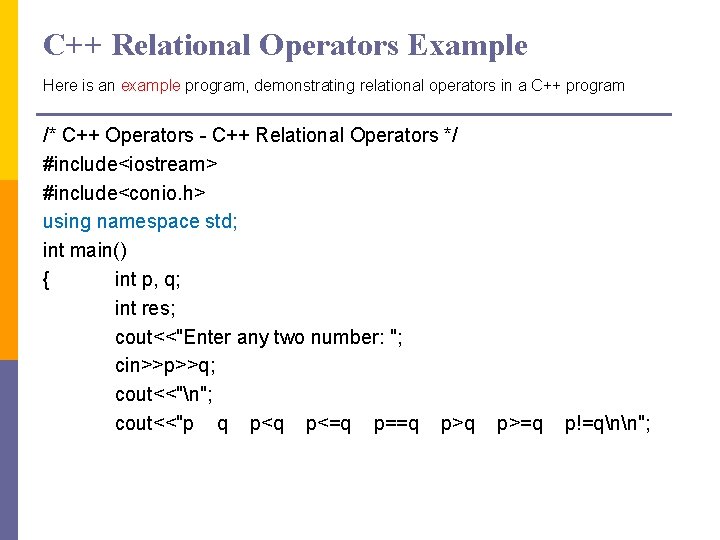
C++ Relational Operators Example Here is an example program, demonstrating relational operators in a C++ program /* C++ Operators - C++ Relational Operators */ #include<iostream> #include<conio. h> using namespace std; int main() { int p, q; int res; cout<<"Enter any two number: "; cin>>p>>q; cout<<"n"; cout<<"p q p<=q p==q p>=q p!=qnn";
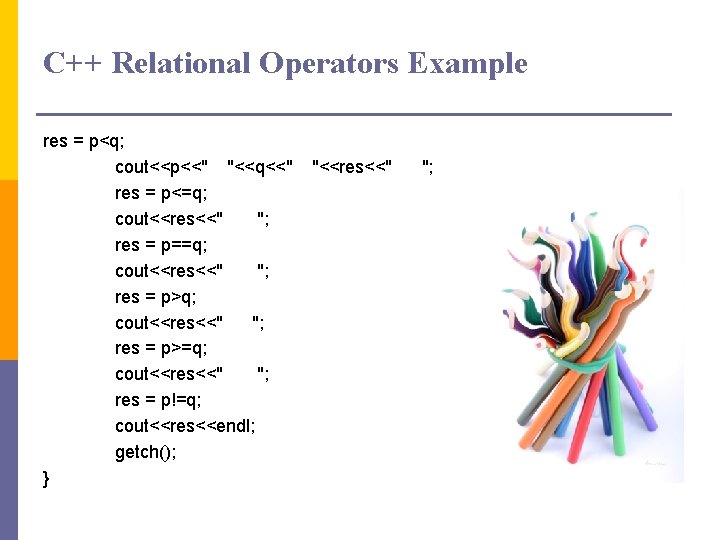
C++ Relational Operators Example res = p<q; cout<<p<<" "<<q<<" res = p<=q; cout<<res<<" "; res = p==q; cout<<res<<" "; res = p>=q; cout<<res<<" "; res = p!=q; cout<<res<<endl; getch(); } "<<res<<" ";
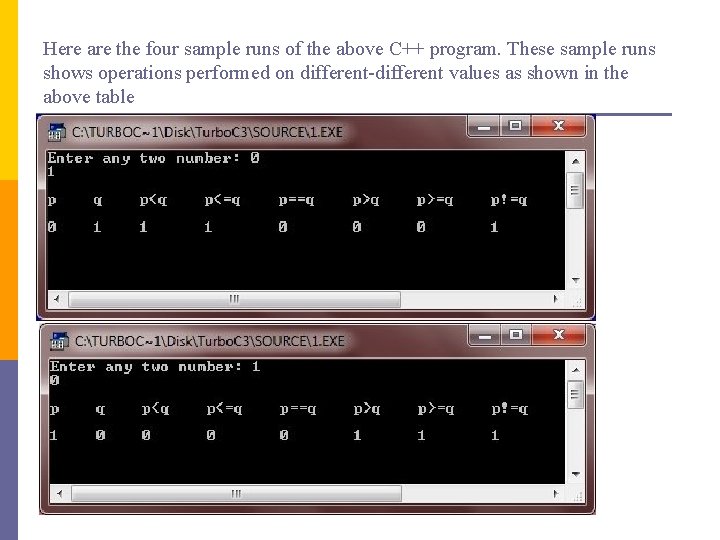
Here are the four sample runs of the above C++ program. These sample runs shows operations performed on different-different values as shown in the above table
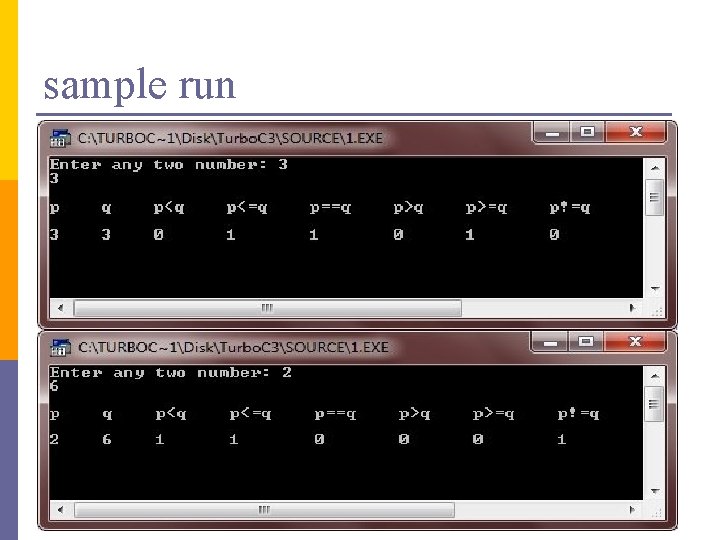
sample run
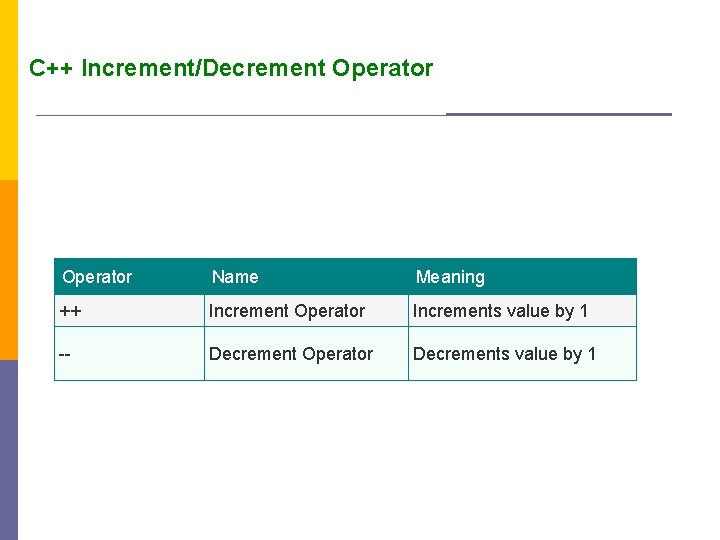
C++ Increment/Decrement Operator Name Meaning ++ Increment Operator Increments value by 1 -- Decrement Operator Decrements value by 1
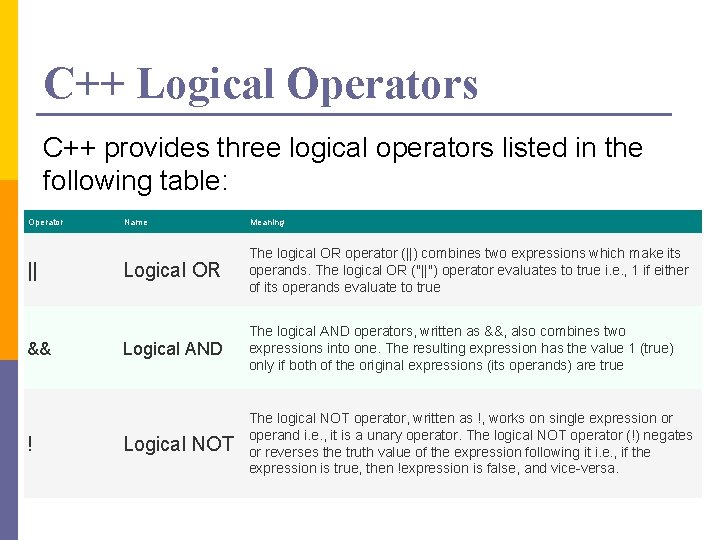
C++ Logical Operators C++ provides three logical operators listed in the following table: Operator || && ! Name Meaning Logical OR The logical OR operator (||) combines two expressions which make its operands. The logical OR ("||") operator evaluates to true i. e. , 1 if either of its operands evaluate to true Logical AND The logical AND operators, written as &&, also combines two expressions into one. The resulting expression has the value 1 (true) only if both of the original expressions (its operands) are true Logical NOT The logical NOT operator, written as !, works on single expression or operand i. e. , it is a unary operator. The logical NOT operator (!) negates or reverses the truth value of the expression following it i. e. , if the expression is true, then !expression is false, and vice-versa.
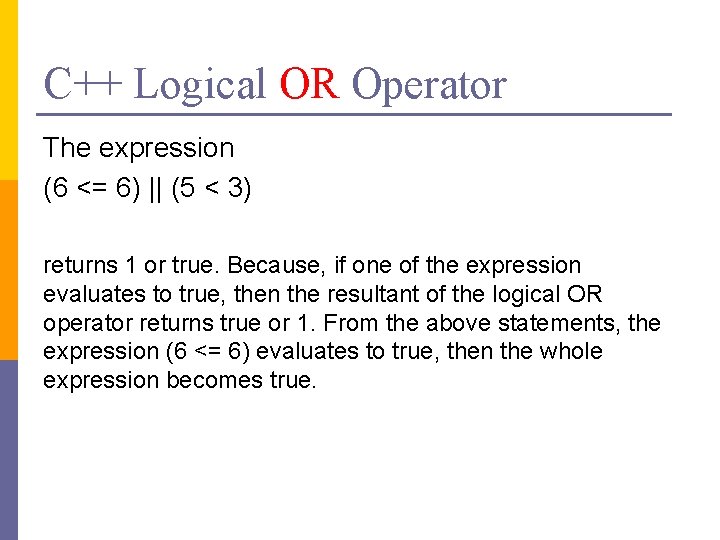
C++ Logical OR Operator The expression (6 <= 6) || (5 < 3) returns 1 or true. Because, if one of the expression evaluates to true, then the resultant of the logical OR operator returns true or 1. From the above statements, the expression (6 <= 6) evaluates to true, then the whole expression becomes true.
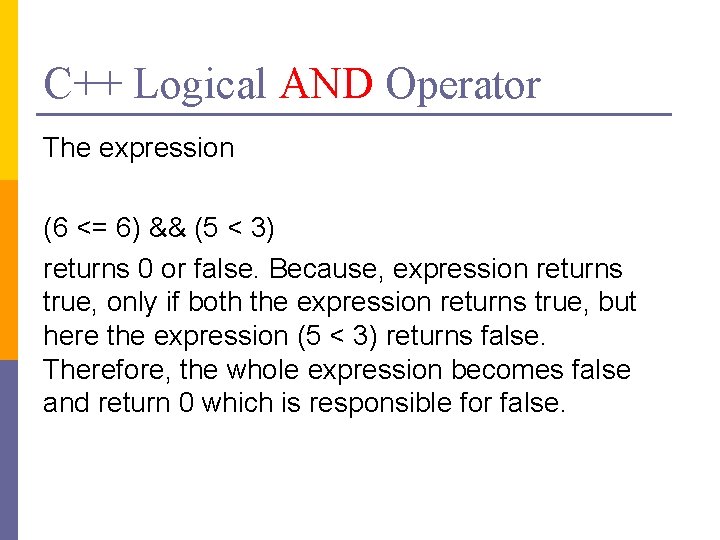
C++ Logical AND Operator The expression (6 <= 6) && (5 < 3) returns 0 or false. Because, expression returns true, only if both the expression returns true, but here the expression (5 < 3) returns false. Therefore, the whole expression becomes false and return 0 which is responsible for false.
C++ Logical NOT Operator The expression !(6 <= 6) !(5 > 9) returns 0 and 1. The expression (6 <=6) is true, but on adding the logical NOT operator, the expression becomes false, (return 0). And the expression, (5 > 9) is false, but logical NOT operator reverses it and makes it true. So this will return 1 or true.
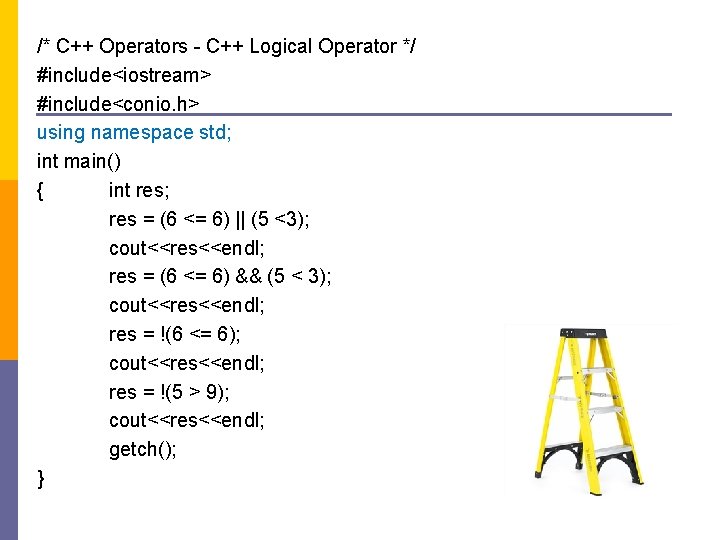
/* C++ Operators - C++ Logical Operator */ #include<iostream> #include<conio. h> using namespace std; int main() { int res; res = (6 <= 6) || (5 <3); cout<<res<<endl; res = (6 <= 6) && (5 < 3); cout<<res<<endl; res = !(6 <= 6); cout<<res<<endl; res = !(5 > 9); cout<<res<<endl; getch(); }
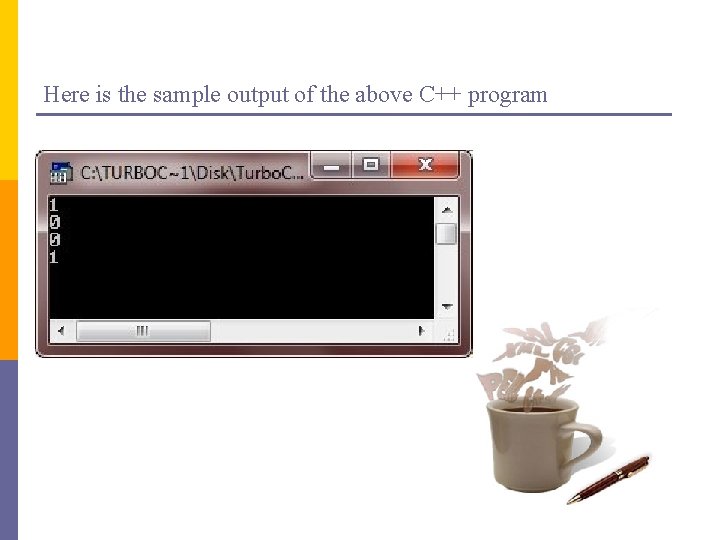
Here is the sample output of the above C++ program
C++ Arrays C++ provides a data structure, the array, which stores a fixed-size sequential collection of elements of the same type. An array is used to store a collection of data, but it is often more useful to think of an array as a collection of variables of the same type. Instead of declaring individual variables, such as number 0, number 1, . . . , and number 99, you declare one array variable such as numbers and use numbers[0], numbers[1], and. . . , numbers[99] to represent individual variables. A specific element in an array is accessed by an index.
Declaring Arrays All arrays consist of contiguous memory locations. The lowest address corresponds to the first element and the highest address to the last element. To declare an array in C++, the programmer specifies the type of the elements and the number of elements required by an array as follows − type array. Name [ array. Size ]; double balance[10];
Initializing Arrays You can initialize C++ array elements either one by one or using a single statement as follows − double balance[5] = {1000. 0, 2. 0, 3. 4, 17. 0, 50. 0}; The number of values between braces { } can not be larger than the number of elements that we declare for the array between square brackets [ ]. Following is an example to assign a single element of the array − If you omit the size of the array, an array just big enough to hold the initialization is created. Therefore, if you write − double balance[] = {1000. 0, 2. 0, 3. 4, 17. 0, 50. 0}; You will create exactly the same array as you did in the previous example. balance[4] = 50. 0;
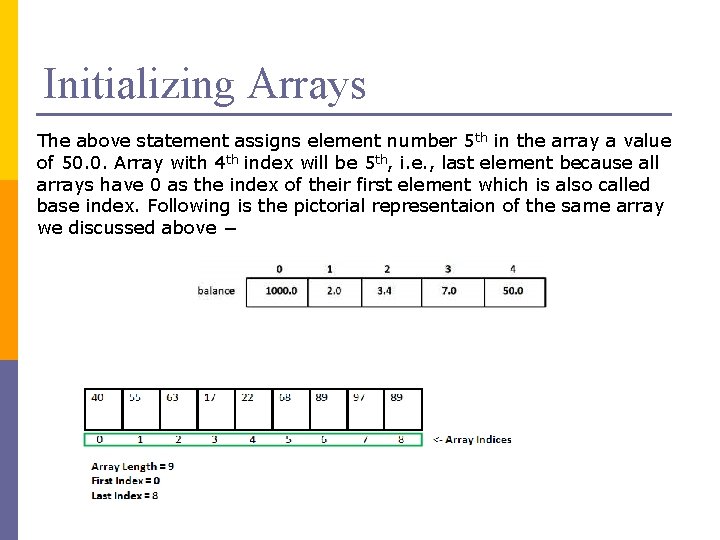
Initializing Arrays The above statement assigns element number 5 th in the array a value of 50. 0. Array with 4 th index will be 5 th, i. e. , last element because all arrays have 0 as the index of their first element which is also called base index. Following is the pictorial representaion of the same array we discussed above −
![Array declaration in C/C++: // Array declaration by specifying size int arr 1[10]; //](http://slidetodoc.com/presentation_image_h2/a00d862d5e5b09c361cd24c1410ac600/image-44.jpg "Array declaration in C/C++: // Array declaration by specifying size int arr 1[10]; //")
Array declaration in C/C++: // Array declaration by specifying size int arr 1[10]; // With recent C/C++ versions, we can also // declare an array of user specified size int n = 10; int arr 2[n]; // Array declaration by initializing elements int arr[] = {10, 20, 30, 40} // Compiler creates an array of size 4. // above is same as "int arr[4] = {10, 20, 30, 40}"
Array declaration in C/C++: // Array declaration by specifying size and initializing // elements int arr[6] = {10, 20, 30, 40} // Compiler creates an array of size 6, initializes first // 4 elements as specified by user and rest two elements as 0. // above is same as "int arr[] = {10, 20, 30, 40, 0, 0}"
![Example #include <iostream> using namespace std; int main() { int arr[5]; arr[0] = 5;](http://slidetodoc.com/presentation_image_h2/a00d862d5e5b09c361cd24c1410ac600/image-46.jpg "Example #include <iostream> using namespace std; int main() { int arr[5]; arr[0] = 5;")
Example #include <iostream> using namespace std; int main() { int arr[5]; arr[0] = 5; arr[2] = -10; arr[3/2] = 2; // this is same as arr[1] = 2 arr[3] = arr[0]; cout<< arr[0] <<"t"<< arr[1] <<"t" << arr[2] <<"t" << arr[3]; return 0; } Output:
![Example: C++ Array #include <iostream> using namespace std; int main() {int numbers[5], sum =](http://slidetodoc.com/presentation_image_h2/a00d862d5e5b09c361cd24c1410ac600/image-47.jpg "Example: C++ Array #include <iostream> using namespace std; int main() {int numbers[5], sum =")
Example: C++ Array #include <iostream> using namespace std; int main() {int numbers[5], sum = 0; cout << "Enter 5 numbers: "; // Storing 5 number entered by user in an array // Finding the sum of numbers entered for (int i = 0; i < 5; ++i) { cin >> numbers[i]; sum += numbers[i]; } cout << "Sum = " << sum << endl; return 0; } Output Enter 5 numbers: 3 4 5 4 2 Sum = 18
![Initialisation of two dimensional array int test[2][3] = {2, 4, -5, 9, 0, 9};](http://slidetodoc.com/presentation_image_h2/a00d862d5e5b09c361cd24c1410ac600/image-48.jpg "Initialisation of two dimensional array int test[2][3] = {2, 4, -5, 9, 0, 9};")
Initialisation of two dimensional array int test[2][3] = {2, 4, -5, 9, 0, 9}; n Better way to initialise this array with same array elements as above. n n int test[2][3] = { {2, 4, 5}, {9, 0 0}};
![Initialisation of three dimensional array int test[2][3][4] = {3, 4, 2, 3, 0, -3,](http://slidetodoc.com/presentation_image_h2/a00d862d5e5b09c361cd24c1410ac600/image-49.jpg "Initialisation of three dimensional array int test[2][3][4] = {3, 4, 2, 3, 0, -3,")
Initialisation of three dimensional array int test[2][3][4] = {3, 4, 2, 3, 0, -3, 9, 11, 23, 12, 23, 2, 13, 4, 56, 3, 5, 9, 3, 5, 5, 1, 4, 9}; Better way to initialise this array with same elements as above. int test[2][3][4] = {{ {3, 4, 2, 3}, {0, -3, 9, 11}, {23, 12, 23, 2} }, { {13, 4, 56, 3}, {5, 9, 3, 5}, {3, 1, 4, 9} }};
C++ iomanip Library - setw Function Description The C++ function std: : setw behaves as if member width were called with n as argument on the stream on which it is inserted/extracted as a manipulator (it can be inserted/extracted on input streams or output streams). It is used to sets the field width to be used on output operations. Declaration Following is the declaration for std: : setw function. setw (int n); When used in an expression out << setw(n) or in >> setw(n), sets the width parameter of the stream out or into exactly n.
C++ iomanip Library - setw Function Parameters n − Number of characters to be used as field width. Return Value It returns unspecified. This function should only be used as a stream manipulator. Exceptions Basic guarantee − if an exception is thrown, the stream is in a valid state. Data races The stream object on which it is inserted/extracted is modified. Concurrent access to the same stream object may introduce data races.
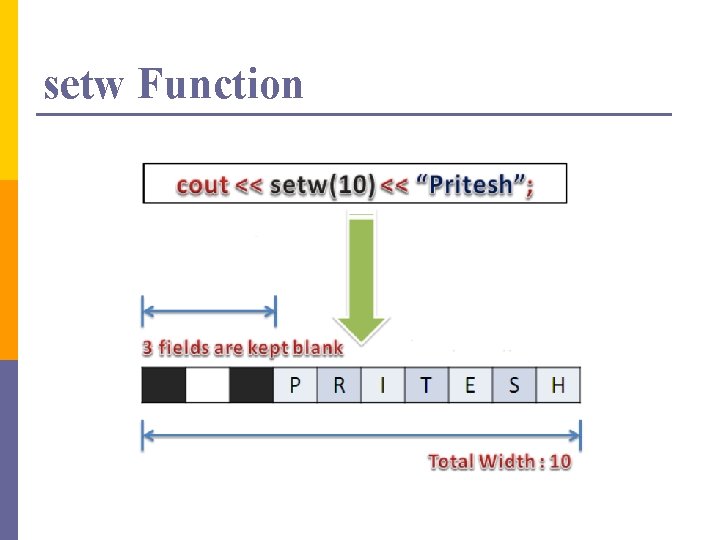
setw Function
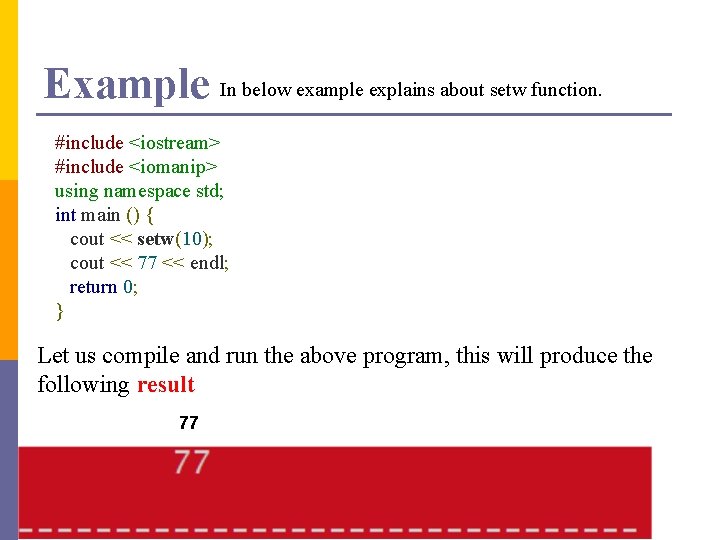
Example In below example explains about setw function. #include <iostream> #include <iomanip> using namespace std; int main () { cout << setw(10); cout << 77 << endl; return 0; } Let us compile and run the above program, this will produce the following result 77
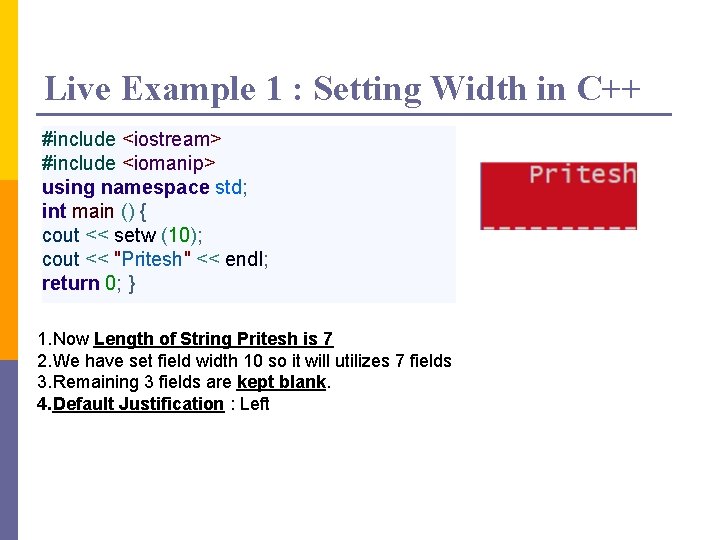
Live Example 1 : Setting Width in C++ #include <iostream> #include <iomanip> using namespace std; int main () { cout << setw (10); cout << "Pritesh" << endl; return 0; } 1. Now Length of String Pritesh is 7 2. We have set field width 10 so it will utilizes 7 fields 3. Remaining 3 fields are kept blank. 4. Default Justification : Left
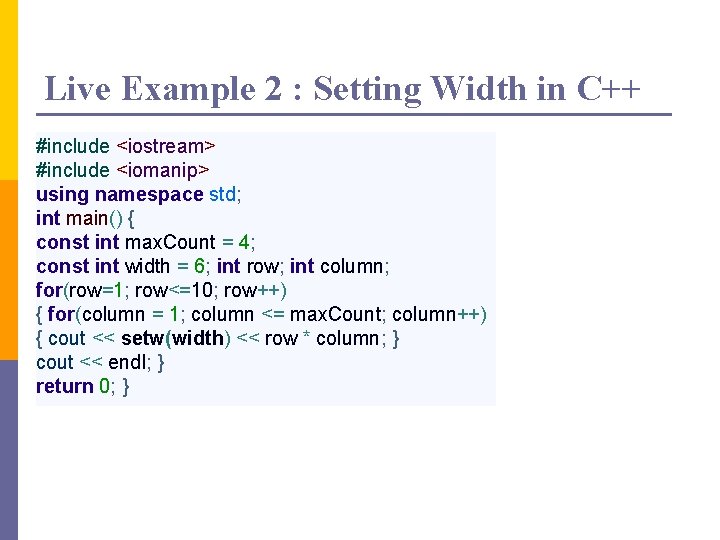
Live Example 2 : Setting Width in C++ #include <iostream> #include <iomanip> using namespace std; int main() { const int max. Count = 4; const int width = 6; int row; int column; for(row=1; row<=10; row++) { for(column = 1; column <= max. Count; column++) { cout << setw(width) << row * column; } cout << endl; } return 0; }
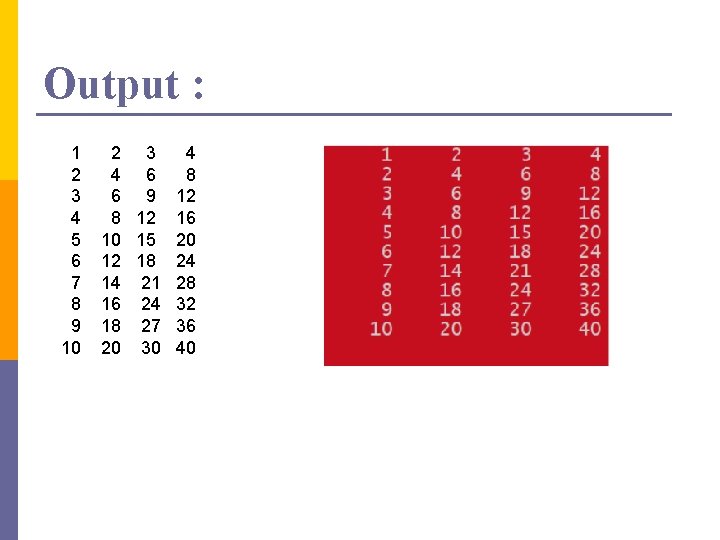
Output : 1 2 3 4 5 6 7 8 9 10 2 3 4 6 6 9 8 12 10 15 12 18 14 21 16 24 18 27 20 30 4 8 12 16 20 24 28 32 36 40
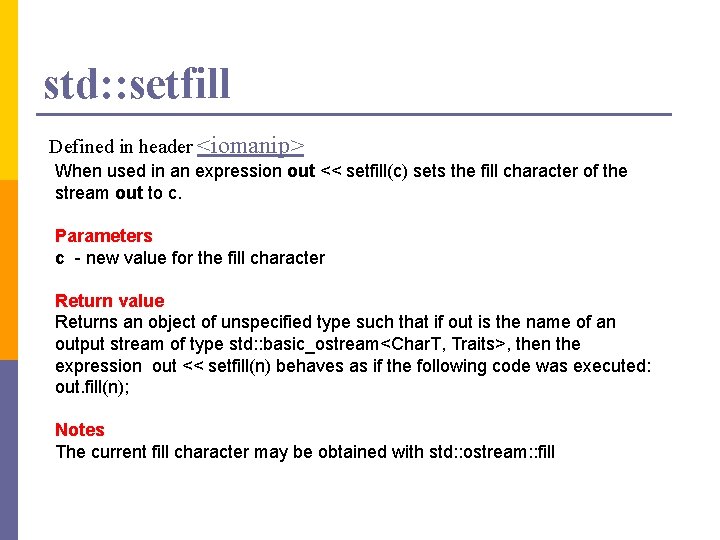
std: : setfill Defined in header <iomanip> When used in an expression out << setfill(c) sets the fill character of the stream out to c. Parameters c - new value for the fill character Return value Returns an object of unspecified type such that if out is the name of an output stream of type std: : basic_ostream<Char. T, Traits>, then the expression out << setfill(n) behaves as if the following code was executed: out. fill(n); Notes The current fill character may be obtained with std: : ostream: : fill
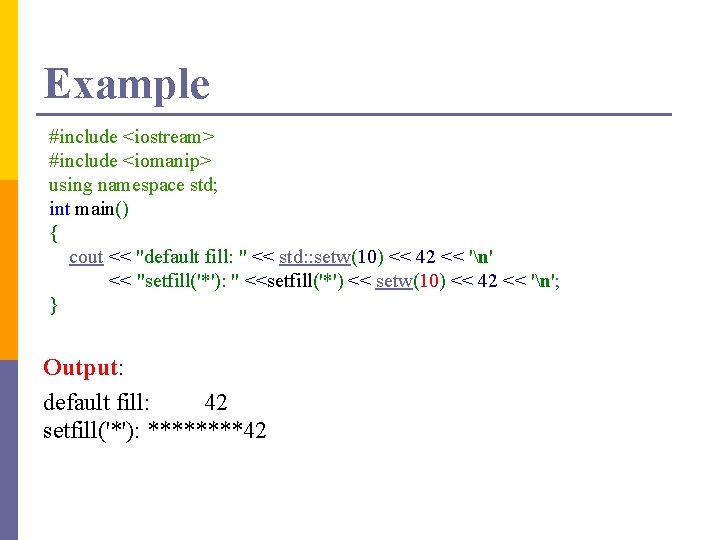
Example #include <iostream> #include <iomanip> using namespace std; int main() { cout << "default fill: " << std: : setw(10) << 42 << 'n' << "setfill('*'): " <<setfill('*') << setw(10) << 42 << 'n'; } Output: default fill: 42 setfill('*'): ****42
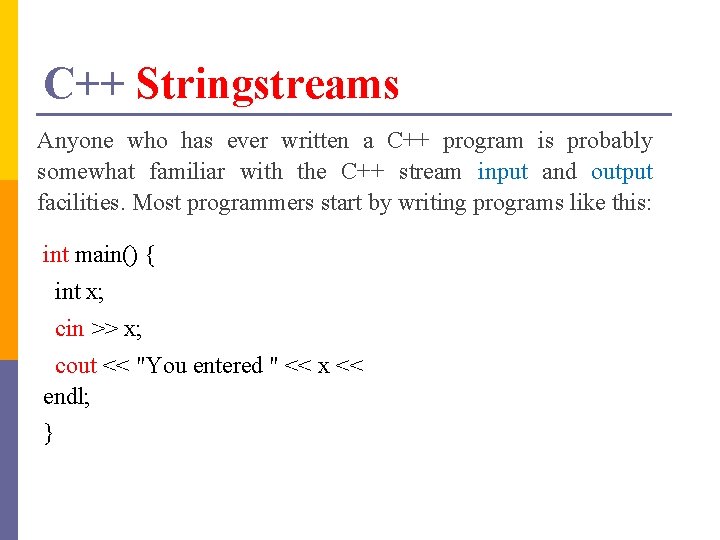
C++ Stringstreams Anyone who has ever written a C++ program is probably somewhat familiar with the C++ stream input and output facilities. Most programmers start by writing programs like this: int main() { int x; cin >> x; cout << "You entered " << x << endl; }
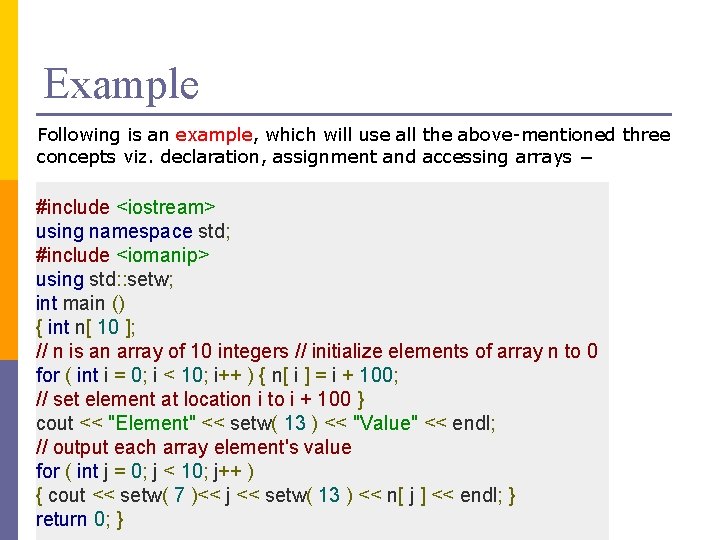
Example Following is an example, which will use all the above-mentioned three concepts viz. declaration, assignment and accessing arrays − #include <iostream> using namespace std; #include <iomanip> using std: : setw; int main () { int n[ 10 ]; // n is an array of 10 integers // initialize elements of array n to 0 for ( int i = 0; i < 10; i++ ) { n[ i ] = i + 100; // set element at location i to i + 100 } cout << "Element" << setw( 13 ) << "Value" << endl; // output each array element's value for ( int j = 0; j < 10; j++ ) { cout << setw( 7 )<< j << setw( 13 ) << n[ j ] << endl; } return 0; }
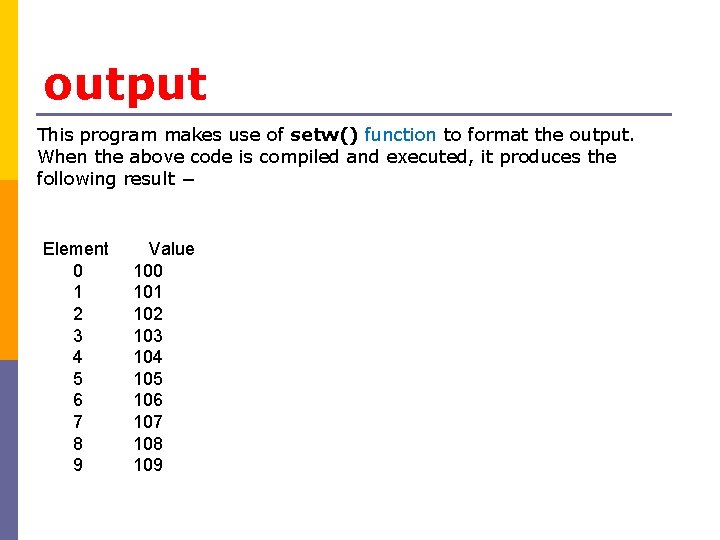
output This program makes use of setw() function to format the output. When the above code is compiled and executed, it produces the following result − Element 0 1 2 3 4 5 6 7 8 9 Value 100 101 102 103 104 105 106 107 108 109
C++ Stringstreams They then graduate to using the ofstream and ifstream classes to do similar things with file streams. However, many programmers never encounter the stringstream classes which parallel the file streams. This article provides an introduction to stringstreams, and describes some of their common uses.
Stringstreams The stringstream classes can be thought of as being very similar to the istream and ostream classes that you are used to using, such as cin and cout, except that you have to create them yourself, and they read and write to and from strings held in memory rather than to or from the console, or to or from disk files. Once your program ends, these strings of course go with it, so stringstreams are only useful for creating temporary objects.
Stringstreams The two stringstream classes used in this tutorial are istringstream, which you can read from, and ostringstream which you can write to. Both classes are declared in the Standard Library header file <sstream>. Note that there is a similarly named header <strstream>, which implements streams based on C-style arrays. This header is obsolete, has been deprecated by the C++ Standard, and should never be used. To use an istringstream, you populate it in its constructor, and then read from it with the usual stream reading methods:
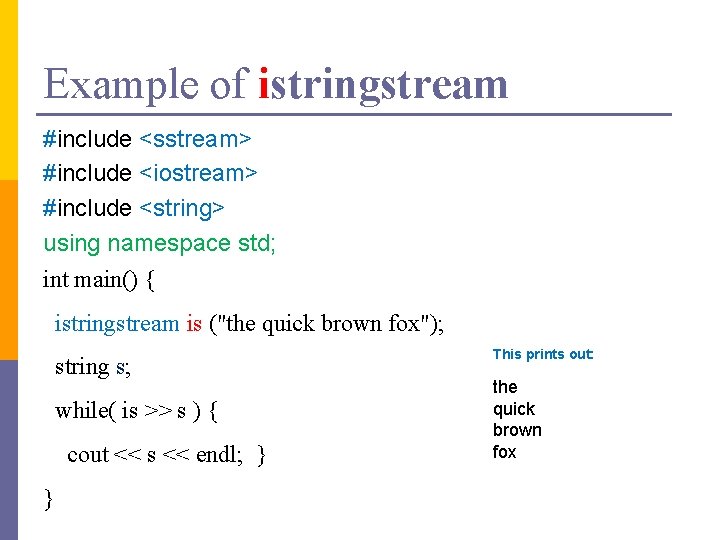
Example of istringstream #include <sstream> #include <iostream> #include <string> using namespace std; int main() { istringstream is ("the quick brown fox"); string s; while( is >> s ) { cout << s << endl; } } This prints out: the quick brown fox
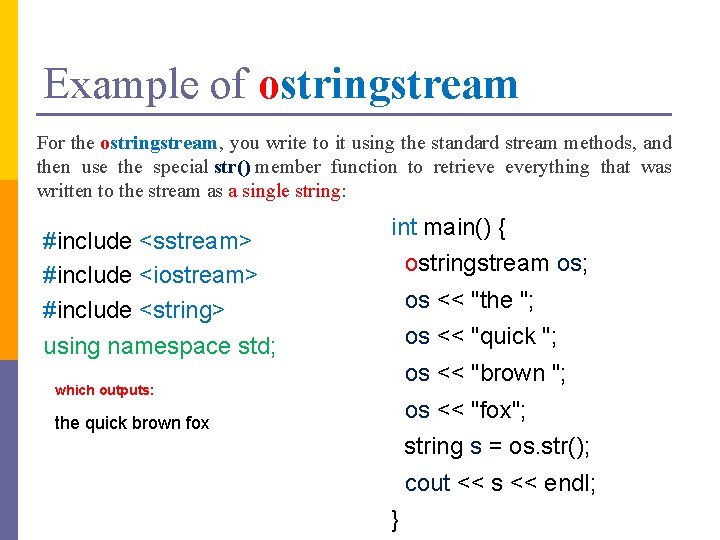
Example of ostringstream For the ostringstream, you write to it using the standard stream methods, and then use the special str() member function to retrieve everything that was written to the stream as a single string: #include <sstream> #include <iostream> #include <string> int main() { ostringstream os; os << "the "; os << "quick "; using namespace std; os << "brown "; which outputs: os << "fox"; the quick brown fox string s = os. str(); cout << s << endl; }
stringstream All of the stream features you may be used to using, such as manipulators, may be used on the stringstream classes, in exactly the way you would use them on the more commonly used stream types. So that in a nutshell is the stringstream classes – the rest of this lecture looks at (hopefully) interesting things you can do with them.
Things to Strings Ever wanted to convert the value in a double variable to a string? Or to be able to write code like this: double d = 123. 45; string s = "The value of d is " + d; As things stand, you can’t do it because operator +() does not (and cannot) supply a suitable overload. But if you had some way of converting the variable d in the above code into a string, then it would work. The ostringstream class allows you to perform conversions from any type that supports the output operator <<() for streams to strings. The code is quite straightforward:
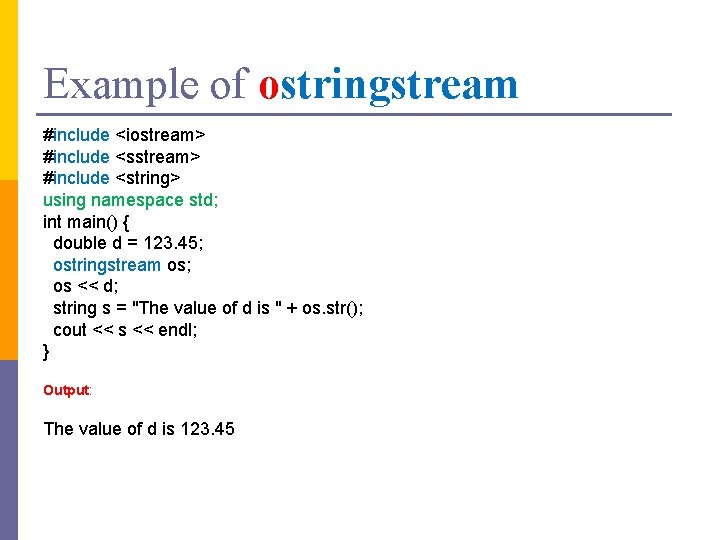
Example of ostringstream #include <iostream> #include <string> using namespace std; int main() { double d = 123. 45; ostringstream os; os << d; string s = "The value of d is " + os. str(); cout << s << endl; } Output: The value of d is 123. 45
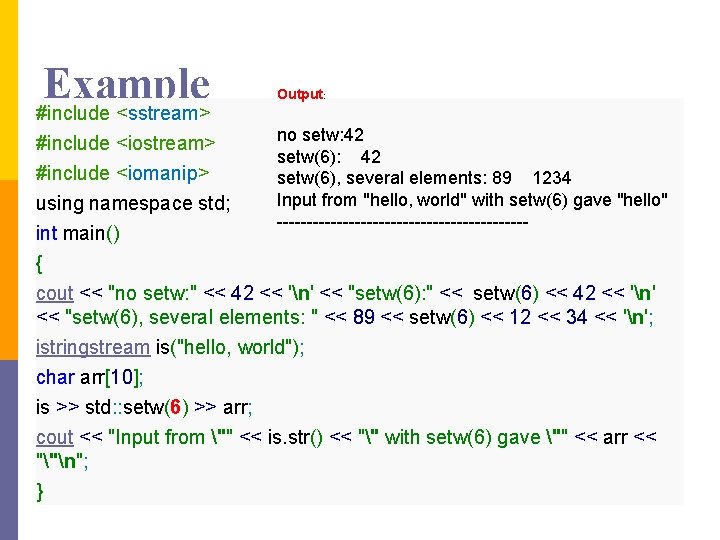
Example #include <sstream> #include <iostream> Output: no setw: 42 setw(6), several elements: 89 1234 Input from "hello, world" with setw(6) gave "hello" --------------------- #include <iomanip> using namespace std; int main() { cout << "no setw: " << 42 << 'n' << "setw(6): " << setw(6) << 42 << 'n' << "setw(6), several elements: " << 89 << setw(6) << 12 << 34 << 'n'; istringstream is("hello, world"); char arr[10]; is >> std: : setw(6) >> arr; cout << "Input from "" << is. str() << "" with setw(6) gave "" << arr << ""n"; }
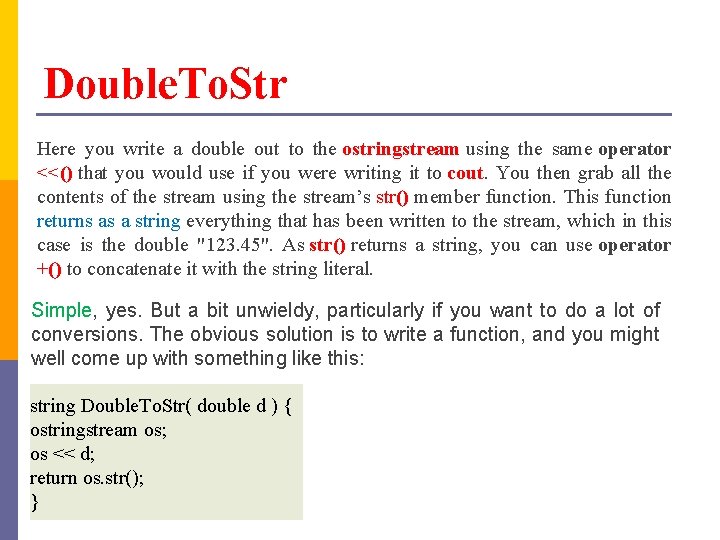
Double. To. Str Here you write a double out to the ostringstream using the same operator <<() that you would use if you were writing it to cout. You then grab all the contents of the stream using the stream’s str() member function. This function returns as a string everything that has been written to the stream, which in this case is the double "123. 45". As str() returns a string, you can use operator +() to concatenate it with the string literal. Simple, yes. But a bit unwieldy, particularly if you want to do a lot of conversions. The obvious solution is to write a function, and you might well come up with something like this: string Double. To. Str( double d ) { ostringstream os; os << d; return os. str(); }
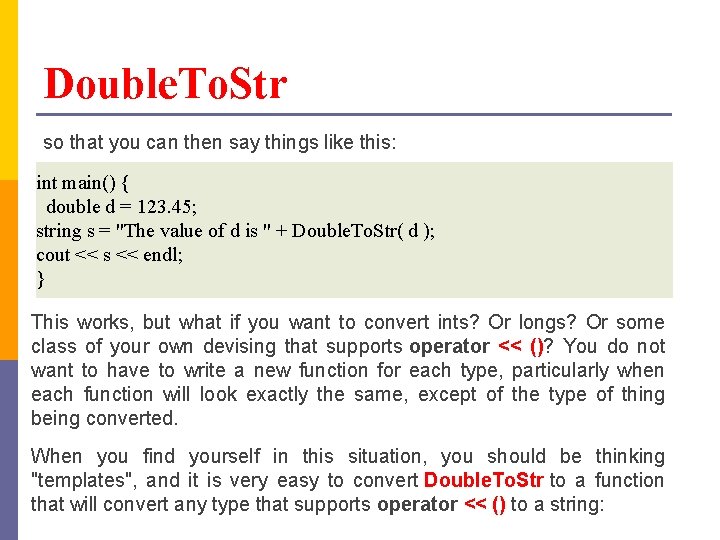
Double. To. Str so that you can then say things like this: int main() { double d = 123. 45; string s = "The value of d is " + Double. To. Str( d ); cout << s << endl; } This works, but what if you want to convert ints? Or longs? Or some class of your own devising that supports operator << ()? You do not want to have to write a new function for each type, particularly when each function will look exactly the same, except of the type of thing being converted. When you find yourself in this situation, you should be thinking "templates", and it is very easy to convert Double. To. Str to a function that will convert any type that supports operator << () to a string:
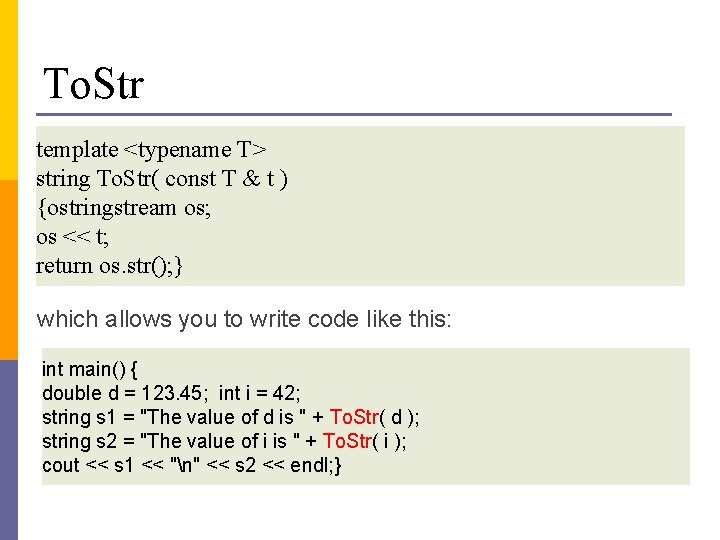
To. Str template <typename T> string To. Str( const T & t ) {ostringstream os; os << t; return os. str(); } which allows you to write code like this: int main() { double d = 123. 45; int i = 42; string s 1 = "The value of d is " + To. Str( d ); string s 2 = "The value of i is " + To. Str( i ); cout << s 1 << "n" << s 2 << endl; }
To. Str A couple of points about the template function. First, it’s a very useful function and one you may be tempted to put in a library header file so you can use it in all your code. This is a good idea, but if you do you must fully qualify the names of all the standard library types with std: : and not use the using directive as in the code above. Secondly, the use of a reference as a parameter is a little inefficient for the built-in types like int and double, but is necessary if you want it to work efficiently and seamlessly with user-defined types. And thirdly, if you are using the Boost libraries, you already have access to something very similar in the form of the boost: : lexical_cast() function.
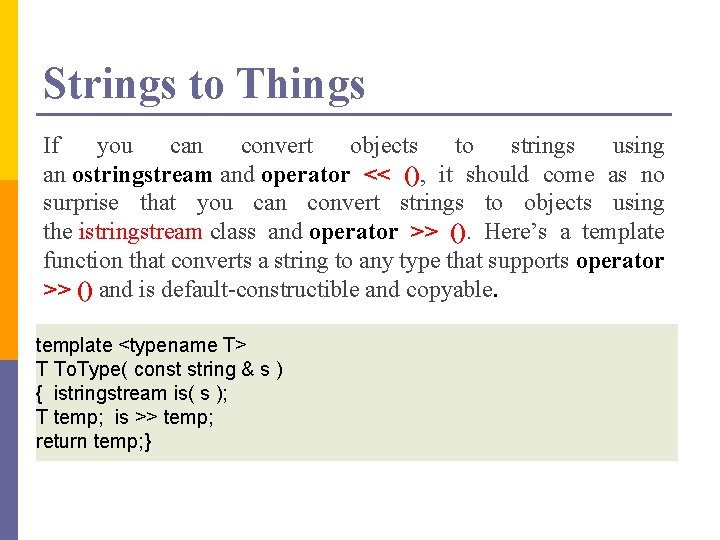
Strings to Things If you can convert objects to strings using an ostringstream and operator << (), it should come as no surprise that you can convert strings to objects using the istringstream class and operator >> (). Here’s a template function that converts a string to any type that supports operator >> () and is default-constructible and copyable. template <typename T> T To. Type( const string & s ) { istringstream is( s ); T temp; is >> temp; return temp; }
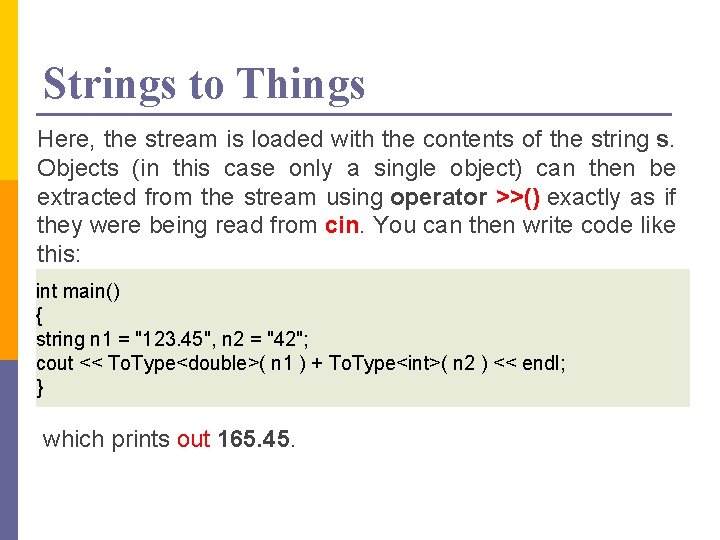
Strings to Things Here, the stream is loaded with the contents of the string s. Objects (in this case only a single object) can then be extracted from the stream using operator >>() exactly as if they were being read from cin. You can then write code like this: int main() { string n 1 = "123. 45", n 2 = "42"; cout << To. Type<double>( n 1 ) + To. Type<int>( n 2 ) << endl; } which prints out 165. 45.
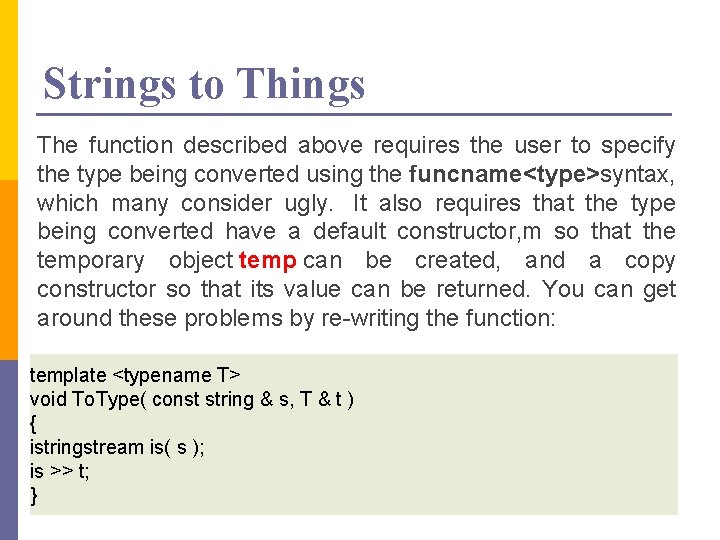
Strings to Things The function described above requires the user to specify the type being converted using the funcname<type>syntax, which many consider ugly. It also requires that the type being converted have a default constructor, m so that the temporary object temp can be created, and a copy constructor so that its value can be returned. You can get around these problems by re-writing the function: template <typename T> void To. Type( const string & s, T & t ) { istringstream is( s ); is >> t; }
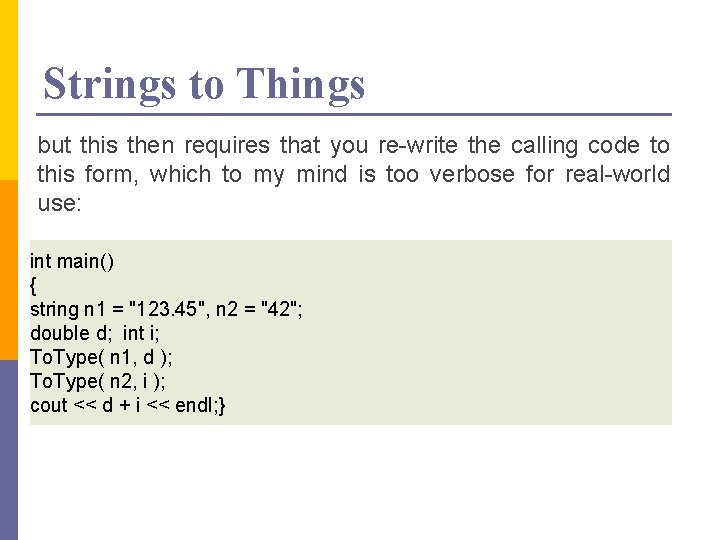
Strings to Things but this then requires that you re-write the calling code to this form, which to my mind is too verbose for real-world use: int main() { string n 1 = "123. 45", n 2 = "42"; double d; int i; To. Type( n 1, d ); To. Type( n 2, i ); cout << d + i << endl; }
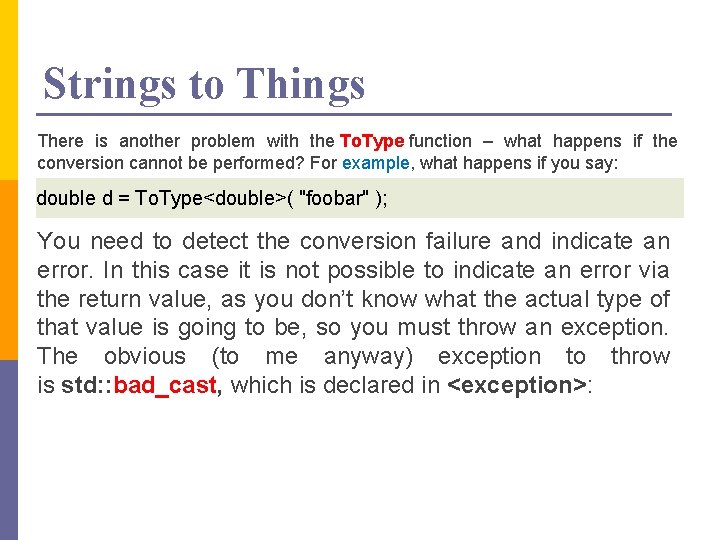
Strings to Things There is another problem with the To. Type function – what happens if the conversion cannot be performed? For example, what happens if you say: double d = To. Type<double>( "foobar" ); You need to detect the conversion failure and indicate an error. In this case it is not possible to indicate an error via the return value, as you don’t know what the actual type of that value is going to be, so you must throw an exception. The obvious (to me anyway) exception to throw is std: : bad_cast, which is declared in <exception>:
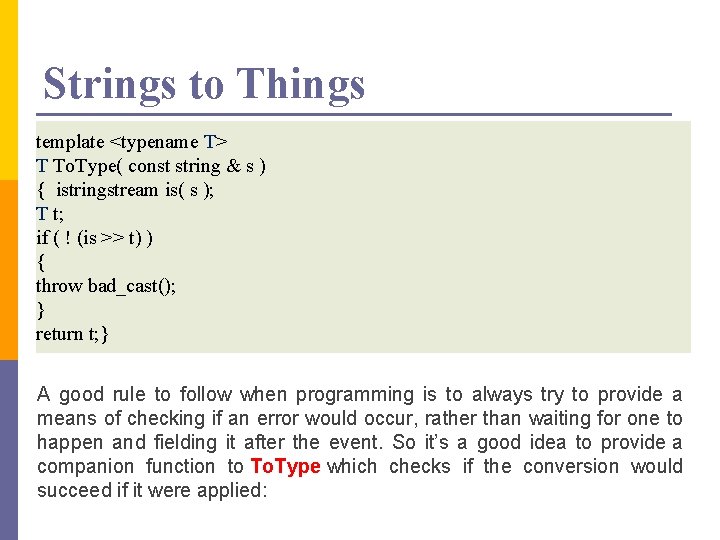
Strings to Things template <typename T> T To. Type( const string & s ) { istringstream is( s ); T t; if ( ! (is >> t) ) { throw bad_cast(); } return t; } A good rule to follow when programming is to always try to provide a means of checking if an error would occur, rather than waiting for one to happen and fielding it after the event. So it’s a good idea to provide a companion function to To. Type which checks if the conversion would succeed if it were applied:
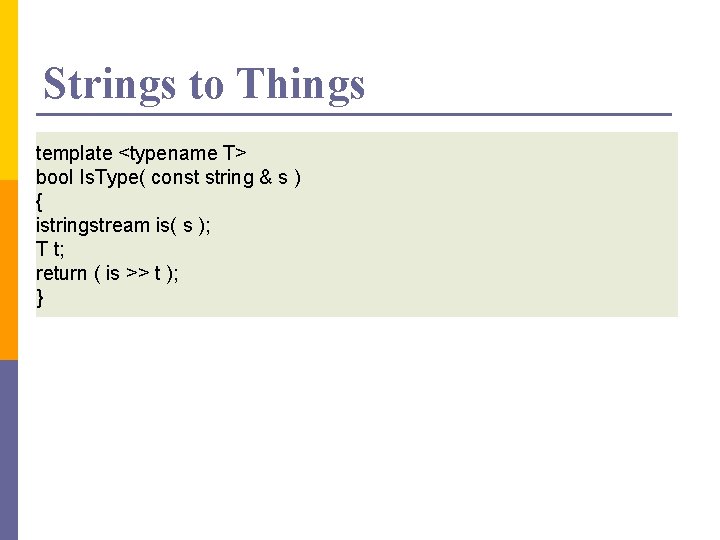
Strings to Things template <typename T> bool Is. Type( const string & s ) { istringstream is( s ); T t; return ( is >> t ); }
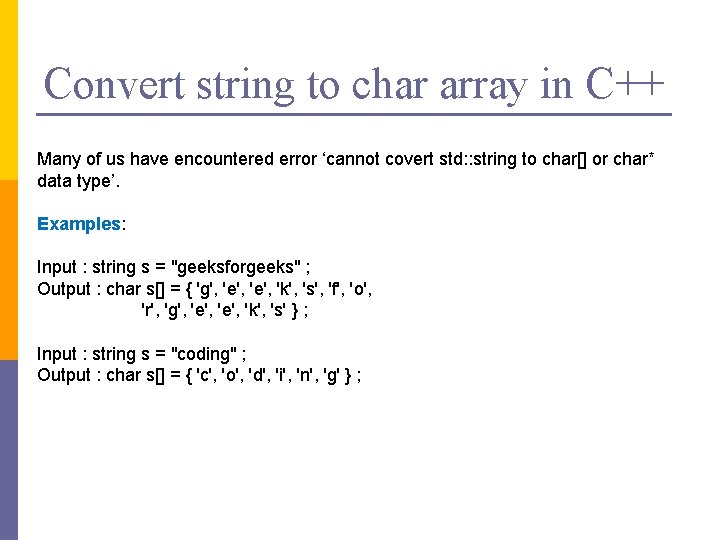
Convert string to char array in C++ Many of us have encountered error ‘cannot covert std: : string to char[] or char* data type’. Examples: Input : string s = "geeksforgeeks" ; Output : char s[] = { 'g', 'e', 'k', 's', 'f', 'o', 'r', 'g', 'e', 'k', 's' } ; Input : string s = "coding" ; Output : char s[] = { 'c', 'o', 'd', 'i', 'n', 'g' } ;
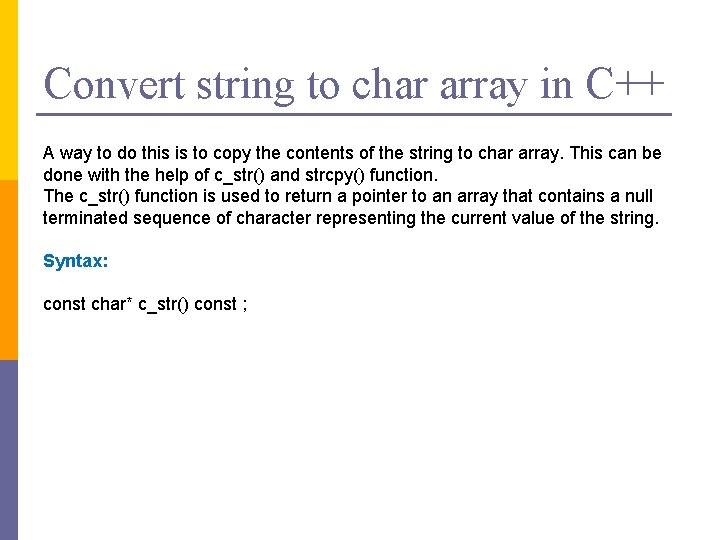
Convert string to char array in C++ A way to do this is to copy the contents of the string to char array. This can be done with the help of c_str() and strcpy() function. The c_str() function is used to return a pointer to an array that contains a null terminated sequence of character representing the current value of the string. Syntax: const char* c_str() const ;
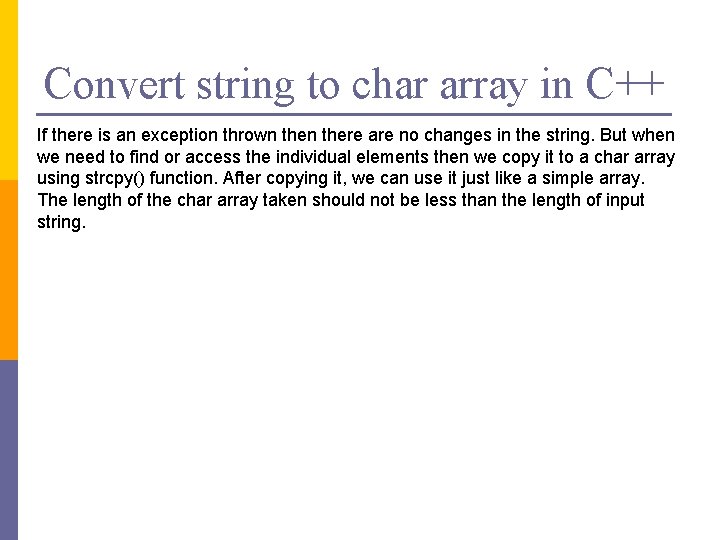
Convert string to char array in C++ If there is an exception thrown there are no changes in the string. But when we need to find or access the individual elements then we copy it to a char array using strcpy() function. After copying it, we can use it just like a simple array. The length of the char array taken should not be less than the length of input string.
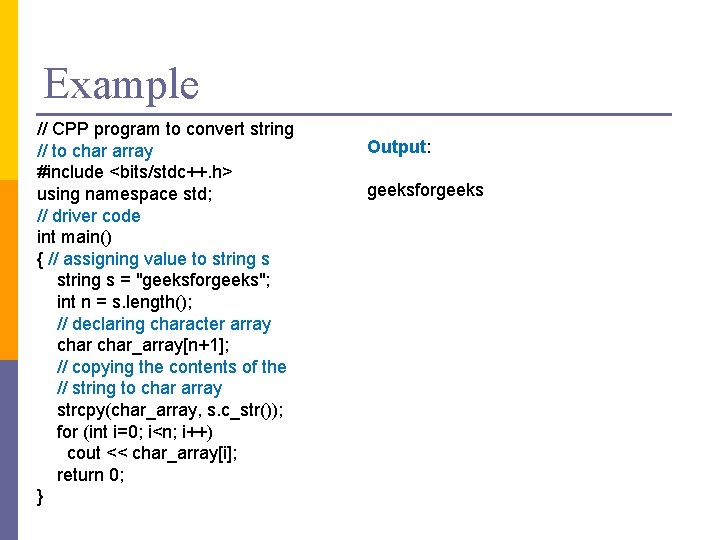
Example // CPP program to convert string // to char array #include <bits/stdc++. h> using namespace std; // driver code int main() { // assigning value to string s = "geeksforgeeks"; int n = s. length(); // declaring character array char_array[n+1]; // copying the contents of the // string to char array strcpy(char_array, s. c_str()); for (int i=0; i<n; i++) cout << char_array[i]; return 0; } Output: geeksforgeeks
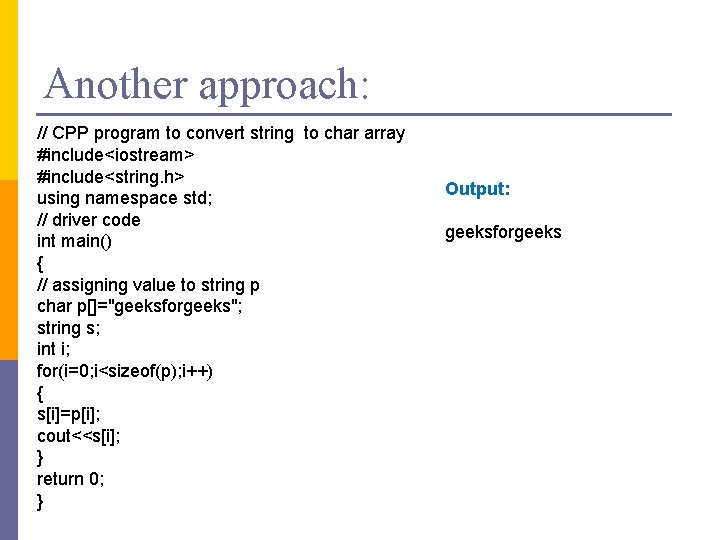
Another approach: // CPP program to convert string to char array #include<iostream> #include<string. h> using namespace std; // driver code int main() { // assigning value to string p char p[]="geeksforgeeks"; string s; int i; for(i=0; i<sizeof(p); i++) { s[i]=p[i]; cout<<s[i]; } return 0; } Output: geeksforgeeks
Basic Object-Oriented Concepts 11 -Sep-21
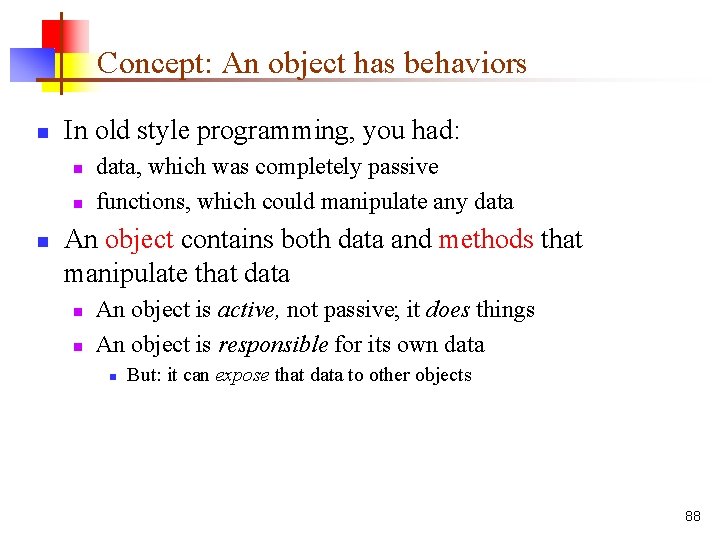
Concept: An object has behaviors n In old style programming, you had: n n n data, which was completely passive functions, which could manipulate any data An object contains both data and methods that manipulate that data n n An object is active, not passive; it does things An object is responsible for its own data n But: it can expose that data to other objects 88
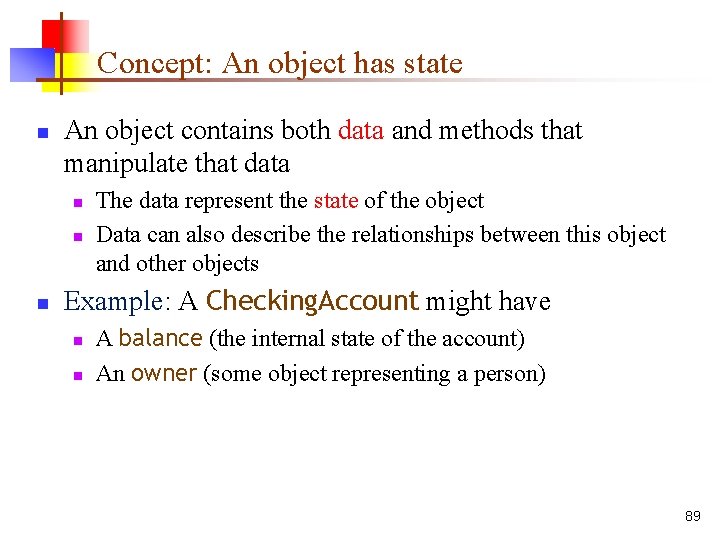
Concept: An object has state n An object contains both data and methods that manipulate that data n n n The data represent the state of the object Data can also describe the relationships between this object and other objects Example: A Checking. Account might have n n A balance (the internal state of the account) An owner (some object representing a person) 89
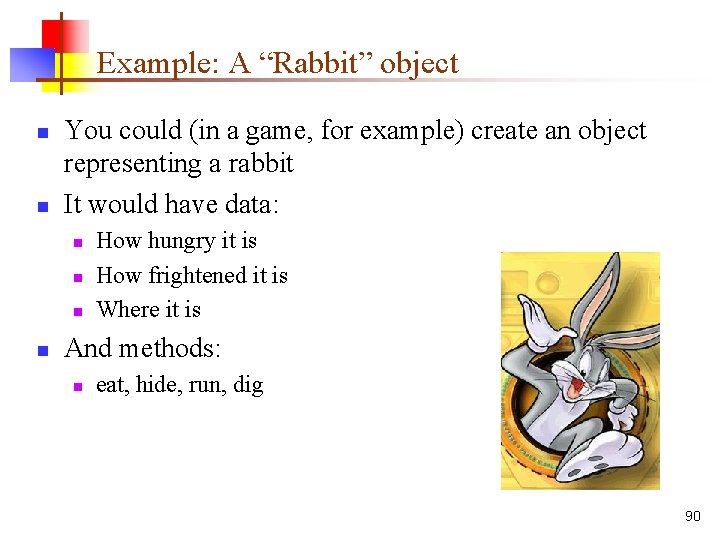
Example: A “Rabbit” object n n You could (in a game, for example) create an object representing a rabbit It would have data: n n How hungry it is How frightened it is Where it is And methods: n eat, hide, run, dig 90
Concept: Classes describe objects n n Every object belongs to (is an instance of) a class An object may have fields, or variables n n An object may have methods n n The class describes those fields The class describes those methods A class is like a template, or cookie cutter n You use the class’s constructor to make objects 91
C++ Class n n Before you create an object in C++, you need to define a class. A class is a blueprint for the object. We can think of class as a sketch (prototype) of a house. It contains all the details about the floors, doors, windows etc. Based on these descriptions we build the house. House is the object. As, many houses can be made from the same description, we can create many objects from a class. 92
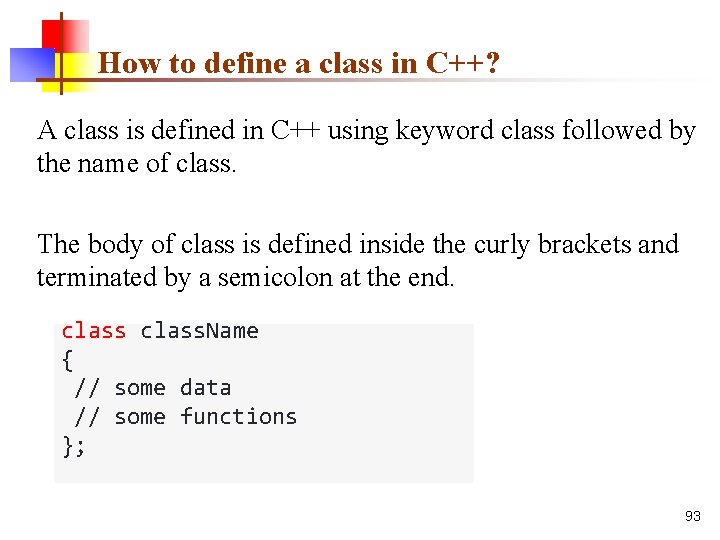
How to define a class in C++? A class is defined in C++ using keyword class followed by the name of class. The body of class is defined inside the curly brackets and terminated by a semicolon at the end. class. Name { // some data // some functions }; 93
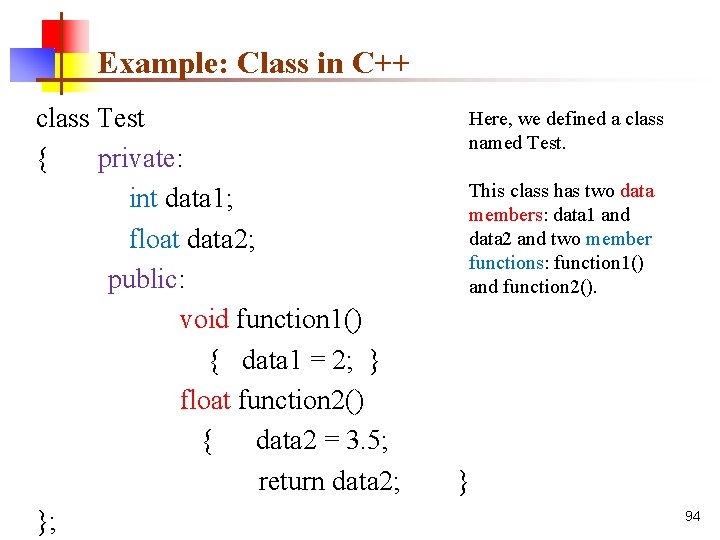
Example: Class in C++ class Test { private: int data 1; float data 2; public: void function 1() { data 1 = 2; } float function 2() { data 2 = 3. 5; return data 2; }; Here, we defined a class named Test. This class has two data members: data 1 and data 2 and two member functions: function 1() and function 2(). } 94
Keywords: private and public You may have noticed two keywords: private and public in the above example. The private keyword makes data and functions private. Private data and functions can be accessed only from inside the same class. The public keyword makes data and functions public. Public data and functions can be accessed out of the class. Here, data 1 and data 2 are private members where as function 1() and function 2() are public members. If you try to access private data from outside of the class, compiler throws error. This feature in OOP is known as data hiding. 95
C++ Objects When class is defined, only the specification for the object is defined; no memory or storage is allocated. n To use the data and access functions defined in the class, you need to create objects. Syntax to Define Object in C++ n class. Name object. Variable. Name; You can create objects of Test class (defined in above example) as follows: 96
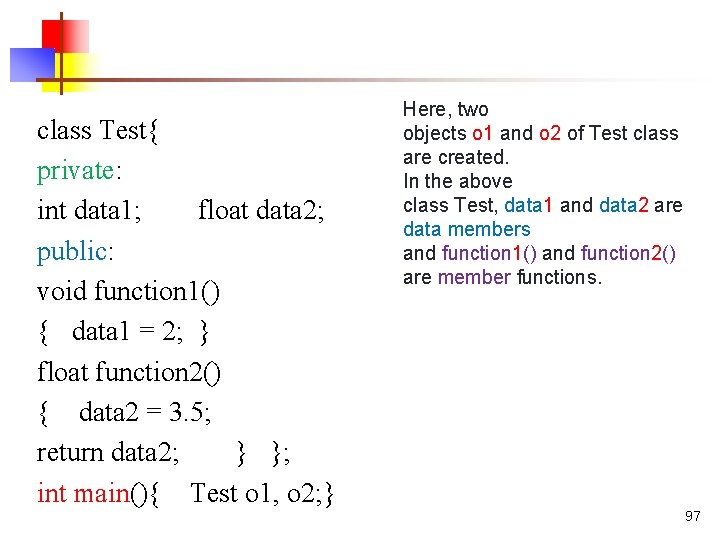
class Test{ private: int data 1; float data 2; public: void function 1() { data 1 = 2; } float function 2() { data 2 = 3. 5; return data 2; } }; int main(){ Test o 1, o 2; } Here, two objects o 1 and o 2 of Test class are created. In the above class Test, data 1 and data 2 are data members and function 1() and function 2() are member functions. 97
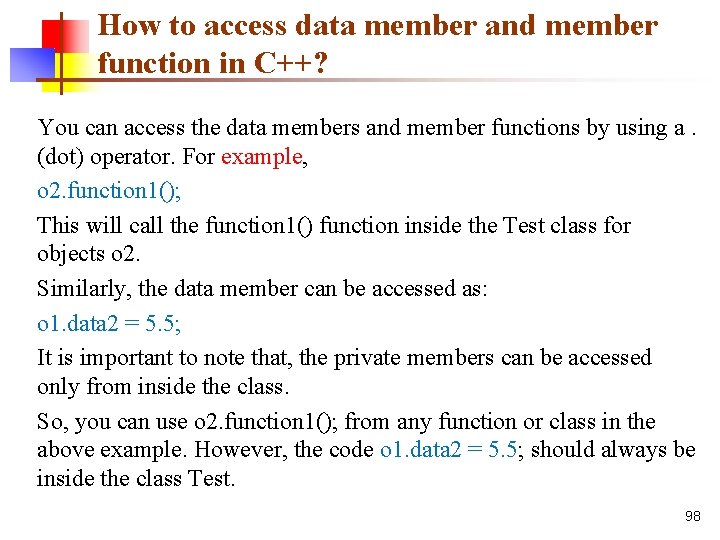
How to access data member and member function in C++? You can access the data members and member functions by using a. (dot) operator. For example, o 2. function 1(); This will call the function 1() function inside the Test class for objects o 2. Similarly, the data member can be accessed as: o 1. data 2 = 5. 5; It is important to note that, the private members can be accessed only from inside the class. So, you can use o 2. function 1(); from any function or class in the above example. However, the code o 1. data 2 = 5. 5; should always be inside the class Test. 98
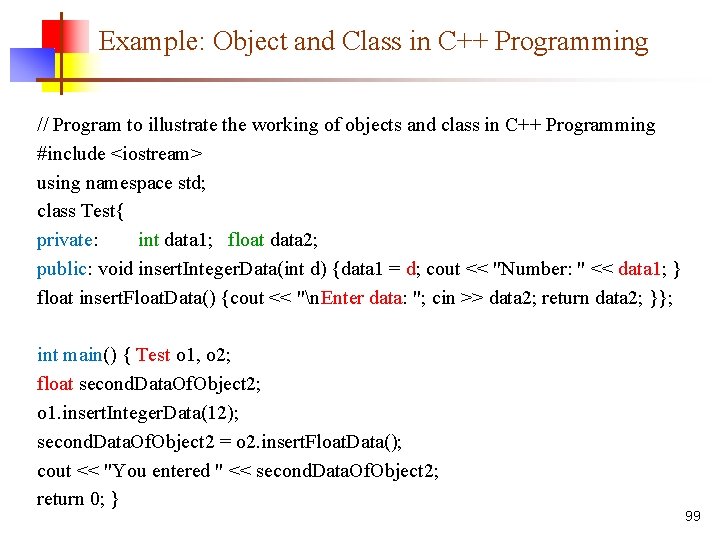
Example: Object and Class in C++ Programming // Program to illustrate the working of objects and class in C++ Programming #include <iostream> using namespace std; class Test{ private: int data 1; float data 2; public: void insert. Integer. Data(int d) {data 1 = d; cout << "Number: " << data 1; } float insert. Float. Data() {cout << "n. Enter data: "; cin >> data 2; return data 2; }}; int main() { Test o 1, o 2; float second. Data. Of. Object 2; o 1. insert. Integer. Data(12); second. Data. Of. Object 2 = o 2. insert. Float. Data(); cout << "You entered " << second. Data. Of. Object 2; return 0; } 99
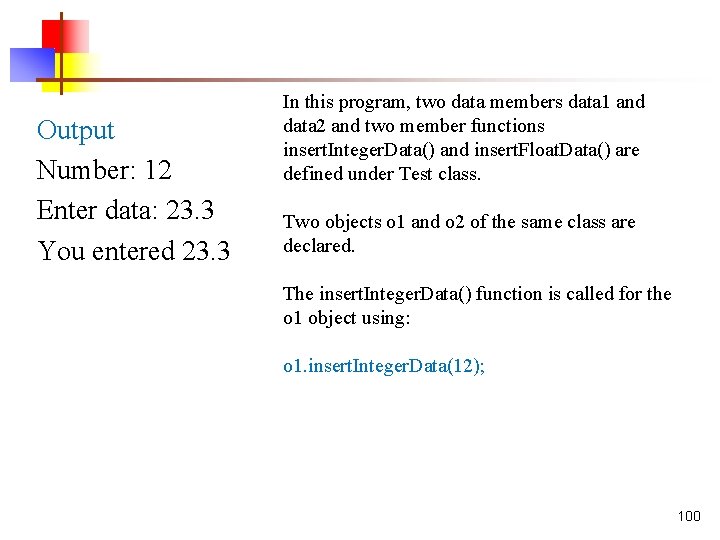
Output Number: 12 Enter data: 23. 3 You entered 23. 3 In this program, two data members data 1 and data 2 and two member functions insert. Integer. Data() and insert. Float. Data() are defined under Test class. Two objects o 1 and o 2 of the same class are declared. The insert. Integer. Data() function is called for the o 1 object using: o 1. insert. Integer. Data(12); 100
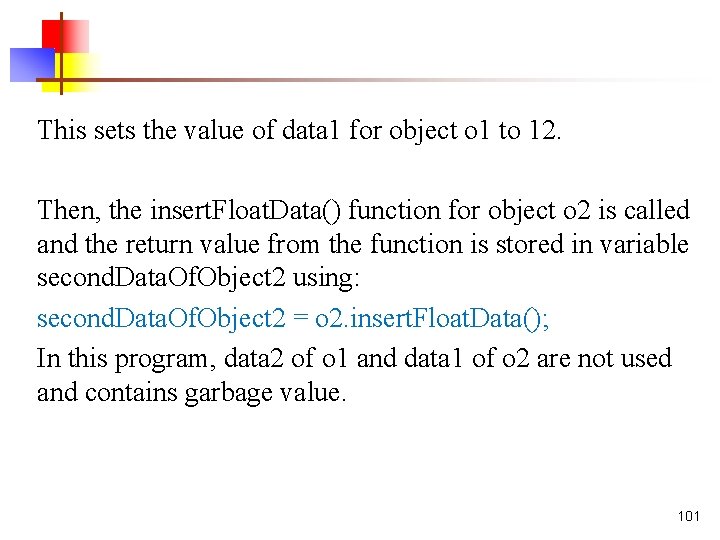
This sets the value of data 1 for object o 1 to 12. Then, the insert. Float. Data() function for object o 2 is called and the return value from the function is stored in variable second. Data. Of. Object 2 using: second. Data. Of. Object 2 = o 2. insert. Float. Data(); In this program, data 2 of o 1 and data 1 of o 2 are not used and contains garbage value. 101
Object initialization using Constructor n n n A constructor is a special type of member function that initialises an object automatically when it is created. Compiler identifies a given member function is a constructor by its name and the return type. Constructor has the same name as that of the class and it does not have any return type. Also, the constructor is always public. 102
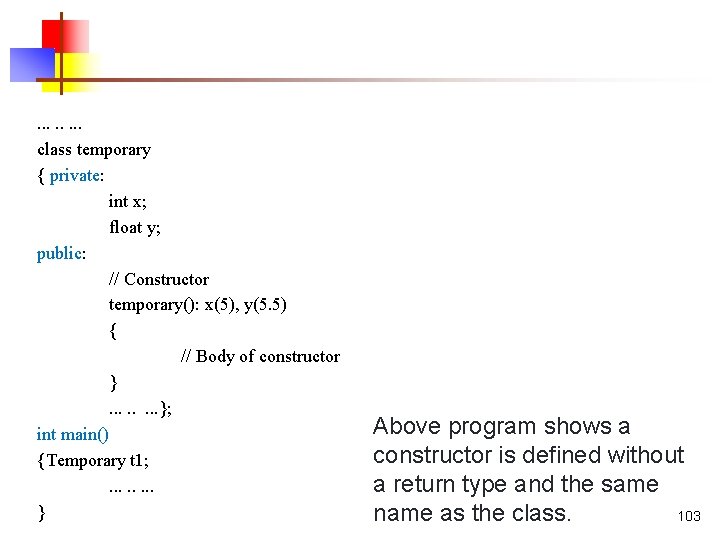
. . . . class temporary { private: int x; float y; public: // Constructor temporary(): x(5), y(5. 5) { // Body of constructor }. . . . }; int main() {Temporary t 1; . . . . } Above program shows a constructor is defined without a return type and the same name as the class. 103
How constructor works? n n n In the above pseudo code, temporary() is a constructor. When an object of class temporary is created, the constructor is called automatically, and x is initialized to 5 and y is initialized to 5. 5. You can also initialise the data members inside the constructor's body as below. However, this method is not preferred. temporary() { x = 5; y = 5. 5; }// This method is not preferred. 104
Use of Constructor in C++ n n Suppose you are working on 100's of Person objects and the default value of a data member age is 0. Initialising all objects manually will be a very tedious task. Instead, you can define a constructor that initialises age to 0. Then, all you have to do is create a Person object and the constructor will automatically initialise the age. These situations arise frequently while handling array of objects. Also, if you want to execute some code immediately after an object is created, you can place the code inside the body of the constructor. 105
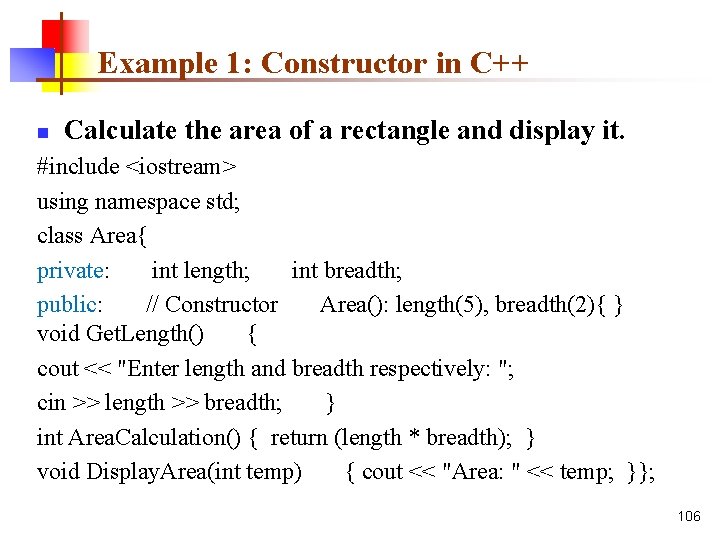
Example 1: Constructor in C++ n Calculate the area of a rectangle and display it. #include <iostream> using namespace std; class Area{ private: int length; int breadth; public: // Constructor Area(): length(5), breadth(2){ } void Get. Length() { cout << "Enter length and breadth respectively: "; cin >> length >> breadth; } int Area. Calculation() { return (length * breadth); } void Display. Area(int temp) { cout << "Area: " << temp; }}; 106
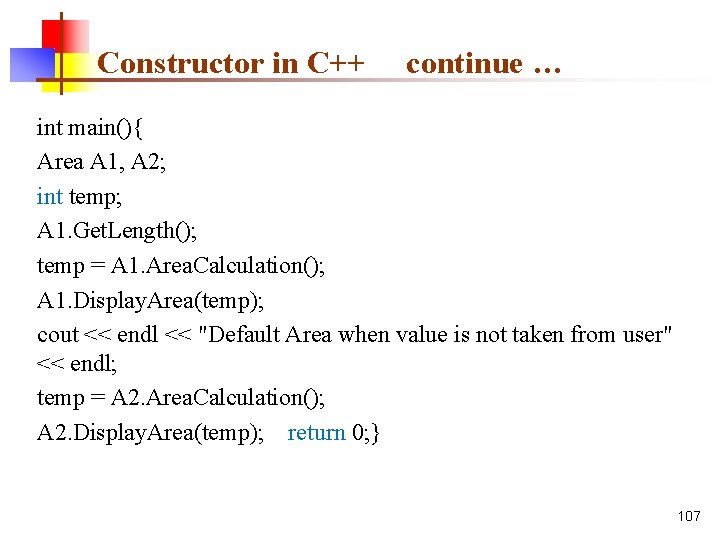
Constructor in C++ continue … int main(){ Area A 1, A 2; int temp; A 1. Get. Length(); temp = A 1. Area. Calculation(); A 1. Display. Area(temp); cout << endl << "Default Area when value is not taken from user" << endl; temp = A 2. Area. Calculation(); A 2. Display. Area(temp); return 0; } 107
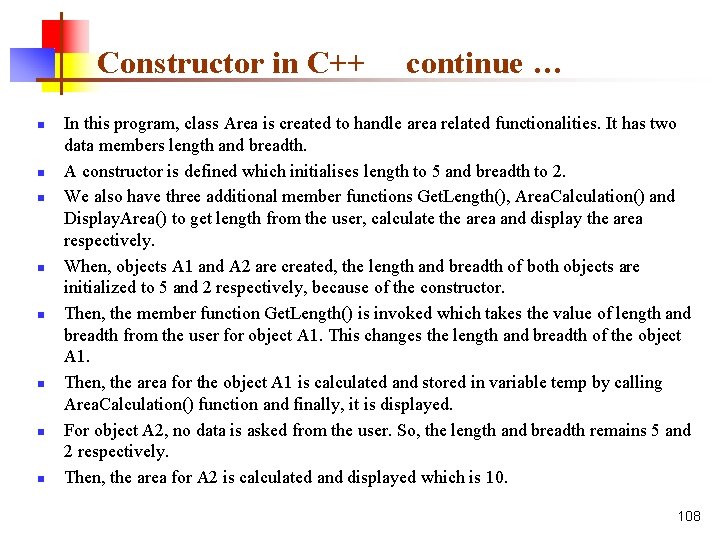
Constructor in C++ n n n n continue … In this program, class Area is created to handle area related functionalities. It has two data members length and breadth. A constructor is defined which initialises length to 5 and breadth to 2. We also have three additional member functions Get. Length(), Area. Calculation() and Display. Area() to get length from the user, calculate the area and display the area respectively. When, objects A 1 and A 2 are created, the length and breadth of both objects are initialized to 5 and 2 respectively, because of the constructor. Then, the member function Get. Length() is invoked which takes the value of length and breadth from the user for object A 1. This changes the length and breadth of the object A 1. Then, the area for the object A 1 is calculated and stored in variable temp by calling Area. Calculation() function and finally, it is displayed. For object A 2, no data is asked from the user. So, the length and breadth remains 5 and 2 respectively. Then, the area for A 2 is calculated and displayed which is 10. 108
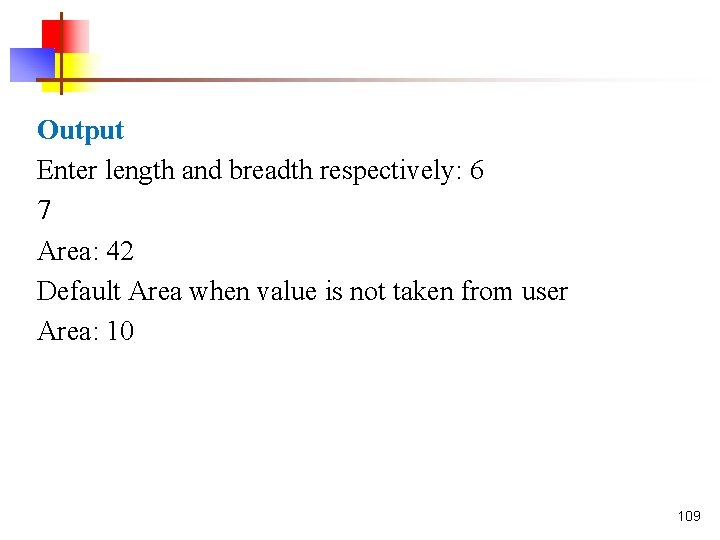
Output Enter length and breadth respectively: 6 7 Area: 42 Default Area when value is not taken from user Area: 10 109
Constructor Overloading n n Constructor can be overloaded in a similar way as function overloading. Overloaded constructors have the same name (name of the class) but different number of arguments. Depending upon the number and type of arguments passed, specific constructor is called. Since, there are multiple constructors present, argument to the constructor should also be passed while creating an object. 110
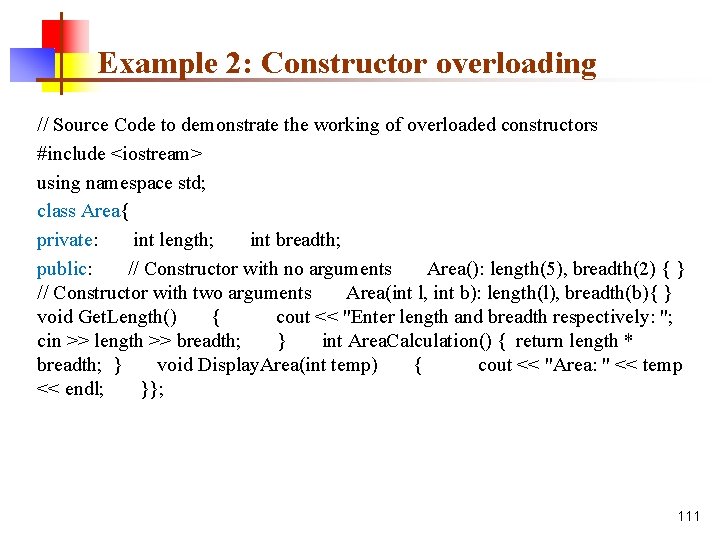
Example 2: Constructor overloading // Source Code to demonstrate the working of overloaded constructors #include <iostream> using namespace std; class Area{ private: int length; int breadth; public: // Constructor with no arguments Area(): length(5), breadth(2) { } // Constructor with two arguments Area(int l, int b): length(l), breadth(b){ } void Get. Length() { cout << "Enter length and breadth respectively: "; cin >> length >> breadth; } int Area. Calculation() { return length * breadth; } void Display. Area(int temp) { cout << "Area: " << temp << endl; }}; 111
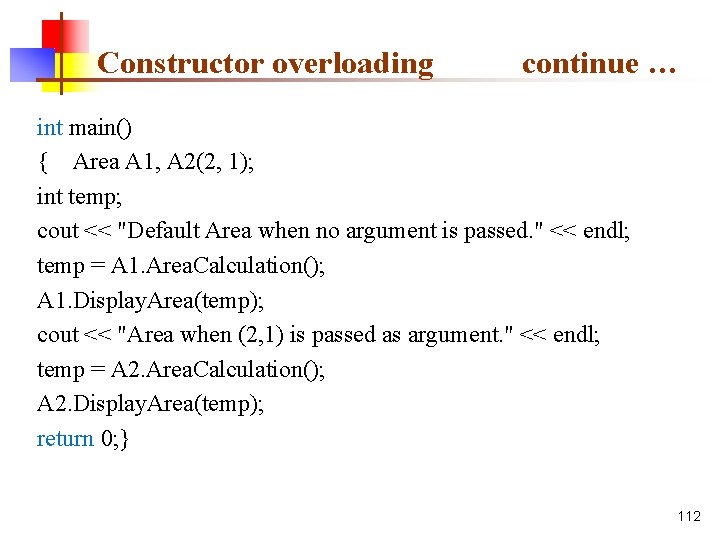
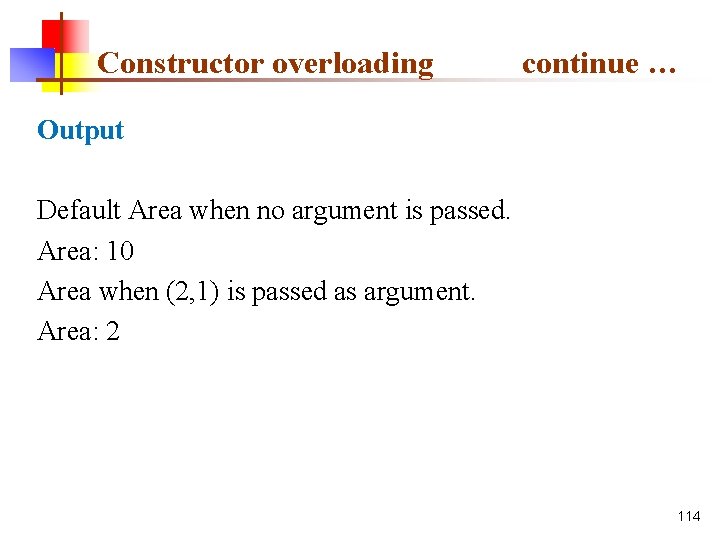
Constructor overloading continue … int main() { Area A 1, A 2(2, 1); int temp; cout << "Default Area when no argument is passed. " << endl; temp = A 1. Area. Calculation(); A 1. Display. Area(temp); cout << "Area when (2, 1) is passed as argument. " << endl; temp = A 2. Area. Calculation(); A 2. Display. Area(temp); return 0; } 112
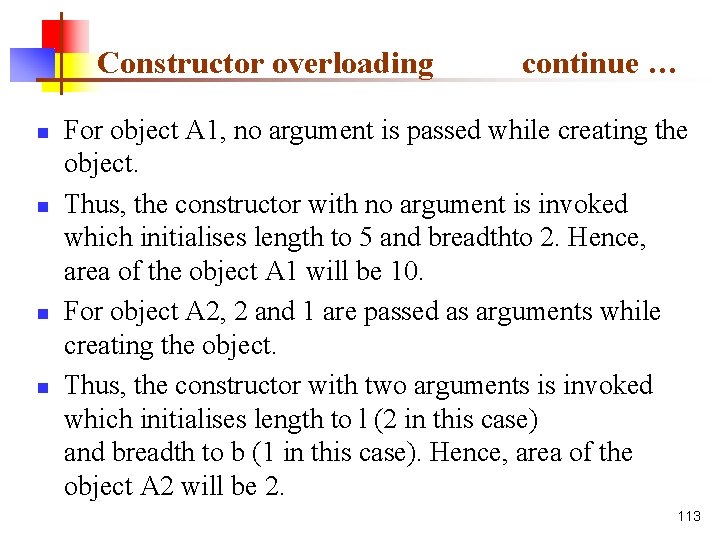
Constructor overloading n n continue … For object A 1, no argument is passed while creating the object. Thus, the constructor with no argument is invoked which initialises length to 5 and breadthto 2. Hence, area of the object A 1 will be 10. For object A 2, 2 and 1 are passed as arguments while creating the object. Thus, the constructor with two arguments is invoked which initialises length to l (2 in this case) and breadth to b (1 in this case). Hence, area of the object A 2 will be 2. 113
Constructor overloading continue … Output Default Area when no argument is passed. Area: 10 Area when (2, 1) is passed as argument. Area: 2 114
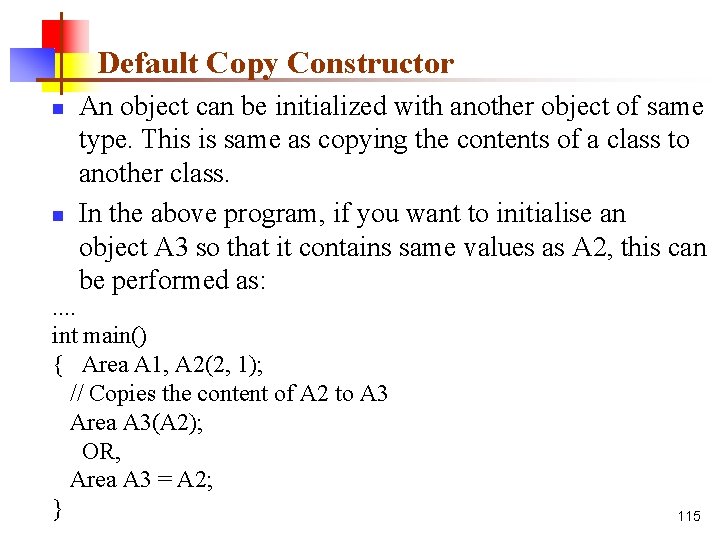
Default Copy Constructor n n An object can be initialized with another object of same type. This is same as copying the contents of a class to another class. In the above program, if you want to initialise an object A 3 so that it contains same values as A 2, this can be performed as: . . int main() { Area A 1, A 2(2, 1); // Copies the content of A 2 to A 3 Area A 3(A 2); OR, Area A 3 = A 2; } 115
Default Copy Constructor n continue … You might think, you need to create a new constructor to perform this task. But, no additional constructor is needed. This is because the copy constructor is already built into all classes by default. 116
C++ Objects an Class n n C++ is a multi-paradigm programming language. Meaning, it supports different programming styles. One of the popular ways to solve a programming problem is by creating objects, known as object-oriented style of programming. C++ supports object-oriented (OO) style of programming which allows you to divide complex problems into smaller sets by creating objects. Object is simply a collection of data and functions that act on those data. 117
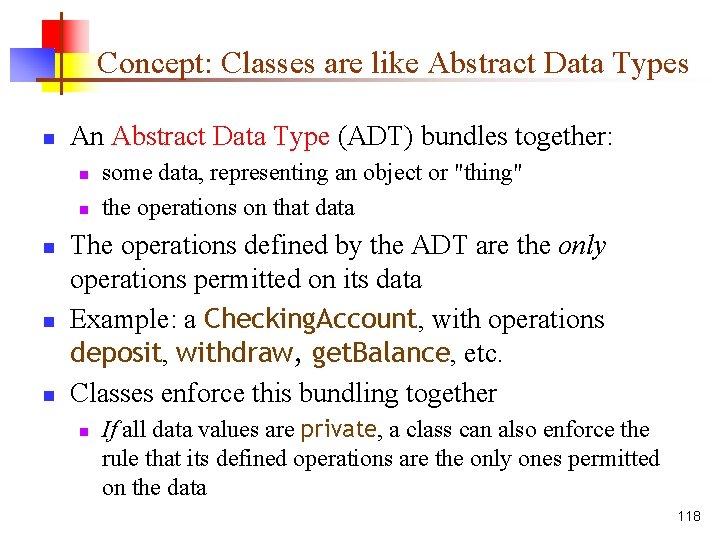
Concept: Classes are like Abstract Data Types n An Abstract Data Type (ADT) bundles together: n n n some data, representing an object or "thing" the operations on that data The operations defined by the ADT are the only operations permitted on its data Example: a Checking. Account, with operations deposit, withdraw, get. Balance, etc. Classes enforce this bundling together n If all data values are private, a class can also enforce the rule that its defined operations are the only ones permitted on the data 118
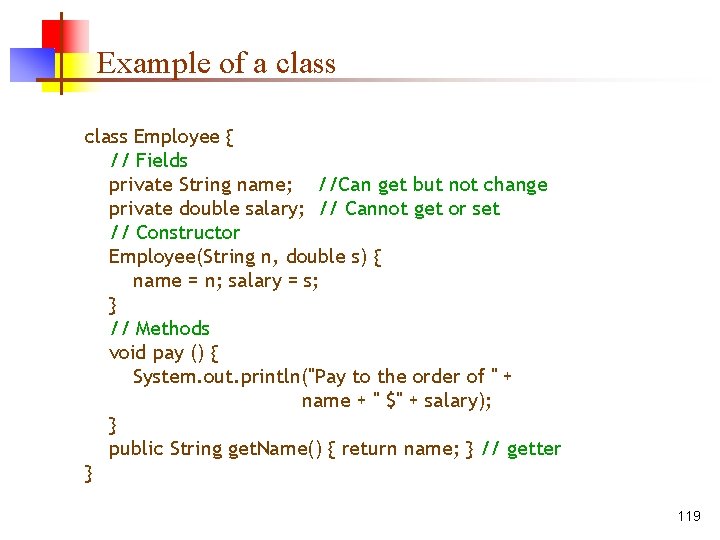
Example of a class Employee { // Fields private String name; //Can get but not change private double salary; // Cannot get or set // Constructor Employee(String n, double s) { name = n; salary = s; } // Methods void pay () { System. out. println("Pay to the order of " + name + " $" + salary); } public String get. Name() { return name; } // getter } 119
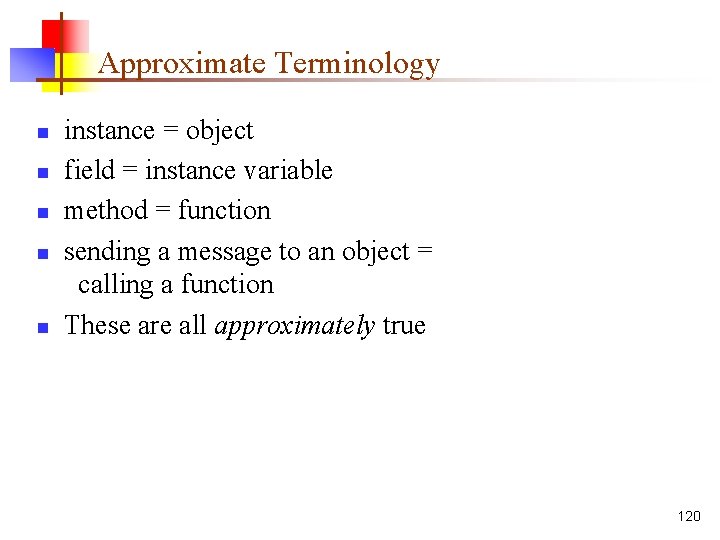
Approximate Terminology n n n instance = object field = instance variable method = function sending a message to an object = calling a function These are all approximately true 120
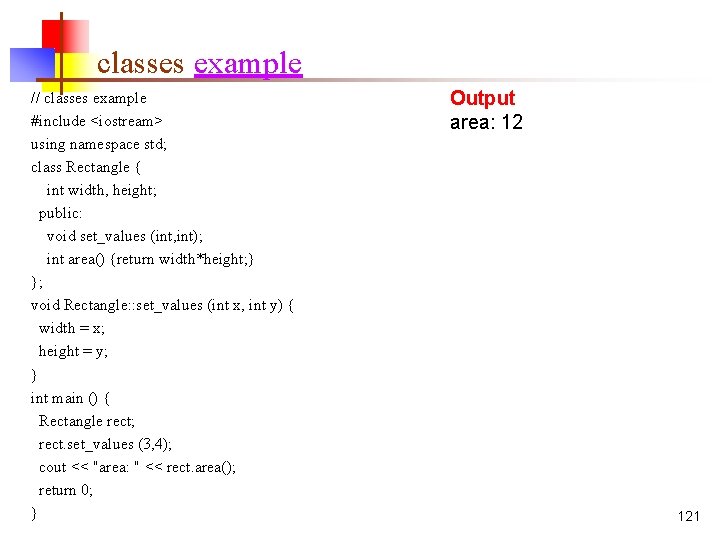
classes example // classes example #include <iostream> using namespace std; class Rectangle { int width, height; public: void set_values (int, int); int area() {return width*height; } }; void Rectangle: : set_values (int x, int y) { width = x; height = y; } int main () { Rectangle rect; rect. set_values (3, 4); cout << "area: " << rect. area(); return 0; } Output area: 12 121
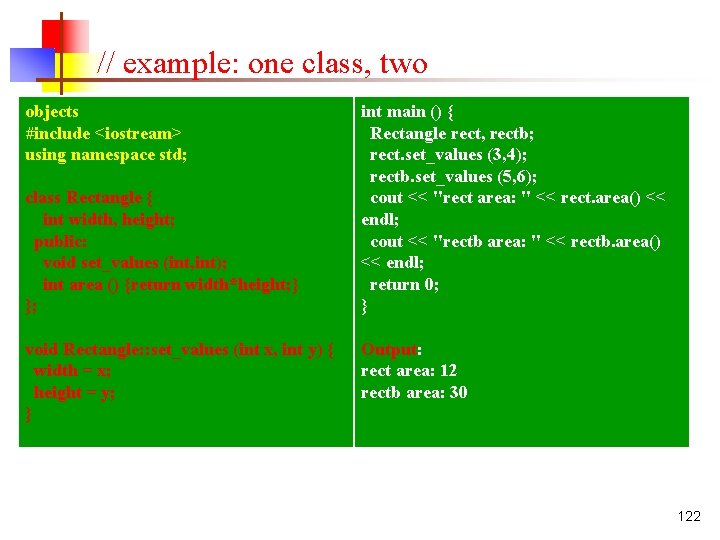
// example: one class, two objects #include <iostream> using namespace std; class Rectangle { int width, height; public: void set_values (int, int); int area () {return width*height; } }; void Rectangle: : set_values (int x, int y) { width = x; height = y; } int main () { Rectangle rect, rectb; rect. set_values (3, 4); rectb. set_values (5, 6); cout << "rect area: " << rect. area() << endl; cout << "rectb area: " << rectb. area() << endl; return 0; } Output: rect area: 12 rectb area: 30 122
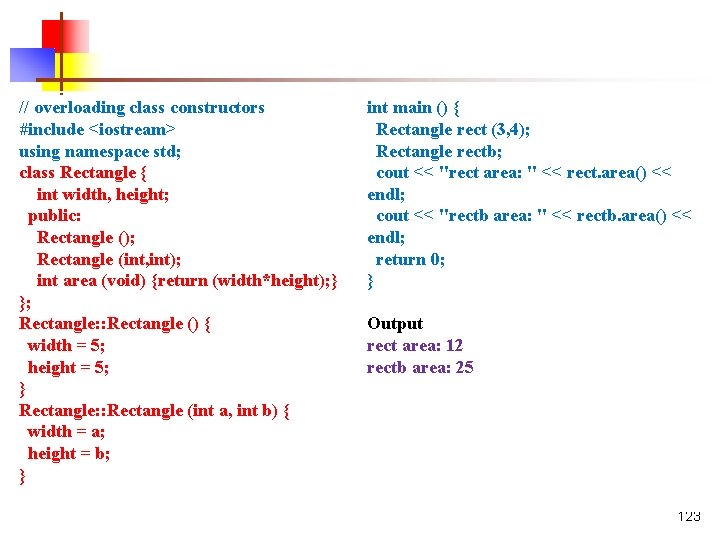
// overloading class constructors #include <iostream> using namespace std; class Rectangle { int width, height; public: Rectangle (); Rectangle (int, int); int area (void) {return (width*height); } }; Rectangle: : Rectangle () { width = 5; height = 5; } Rectangle: : Rectangle (int a, int b) { width = a; height = b; } int main () { Rectangle rect (3, 4); Rectangle rectb; cout << "rect area: " << rect. area() << endl; cout << "rectb area: " << rectb. area() << endl; return 0; } Output rect area: 12 rectb area: 25 123
- Slides: 123