
Operations from Development to Deployment Development vs Deployment
![SQL Injection • View: = text_field_tag 'name' • App: Moviegoer. where("name='#{params[: name]}'") • Evil](https://slidetodoc.com/presentation_image_h/10e76906070578cd127fed4c14bd4379/image-54.jpg "SQL Injection • View: = text_field_tag 'name' • App: Moviegoer. where(\"name='#{params[: name]}'\") • Evil")
- Slides: 60
Operations: from Development to Deployment
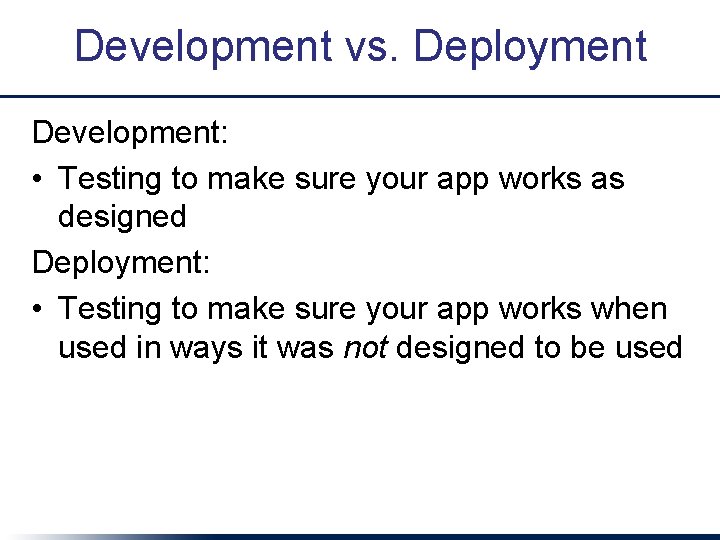
Development vs. Deployment Development: • Testing to make sure your app works as designed Deployment: • Testing to make sure your app works when used in ways it was not designed to be used
Bad News • “Users are a terrible thing” • Some bugs only appear under stress • Production environment != development environment • The world is full of evil forces • And idiots
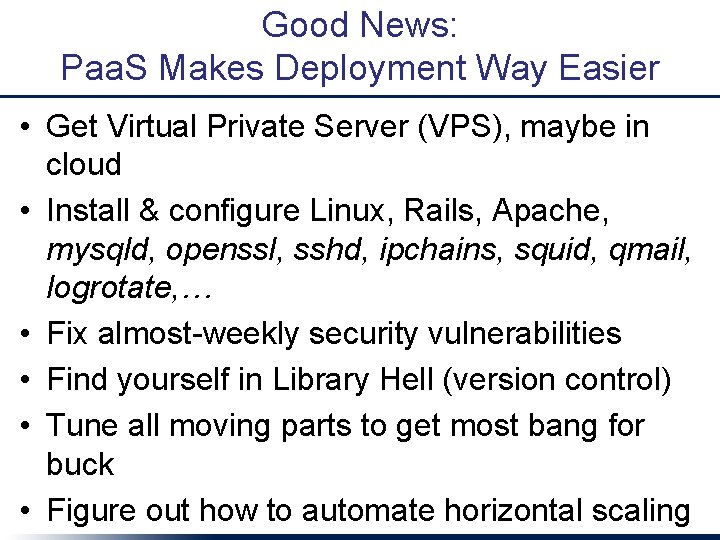
Good News: Paa. S Makes Deployment Way Easier • Get Virtual Private Server (VPS), maybe in cloud • Install & configure Linux, Rails, Apache, mysqld, openssl, sshd, ipchains, squid, qmail, logrotate, … • Fix almost-weekly security vulnerabilities • Find yourself in Library Hell (version control) • Tune all moving parts to get most bang for buck • Figure out how to automate horizontal scaling
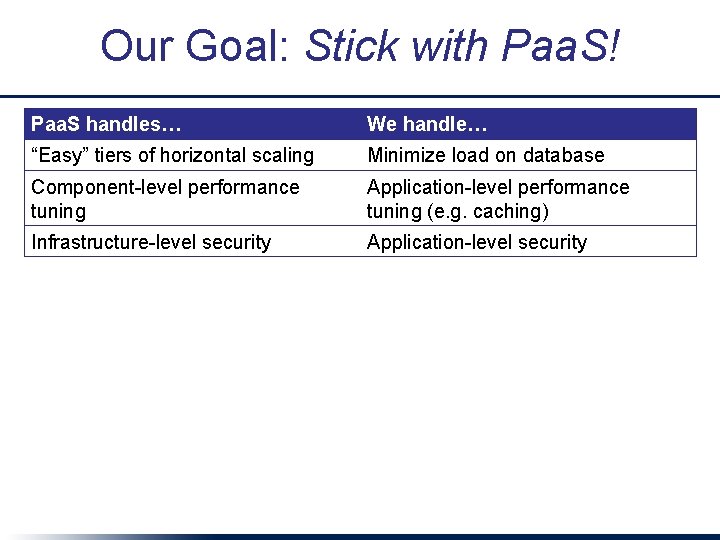
Our Goal: Stick with Paa. S! Paa. S handles… We handle… “Easy” tiers of horizontal scaling Minimize load on database Component-level performance tuning Application-level performance tuning (e. g. caching) Infrastructure-level security Application-level security
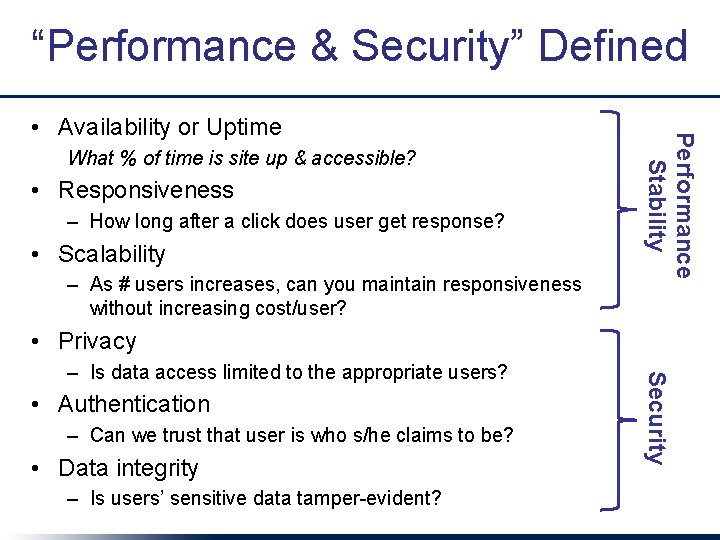
“Performance & Security” Defined What % of time is site up & accessible? • Responsiveness – How long after a click does user get response? • Scalability – As # users increases, can you maintain responsiveness without increasing cost/user? Performance Stability • Availability or Uptime • Privacy • Authentication – Can we trust that user is who s/he claims to be? • Data integrity – Is users’ sensitive data tamper-evident? Security – Is data access limited to the appropriate users?
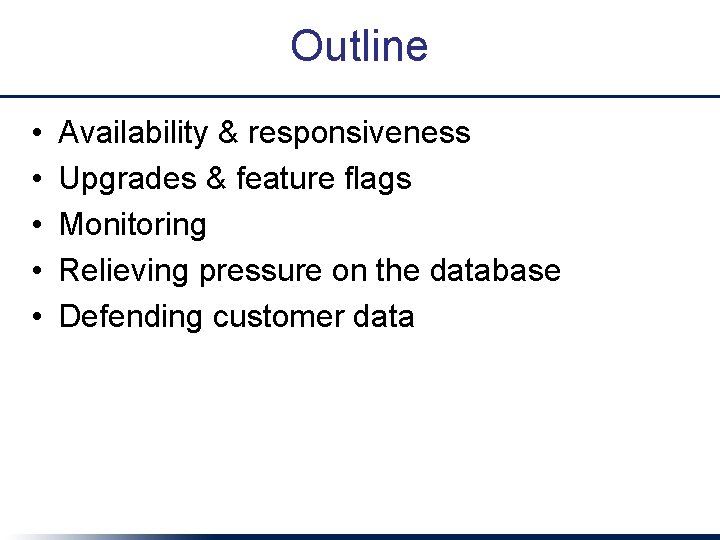
Outline • • • Availability & responsiveness Upgrades & feature flags Monitoring Relieving pressure on the database Defending customer data
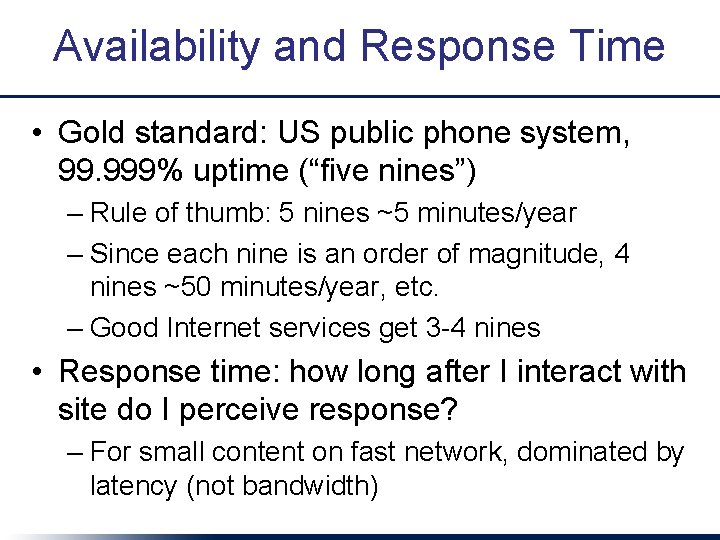
Availability and Response Time • Gold standard: US public phone system, 99. 999% uptime (“five nines”) – Rule of thumb: 5 nines ~5 minutes/year – Since each nine is an order of magnitude, 4 nines ~50 minutes/year, etc. – Good Internet services get 3 -4 nines • Response time: how long after I interact with site do I perceive response? – For small content on fast network, dominated by latency (not bandwidth)
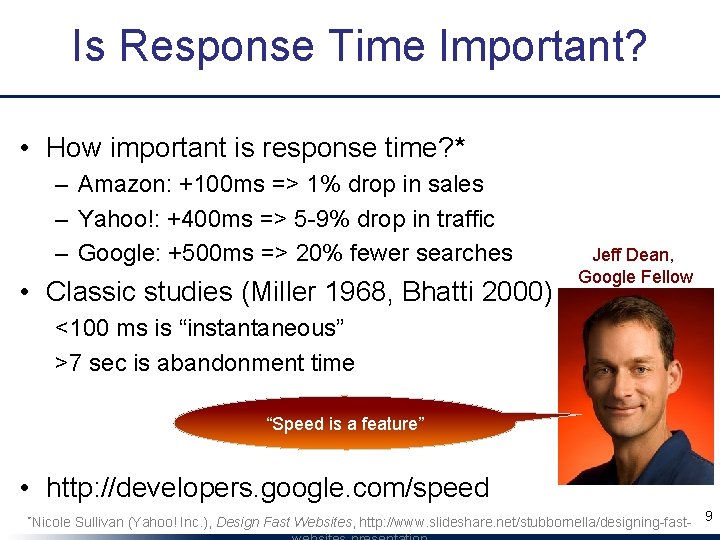
Is Response Time Important? • How important is response time? * – Amazon: +100 ms => 1% drop in sales – Yahoo!: +400 ms => 5 -9% drop in traffic – Google: +500 ms => 20% fewer searches • Classic studies (Miller 1968, Bhatti 2000) Jeff Dean, Google Fellow <100 ms is “instantaneous” >7 sec is abandonment time “Speed is a feature” • http: //developers. google. com/speed *Nicole Sullivan (Yahoo! Inc. ), Design Fast Websites, http: //www. slideshare. net/stubbornella/designing-fast- 9
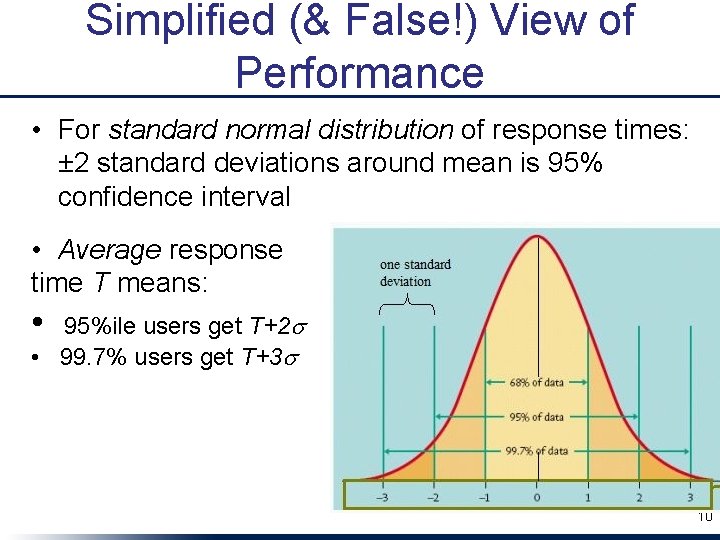
Simplified (& False!) View of Performance • For standard normal distribution of response times: ± 2 standard deviations around mean is 95% confidence interval • Average response time T means: • 95%ile users get T+2 s • 99. 7% users get T+3 s 10
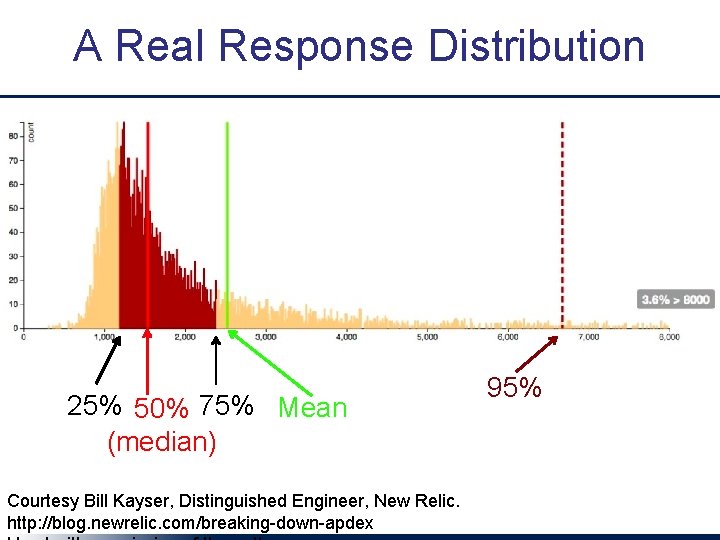
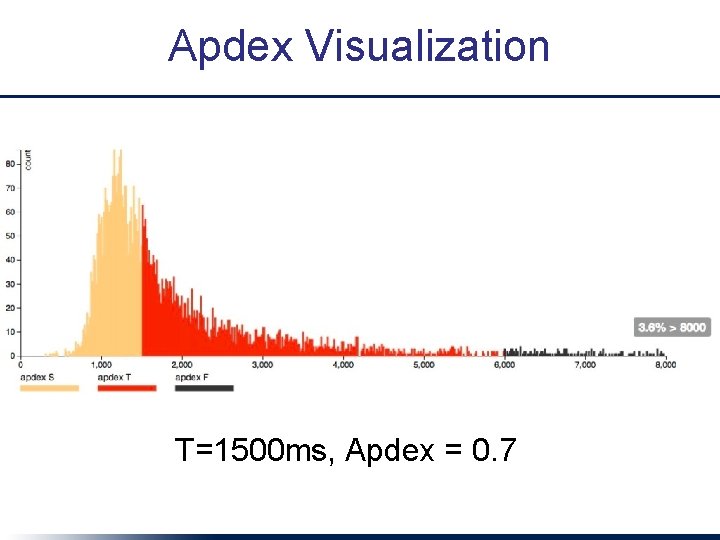
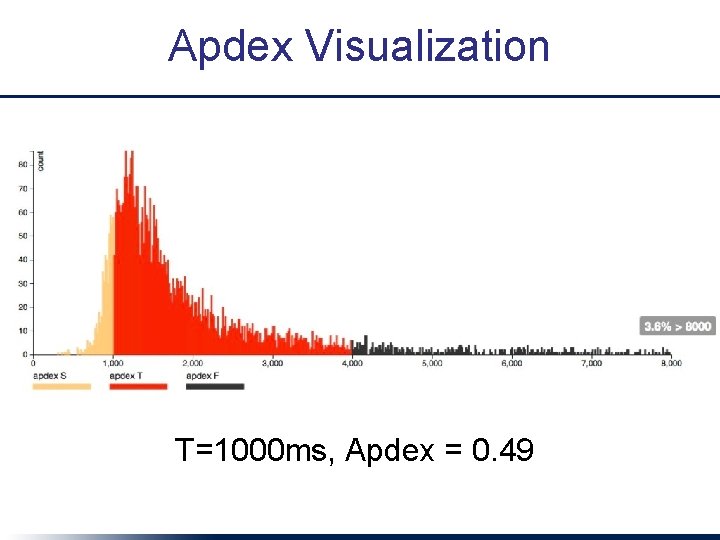
A Real Response Distribution 25% 50% 75% Mean (median) Courtesy Bill Kayser, Distinguished Engineer, New Relic. http: //blog. newrelic. com/breaking-down-apdex 95%
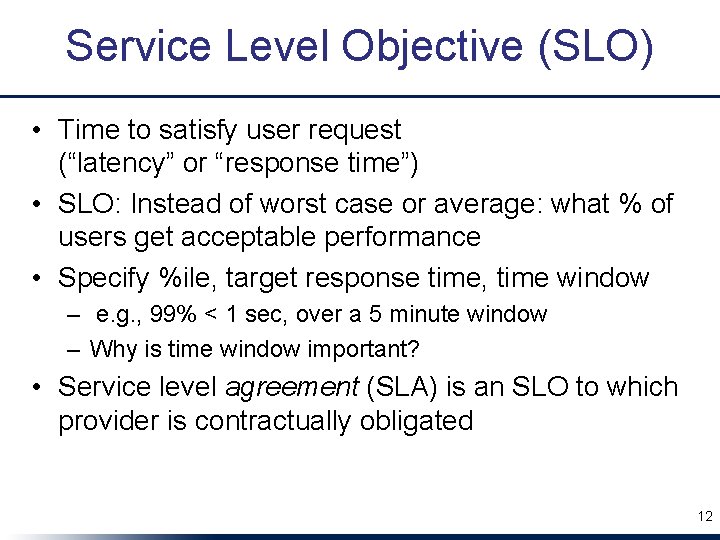
Service Level Objective (SLO) • Time to satisfy user request (“latency” or “response time”) • SLO: Instead of worst case or average: what % of users get acceptable performance • Specify %ile, target response time, time window – e. g. , 99% < 1 sec, over a 5 minute window – Why is time window important? • Service level agreement (SLA) is an SLO to which provider is contractually obligated 12
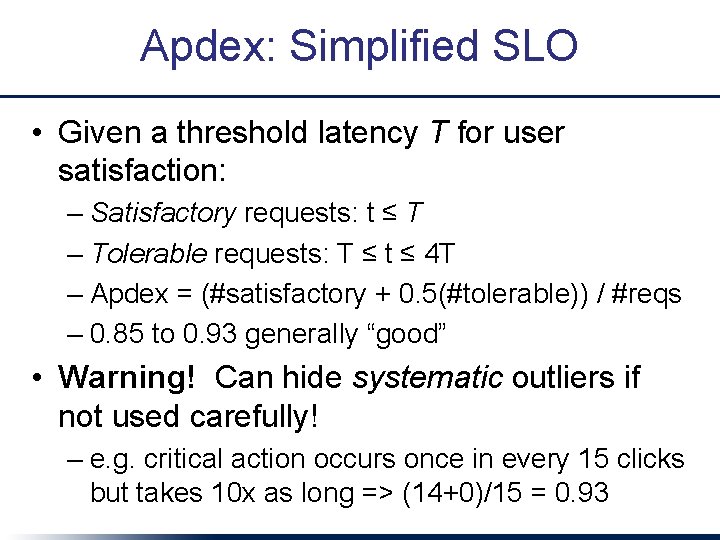
Apdex: Simplified SLO • Given a threshold latency T for user satisfaction: – Satisfactory requests: t ≤ T – Tolerable requests: T ≤ t ≤ 4 T – Apdex = (#satisfactory + 0. 5(#tolerable)) / #reqs – 0. 85 to 0. 93 generally “good” • Warning! Can hide systematic outliers if not used carefully! – e. g. critical action occurs once in every 15 clicks but takes 10 x as long => (14+0)/15 = 0. 93
Apdex Visualization T=1500 ms, Apdex = 0. 7
Apdex Visualization T=1000 ms, Apdex = 0. 49
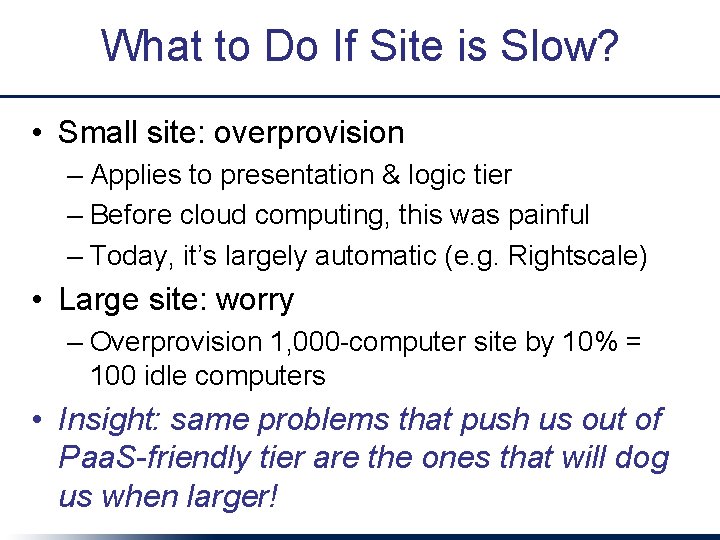
What to Do If Site is Slow? • Small site: overprovision – Applies to presentation & logic tier – Before cloud computing, this was painful – Today, it’s largely automatic (e. g. Rightscale) • Large site: worry – Overprovision 1, 000 -computer site by 10% = 100 idle computers • Insight: same problems that push us out of Paa. S-friendly tier are the ones that will dog us when larger!
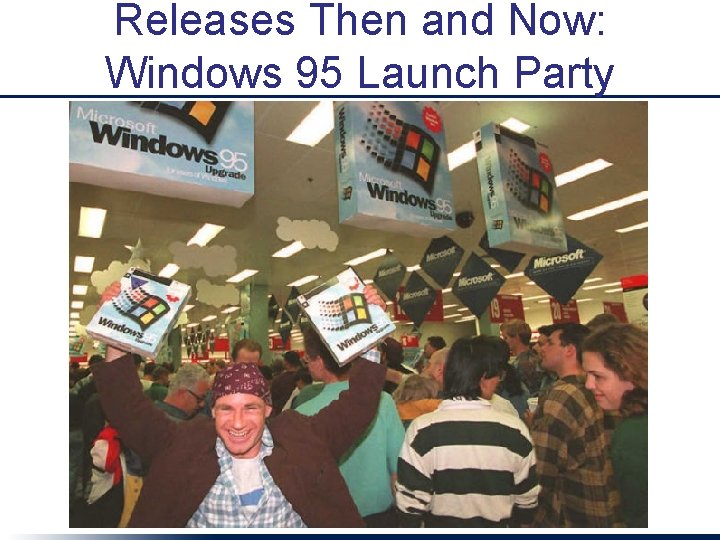
Releases Then and Now: Windows 95 Launch Party
Releases Then and Now • Facebook: master branch pushed once a week, aiming for once a day (Bobby Johnson, Dir. of Eng. , in late 2011) • Amazon: several deploys per week • Stack. Overflow: multiple deploys per day (Jeff Atwood, co-founder) • Git. Hub: tens of deploys per day (Zach Holman) • Rationale: risk == # of engineer-hours invested in product since last deployment! Like development and feature check-in, deployment should be a non-event that happens all the time
Successful Deployment • Automation: consistent deploy process – Paa. S sites like Heroku, Cloud. Foundry already do this – Use tool like Capistrano for self-hosted Rails site • Continuous Integration (CI): integrationtesting the app beyond what each developer does – Pre-release code check-in triggers CI – Since frequent check-ins, CI always running – Common strategy: integrate with Git. Hub
Why CI? • Differences between dev & production envs • Cross-browser or cross-version testing • Testing SOA integration when remote services act wonky • Hardening: protection against attacks • Stress testing/longevity testing of new features/code paths • Example: Salesforce. com CI runs 150 K+ tests and automatically opens bug report when test fails
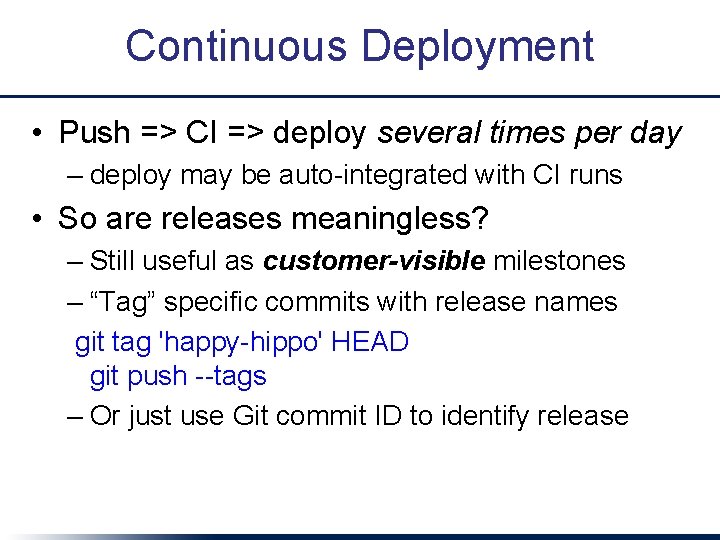
Continuous Deployment • Push => CI => deploy several times per day – deploy may be auto-integrated with CI runs • So are releases meaningless? – Still useful as customer-visible milestones – “Tag” specific commits with release names git tag 'happy-hippo' HEAD git push --tags – Or just use Git commit ID to identify release
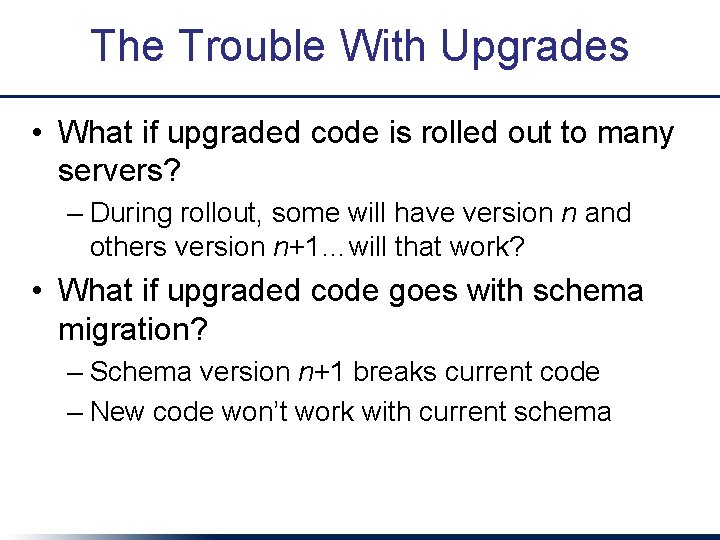
The Trouble With Upgrades • What if upgraded code is rolled out to many servers? – During rollout, some will have version n and others version n+1…will that work? • What if upgraded code goes with schema migration? – Schema version n+1 breaks current code – New code won’t work with current schema
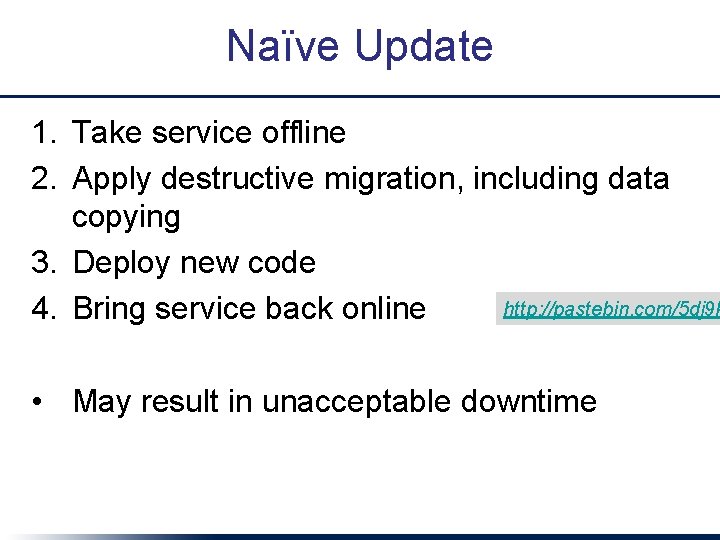
Naïve Update 1. Take service offline 2. Apply destructive migration, including data copying 3. Deploy new code http: //pastebin. com/5 dj 9 k 4. Bring service back online • May result in unacceptable downtime
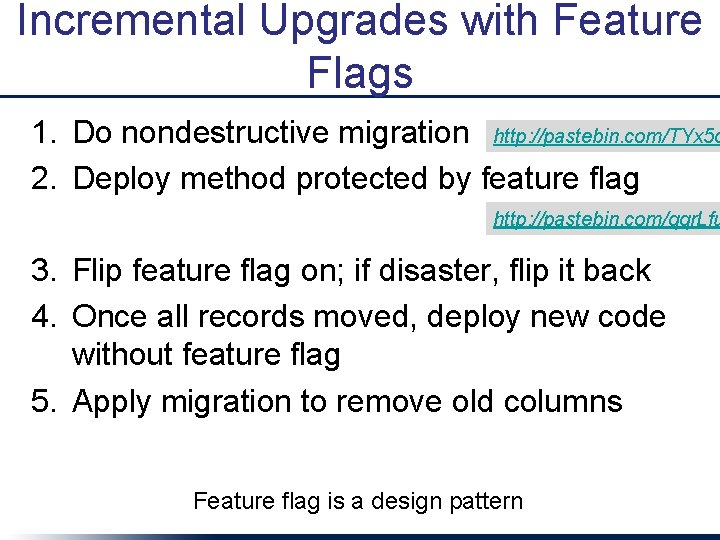
Incremental Upgrades with Feature Flags 1. Do nondestructive migration http: //pastebin. com/TYx 5 q 2. Deploy method protected by feature flag http: //pastebin. com/qqr. Lfu 3. Flip feature flag on; if disaster, flip it back 4. Once all records moved, deploy new code without feature flag 5. Apply migration to remove old columns Feature flag is a design pattern
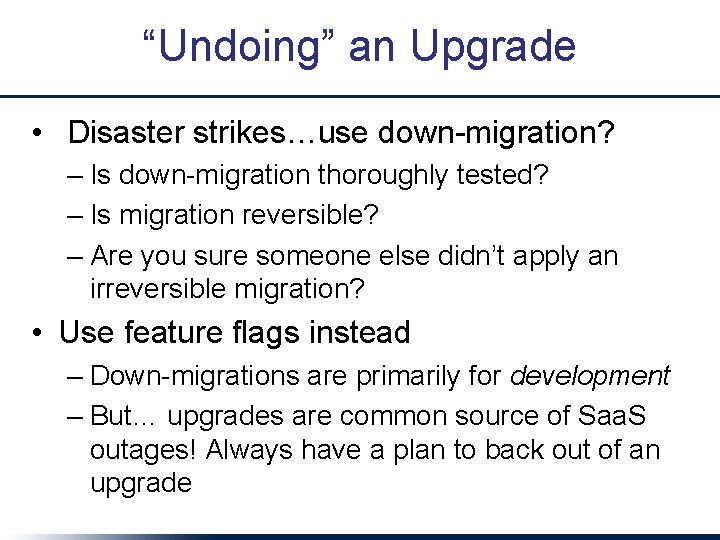
“Undoing” an Upgrade • Disaster strikes…use down-migration? – Is down-migration thoroughly tested? – Is migration reversible? – Are you sure someone else didn’t apply an irreversible migration? • Use feature flags instead – Down-migrations are primarily for development – But… upgrades are common source of Saa. S outages! Always have a plan to back out of an upgrade
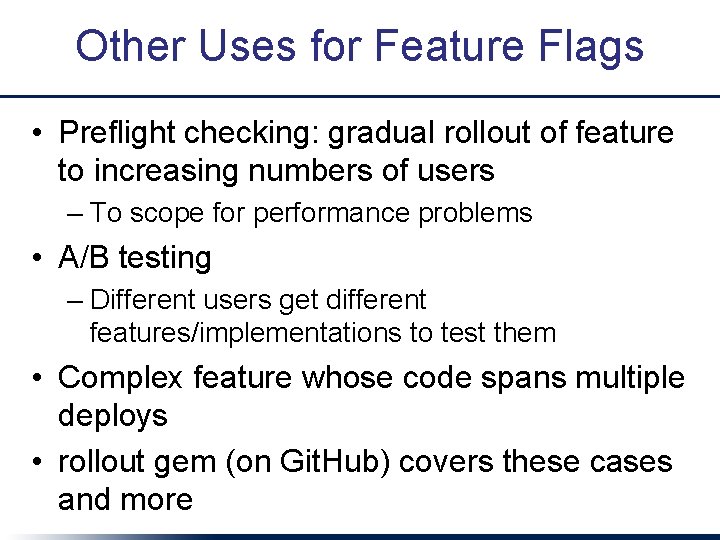
Other Uses for Feature Flags • Preflight checking: gradual rollout of feature to increasing numbers of users – To scope for performance problems • A/B testing – Different users get different features/implementations to test them • Complex feature whose code spans multiple deploys • rollout gem (on Git. Hub) covers these cases and more
Monitoring
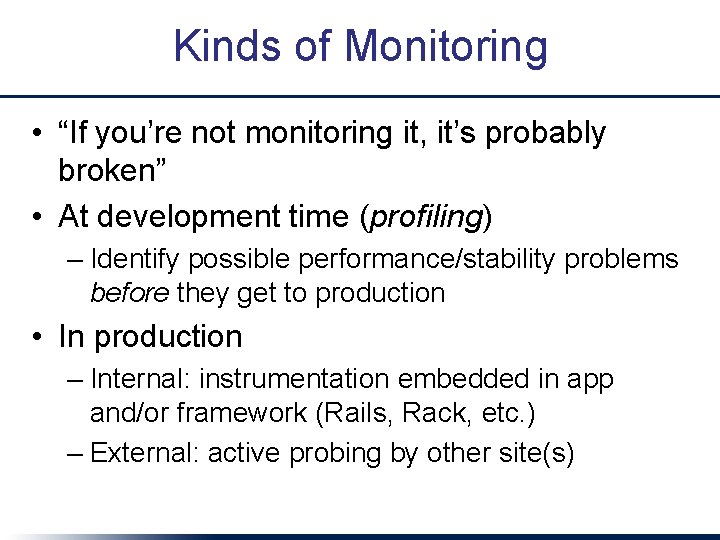
Kinds of Monitoring • “If you’re not monitoring it, it’s probably broken” • At development time (profiling) – Identify possible performance/stability problems before they get to production • In production – Internal: instrumentation embedded in app and/or framework (Rails, Rack, etc. ) – External: active probing by other site(s)
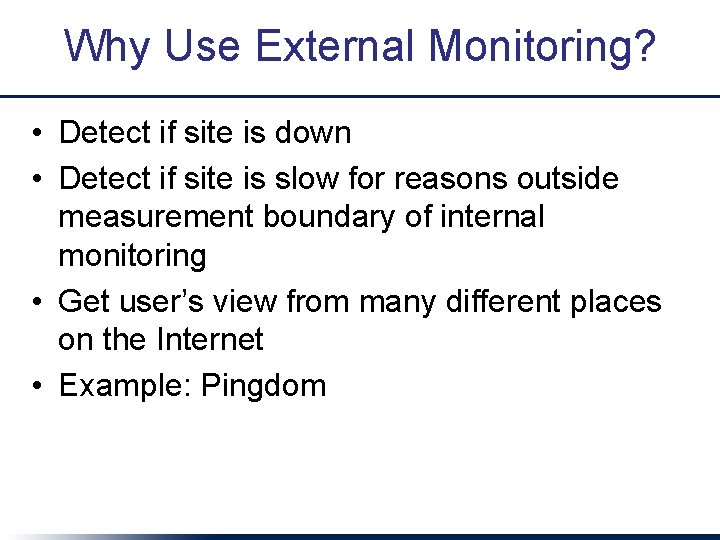
Why Use External Monitoring? • Detect if site is down • Detect if site is slow for reasons outside measurement boundary of internal monitoring • Get user’s view from many different places on the Internet • Example: Pingdom
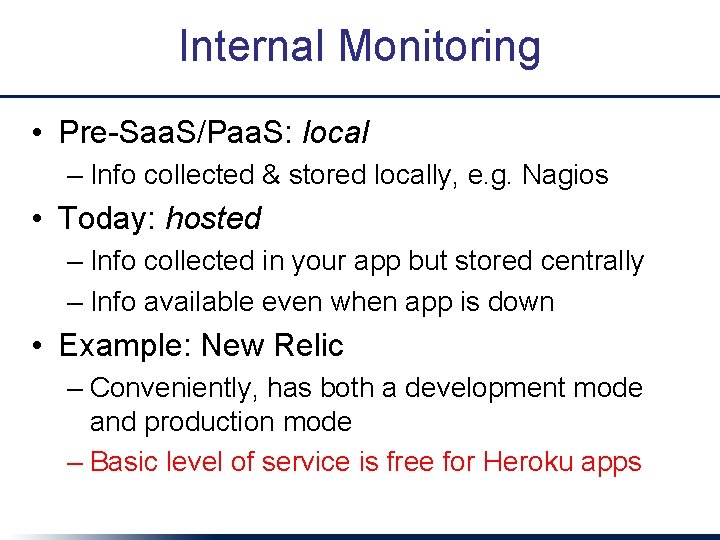
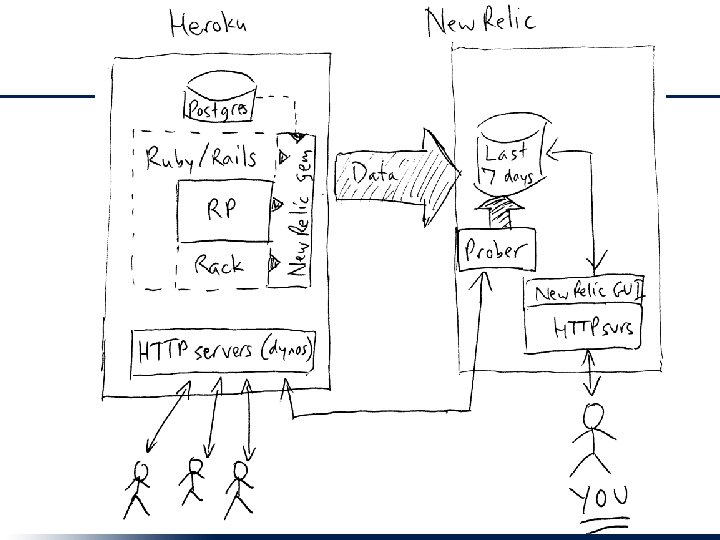
Internal Monitoring • Pre-Saa. S/Paa. S: local – Info collected & stored locally, e. g. Nagios • Today: hosted – Info collected in your app but stored centrally – Info available even when app is down • Example: New Relic – Conveniently, has both a development mode and production mode – Basic level of service is free for Heroku apps
Kinds of monitoring
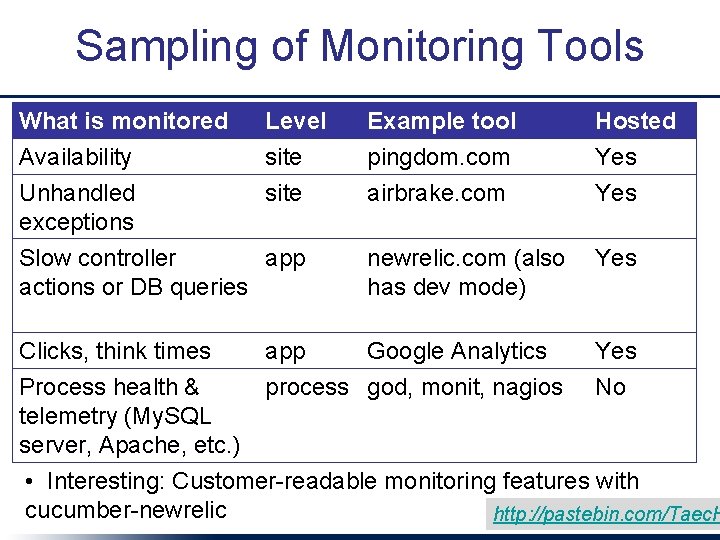
Sampling of Monitoring Tools What is monitored Availability Unhandled exceptions Level site Example tool pingdom. com airbrake. com Hosted Yes newrelic. com (also has dev mode) Yes app Google Analytics process god, monit, nagios Yes No Slow controller app actions or DB queries Clicks, think times Process health & telemetry (My. SQL server, Apache, etc. ) • Interesting: Customer-readable monitoring features with cucumber-newrelic http: //pastebin. com/Taec. H
What to Measure? • Stress testing or load testing: how far can I push my system. . . –. . . before performance becomes unacceptable? –. . . before it gasps and dies? • Usually, one component will be bottleneck – A particular view, action, query, … • Load testers can be simple or sophisticated – Bang on a single URI over and over – Do a fixed sequence of URI’s over and over – Play back a log file 33
Longevity Bugs • Resource leak (RAM, file buffers, sessions table) is classic example • Some infrastructure software such as Apache already does rejuvenation – aka “rolling reboot” • Related: running out of sessions – Solution: store whole session[] in cookie (Rails 3 does this by default)
Caching: Improving Rendering Time & Database Performance
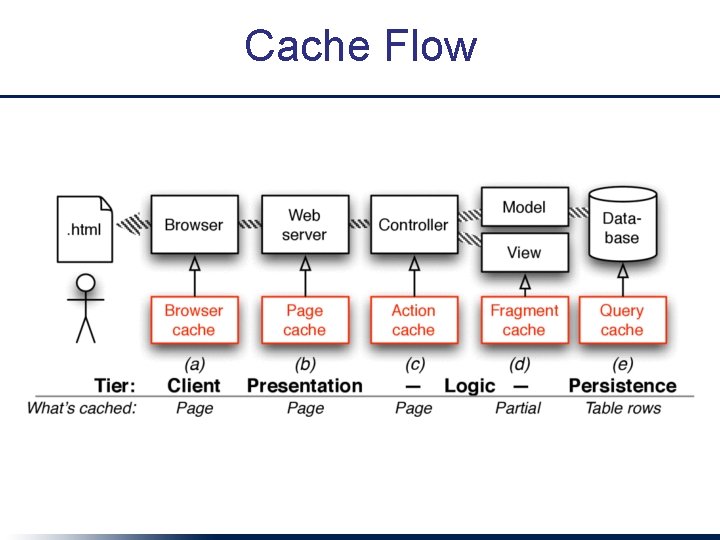
The Fastest Database is the One You Don’t Use • Caching: Avoid touching database if answer to a query hasn’t changed 1. Identify what to cache – whole view: page & action caching – parts of view: fragment caching with partials 2. Invalidate (get rid of) stale cached versions when underlying DB changes 36
Cache Flow
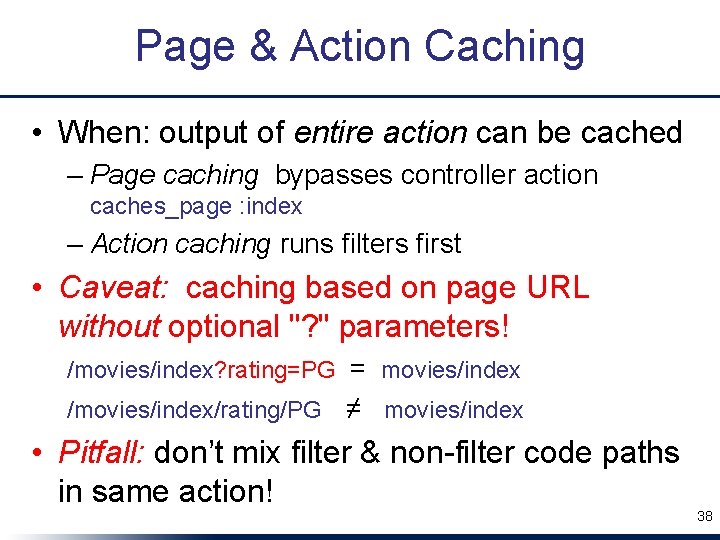
Page & Action Caching • When: output of entire action can be cached – Page caching bypasses controller action caches_page : index – Action caching runs filters first • Caveat: caching based on page URL without optional "? " parameters! /movies/index? rating=PG = movies/index /movies/index/rating/PG ≠ movies/index • Pitfall: don’t mix filter & non-filter code paths in same action! 38
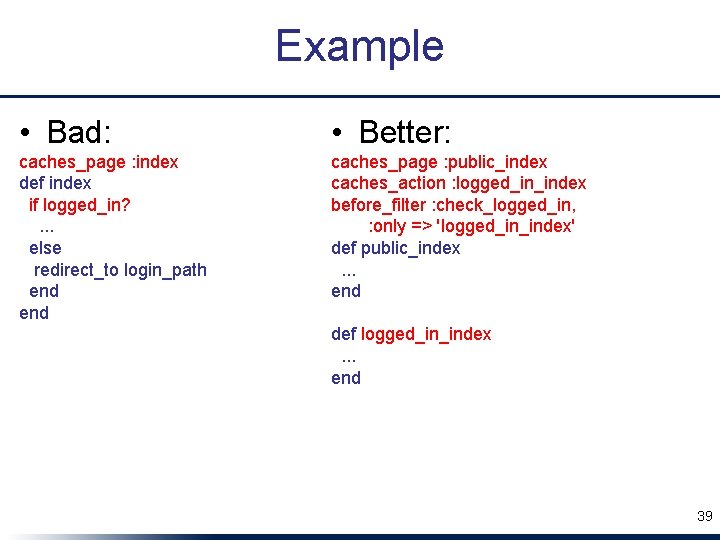
Example • Bad: • Better: caches_page : index def index if logged_in? . . . else redirect_to login_path end caches_page : public_index caches_action : logged_in_index before_filter : check_logged_in, : only => 'logged_in_index' def public_index. . . end def logged_in_index. . . end 39
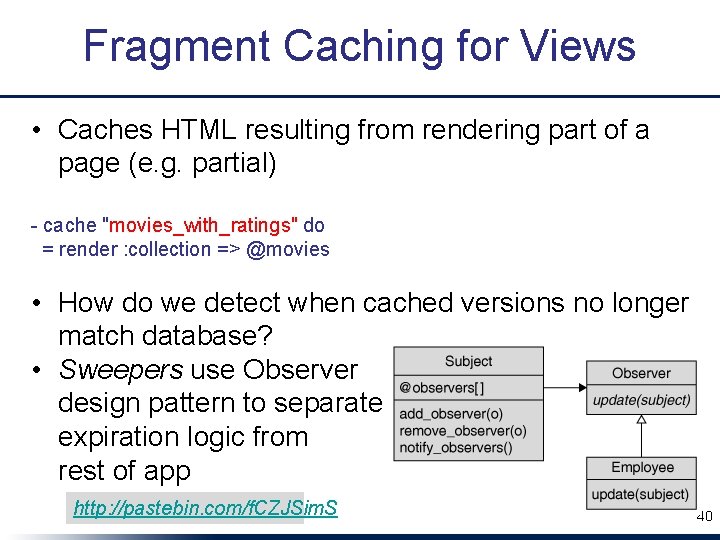
Fragment Caching for Views • Caches HTML resulting from rendering part of a page (e. g. partial) - cache "movies_with_ratings" do = render : collection => @movies • How do we detect when cached versions no longer match database? • Sweepers use Observer design pattern to separate expiration logic from rest of app http: //pastebin. com/f. CZJSim. S 40
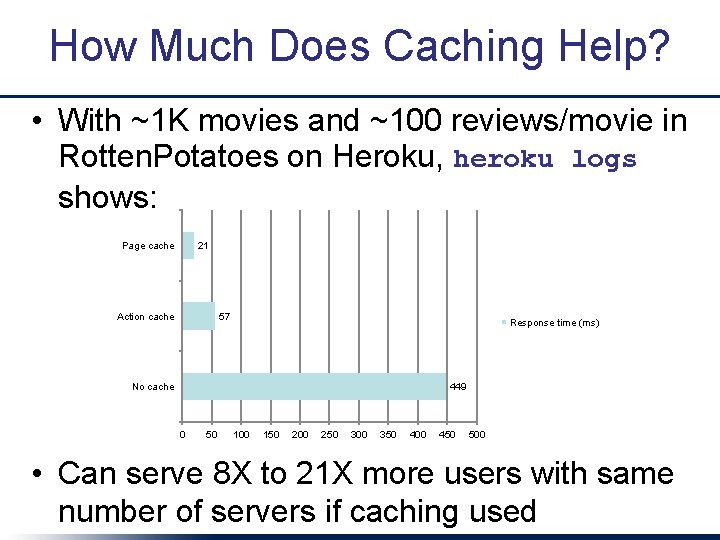
How Much Does Caching Help? • With ~1 K movies and ~100 reviews/movie in Rotten. Potatoes on Heroku, heroku logs shows: Page cache 21 Action cache 57 Response time (ms) No cache 449 0 50 100 150 200 250 300 350 400 450 500 • Can serve 8 X to 21 X more users with same number of servers if caching used
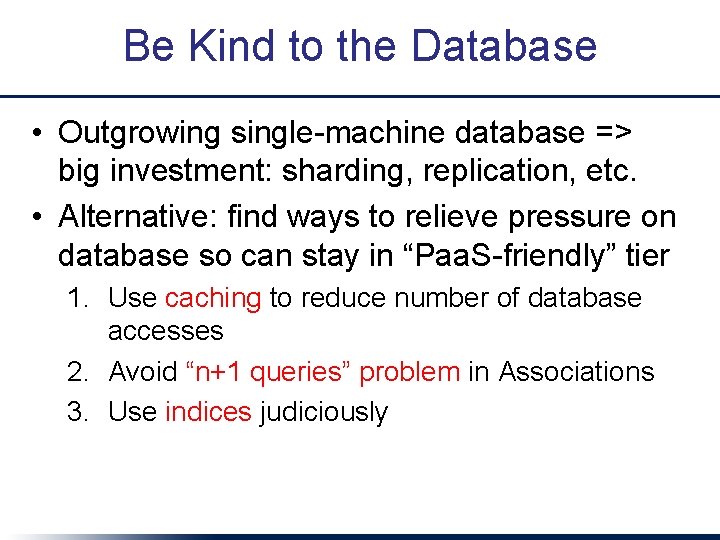
Be Kind to the Database • Outgrowing single-machine database => big investment: sharding, replication, etc. • Alternative: find ways to relieve pressure on database so can stay in “Paa. S-friendly” tier 1. Use caching to reduce number of database accesses 2. Avoid “n+1 queries” problem in Associations 3. Use indices judiciously
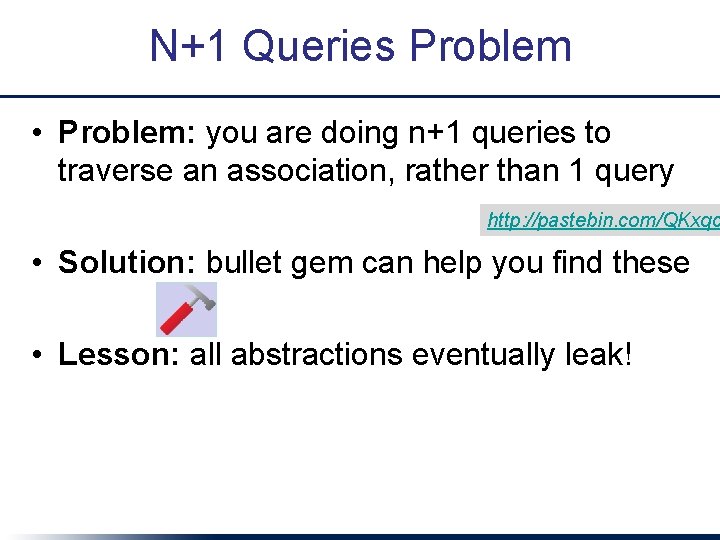
N+1 Queries Problem • Problem: you are doing n+1 queries to traverse an association, rather than 1 query http: //pastebin. com/QKxqc • Solution: bullet gem can help you find these • Lesson: all abstractions eventually leak!
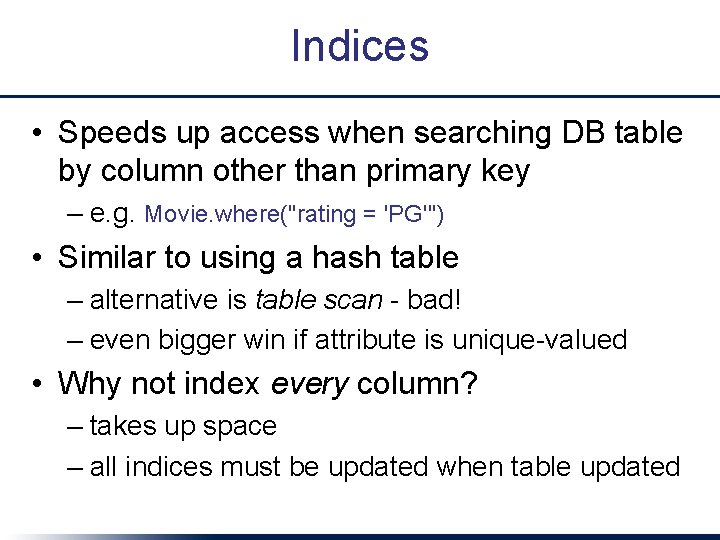
Indices • Speeds up access when searching DB table by column other than primary key – e. g. Movie. where("rating = 'PG'") • Similar to using a hash table – alternative is table scan - bad! – even bigger win if attribute is unique-valued • Why not index every column? – takes up space – all indices must be updated when table updated
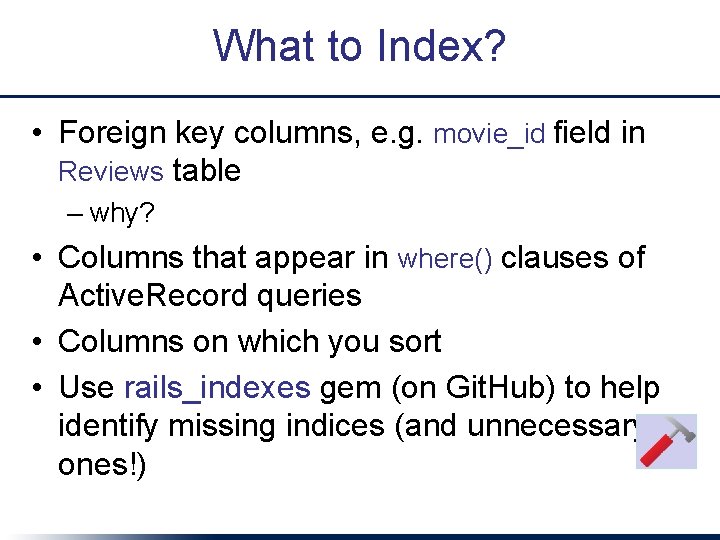
What to Index? • Foreign key columns, e. g. movie_id field in Reviews table – why? • Columns that appear in where() clauses of Active. Record queries • Columns on which you sort • Use rails_indexes gem (on Git. Hub) to help identify missing indices (and unnecessary ones!)
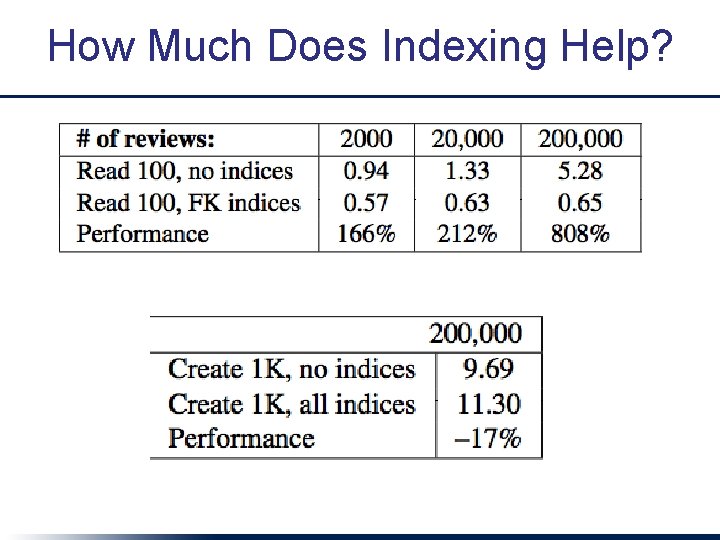
How Much Does Indexing Help?
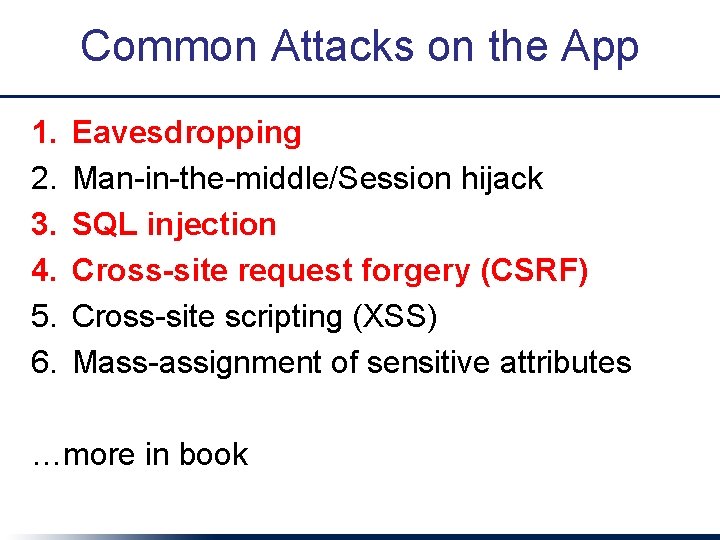
Common Attacks on the App 1. 2. 3. 4. 5. 6. Eavesdropping Man-in-the-middle/Session hijack SQL injection Cross-site request forgery (CSRF) Cross-site scripting (XSS) Mass-assignment of sensitive attributes …more in book
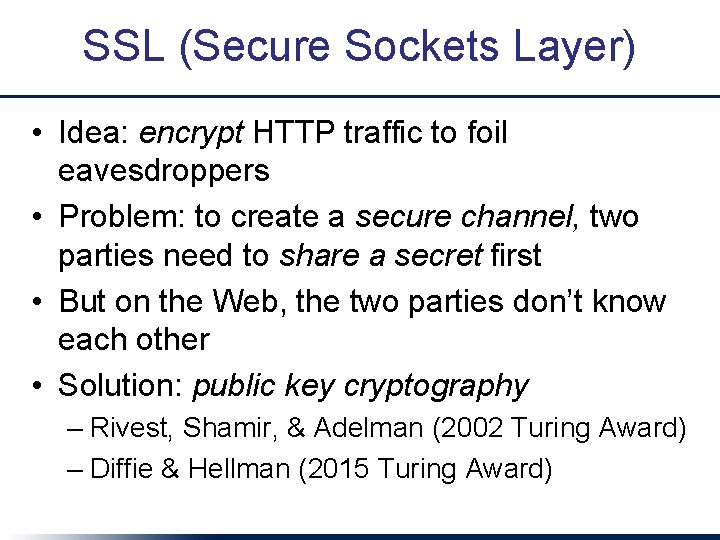
SSL (Secure Sockets Layer) • Idea: encrypt HTTP traffic to foil eavesdroppers • Problem: to create a secure channel, two parties need to share a secret first • But on the Web, the two parties don’t know each other • Solution: public key cryptography – Rivest, Shamir, & Adelman (2002 Turing Award) – Diffie & Hellman (2015 Turing Award)
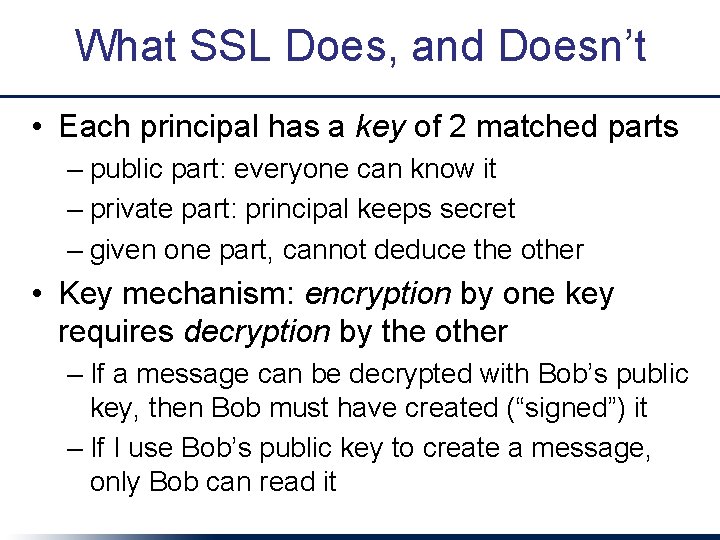
What SSL Does, and Doesn’t • Each principal has a key of 2 matched parts – public part: everyone can know it – private part: principal keeps secret – given one part, cannot deduce the other • Key mechanism: encryption by one key requires decryption by the other – If a message can be decrypted with Bob’s public key, then Bob must have created (“signed”) it – If I use Bob’s public key to create a message, only Bob can read it
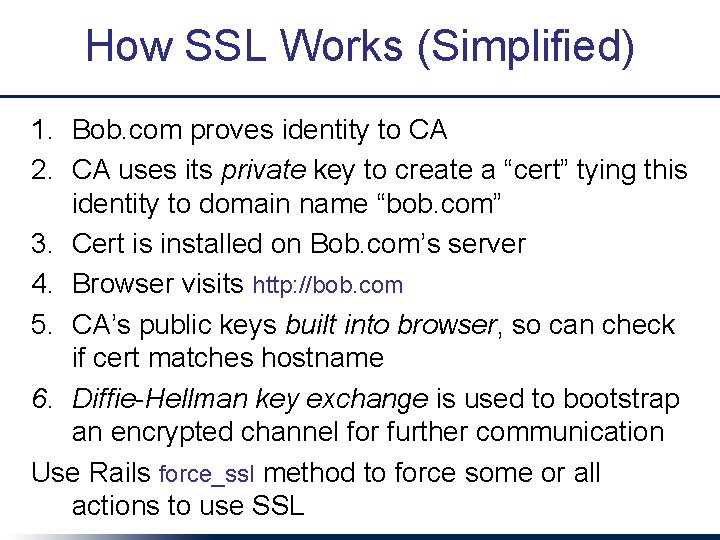
How SSL Works (Simplified) 1. Bob. com proves identity to CA 2. CA uses its private key to create a “cert” tying this identity to domain name “bob. com” 3. Cert is installed on Bob. com’s server 4. Browser visits http: //bob. com 5. CA’s public keys built into browser, so can check if cert matches hostname 6. Diffie-Hellman key exchange is used to bootstrap an encrypted channel for further communication Use Rails force_ssl method to force some or all actions to use SSL
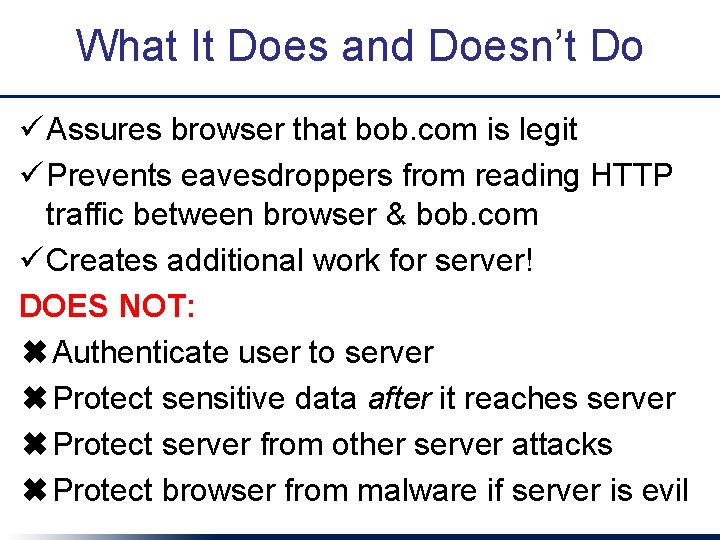
What It Does and Doesn’t Do ü Assures browser that bob. com is legit ü Prevents eavesdroppers from reading HTTP traffic between browser & bob. com ü Creates additional work for server! DOES NOT: ✖Authenticate user to server ✖Protect sensitive data after it reaches server ✖Protect server from other server attacks ✖Protect browser from malware if server is evil
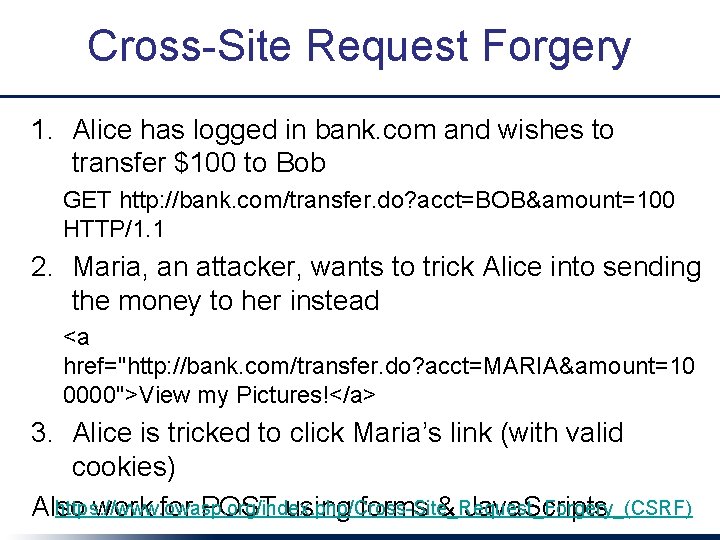
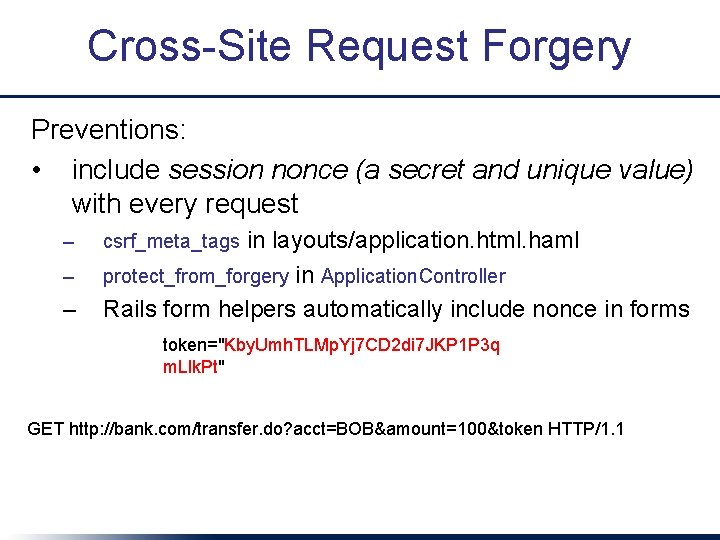
Cross-Site Request Forgery 1. Alice has logged in bank. com and wishes to transfer $100 to Bob GET http: //bank. com/transfer. do? acct=BOB&amount=100 HTTP/1. 1 2. Maria, an attacker, wants to trick Alice into sending the money to her instead <a href="http: //bank. com/transfer. do? acct=MARIA&amount=10 0000">View my Pictures!</a> 3. Alice is tricked to click Maria’s link (with valid cookies) https: //www. owasp. org/index. php/Cross-Site_Request_Forgery_(CSRF) Also work for POST using forms & Java. Scripts
Cross-Site Request Forgery Preventions: • include session nonce (a secret and unique value) with every request – – – in layouts/application. html. haml protect_from_forgery in Application. Controller Rails form helpers automatically include nonce in forms csrf_meta_tags token="Kby. Umh. TLMp. Yj 7 CD 2 di 7 JKP 1 P 3 q m. Llk. Pt" GET http: //bank. com/transfer. do? acct=BOB&amount=100&token HTTP/1. 1
SQL Injection • View: = text_field_tag 'name' • App: Moviegoer. where("name='#{params[: name]}'") • Evil user fills in: BOB'); DROP TABLE moviegoers; - • Executes this SQL query: SELECT * FROM moviegoers WHERE (name='BOB'); DROP TABLE moviegoers; --' • Solution: Moviegoer. where("name=? ", params[: name]) xkcd. com/3
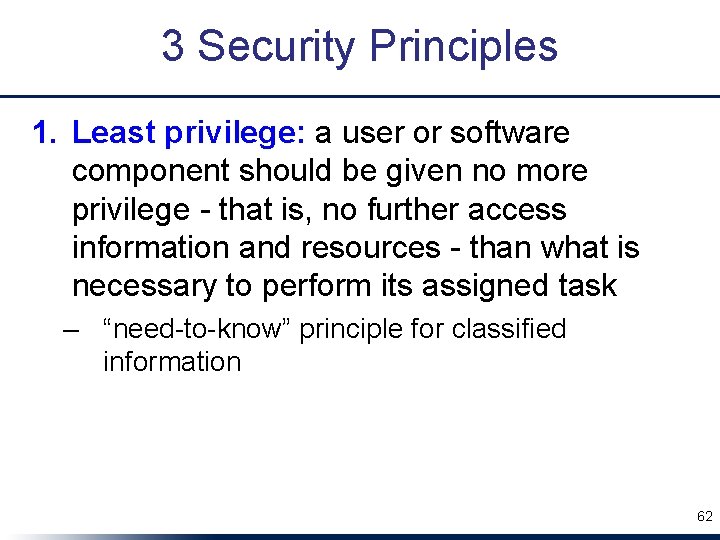
3 Security Principles 1. Least privilege: a user or software component should be given no more privilege - that is, no further access information and resources - than what is necessary to perform its assigned task – “need-to-know” principle for classified information 62
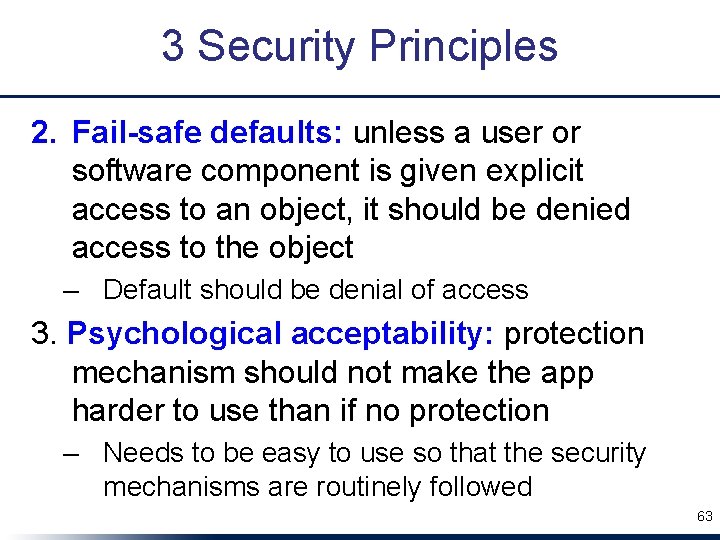
3 Security Principles 2. Fail-safe defaults: unless a user or software component is given explicit access to an object, it should be denied access to the object – Default should be denial of access 3. Psychological acceptability: protection mechanism should not make the app harder to use than if no protection – Needs to be easy to use so that the security mechanisms are routinely followed 63
Fallacies, Pitfalls & Concluding Remarks
Optimizing Prematurely or Without Measurements • Speed is a feature that users expect – 99%ile (e. g. ), not “average” • Horizontal scaling >> per-machine performance, but lots of ways things can slow down • Monitoring is your friend: measure twice, cut once • See “Scaling Rails Screencasts” on Youtube 65
“Mine is a 3 -Tier App on Cloud Computing, So It Will Scale” • Database is particularly hard to scale – Even if you do, still want to get “expensive” operations out of the way of your SLO • One help: cache at many levels – Whole page, fragment, query – Cache expiration is a crosscutting concern – Rails support for crosscutting concerns allows you to specify it declaratively • Use Paa. S for as long as you can 66
“My Small Site Isn’t a Target” • Hackers may be after your users, not your data • Like performance, security is a crosscutting concern - hard to add after the fact • Stay current with best practices and tools – you’re unlikely to do better by rolling your own • Prepare for catastrophe: keep regular backups of site and database