
Operational Reviews Surviving an External Records Program Inspection

- Slides: 15
Operational Reviews Surviving an External Records Program Inspection Presented to the Digital Government Institute March 17, 2011
Agenda Records Program Before the Inspection Agency Scope During the Inspection Background After the Inspection Way Ahead Scope and Purview OSD and WHS in Context Inspection Notification Focus Five Steps to Prepare Lessons Learned Immediate & Long-term Outcomes Looking to the Future 2
Washington Headquarters Services (WHS)/Office of the Secretary of Defense (OSD) Records Administrator • • Supports the Secretary of Defense, Defense Agencies and Do. D Field Activities Records program covers: o o • • • 5 Under Secretary of Defense (USD) Offices 14 Assistant Secretary of Defense (ASD) Offices 8 Directorates 23 Field Activities and Agencies Records types range from correspondence to congressional inquires/reports, research and scientific case files and FACA Committees Oversight and Assessment of OSD Components Management of OSD’s Executive Archives 3
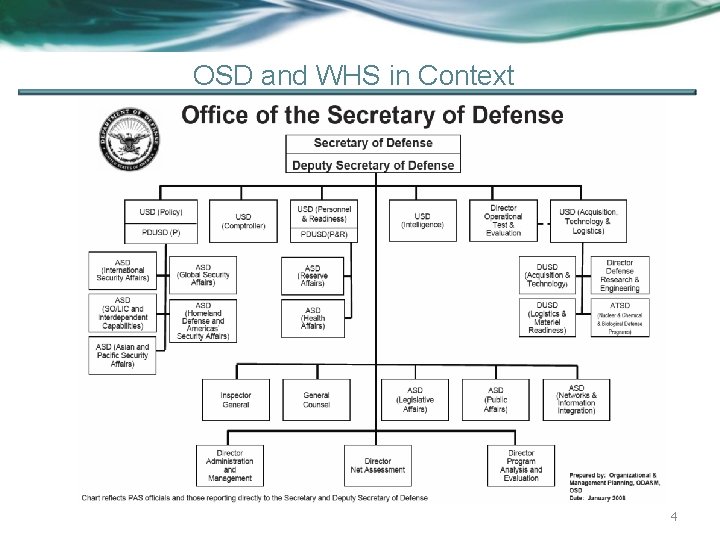
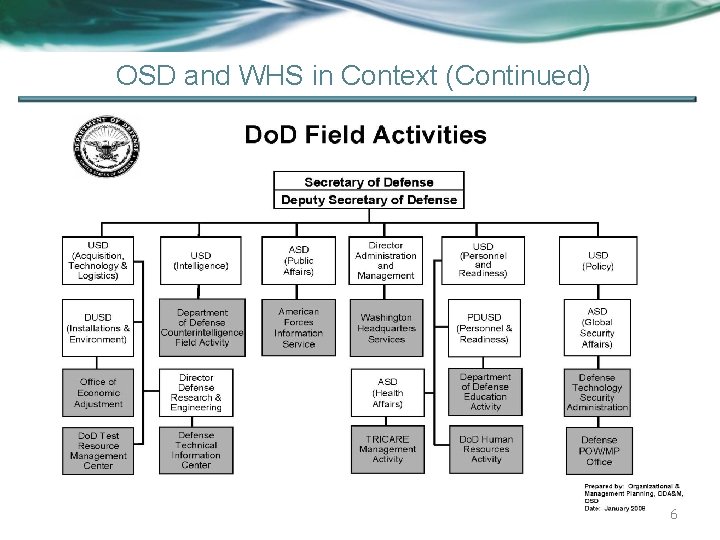
OSD and WHS in Context 4
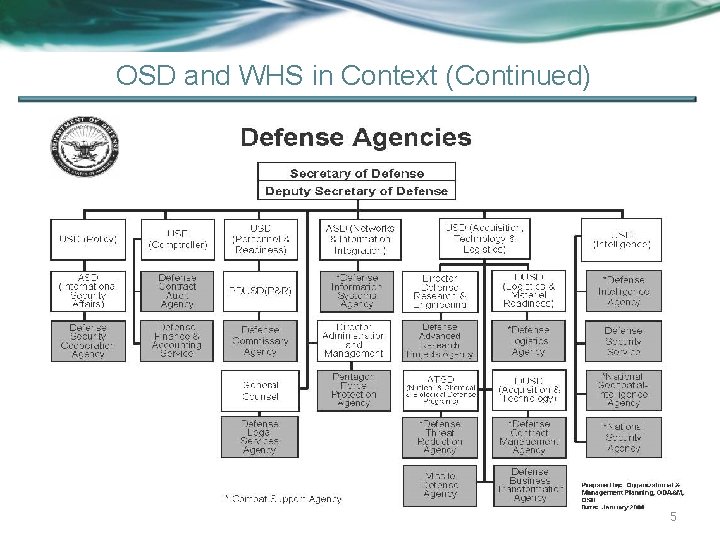
OSD and WHS in Context (Continued) 5
OSD and WHS in Context (Continued) 6
Inspection Background • Early 2010 NARA informally notified the Washington Headquarters Services (WHS) Records Management and Declassification Division (R&DD) of the upcoming inspection of the Office of the Secretary of Defense (OSD) • April 2010 the Secretary of Defense received formal notification from NARA of the inspection • OSD notified the offices identified on the inspection list of the NARA inspection o o o Office of the Under Secretary of Defense for Intelligence (OUSD(I)) OSD Chief Information Office for Enterprise Vault (E-Vault) RDD for the OSD Executive Archive 7
OSD Executive Archives (OSD EA) • Consolidated electronic archive of PSA-level documents that record the accomplishments each administration o o Documents key issues or conflicts of the OSD; includes 9 -11, Coalition Provisional Authority, special studies, task forces, and personal files collections – including former Secretaries, Deputy Secretaries and Under Secretaries Contents approved by the heads of the OSD Components and/or the OSD Records Administrator, in any media or format OSD EA enables authorized users access to top level documents of Sec. Def/Dep. Sec. Def and the heads of OSD Components. Used to respond to FOIA, Litigation, Congressional requests, and historical research 8
Inspection Focus OUSD(I) • • • Traditional Recordkeeping Practices OUSD(I) Records Management Structure Review records since relatively new office WHS R&DD OSD CIO • • • Archiving of emails via E-vault Archiving of shared drive files via File Vault Records Management Considerations • Scanned Records Retired to WNRC – Scanning process – Selection of records for scanning • Records within OSD Executive Archive 9
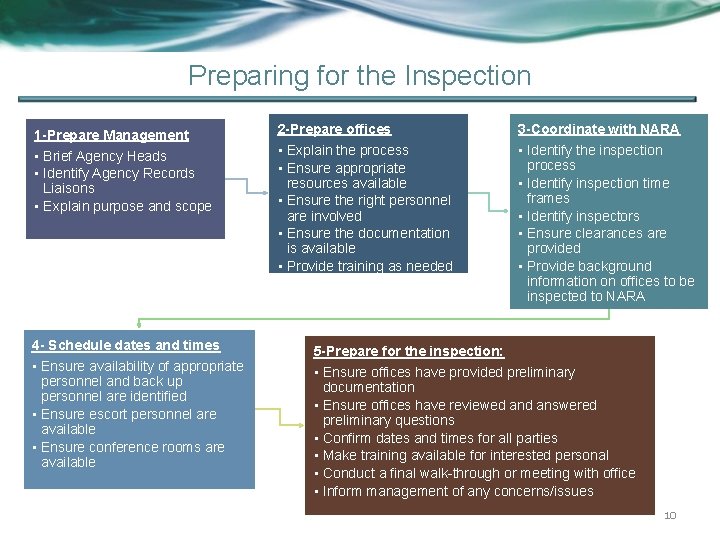
Preparing for the Inspection 1 -Prepare Management • Brief Agency Heads • Identify Agency Records Liaisons • Explain purpose and scope 4 - Schedule dates and times • Ensure availability of appropriate personnel and back up personnel are identified • Ensure escort personnel are available • Ensure conference rooms are available 2 -Prepare offices 3 -Coordinate with NARA • Explain the process • Ensure appropriate resources available • Ensure the right personnel are involved • Ensure the documentation is available • Provide training as needed • Identify the inspection process • Identify inspection time frames • Identify inspectors • Ensure clearances are provided • Provide background information on offices to be inspected to NARA 5 -Prepare for the inspection: • Ensure offices have provided preliminary documentation • Ensure offices have reviewed answered preliminary questions • Confirm dates and times for all parties • Make training available for interested personal • Conduct a final walk-through or meeting with office • Inform management of any concerns/issues 10
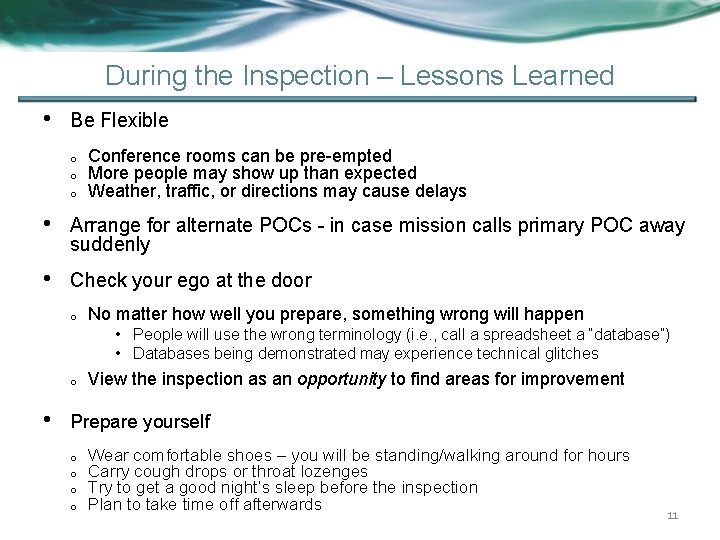
During the Inspection – Lessons Learned • Be Flexible o o o Conference rooms can be pre-empted More people may show up than expected Weather, traffic, or directions may cause delays • Arrange for alternate POCs - in case mission calls primary POC away suddenly • Check your ego at the door o No matter how well you prepare, something wrong will happen • People will use the wrong terminology (i. e. , call a spreadsheet a “database”) • Databases being demonstrated may experience technical glitches o • View the inspection as an opportunity to find areas for improvement Prepare yourself o o Wear comfortable shoes – you will be standing/walking around for hours Carry cough drops or throat lozenges Try to get a good night’s sleep before the inspection Plan to take time off afterwards 11
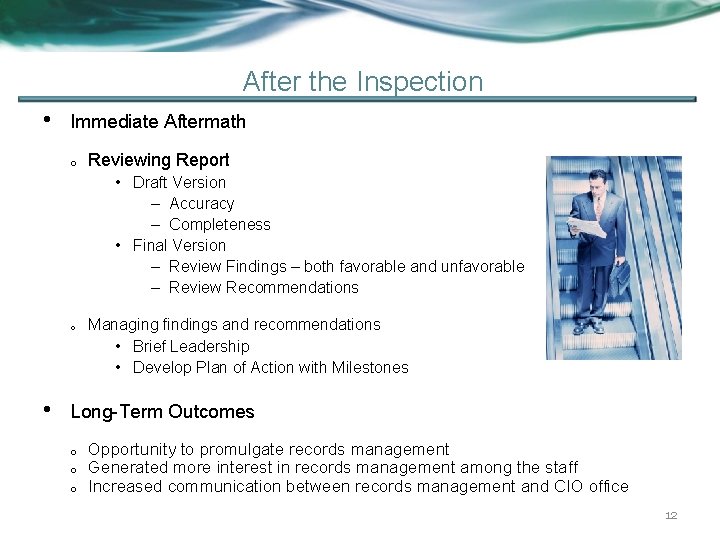
After the Inspection • Immediate Aftermath o Reviewing Report • Draft Version – Accuracy – Completeness • Final Version – Review Findings – both favorable and unfavorable – Review Recommendations o • Managing findings and recommendations • Brief Leadership • Develop Plan of Action with Milestones Long-Term Outcomes o o o Opportunity to promulgate records management Generated more interest in records management among the staff Increased communication between records management and CIO office 12
Looking Ahead • Review your Records Program holistically o o • How can you leverage the findings and recommendations across the enterprise? What policies or procedures need to be enacted or amended? What training courses need to be added or updated? What other outreach activities need to be implemented? Develop a To Be model for the future o o How does the Agency get to the To Be? What are the milestones and Timeline? 13
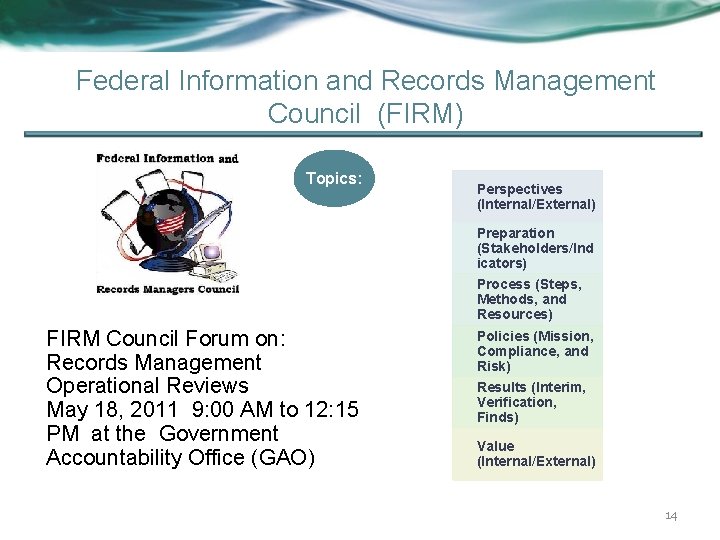
Federal Information and Records Management Council (FIRM) Topics: Perspectives (Internal/External) Preparation (Stakeholders/Ind icators) Process (Steps, Methods, and Resources) FIRM Council Forum on: Records Management Operational Reviews May 18, 2011 9: 00 AM to 12: 15 PM at the Government Accountability Office (GAO) Policies (Mission, Compliance, and Risk) Results (Interim, Verification, Finds) Value (Internal/External) 14
Contact Information Robert Storer OSD Records Administrator Records. Declassification @whs. mil Luz Ortiz OSD Records Manager Records. Declassification @whs. mil 15