
Operating Systems ITEC 1000 Introduction to Information Technologies


- Slides: 54
Operating Systems ITEC 1000 Introduction to Information Technologies
Introduction • OS goals: – Control/manage the hw – Offer the user and programs access to specific services • OS expands computer capabilities – Support for multiple programs, users – Connect to other computers • Many types of Oses • Most complex and dynamic computer component ITEC 1000 Introduction to Information Technologies
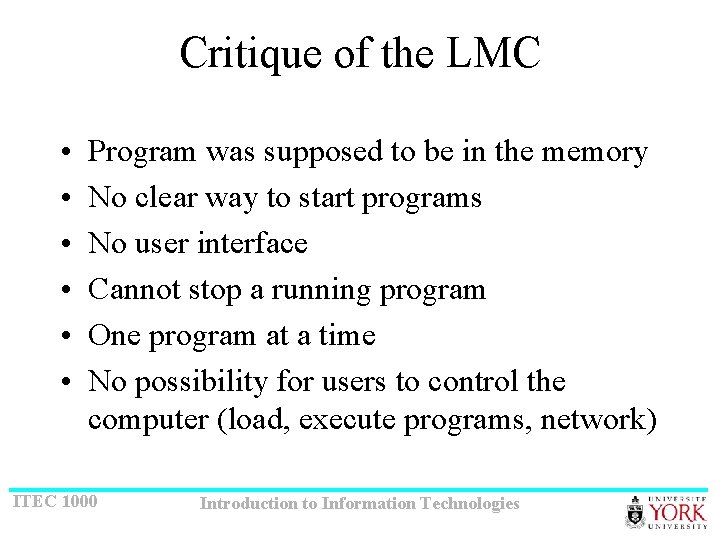
Critique of the LMC • • • Program was supposed to be in the memory No clear way to start programs No user interface Cannot stop a running program One program at a time No possibility for users to control the computer (load, execute programs, network) ITEC 1000 Introduction to Information Technologies
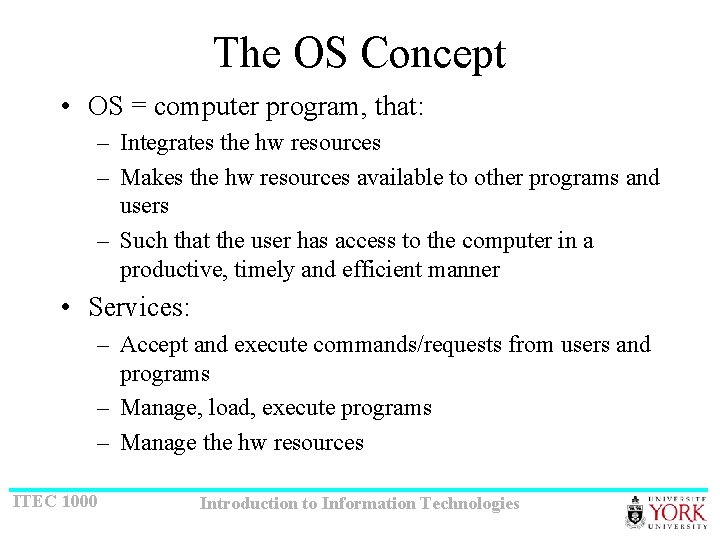
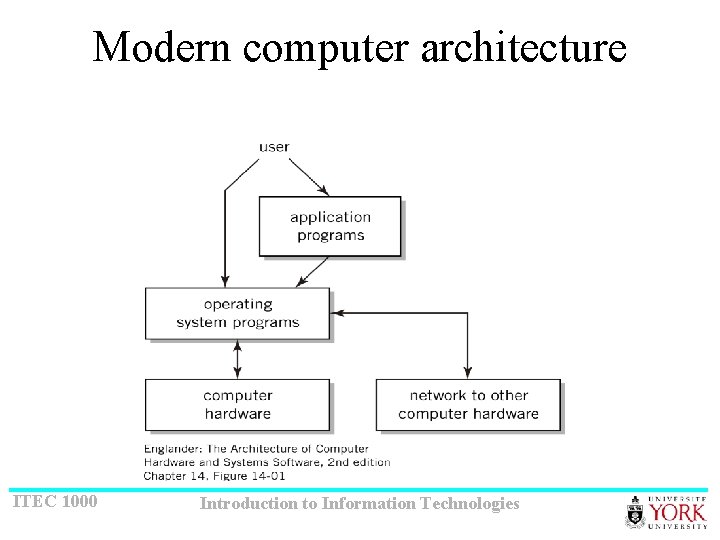
The OS Concept • OS = computer program, that: – Integrates the hw resources – Makes the hw resources available to other programs and users – Such that the user has access to the computer in a productive, timely and efficient manner • Services: – Accept and execute commands/requests from users and programs – Manage, load, execute programs – Manage the hw resources ITEC 1000 Introduction to Information Technologies
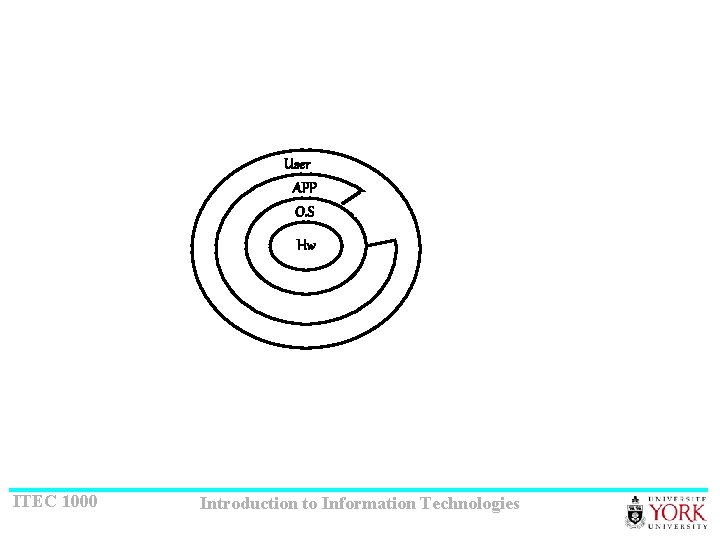
User APP O. S Hw ITEC 1000 Introduction to Information Technologies
Modern computer architecture ITEC 1000 Introduction to Information Technologies
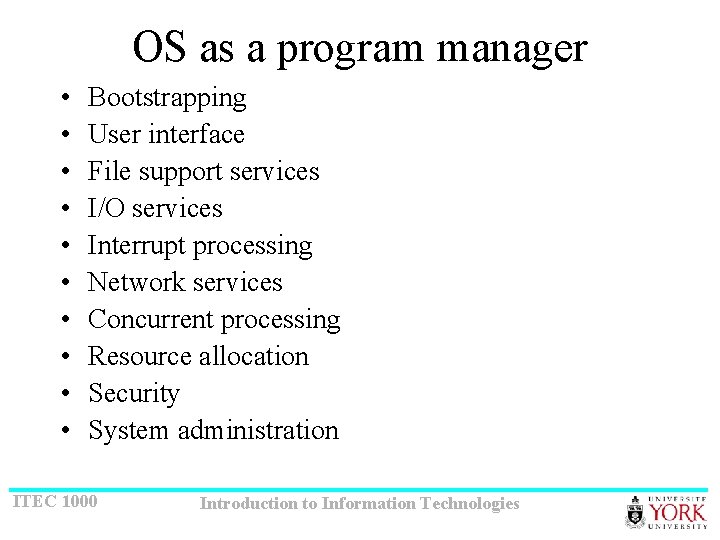
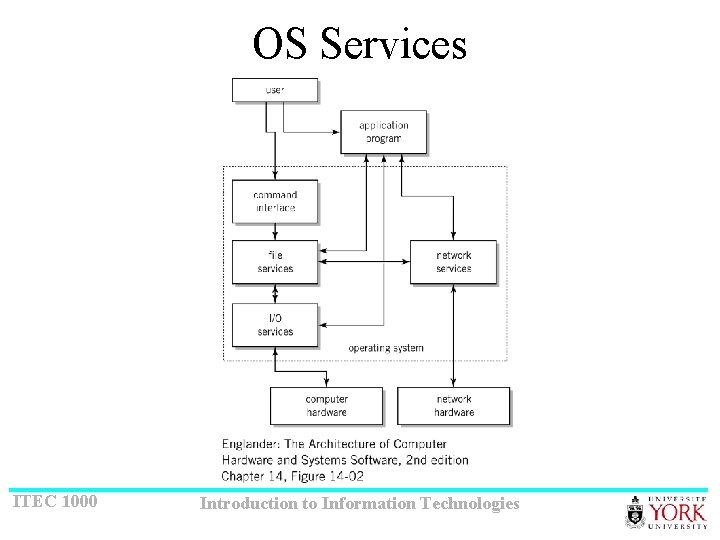
OS as a program manager • • • Bootstrapping User interface File support services I/O services Interrupt processing Network services Concurrent processing Resource allocation Security System administration ITEC 1000 Introduction to Information Technologies
OS Services ITEC 1000 Introduction to Information Technologies
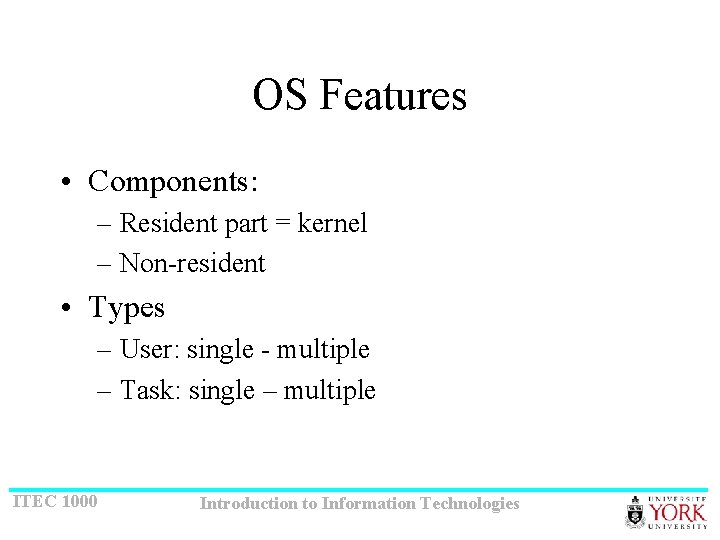
OS Features • Components: – Resident part = kernel – Non-resident • Types – User: single - multiple – Task: single – multiple ITEC 1000 Introduction to Information Technologies
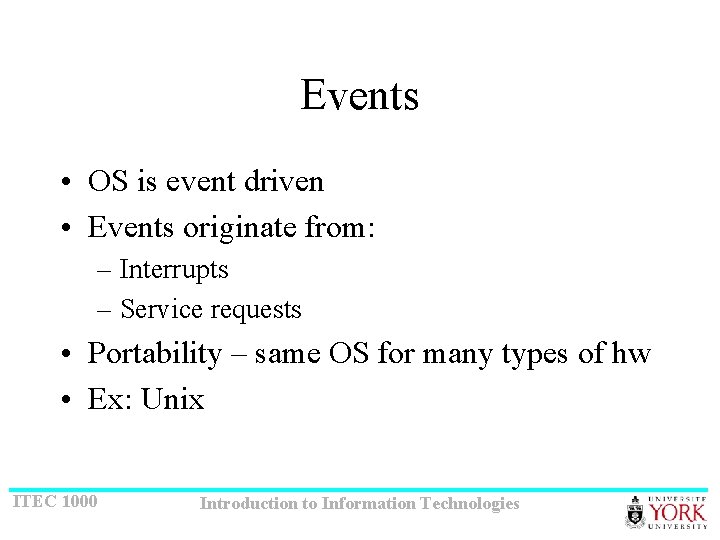
Events • OS is event driven • Events originate from: – Interrupts – Service requests • Portability – same OS for many types of hw • Ex: Unix ITEC 1000 Introduction to Information Technologies
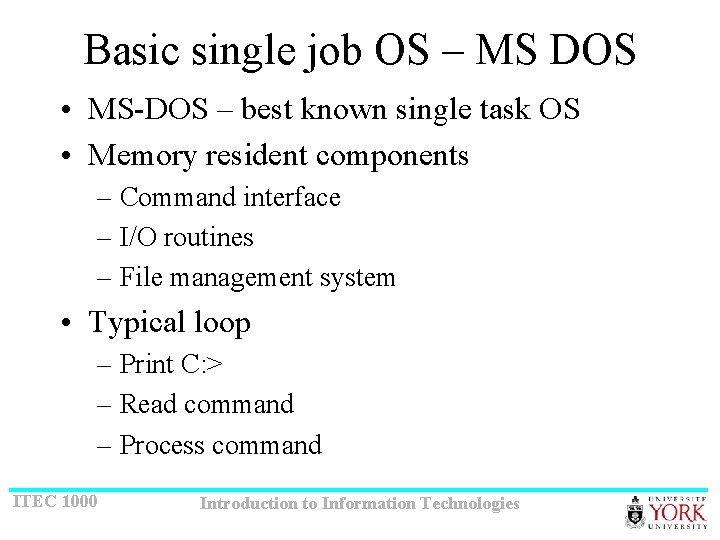
Basic single job OS – MS DOS • MS-DOS – best known single task OS • Memory resident components – Command interface – I/O routines – File management system • Typical loop – Print C: > – Read command – Process command ITEC 1000 Introduction to Information Technologies
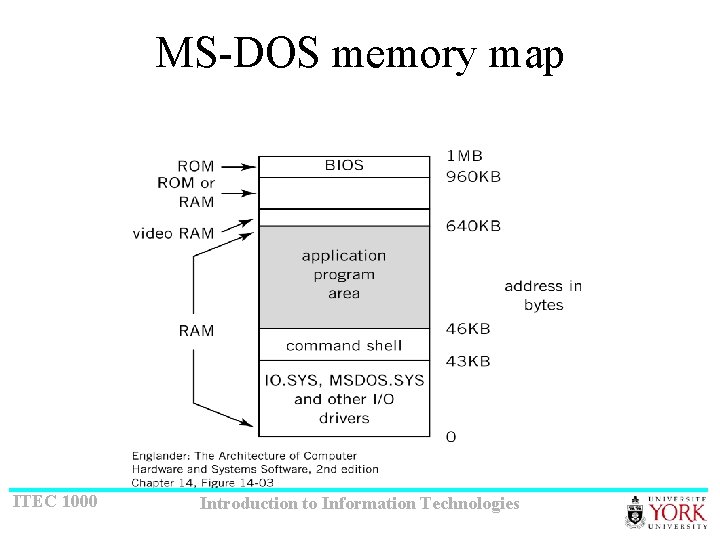
MS-DOS memory map ITEC 1000 Introduction to Information Technologies
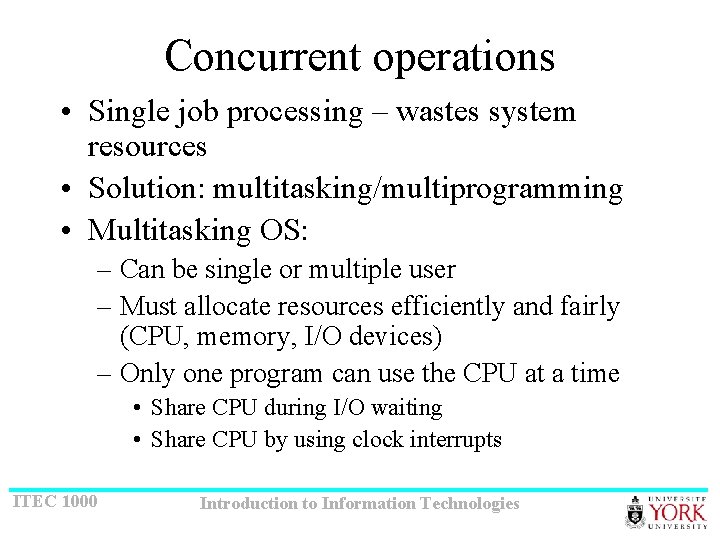
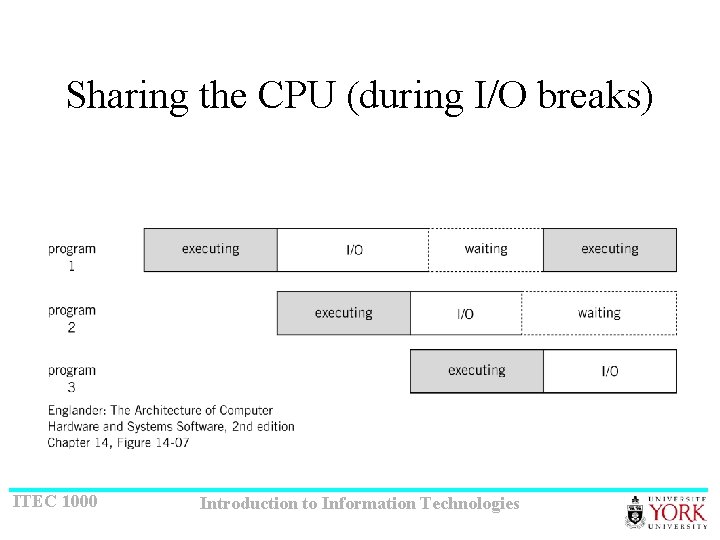
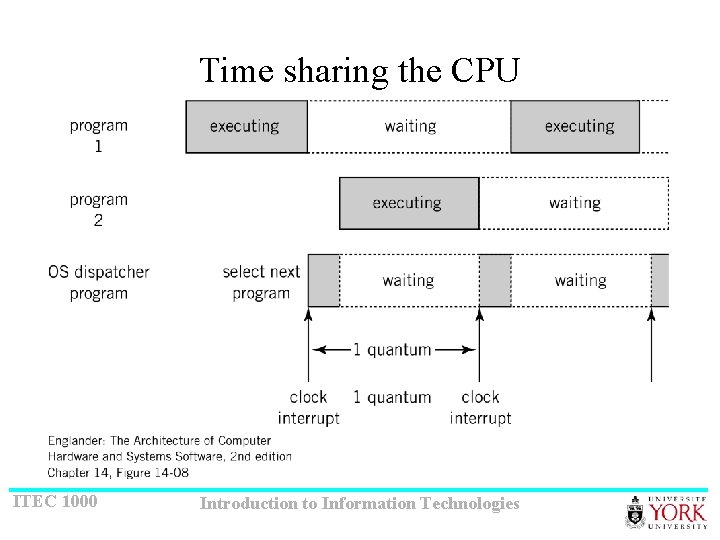
Concurrent operations • Single job processing – wastes system resources • Solution: multitasking/multiprogramming • Multitasking OS: – Can be single or multiple user – Must allocate resources efficiently and fairly (CPU, memory, I/O devices) – Only one program can use the CPU at a time • Share CPU during I/O waiting • Share CPU by using clock interrupts ITEC 1000 Introduction to Information Technologies
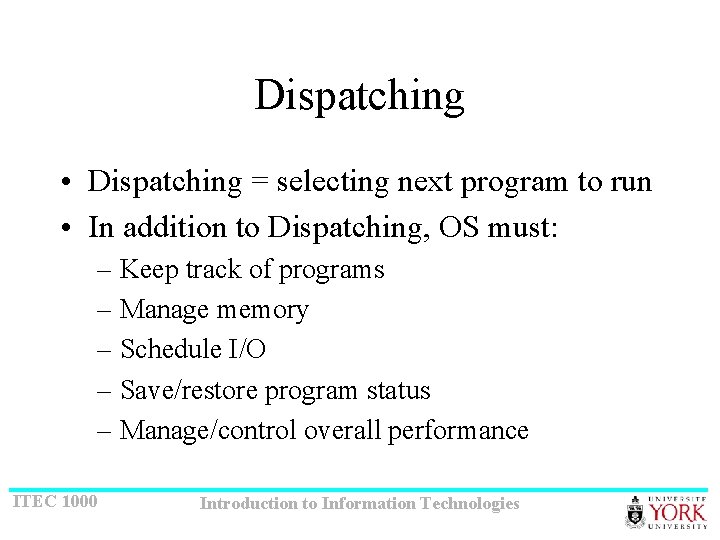
Dispatching • Dispatching = selecting next program to run • In addition to Dispatching, OS must: – Keep track of programs – Manage memory – Schedule I/O – Save/restore program status – Manage/control overall performance ITEC 1000 Introduction to Information Technologies
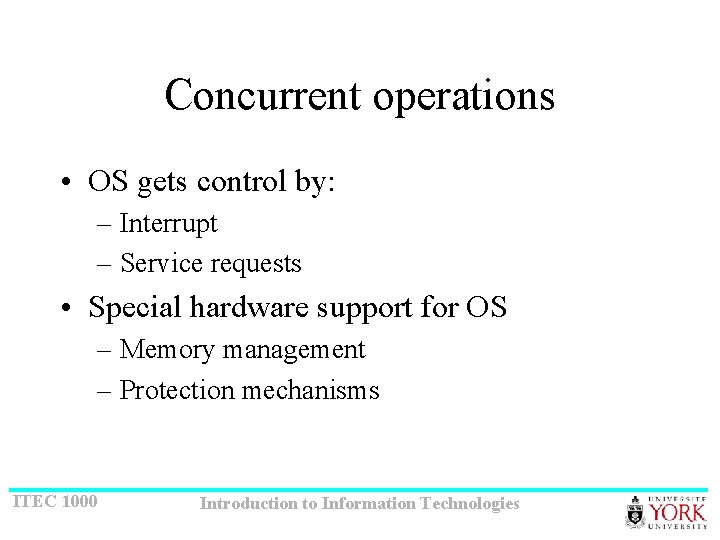
Concurrent operations • OS gets control by: – Interrupt – Service requests • Special hardware support for OS – Memory management – Protection mechanisms ITEC 1000 Introduction to Information Technologies
Sharing the CPU (during I/O breaks) ITEC 1000 Introduction to Information Technologies
Time sharing the CPU ITEC 1000 Introduction to Information Technologies
Services and facilities • Monitor/supervisor – handles competing requests ITEC 1000 Introduction to Information Technologies
User interface (1/10) • • Most visible to users Some consider it separated from the OS Types: GUI and CLI Most often used commands: file operations, program loading and execution • Commands: built in directly (resident) and non-resident • Scripts: JCL, BAT, shell scripts ITEC 1000 Introduction to Information Technologies
File management (2/10) • File: collection of related data – Logical unit of storage – Has also a physical representation/location • File manipulation: – Independent of the device – Based on directories and file names • Functionality: – Keep directory structure, offer tools for manipulating them – Tools for manipulating files – Information about files – security ITEC 1000 Introduction to Information Technologies
I/O Services (3/10) • Interrupt handlers = device drivers • Types of device drivers: in memory, on disk • Installing device drivers: – Automatic (MAC) – Plug-and-play (Windows) • 7 and 8 not that much. ITEC 1000 Introduction to Information Technologies
Process control management • Every program is treated as a process • Inter-process messaging services • Functionality: – Keep track of processes – Coordinate messaging, synchronization • Smaller units: threads ITEC 1000 Introduction to Information Technologies
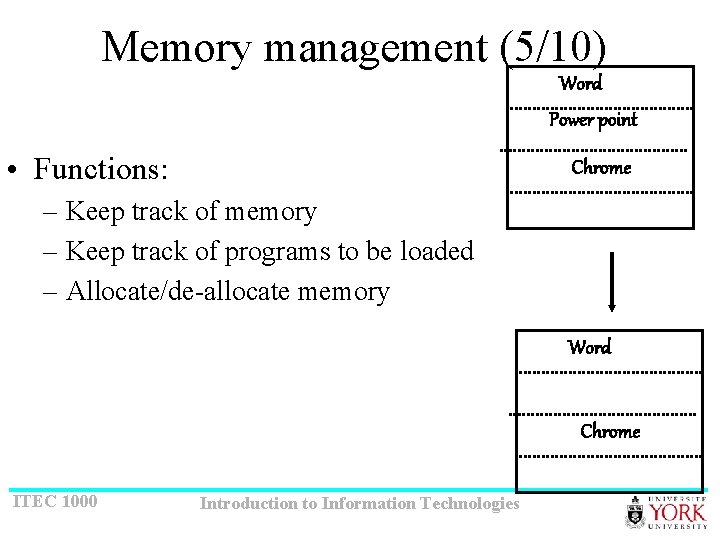
Memory management (5/10) Word Power point • Functions: Chrome – Keep track of memory – Keep track of programs to be loaded – Allocate/de-allocate memory Word Chrome ITEC 1000 Introduction to Information Technologies
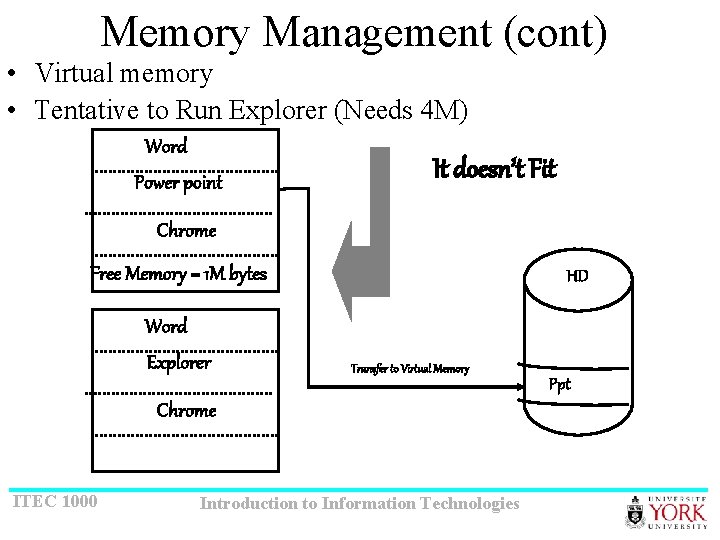
Memory Management (cont) • Virtual memory • Tentative to Run Explorer (Needs 4 M) Word Power point It doesn’t Fit Chrome Free Memory = 1 M bytes Word Explorer HD Transfer to Virtual Memory Chrome ITEC 1000 Introduction to Information Technologies Ppt
Scheduling (6/10) • Levels: – High: which jobs to be scheduled and in what order – Low: dispatching: select next job to use the CPU • Types of processes: CPU bound and I/O bound • Context switching • Types of dispatching – Preemptive: use the clock interrupts – Non-preemptive: only if blocked by I/O or gives control ITEC 1000 Introduction to Information Technologies
Secondary storage management (7/10) • Functions: – optimizes I/O (concurrent) – Reorder requests for efficient disk usage ITEC 1000 Introduction to Information Technologies
Security (8/10) • Protect users and programs • Users: privileges, protection • Programs: memory access, system services access ITEC 1000 Introduction to Information Technologies
Network services (9/10) • Networking facilities ITEC 1000 Introduction to Information Technologies
System Administration (10/10) • Functions: – – – – ITEC 1000 System configuration User management Security monitoring Backups Mounting/un-mounting file systems Upgrade, install new software Recover lost data Statistical information Introduction to Information Technologies
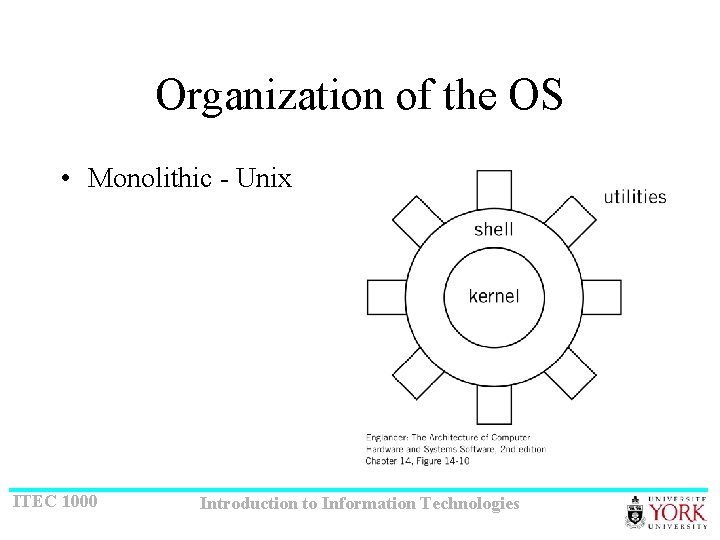
Organization of the OS • Monolithic - Unix ITEC 1000 Introduction to Information Technologies
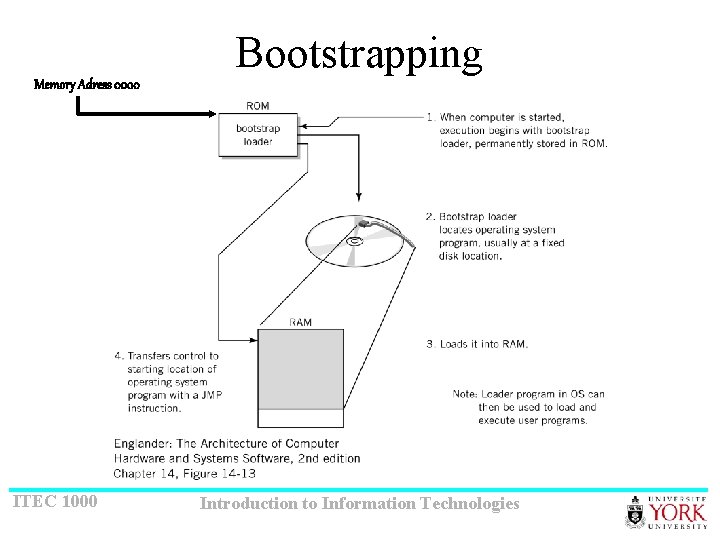
Bootstrapping Memory Adress 0000 ITEC 1000 Introduction to Information Technologies
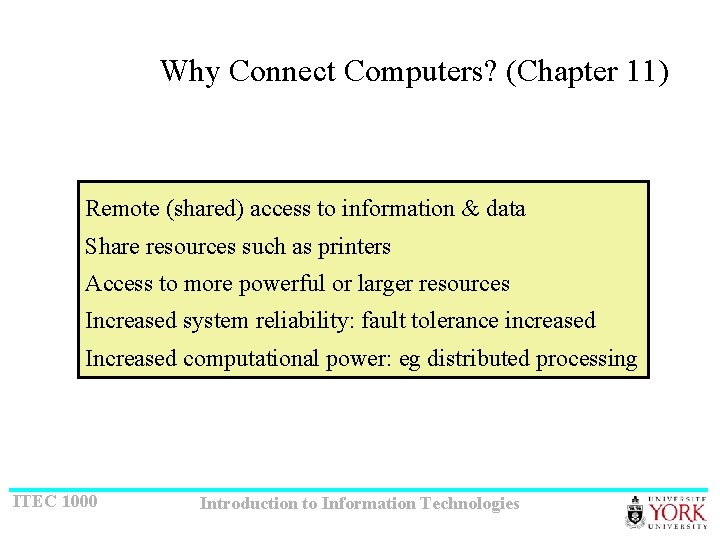
Why Connect Computers? (Chapter 11) Remote (shared) access to information & data Share resources such as printers Access to more powerful or larger resources Increased system reliability: fault tolerance increased Increased computational power: eg distributed processing ITEC 1000 Introduction to Information Technologies
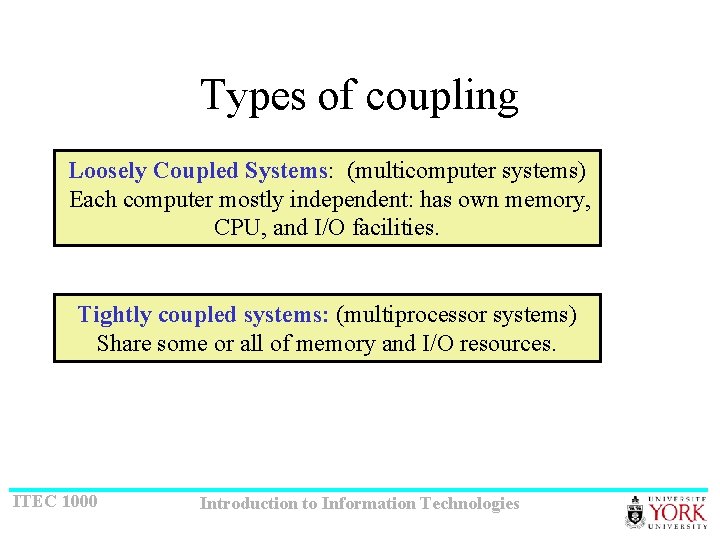
Types of coupling Loosely Coupled Systems: (multicomputer systems) Each computer mostly independent: has own memory, CPU, and I/O facilities. Tightly coupled systems: (multiprocessor systems) Share some or all of memory and I/O resources. ITEC 1000 Introduction to Information Technologies
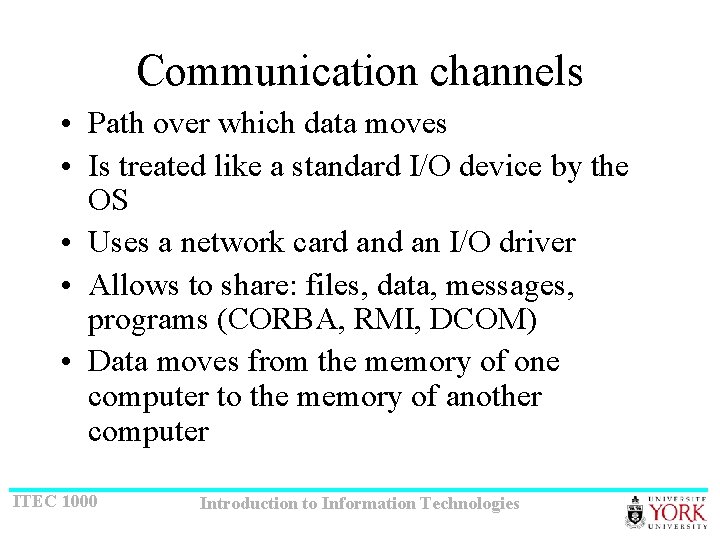
Communication channels • Path over which data moves • Is treated like a standard I/O device by the OS • Uses a network card an I/O driver • Allows to share: files, data, messages, programs (CORBA, RMI, DCOM) • Data moves from the memory of one computer to the memory of another computer ITEC 1000 Introduction to Information Technologies
Configurations for loosely connected computers • Direct transmission (point-to-point) (p 2 p) – Ex: modems and phone lines – Ex: serial I/O ports – Ex: AOL and other dial-up systems • Shared communication – Multipoint/multidrop channel – LAN ITEC 1000 Introduction to Information Technologies
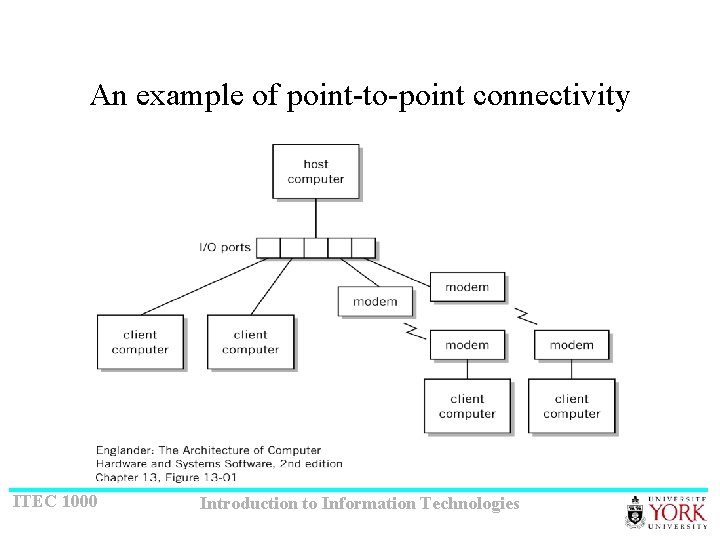
An example of point-to-point connectivity ITEC 1000 Introduction to Information Technologies
Communication terminology • Characteristics: speed, medium/cable, rules/protocol • Communication standards • Network topology: the way computers are interconnected • Client-server: – Server (who): provide services (what) – Client: use the server to gain access to services ITEC 1000 Introduction to Information Technologies
Requirements • CPU < - - - > network : treated as I/O • Data/programs to be sent over the network must be stored (at both ends) in the memory • Common format/standard/protocol for transmission ITEC 1000 Introduction to Information Technologies
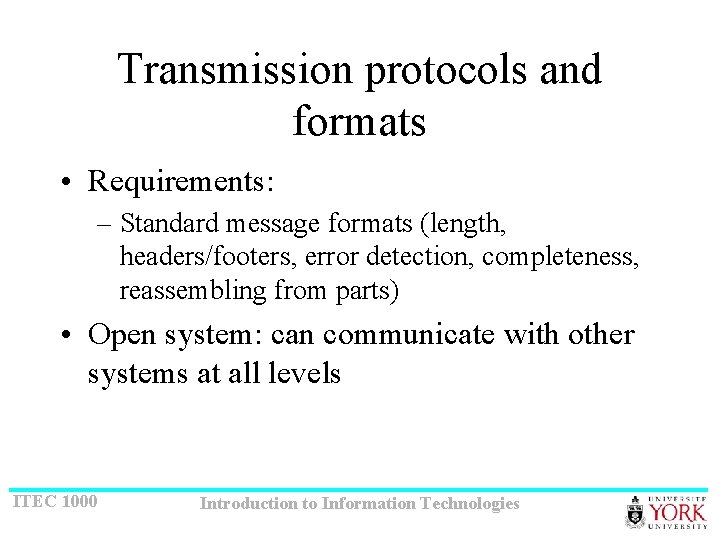
Transmission protocols and formats • Requirements: – Standard message formats (length, headers/footers, error detection, completeness, reassembling from parts) • Open system: can communicate with other systems at all levels ITEC 1000 Introduction to Information Technologies
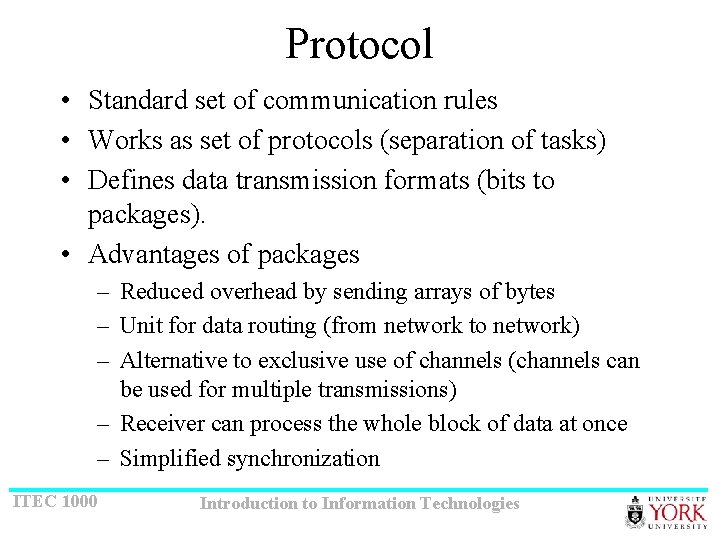
Protocol • Standard set of communication rules • Works as set of protocols (separation of tasks) • Defines data transmission formats (bits to packages). • Advantages of packages – Reduced overhead by sending arrays of bytes – Unit for data routing (from network to network) – Alternative to exclusive use of channels (channels can be used for multiple transmissions) – Receiver can process the whole block of data at once – Simplified synchronization ITEC 1000 Introduction to Information Technologies
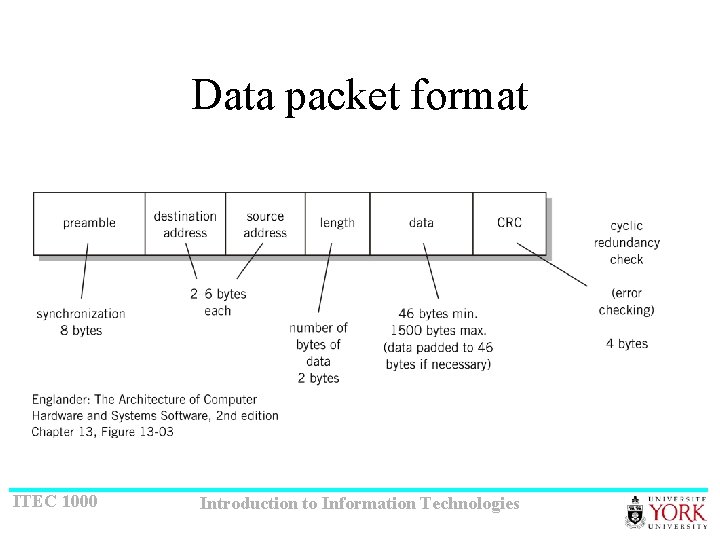
Data packet format ITEC 1000 Introduction to Information Technologies
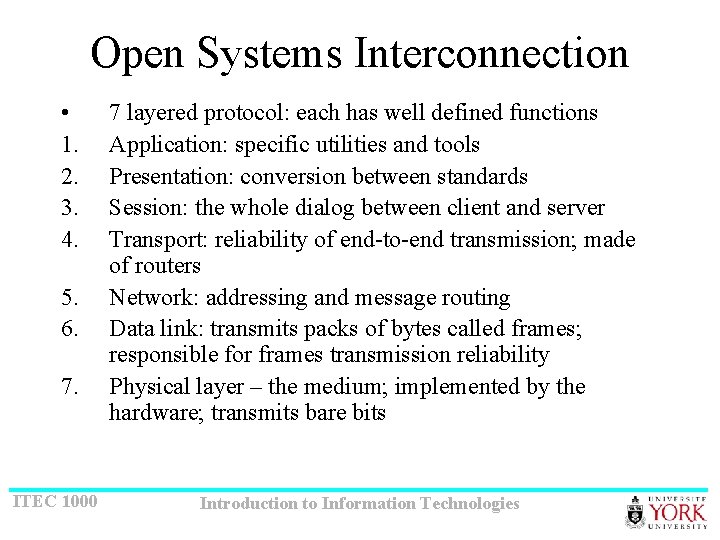
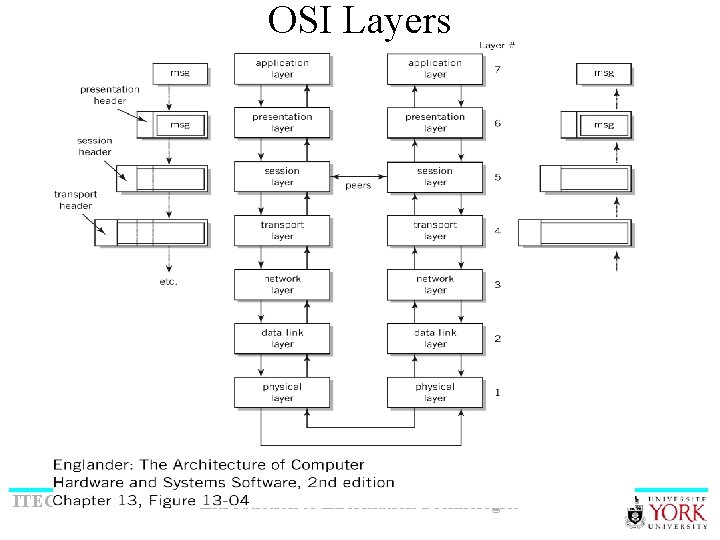
Open Systems Interconnection • 1. 2. 3. 4. 5. 6. 7. ITEC 1000 7 layered protocol: each has well defined functions Application: specific utilities and tools Presentation: conversion between standards Session: the whole dialog between client and server Transport: reliability of end-to-end transmission; made of routers Network: addressing and message routing Data link: transmits packs of bytes called frames; responsible for frames transmission reliability Physical layer – the medium; implemented by the hardware; transmits bare bits Introduction to Information Technologies
OSI Layers ITEC 1000 Introduction to Information Technologies
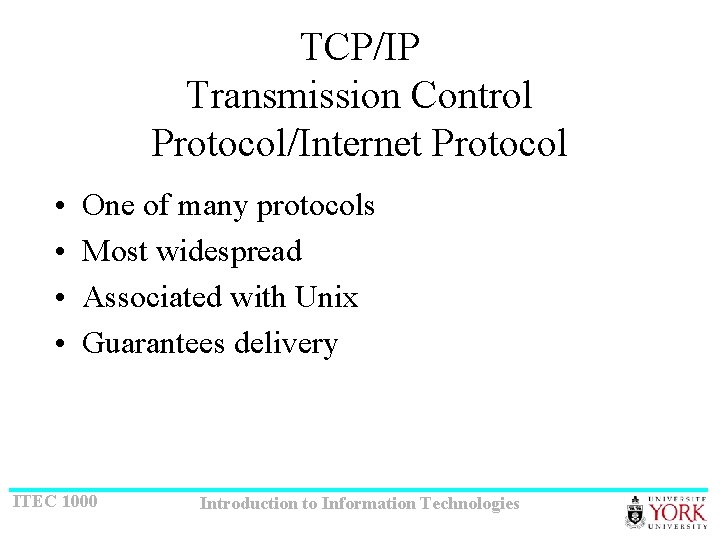
TCP/IP Transmission Control Protocol/Internet Protocol • • One of many protocols Most widespread Associated with Unix Guarantees delivery ITEC 1000 Introduction to Information Technologies
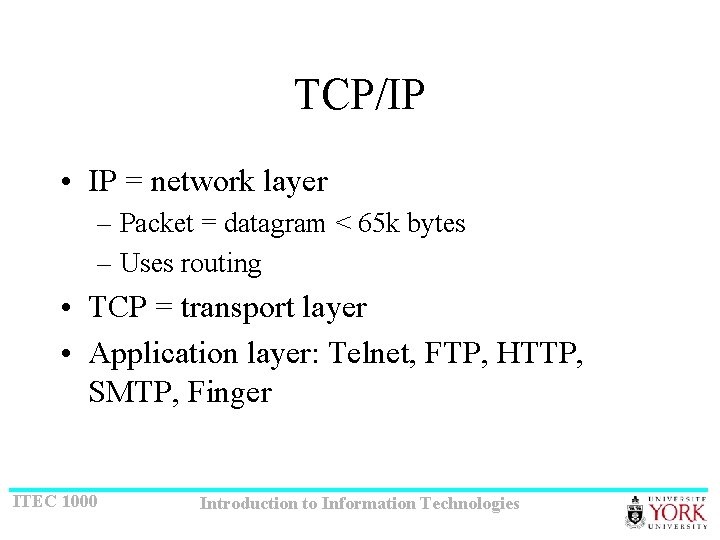
TCP/IP • IP = network layer – Packet = datagram < 65 k bytes – Uses routing • TCP = transport layer • Application layer: Telnet, FTP, HTTP, SMTP, Finger ITEC 1000 Introduction to Information Technologies
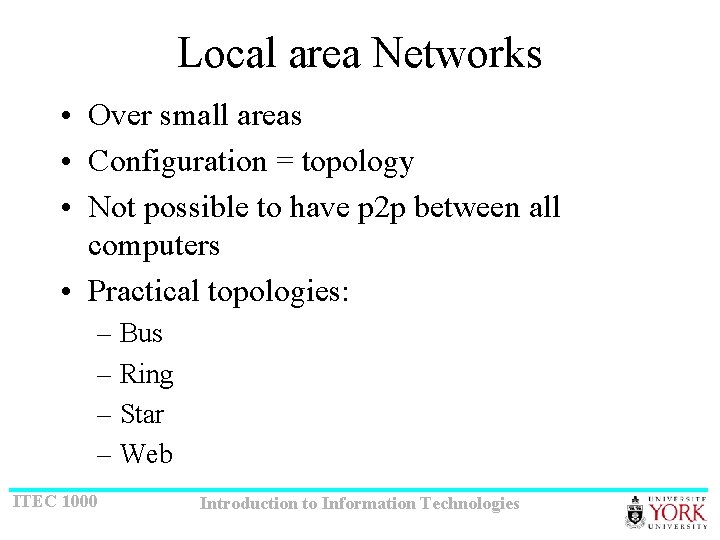
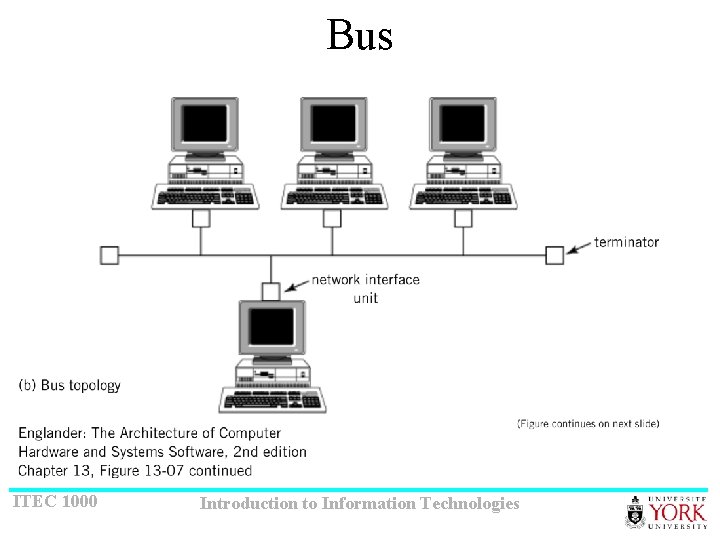
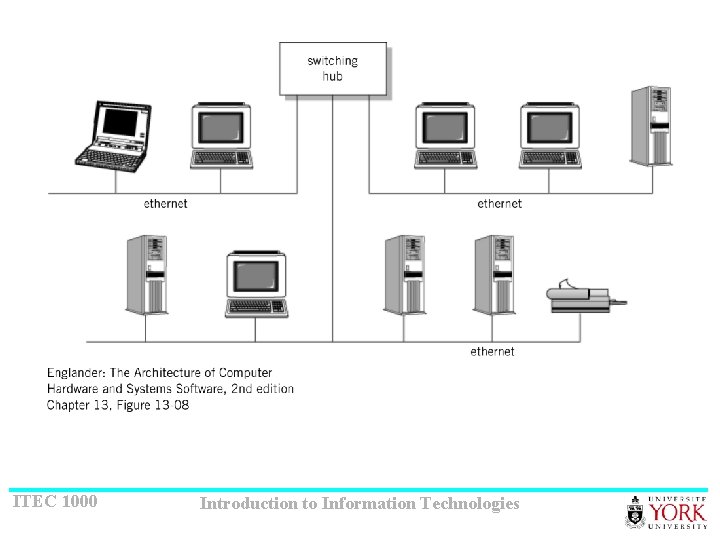
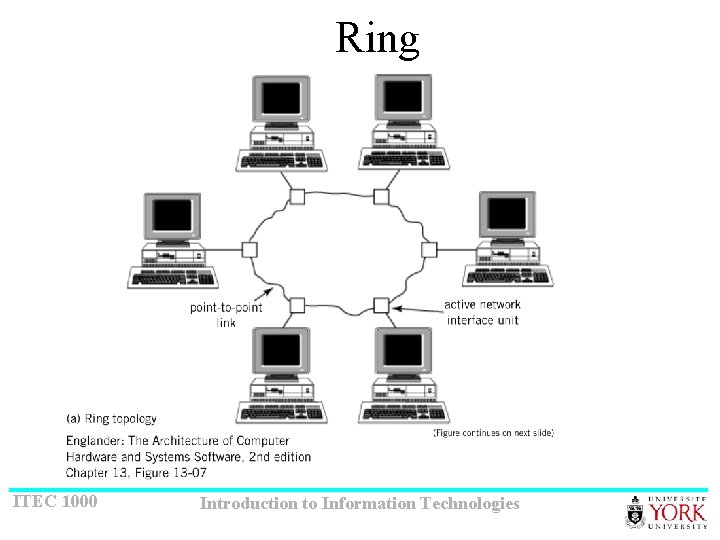
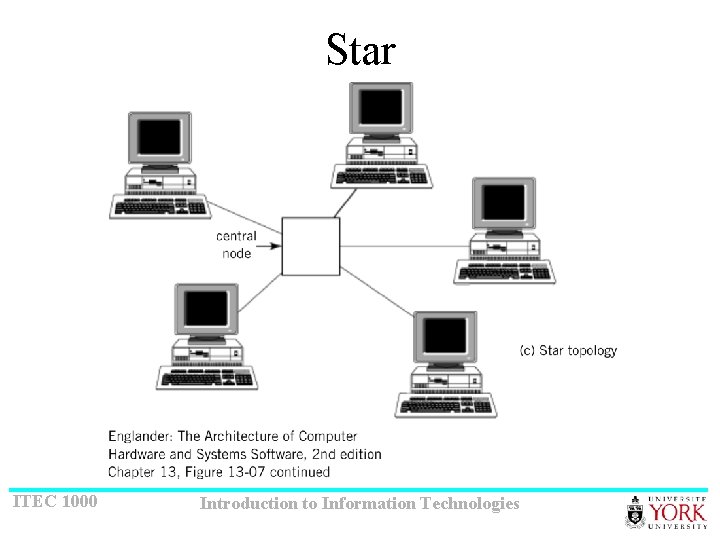
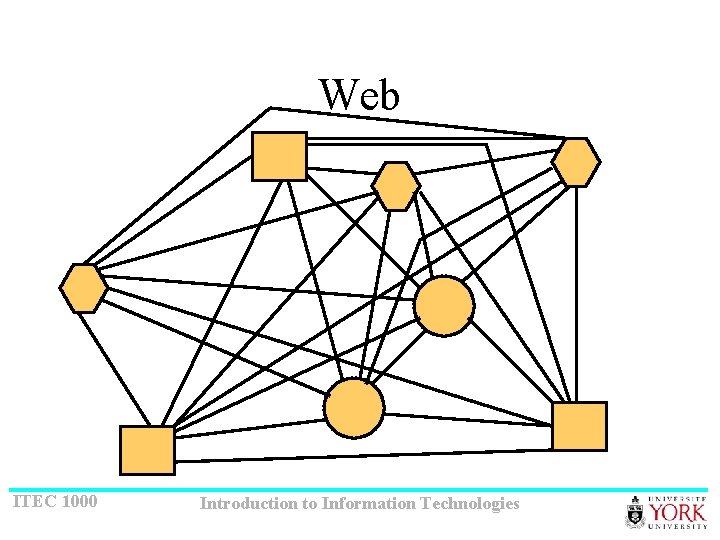
Local area Networks • Over small areas • Configuration = topology • Not possible to have p 2 p between all computers • Practical topologies: – Bus – Ring – Star – Web ITEC 1000 Introduction to Information Technologies
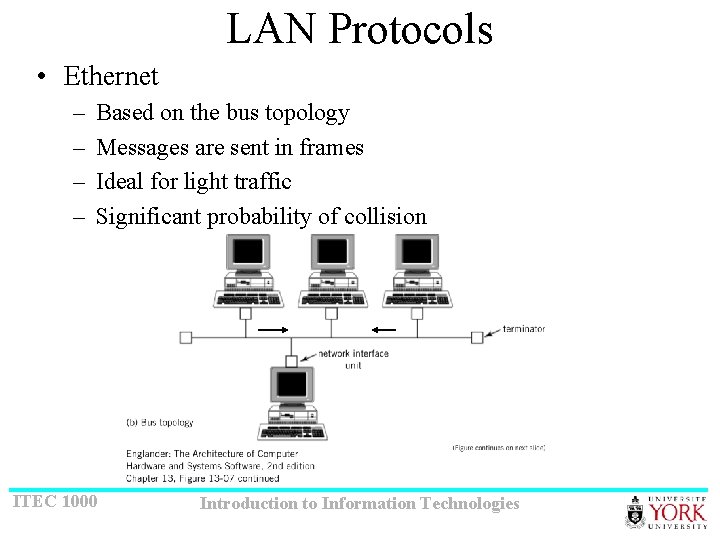
Bus ITEC 1000 Introduction to Information Technologies
ITEC 1000 Introduction to Information Technologies
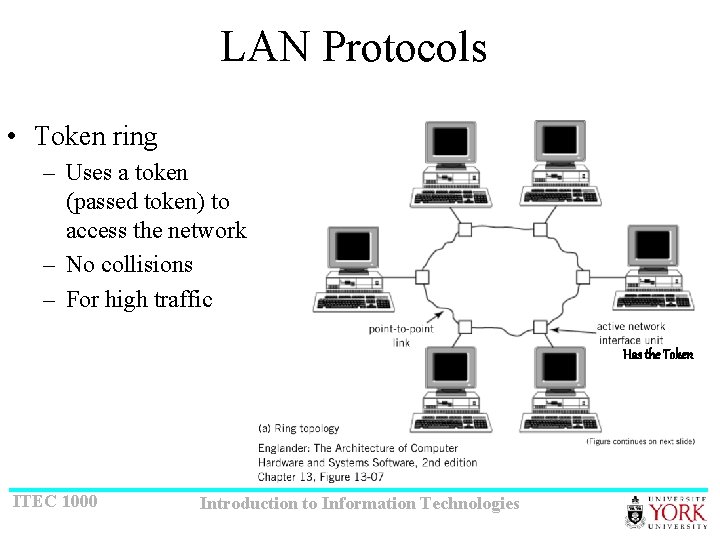
Ring ITEC 1000 Introduction to Information Technologies
Star ITEC 1000 Introduction to Information Technologies
Web ITEC 1000 Introduction to Information Technologies
LAN Protocols • Ethernet – – Based on the bus topology Messages are sent in frames Ideal for light traffic Significant probability of collision ITEC 1000 Introduction to Information Technologies
LAN Protocols • Token ring – Uses a token (passed token) to access the network – No collisions – For high traffic Has the Token ITEC 1000 Introduction to Information Technologies
Wide Area Networks • Internet • No simple topology • Uses switched communication networks ITEC 1000 Introduction to Information Technologies