
Operating Systems Introduction Unit 01 Lec 01 7
![Operating Systems Introduction Unit 01 [ Lec. 01] 7 SEM CE](https://slidetodoc.com/presentation_image_h2/97c5e68104d23ff7065775972db76751/image-1.jpg "Operating Systems Introduction Unit 01 [ Lec. 01] 7 SEM CE")
- Slides: 33
Operating Systems Introduction Unit 01 [ Lec. 01] 7 SEM CE
What is Operating system ? OS that Manages Computer Hardware It also Provide basis for application program and acts as an intermediary between computer user and computer hardware
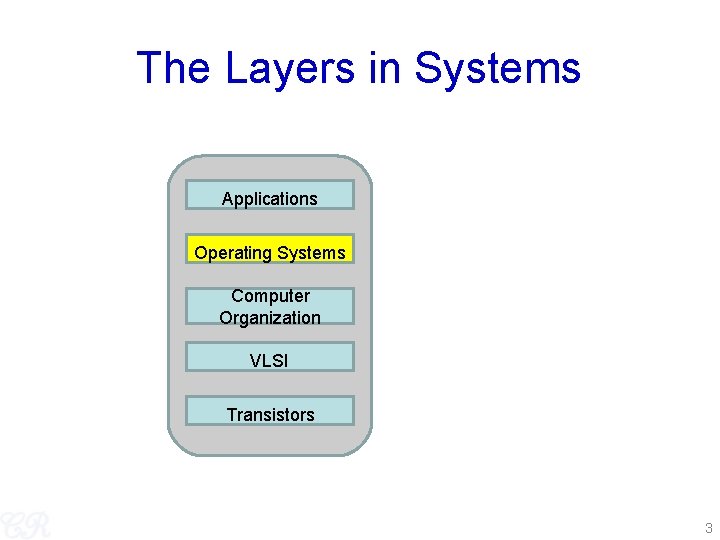
The Layers in Systems Applications Operating Systems Computer Organization VLSI Transistors 3
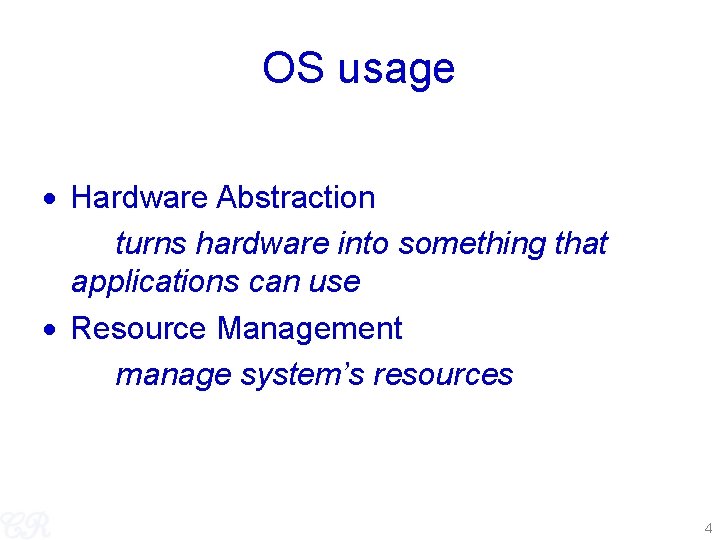
OS usage Hardware Abstraction turns hardware into something that applications can use Resource Management manage system’s resources 4
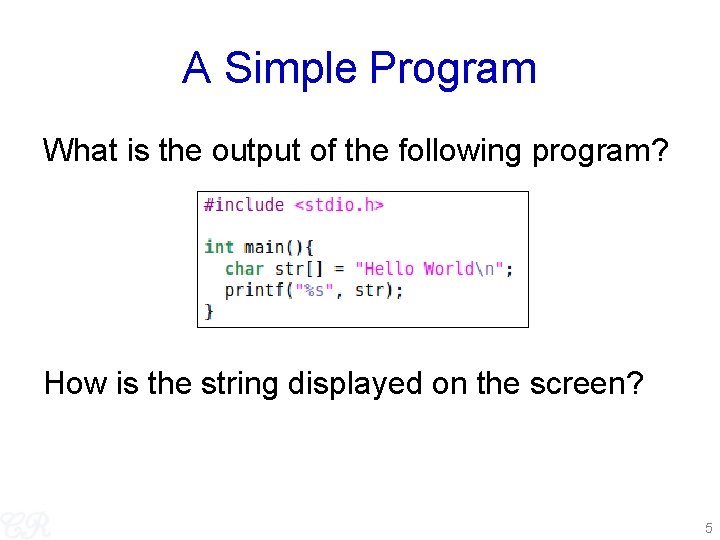
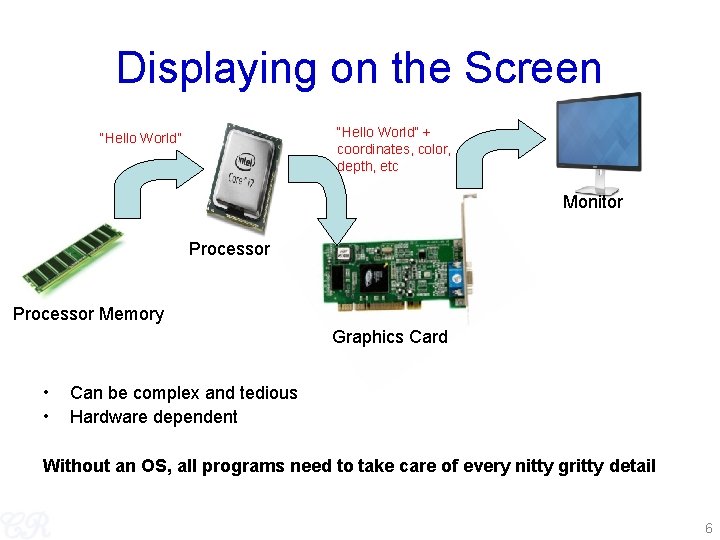
A Simple Program What is the output of the following program? How is the string displayed on the screen? 5
Displaying on the Screen “Hello World” + coordinates, color, depth, etc “Hello World” Monitor Processor Memory Graphics Card • • Can be complex and tedious Hardware dependent Without an OS, all programs need to take care of every nitty gritty detail 6
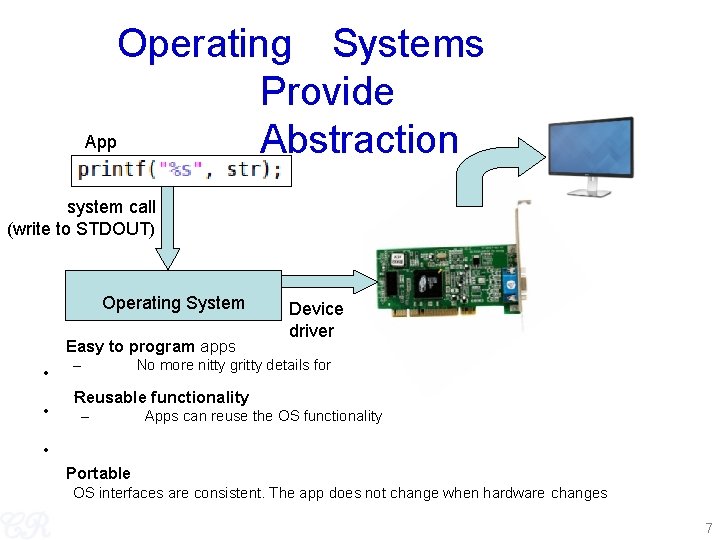
Operating Systems Provide App Abstraction system call (write to STDOUT) Operating System Easy to program apps • • – Device driver No more nitty gritty details for `Reusable functionality – Apps can reuse the OS functionality • Portable OS interfaces are consistent. The app does not change when hardware changes 7
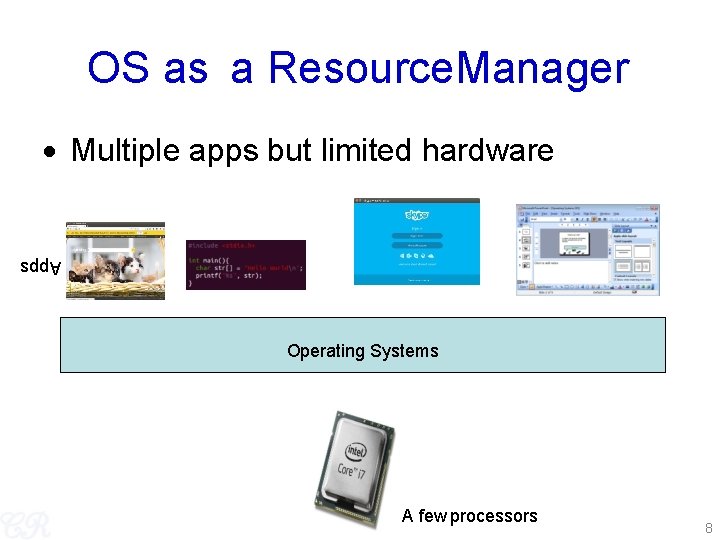
OS as a Resource. Manager Multiple apps but limited hardware Apps Operating Systems A few processors 8
OS as Resource Manager OS must manage CPU, memory, network, disk etc… Resource management allows multiple apps to share resources protects apps from each other Improves performance by efficient utilization of resources 9
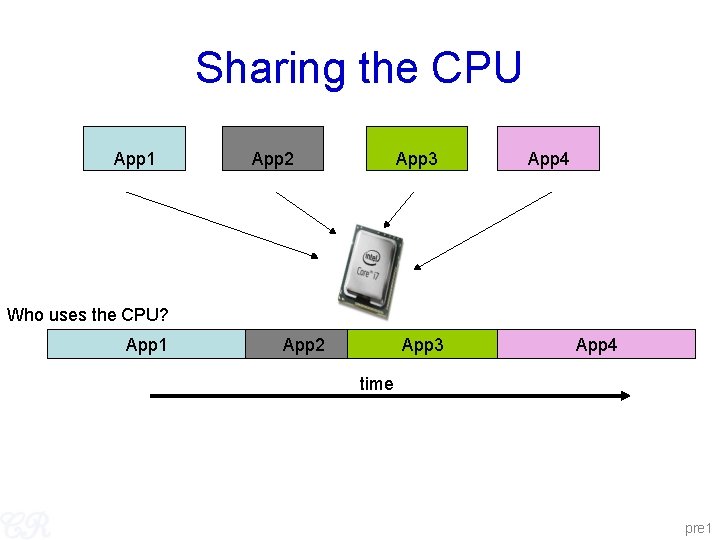
Sharing the CPU App 1 App 2 App 3 App 4 Who uses the CPU? App 1 App 2 App 3 App 4 time pre 1
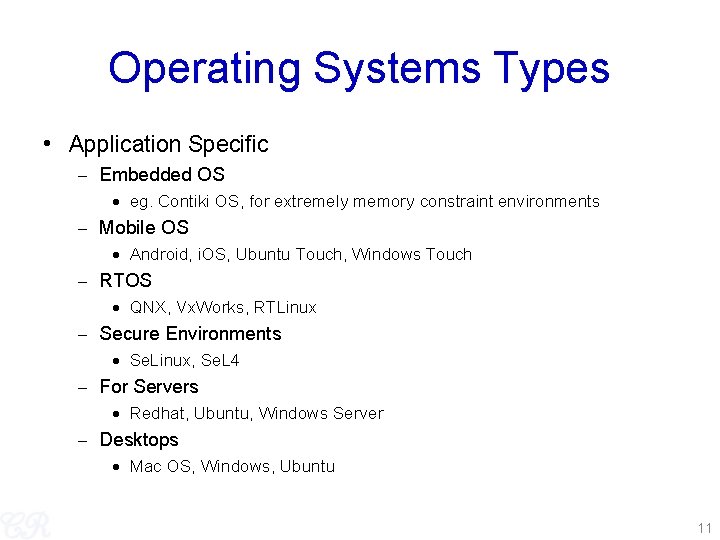
Operating Systems Types • Application Specific Embedded OS eg. Contiki OS, for extremely memory constraint environments Mobile OS Android, i. OS, Ubuntu Touch, Windows Touch RTOS QNX, Vx. Works, RTLinux Secure Environments Se. Linux, Se. L 4 For Servers Redhat, Ubuntu, Windows Server Desktops Mac OS, Windows, Ubuntu 11
Question break ? 1. What is purpose of different operating systems? 2. what are open source operating system? 3. what do mean by Hardware resources ? 4. What are the various components of a computer system?
Operating Systems (How did it all start? ) 13
OS Evolution • Evolution driven by Hardware improvements + User needs eg. low power requirements, Increased / reduced security, lower latency Evolution by New/better abstractions New/better resource management New/better low level implementations 14
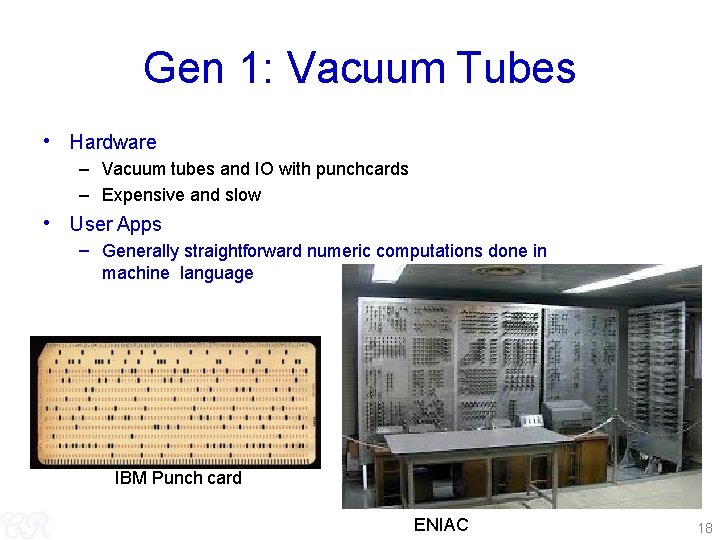
Gen 1: Vacuum Tubes • Hardware – Vacuum tubes and IO with punchcards – Expensive and slow • User Apps – Generally straightforward numeric computations done in machine language IBM Punch card ENIAC 18
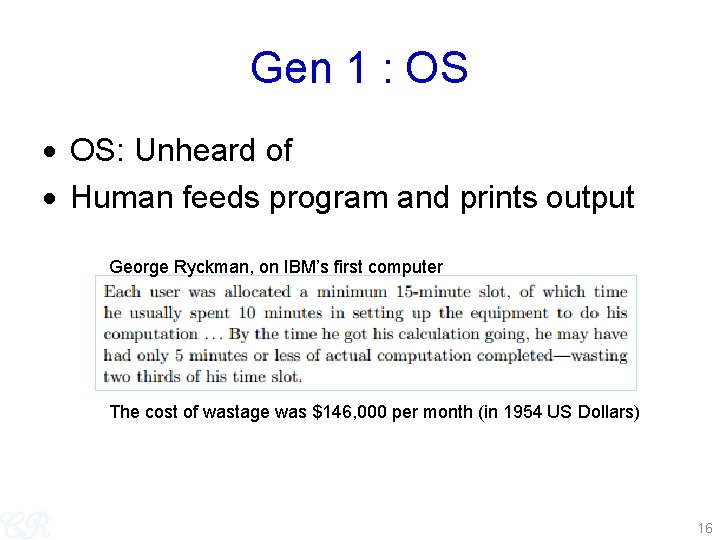
Gen 1 : OS OS: Unheard of Human feeds program and prints output George Ryckman, on IBM’s first computer The cost of wastage was $146, 000 per month (in 1954 US Dollars) 16
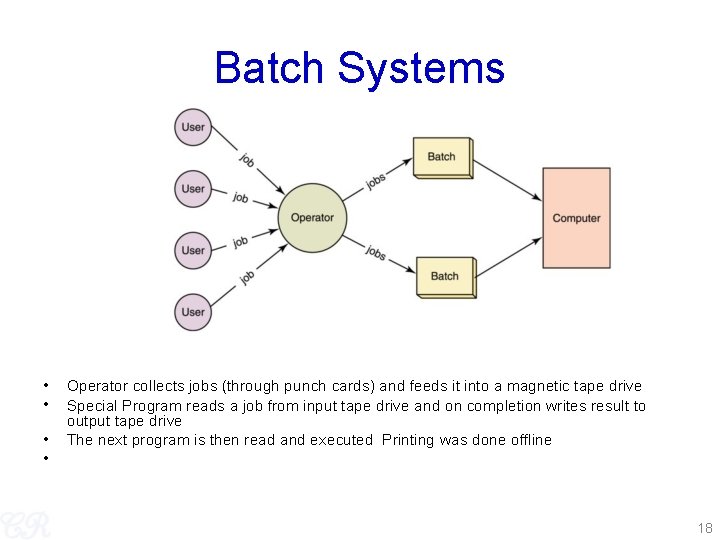
Gen 2 : Mainframes Hardware transistors User Programs Assembly or Fortran entered using punch cards OS : Batch systems Possibly greatest invention in OS Computers may be able to schedule their own workload by means of software 17
Batch Systems • • Operator collects jobs (through punch cards) and feeds it into a magnetic tape drive Special Program reads a job from input tape drive and on completion writes result to output tape drive The next program is then read and executed Printing was done offline 18
Batch Systems (pros. ) Pros – Better utilization of machine 19
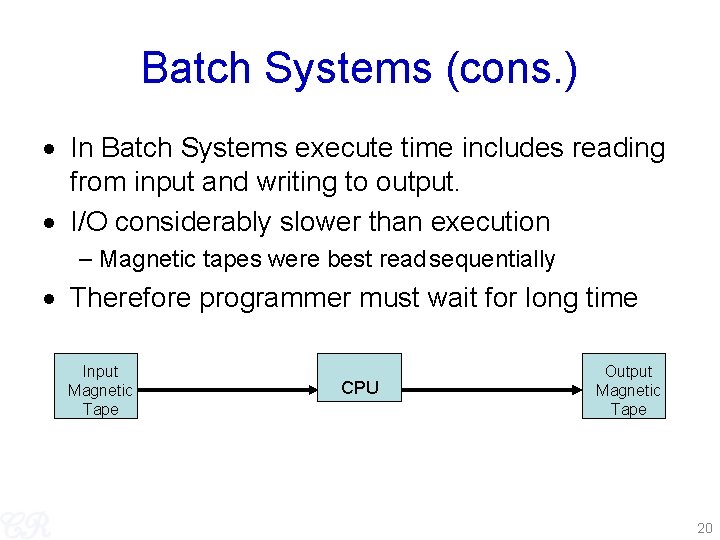
Batch Systems (cons. ) In Batch Systems execute time includes reading from input and writing to output. I/O considerably slower than execution – Magnetic tapes were best read sequentially Therefore programmer must wait for long time Input Magnetic Tape CPU Output Magnetic Tape 20
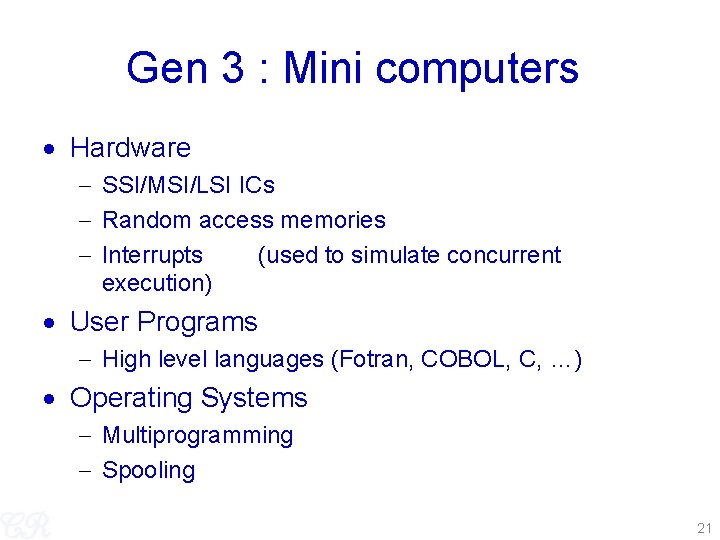
Gen 3 : Mini computers Hardware SSI/MSI/LSI ICs Random access memories Interrupts (used to simulate concurrent execution) User Programs High level languages (Fotran, COBOL, C, …) Operating Systems Multiprogramming Spooling 21
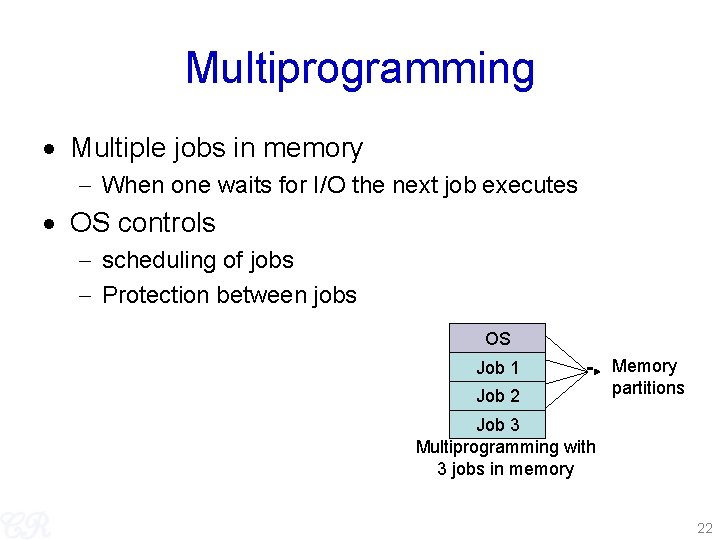
Multiprogramming Multiple jobs in memory When one waits for I/O the next job executes OS controls scheduling of jobs Protection between jobs OS Job 1 Job 2 Memory partitions Job 3 Multiprogramming with 3 jobs in memory 22
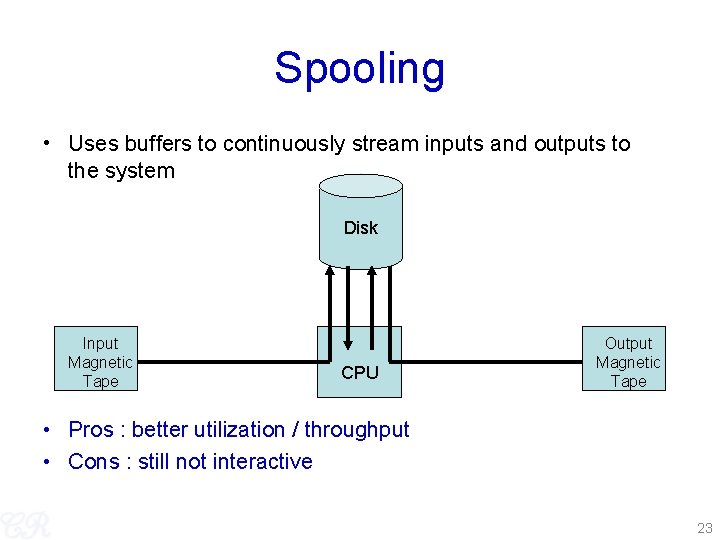
Spooling • Uses buffers to continuously stream inputs and outputs to the system Disk Input Magnetic Tape CPU Output Magnetic Tape • Pros : better utilization / throughput • Cons : still not interactive 23
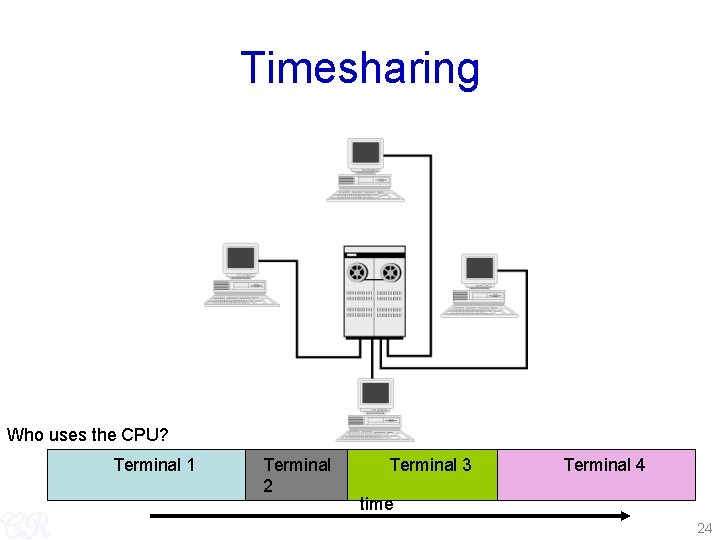
Timesharing Who uses the CPU? Terminal 1 Terminal 2 Terminal 3 Terminal 4 time 24
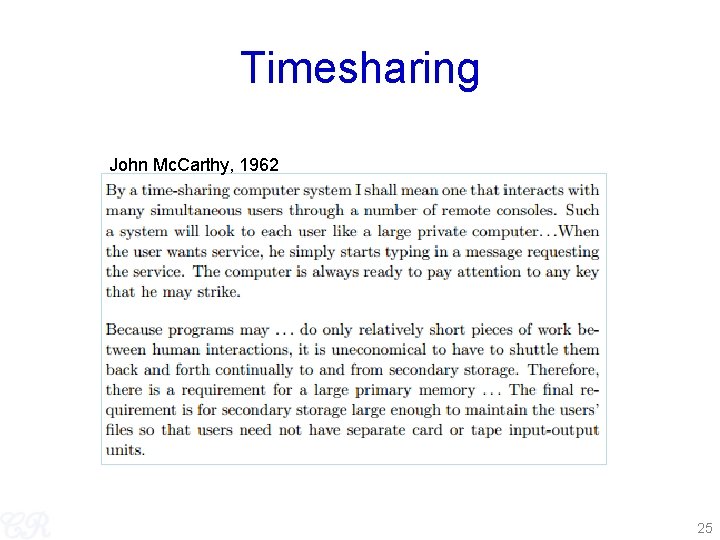
Timesharing John Mc. Carthy, 1962 25
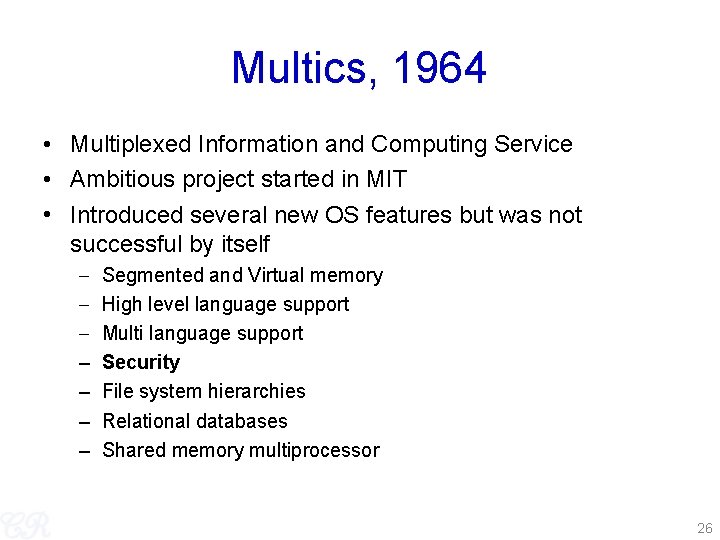
Multics, 1964 • Multiplexed Information and Computing Service • Ambitious project started in MIT • Introduced several new OS features but was not successful by itself – – Segmented and Virtual memory High level language support Multi language support Security File system hierarchies Relational databases Shared memory multiprocessor 26
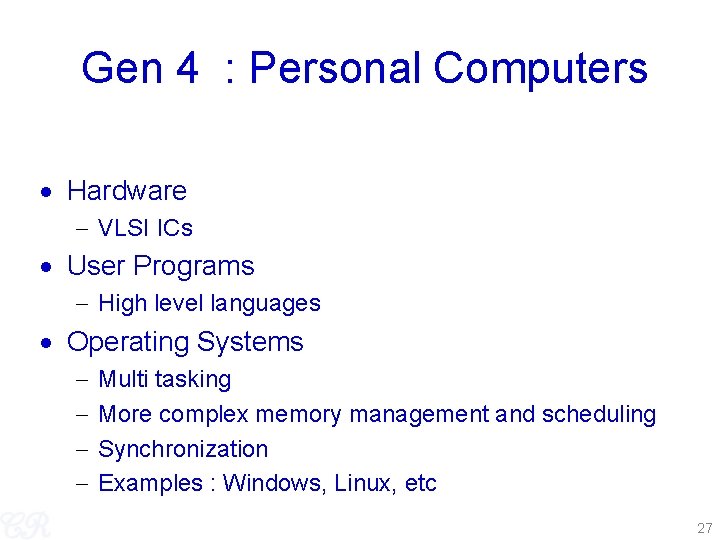
Gen 4 : Personal Computers Hardware VLSI ICs User Programs High level languages Operating Systems Multi tasking More complex memory management and scheduling Synchronization Examples : Windows, Linux, etc 27
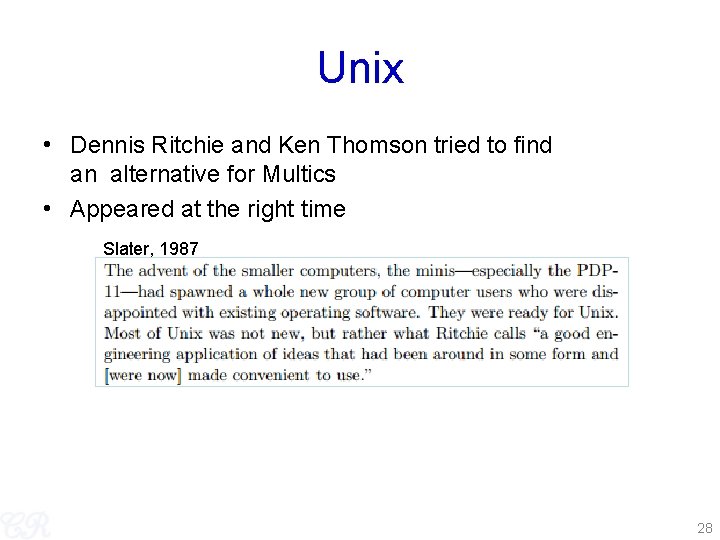
Unix • Dennis Ritchie and Ken Thomson tried to find an alternative for Multics • Appeared at the right time Slater, 1987 28
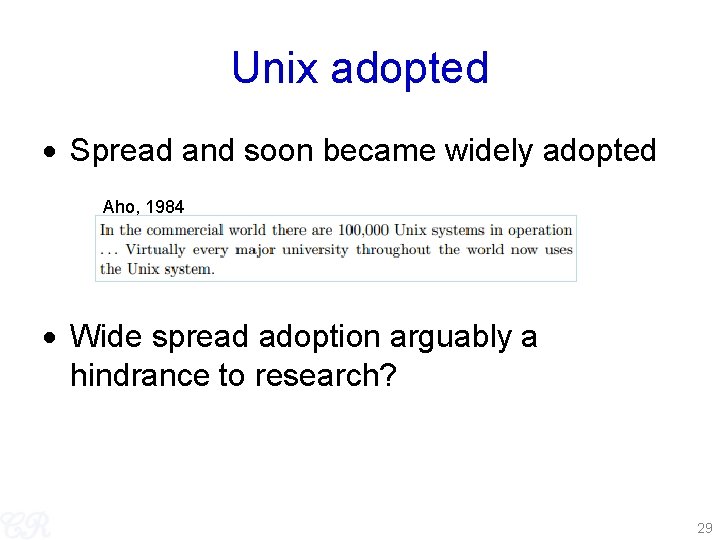
Unix adopted Spread and soon became widely adopted Aho, 1984 Wide spread adoption arguably a hindrance to research? 29
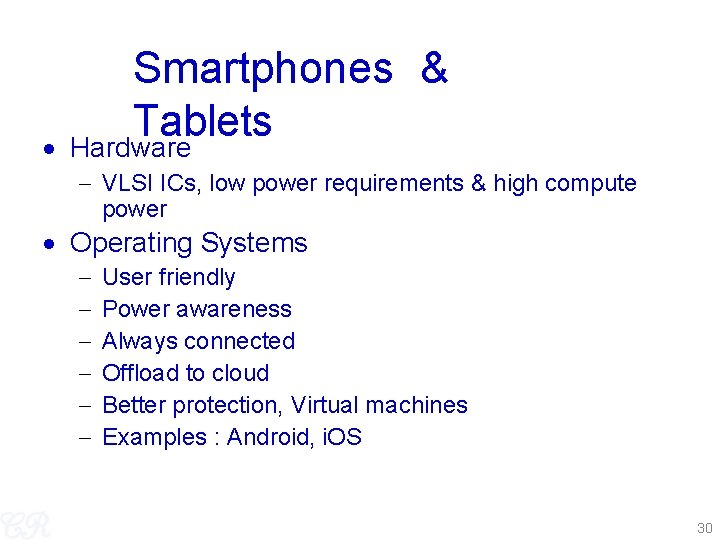
Smartphones & Tablets Hardware VLSI ICs, low power requirements & high compute power Operating Systems User friendly Power awareness Always connected Offload to cloud Better protection, Virtual machines Examples : Android, i. OS 30
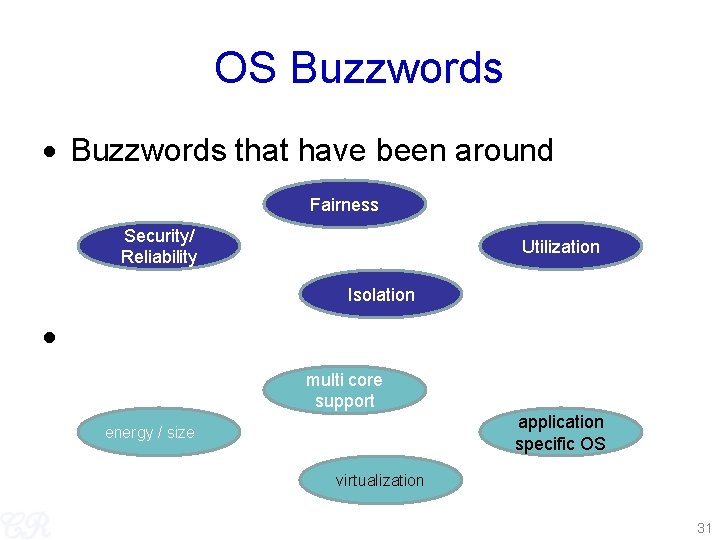
OS Buzzwords that have been around Fairness Security/ Reliability Utilization Isolation Contemporary buzzwords multi core support application specific OS energy / size virtualization 31
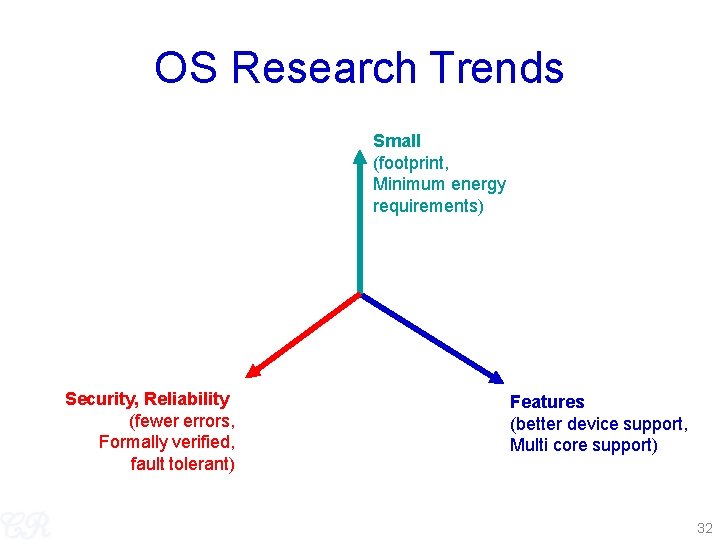
OS Research Trends Small (footprint, Minimum energy requirements) Security, Reliability (fewer errors, Formally verified, fault tolerant) Features (better device support, Multi core support) 32
Textbooks / References ''Operating System Concepts'', 8 th edition, by Adraham Silberschatz, Pert B. Galvin, and Greg Gagne, Wiley-India edition 33