
Operating Systems Files Directory and File Systems Topics
![Free-Space Management • Bit vector (n blocks) 0 1 2 bit[ i ] =](https://slidetodoc.com/presentation_image/6d12f1e5557e61358f38381782633693/image-35.jpg "Free-Space Management • Bit vector (n blocks) 0 1 2 bit[ i ] =")
![Free-Space Management (continued) – Solution • Set bit [ i ] = 1 in](https://slidetodoc.com/presentation_image/6d12f1e5557e61358f38381782633693/image-39.jpg "Free-Space Management (continued) – Solution • Set bit [ i ] = 1 in")
- Slides: 40
Operating Systems Files, Directory and File Systems
Topics • • Files and Directories File-System Structure Allocation Methods Free-Space Management Directory Implementation Efficiency and Performance Recovery
File Structure • • None - sequence of words, bytes Simple record structure Complex Structures Can simulate last two with first method by inserting appropriate control characters • Responsible by – Operating system – Program
File Attributes • • Name Type Location Size Protection Time, date, and user identification Information about files are kept in the directory structure.
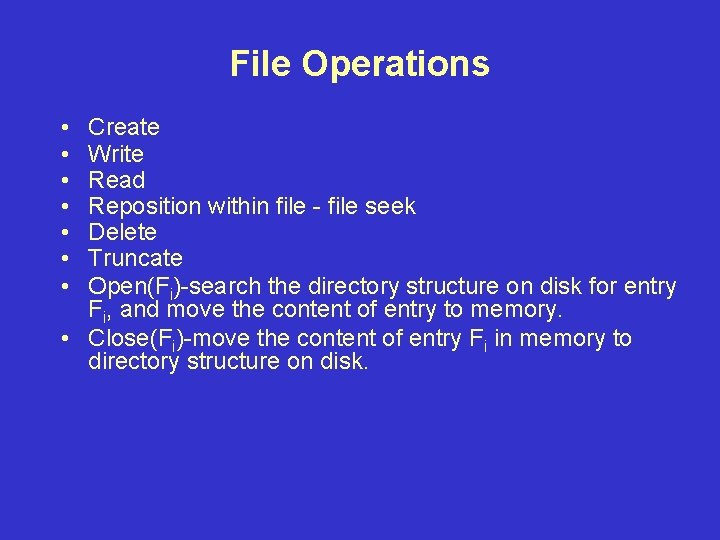
File Operations • • Create Write Read Reposition within file - file seek Delete Truncate Open(Fi)-search the directory structure on disk for entry Fi, and move the content of entry to memory. • Close(Fi)-move the content of entry Fi in memory to directory structure on disk.
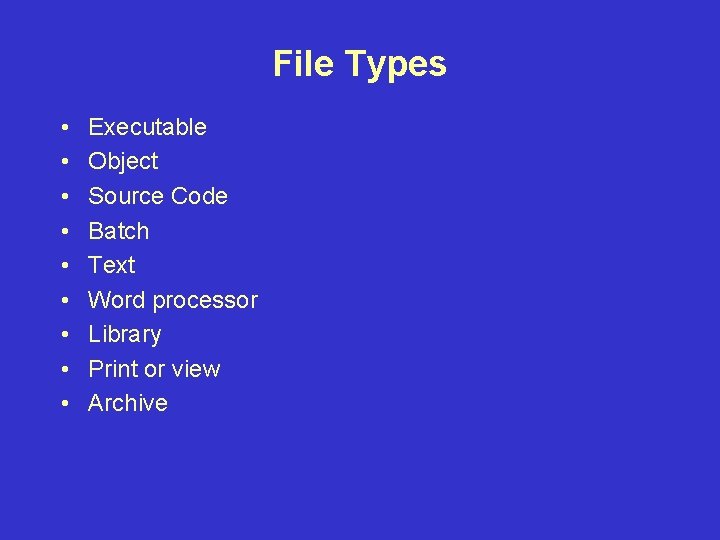
File Types • • • Executable Object Source Code Batch Text Word processor Library Print or view Archive
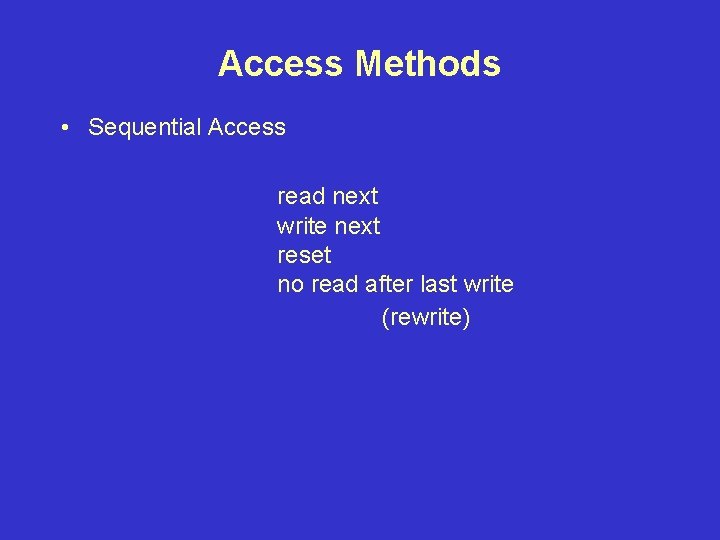
Access Methods • Sequential Access read next write next reset no read after last write (rewrite)
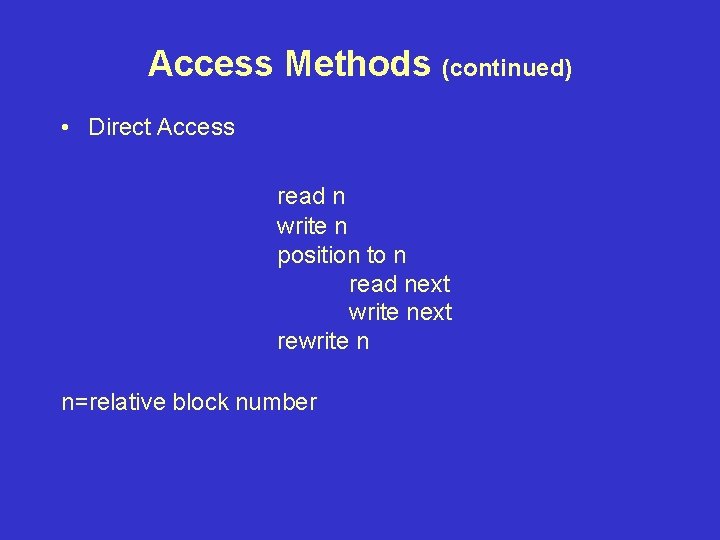
Access Methods (continued) • Direct Access read n write n position to n read next write next rewrite n n=relative block number
Directory Structure • A collection of nodes containing information about all files • Both the directory structure and the files reside on disk. • Backups of these two structures are kept on tapes.
Information in a Directory • • • Name Type Address Current Length Maximum Length Date last accessed (for archival) Date last update (for dump) Owner ID (who pays) Protection information (discuss later)
Operations on a Directory • • • Search for a file Create a file Delete a file List a directory Rename a file Traverse the file system
Organization of the Directory • Efficiency • Naming • Grouping
Single-Level Directory • A single directory for all users. • Naming problem • Grouping problem
Two-Level Directory • • • Separate directory for each user Path name No naming problem Efficient searching No grouping capability
Tree-Structured Directories • Efficient searching • Grouping capability • Current directory – cd /spell/mail/prog – cat list
Tree-Structured Directories (continued) • • Absolute or relative path name Creating a new file is done in current directory. Delete a file Creating a new subdirectory is done in current directory. • Deleting a directory
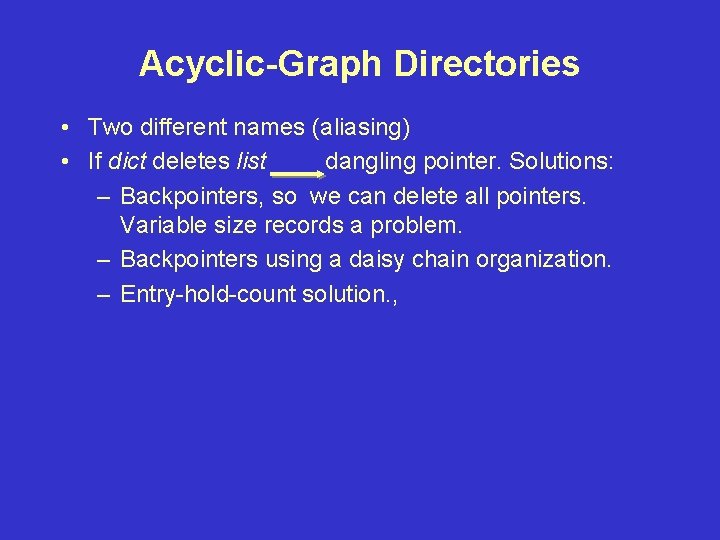
Acyclic-Graph Directories • Two different names (aliasing) • If dict deletes list dangling pointer. Solutions: – Backpointers, so we can delete all pointers. Variable size records a problem. – Backpointers using a daisy chain organization. – Entry-hold-count solution. ,
General Graph Directory • How do we guarantee no cycles? – Allow only links to file not subdirectories. – Garbage collection – Every time a new link is added, use a cycle detection algorithm to determine whether it is OK.
Protection • File owner/creator should be able to control – what can be done – by whom • Types of access – Read – Write – Execute – Append – Delete – List
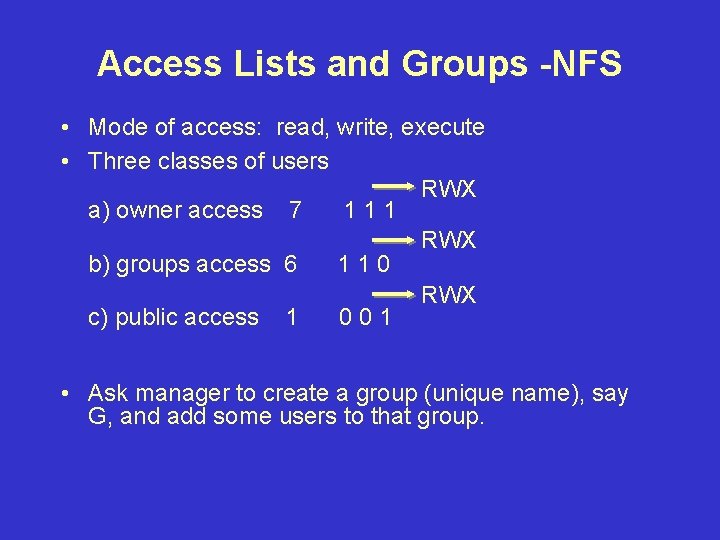
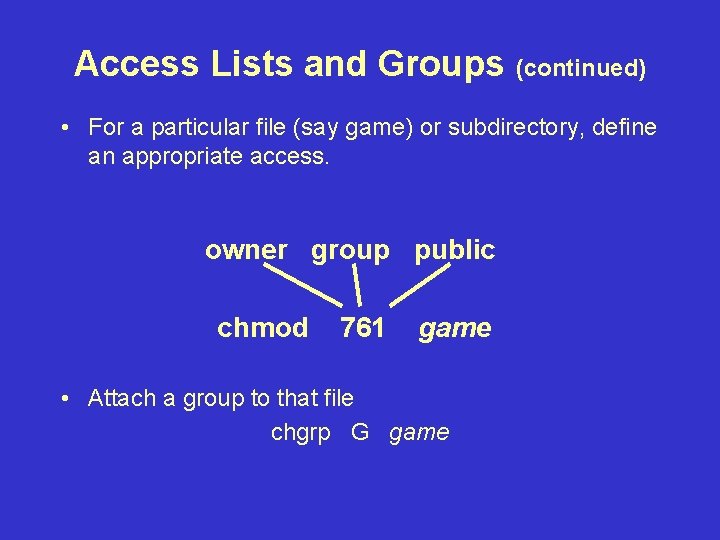
Access Lists and Groups -NFS • Mode of access: read, write, execute • Three classes of users RWX a) owner access 7 111 RWX b) groups access 6 110 RWX c) public access 1 001 • Ask manager to create a group (unique name), say G, and add some users to that group.
Access Lists and Groups (continued) • For a particular file (say game) or subdirectory, define an appropriate access. owner group public chmod 761 game • Attach a group to that file chgrp G game
File-System Structure • • File structure File system resides on secondary storage File system organized into layers. File control block - storage structure consisting of information about a file.
Contiguous Allocation • Each file occupies a set of contiguous blocks on the disk. • Simple-only starting location (block #) and length (number of blocks) are required. • Random Access. • Wasteful of space (dynamic storage-allocation problem).
Contiguous Allocation (continued) • Files cannot grow • Mapping from logical to physical. Starting address and displacement.
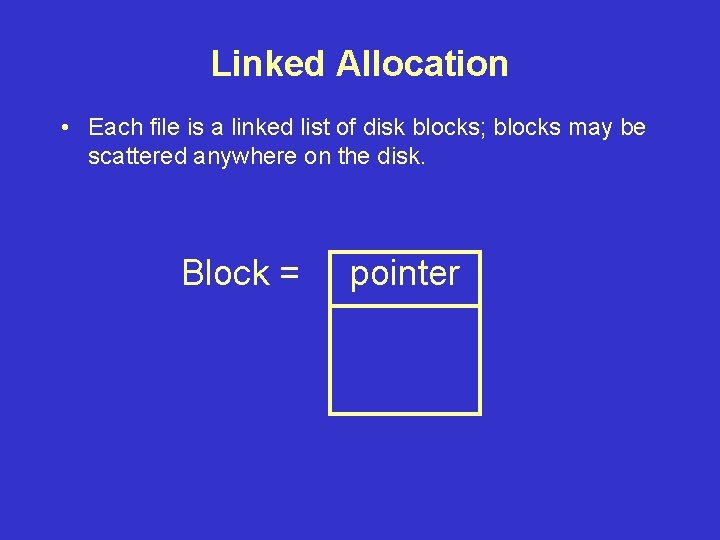
Linked Allocation • Each file is a linked list of disk blocks; blocks may be scattered anywhere on the disk. Block = pointer
Linked Allocation • • • Simple - need only starting address Free-space management system - no waste of space No random access Mapping File-allocation table (FAT) - disk-space allocation used by MS-DOS and OS/2.
Indexed Allocation • Brings all pointers together into the index block. • Logical view
Indexed Allocation (continued) • Need index table • Random access • Dynamic access without external fragmentation, but have overhead of index block. • Mapping from logical to physical in a file of maximum size of 256 K words and block size of 512 words. We need only 1 block for index table –Q –R
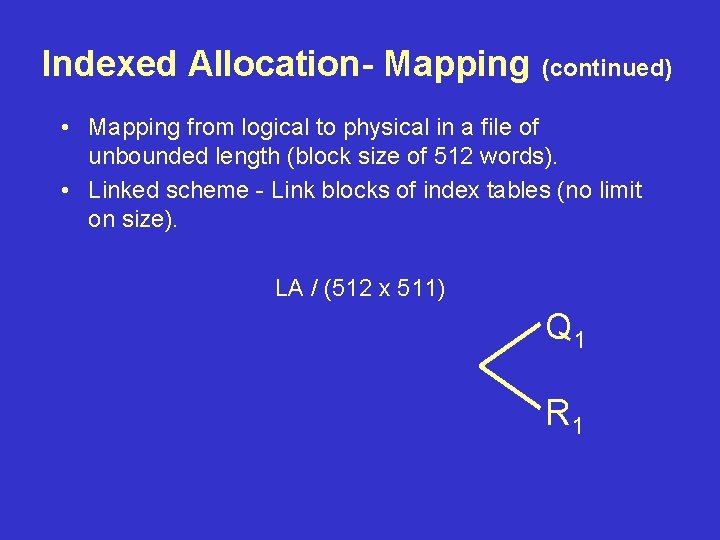
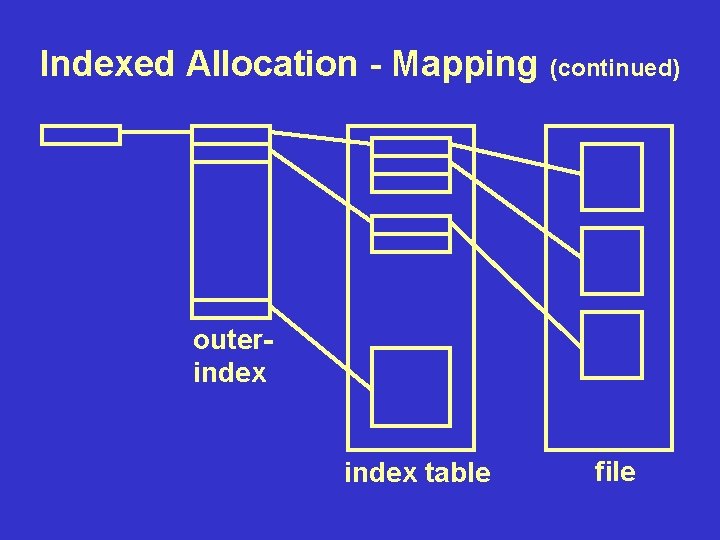
Indexed Allocation- Mapping (continued) • Mapping from logical to physical in a file of unbounded length (block size of 512 words). • Linked scheme - Link blocks of index tables (no limit on size). LA / (512 x 511) Q 1 R 1
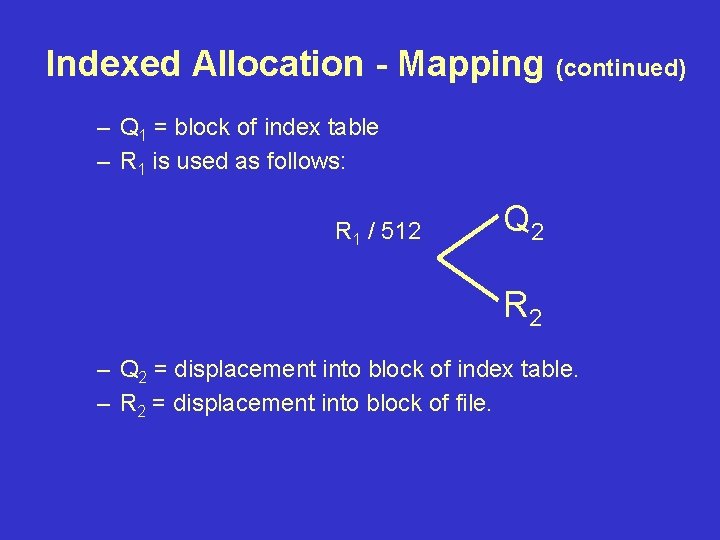
Indexed Allocation - Mapping (continued) – Q 1 = block of index table – R 1 is used as follows: R 1 / 512 Q 2 R 2 – Q 2 = displacement into block of index table. – R 2 = displacement into block of file.
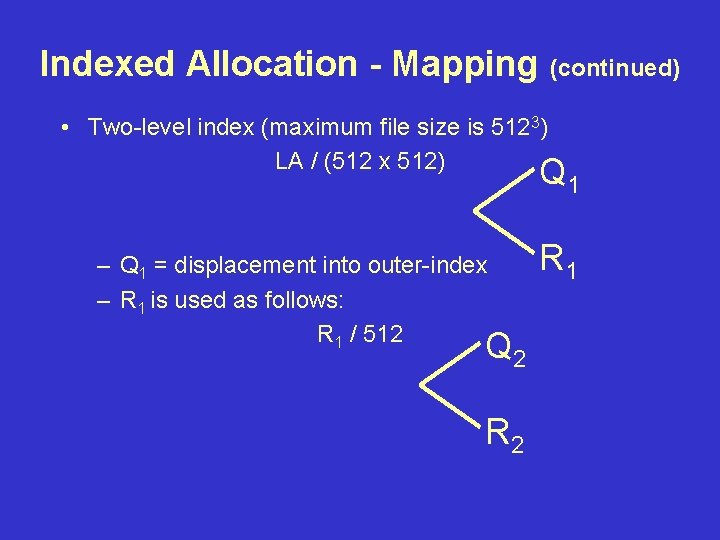
Indexed Allocation - Mapping (continued) • Two-level index (maximum file size is 5123) LA / (512 x 512) Q 1 – Q 1 = displacement into outer-index – R 1 is used as follows: R 1 / 512 Q 2 R 1
Indexed Allocation - Mapping (continued) – Q 2 = displacement into block of index table – R 2 = displacement into block of file
Indexed Allocation - Mapping (continued) outerindex table file
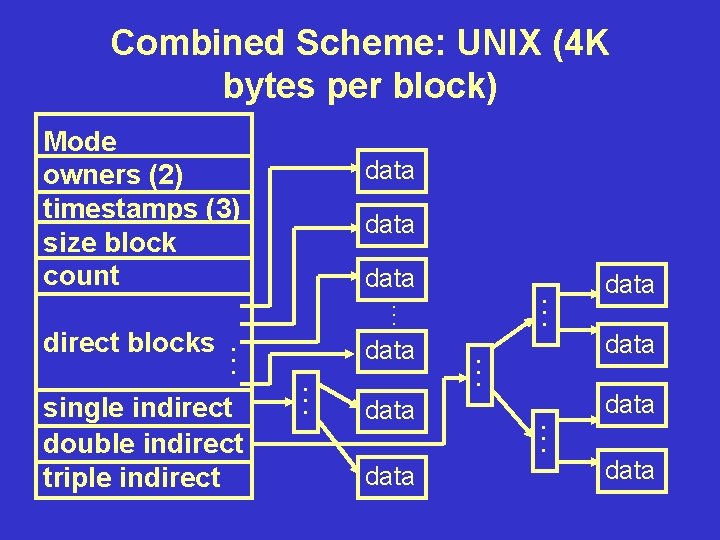
Combined Scheme: UNIX (4 K bytes per block) Mode owners (2) timestamps (3) size block count direct blocks . . . single indirect double indirect triple indirect data . . . data. . . data . . . data
Free-Space Management • Bit vector (n blocks) 0 1 2 bit[ i ] = . . . 0 1 n-1 block [ i ] free block [ i ] occupied
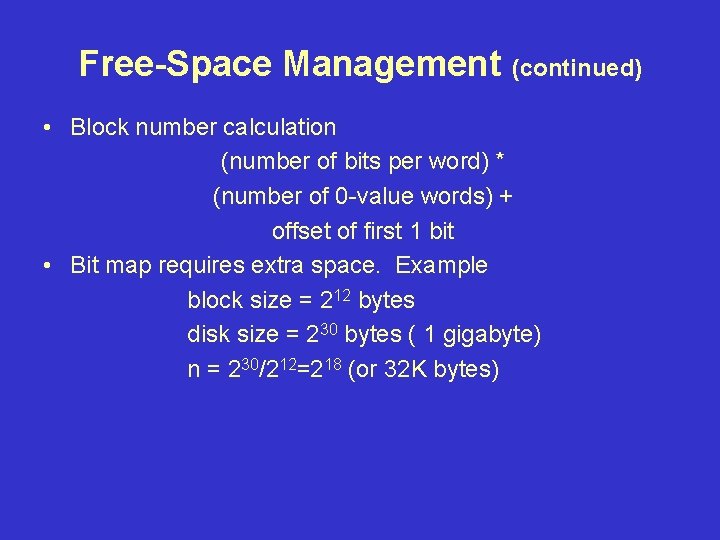
Free-Space Management (continued) • Block number calculation (number of bits per word) * (number of 0 -value words) + offset of first 1 bit • Bit map requires extra space. Example block size = 212 bytes disk size = 230 bytes ( 1 gigabyte) n = 230/212=218 (or 32 K bytes)
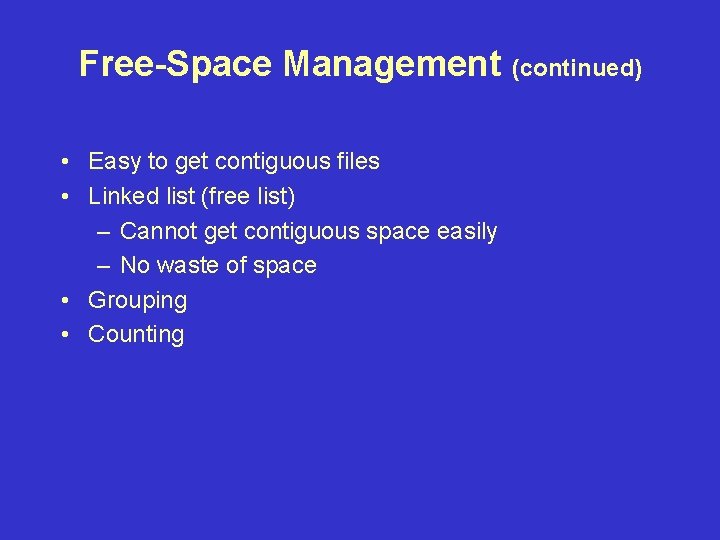
Free-Space Management (continued) • Easy to get contiguous files • Linked list (free list) – Cannot get contiguous space easily – No waste of space • Grouping • Counting
Free-Space Management (continued) • Need to protect – Pointer to free list – Bit map • Must be kept on disk • Copy in memory and disk may differ • Cannot allow for block [ i ] to have a situation where bit [ i ] = 1 in memory and bit [ i ] = 0 on disk.
Free-Space Management (continued) – Solution • Set bit [ i ] = 1 in disk. • Allocate block [ i ]. • Set bit [ i ] = 1 in memory.
Directory Implementation • Linear list of file names with pointers to the data blocks • Hash Table - linear list with hash data structure.