
Operating Systems Computer Technology Created by M Guymon
Operating Systems Computer Technology Created by M. Guymon Pleasant Grove High School Spring 2003 Modified by M. Corbett Lehi Junior High Summer 2010
Development of computers

1 st Generation computers ¨ Used vacuum tubes. n ¨ Vacuum tubes are electronic devices that control the flow of electrons. Had no operating systems. n Used custom application programs (hardwired) which were made for the specific task that the computer was to perform. ¨ Instructions were necessary for every aspect of the computing job.

2 nd Generation computers n Used transistors. ¨ n Transistors performed functions similar to vacuum tubes, but they were smaller, cheaper, less power-hungry, and more reliable. Ran programming languages. Used English like commands rather than binary numbers. ¨ Made it possible to develop software. ¨
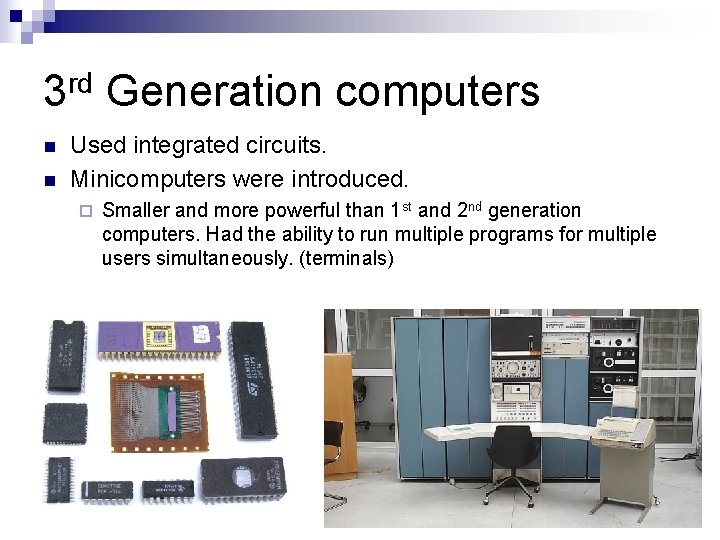
3 rd Generation computers n n Used integrated circuits. Minicomputers were introduced. ¨ Smaller and more powerful than 1 st and 2 nd generation computers. Had the ability to run multiple programs for multiple users simultaneously. (terminals)
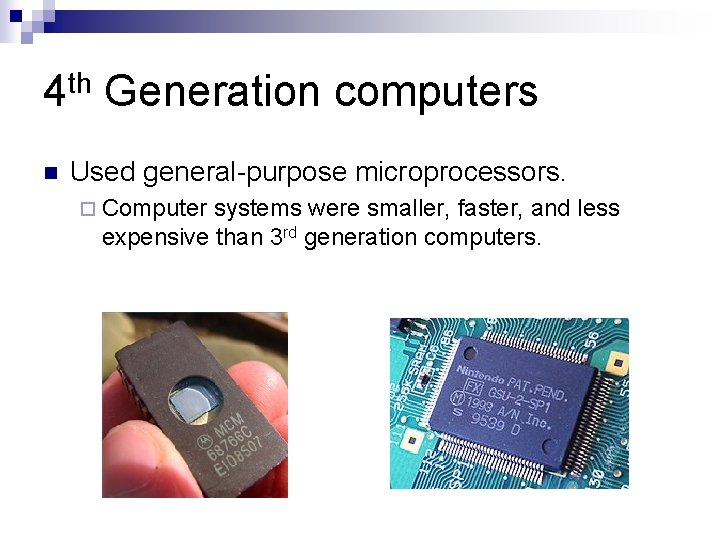
4 th Generation computers n Used general-purpose microprocessors. ¨ Computer systems were smaller, faster, and less expensive than 3 rd generation computers.

Operating System Software Master controller for all that takes place within a computer. n Interacts with application software, device drivers, and hardware to manage a computer’s resources. n Ensures that input and output proceed in an orderly manner. n
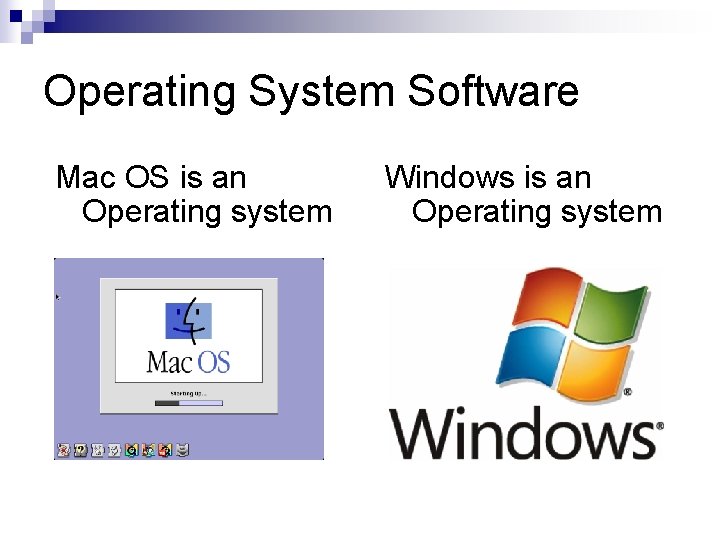
Operating System Software Mac OS is an Operating system Windows is an Operating system
Platform Underlying hardware and software of the computer system. n Two popular platforms for personal computers n ¨ PC – (IBM compatible) ¨ Mac – (Apple Computers)
GUI (Graphical User Interface) A type of user interface that features onscreen objects, such as menus and icons, manipulated by a mouse. n Abbreviation is pronounced “gooey”. n Replaced the Command Interface (MSDOS) n Example – to rename a file Rename c: lettershomemoneyned. doc c: letterhomemoney. Feb. doc
Multitasking An important feature of today’s operating systems is the capability of running more than one program at a time. n The operating system makes sure that the instructions and data from one area of memory don’t interfere with memory allocated for other programs. n
Definitions important to GUI Operating Systems n Drive ¨A location on a network that is set aside for the collection of data. n Folder ¨ The subdirectory or subdivision, of a drive that can contain files or other folders. n File ¨A named collection of data that exists on a storage medium.
Definitions important to GUI Operating Systems n Icon ¨ Small pictograms that are used to represent shortcuts to a program or file. n Menu ¨ An on-screen list of alternatives or commands.
Resources Parsons, June Jamrich, and Dan Oja. Computer Concepts. Boston: Course Technology - Thompson Learning, 2002.
- Slides: 14