
Operating Systems Certificate Program in Software Development CSETC
- Slides: 45
Operating Systems Certificate Program in Software Development CSE-TC and CSIM, AIT September -- November, 2003 15. Distributed File Systems (S&G 6 th ed. , Ch. 16) v Objectives – introduce issues such as naming, stateful and stateless, and replication OSes: 15. Distributed File Systems 1
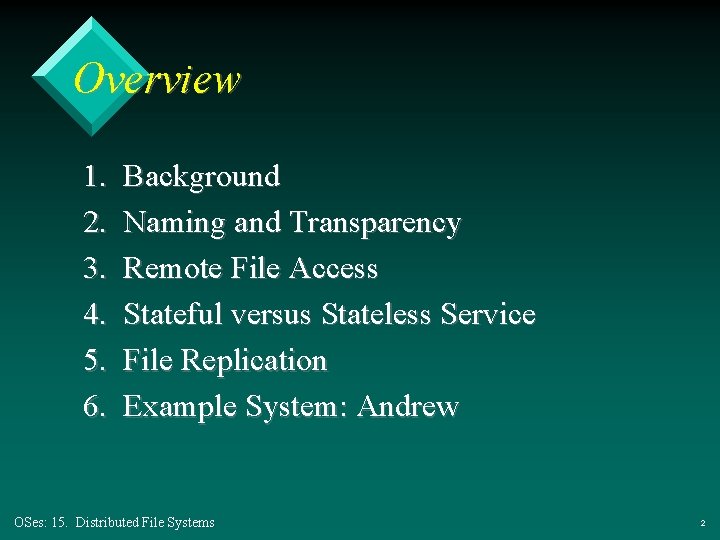
Overview 1. 2. 3. 4. 5. 6. Background Naming and Transparency Remote File Access Stateful versus Stateless Service File Replication Example System: Andrew OSes: 15. Distributed File Systems 2
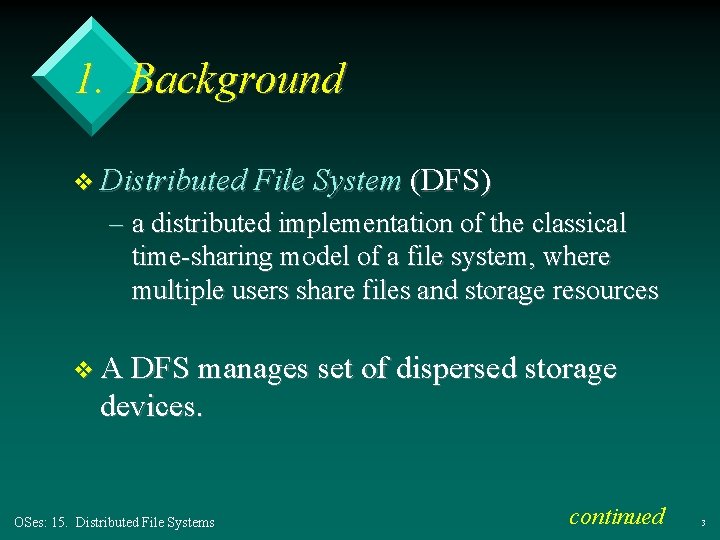
1. Background v Distributed File System (DFS) – a distributed implementation of the classical time-sharing model of a file system, where multiple users share files and storage resources v A DFS manages set of dispersed storage devices. OSes: 15. Distributed File Systems continued 3
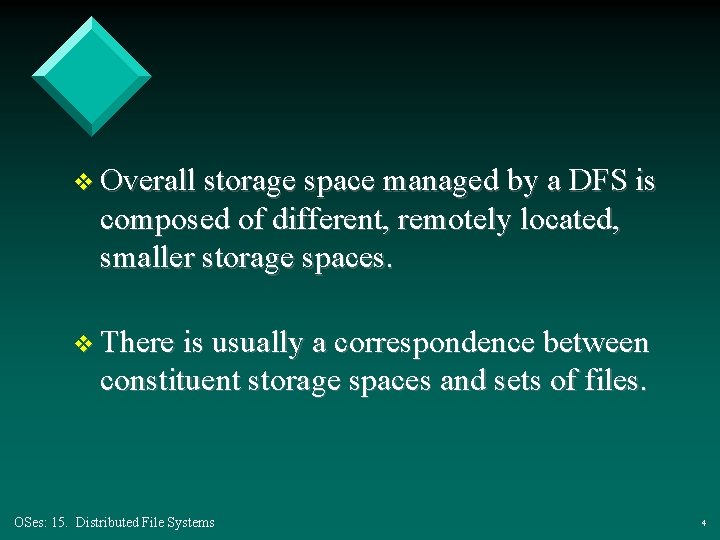
v Overall storage space managed by a DFS is composed of different, remotely located, smaller storage spaces. v There is usually a correspondence between constituent storage spaces and sets of files. OSes: 15. Distributed File Systems 4
1. 1. DFS Structure v Service – software entity running on one or more machines and providing a particular type of function to a priori unknown clients v Server – service software running on a single machine OSes: 15. Distributed File Systems continued 5
v Client – process that can invoke a service using a set of operations that forms its client interface v A client interface for a file service is formed by a set of primitive file operations (create, delete, read, write). v Client interface of a DFS should be transparent, i. e. , not distinguish between local and remote files. OSes: 15. Distributed File Systems 6
2. Naming and Transparency v Naming – mapping between logical and physical objects v Multilevel mapping – abstraction of a file that hides the details of how and where on the disk the file is actually stored OSes: 15. Distributed File Systems continued 7
v A transparent DFS hides the location where in the network the file is stored. v For a file being replicated in several sites, the mapping returns a set of the locations of this file’s replicas; both the existence of multiple copies and their location are hidden. OSes: 15. Distributed File Systems 8
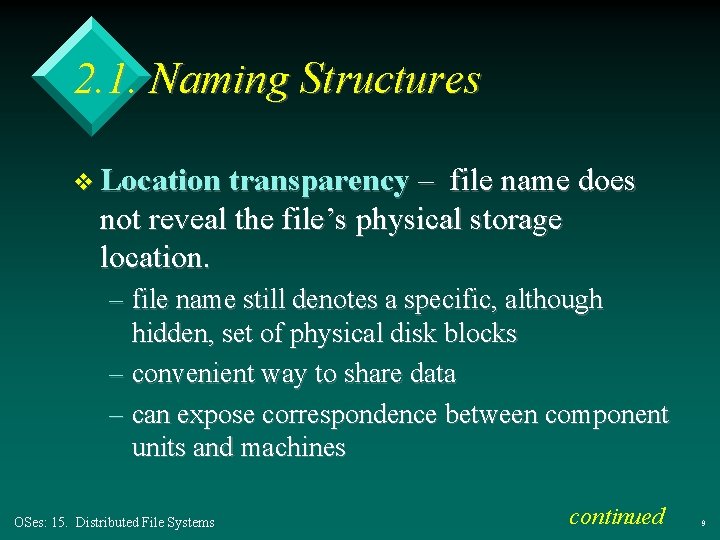
2. 1. Naming Structures v Location transparency – file name does not reveal the file’s physical storage location. – file name still denotes a specific, although hidden, set of physical disk blocks – convenient way to share data – can expose correspondence between component units and machines OSes: 15. Distributed File Systems continued 9
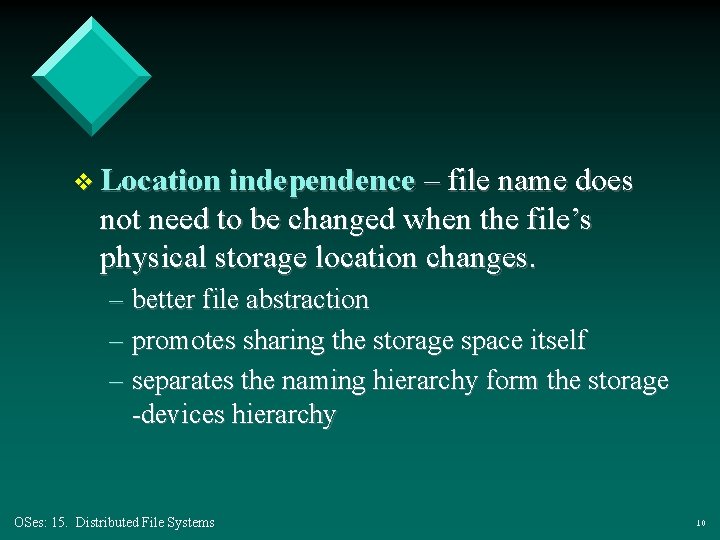
v Location independence – file name does not need to be changed when the file’s physical storage location changes. – better file abstraction – promotes sharing the storage space itself – separates the naming hierarchy form the storage -devices hierarchy OSes: 15. Distributed File Systems 10
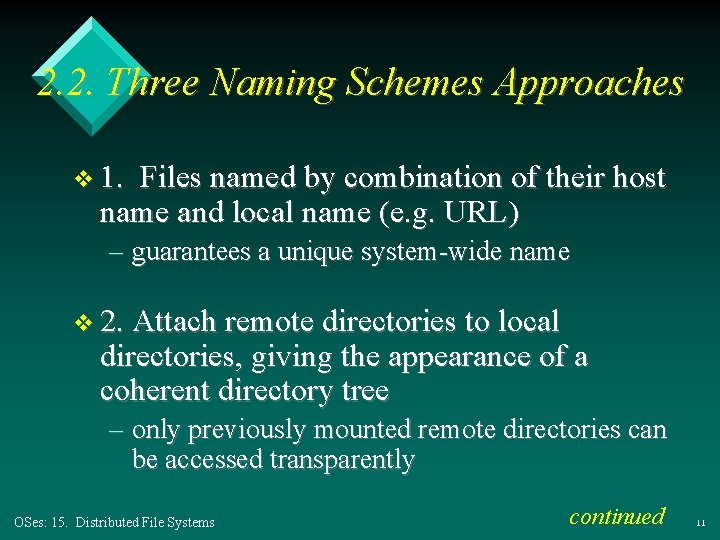
2. 2. Three Naming Schemes Approaches v 1. Files named by combination of their host name and local name (e. g. URL) – guarantees a unique system-wide name v 2. Attach remote directories to local directories, giving the appearance of a coherent directory tree – only previously mounted remote directories can be accessed transparently OSes: 15. Distributed File Systems continued 11
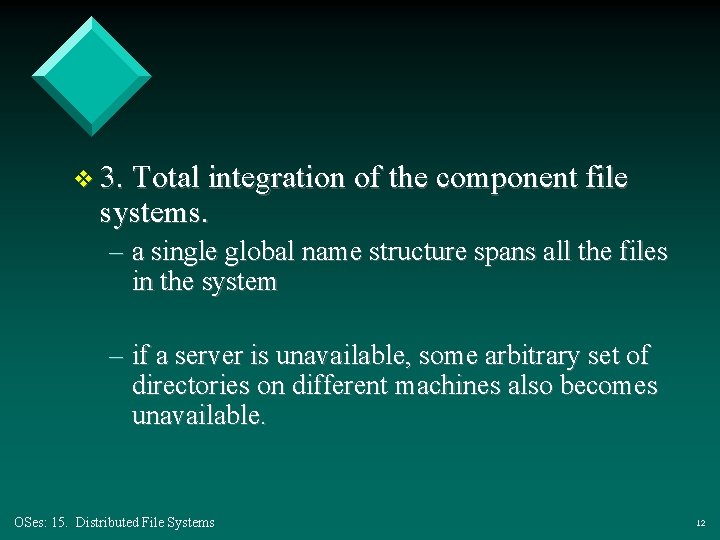
v 3. Total integration of the component file systems. – a single global name structure spans all the files in the system – if a server is unavailable, some arbitrary set of directories on different machines also becomes unavailable. OSes: 15. Distributed File Systems 12
3. Remote File Access v Reduce network traffic by retaining recently accessed disk blocks in a cache, so that repeated accesses to the same information can be handled locally – if needed data not already cached, a copy of data is brought from the server to the user OSes: 15. Distributed File Systems continued 13
– bigger caches are better (64 K) – accesses are performed on the cached copy – files identified with one master copy residing at the server machine, but copies of (parts of) the file are scattered in different caches – cache-consistency problem – keeping the cached copies consistent with the master file. OSes: 15. Distributed File Systems 14
3. 1. Cache Location – Disk vs. Main Memory v Advantages of disk caches – more reliable – cached data kept on disk are still there during recovery and don’t need to be fetched again OSes: 15. Distributed File Systems continued 15
v Advantages of main-memory caches: – permit workstations to be diskless – data can be accessed more quickly – performance speedup in bigger memories – server caches (used to speed up disk I/O) are in main memory regardless of where user caches are located; using main-memory caches on the user machine permits a single caching mechanism for servers and users OSes: 15. Distributed File Systems 16
3. 2. Cache Update Policy v Write-through – write data through to disk as soon as they are placed on any cache – reliable, but poor performance v Delayed-write – modifications written to the cache and then written through to the server later. – write accesses complete quickly; some data may be overwritten before they are written back, and so need never be written at all OSes: 15. Distributed File Systems continued 17
– poor reliability; unwritten data will be lost whenever a user machine crashes – variation – scan cache at regular intervals and flush blocks that have been modified since the last scan – variation – write-on-close, writes data back to the server when the file is closed. Best for files that are open for long periods and frequently modified. OSes: 15. Distributed File Systems 18
3. 3. Consistency v Is locally cached copy of the data consistent with the master copy? v Client-initiated approach – client initiates a validity check – server checks whether the local data are consistent with the master copy OSes: 15. Distributed File Systems continued 19
v Server-initiated approach – server records, for each client, the (parts of) files it caches – when server detects a potential inconsistency, it must react – session semantics? How are the cache and original re-combined? OSes: 15. Distributed File Systems 20
3. 4. Comparing Caching & Remote Services v If many remote accesses are handled by the local cache then overall efficiency will improve. v Servers are contracted only occasionally in caching (rather than for each access). – reduces server load and network traffic – enhances potential for scalability OSes: 15. Distributed File Systems continued 21
v If the remote server method handles every remote access across the network, then there is a penalty in network traffic, server load, and performance. v Total network overhead in transmitting big chunks of data (caching) is lower than a series of networkc requests. OSes: 15. Distributed File Systems continued 22
v Caching is superior when there are few writes. v With frequent writes, there is a substantial overhead to overcome the cache consistency problem v Caching is best when carried out on machines with local disks or large main memories. OSes: 15. Distributed File Systems continued 23
v Remote access should be used on diskless, small memory machines. v In caching, the lower inter-machine interface is different form the upper user interface v In a remote service, the inter-machine interface mirrors the local user file system interface. OSes: 15. Distributed File Systems 24
4. Stateful File Service v Mechanism. – client opens a file – server fetches information about the file from its disk, stores it in its memory, and gives the client a connection identifier unique to the client and the open file – identifier is used for subsequent accesses until the session ends – server must reclaim the main-memory space used by clients who are no longer active OSes: 15. Distributed File Systems continued 25
v Increased performance – fewer disk accesses – stateful server knows if a file was opened for sequential access and can thus read ahead the next blocks OSes: 15. Distributed File Systems 26
4. 1. Stateless File Server v Avoids state information by making each request self-contained. v Each request identifies the file and position in the file. v No need to establish and terminate a connection by open and close operations. OSes: 15. Distributed File Systems 27
4. 2. Distinctions Between Stateful & Stateless Service v Failure Recovery. – A stateful server loses all its volatile state in a crash. u Restore state by recovery protocol based on a dialog with clients, or abort operations that were underway when the crash occurred. u Server needs to be aware of client failures in order to reclaim space allocated to record the state of crashed client processes (orphan detection and elimination). OSes: 15. Distributed File Systems continued 28
– With stateless server, the effects of server failure and recovery are almost unnoticeable u no state to restore u client just keeps resending request – A newly reincarnated server can respond to a self-contained request without any difficulty. OSes: 15. Distributed File Systems continued 29
v Penalties for using the stateless service: – longer request messages to hold the state – slower request processing to process those messages – additional constraints imposed on DFS design, such as idempotency u one client operation must have the same meaning as many copies of that operation OSes: 15. Distributed File Systems continued 30
v Some environments require stateful service. – A server employing server-initiated cache validation cannot provide stateless service, since it maintains a record of which files are cached by which clients – UNIX use of file descriptors and implicit offsets is inherently stateful; servers must maintain tables to map the file descriptors to inodes, and store the current offset within a file. OSes: 15. Distributed File Systems 31
5. File Replication v Replicas of the same file reside on failure independent machines. v Improves availability and can shorten service time. v Naming scheme maps a replicated file name to a particular replica. – Existence should be invisible to higher levels. – Replicas must be distinguished from one another by different lower-level names. OSes: 15. Distributed File Systems continued 32
v Updates – replicas of a file denote the same logical entity, and thus an update to any replica must be reflected on all other replicas v Demand replication – reading a nonlocal replica causes it to be cached locally, thereby generating a new nonprimary replica OSes: 15. Distributed File Systems 33
6. Example System: Andrew v Andrew is a distributed computing environment under development since 1983 at Carnegie-Mellon University. – also known as the AFS (Andrew File System) v Andrew is highly scalable; the system is targeted to span over 5000 workstations. OSes: 15. Distributed File Systems continued 34
v Andrew distinguishes between client machines (workstations) and dedicated server machines. Servers and clients run the 4. 2 BSD UNIX OS and are interconnected by an internet of LANs. v Clients are presented with a partitioned space of file names: a local name space and a shared name space. OSes: 15. Distributed File Systems continued 35
v Dedicated servers, called Vice, present the shared name space to the clients as an homogeneous, identical, and location transparent file hierarchy v The local name space is the root file system of a workstation, from which the shared name space descends. OSes: 15. Distributed File Systems continued 36
v Workstations run the Virtue protocol to communicate with Vice, and are required to have local disks where they store their local name space v Servers collectively are responsible for the storage and management of the shared name space. OSes: 15. Distributed File Systems continued 37
v Clients and servers are structured in clusters interconnected by a backbone LAN. v A cluster consists of a collection of workstations and a cluster server and is connected to the backbone by a router. v A key mechanism selected for remote file operations is whole file caching. Opening a file causes it to be cached, in its entirety, on the local disk. OSes: 15. Distributed File Systems 38
6. 1. Andrew Shared Name Space v Andrew’s volumes are small component units associated with the files of a single client. v A fid identifies a Vice file or directory. A fid is 96 bits long and has three equal-length components: – volume number, vnode number, unique id OSes: 15. Distributed File Systems continued 39
v Fids are location transparent; therefore, file movements from server to server do not invalidate cached directory contents v Location information is kept on a volume basis, and the information is replicated on each server. OSes: 15. Distributed File Systems 40
6. 2. Andrew’s File Operations v Andrew caches entire files from servers on a client. v A client workstation interacts with Vice servers only during opening and closing of files – good for performance – aids cache consistency OSes: 15. Distributed File Systems continued 41
v Venus – caches files from Vice when they are opened, and stores modified copies of files back when they are closed. v Reading and writing bytes of a file are done by the kernel without Venus intervention on the cached copy. v Venus caches contents of directories and symbolic links, for path-name translation. OSes: 15. Distributed File Systems 42
6. 3. Andrew Implementation v Client processes are interfaced to a UNIX kernel with the usual set of system calls. v Venus carries out path-name translation component by component. v The UNIX file system is used as a low-level storage system for both servers and clients. The client cache is a local directory on the workstation’s disk. OSes: 15. Distributed File Systems continued 43
v Both Venus and server processes access UNIX files directly by their inodes to avoid the expensive path name-to-inode translation routine. v Venus manages two separate caches: – one for status – one for data v LRU algorithm used to keep each of them bounded in size. OSes: 15. Distributed File Systems continued 44
v The status cache is kept in virtual memory to allow rapid servicing of stat (file status returning) system calls v The data cache is resident on the local disk, but the UNIX I/O buffering mechanism does some caching of the disk blocks in memory that are transparent to Venus. OSes: 15. Distributed File Systems 45