
Operating Systems and Virtual Machines Security Courtesy Eng


![Linux / Unix Access Control Lists • [d[efault]: ] [u[ser]: ]uid [: perms] –](https://slidetodoc.com/presentation_image_h/0b36fc669af92a7687190303014638ba/image-26.jpg "Linux / Unix Access Control Lists • [d[efault]: ] [u[ser]: ]uid [: perms] –")
- Slides: 28
Operating Systems and Virtual Machines Security Courtesy: Eng. Hector M Lugo. Cordero, MS
Problem • Client / Server infrastructure very common among most organizations – Clients provide access to system – Servers run the systems • Software vulnerabilities (e. g. buffer overflow) and malware need to be considered • Follow a framework detailed by NIST (National Institute of Standards and Technology) to provide a secure environment, even when we know it is not there
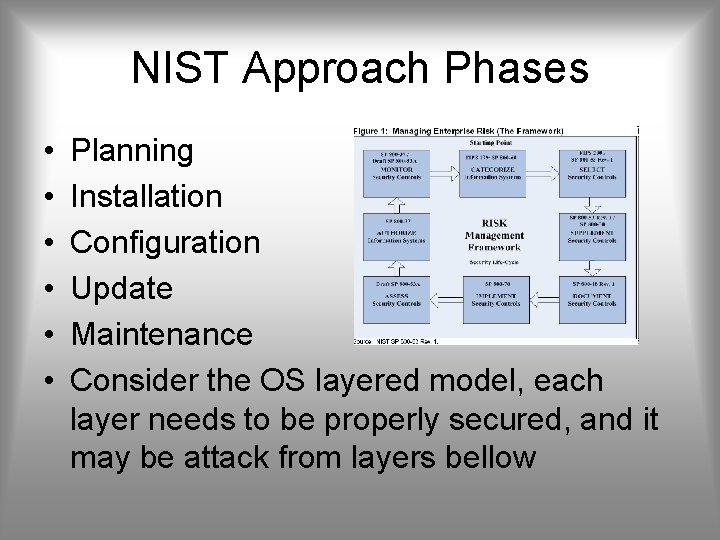
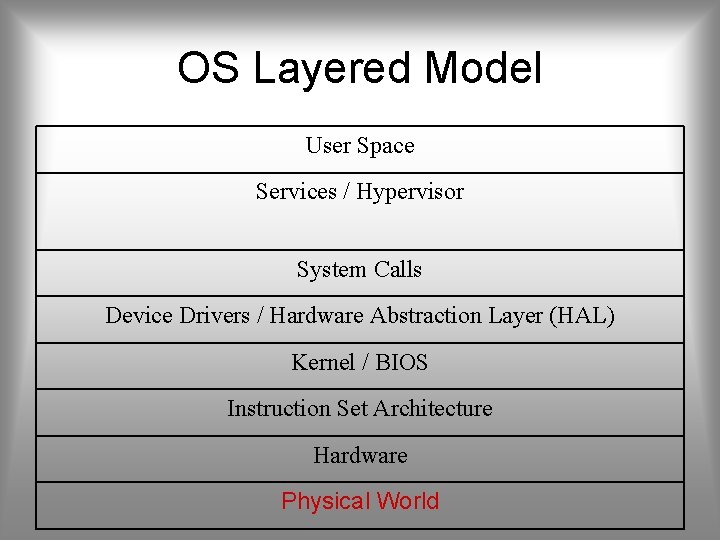
NIST Approach Phases • • • Planning Installation Configuration Update Maintenance Consider the OS layered model, each layer needs to be properly secured, and it may be attack from layers bellow
OS Layered Model User Space Services / Hypervisor System Calls Device Drivers / Hardware Abstraction Layer (HAL) Kernel / BIOS Instruction Set Architecture Hardware Physical World
Overall Goal • Asses risks and plan the system development • Secure the underlying OS and then key applications • Ensure any critical content is secured • Ensure appropriate network protection mechanisms are used • Ensure appropriate process are used to maintain security (policies)
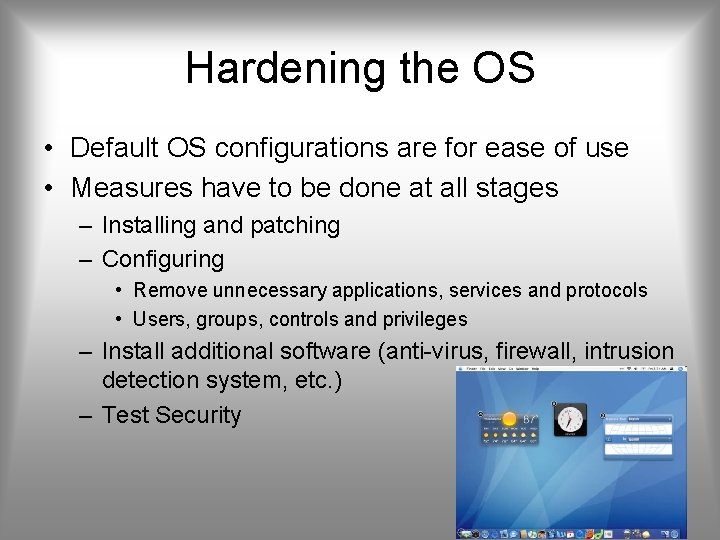
Hardening the OS • Default OS configurations are for ease of use • Measures have to be done at all stages – Installing and patching – Configuring • Remove unnecessary applications, services and protocols • Users, groups, controls and privileges – Install additional software (anti-virus, firewall, intrusion detection system, etc. ) – Test Security
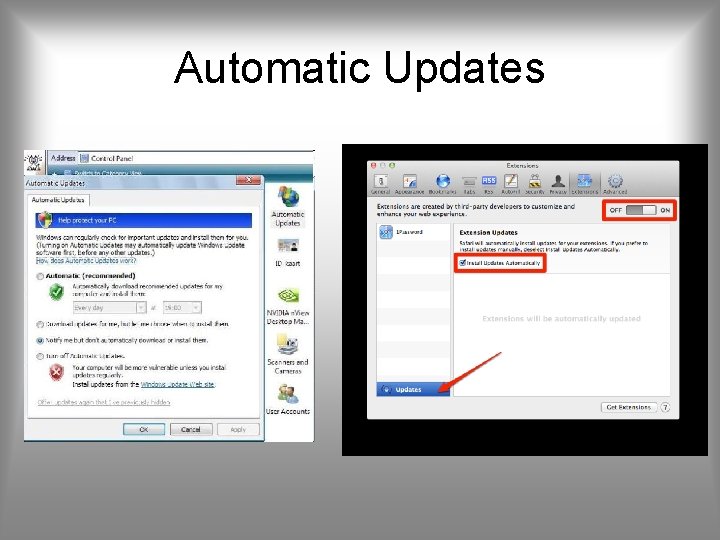
Installing and Patching • Installation – Machines should not connect to network until secured • However removable media may be infected as well – Limited network (firewall) is acceptable, ideally: • No inbound connections • Only out to certain key sites – Install only required services and drivers (from trusted sources) – Set up automatic updates (only if update time is not an issue) • Booting – Protect BIOS changes with password – Disable some bootable media – Cryptographic hard drives? Pros and Cons
Automatic Updates
Remove Unnecessary Support • Software have vulnerabilities, hence more software = more vulnerabilities • Better to not install it at all – Uninstallers sometimes fail to clean all dependency – Disabled software may be enabled by an attacker upon control acquisition • Disabling can be done via msconfig command (Windows), yast or equivalent (Linux) or Control Panel (Windows / Linux)
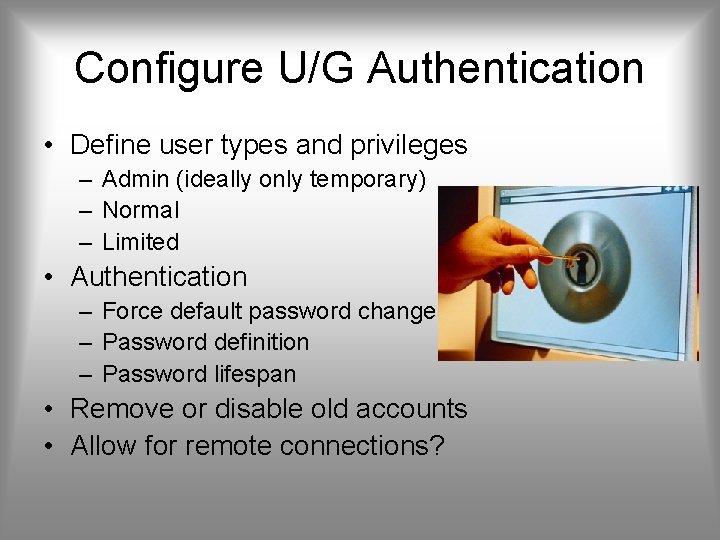
Configure U/G Authentication • Define user types and privileges – Admin (ideally only temporary) – Normal – Limited • Authentication – Force default password change – Password definition – Password lifespan • Remove or disable old accounts • Allow for remote connections?
Additional Security and Testing • Anti-virus • Firewalls, IDS, IPS • White list – If attackers manage to install a program what will happen? • Run some test cases which attempt to break security (stress testing), good hackers make a lot of money here
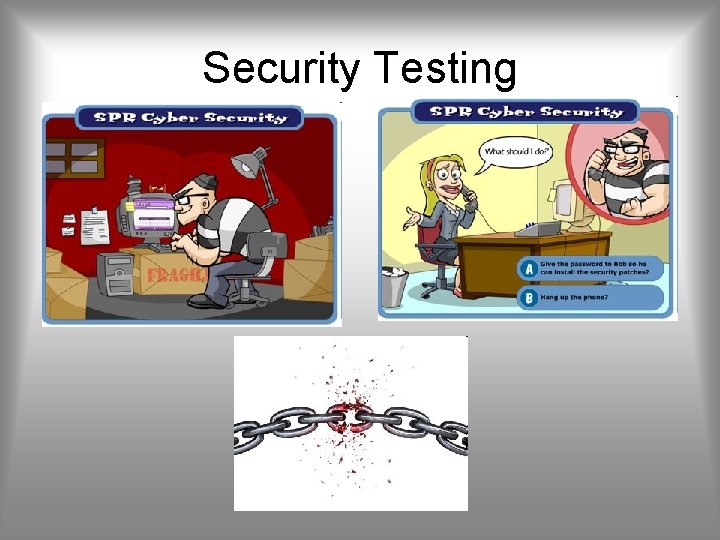
Security Testing
Application Security • Configure applications properly • Use encryption when possible as seen earlier – For storing – For transmit (SSH connections) • Limit privileges as with users – Remember what we have said about security in Android, Blackberry, and i. Phone • Applications may provide backdoors if not configured properly
Maintenance • Now that system is set, keep it secure • This involves – Monitoring and analyzing logging information – Performing regular backups – Recovering from security compromises – Regular testing of security – Patch, update, and revise critical software
Logging • Keep a record of important events in the computer • Problems – Need to make sure to have enough space – Manual analysis is hard, so these logs should contain a format such that a program (e. g. in Perl) can parse messages
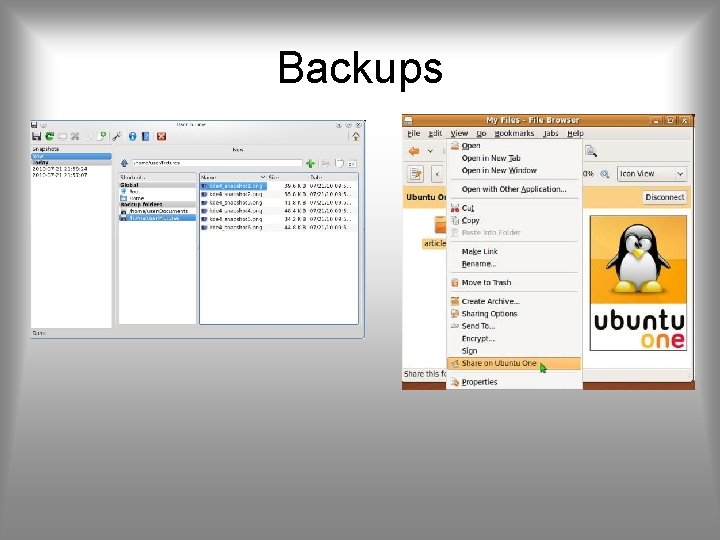
Data Backup • Backup is the act of creating copies of information such that it may be recovered • Archive is to keep these backups for a long period of time in order to meet some legal aspects • Should the backup be kept online or offline? – Online makes easier access, faster recover – Offline is more secure, harder to recover – Why not both? : Users should keep their own offline backups, in case online backup gets removed • Data may be lost accidentally (hardware failures, human mistake) or intentionally
Backups
Windows Security • Use automatic updates specially for – Windows – Adobe Acrobat Reader and Flash Plugin – Java • Users are defined with a Security ID (SID) and information such as passwords may be stored at Security Account Manager (SAM) • System restore • User Account Control to treat users with admin only as admin when required, otherwise as normal (Vista and later)
Windows Registry • Hard to maintain • Easy to access • May use a specific application hiding complex information from administrator • May use regedit to see everything – Useful to have an application that queues and monitors registry changes, such that they need to get approved before proceeding
Other Windows Security • • Anti-virus Anti-spyware Personal firewall Encrypting File Systems – Local Security Policy • Bit. Locker: full disk encryption with AES • More on Control Panel System Security • Microsoft Baseline Security Analyzer – Checks for minimal recommended requirements in a system – Its free – Shavlik Net. Chk Limited for legacy
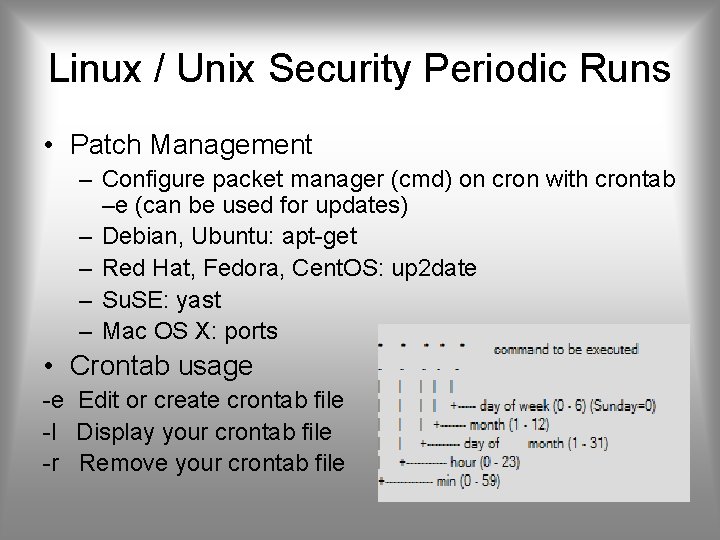
Linux / Unix Security Periodic Runs • Patch Management – Configure packet manager (cmd) on cron with crontab –e (can be used for updates) – Debian, Ubuntu: apt-get – Red Hat, Fedora, Cent. OS: up 2 date – Su. SE: yast – Mac OS X: ports • Crontab usage -e Edit or create crontab file -l Display your crontab file -r Remove your crontab file
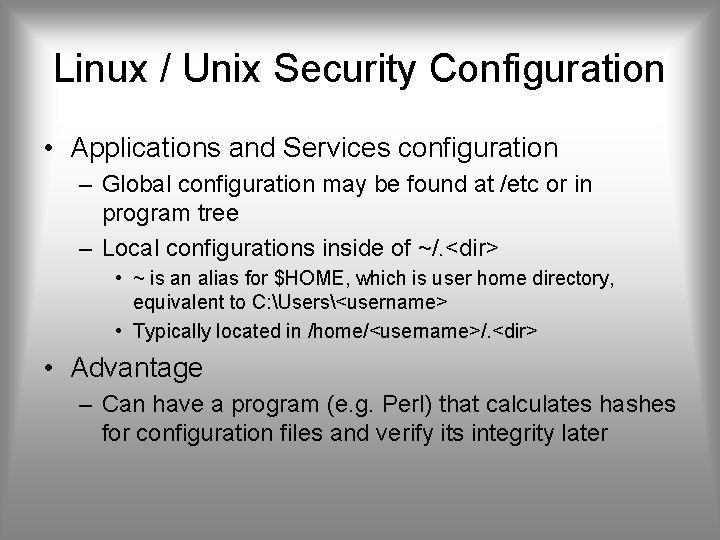
Linux / Unix Security Configuration • Applications and Services configuration – Global configuration may be found at /etc or in program tree – Local configurations inside of ~/. <dir> • ~ is an alias for $HOME, which is user home directory, equivalent to C: Users<username> • Typically located in /home/<username>/. <dir> • Advantage – Can have a program (e. g. Perl) that calculates hashes for configuration files and verify its integrity later
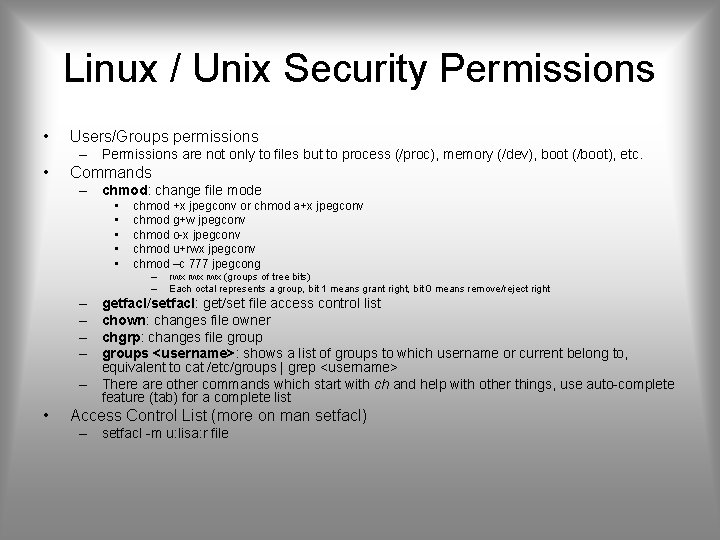
Linux / Unix Security Permissions • Users/Groups permissions – Permissions are not only to files but to process (/proc), memory (/dev), boot (/boot), etc. • Commands – chmod: change file mode • • • chmod +x jpegconv or chmod a+x jpegconv chmod g+w jpegconv chmod o-x jpegconv chmod u+rwx jpegconv chmod –c 777 jpegcong – – – – • rwx rwx (groups of tree bits) Each octal represents a group, bit 1 means grant right, bit 0 means remove/reject right getfacl/setfacl: get/set file access control list chown: changes file owner chgrp: changes file groups <username>: shows a list of groups to which username or current belong to, equivalent to cat /etc/groups | grep <username> There are other commands which start with ch and help with other things, use auto-complete feature (tab) for a complete list Access Control List (more on man setfacl) – setfacl -m u: lisa: r file
Linux / Unix Access Control Lists • [d[efault]: ] [u[ser]: ]uid [: perms] – Permissions of a named user. Permissions of the file owner if uid is empty. • [d[efault]: ] g[roup]: gid [: perms] – Permissions of a named group. Permissions of the owning group if gid is empty. • [d[efault]: ] m[ask][: ] [: perms] – Effective rights mask • [d[efault]: ] o[ther][: ] [: perms] – Permissions of others.
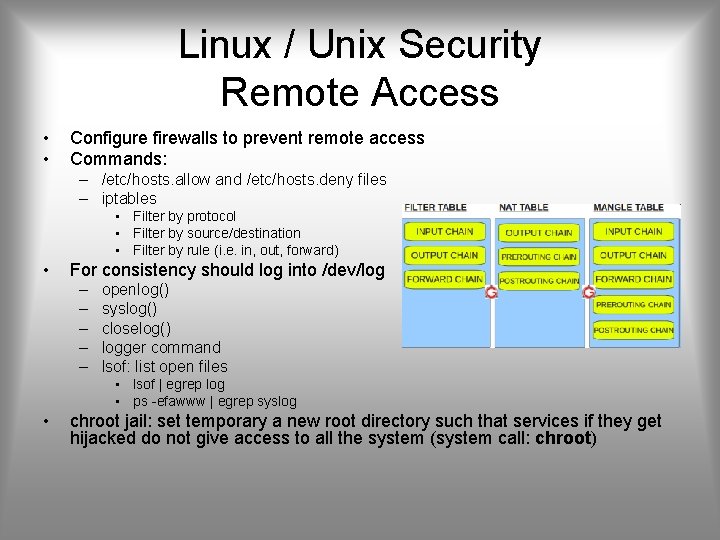
Linux / Unix Security Remote Access • • Configure firewalls to prevent remote access Commands: – /etc/hosts. allow and /etc/hosts. deny files – iptables • Filter by protocol • Filter by source/destination • Filter by rule (i. e. in, out, forward) • For consistency should log into /dev/log – – – openlog() syslog() closelog() logger command lsof: list open files • lsof | egrep log • ps -efawww | egrep syslog • chroot jail: set temporary a new root directory such that services if they get hijacked do not give access to all the system (system call: chroot)
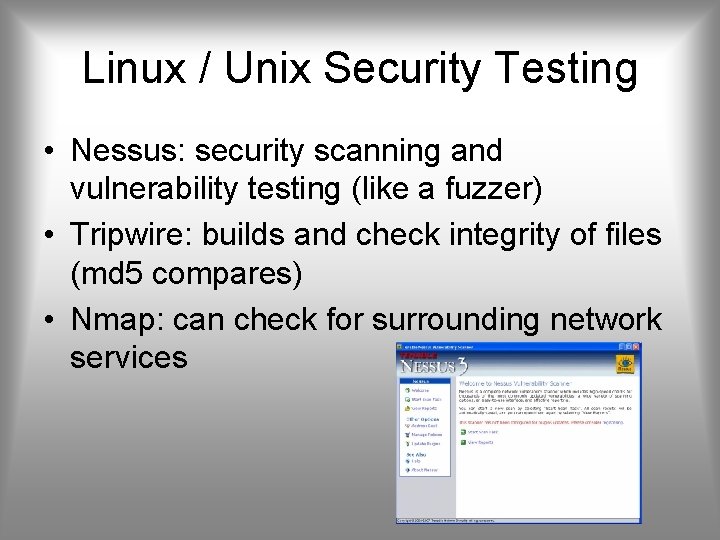
Linux / Unix Security Testing • Nessus: security scanning and vulnerability testing (like a fuzzer) • Tripwire: builds and check integrity of files (md 5 compares) • Nmap: can check for surrounding network services