
Operating System Structures Vivek Pai Princeton University COS
- Slides: 28
Operating System Structures Vivek Pai Princeton University COS 318 Lec 2 1
Gedankenexperiment n What does this program do? static void Loop(void) { static char *start. Addr; char local; printf(“diff is %dn”, start. Addr – (&local)); start. Addr = &local; Loop( ); } int main(int argc, char *argv[ ]) { Loop( ); } COS 318 Lec 2 2
Mechanics Have you: n Subscribed to pu. cs. 318? n Sent me mail with your details? – Hey, it was an assignment after all… n Sent me a picture of yourself? COS 318 Lec 2 3
More Mechanics n Syllabus is now “complete”, along with goals for each lecture n Preparatory readings are listed – External readings are not yet included n Projects are being finalized – Regular lab not yet operational n How do we want to handle quizzes? – Scheduled or random? COS 318 Lec 2 4
Reading Assignment n Sections 1. 0 -1. 3 inclusive n Keep up with what’s on home page n I’ll try to remember to remind you COS 318 Lec 2 5
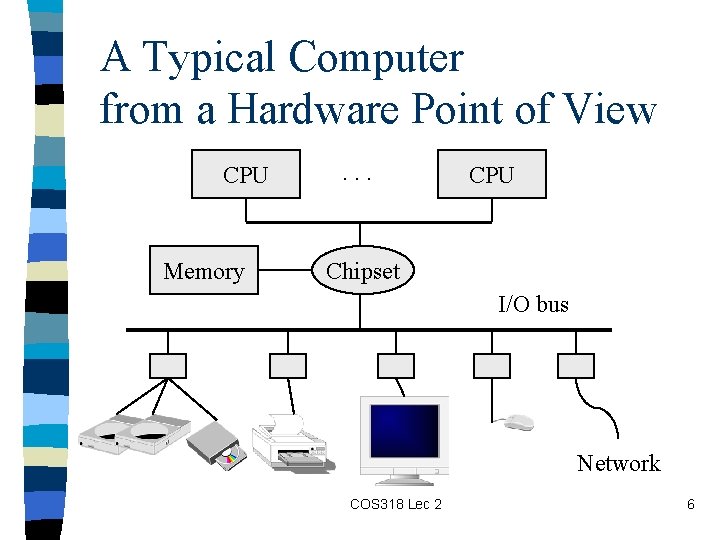
A Typical Computer from a Hardware Point of View CPU Memory . . . CPU Chipset I/O bus Network COS 318 Lec 2 6
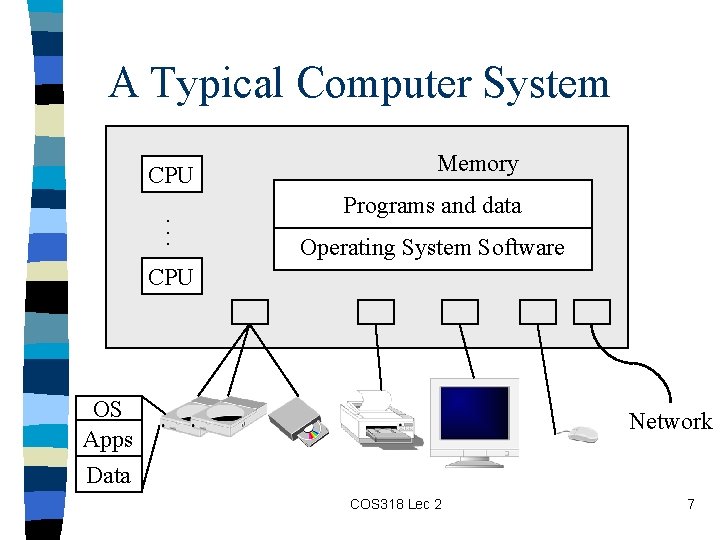
A Typical Computer System CPU. . . Memory Programs and data Operating System Software CPU OS Apps Data Network COS 318 Lec 2 7
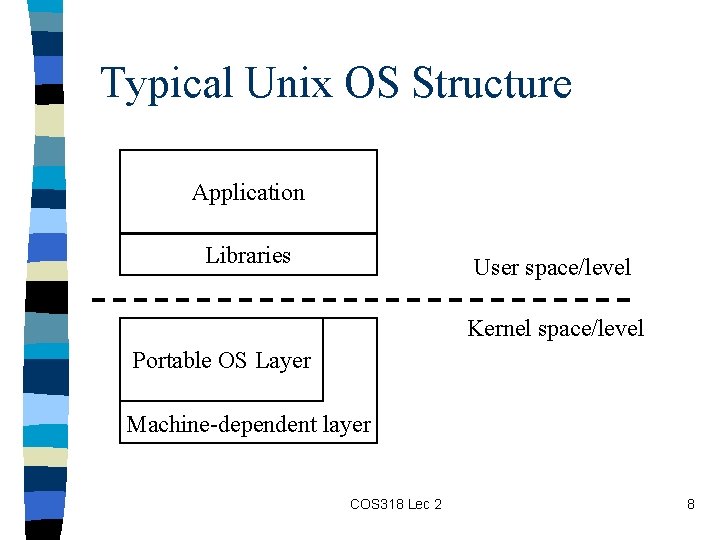
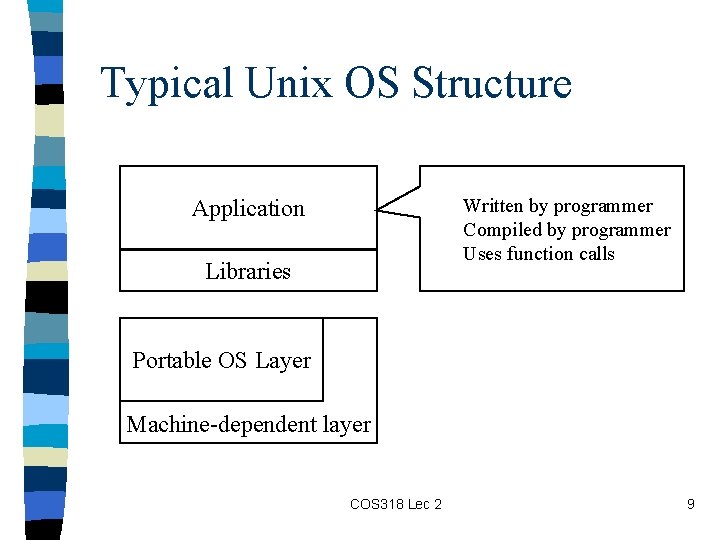
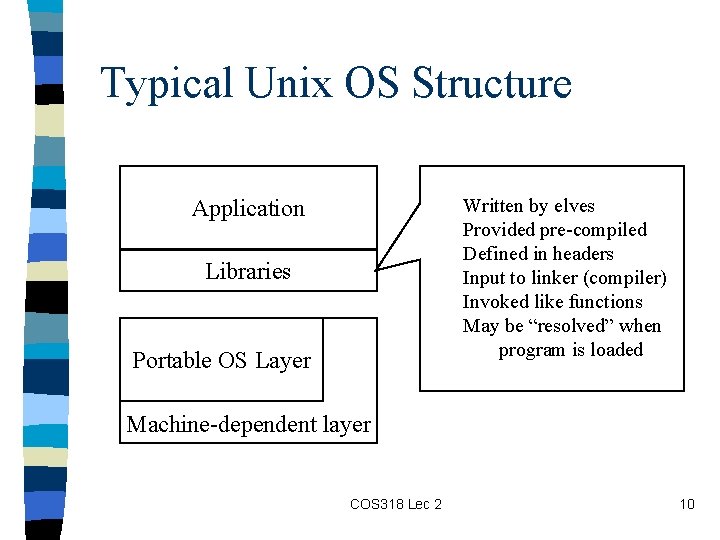
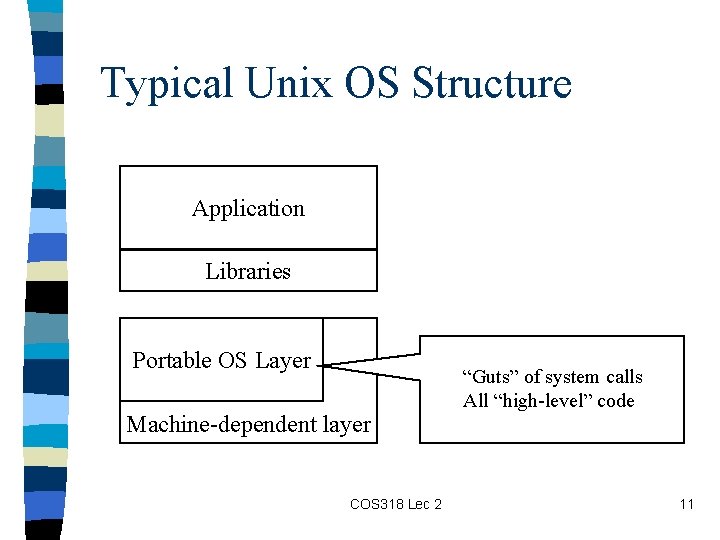
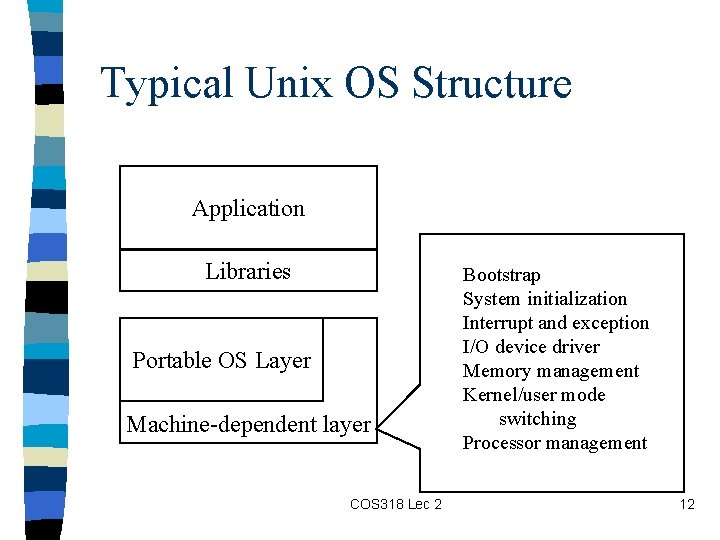
Typical Unix OS Structure Application Libraries User space/level Kernel space/level Portable OS Layer Machine-dependent layer COS 318 Lec 2 8
Typical Unix OS Structure Application Written by programmer Compiled by programmer Uses function calls Libraries Portable OS Layer Machine-dependent layer COS 318 Lec 2 9
Typical Unix OS Structure Application Written by elves Provided pre-compiled Defined in headers Input to linker (compiler) Invoked like functions May be “resolved” when program is loaded Libraries Portable OS Layer Machine-dependent layer COS 318 Lec 2 10
Typical Unix OS Structure Application Libraries Portable OS Layer Machine-dependent layer COS 318 Lec 2 “Guts” of system calls All “high-level” code 11
Typical Unix OS Structure Application Libraries Portable OS Layer Machine-dependent layer COS 318 Lec 2 Bootstrap System initialization Interrupt and exception I/O device driver Memory management Kernel/user mode switching Processor management 12
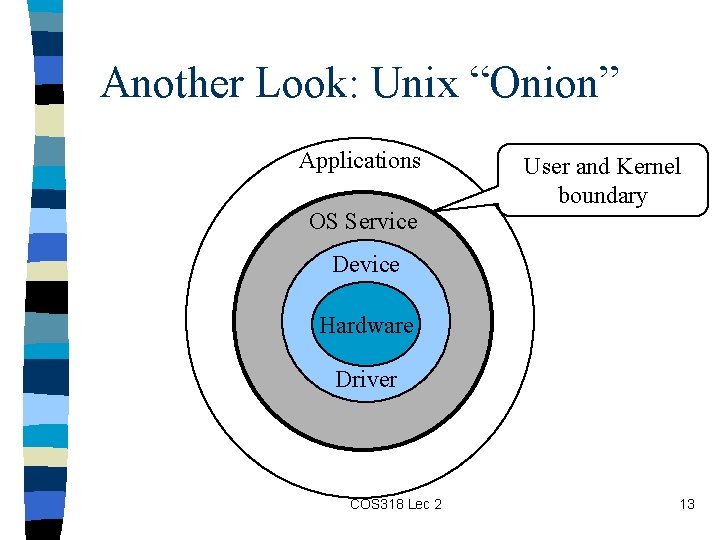
Another Look: Unix “Onion” Applications OS Service User and Kernel boundary Device Hardware Driver COS 318 Lec 2 13
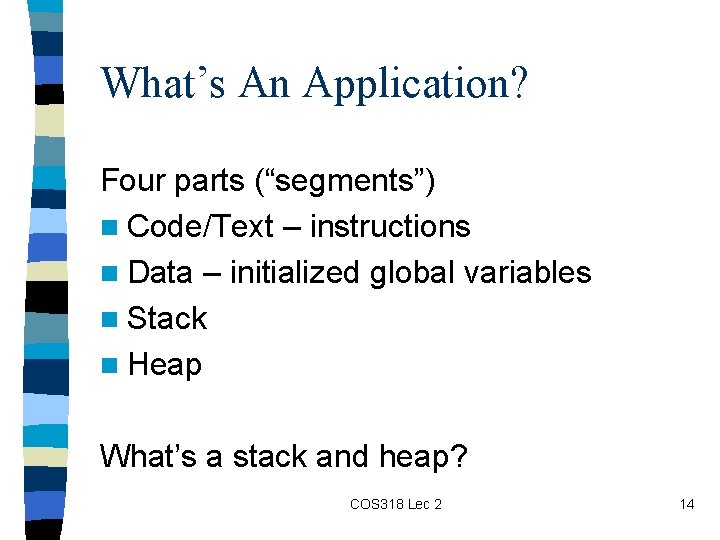
What’s An Application? Four parts (“segments”) n Code/Text – instructions n Data – initialized global variables n Stack n Heap What’s a stack and heap? COS 318 Lec 2 14
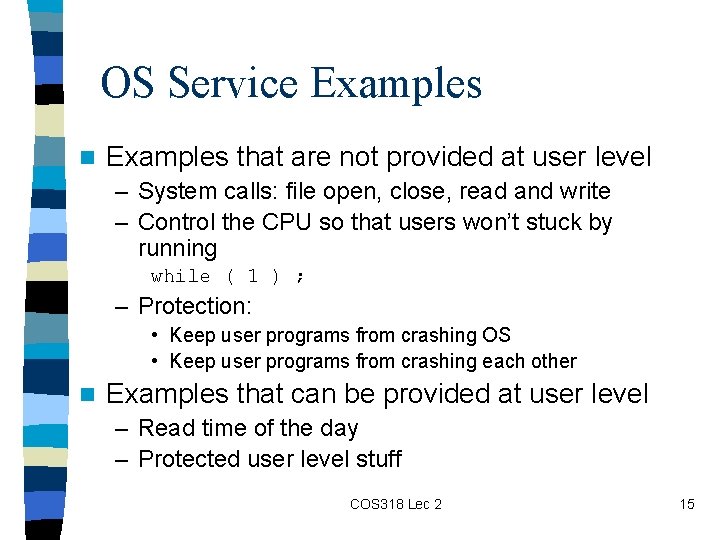
OS Service Examples n Examples that are not provided at user level – System calls: file open, close, read and write – Control the CPU so that users won’t stuck by running while ( 1 ) ; – Protection: • Keep user programs from crashing OS • Keep user programs from crashing each other n Examples that can be provided at user level – Read time of the day – Protected user level stuff COS 318 Lec 2 15
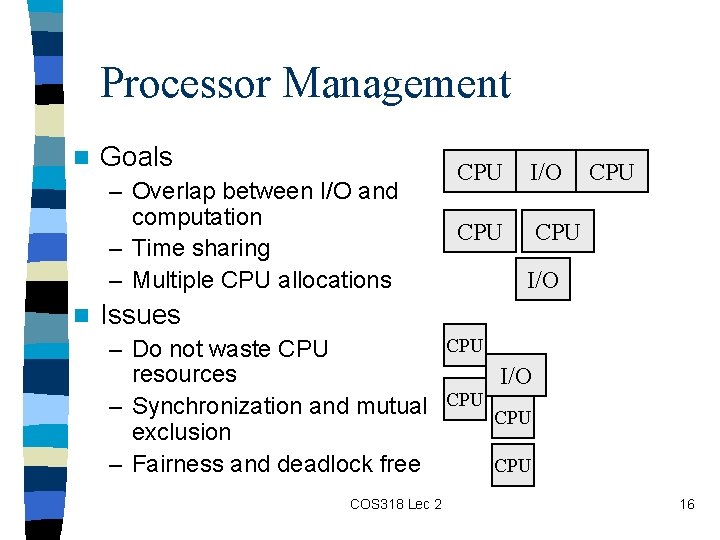
Processor Management n Goals – Overlap between I/O and computation – Time sharing – Multiple CPU allocations n CPU I/O CPU CPU I/O Issues CPU – Do not waste CPU resources I/O – Synchronization and mutual CPU exclusion – Fairness and deadlock free CPU COS 318 Lec 2 16
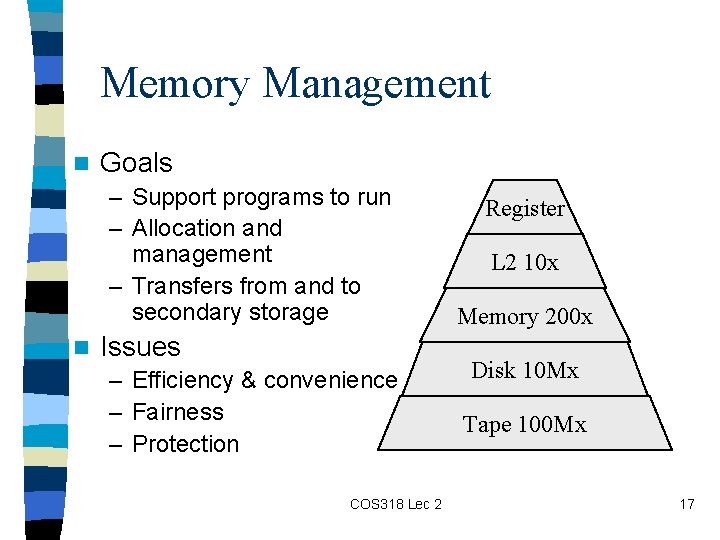
Memory Management n Goals – Support programs to run – Allocation and management – Transfers from and to secondary storage n Issues – Efficiency & convenience – Fairness – Protection COS 318 Lec 2 Register L 2 10 x Memory 200 x Disk 10 Mx Tape 100 Mx 17
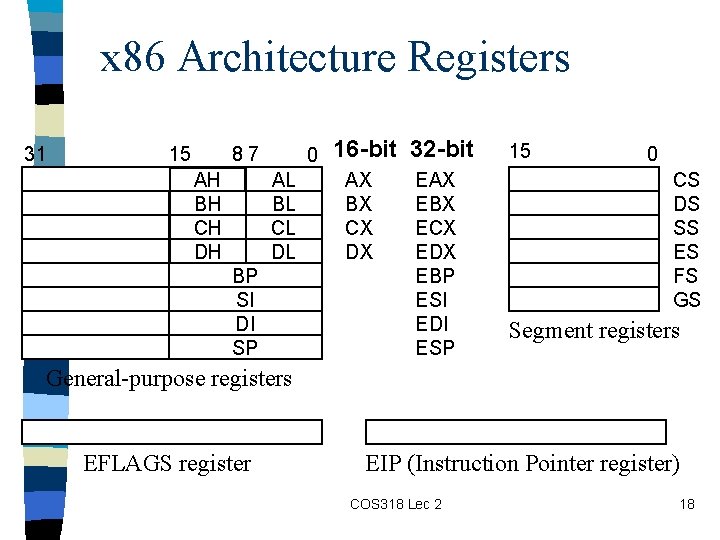
x 86 Architecture Registers 31 15 87 0 AL BL CL DL AH BH CH DH BP SI DI SP 16 -bit 32 -bit AX BX CX DX EAX EBX ECX EDX EBP ESI EDI ESP 15 0 CS DS SS ES FS GS Segment registers General-purpose registers EFLAGS register EIP (Instruction Pointer register) COS 318 Lec 2 18
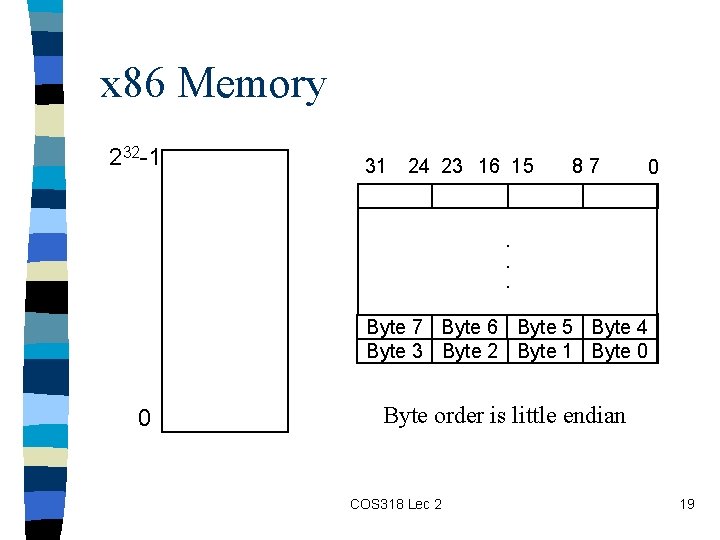
x 86 Memory 232 -1 31 24 23 16 15 87 0 . . . Byte 7 Byte 6 Byte 5 Byte 4 Byte 3 Byte 2 Byte 1 Byte 0 0 Byte order is little endian COS 318 Lec 2 19
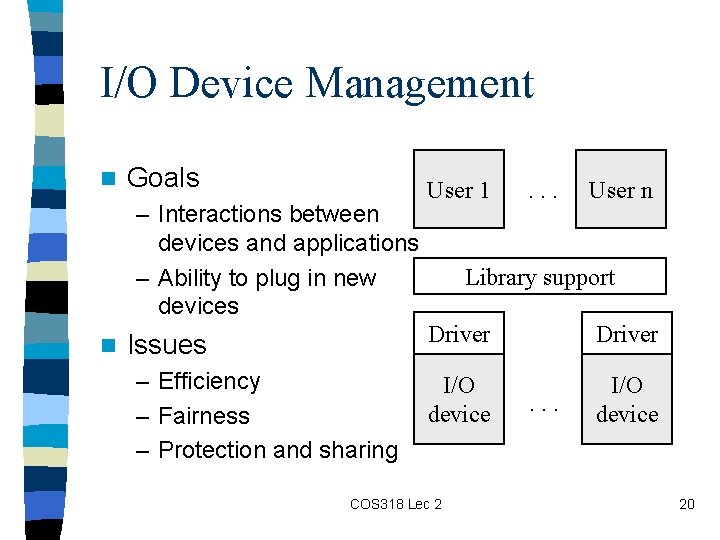
I/O Device Management n Goals – Interactions between devices and applications – Ability to plug in new devices n Issues – Efficiency – Fairness – Protection and sharing User 1 . . . User n Library support Driver I/O device COS 318 Lec 2 . . . 20
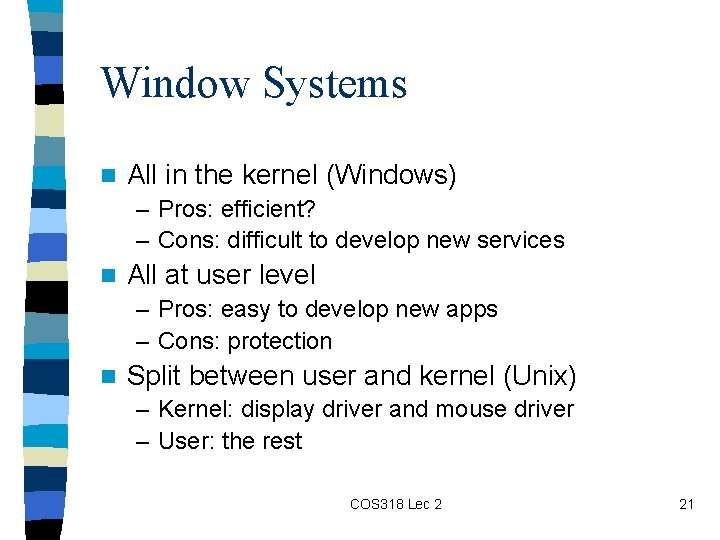
Window Systems n All in the kernel (Windows) – Pros: efficient? – Cons: difficult to develop new services n All at user level – Pros: easy to develop new apps – Cons: protection n Split between user and kernel (Unix) – Kernel: display driver and mouse driver – User: the rest COS 318 Lec 2 21
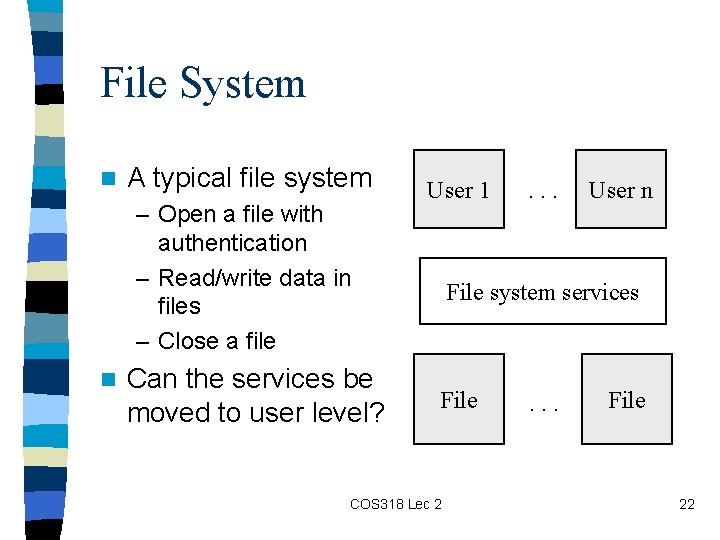
File System n A typical file system – Open a file with authentication – Read/write data in files – Close a file n Can the services be moved to user level? User 1 . . . User n File system services File COS 318 Lec 2 . . . File 22
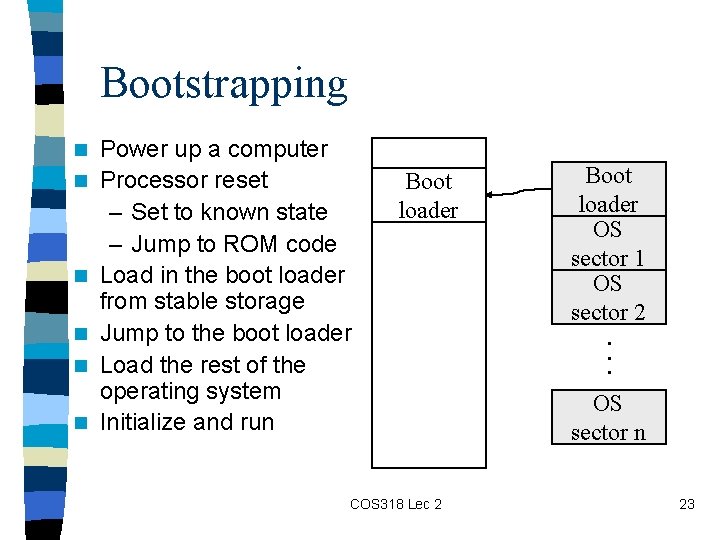
Bootstrapping n n n Power up a computer Processor reset – Set to known state – Jump to ROM code Load in the boot loader from stable storage Jump to the boot loader Load the rest of the operating system Initialize and run Boot loader COS 318 Lec 2 Boot loader OS sector 1 OS sector 2. . . OS sector n 23
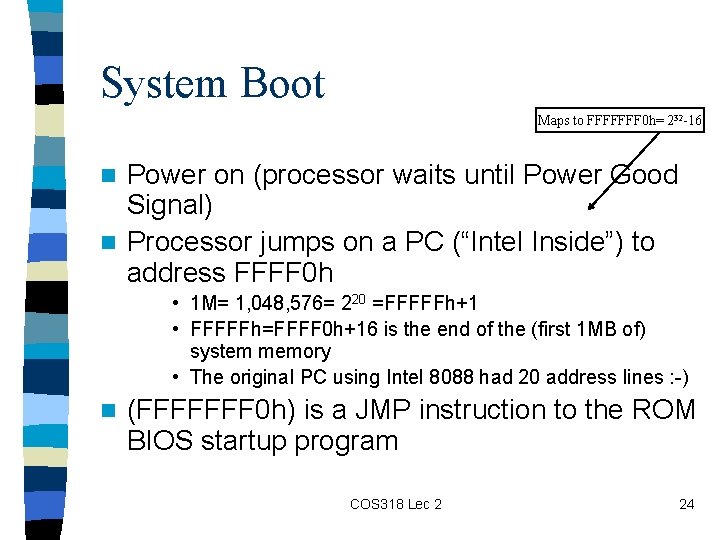
System Boot Maps to FFFFFFF 0 h= 232 -16 Power on (processor waits until Power Good Signal) n Processor jumps on a PC (“Intel Inside”) to address FFFF 0 h n • 1 M= 1, 048, 576= 220 =FFFFFh+1 • FFFFFh=FFFF 0 h+16 is the end of the (first 1 MB of) system memory • The original PC using Intel 8088 had 20 address lines : -) n (FFFFFFF 0 h) is a JMP instruction to the ROM BIOS startup program COS 318 Lec 2 24
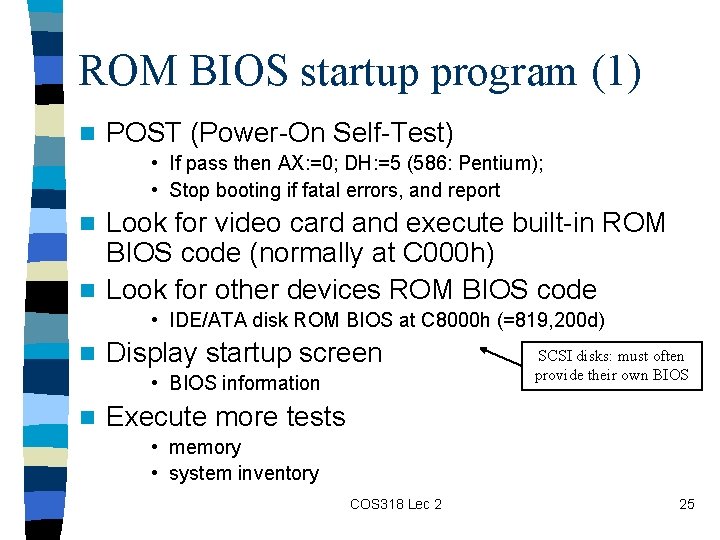
ROM BIOS startup program (1) n POST (Power-On Self-Test) • If pass then AX: =0; DH: =5 (586: Pentium); • Stop booting if fatal errors, and report Look for video card and execute built-in ROM BIOS code (normally at C 000 h) n Look for other devices ROM BIOS code n • IDE/ATA disk ROM BIOS at C 8000 h (=819, 200 d) n Display startup screen • BIOS information n SCSI disks: must often provide their own BIOS Execute more tests • memory • system inventory COS 318 Lec 2 25
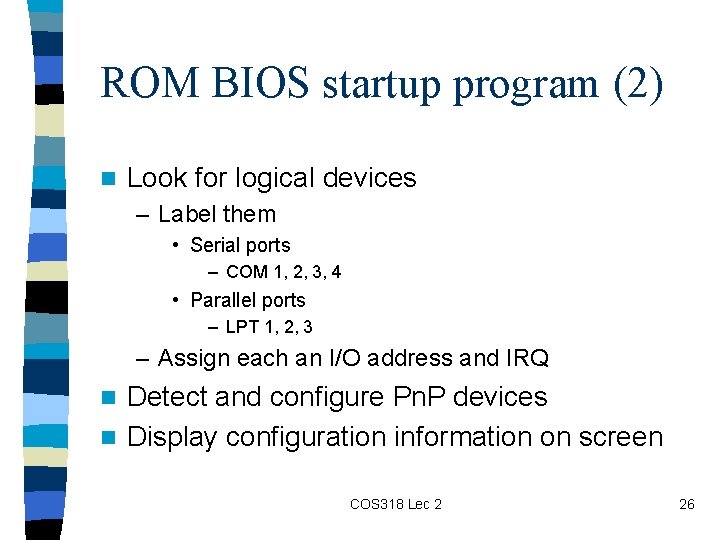
ROM BIOS startup program (2) n Look for logical devices – Label them • Serial ports – COM 1, 2, 3, 4 • Parallel ports – LPT 1, 2, 3 – Assign each an I/O address and IRQ Detect and configure Pn. P devices n Display configuration information on screen n COS 318 Lec 2 26
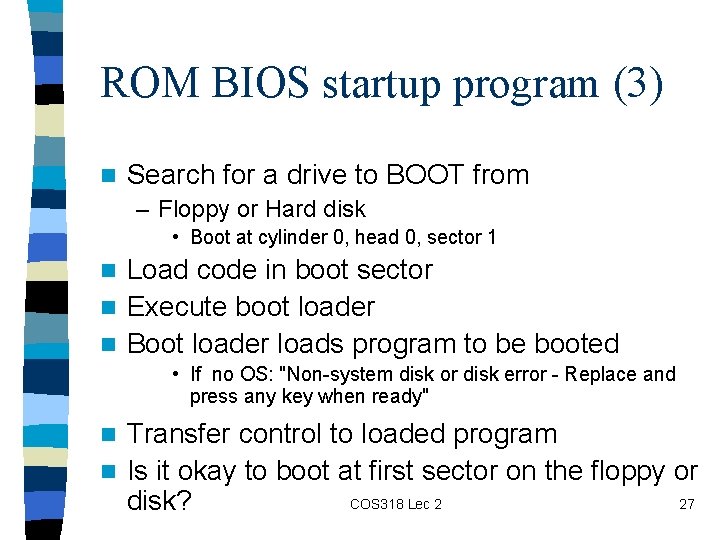
ROM BIOS startup program (3) n Search for a drive to BOOT from – Floppy or Hard disk • Boot at cylinder 0, head 0, sector 1 Load code in boot sector n Execute boot loader n Boot loader loads program to be booted n • If no OS: "Non-system disk or disk error - Replace and press any key when ready" Transfer control to loaded program n Is it okay to boot at first sector on the floppy or COS 318 Lec 2 27 disk? n
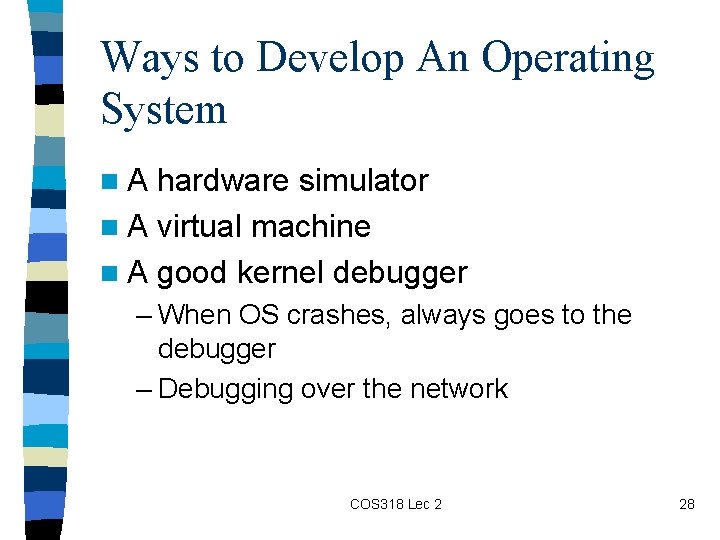
Ways to Develop An Operating System n. A hardware simulator n A virtual machine n A good kernel debugger – When OS crashes, always goes to the debugger – Debugging over the network COS 318 Lec 2 28