
Operating System Introduction Topics What is an OS
- Slides: 39
Operating System Introduction
Topics • What is an OS? • OS History • OS Concepts • OS Structures
Let’s Get Started! • What are some OSes you know? – Guess if you are not sure • Pick an OS you know: – What are some things you like about it? – What are some things you don’t like about it?
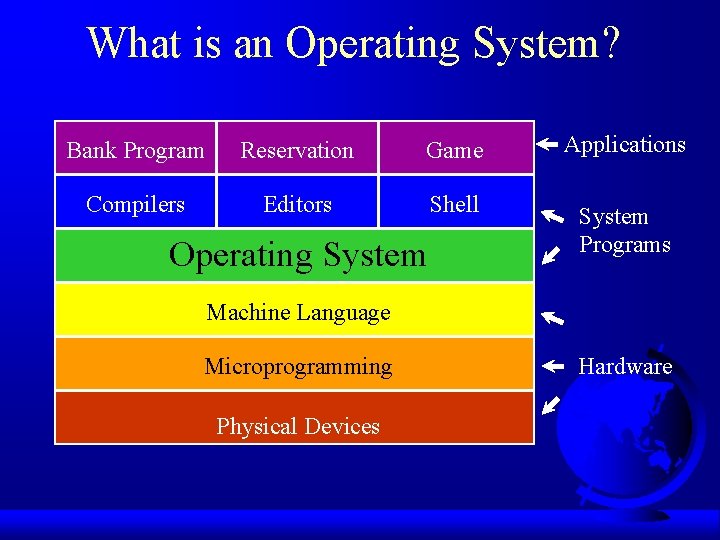
What is an Operating System? Bank Program Reservation Game Applications Compilers Editors Shell System Programs Operating System Machine Language Microprogramming Physical Devices Hardware
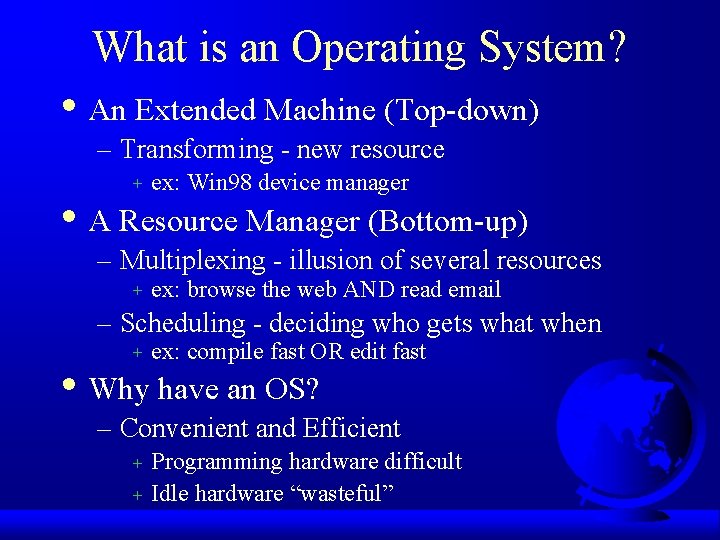
What is an Operating System? • An Extended Machine (Top-down) – Transforming - new resource + ex: Win 98 device manager • A Resource Manager (Bottom-up) – Multiplexing - illusion of several resources + ex: browse the web AND read email – Scheduling - deciding who gets what when + ex: compile fast OR edit fast • Why have an OS? – Convenient and Efficient + + Programming hardware difficult Idle hardware “wasteful”
Where in the Book are we? • Ch 1 -2 already – Reading details on course Web page – Ch 1, brief, alternate viewpoint – Ch 2, computer architecture review • Ch 3 by Today – Ch 3, system structure • Timeline on Web page – Proj 1 due by in two weeks
OS History • Helps understand key requirements – Not one brilliant design + (despite what Gates or Torvalds might say) – Fixed previous problems, added new ones – Tradeoffs • Closely tied to: – Hardware history – User history
Hardware History • Comments? Change!
OS History • Supplement to book • My version is a brief narrative
Hardware Very Expensive Humans Cheap • Single program execution (no OS) • Hardwire “programming” • Programming slow, not “offline”! – Punch cards
Hardware Very Expensive Humans Cheap • Punch cards • Fortran or assembler • Waste computer time walking! – Batch programs on tape
Hardware Very Expensive Humans Cheap • Programs read in from tape • Two applications: – Scientific – Data processing • CPU idle during I/O! – Multiprogramming with partitions – Spooling as jobs finished
Hardware is Cheap Humans Expensive • Turn around time 1/2 day • Programmer time wasted! “Sigh. In the good old days…. ” – Time-sharing – Multics (sorta) – New problems + + + response time thrashing file-systems
Hardware Very Cheap Humans Very Expensive • Personal computers – Network operating systems – Distributed operating systems • OSes today – small == 1000 K (15 pages, 5 programmer years) – large == 10, 000 K (150 pages, 500 programmer years) (longer than a semester : -) ) – need to evolve quickly + – hardware upgrades, new user services, bug fixes efficient and/or modular kernels
Windows NT/2000 History • 1988, v 1 – split from joint work with IBM OS/2 – Win 32 API • 1990, v 3. 1 – Server and Workstation versions • 1997(? ), v 4 – Win 95 interface – Graphics to kernel – More NT licenses sold than all Unix combined
Windows NT/2000 History • 2000 v 5, called “Windows 2000” – Micro-kernel – Multi-user (with terminal services) • Four versions (all use same core code) – Professional + desktop – Server and Advanced Server + Client-server application servers – Datacenter Server + Up to 32 processors, 64 GB RAM
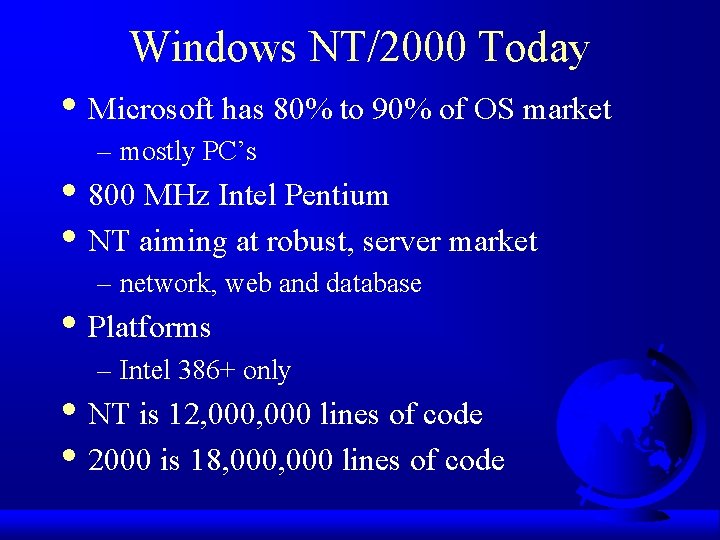
Windows NT/2000 Today • Microsoft has 80% to 90% of OS market – mostly PC’s • 800 MHz Intel Pentium • NT aiming at robust, server market – network, web and database • Platforms – Intel 386+ only • NT is 12, 000 lines of code • 2000 is 18, 000 lines of code
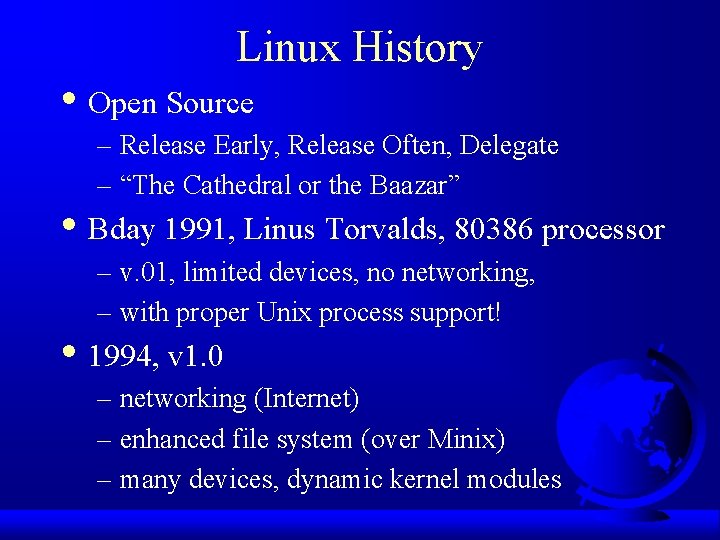
Linux History • Open Source – Release Early, Release Often, Delegate – “The Cathedral or the Baazar” • Bday 1991, Linus Torvalds, 80386 processor – v. 01, limited devices, no networking, – with proper Unix process support! • 1994, v 1. 0 – networking (Internet) – enhanced file system (over Minix) – many devices, dynamic kernel modules
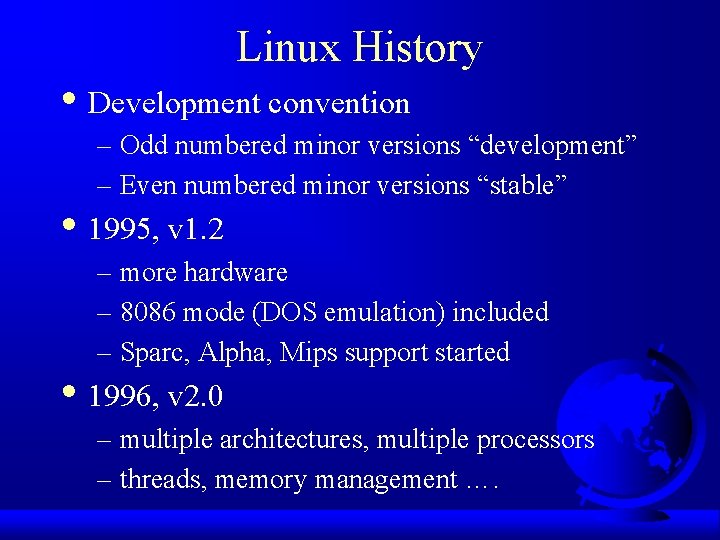
Linux History • Development convention – Odd numbered minor versions “development” – Even numbered minor versions “stable” • 1995, v 1. 2 – more hardware – 8086 mode (DOS emulation) included – Sparc, Alpha, Mips support started • 1996, v 2. 0 – multiple architectures, multiple processors – threads, memory management ….
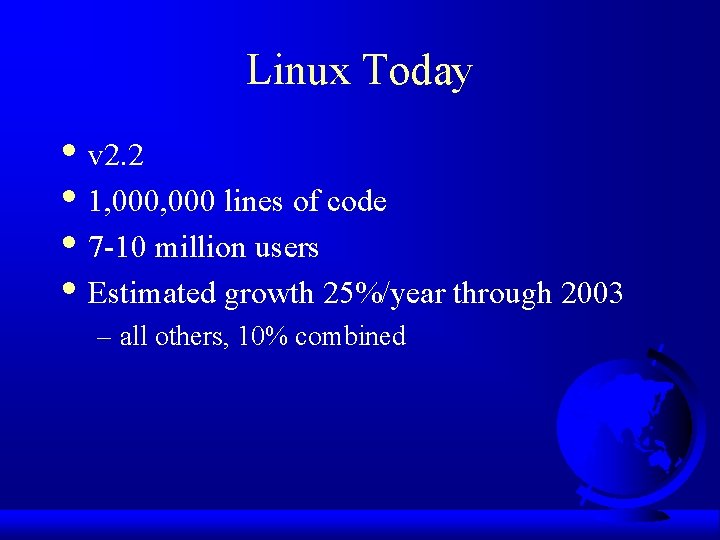
Linux Today • v 2. 2 • 1, 000 lines of code • 7 -10 million users • Estimated growth 25%/year through 2003 – all others, 10% combined
Outline • Operating System Concepts – Processes – Files – System Calls – Shells • Operating System Structure – Simple Systems – Virtual Machines – Micro Kernels
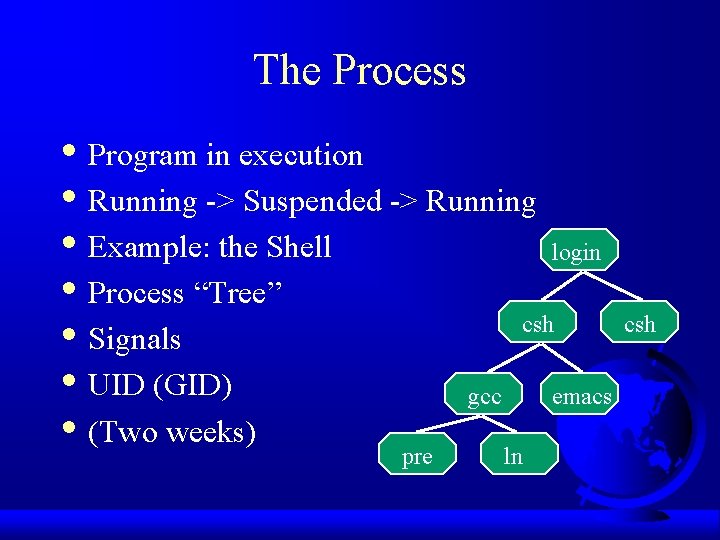
The Process • Program in execution • Running -> Suspended -> Running • Example: the Shell login • Process “Tree” csh • Signals • UID (GID) gcc emacs • (Two weeks) pre ln
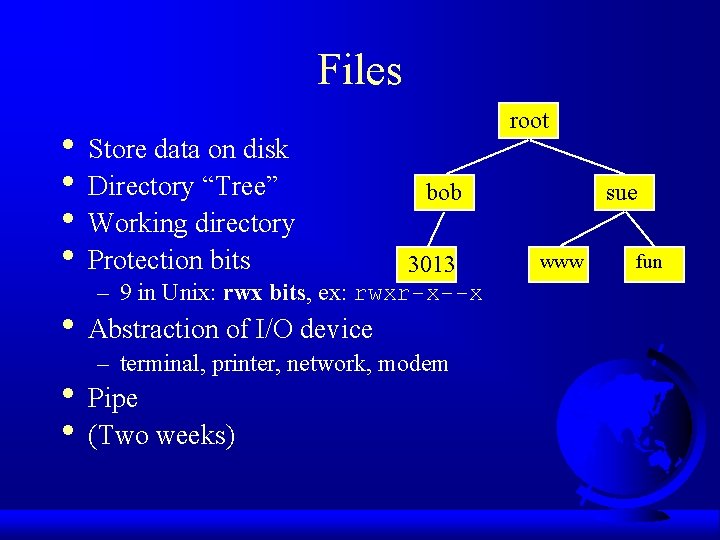
Files • Store data on disk • Directory “Tree” • Working directory • Protection bits root bob 3013 – 9 in Unix: rwx bits, ex: rwxr-x--x • Abstraction of I/O device – terminal, printer, network, modem • Pipe • (Two weeks) sue www fun
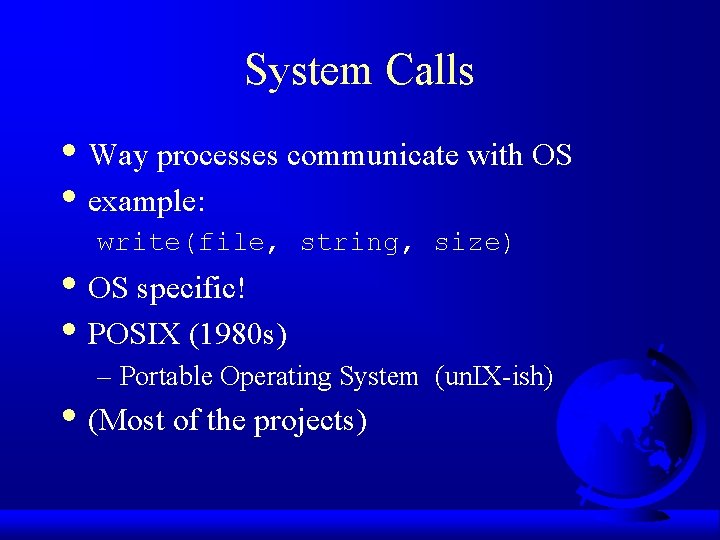
System Calls • Way processes communicate with OS • example: write(file, string, size) • OS specific! • POSIX (1980 s) – Portable Operating System (un. IX-ish) • (Most of the projects)
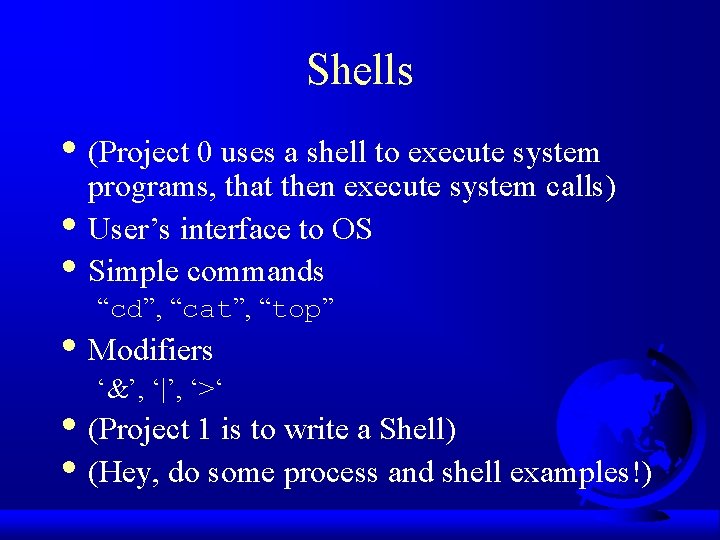
Shells • (Project 0 uses a shell to execute system • • programs, that then execute system calls) User’s interface to OS Simple commands “cd”, “cat”, “top” • Modifiers ‘&’, ‘|’, ‘>‘ • (Project 1 is to write a Shell) • (Hey, do some process and shell examples!)
Outline • Operating System Structure – Simple Systems – Virtual Machines – Micro Kernels
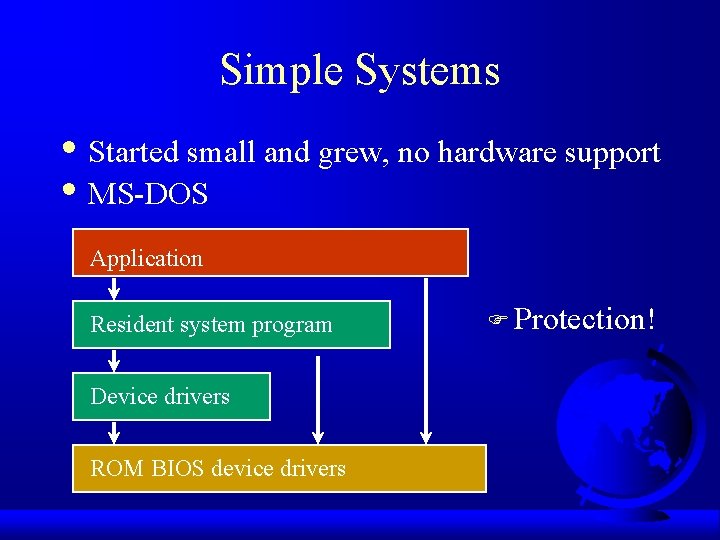
Simple Systems • Started small and grew, no hardware support • MS-DOS Application Resident system program Device drivers ROM BIOS device drivers F Protection!
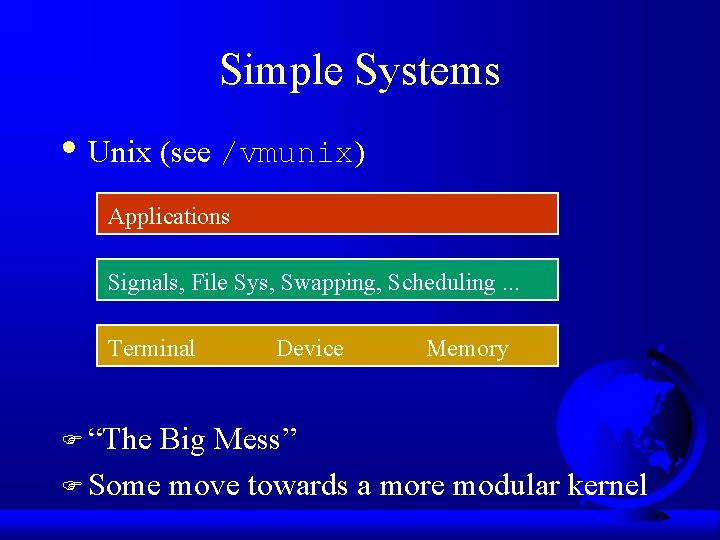
Simple Systems • Unix (see /vmunix) Applications Signals, File Sys, Swapping, Scheduling. . . Terminal F “The Device Memory Big Mess” F Some move towards a more modular kernel
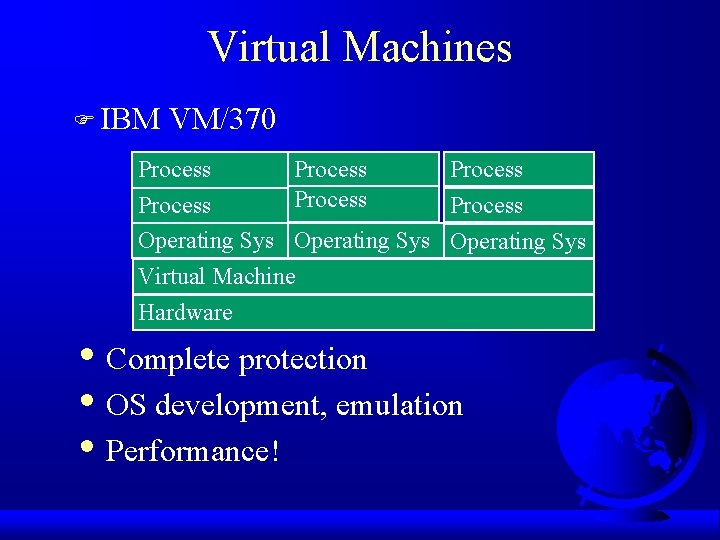
Virtual Machines F IBM VM/370 Process Process Operating Sys Virtual Machine Hardware • Complete protection • OS development, emulation • Performance!
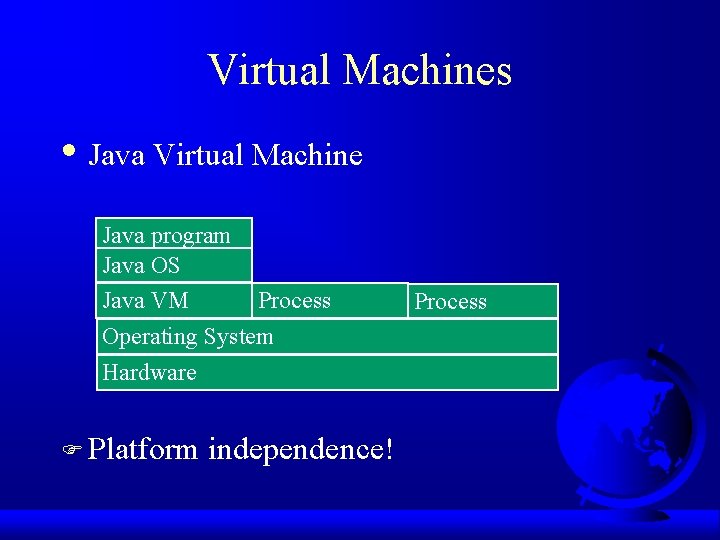
Virtual Machines • Java Virtual Machine Java program Java OS Java VM Process Operating System Hardware F Platform independence! Process
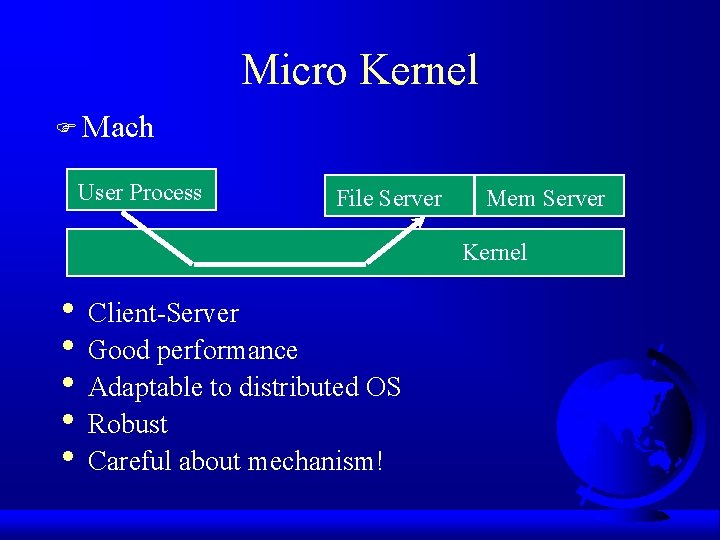
Micro Kernel F Mach User Process File Server Mem Server Kernel • Client-Server • Good performance • Adaptable to distributed OS • Robust • Careful about mechanism!
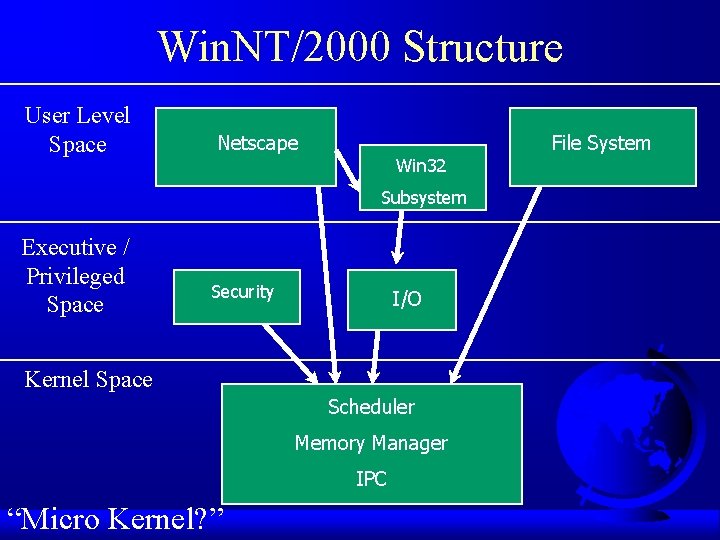
Win. NT/2000 Structure User Level Space Netscape Win 32 Subsystem Executive / Privileged Space Security I/O Kernel Space Scheduler Memory Manager IPC “Micro Kernel? ” File System
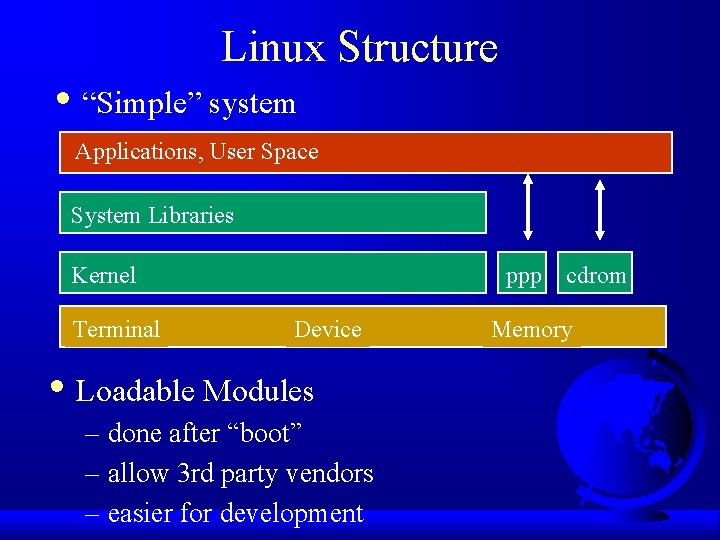
Linux Structure • “Simple” system Applications, User Space System Libraries Kernel Terminal ppp Device • Loadable Modules – done after “boot” – allow 3 rd party vendors – easier for development cdrom Memory
Questions • Name 3 operating system structures • Give one advantage of each • Give one disadvantage of each
True or False • Unix is a “simple structure” OS • Micro Kernels are faster than other OSes • Virtual Machines are faster than other OSes
Questions • What are two functions of an OS? • What “layer” is above the OS? • What “layer” is below the OS?
Questions • When is it appropriate for OS to “waste” • resources? How might the growth in networks influence OS design?
Review • OS History X – user change and hardware change • OS Concepts X – processes, files, system call, shell • OS Structure
Questions • What causes OS to change? – Or, why aren’t we still running MS-DOS? • What is a process? • What is a file?