
Operating System Concepts Lecture 2 Todays Topics Previous
- Slides: 17
Operating System Concepts
Lecture 2 Today’s Topics ü Previous Lecture Review ü Motivation for Time-Sharing Systems ü Distributed Systems ü Multimedia Systems ü Handheld Systems ü Direct Memory Access Concept ü Cache ü Network Structure ü Dual Mode Operation ü Operating System Services
Operating Systems �Modern operating systems are an evolution of …… ? �Response time ? . . Turnaround time ? Disadvantages of Multi-programmed systems: q User can not interact with the job when it is executing q Programs must be debugged statically Time Sharing Systems Ø Interactive, multiuser… Ø Protection issues. . ?
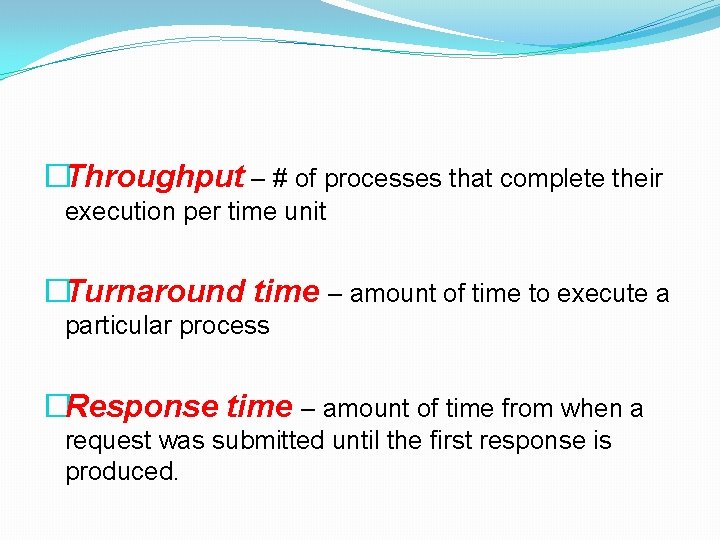
�Throughput – # of processes that complete their execution per time unit �Turnaround time – amount of time to execute a particular process �Response time – amount of time from when a request was submitted until the first response is produced.
TIME-SHARING SYSTEMS • Time-sharing system allow many users to share the computer system by concurrent execution of processes • A job swapped in and out of memory to the disk. • On-line communication between the user and the system is provided • On-line system must be available for users to access data and code.
Distributed Systems Ø A distributed system is a collection of independent computers that appears to its users as a single system Ø Loosely coupled system Ø Aggregating the power of several computing resources Ø Resource Sharing Ø Data Sharing Ø Computer/Terminals/nodes may vary in size and function (small microprocessors, workstations, mini-computers and large general-purpose computers)
Multimedia Systems �Capable of handling and processing Multimedia data �Different from conventional data �Audio & Video files such as MP 3 audio files, DVD movies, short clips on internet etc. �Video is represented by series of images (frames), displayed in rapid succession
Handheld devices n Personal Digital Assistants (PDAs such as cellular telephones) with connectivity to a network such as Internet. n They have small size. n They weigh less than one-half pound. n Issues: F Limited memory F Slow processors F Small display screens n Some handheld devices also use wireless technology (WAP) allowing remote access to e-mail and web browsing. n Major benefits of handheld systems are convenience and portability.
Cache • CPU needs to stall as RAM is slower than CPU speed for providing data required to complete the instruction. • Cache is a faster memory between the CPU and main memory and is a remedial measure to reduce idling time of CPU. • Instruction cache holds the next instruction expected to be executed whereas data cache keeps required data for the instruction. They are known as hardware caches. • Cache have limited size so cache management is a problem for designers. • Caches are volatile.
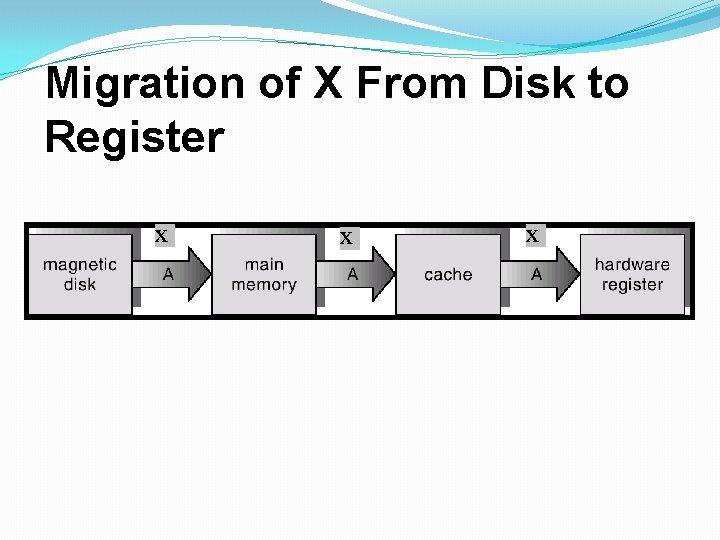
Coherency and Consistency � The same data may appear in different levels of the storage system. For example, value of variable (X) of file G may reside on magnetic disk, main memory, cache or CPU registers. • In a multitasking environment, each process wishing to use the value of variable (X) must obtain the most recently updated value. • A copy of variable (X) may exist simultaneously in several caches having different value in a multiprocessor environment. For cache coherency, system hardware must make sure that an update to value of X in one cache is immediately reflected in all other caches where X resides for concurrent execution of file G. • For cache consistency in a distributed environment, the various replicas of the file G may be accessed and updated concurrently so system must ensure that when a replica is updated in one computer, all other replicas are brought upto-date quickly
Migration of X From Disk to Register X X X
Network Structure �Wide Area Networks (WAN) � WANs emerged in the late 1960 s to provide efficient communication among sites. � WANs are physically distributed over a large geographical area. � Hardware and software resources are shared conveniently and economically by a wide community of users. � The communication links (telephone lines, microwave links, satellite channels etc) are relatively slow and less reliable. � Communication processors control the communication links for transferring information among the various sites. � The internet WAN provide the ability for hosts at geographically separated sites to communicate with one another.
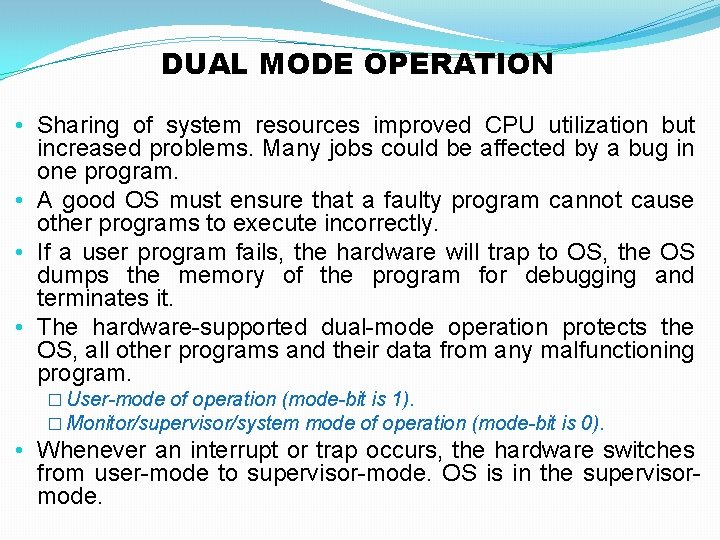
DUAL MODE OPERATION • Sharing of system resources improved CPU utilization but increased problems. Many jobs could be affected by a bug in one program. • A good OS must ensure that a faulty program cannot cause other programs to execute incorrectly. • If a user program fails, the hardware will trap to OS, the OS dumps the memory of the program for debugging and terminates it. • The hardware-supported dual-mode operation protects the OS, all other programs and their data from any malfunctioning program. � User-mode of operation (mode-bit is 1). � Monitor/supervisor/system mode of operation (mode-bit is 0). • Whenever an interrupt or trap occurs, the hardware switches from user-mode to supervisor-mode. OS is in the supervisormode.
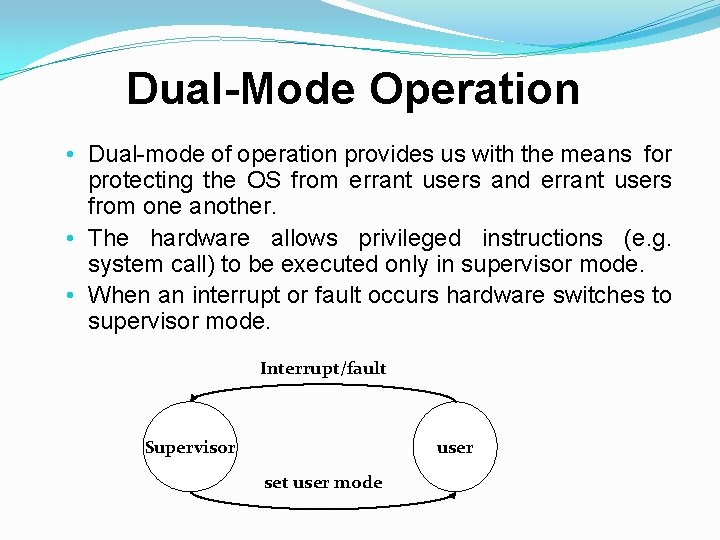
Dual-Mode Operation • Dual-mode of operation provides us with the means for protecting the OS from errant users and errant users from one another. • The hardware allows privileged instructions (e. g. system call) to be executed only in supervisor mode. • When an interrupt or fault occurs hardware switches to supervisor mode. Interrupt/fault Supervisor user set user mode
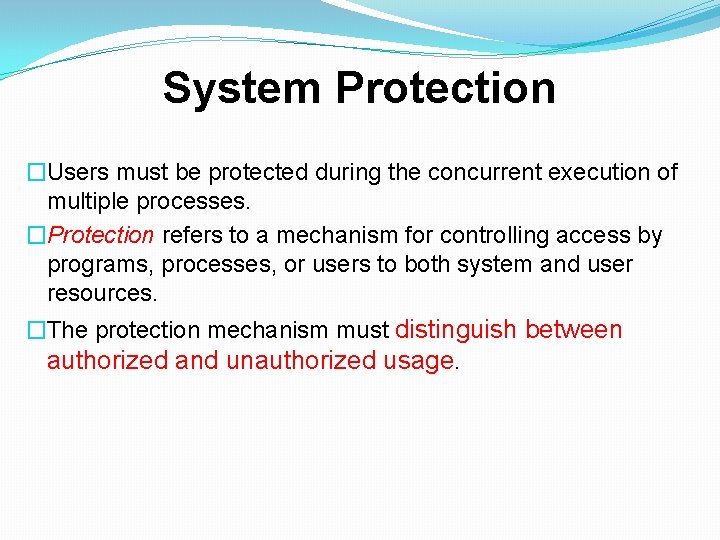
System Protection �Users must be protected during the concurrent execution of multiple processes. �Protection refers to a mechanism for controlling access by programs, processes, or users to both system and user resources. �The protection mechanism must distinguish between authorized and unauthorized usage.
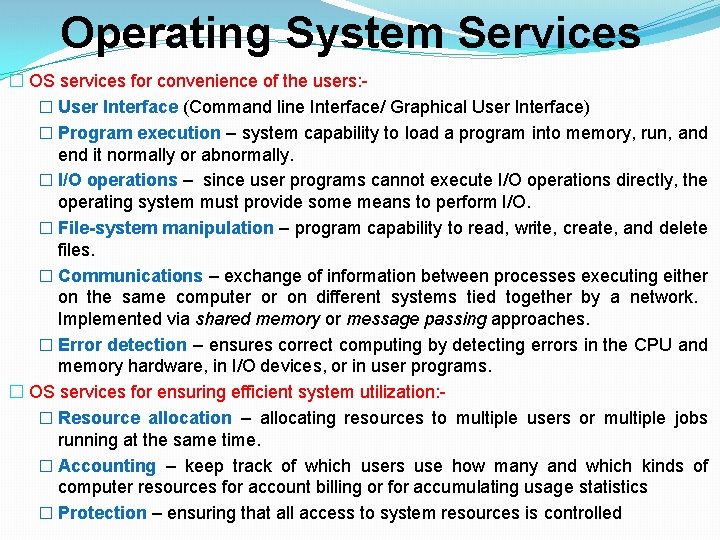
Operating System Services � OS services for convenience of the users: � User Interface (Command line Interface/ Graphical User Interface) � Program execution – system capability to load a program into memory, run, and end it normally or abnormally. � I/O operations – since user programs cannot execute I/O operations directly, the operating system must provide some means to perform I/O. � File-system manipulation – program capability to read, write, create, and delete files. � Communications – exchange of information between processes executing either on the same computer or on different systems tied together by a network. Implemented via shared memory or message passing approaches. � Error detection – ensures correct computing by detecting errors in the CPU and memory hardware, in I/O devices, or in user programs. � OS services for ensuring efficient system utilization: � Resource allocation – allocating resources to multiple users or multiple jobs running at the same time. � Accounting – keep track of which users use how many and which kinds of computer resources for account billing or for accumulating usage statistics � Protection – ensuring that all access to system resources is controlled
Assignment 1 �Research the Internet or current literature to identify an operating system that runs a cell phone or handheld computer. (These are generally known as mobile operating systems. ) List the key features of the operating system and the hardware it is designed to run. Cite your sources. Note: Whenever you research computer technology, make sure your resources are up-to-date. Notice the date when the research was published. Also be sure to validate the authenticity of your sources. Avoid anything that might be questionable, such as blogs and publicly edited online (wiki) sources.