
Operating System Comparison RONG LIU Introduction1 What is
- Slides: 21
(Operating System Comparison) RONG LIU
Introduction(1) What is Linux? The free UNIX written from scratch by Linus Torvalds, assistance from a loosely-knit team of hackers from across the internet. l A modern, fully fledged UNIX: true multitasking, virtual memory, shared libraries, demand loading, shared, copy-on-write executables, proper memory management, and TCP/IP networking. l
Introduction(2) History of Unix • In April, 1969, Ken Thompson, Brian Kernighan and Dennis Ritchie sketched out an operating system that would meet Bell Labs' needs, soon become Unix. • In 1973, UNIX, was rewritten in C as Version 4 by Dennis Ritchie and Brian Kernighan. • Two major hot-beds of Unix development were at the University of California, Berkeley, which later became BSD (Berkeley Software Distribution), and M. I. T. , which eventually gave us the Free Software Foundation and the GNU project, and the X Window System.
Introduction(2) (Cont. . . ) History of Unix • Unix today has two major versions: System V (or SVR 4 from Unix System) and BSD (Berkeley Software Distribution). • UNIX (upper case) is a trademark of The Open Group. • Unix refers to Unix versions in general, regardless of the source; usually it is simply referred to as SVR 4 or BSD 4. 4.
Linux operating system overview • • Memory Management: – Page Allocation – The Linux Page Cache – The Swap Cache Processes The Linux Networking Linux PCI Initialization
Processes have following states: • • Running Waiting Stopped Zombie
The Linux Networking Linux supports the following socket address families or domains: • UNIX -- Unix domain sockets. • INET -- communications via TCP/IP. • AX 25 -- Amateur radio X 25. • IPX -- Novell IPX • Apple. Talk -- Apple. Talk DDP • X 25 -- X 25
Linux PCI Initialization l PCI Device Driver A. builds a linked list of data structures describing the topology of the system. u B. numbers all of the bridges that it finds. l l PCI BIOS l provides the services described in bib-pci-bios-specification. PCI Fixup l tidies up the system specific loose ends of PCI initialization. l
Unix operating system overview l l l OS Structure File System Directories Structure Common Control Keys Unix Shells
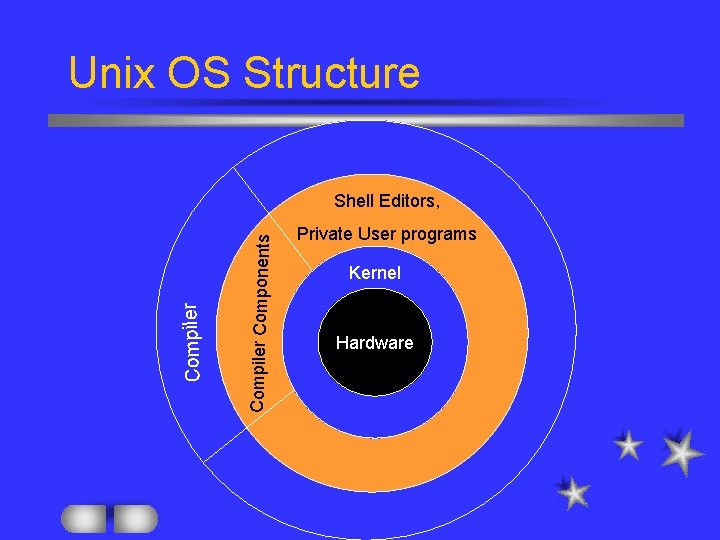
Unix OS Structure Compiler Components Compiler Shell Editors, Private User programs Kernel Hardware
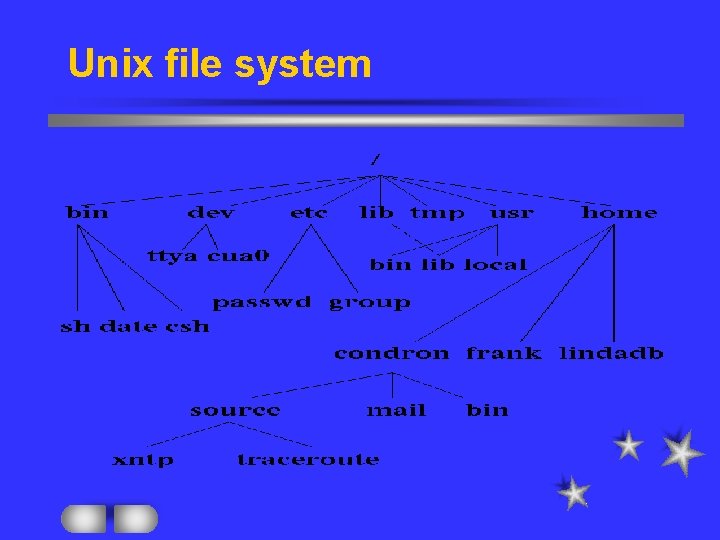
Unix file system
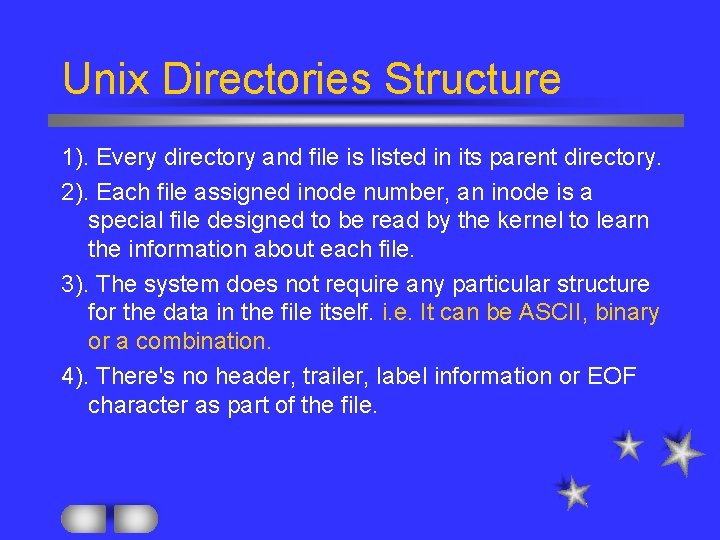
Unix Directories Structure 1). Every directory and file is listed in its parent directory. 2). Each file assigned inode number, an inode is a special file designed to be read by the kernel to learn the information about each file. 3). The system does not require any particular structure for the data in the file itself. i. e. It can be ASCII, binary or a combination. 4). There's no header, trailer, label information or EOF character as part of the file.
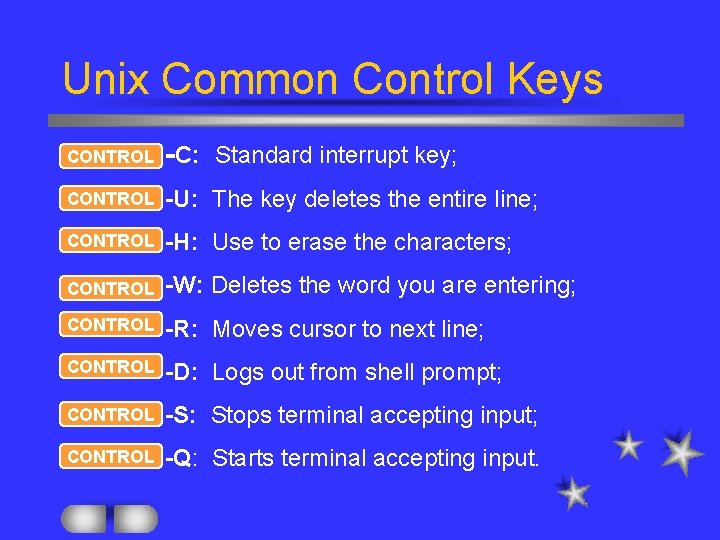
Unix Common Control Keys CONTROL -C: Standard interrupt key; CONTROL -U: The key deletes the entire line; CONTROL -H: Use to erase the characters; CONTROL -W: Deletes the word you are entering; CONTROL -R: Moves cursor to next line; CONTROL -D: Logs out from shell prompt; CONTROL -S: Stops terminal accepting input; CONTROL -Q: Starts terminal accepting input.
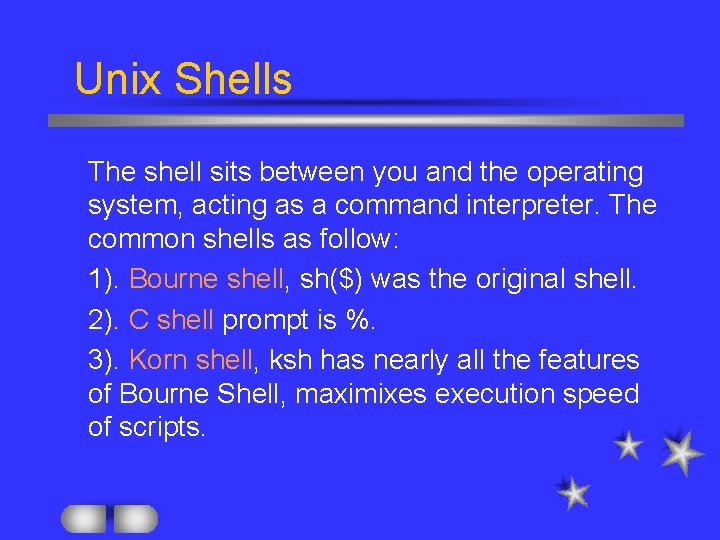
Unix Shells The shell sits between you and the operating system, acting as a command interpreter. The common shells as follow: l 1). Bourne shell, sh($) was the original shell. l 2). C shell prompt is %. l 3). Korn shell, ksh has nearly all the features of Bourne Shell, maximixes execution speed of scripts. l
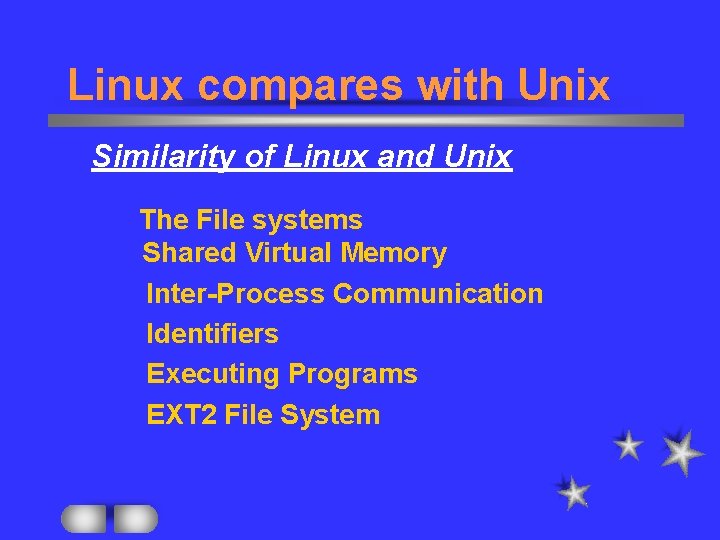
Linux compares with Unix Similarity of Linux and Unix The File systems Shared Virtual Memory Inter-Process Communication Identifiers Executing Programs EXT 2 File System
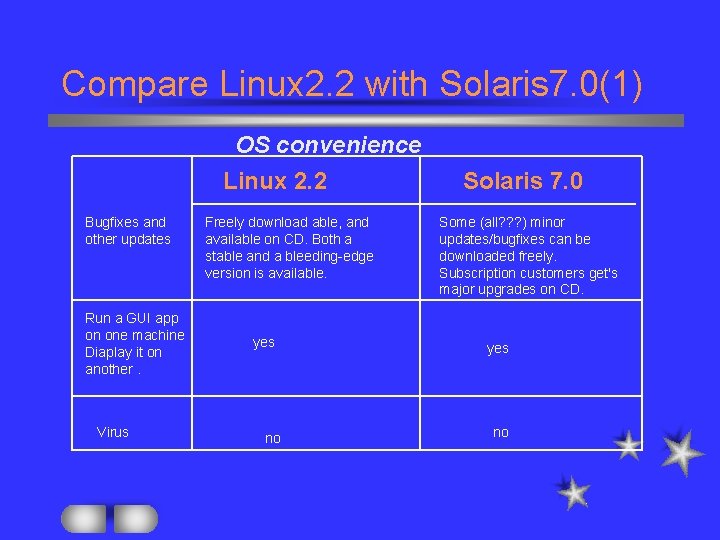
Compare Linux 2. 2 with Solaris 7. 0(1) OS convenience Linux 2. 2 Bugfixes and other updates Run a GUI app on one machine Diaplay it on another. Virus Freely download able, and available on CD. Both a stable and a bleeding-edge version is available. yes no Solaris 7. 0 Some (all? ? ? ) minor updates/bugfixes can be downloaded freely. Subscription customers get's major upgrades on CD. yes no
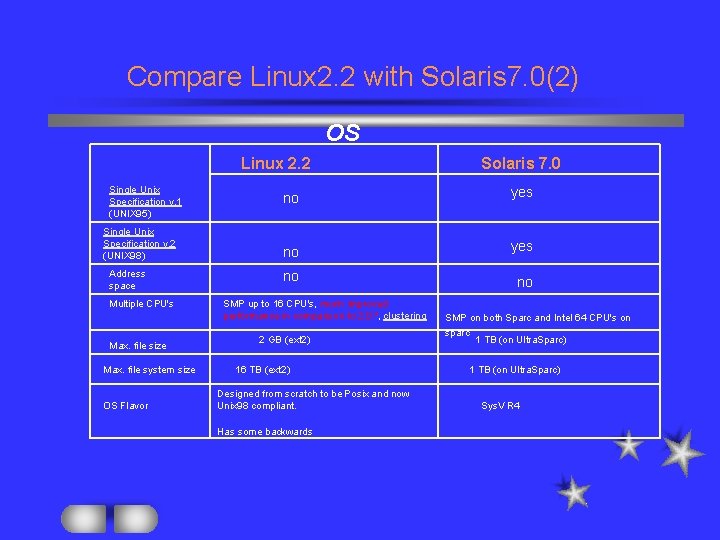
Compare Linux 2. 2 with Solaris 7. 0(2) OS Linux 2. 2 Single Unix Specification v. 1 (UNIX 95) Single Unix Specification v. 2 (UNIX 98) Address space Multiple CPU's Max. file size Max. file system size OS Flavor Solaris 7. 0 no yes no no SMP up to 16 CPU's, much improved performance in comparison to 2. 0. *, clustering 2 GB (ext 2) 16 TB (ext 2) Designed from scratch to be Posix and now Unix 98 compliant. Has some backwards SMP on both Sparc and Intel 64 CPU's on sparc 1 TB (on Ultra. Sparc) Sys. V R 4
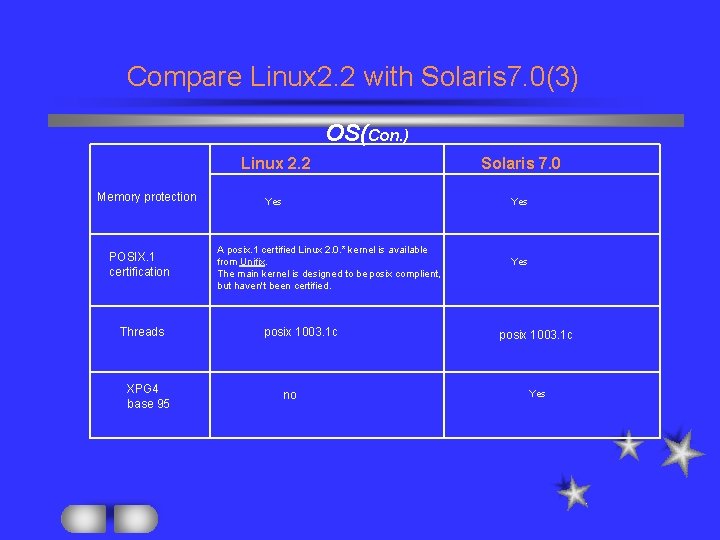
Compare Linux 2. 2 with Solaris 7. 0(3) OS(Con. ) Memory protection POSIX. 1 certification Threads XPG 4 base 95 Linux 2. 2 Solaris 7. 0 Yes A posix. 1 certified Linux 2. 0. * kernel is available from Unifix. The main kernel is designed to be posix complient, but haven't been certified. posix 1003. 1 c no Yes posix 1003. 1 c Yes
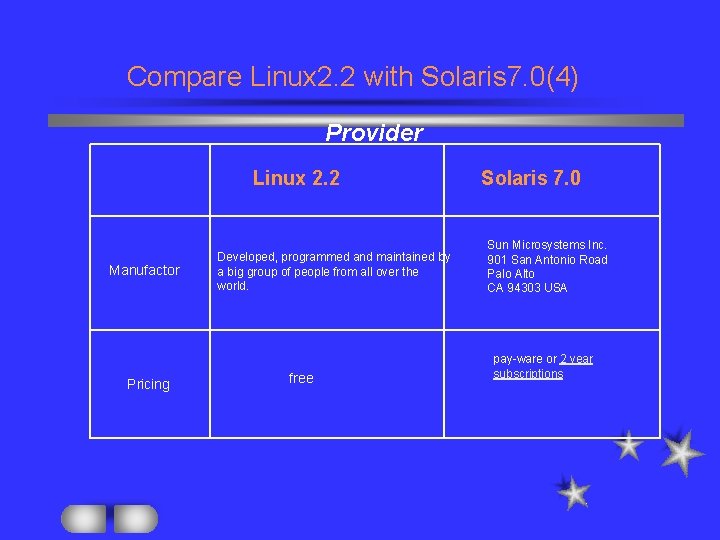
Compare Linux 2. 2 with Solaris 7. 0(4) Provider Linux 2. 2 Manufactor Pricing Developed, programmed and maintained by a big group of people from all over the world. free Solaris 7. 0 Sun Microsystems Inc. 901 San Antonio Road Palo Alto CA 94303 USA pay-ware or 2 year subscriptions
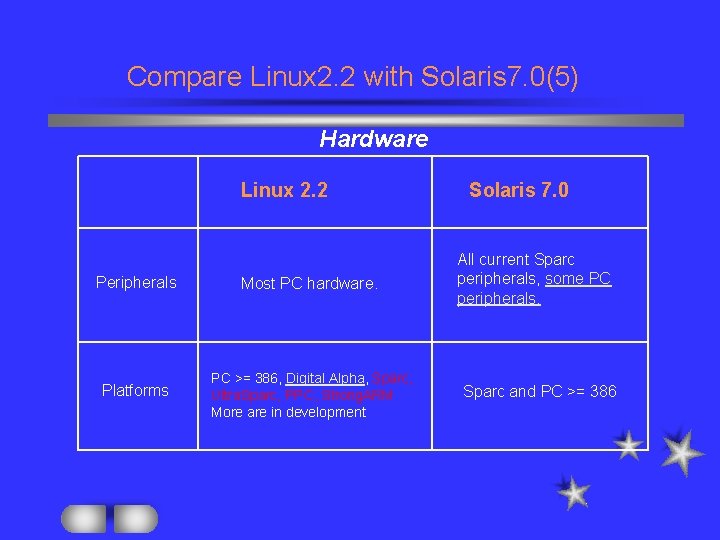
Compare Linux 2. 2 with Solaris 7. 0(5) Hardware Linux 2. 2 Peripherals Most PC hardware. Platforms PC >= 386, Digital Alpha, Sparc, Ultra. Sparc, PPC, Strong. ARM More are in development Solaris 7. 0 All current Sparc peripherals, some PC peripherals. Sparc and PC >= 386
Reference: 1). "Linux at work ( building Strategic Applications for Business)" by Marcus Concalves. 2). "Peter Norton's Complete Guide to Linux" by Peter Norton and Arthur Grifficth. 3). “UNIX System V(Practical Guide) “by Mark G. Sobell. 4). “Operating Systems” by William Stallings. 5). Web page at http: //www. cs. utexas. edu. 6). Web page at http: //www. idealcorp. com. 7). Web page at http: //www. Linuxrx. org.