
Operating System An operating system consist of integrated
- Slides: 7
* Operating System An operating system consist of integrated program that act links between the user or machine. Type of Operating System • Single user single tasking • Multi user Single Tasking • Multi user and multi tasking
Name Of Some Operating System 1) 2) 3) 4) 5) DOS (Disk operating System) Windows/Windows XP/window NT/Window 7/8 Unix/Xenix Linux OS 2/OS 4 Type of Operating System • Single user single tasking • Multi user Single Tasking • Multi user and multi tasking
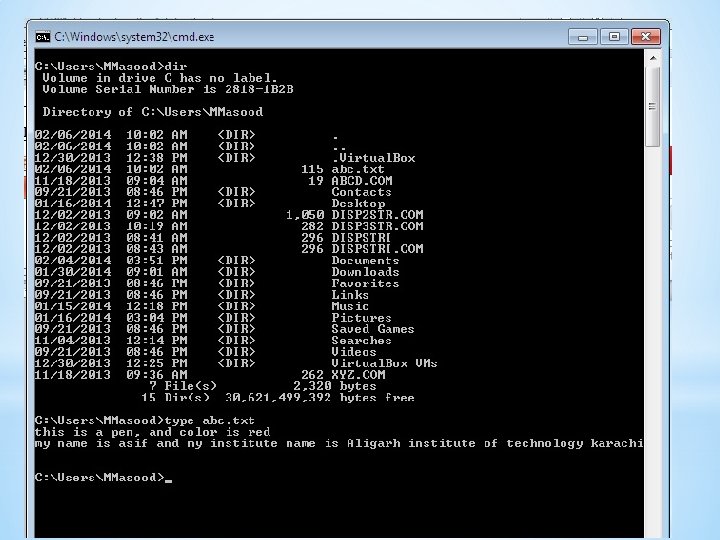
DOS (Disk Operating System) Dos is use to single user and single tasking operating system it is use to operate the computer, this operating system consist of command line interfacing. Every operating system has three basic primary function, one is operate and control hardware’s second is file management and third run a program. There are two type of commands. 1)Internal Command 2)External Commands
1)Internal Command Internal command move to RAM/Computer Memory from disk at booting time. 1. CLS 2. Date 3. Time 4. Ver 5. Vol 6. Dir 7. Type 8. Copy 9. Rename/Ren 10. Md/Mkdir 11. Rd/Rmdir 12. Cd/chdir
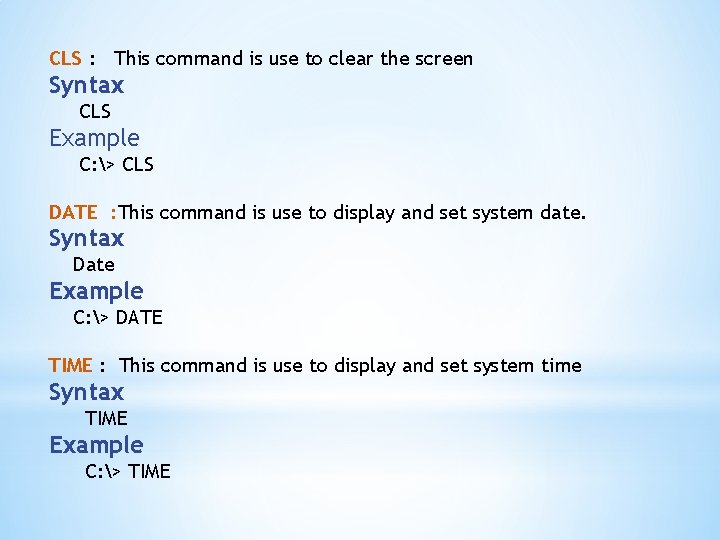
CLS : This command is use to clear the screen Syntax CLS Example C: > CLS DATE : This command is use to display and set system date. Syntax Date Example C: > DATE TIME : This command is use to display and set system time Syntax TIME Example C: > TIME
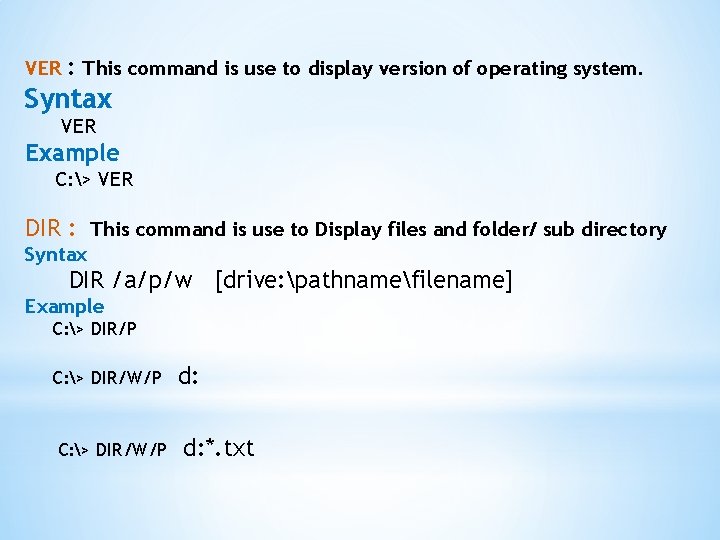
VER : This command is use to display version of operating system. Syntax VER Example C: > VER DIR : This command is use to Display files and folder/ sub directory Syntax DIR /a/p/w [drive: pathnamefilename] Example C: > DIR/P C: > DIR/W/P d: d: *. txt