
Open Sound Control and Touch OSC Introduction Open
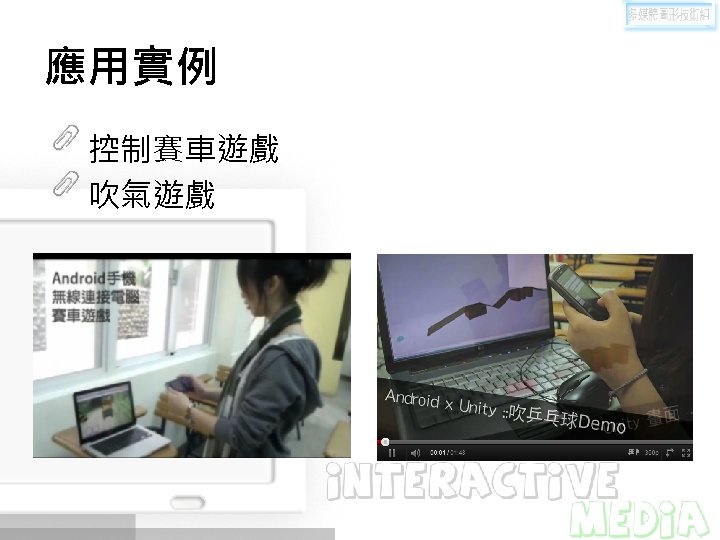
- Slides: 20
人機介面 Open Sound Control and Touch. OSC 開課單位: 授課教師:
Introduction Open Sound Control (OSC) was originally developed, and continues to be a subject of ongoing research at UC Berkeley Center for New Music and Audio Technology (CNMAT). OSC is a protocol for communication among computers, sound synthesizers, and other multimedia devices that is optimized for modern networking technology.
Features Open-ended, dynamic, URL-style symbolic naming scheme Symbolic and high-resolution numeric argument data Pattern matching language to specify multiple recipients of a single message High resolution time tags "Bundles" of messages whose effects must occur simultaneously Query system to dynamically find out the capabilities of an OSC server and get documentation
應用 Sensor/Gesture-Based Electronic Musical Instruments Mapping nonmusical data to sound Multiple-User Shared Musical Control Web interfaces Networked LAN Musical Performance WAN performance and Telepresence Virtual Reality Wrapping Other Protocols Inside OSC
Highlights The OSC Specification 規格說明 Implementations (各類語言/平台/函式庫) 相關論文: http: //opensoundcontrol. org/publications
Implementations: Examples Java OSC pure data Arduino, OSC, i. Phone and DMX Arduino, Processing, OSC and Max. MSP Processing OSC library vvvv Touch. OSC
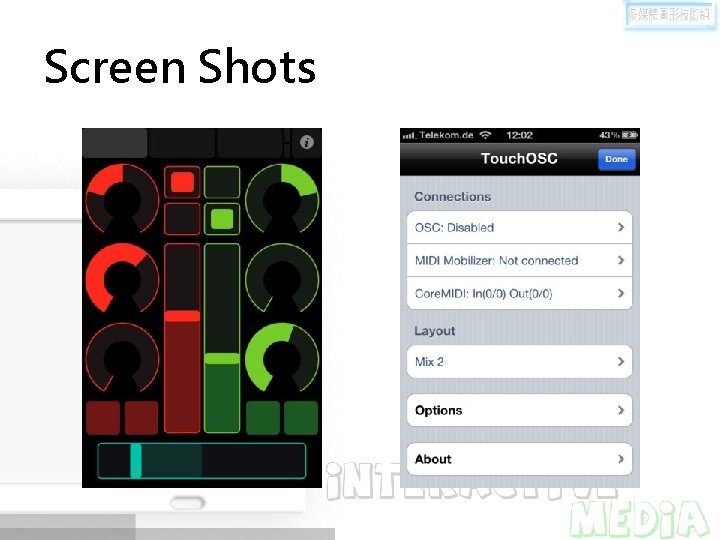
Touch. OSC is a modular OSC and MIDI control surface for i. Phone / i. Pod Touch / i. Pad. (Android version also available). It supports sending and receiving Open Sound Control messages over a Wi-Fi network using the UDP protocol
Screen Shots
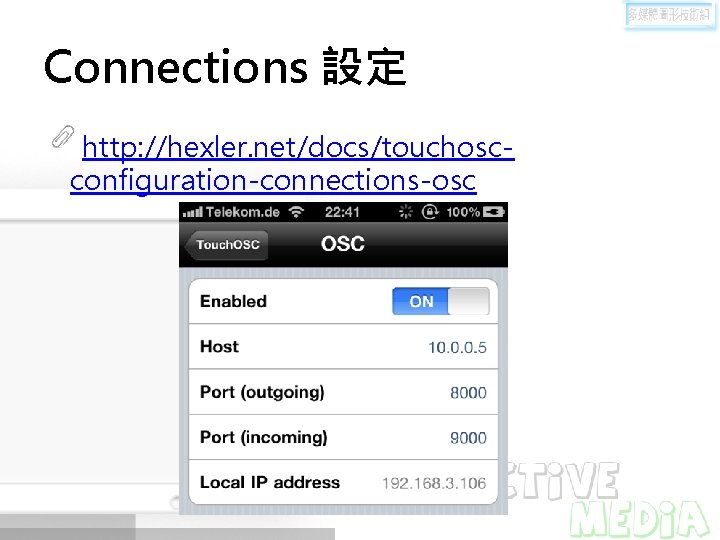
Connections 設定 http: //hexler. net/docs/touchoscconfiguration-connections-osc
功能描述 Touch. OSC allows to remote control and receive feedback from software and hardware that implement the OSC or MIDI protocols such as: Apple Logic Pro/Express, Renoise, Pure Data, Max/MSP/Jitter, Max for Live, OSCulator, VDMX, Resolume Avenue 3, Modul 8, Plogue Bidule, Reaktor, Quartz Composer, The Missing Link, Vixid VJX 164, Supercollider, FAW Circle, vvvv, Derivative Touch. Designer, Isadora and many others.
Why Touch. OSC? 觸控界面 Configurable layout Layout Editor: – touchosc-editor-1. 5. 4 -osx. zip OS X – touchosc-editor-1. 5. 4 -win 32. zip Windows – touchosc-editor-1. 5. 4 noarch. zip Linux/other
支援 Controller 型態 (i. OS版) Faders Rotary controls Encoder controls Push buttons Toggle buttons XY pads Multi-faders Multi-push Multi-toggles Multi-xy LEDs Labels Time & battery displays
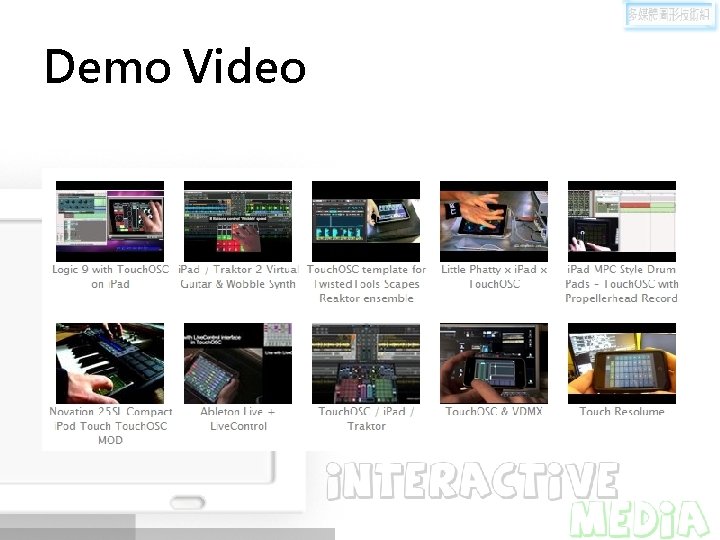
Demo Video
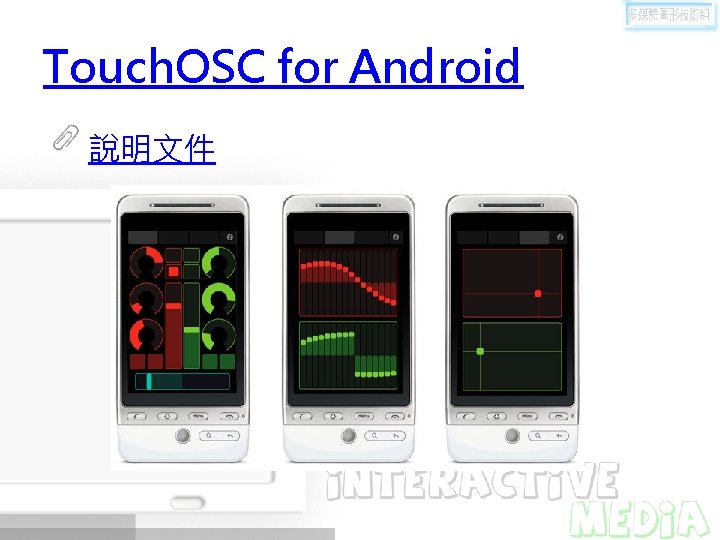
Touch. OSC for Android 說明文件
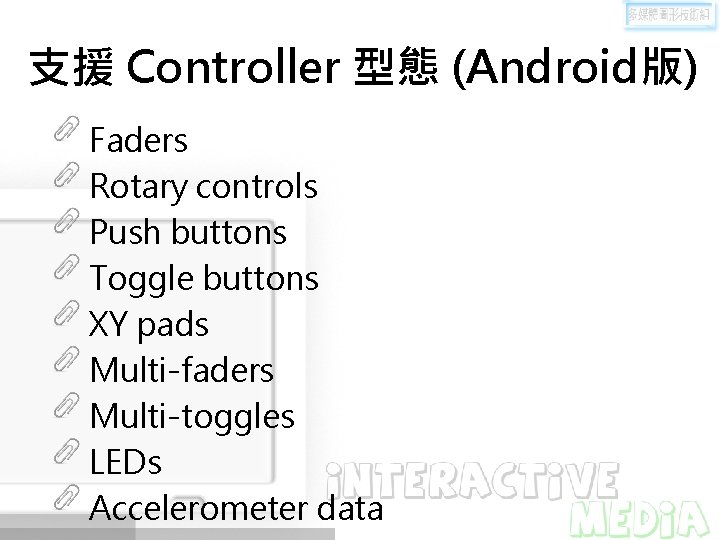
支援 Controller 型態 (Android版) Faders Rotary controls Push buttons Toggle buttons XY pads Multi-faders Multi-toggles LEDs Accelerometer data
Demo Video Touch. OSC teaser test Touch. OSC Editor Tutorial
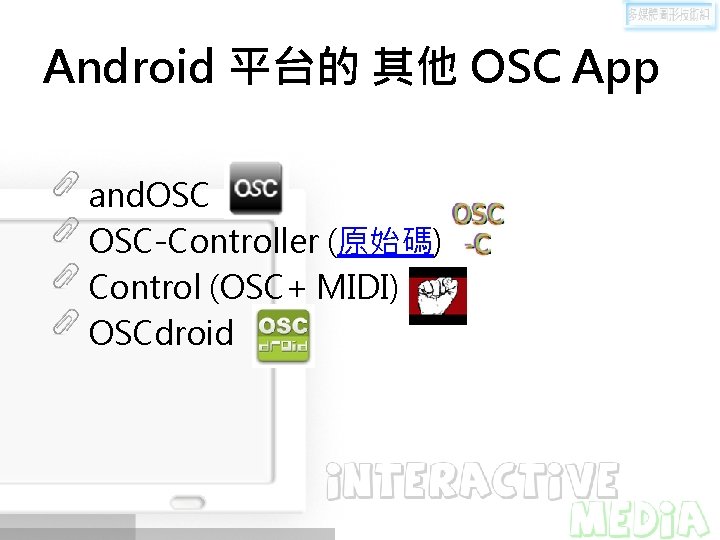
Android 平台的 其他 OSC App and. OSC-Controller (原始碼) Control (OSC+ MIDI) OSCdroid
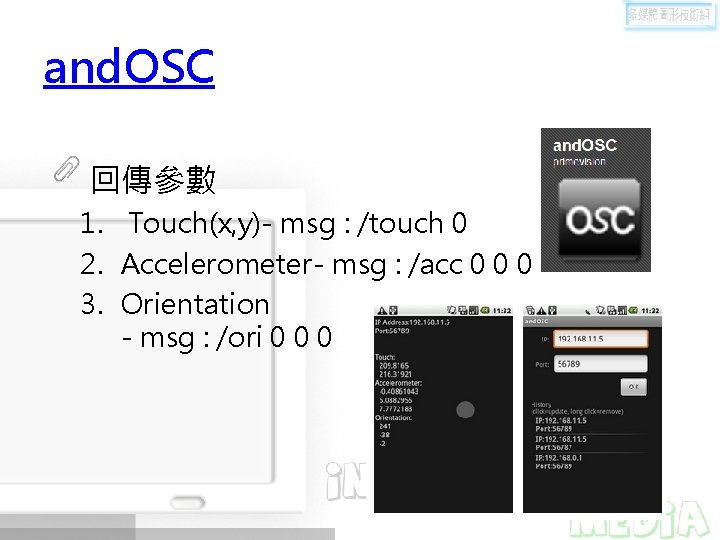
and. OSC 回傳參數 1. Touch(x, y)- msg : /touch 0 2. Accelerometer- msg : /acc 0 0 0 3. Orientation - msg : /ori 0 0 0
實驗 使用 Touch. OSC 使用 and. OSC