
Open GL Tutorial Jason Lawrence COS 426 Precept
![Open. GL: Lighting GLfloat mat_diffuse[4] = {0. 75, 1. 0}; GLfloat mat_specular[4] = {0.](https://slidetodoc.com/presentation_image_h/128416880090a2990c9f0098e4e41092/image-22.jpg "Open. GL: Lighting GLfloat mat_diffuse[4] = {0. 75, 1. 0}; GLfloat mat_specular[4] = {0.")
![Open. GL: Lighting GLfloat mat_diffuse[4] = {0. 75, 1. 0}; GLfloat mat_specular[4] = {0.](https://slidetodoc.com/presentation_image_h/128416880090a2990c9f0098e4e41092/image-23.jpg "Open. GL: Lighting GLfloat mat_diffuse[4] = {0. 75, 1. 0}; GLfloat mat_specular[4] = {0.")

- Slides: 33
Open. GL Tutorial Jason Lawrence COS 426 Precept Notes 2/16/04
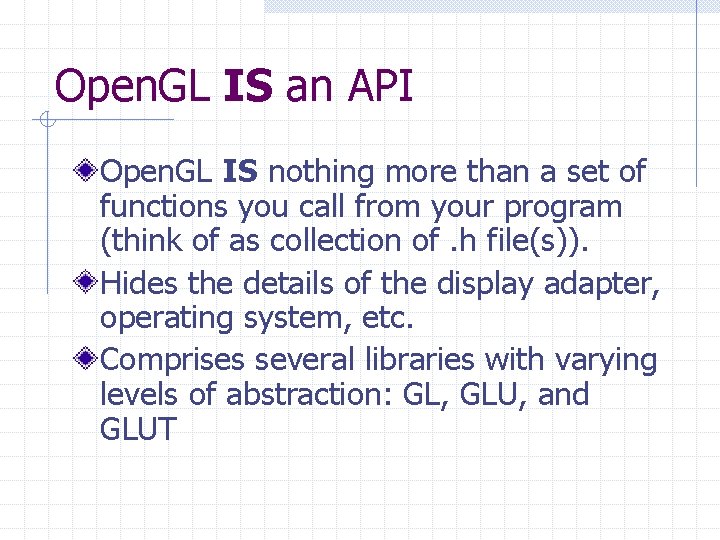
Open. GL IS an API Open. GL IS nothing more than a set of functions you call from your program (think of as collection of. h file(s)). Hides the details of the display adapter, operating system, etc. Comprises several libraries with varying levels of abstraction: GL, GLU, and GLUT
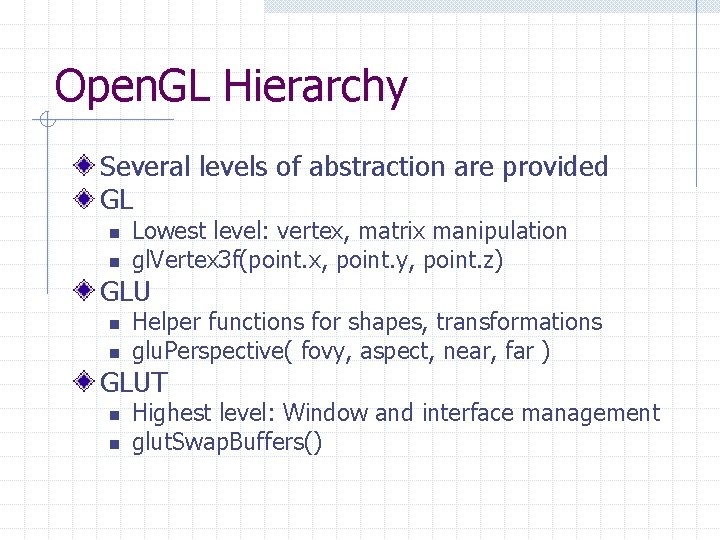
Open. GL Hierarchy Several levels of abstraction are provided GL n n Lowest level: vertex, matrix manipulation gl. Vertex 3 f(point. x, point. y, point. z) GLU n n Helper functions for shapes, transformations glu. Perspective( fovy, aspect, near, far ) GLUT n n Highest level: Window and interface management glut. Swap. Buffers()
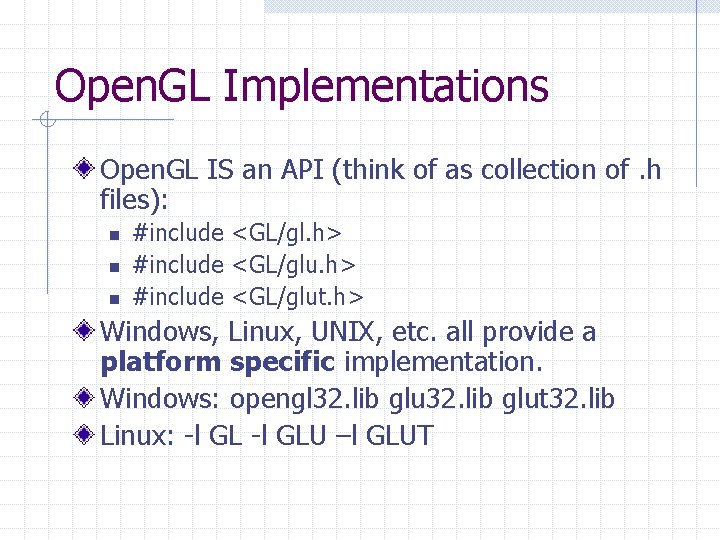
Open. GL Implementations Open. GL IS an API (think of as collection of. h files): n n n #include <GL/gl. h> #include <GL/glut. h> Windows, Linux, UNIX, etc. all provide a platform specific implementation. Windows: opengl 32. lib glut 32. lib Linux: -l GLU –l GLUT
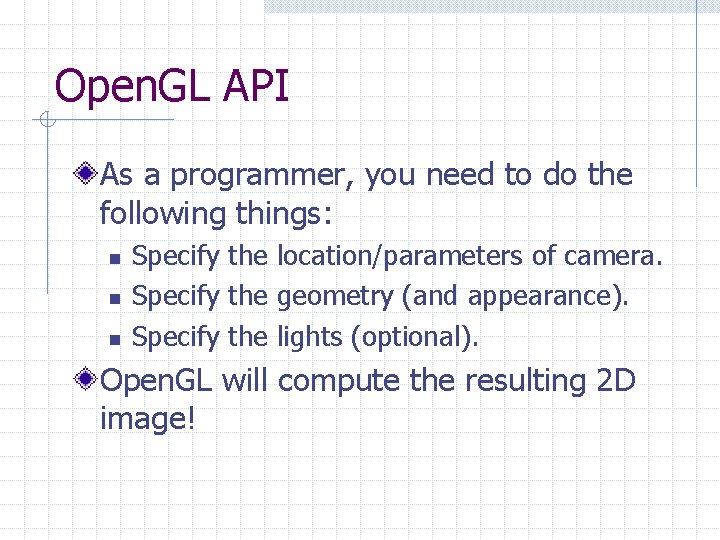
Open. GL API As a programmer, you need to do the following things: n n n Specify the location/parameters of camera. Specify the geometry (and appearance). Specify the lights (optional). Open. GL will compute the resulting 2 D image!
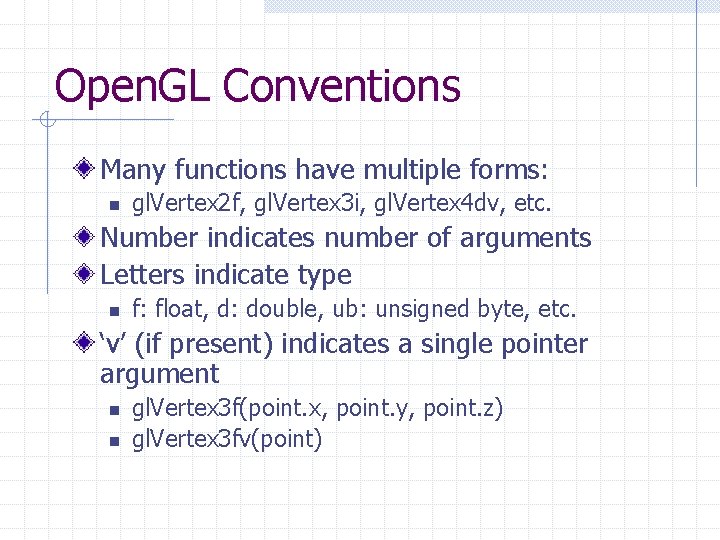
Open. GL Conventions Many functions have multiple forms: n gl. Vertex 2 f, gl. Vertex 3 i, gl. Vertex 4 dv, etc. Number indicates number of arguments Letters indicate type n f: float, d: double, ub: unsigned byte, etc. ‘v’ (if present) indicates a single pointer argument n n gl. Vertex 3 f(point. x, point. y, point. z) gl. Vertex 3 fv(point)
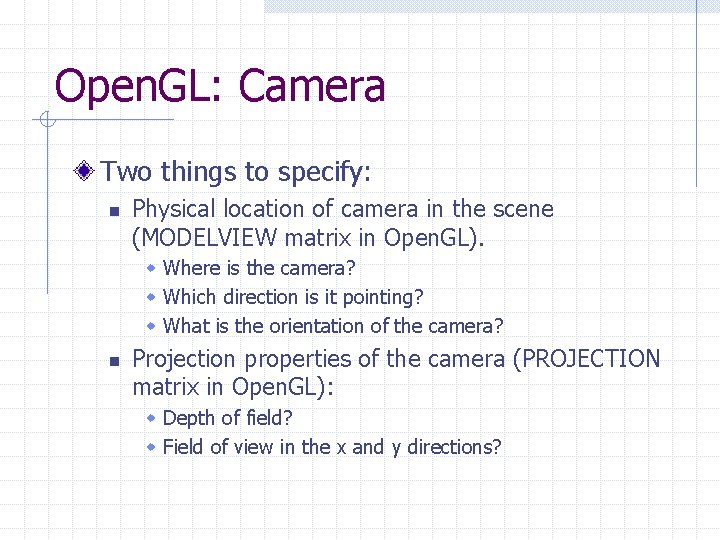
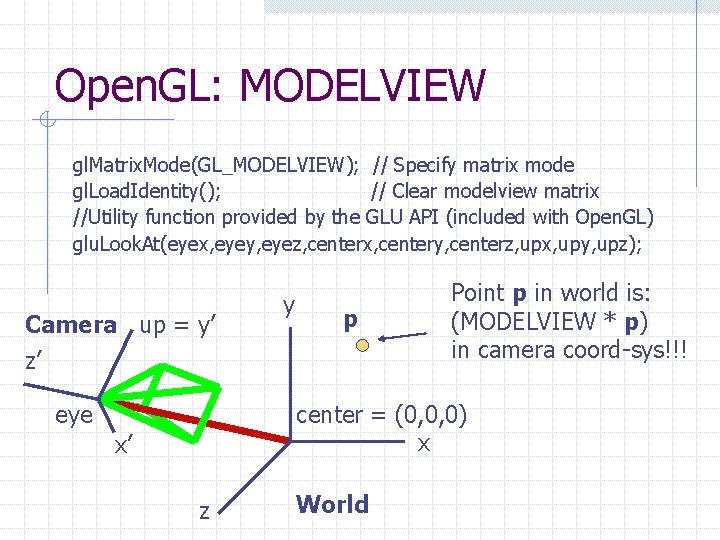
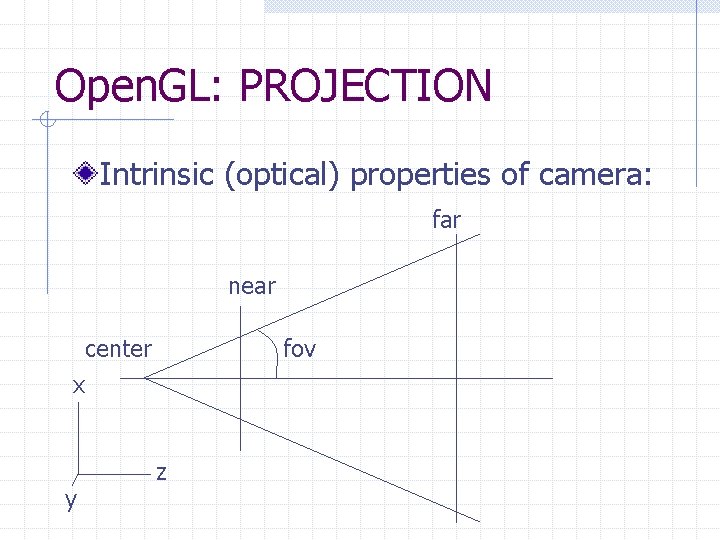
Open. GL: Camera Two things to specify: n Physical location of camera in the scene (MODELVIEW matrix in Open. GL). w Where is the camera? w Which direction is it pointing? w What is the orientation of the camera? n Projection properties of the camera (PROJECTION matrix in Open. GL): w Depth of field? w Field of view in the x and y directions?
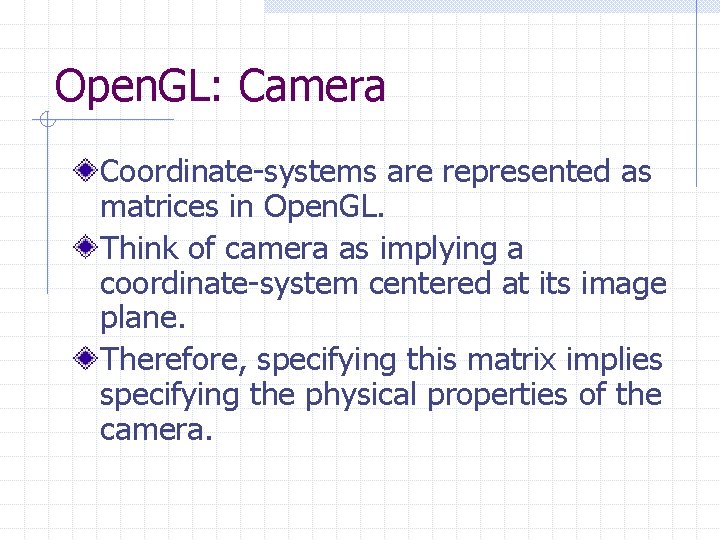
Open. GL: Camera Coordinate-systems are represented as matrices in Open. GL. Think of camera as implying a coordinate-system centered at its image plane. Therefore, specifying this matrix implies specifying the physical properties of the camera.
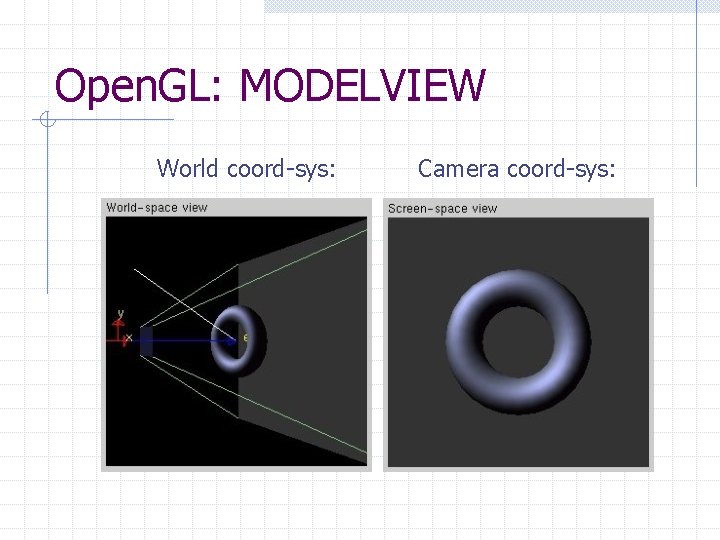
Open. GL: MODELVIEW gl. Matrix. Mode(GL_MODELVIEW); // Specify matrix mode gl. Load. Identity(); // Clear modelview matrix //Utility function provided by the GLU API (included with Open. GL) glu. Look. At(eyex, eyey, eyez, centerx, centery, centerz, upx, upy, upz); Camera up = y’ z’ eye y p Point p in world is: (MODELVIEW * p) in camera coord-sys!!! center = (0, 0, 0) x x’ z World
Open. GL: MODELVIEW World coord-sys: Camera coord-sys:
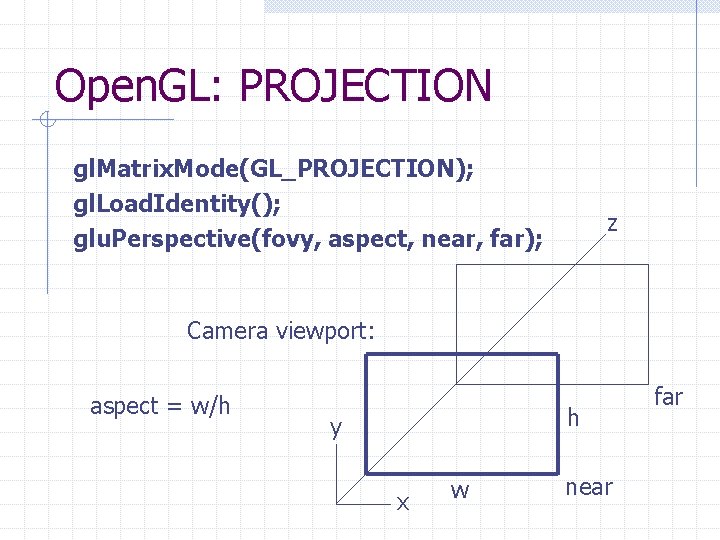
Open. GL: PROJECTION Intrinsic (optical) properties of camera: far near center fov x y z
Open. GL: PROJECTION gl. Matrix. Mode(GL_PROJECTION); gl. Load. Identity(); glu. Perspective(fovy, aspect, near, far); z Camera viewport: aspect = w/h h y x w near far
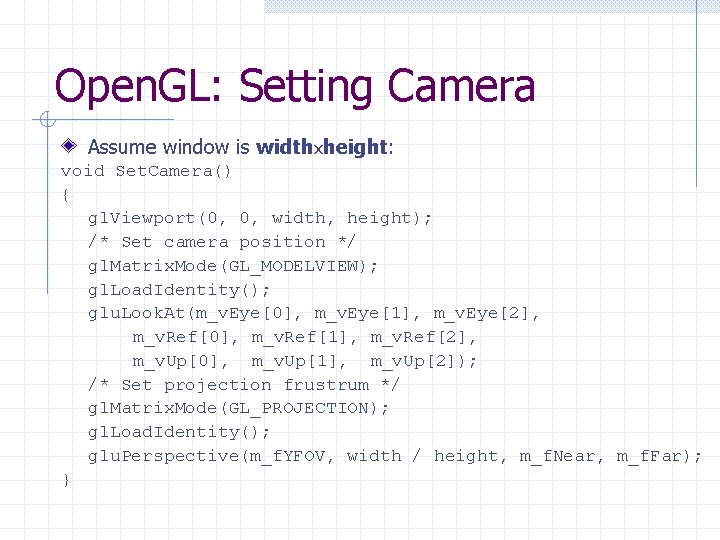
Open. GL: Setting Camera Assume window is widthxheight: void Set. Camera() { gl. Viewport(0, 0, width, height); /* Set camera position */ gl. Matrix. Mode(GL_MODELVIEW); gl. Load. Identity(); glu. Look. At(m_v. Eye[0], m_v. Eye[1], m_v. Eye[2], m_v. Ref[0], m_v. Ref[1], m_v. Ref[2], m_v. Up[0], m_v. Up[1], m_v. Up[2]); /* Set projection frustrum */ gl. Matrix. Mode(GL_PROJECTION); gl. Load. Identity(); glu. Perspective(m_f. YFOV, width / height, m_f. Near, m_f. Far); }
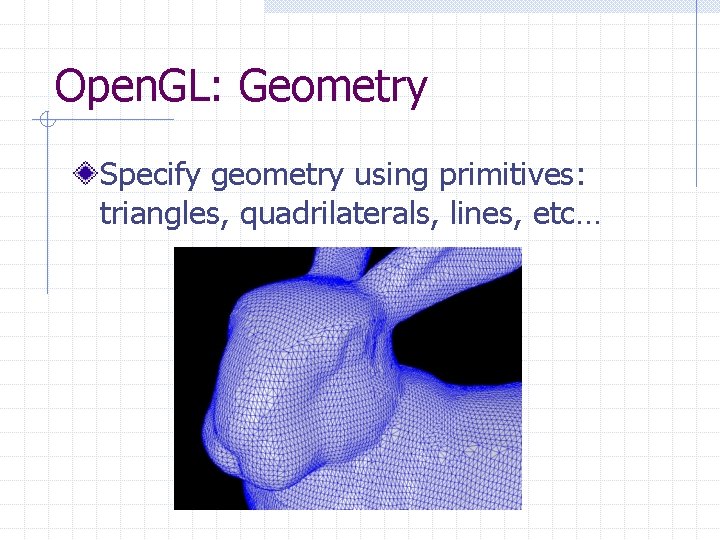
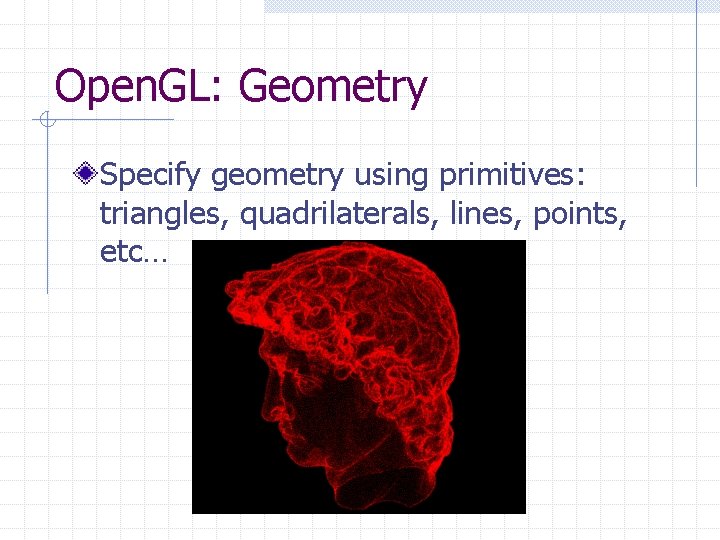
Open. GL: Geometry Specify geometry using primitives: triangles, quadrilaterals, lines, etc…
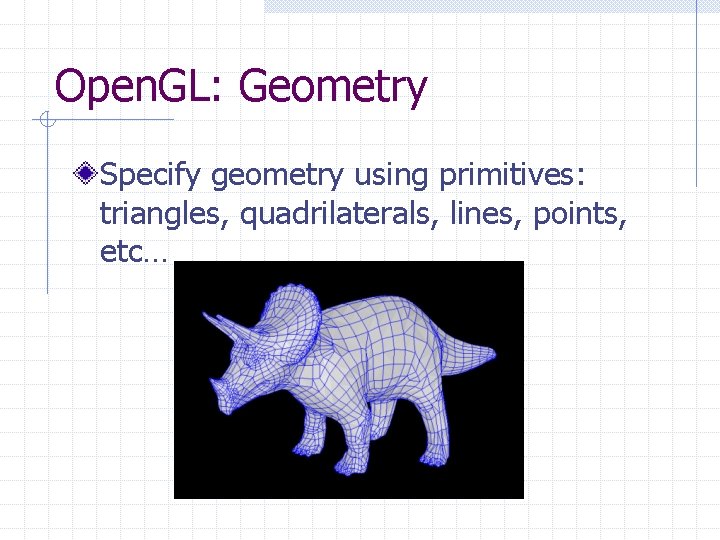
Open. GL: Geometry Specify geometry using primitives: triangles, quadrilaterals, lines, points, etc…
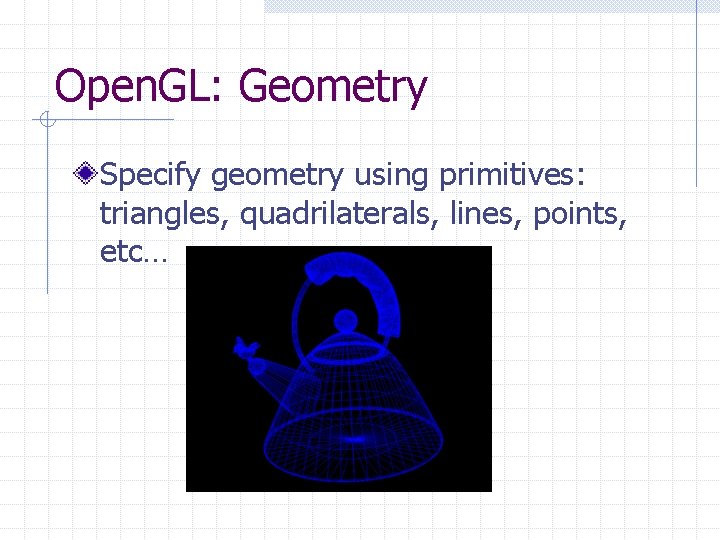
Open. GL: Geometry Specify geometry using primitives: triangles, quadrilaterals, lines, points, etc…
Open. GL: Geometry Specify geometry using primitives: triangles, quadrilaterals, lines, points, etc…
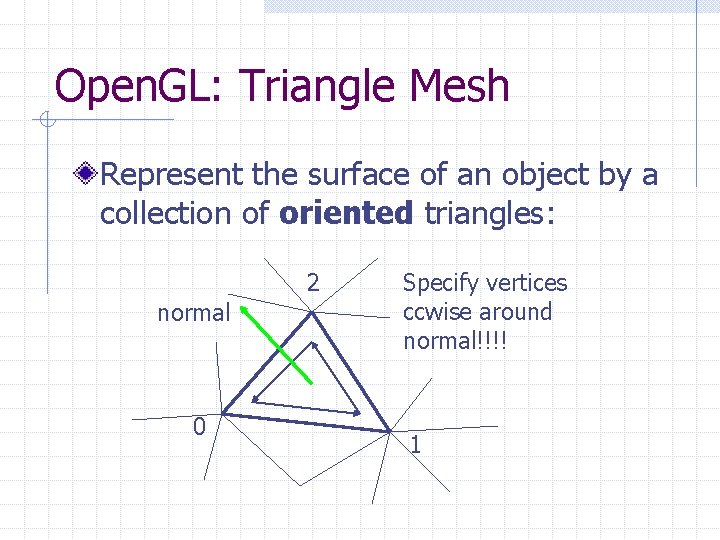
Open. GL: Triangle Mesh Represent the surface of an object by a collection of oriented triangles: 2 normal 0 Specify vertices ccwise around normal!!!! 1
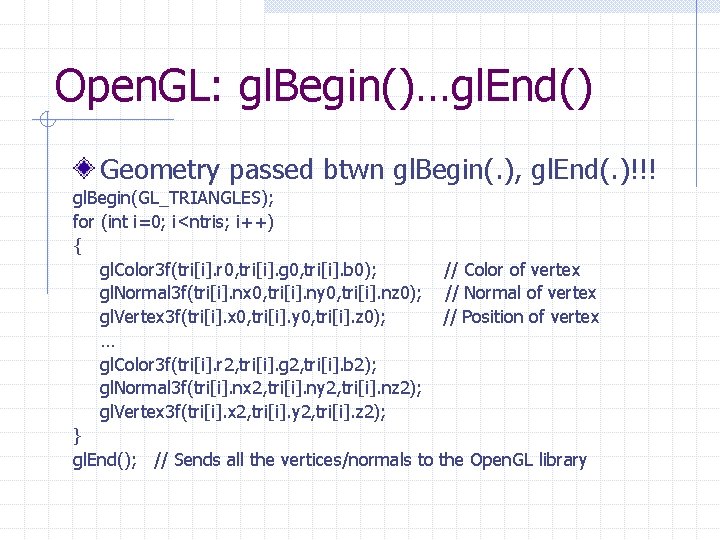
Open. GL: gl. Begin()…gl. End() Geometry passed btwn gl. Begin(. ), gl. End(. )!!! gl. Begin(GL_TRIANGLES); for (int i=0; i<ntris; i++) { gl. Color 3 f(tri[i]. r 0, tri[i]. g 0, tri[i]. b 0); gl. Normal 3 f(tri[i]. nx 0, tri[i]. ny 0, tri[i]. nz 0); gl. Vertex 3 f(tri[i]. x 0, tri[i]. y 0, tri[i]. z 0); … gl. Color 3 f(tri[i]. r 2, tri[i]. g 2, tri[i]. b 2); gl. Normal 3 f(tri[i]. nx 2, tri[i]. ny 2, tri[i]. nz 2); gl. Vertex 3 f(tri[i]. x 2, tri[i]. y 2, tri[i]. z 2); } gl. End(); // Sends all the vertices/normals to // Color of vertex // Normal of vertex // Position of vertex the Open. GL library
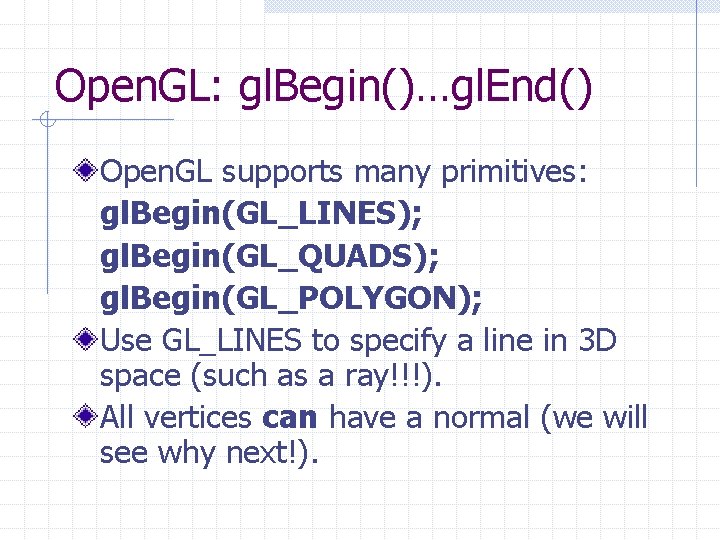
Open. GL: gl. Begin()…gl. End() Open. GL supports many primitives: gl. Begin(GL_LINES); gl. Begin(GL_QUADS); gl. Begin(GL_POLYGON); Use GL_LINES to specify a line in 3 D space (such as a ray!!!). All vertices can have a normal (we will see why next!).
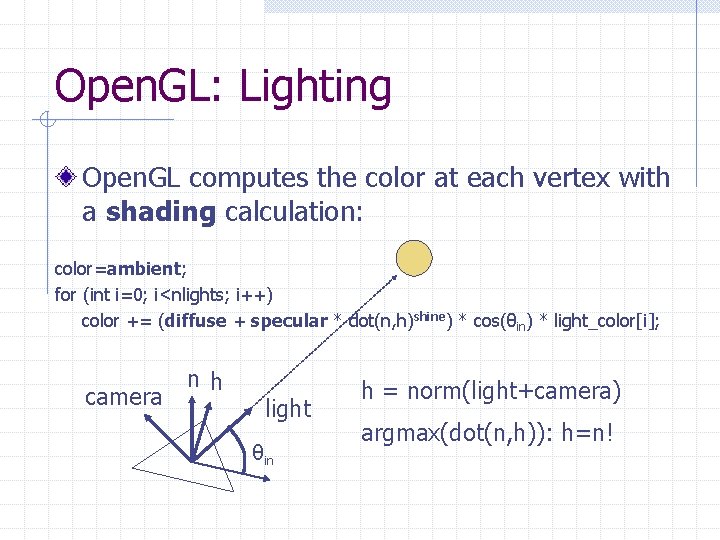
Open. GL: Lighting Open. GL computes the color at each vertex with a shading calculation: color=ambient; for (int i=0; i<nlights; i++) color += (diffuse + specular * dot(n, h)shine) * cos(θin) * light_color[i]; camera nh light θin h = norm(light+camera) argmax(dot(n, h)): h=n!
Open. GL: Lighting GLfloat mat_diffuse[4] = {0. 75, 1. 0}; GLfloat mat_specular[4] = {0. 55, 1. 0}; GLfloat mat_shininess[1] = {80}; gl. Materialfv(GL_FRONT_AND_BACK, GL_AMBIENT_AND_DIFFUSE, mat_diffuse); gl. Materialfv(GL_FRONT, GL_SPECULAR, mat_specular); gl. Materialfv(GL_FRONT, GL_SHININESS, mat_shininess); GLfloat light 0_ambient[4] = { 0. 0, 1. 0}; GLfloat light 0_color[4] = { 0. 4, 1. 0 }; gl. Lightfv(GL_LIGHT 0, GL_AMBIENT, light 0_ambient); gl. Lightfv(GL_LIGHT 0, GL_DIFFUSE, light 0_color); gl. Lightfv(GL_LIGHT 0, GL_SPECULAR, light 0_color); gl. Enable(GL_LIGHT 0); gl. Enable(GL_LIGHTING);
Open. GL: Lighting GLfloat mat_diffuse[4] = {0. 75, 1. 0}; GLfloat mat_specular[4] = {0. 55, 1. 0}; GLfloat mat_shininess[1] = {80}; gl. Materialfv(GL_FRONT_AND_BACK, GL_AMBIENT_AND_DIFFUSE, mat_diffuse); gl. Materialfv(GL_FRONT, GL_SPECULAR, mat_specular); gl. Materialfv(GL_FRONT, GL_SHININESS, mat_shininess); GLfloat light 0_ambient[4] = { 0. 0, 1. 0}; GLfloat light 0_color[4] = { 0. 4, 1. 0 }; gl. Lightfv(GL_LIGHT 0, GL_AMBIENT, light 0_ambient); gl. Lightfv(GL_LIGHT 0, GL_DIFFUSE, light 0_color); gl. Lightfv(GL_LIGHT 0, GL_SPECULAR, light 0_color); gl. Enable(GL_LIGHT 0); gl. Enable(GL_LIGHTING);
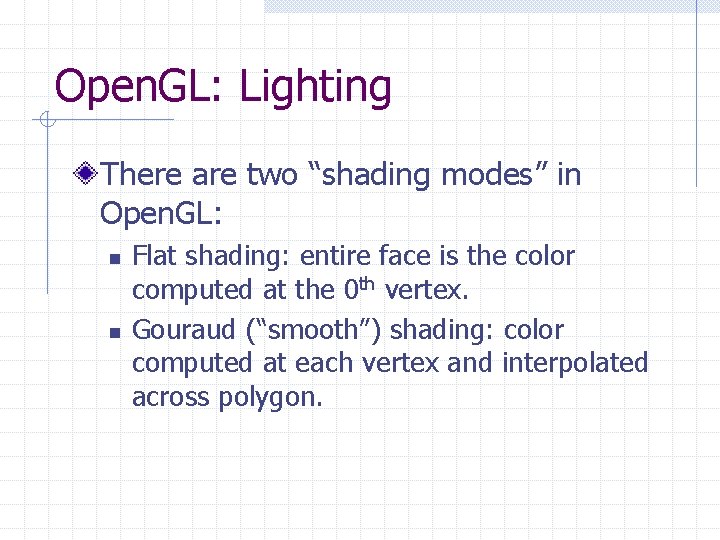
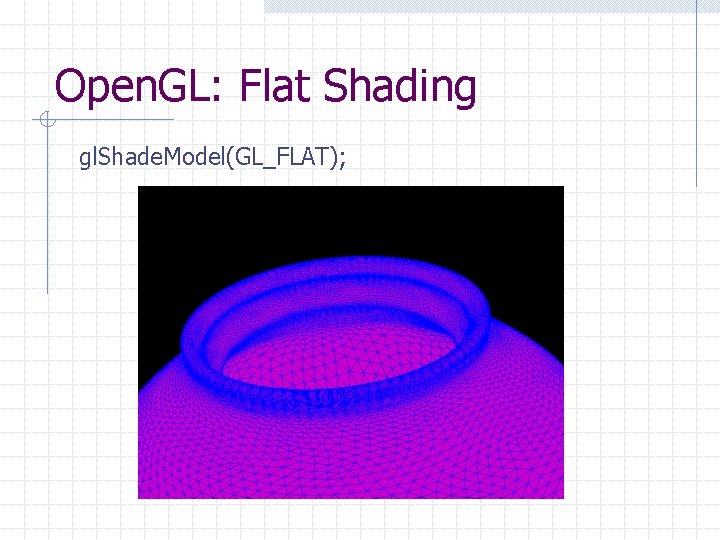
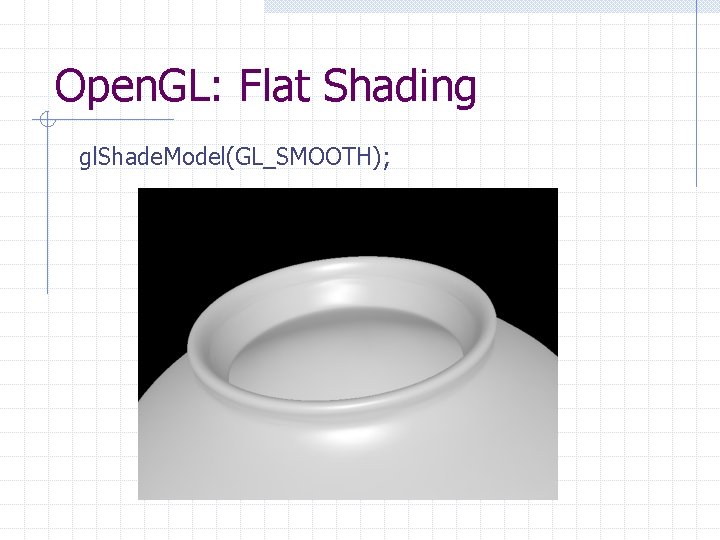
Open. GL: Lighting There are two “shading modes” in Open. GL: n n Flat shading: entire face is the color computed at the 0 th vertex. Gouraud (“smooth”) shading: color computed at each vertex and interpolated across polygon.
Open. GL: Flat Shading gl. Shade. Model(GL_FLAT);
Open. GL: Flat Shading gl. Shade. Model(GL_SMOOTH);
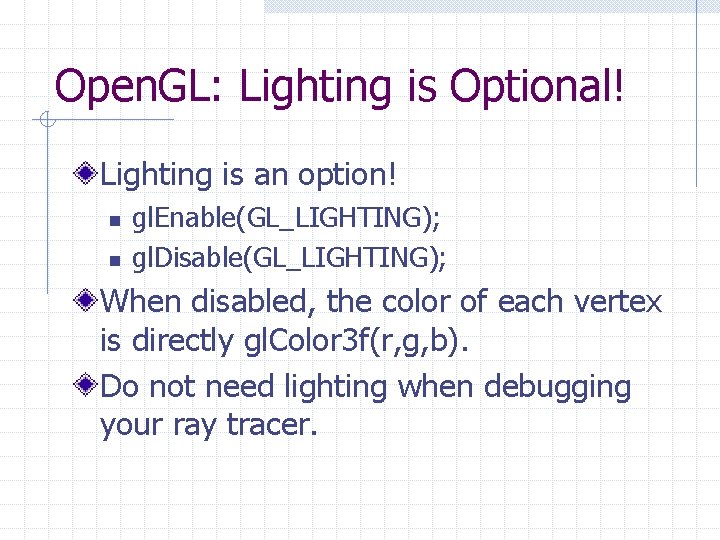
Open. GL: Lighting is Optional! Lighting is an option! n n gl. Enable(GL_LIGHTING); gl. Disable(GL_LIGHTING); When disabled, the color of each vertex is directly gl. Color 3 f(r, g, b). Do not need lighting when debugging your ray tracer.
GLUT is a very simple API that supports creating GUI+Open. GL apps. http: //www. xmission. com/~nate/glut. html
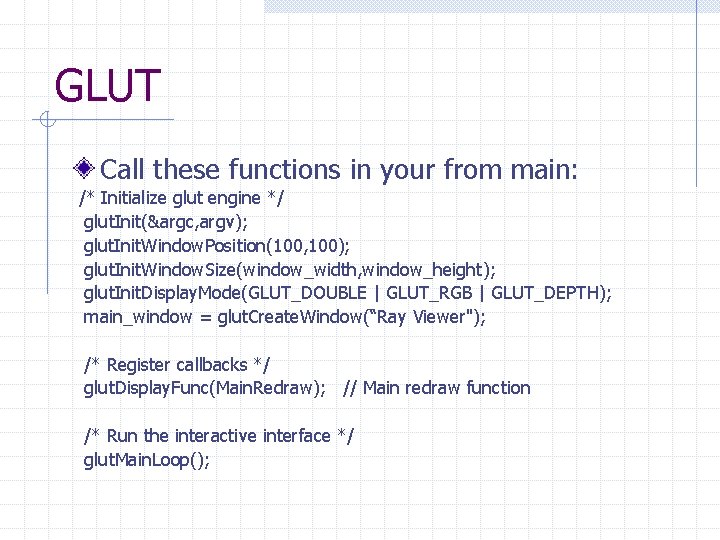
GLUT Call these functions in your from main: /* Initialize glut engine */ glut. Init(&argc, argv); glut. Init. Window. Position(100, 100); glut. Init. Window. Size(window_width, window_height); glut. Init. Display. Mode(GLUT_DOUBLE | GLUT_RGB | GLUT_DEPTH); main_window = glut. Create. Window(“Ray Viewer"); /* Register callbacks */ glut. Display. Func(Main. Redraw); // Main redraw function /* Run the interactive interface */ glut. Main. Loop();
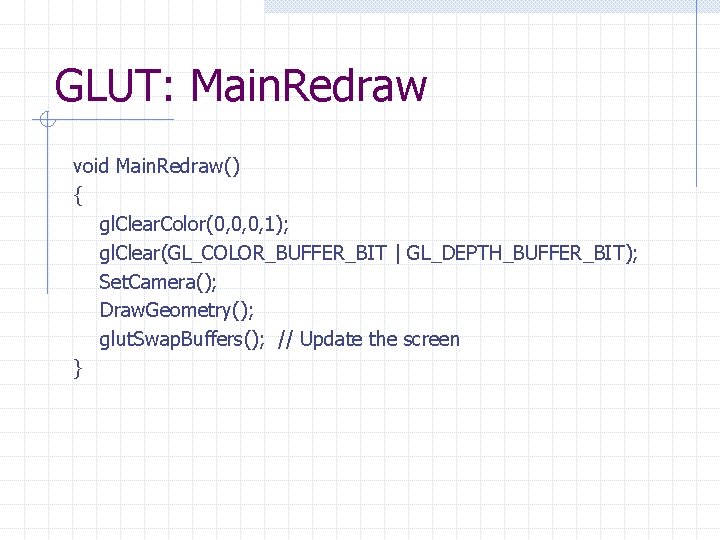
GLUT: Main. Redraw void Main. Redraw() { gl. Clear. Color(0, 0, 0, 1); gl. Clear(GL_COLOR_BUFFER_BIT | GL_DEPTH_BUFFER_BIT); Set. Camera(); Draw. Geometry(); glut. Swap. Buffers(); // Update the screen }
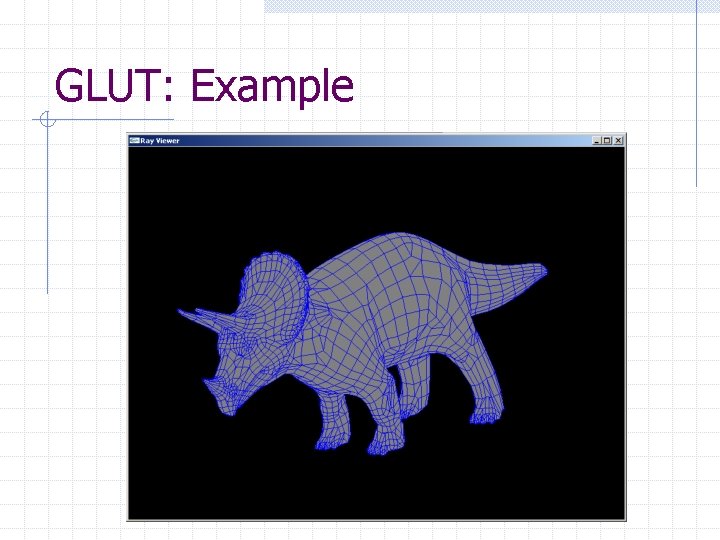
GLUT: Example Skeleton code for a simple mesh viewer can be found at: http: //www. cs. princeton. edu/~jlawrenc/cos 426/mview. zip The program reads a “simple mesh” file format. The zip file includes several examples.
GLUT: Example
Open. GL: Resources Textbook! Nate Robbins Open. GL tutorials: http: //www. xmission. com/~nate/tutors. html