
Open GL The Open Graphics Language Technology and
- Slides: 16
Open. GL: The Open Graphics Language Technology and Historical Overview By Ricardo Veguilla
Open. GL – The Open Graphics Language De facto Application Programming Interface (API) for cross-platform development of 3 D graphics applications. n Implementations available for all major Operating Systems and hardware platforms. n Support for hardware accelerated 3 D rendering. n Scalable, high-level, easy to use, well documented. n
History of Open. GL Originally released by SGI in the early 90 s. n Descendant of IRIX GL. n Previous 3 D graphics APIs were generally platform dependant. n Born out of market pressure for a cross-platform 3 D API during the late 80 s. n
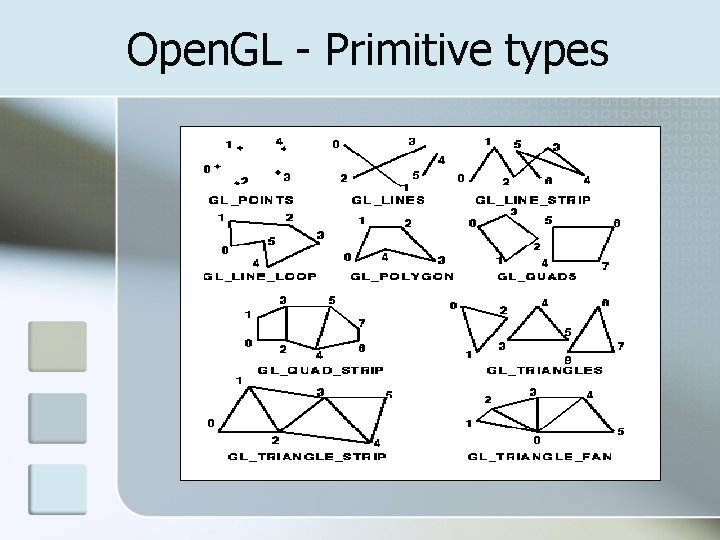
Open. GL - Primitive types
Transformation Matrices Open. GL provide 3 transformation matrix stacks: n Perspective Matrix – Used for viewing transformations – equivalent to positioning and aiming a camera. n Modeling Matrix – Used for modeling transformations – equivalent to positioning and orienting the model to be drawn. n Texture Matrix – Used for texture transformations – equivalent to positioning and orienting the texture to be drawn over a polygon.
Transformation Matrix Selection n Using gl. Matrix. Mode(GLenum mode) function with one of the following argument: GL_MODELVIEW n GL_PROJECTION n GL_TEXTURE. n n All subsequent transformation commands affect the specified matrix.
Transformation functions n gl. Load. Identity() n gl. Translate(TYPE x, TYPE y, TYPE z) n gl. Rotate(TYPE angle, TYPE x, TYPE y, TYPE z) n gl. Scale(TYPE x, TYPE y, TYPE z) n gl. Push. Matrix() n gl. Pop. Matrix()
gl. Load. Identity n gl. Load. Identity() n Loads the identity matrix into the current transformation matrix. n Used to reset the current transformation matrix before performing a transformation.
Translatoin n gl. Translate(TYPE x, TYPE y, TYPE z) n Multiplies the current transformation matrix by a matrix that moves an object (the local coordinate system) by the given x, y, and z values.
Rotation n gl. Rotate(TYPE angle, TYPE x, TYPE y, TYPE z) n Multiplies the current transformation matrix by a matrix that rotates an object (or the local coordinate system) in a counter clockwise direction about the ray from the origin through the point (x, y, z). The angle parameter specifies the angle of rotation in degrees.
Scaling n gl. Scale(TYPE x, TYPE y, TYPE z) n Multiplies the current transformation matrix by a matrix that stretches, shrinks, or reflects and object (or the local coordinate system) along the axes. Each x, y, and z coordinate of every point in the object is multiplied by the corresponding argument x, y, or z.
Controlling the tranformation matrix stacks n gl. Push. Matrix() n Pushed the current transformation matrix into the stack. n gl. Pop. Matrix() n Loads the matrix at the top of the stack into the current transformation matrix.
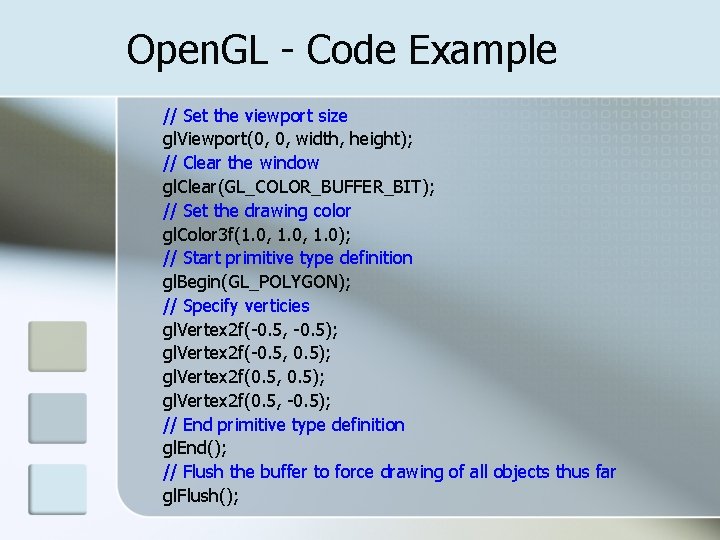
Open. GL - Code Example // Set the viewport size gl. Viewport(0, 0, width, height); // Clear the window gl. Clear(GL_COLOR_BUFFER_BIT); // Set the drawing color gl. Color 3 f(1. 0, 1. 0); // Start primitive type definition gl. Begin(GL_POLYGON); // Specify verticies gl. Vertex 2 f(-0. 5, -0. 5); gl. Vertex 2 f(-0. 5, 0. 5); gl. Vertex 2 f(0. 5, -0. 5); // End primitive type definition gl. End(); // Flush the buffer to force drawing of all objects thus far gl. Flush();
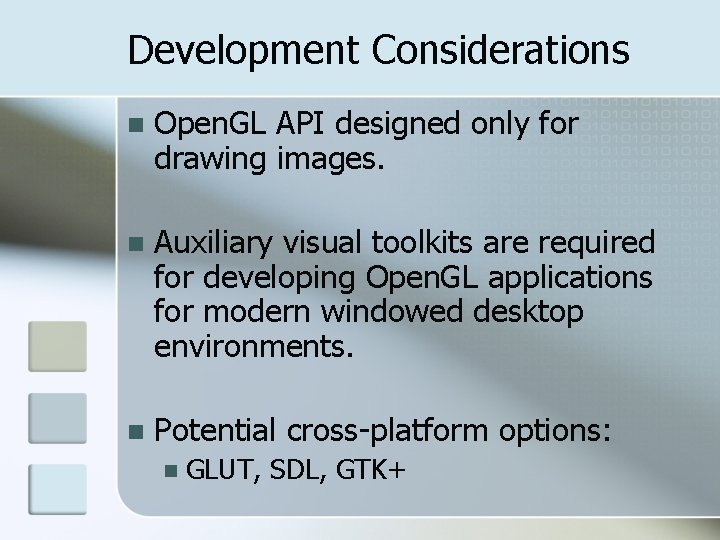
Development Considerations n Open. GL API designed only for drawing images. n Auxiliary visual toolkits are required for developing Open. GL applications for modern windowed desktop environments. n Potential cross-platform options: n GLUT, SDL, GTK+
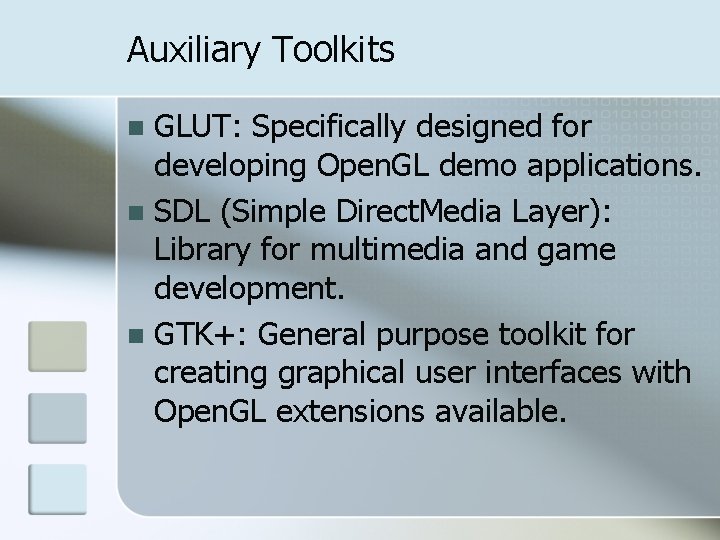
Auxiliary Toolkits GLUT: Specifically designed for developing Open. GL demo applications. n SDL (Simple Direct. Media Layer): Library for multimedia and game development. n GTK+: General purpose toolkit for creating graphical user interfaces with Open. GL extensions available. n
References: Open. GL - The Industry Standard for High Performance Graphics n http: //www. opengl. org/ Wikipidia – Open. GL n http: //en. wikipedia. org/wiki/Open. GL