
Open GL Basics A Graphics Standard Mel Slater
Open. GL Basics A Graphics Standard ©Mel Slater, Anthony Steed 1997 -1999 1
Outline Philosophy n Output primitives n Materials n The modelview matrix n The projection matrix n Specifiying a view n Utility library glu n GLUT for interfaces n 2
Philosophy of Open. GL n n n n Platform independent Window system independent Rendering only Aims to be real-time Takes advantage of graphics hardware where it exists State system Client-server system Standard supported by major companies 3
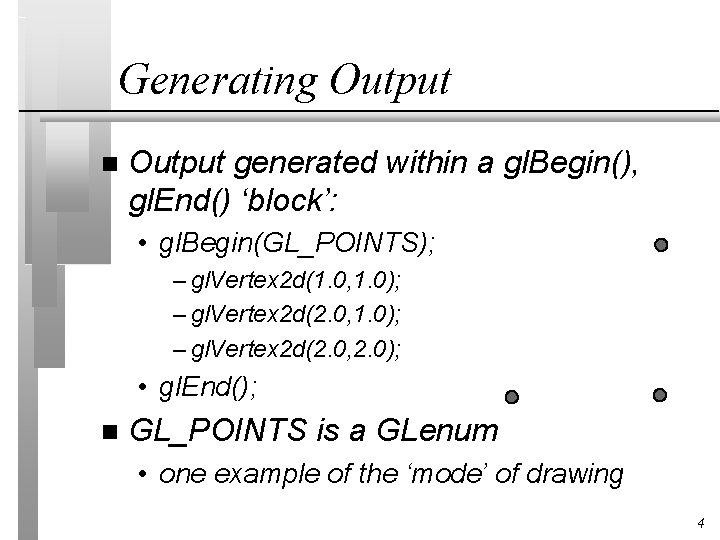
Generating Output n Output generated within a gl. Begin(), gl. End() ‘block’: • gl. Begin(GL_POINTS); – gl. Vertex 2 d(1. 0, 1. 0); – gl. Vertex 2 d(2. 0, 2. 0); • gl. End(); n GL_POINTS is a GLenum • one example of the ‘mode’ of drawing 4
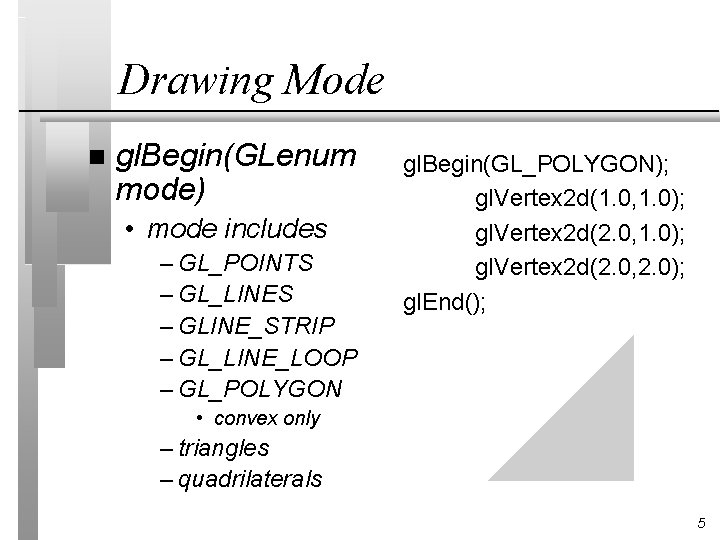
Drawing Mode n gl. Begin(GLenum mode) • mode includes – GL_POINTS – GL_LINES – GLINE_STRIP – GL_LINE_LOOP – GL_POLYGON gl. Begin(GL_POLYGON); gl. Vertex 2 d(1. 0, 1. 0); gl. Vertex 2 d(2. 0, 2. 0); gl. End(); • convex only – triangles – quadrilaterals 5

gl. Vertexnt n n gl. Vertex 2 d(GLdouble x, GLdouble y); gl. Vertex 3 f(GLfloat x, GLfloat y, GLfloat z); gl. Vertex 2 i(GLint x, GLint y); gl. Vertex 3 d(GLdouble x, GLdouble y, GLdouble z); • n = 2, 3, 4 • t = d, f, i, s • gl. Vertex 4 f(GLdouble x, GLdouble y, GLdouble z, GLdouble w); 6
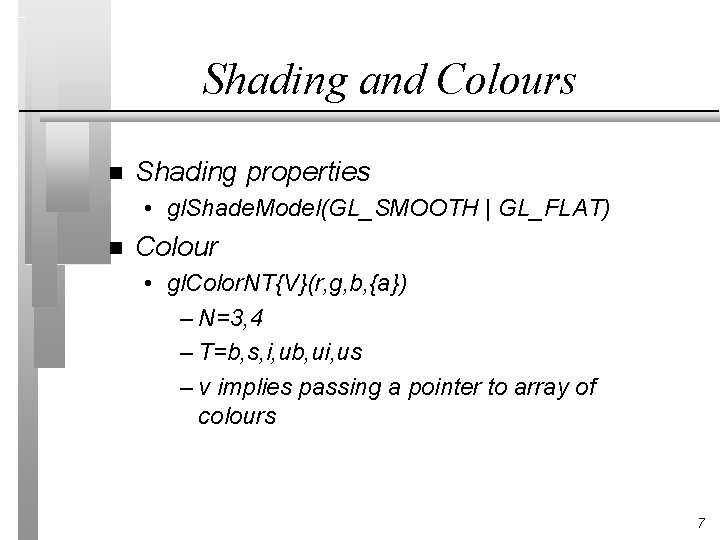
Shading and Colours n Shading properties • gl. Shade. Model(GL_SMOOTH | GL_FLAT) n Colour • gl. Color. NT{V}(r, g, b, {a}) – N=3, 4 – T=b, s, i, ub, ui, us – v implies passing a pointer to array of colours 7
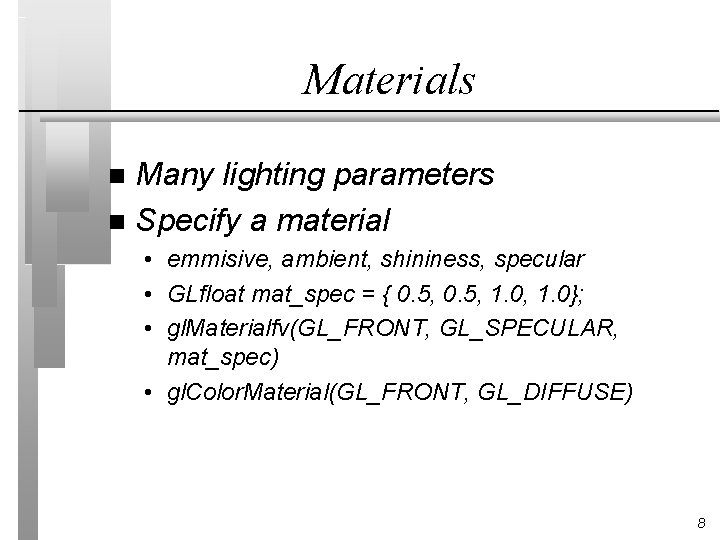
Materials Many lighting parameters n Specify a material n • emmisive, ambient, shininess, specular • GLfloat mat_spec = { 0. 5, 1. 0, 1. 0}; • gl. Materialfv(GL_FRONT, GL_SPECULAR, mat_spec) • gl. Color. Material(GL_FRONT, GL_DIFFUSE) 8
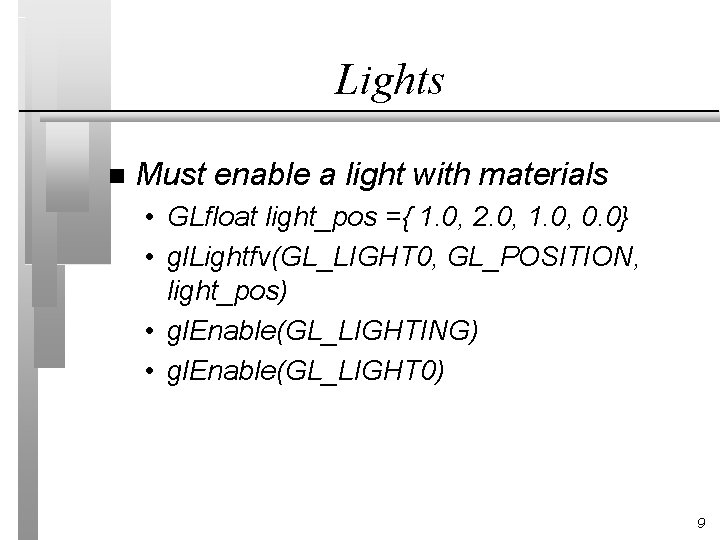
Lights n Must enable a light with materials • GLfloat light_pos ={ 1. 0, 2. 0, 1. 0, 0. 0} • gl. Lightfv(GL_LIGHT 0, GL_POSITION, light_pos) • gl. Enable(GL_LIGHTING) • gl. Enable(GL_LIGHT 0) 9
Modeling and Viewing n Open. GL provides no functions itself for directly specifying a view • it has no ‘policy’ for how a ‘camera’ is to be specified n n It provides no data structures for model hierarchies. Instead it provides fundamental tools that allow the construction of many different camera models and hierachies. 10
Modelview Matrix n n A stack of matrices is maintained called the ‘modelview’ stack. The current modelview matrix is used to multiply vertices at the first stage of the rendering pipeline • equivalent to matrix C. M – C = CTM, M: WC->VC n gl. Matrix. Mode(GL_MODELVIEW) • making changes to modelview 11
Matrix Operations n gl. Load. Matrix{f}{d}(const GLfloat *m); • replaces current matrix n gl. Mult. Matrix{f}{d} (const GLfloat *m); • if t is current matrix then tm is the new one n gl. Push. Matrix{f}{d} (); • pushes copy of current matrix down on stack; n gl. Pop. Matrix(); • restores top of stack to be current matrix. 12
Example: Object Hierarchy n n Suppose the current modelview matrix is M: WC->VC (ie, based on VRP, VPN, VUV). GObject *object; //pointer to graphics object – – – – gl. Matrix. Model(GL_MODELVIEW); /*push and duplicate current matrix*/ gl. Push. Matrix(); /*premultiply M by CTM*/ gl. Mult. Matrix(object->CTM); /*now draw all faces in object*/ gl. Pop. Matrix(); //restore original M 13
The Projection Matrix n gl. Matrix. Mode(GL_PROJECTION); • subsequent matrix ops affect this stack (only 2 deep) n A perspective projection can be specified by: • gl. Load. Identity(); • gl. Frustum(left, right, bottom, top, near, far); – each argument is GLdouble 14

Transformations n gl. Translate{d}{f}(x, y, z); • translation matrix T(x, y, z) n gl. Scale{d}{f}(x, y, z); • scaling matrix S(x, y, z) n gl. Rotate{d}{f}(angle, x, y, z); • matrix for positive (anti-clockwise) rotation of angle degrees about vector (x, y, z) n If M is current matrix, and Q is transformation matrix, then new current matrix is QM 15
Utility Library (glu) n Library that is constructed on top of Open. GL, performing many higherlevel operations • curves and surfaces • other forms of primitive (quadrics) • a simpler viewing mechanism 16
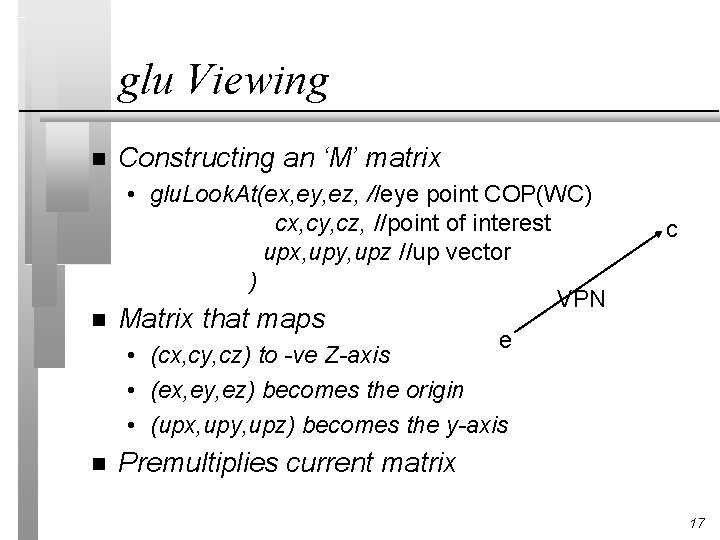
glu Viewing n Constructing an ‘M’ matrix • glu. Look. At(ex, ey, ez, //eye point COP(WC) cx, cy, cz, //point of interest upx, upy, upz //up vector ) VPN n Matrix that maps n Premultiplies current matrix c e • (cx, cy, cz) to -ve Z-axis • (ex, ey, ez) becomes the origin • (upx, upy, upz) becomes the y-axis 17
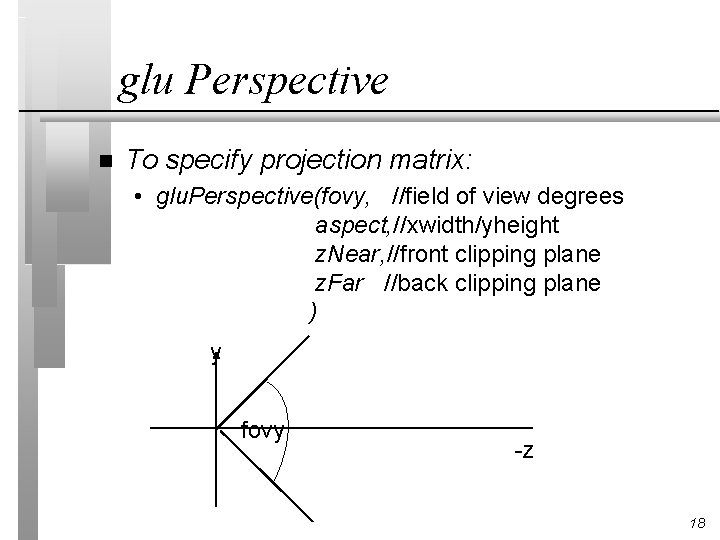
glu Perspective n To specify projection matrix: • glu. Perspective(fovy, //field of view degrees aspect, //xwidth/yheight z. Near, //front clipping plane z. Far //back clipping plane ) y fovy -z 18
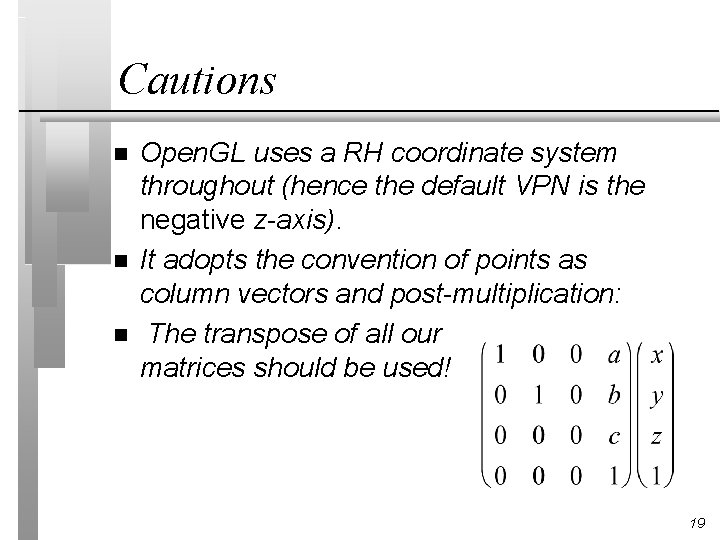
Cautions n n n Open. GL uses a RH coordinate system throughout (hence the default VPN is the negative z-axis). It adopts the convention of points as column vectors and post-multiplication: The transpose of all our matrices should be used! 19
Windows and Interaction GLX is the Open. GL extension to X 11 Windows - provides basic window functions to provide Open. GL rendering context. n GLUT is a user interface toolkit (simple) that constructs windows and provides basic interaction mechanisms (see trapezium example). n 20
Summary Open. GL is a massive ‘basic’ powerful, flexible standard platform and windowing independent rendering system. n gl. Begin, gl. Vertex, gl. End n gl. Matrix. Mode(GL_MODELVIEW) n gl. Frustum n glu. Look. At, glu. Perspective n 21
- Slides: 21