
Open GL Architecture Polynomial Evaluator CPU Display List
- Slides: 14
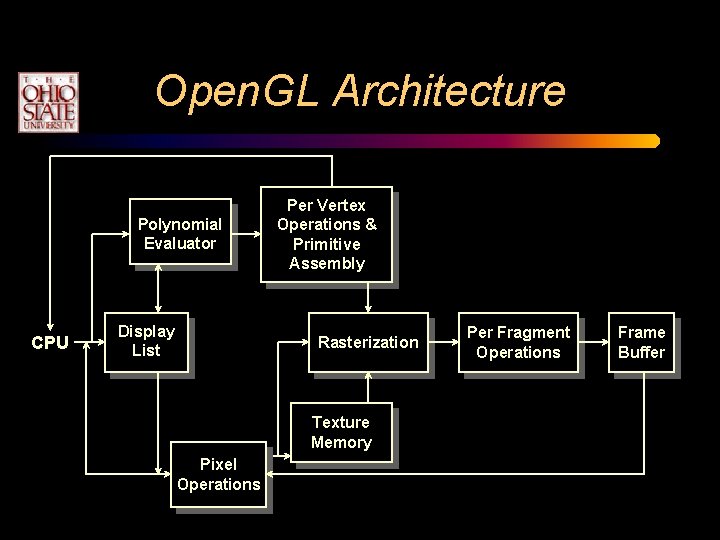
Open. GL Architecture Polynomial Evaluator CPU Display List Per Vertex Operations & Primitive Assembly Rasterization Texture Memory Pixel Operations Per Fragment Operations Frame Buffer
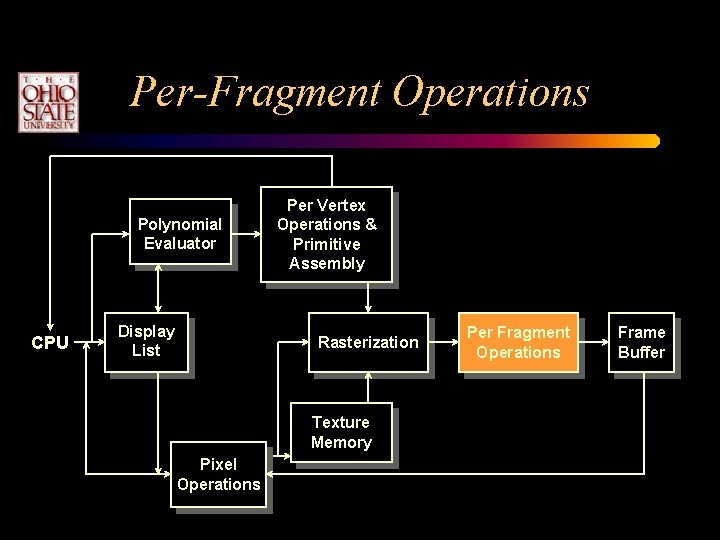
Per-Fragment Operations Polynomial Evaluator CPU Display List Per Vertex Operations & Primitive Assembly Rasterization Texture Memory Pixel Operations Per Fragment Operations Frame Buffer
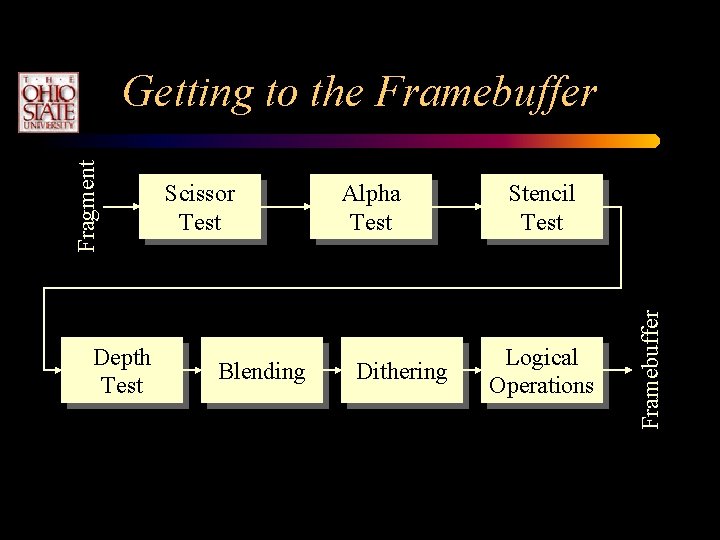
Depth Test Scissor Test Blending Alpha Test Dithering Stencil Test Logical Operations Framebuffer Fragment Getting to the Framebuffer
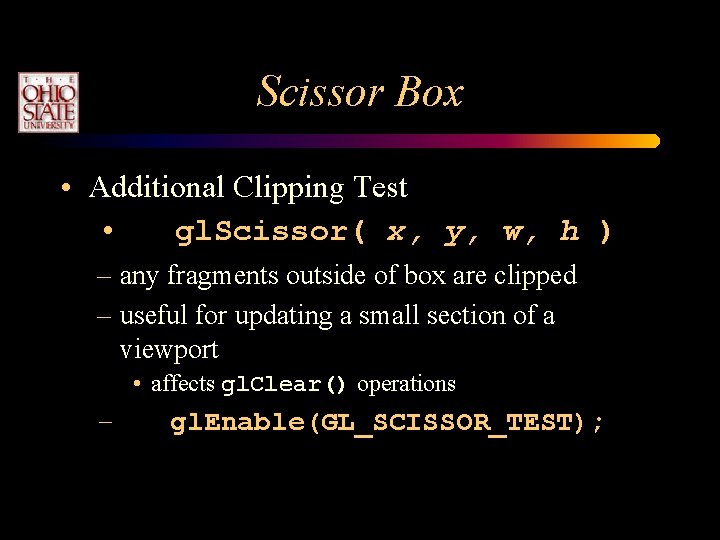
Scissor Box • Additional Clipping Test • gl. Scissor( x, y, w, h ) – any fragments outside of box are clipped – useful for updating a small section of a viewport • affects gl. Clear() operations – gl. Enable(GL_SCISSOR_TEST);
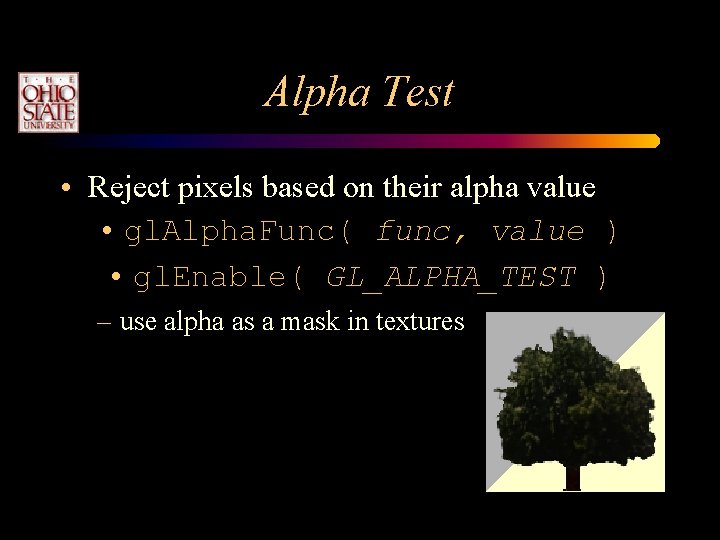
Alpha Test • Reject pixels based on their alpha value • gl. Alpha. Func( func, value ) • gl. Enable( GL_ALPHA_TEST ) – use alpha as a mask in textures
Storage and Transfer Modes • Storage modes control accessing memory – byte alignment in host memory – extracting a subimage • Transfer modes allow modify pixel values – scale and bias pixel component values – replace colors using pixel maps
Immediate Mode versus Display Listed Rendering • Immediate Mode Graphics – Primitives are sent to pipeline and are processed right away. • May be displayed immediately or on swapbuffer. – No memory of graphical entities • Display Listed Graphics – – Primitives placed in memory (display lists) Display lists kept on graphics server Can be redisplayed with different state Can be shared among Open. GL graphics contexts
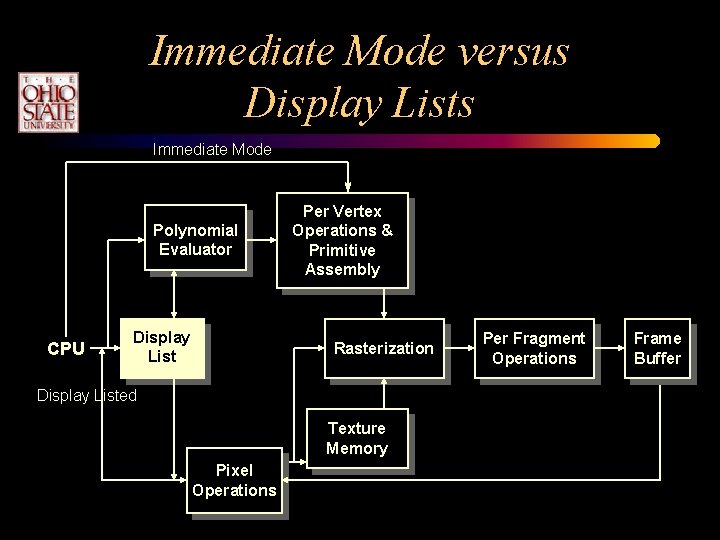
Immediate Mode versus Display Lists Immediate Mode Polynomial Evaluator CPU Display List Per Vertex Operations & Primitive Assembly Rasterization Display Listed Texture Memory Pixel Operations Per Fragment Operations Frame Buffer
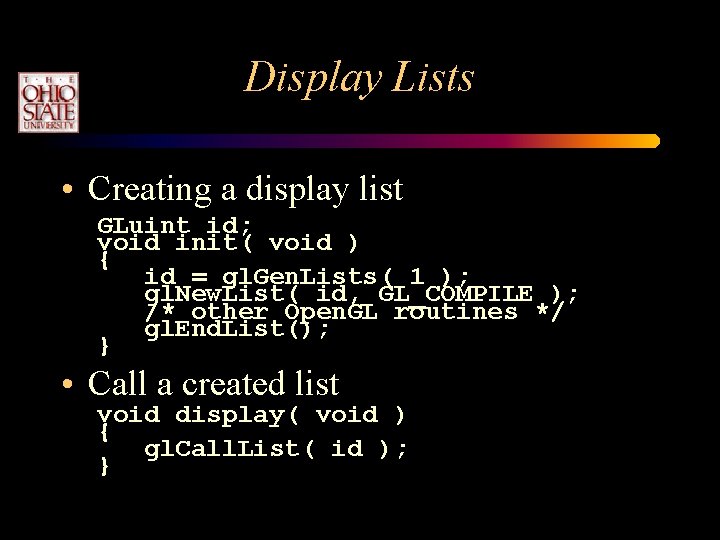
Display Lists • Creating a display list GLuint id; void init( void ) { id = gl. Gen. Lists( 1 ); gl. New. List( id, GL_COMPILE ); /* other Open. GL routines */ gl. End. List(); } • Call a created list void display( void ) { gl. Call. List( id ); }
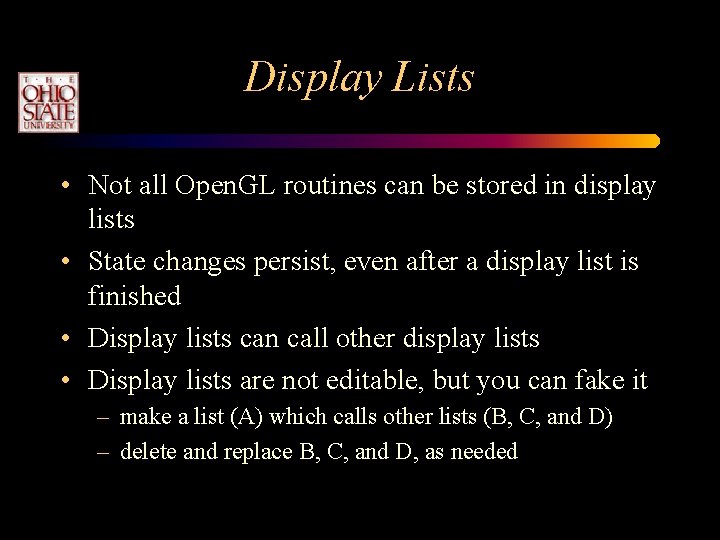
Display Lists • Not all Open. GL routines can be stored in display lists • State changes persist, even after a display list is finished • Display lists can call other display lists • Display lists are not editable, but you can fake it – make a list (A) which calls other lists (B, C, and D) – delete and replace B, C, and D, as needed
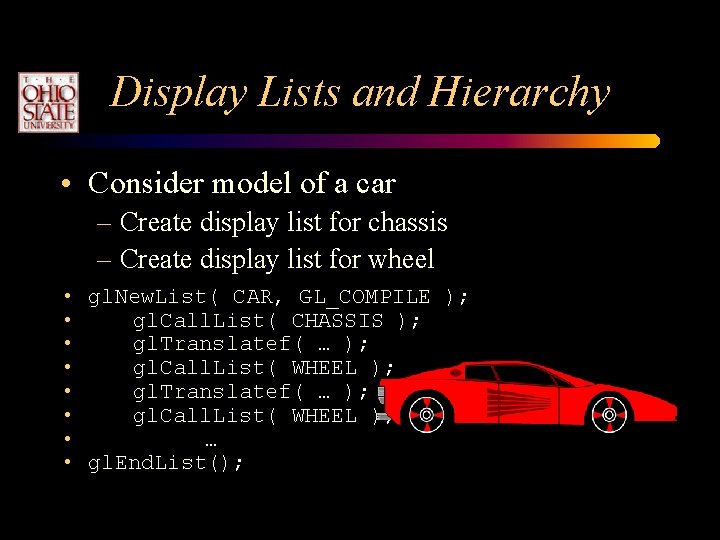
Display Lists and Hierarchy • Consider model of a car – Create display list for chassis – Create display list for wheel • gl. New. List( CAR, GL_COMPILE ); • gl. Call. List( CHASSIS ); • gl. Translatef( … ); • gl. Call. List( WHEEL ); • … • gl. End. List();
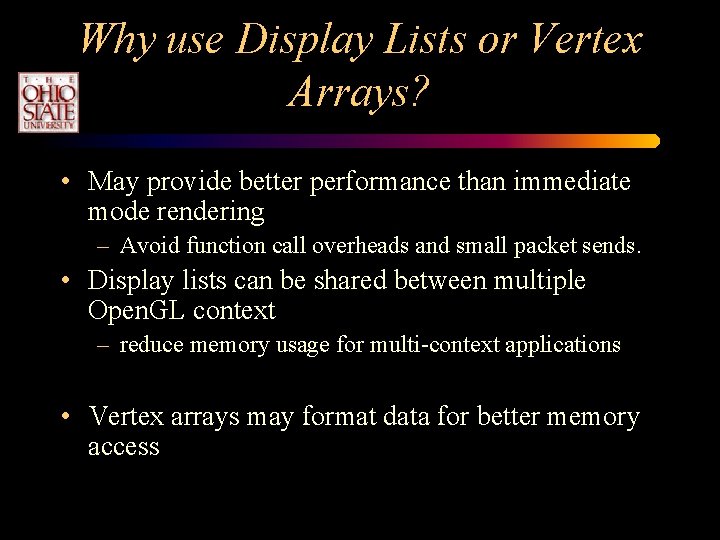
Why use Display Lists or Vertex Arrays? • May provide better performance than immediate mode rendering – Avoid function call overheads and small packet sends. • Display lists can be shared between multiple Open. GL context – reduce memory usage for multi-context applications • Vertex arrays may format data for better memory access
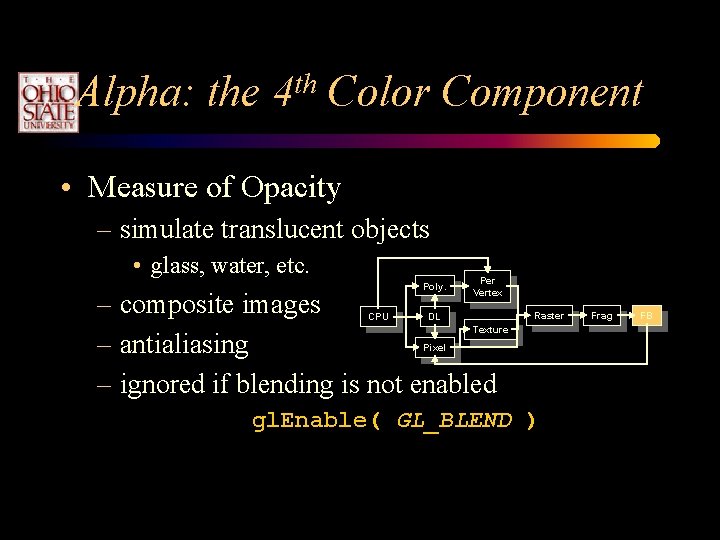
Alpha: the 4 th Color Component • Measure of Opacity – simulate translucent objects • glass, water, etc. Poly. Per Vertex – composite images – antialiasing – ignored if blending is not enabled CPU DL Raster Texture Pixel gl. Enable( GL_BLEND ) Frag FB
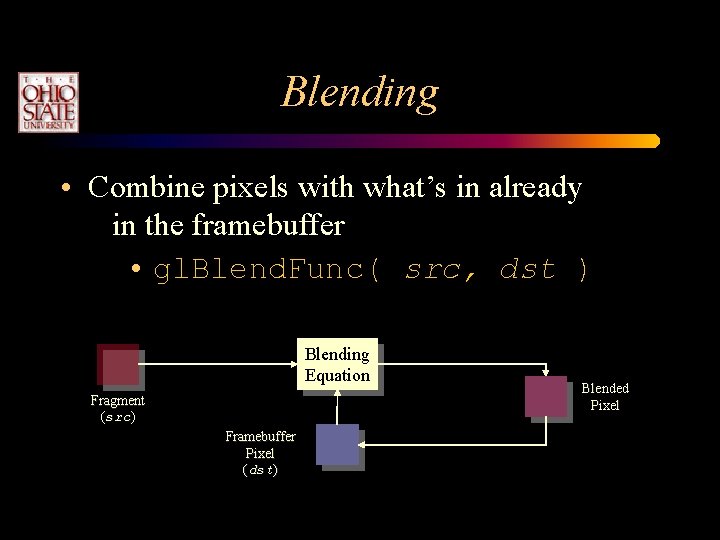
Blending • Combine pixels with what’s in already in the framebuffer • gl. Blend. Func( src, dst ) Blending Equation Fragment (src) Framebuffer Pixel (dst) Blended Pixel