
Open GL 1 Introduccin Open GL es una
- Slides: 23
Open. GL 1
Introducción • Open. GL es una interface de software para el hardware grafico, esta interface consiste de una larga serie de • comandos para manipulación de objetos y operaciones sobre estos los cuales permiten controlar la • implementación realizada en la forma de una maquina de estados finitos, donde cada una de las variables que • determinan el estado se aplican a partir de ese punto hasta que se indique explícitamente el cambio, así las 2
• variables de estado de Open. GL que vamos a utilizar mas comúnmente son: • Color (de dibujo y de borrado). • Matrices de Transformación (GL_MODELVIEW, GL_PROYECTION). • Patrones (de líneas y de relleno). • Modo de dibujo de poligonos. • Buffers de dibujo. • Buffer de Stencil. • Buffer de profundidad (z-Buffer). • Buffer de acumulacion. 3
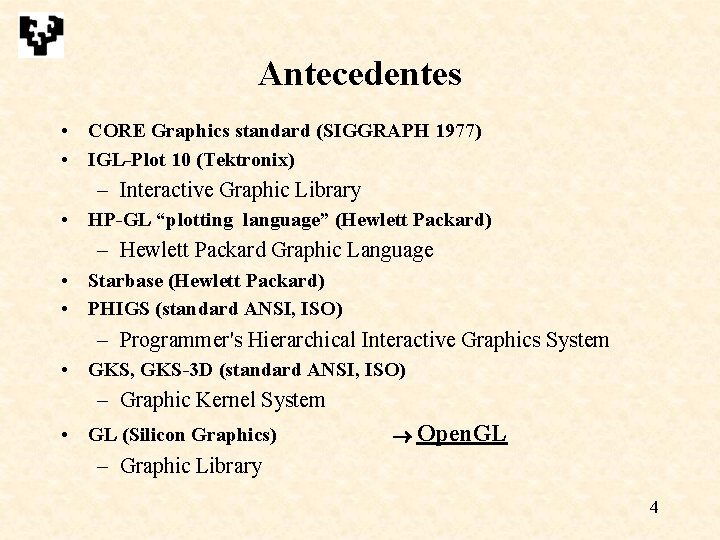
Antecedentes • CORE Graphics standard (SIGGRAPH 1977) • IGL-Plot 10 (Tektronix) – Interactive Graphic Library • HP-GL “plotting language” (Hewlett Packard) – Hewlett Packard Graphic Language • Starbase (Hewlett Packard) • PHIGS (standard ANSI, ISO) – Programmer's Hierarchical Interactive Graphics System • GKS, GKS-3 D (standard ANSI, ISO) – Graphic Kernel System • GL (Silicon Graphics) Open. GL – Graphic Library 4
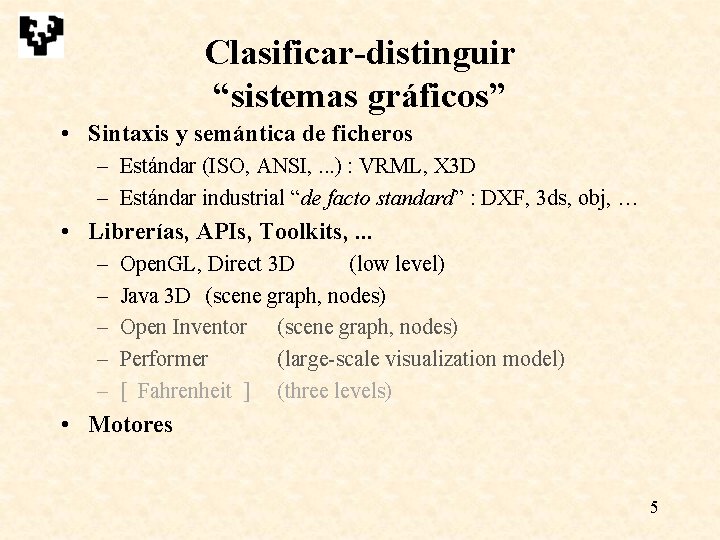
Clasificar-distinguir “sistemas gráficos” • Sintaxis y semántica de ficheros – Estándar (ISO, ANSI, . . . ) : VRML, X 3 D – Estándar industrial “de facto standard” : DXF, 3 ds, obj, … • Librerías, APIs, Toolkits, . . . – – – Open. GL, Direct 3 D (low level) Java 3 D (scene graph, nodes) Open Inventor (scene graph, nodes) Performer (large-scale visualization model) [ Fahrenheit ] (three levels) • Motores 5
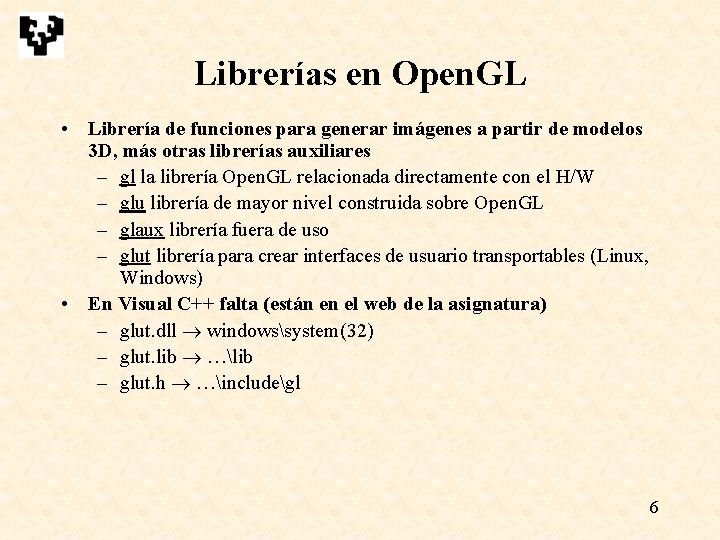
Librerías en Open. GL • Librería de funciones para generar imágenes a partir de modelos 3 D, más otras librerías auxiliares – gl la librería Open. GL relacionada directamente con el H/W – glu librería de mayor nivel construida sobre Open. GL – glaux librería fuera de uso – glut librería para crear interfaces de usuario transportables (Linux, Windows) • En Visual C++ falta (están en el web de la asignatura) – glut. dll windowssystem(32) – glut. lib …lib – glut. h …includegl 6
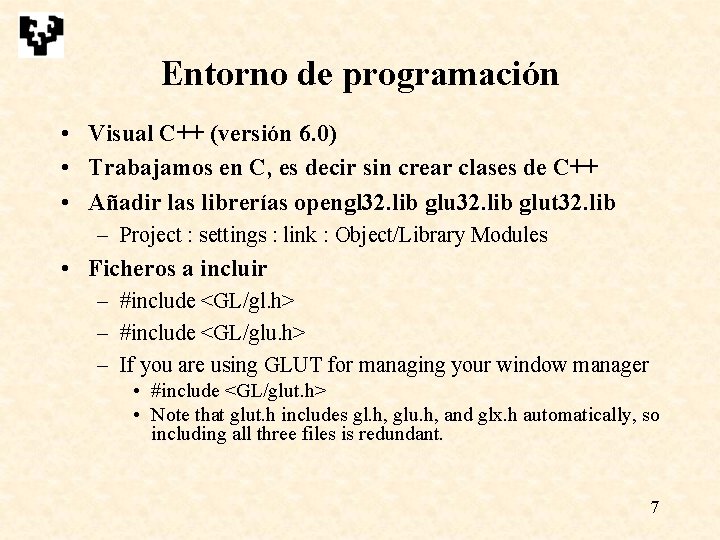
Entorno de programación • Visual C++ (versión 6. 0) • Trabajamos en C, es decir sin crear clases de C++ • Añadir las librerías opengl 32. lib glut 32. lib – Project : settings : link : Object/Library Modules • Ficheros a incluir – #include <GL/gl. h> – #include <GL/glu. h> – If you are using GLUT for managing your window manager • #include <GL/glut. h> • Note that glut. h includes gl. h, glu. h, and glx. h automatically, so including all three files is redundant. 7
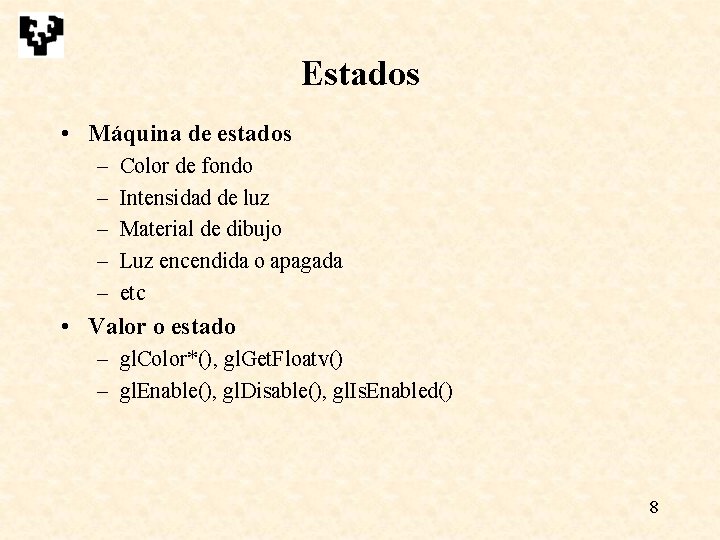
Estados • Máquina de estados – – – Color de fondo Intensidad de luz Material de dibujo Luz encendida o apagada etc • Valor o estado – gl. Color*(), gl. Get. Floatv() – gl. Enable(), gl. Disable(), gl. Is. Enabled() 8
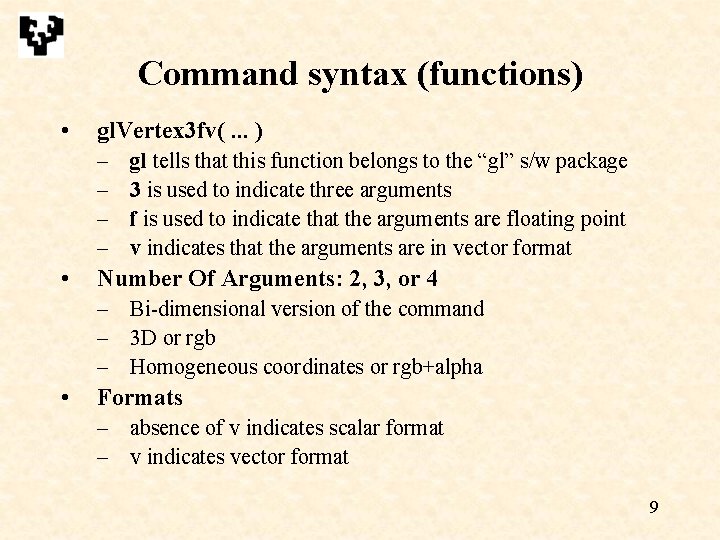
Command syntax (functions) • gl. Vertex 3 fv(. . . ) – – • gl tells that this function belongs to the “gl” s/w package 3 is used to indicate three arguments f is used to indicate that the arguments are floating point v indicates that the arguments are in vector format Number Of Arguments: 2, 3, or 4 – Bi-dimensional version of the command – 3 D or rgb – Homogeneous coordinates or rgb+alpha • Formats – absence of v indicates scalar format – v indicates vector format 9
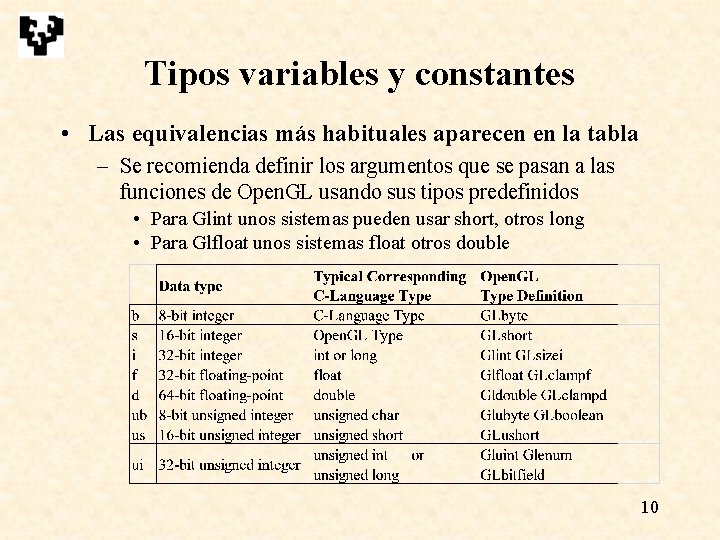
Tipos variables y constantes • Las equivalencias más habituales aparecen en la tabla – Se recomienda definir los argumentos que se pasan a las funciones de Open. GL usando sus tipos predefinidos • Para Glint unos sistemas pueden usar short, otros long • Para Glfloat unos sistemas float otros double 10
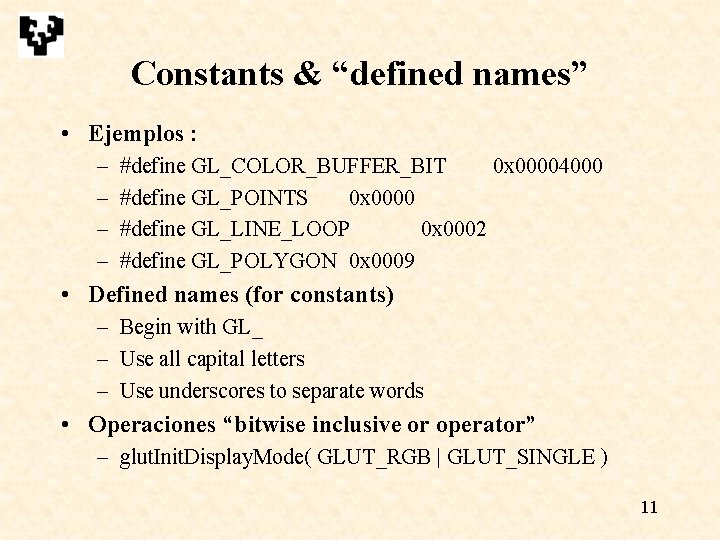
Constants & “defined names” • Ejemplos : – – #define GL_COLOR_BUFFER_BIT 0 x 00004000 #define GL_POINTS 0 x 0000 #define GL_LINE_LOOP 0 x 0002 #define GL_POLYGON 0 x 0009 • Defined names (for constants) – Begin with GL_ – Use all capital letters – Use underscores to separate words • Operaciones “bitwise inclusive or operator” – glut. Init. Display. Mode( GLUT_RGB | GLUT_SINGLE ) 11
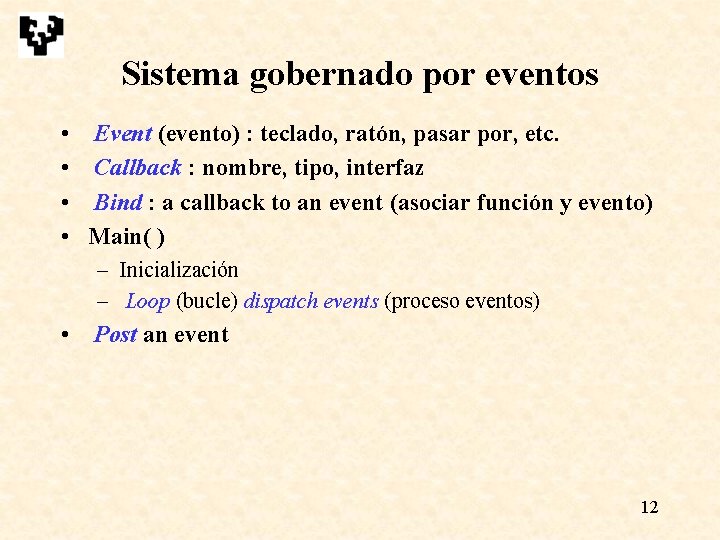
Sistema gobernado por eventos • • Event (evento) : teclado, ratón, pasar por, etc. Callback : nombre, tipo, interfaz Bind : a callback to an event (asociar función y evento) Main( ) – Inicialización – Loop (bucle) dispatch events (proceso eventos) • Post an event 12
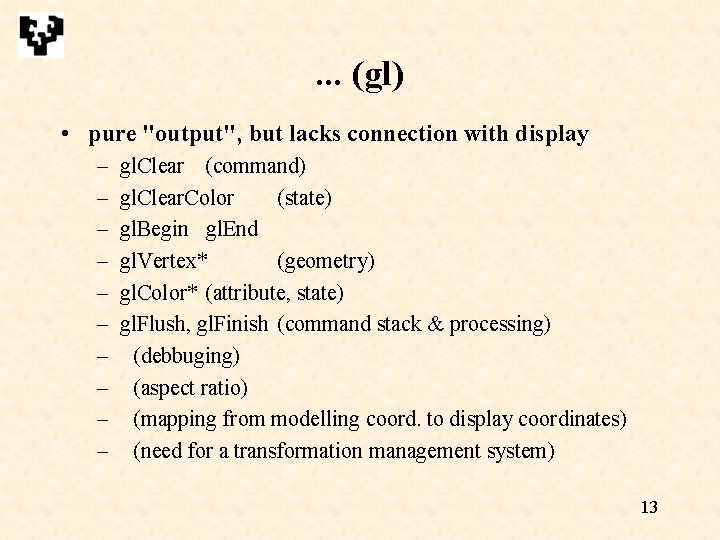
. . . (gl) • pure "output", but lacks connection with display – – – – – gl. Clear (command) gl. Clear. Color (state) gl. Begin gl. End gl. Vertex* (geometry) gl. Color* (attribute, state) gl. Flush, gl. Finish (command stack & processing) (debbuging) (aspect ratio) (mapping from modelling coord. to display coordinates) (need for a transformation management system) 13
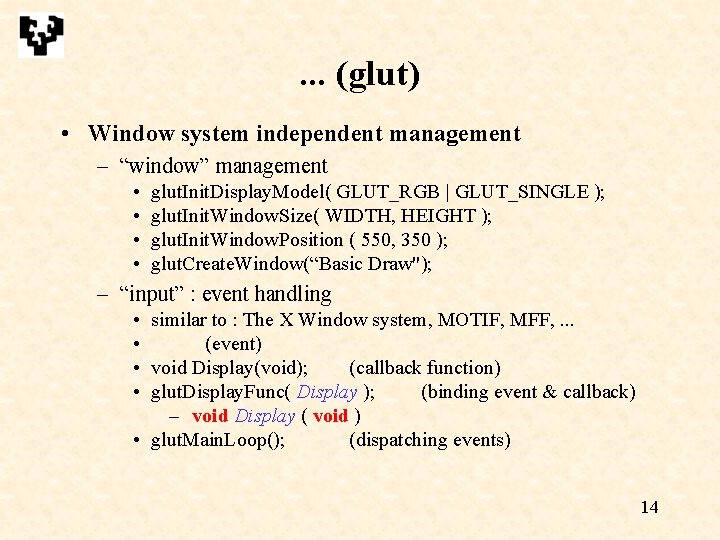
. . . (glut) • Window system independent management – “window” management • • glut. Init. Display. Model( GLUT_RGB | GLUT_SINGLE ); glut. Init. Window. Size( WIDTH, HEIGHT ); glut. Init. Window. Position ( 550, 350 ); glut. Create. Window(“Basic Draw"); – “input” : event handling • similar to : The X Window system, MOTIF, MFF, . . . • (event) • void Display(void); (callback function) • glut. Display. Func( Display ); (binding event & callback) – void Display ( void ) • glut. Main. Loop(); (dispatching events) 14
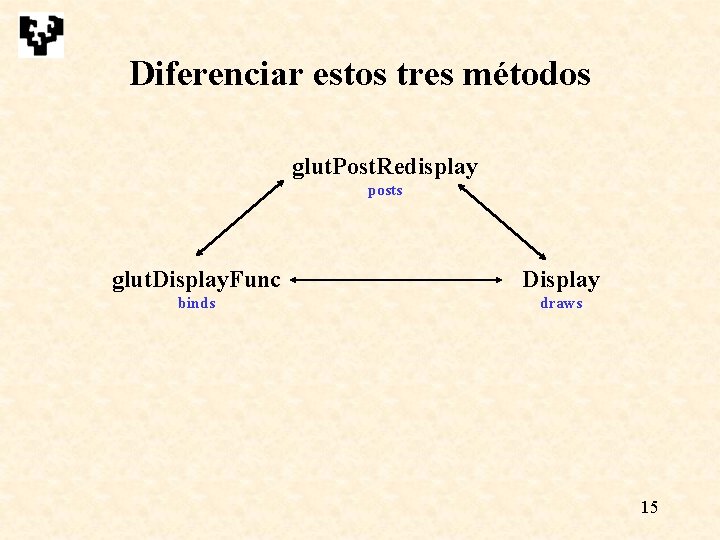
Diferenciar estos tres métodos glut. Post. Redisplay posts glut. Display. Func Display binds draws 15
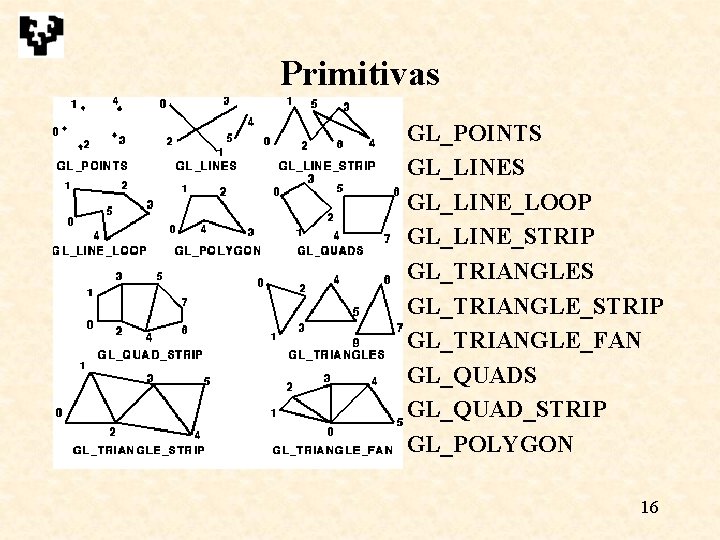
Primitivas GL_POINTS GL_LINE_LOOP GL_LINE_STRIP GL_TRIANGLES GL_TRIANGLE_STRIP GL_TRIANGLE_FAN GL_QUADS GL_QUAD_STRIP GL_POLYGON 16
. . . • Otras primitivas disponibles (glu library) – Polígonos : cóncavos, múltiplemente conexos – Objetos (uso auxiliar, no para crear modelos) – Evaluators, NURBS, etc • Vertex arrays (veremos después de los atributos) • Display lists (veremos después de los atributos) • Texto – No existe primitiva – Usar texturas, problema aliasing 17
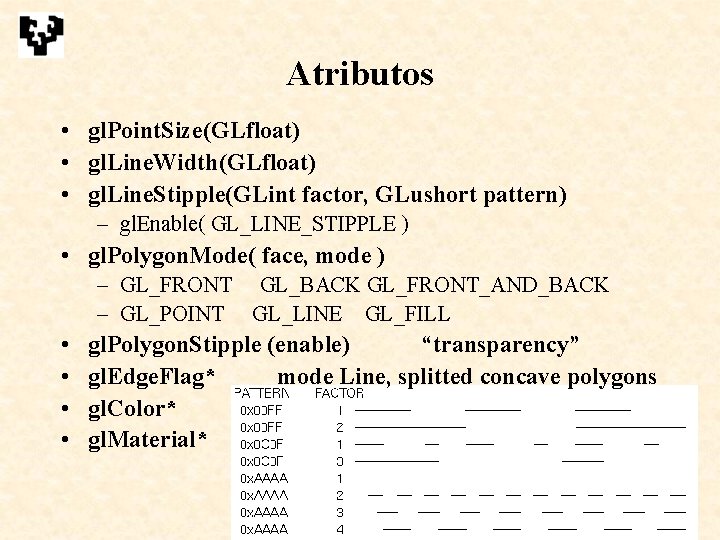
Atributos • gl. Point. Size(GLfloat) • gl. Line. Width(GLfloat) • gl. Line. Stipple(GLint factor, GLushort pattern) – gl. Enable( GL_LINE_STIPPLE ) • gl. Polygon. Mode( face, mode ) – GL_FRONT GL_BACK GL_FRONT_AND_BACK – GL_POINT GL_LINE GL_FILL • • gl. Polygon. Stipple (enable) “transparency” gl. Edge. Flag* mode Line, splitted concave polygons gl. Color* gl. Material* A. García-Alonso 18
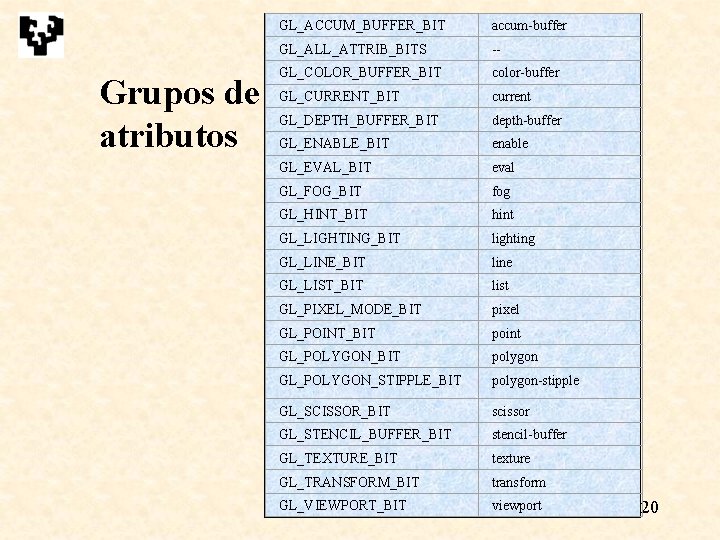
Variables de estado • Valor de defecto • Valor actual • Gestión en una aplicación o en un módulo reutilizable – Valor de defecto en una aplicación dada – Política de cambios de estado en un módulo de software • gl. Push. Attrib( ored mask ) / gl. Pop. Attrib() – Permiten salvar grupos de atributos 19
Grupos de atributos GL_ACCUM_BUFFER_BIT accum-buffer GL_ALL_ATTRIB_BITS -- GL_COLOR_BUFFER_BIT color-buffer GL_CURRENT_BIT current GL_DEPTH_BUFFER_BIT depth-buffer GL_ENABLE_BIT enable GL_EVAL_BIT eval GL_FOG_BIT fog GL_HINT_BIT hint GL_LIGHTING_BIT lighting GL_LINE_BIT line GL_LIST_BIT list GL_PIXEL_MODE_BIT pixel GL_POINT_BIT point GL_POLYGON_BIT polygon GL_POLYGON_STIPPLE_BIT polygon-stipple GL_SCISSOR_BIT scissor GL_STENCIL_BUFFER_BIT stencil-buffer GL_TEXTURE_BIT texture GL_TRANSFORM_BIT transform GL_VIEWPORT_BIT A. García-Alonso viewport 20
Agrupamiento • Vertex arrays – Evitar pérdidas de tiempo en llamadas a funciones • Display Lists – Ídem – La información puede estar ya más procesada – Almacenar en el procesador gráfico para aliviar el bus • Workstations • PCs 21
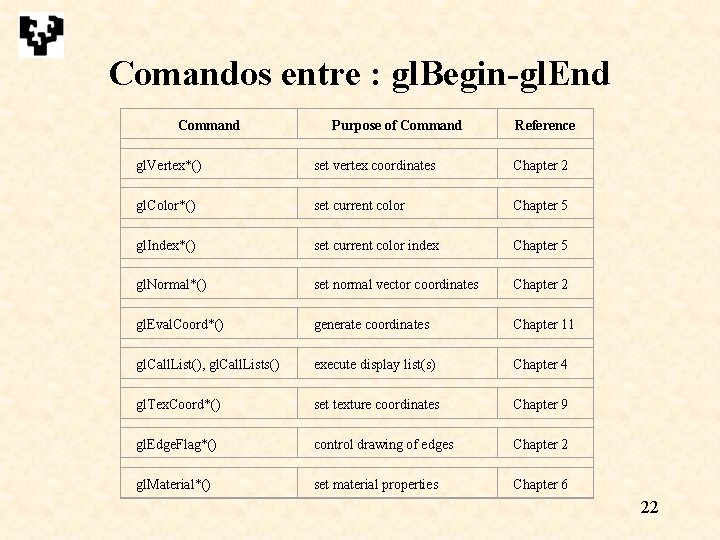
Comandos entre : gl. Begin-gl. End Command Purpose of Command Reference gl. Vertex*() set vertex coordinates Chapter 2 gl. Color*() set current color Chapter 5 gl. Index*() set current color index Chapter 5 gl. Normal*() set normal vector coordinates Chapter 2 gl. Eval. Coord*() generate coordinates Chapter 11 gl. Call. List(), gl. Call. Lists() execute display list(s) Chapter 4 gl. Tex. Coord*() set texture coordinates Chapter 9 gl. Edge. Flag*() control drawing of edges Chapter 2 gl. Material*() set material properties Chapter 6 22
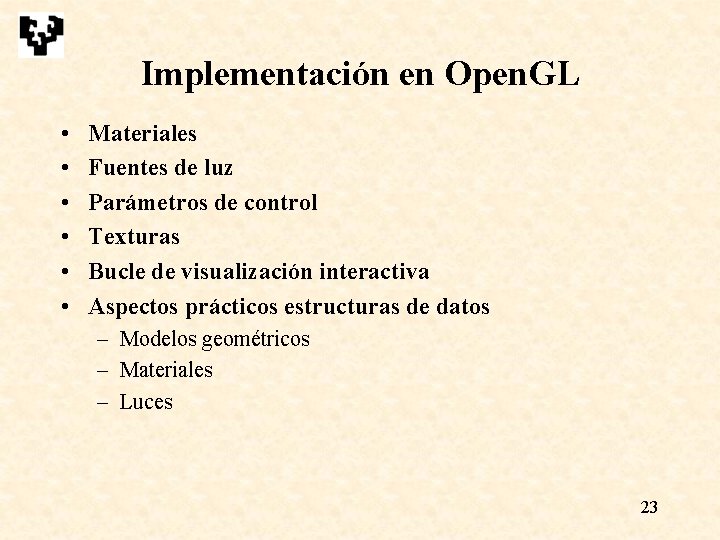
Implementación en Open. GL • • • Materiales Fuentes de luz Parámetros de control Texturas Bucle de visualización interactiva Aspectos prácticos estructuras de datos – Modelos geométricos – Materiales – Luces 23