
Open Educational Resources Accessibility SueAnn Ma DIAGRAM Center
Open Educational Resources & Accessibility Sue-Ann Ma, DIAGRAM Center + July 23, 2018
Overview of Open Resources
What Can be Licensed? ● Hardware ● Games ● Data/Databases ● Software – Open Source licenses ● Content (courses, images, videos, blogs, books…) – Creative Commons licenses
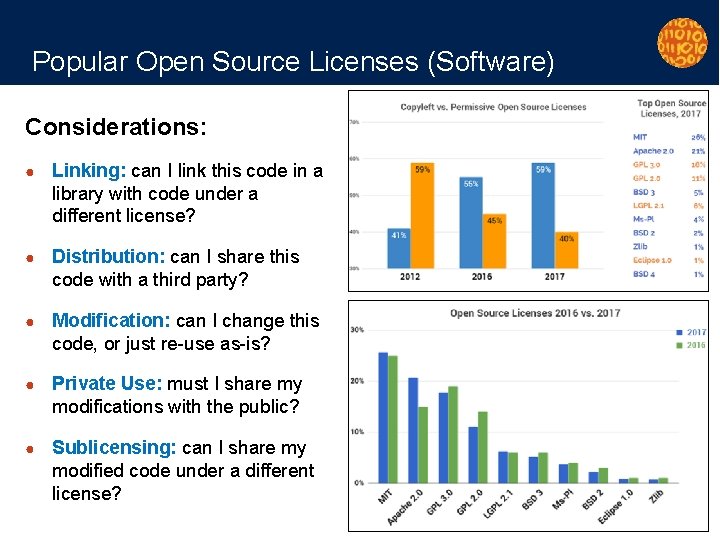
Popular Open Source Licenses (Software) Considerations: ● Linking: can I link this code in a library with code under a different license? ● Distribution: can I share this code with a third party? ● Modification: can I change this code, or just re-use as-is? ● Private Use: must I share my modifications with the public? ● Sublicensing: can I share my modified code under a different license?
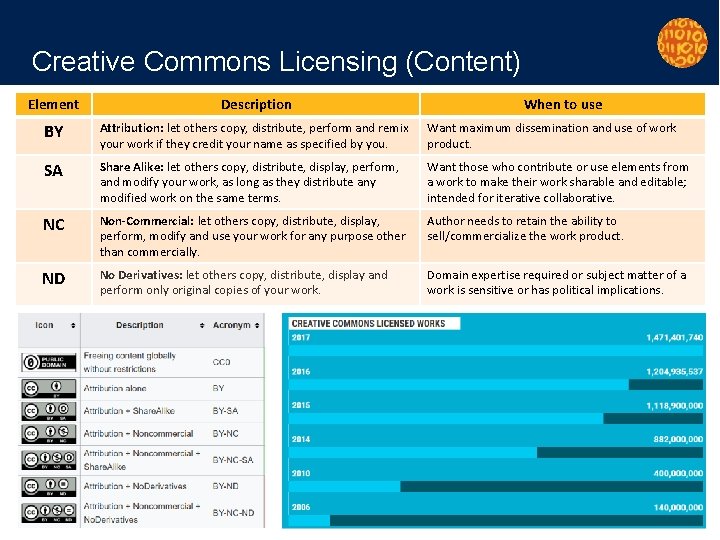
Creative Commons Licensing (Content) Element Description When to use BY Attribution: let others copy, distribute, perform and remix your work if they credit your name as specified by you. Want maximum dissemination and use of work product. SA Share Alike: let others copy, distribute, display, perform, and modify your work, as long as they distribute any modified work on the same terms. Want those who contribute or use elements from a work to make their work sharable and editable; intended for iterative collaborative. NC Non-Commercial: let others copy, distribute, display, perform, modify and use your work for any purpose other than commercially. Author needs to retain the ability to sell/commercialize the work product. ND No Derivatives: let others copy, distribute, display and perform only original copies of your work. Domain expertise required or subject matter of a work is sensitive or has political implications.

Examples of Open Education Resources & Repositories Major platforms for sharing CC works: ● OER Commons Tool OER Content ● The Orange Grove, Florida’s OER Repository Flickr 415. 1 million You. Tube 49 million ● Engage. NY Wikipedia 46. 7 million ● Global Reading Network Wikimedia Commons 36. 9 million ● MIT Open Courseware Vimeo 6. 6 million ● Smarter. App Internet Archive 3. 1 million ● The Ohio State University DOAJ (Directory of Open Access Journals) 2. 7 million ● University of Massachusetts, Boston Thingiverse 2. 3 million PLOS 200, 000
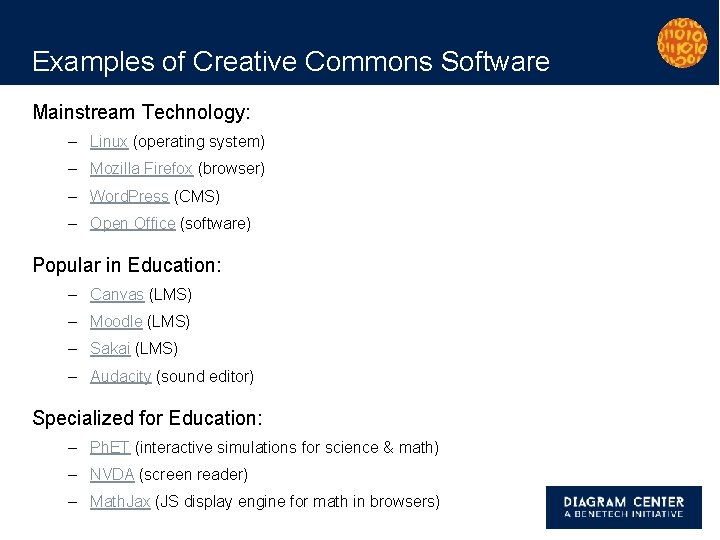
Examples of Creative Commons Software Mainstream Technology: – Linux (operating system) – Mozilla Firefox (browser) – Word. Press (CMS) – Open Office (software) Popular in Education: – Canvas (LMS) – Moodle (LMS) – Sakai (LMS) – Audacity (sound editor) Specialized for Education: – Ph. ET (interactive simulations for science & math) – NVDA (screen reader) – Math. Jax (JS display engine for math in browsers)
Using Open Resources
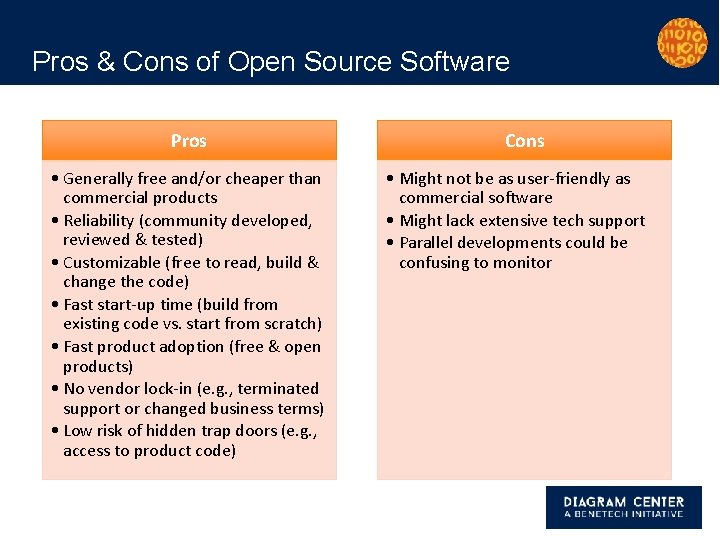
Pros & Cons of Open Source Software Pros • Generally free and/or cheaper than commercial products • Reliability (community developed, reviewed & tested) • Customizable (free to read, build & change the code) • Fast start-up time (build from existing code vs. start from scratch) • Fast product adoption (free & open products) • No vendor lock-in (e. g. , terminated support or changed business terms) • Low risk of hidden trap doors (e. g. , access to product code) Cons • Might not be as user-friendly as commercial software • Might lack extensive tech support • Parallel developments could be confusing to monitor
Benefits of Creative Commons Content ● Affordability ● More quality choices (formal or enrichment activities) ● Reuse of materials (educators save time) ● Option to create derivatives, including: – Remixing content – Translating content – Localizing content ● Accessibility – Creating alternatives to address specific learner needs ● Peace of mind for users
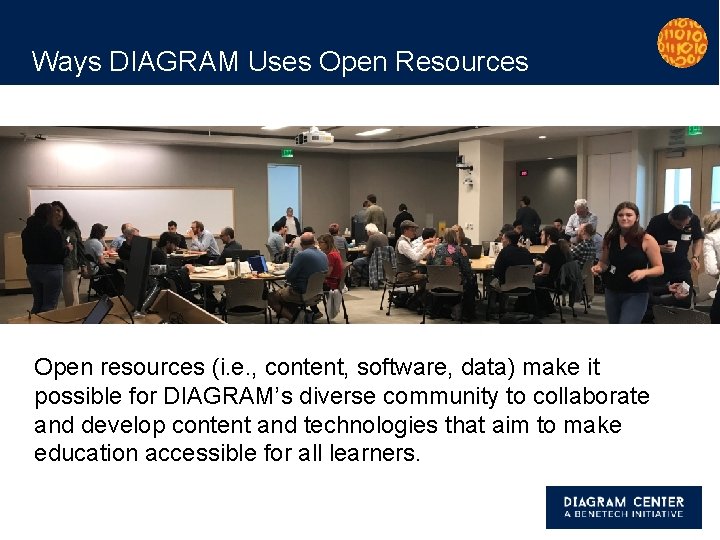
Ways DIAGRAM Uses Open Resources Open resources (i. e. , content, software, data) make it possible for DIAGRAM’s diverse community to collaborate and develop content and technologies that aim to make education accessible for all learners.
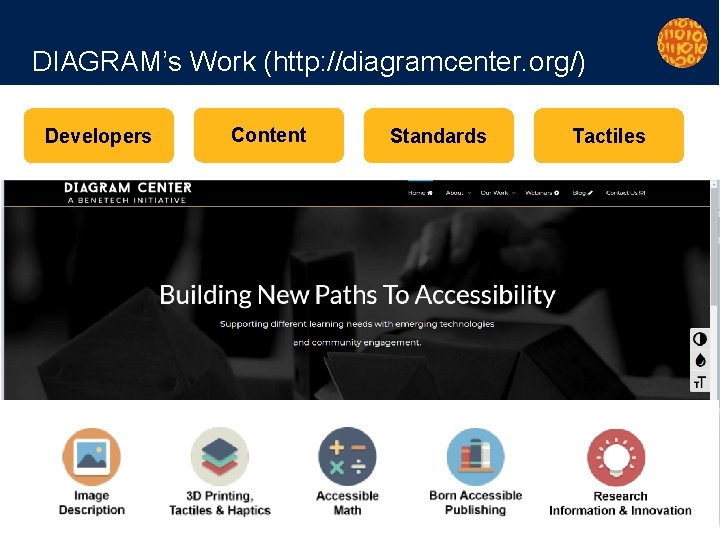
DIAGRAM’s Work (http: //diagramcenter. org/) Developers Content Standards Tactiles
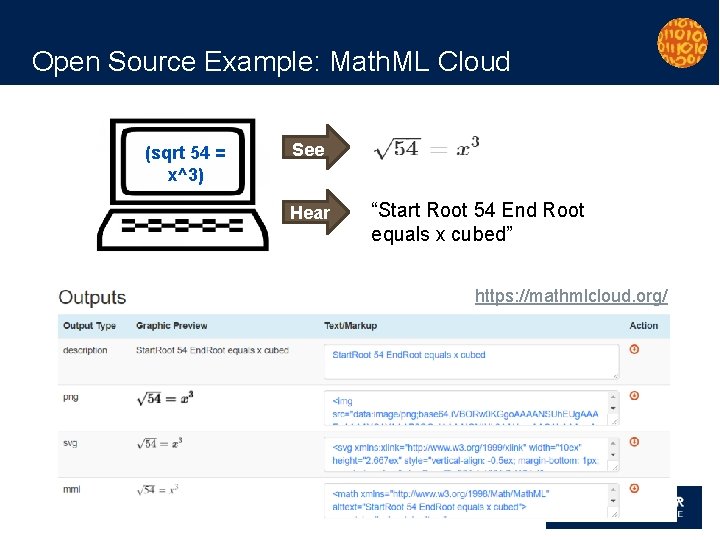
Open Source Example: Math. ML Cloud (sqrt 54 = x^3) See Hear “Start Root 54 End Root equals x cubed” https: //mathmlcloud. org/
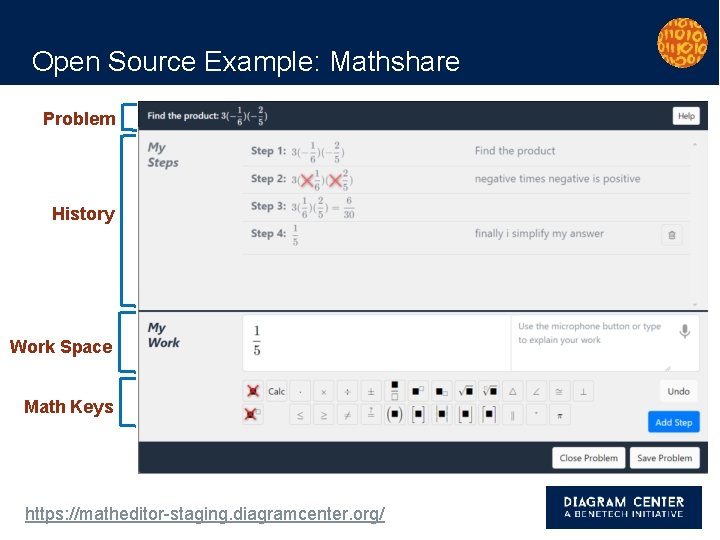
Open Source Example: Mathshare Problem History Work Space Math Keys https: //matheditor-staging. diagramcenter. org/
Case Study: Imageshare
Goals of Imageshare ● Make popular STEM concepts accessible to learners with various disabilities & learning differences ● Create a multimodal platform for the community to access various alternative resources (e. g. , 2 D tactile graphics, 3 D models, captioned videos) ● Eliminate redundancies in AEM production ● Facilitate ease of search & discovery of accessible content, across multiple platforms & repositories ● Empower the community to help grow & test the materials
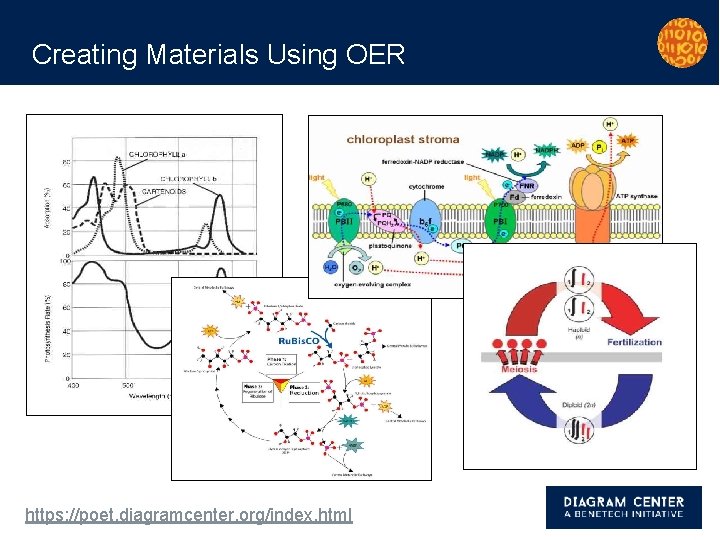
Creating Materials Using OER https: //poet. diagramcenter. org/index. html
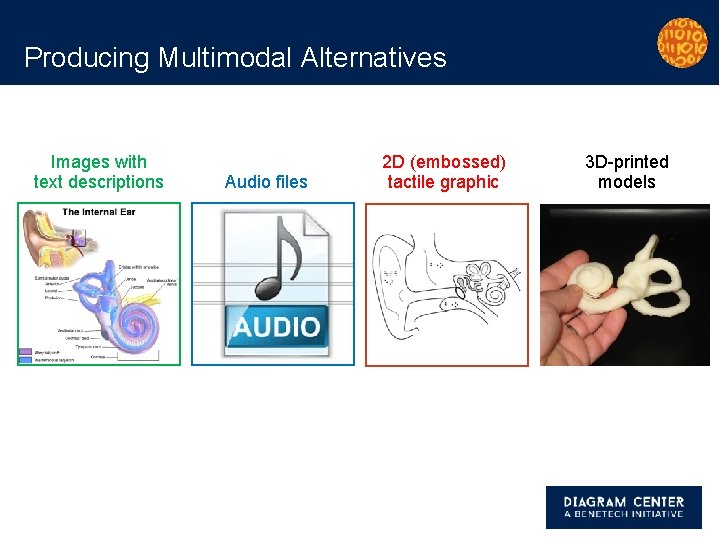
Producing Multimodal Alternatives Images with text descriptions Audio files 2 D (embossed) tactile graphic 3 D-printed models
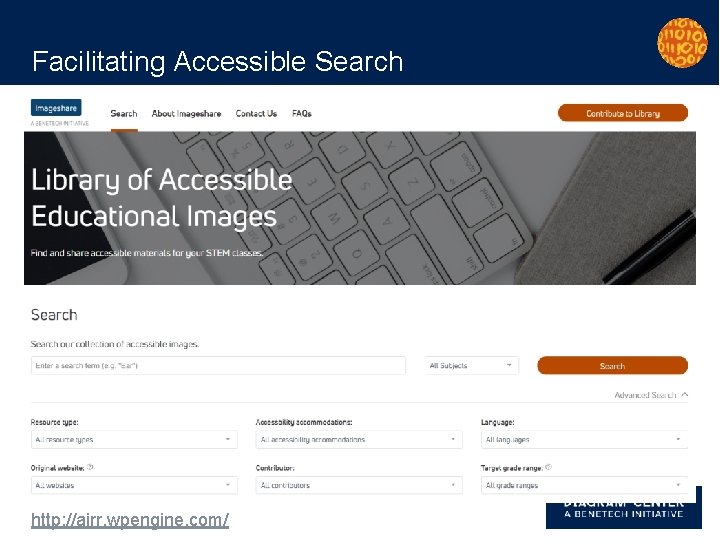
Facilitating Accessible Search http: //airr. wpengine. com/
Group Discussions
Questions: 1. What materials or software created by your organization might be most helpful (likely to be reused) to share with others in the education community? 2. What additional considerations does your organization need to start thinking about to optimize use, discoverability, and sustainability of those resources?
Thank you! Sue-Ann Ma Project Director, DIAGRAM Center + sueannm@benetech. org This document was produced under U. S. Department of Education, Office of Special Education Programs Grant No. H 327 B 100001. The views expressed herein do not necessarily represent the positions or polices of the Department of Education. No official endorsement by the U. S. Department of Education of any product, commodity, service or enterprise mentioned in this publication is intended or should be inferred. This product is public domain. Authorization to reproduce it in whole or in part is granted. While permission to reprint this publication is not necessary, the citation should be: ”Open Educational Resources & Accessibility, ” The DIAGRAM Center, Palo Alto, Benetech.
References & Key Links Helpful references: ● Federal Open Licensing Playbook (PDF), State Department’s Bureau of Educational & Cultural Affairs ● OER: Designing for All Learners, National Center on Accessible Educational Materials (AEM Center) ● Open Washington, Open Educational Resources Network ● Open Licensing Toolkit, William & Flora Hewlett Foundation ● Skills Commons, Support Center Licensing organizations: ● Creative Commons licenses, Creative Commons – Select a creative commons license ● Open Source licenses, Open Source Initiative – Choose an open source license
- Slides: 23