
Online Photo Editing with Picnik RUBRIC CRITERIA for
Online Photo Editing with Picnik
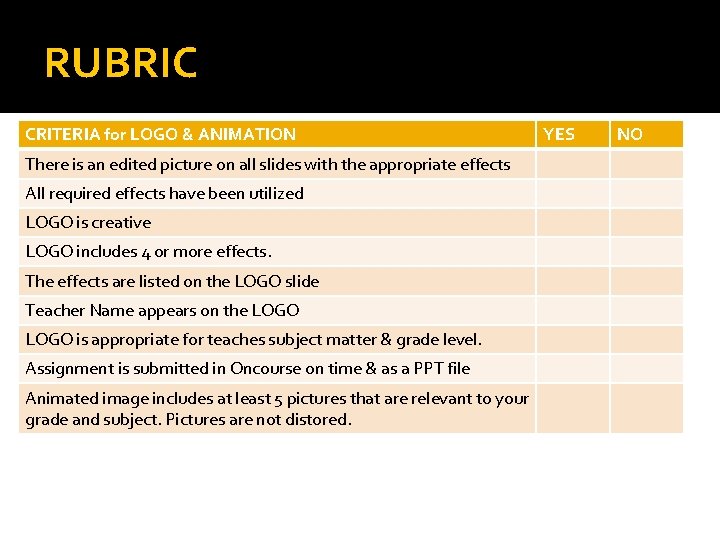
RUBRIC CRITERIA for LOGO & ANIMATION There is an edited picture on all slides with the appropriate effects All required effects have been utilized LOGO is creative LOGO includes 4 or more effects. The effects are listed on the LOGO slide Teacher Name appears on the LOGO is appropriate for teaches subject matter & grade level. Assignment is submitted in Oncourse on time & as a PPT file Animated image includes at least 5 pictures that are relevant to your grade and subject. Pictures are not distored. YES NO
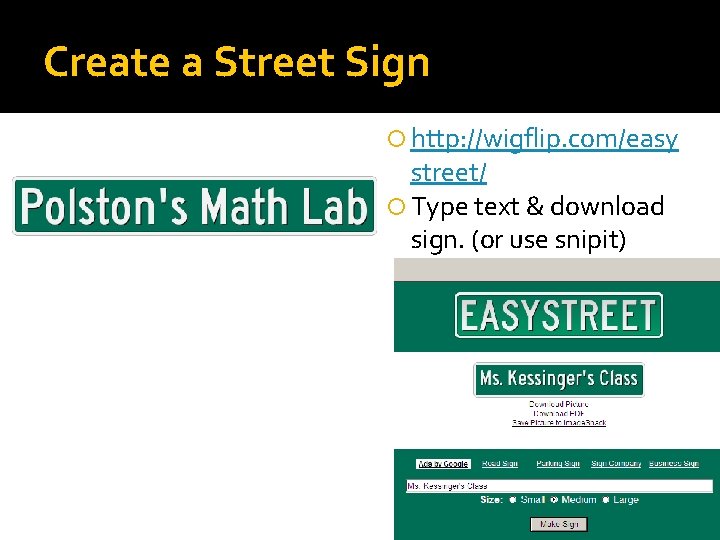
Create a Street Sign http: //wigflip. com/easy street/ Type text & download sign. (or use snipit)
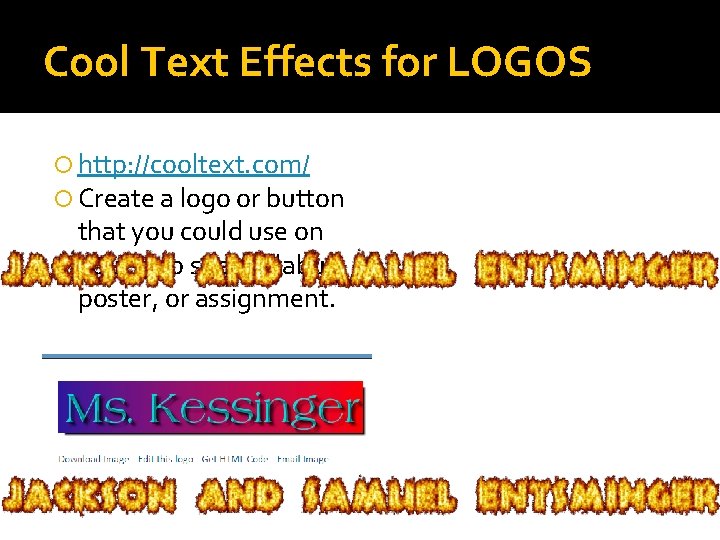
Cool Text Effects for LOGOS http: //cooltext. com/ Create a logo or button that you could use on your web site, syllabus, poster, or assignment.

Chalkboard Effect http: //addletters. com/schoolteacher-chalkboard-messagegenerator. htm
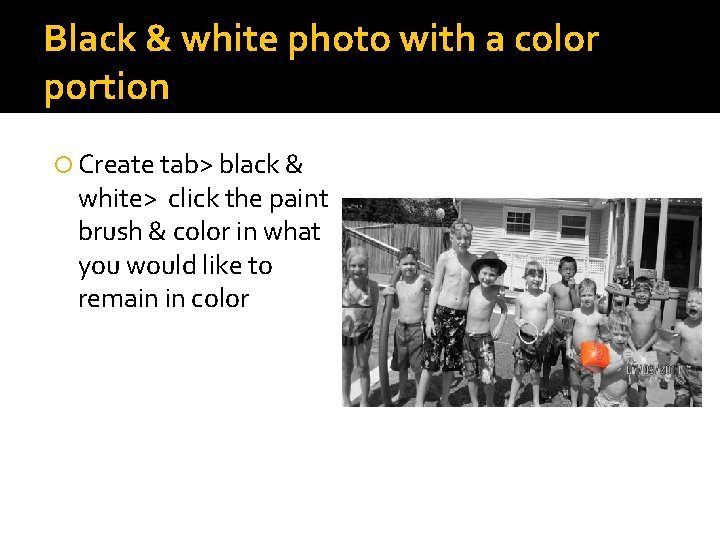
Black & white photo with a color portion Create tab> black & white> click the paint brush & color in what you would like to remain in color
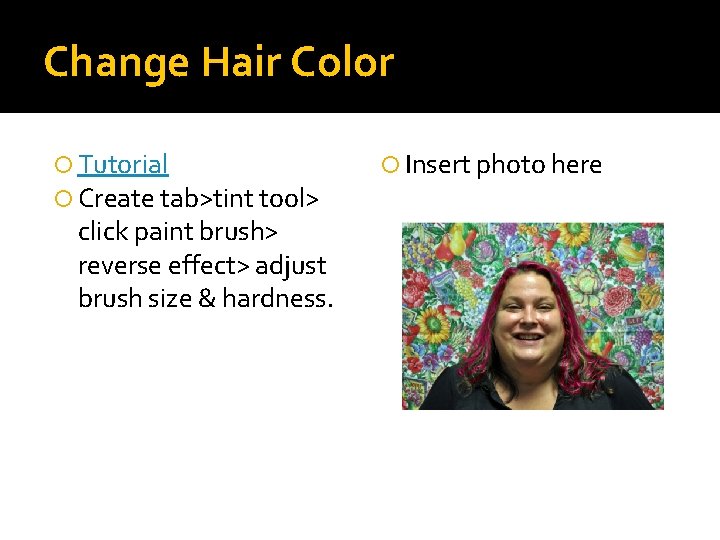
Change Hair Color Tutorial Create tab>tint tool> click paint brush> reverse effect> adjust brush size & hardness. Insert photo here
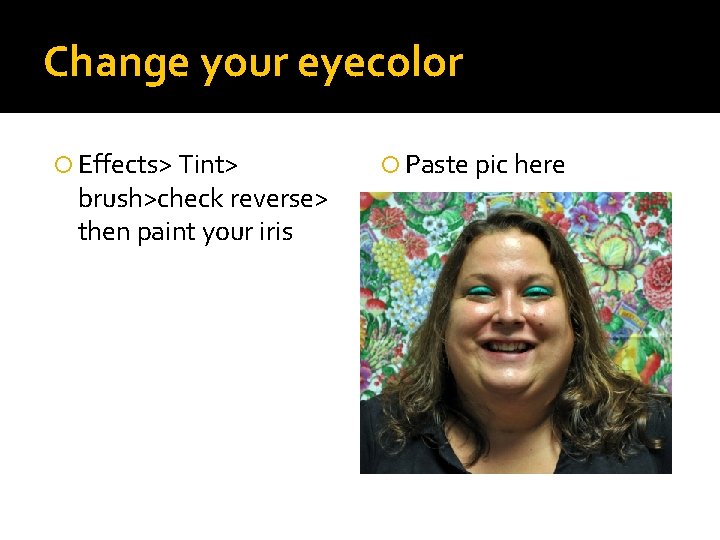
Change your eyecolor Effects> Tint> brush>check reverse> then paint your iris Paste pic here
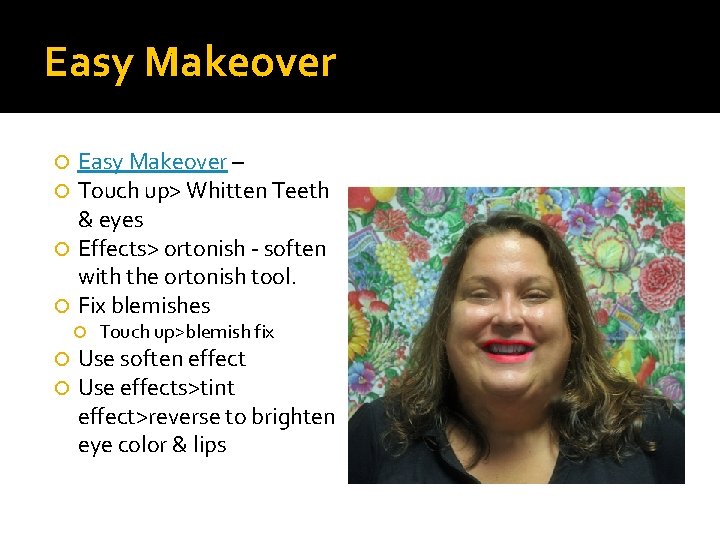
Easy Makeover – Touch up> Whitten Teeth & eyes Effects> ortonish - soften with the ortonish tool. Fix blemishes Touch up>blemish fix Use soften effect Use effects>tint effect>reverse to brighten eye color & lips
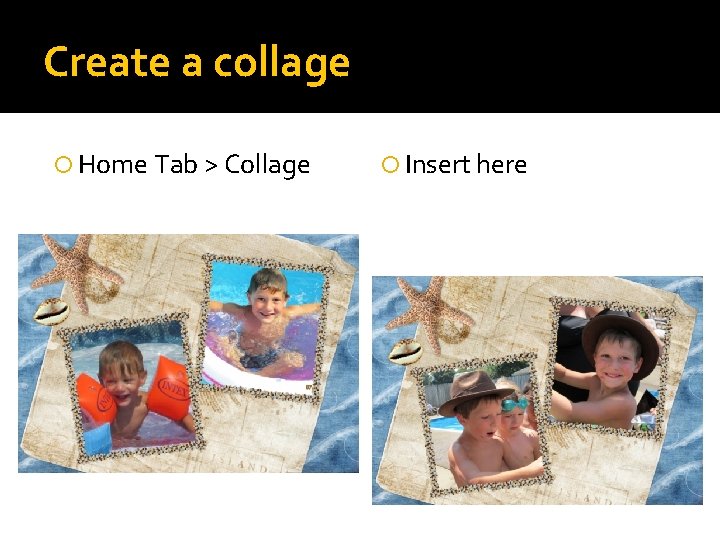
Create a collage Home Tab > Collage Insert here
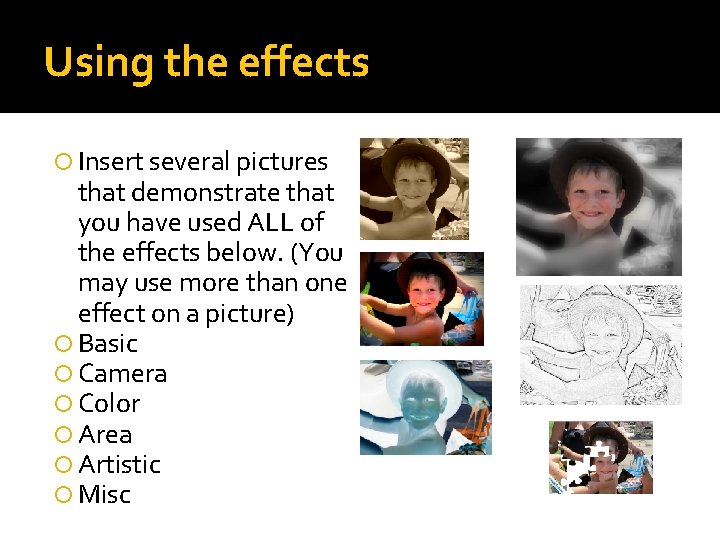
Using the effects Insert several pictures that demonstrate that you have used ALL of the effects below. (You may use more than one effect on a picture) Basic Camera Color Area Artistic Misc
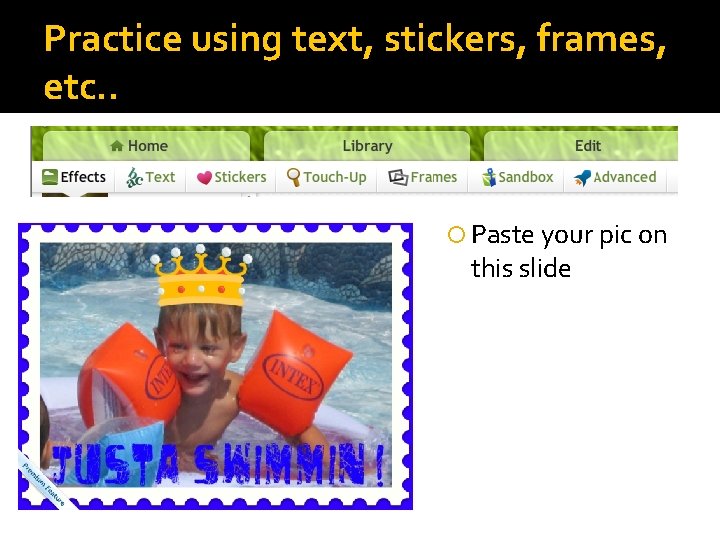
Practice using text, stickers, frames, etc. . Paste your pic on this slide
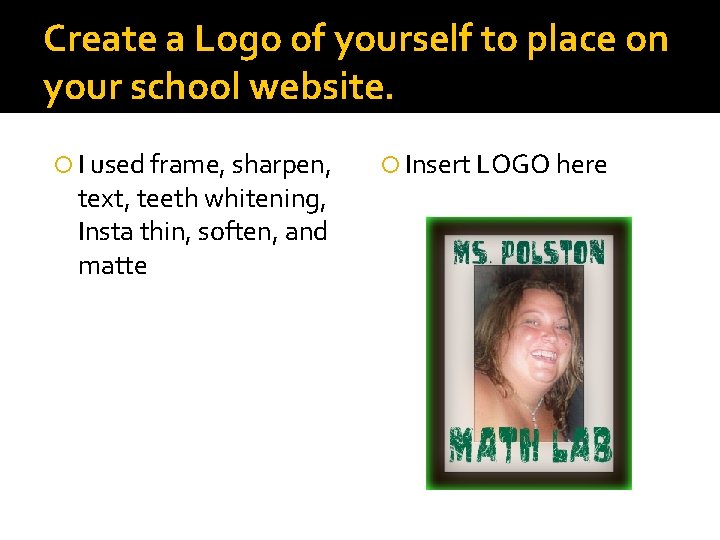
Create a Logo of yourself to place on your school website. I used frame, sharpen, text, teeth whitening, Insta thin, soften, and matte Insert LOGO here
Create an animated GIF that you can use in a lesson in your classroom. Find at least 5 images and save them in a folder. Edit them to be sure they are all the same size. Animate them by going to http: //iaza. com Right click on the finished picture and save it.
- Slides: 14