
ONLINE CHATTING AND CONFERENCING CONCEPTS Introduction A group


- Slides: 17
ONLINE CHATTING AND CONFERENCING CONCEPTS
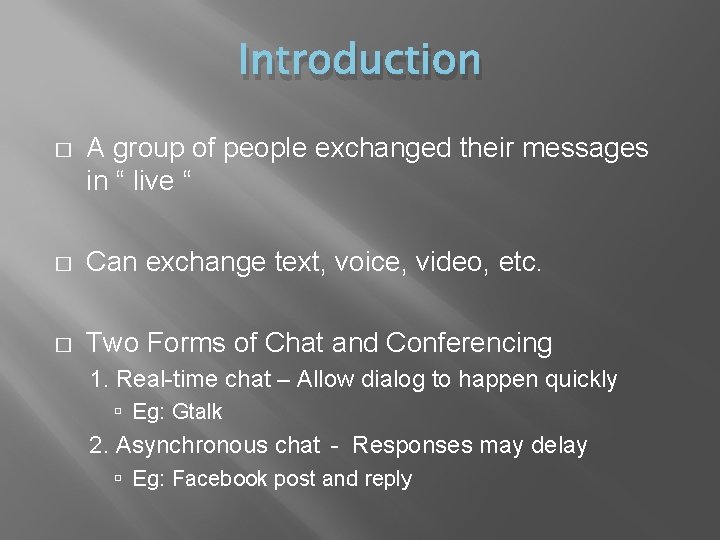
Introduction � A group of people exchanged their messages in “ live “ � Can exchange text, voice, video, etc. � Two Forms of Chat and Conferencing 1. Real-time chat – Allow dialog to happen quickly Eg: Gtalk 2. Asynchronous chat - Responses may delay Eg: Facebook post and reply
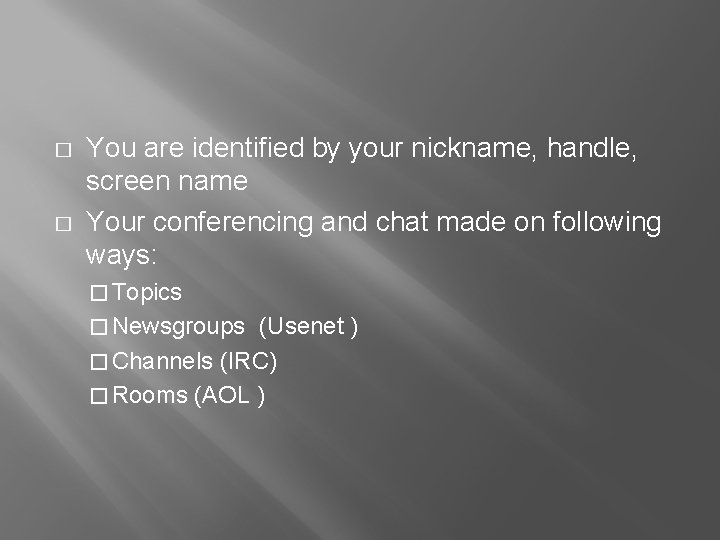
� � You are identified by your nickname, handle, screen name Your conferencing and chat made on following ways: � Topics � Newsgroups (Usenet ) � Channels (IRC) � Rooms (AOL )
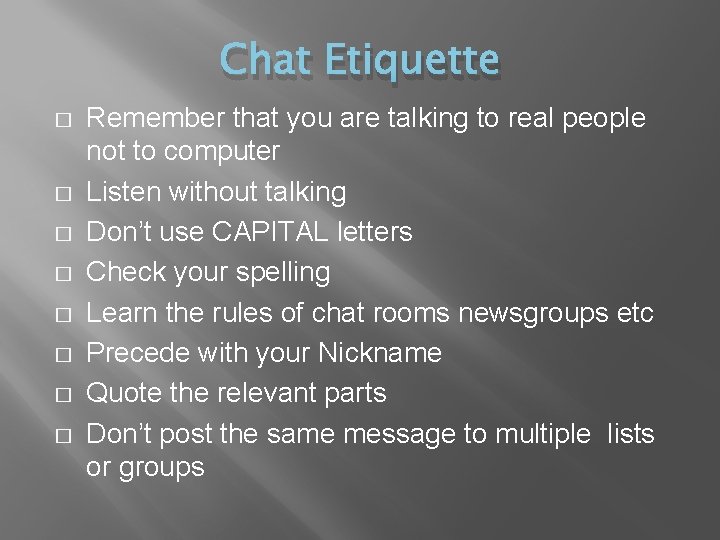
Chat Etiquette � � � � Remember that you are talking to real people not to computer Listen without talking Don’t use CAPITAL letters Check your spelling Learn the rules of chat rooms newsgroups etc Precede with your Nickname Quote the relevant parts Don’t post the same message to multiple lists or groups
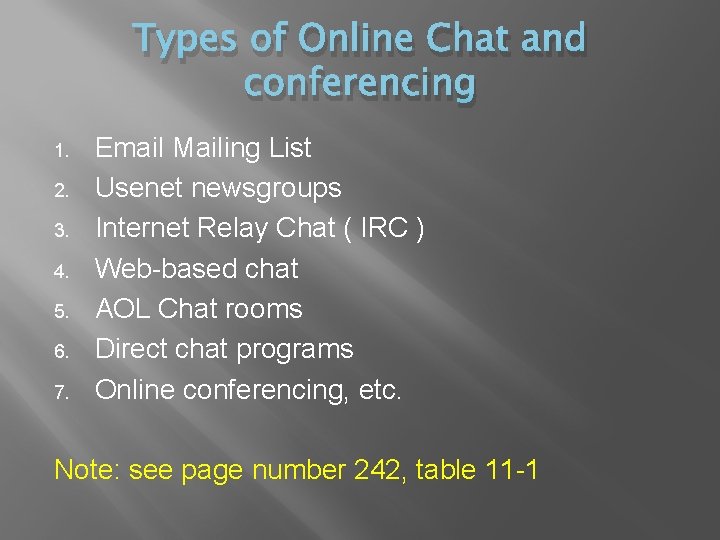
Types of Online Chat and conferencing 1. 2. 3. 4. 5. 6. 7. Email Mailing List Usenet newsgroups Internet Relay Chat ( IRC ) Web-based chat AOL Chat rooms Direct chat programs Online conferencing, etc. Note: see page number 242, table 11 -1
1. Email Mailing List � � Usual Communication is between two people Mailing List is an communication between a large List of people The mailing list manager stores a list of subscribers address in a central location Types of mailing List � Open vs. closed subscription � Open vs. closed posting � Moderated � Digests � Archived � Reply-to-list vs. reply-to-sender
2. Usenet Newsgroup � � Usenet is a distributed of messages like articles or postings Each newsgroups concentrating on one topic Newsgroups are named by using a hierarchical system of words, separated by dots. like, comp. sytems. laptops Seven Hierarchies are: 1. 2. 3. 4. 5. 6. 7. comp – computer relatd topics misc – miscellaneous topics news – usenet itself rec –recreational topics sci - scientific topics soc – social topics talk – General discussion
Internet Relay Chat (IRC) � � IRC enables users to type messages back and forth to each othrs IRC Networks (or nets) � Backbone of IRC � IRC Networks are groups of IRC servers that are linked together � Largest three nets are: Efnet ( Eris Free net ) 2. Under. Net (www. undernet. org) 3. DALnet (www. dal. net) 1.
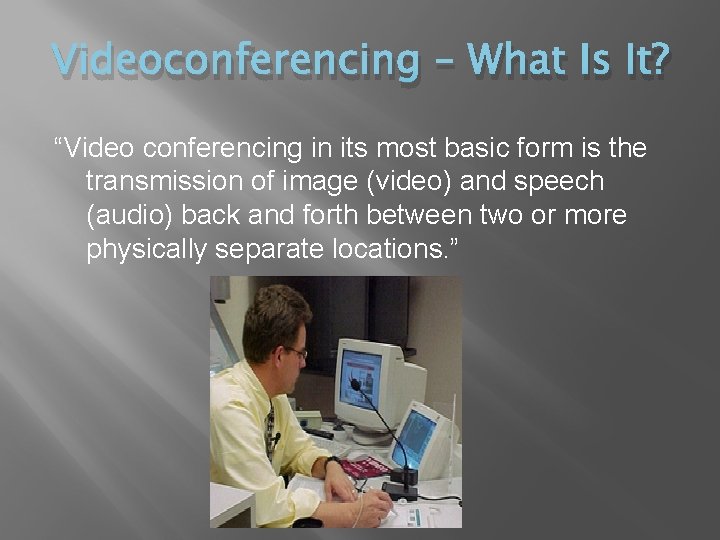
Videoconferencing – What Is It? “Video conferencing in its most basic form is the transmission of image (video) and speech (audio) back and forth between two or more physically separate locations. ”
Videoconferencing Components � Cameras (to capture and send video from your local endpoint) � Video displays (to display video received from remote endpoints) � Microphones (to capture and send audio from your local endpoint � Speakers (to play audio received from remote endpoints)
In Addition, Two Additional Requirements: � Codec - "compressor/de-compressor“ - makes the audio/video data "small enough" to be practical for sending over expensive network connections. A codec takes analog signals, compresses and digitizes them, and transmits the signals over digital phone lines. � The Supporting System and the Network Connection
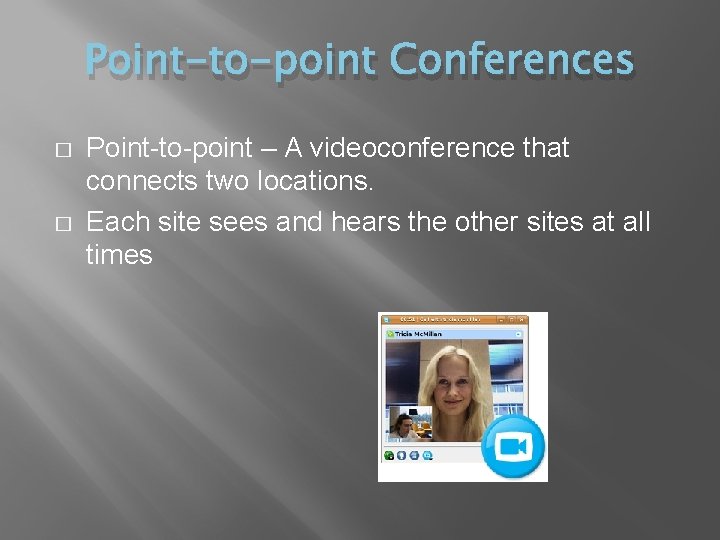
Point-to-point Conferences � � Point-to-point – A videoconference that connects two locations. Each site sees and hears the other sites at all times
Multipoint Conferences � � Point-to-multipoint – A videoconference that connects to more than two sites through the use of a multi-point control unit, or MCU. Participants at all sites can hear one another at all times and see the site that is currently speaking. � Voice � activated switching Multi-point conferencing can be effective although the scheduling, technical, and logistical dimensions of MCU conferences can be imposing.
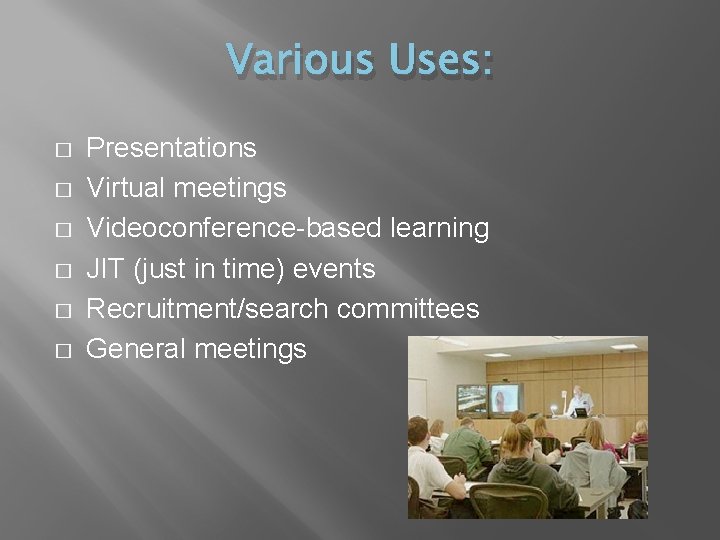
Various Uses: � � � Presentations Virtual meetings Videoconference-based learning JIT (just in time) events Recruitment/search committees General meetings
Additional Uses: � � Project coordination Informal work sessions Alumni relations Question and answer sessions
Benefits of Videoconferencing � � � � Can improve work quality Increase productivity Reduce costs Improves communication Groups can meet more frequently Critical meetings can be convened in less time More faculty and staff can be involved
Rules of Videoconferencing � � � Avoid wearing bright colors such as red, white because they tend to bleed on-screen. Avoid wearing patterns or checked clothes Do not speak lowly or too loudly because of compression Avoid unnecessary movements and gestures in the videoconferencing room One site should speak at a time Dull colors are recommended like that man in a picture