
ONEDRIVE OFFICE 365 WHAT YOU NEED TO KNOW
- Slides: 8
ONEDRIVE (OFFICE 365) WHAT YOU NEED TO KNOW RIGHT MEOW…
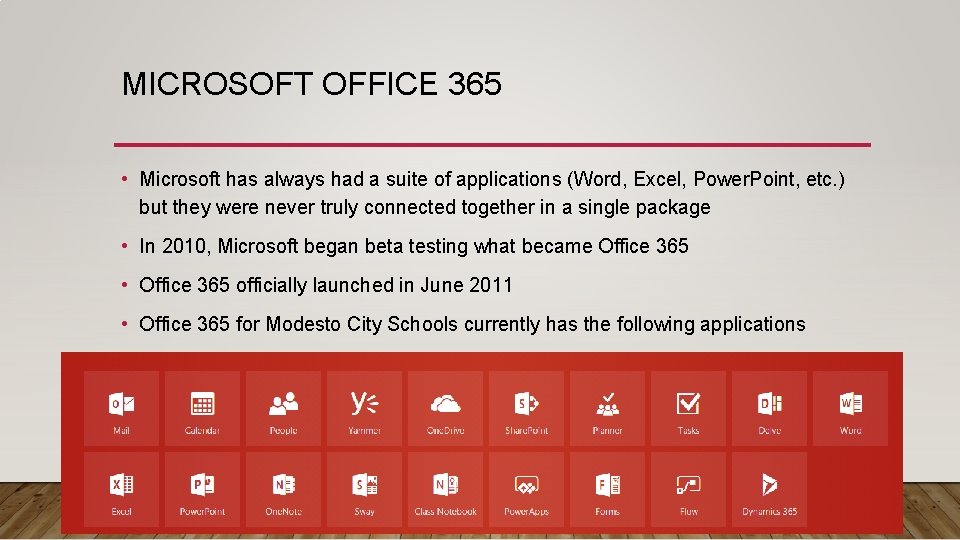
MICROSOFT OFFICE 365 • Microsoft has always had a suite of applications (Word, Excel, Power. Point, etc. ) but they were never truly connected together in a single package • In 2010, Microsoft began beta testing what became Office 365 • Office 365 officially launched in June 2011 • Office 365 for Modesto City Schools currently has the following applications
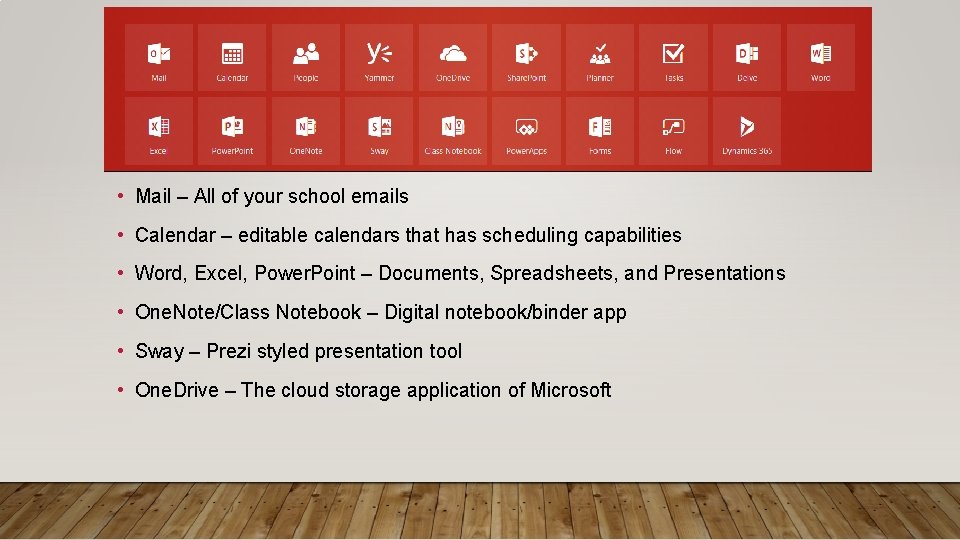
• Mail – All of your school emails • Calendar – editable calendars that has scheduling capabilities • Word, Excel, Power. Point – Documents, Spreadsheets, and Presentations • One. Note/Class Notebook – Digital notebook/binder app • Sway – Prezi styled presentation tool • One. Drive – The cloud storage application of Microsoft
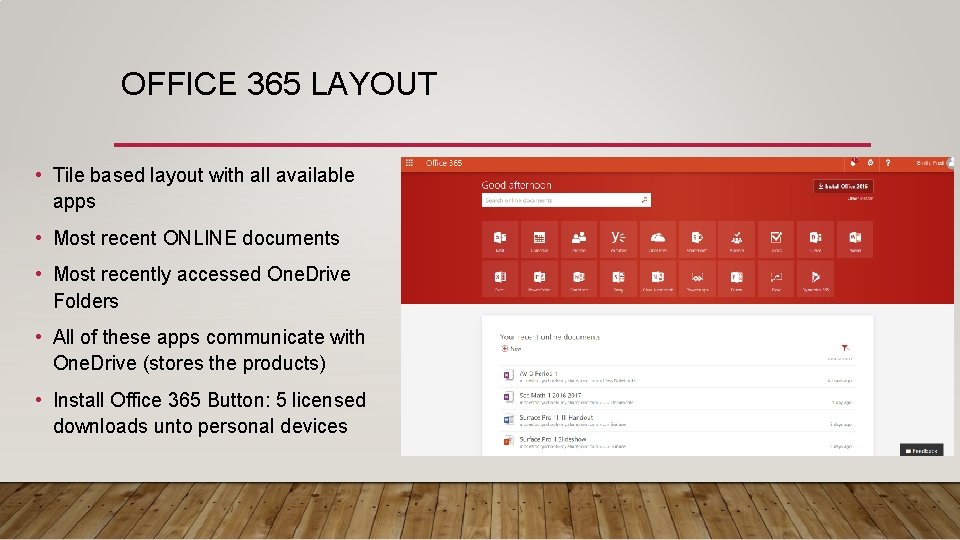
OFFICE 365 LAYOUT • Tile based layout with all available apps • Most recent ONLINE documents • Most recently accessed One. Drive Folders • All of these apps communicate with One. Drive (stores the products) • Install Office 365 Button: 5 licensed downloads unto personal devices
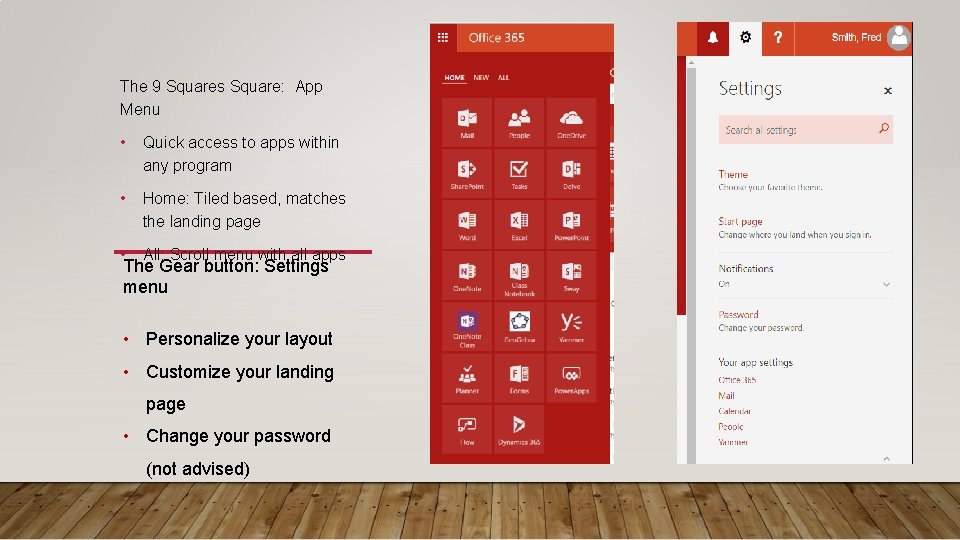
The 9 Squares Square: App Menu • Quick access to apps within any program • Home: Tiled based, matches the landing page • All: Scroll menu with all apps The Gear button: Settings menu • Personalize your layout • Customize your landing page • Change your password (not advised)
ONEDRIVE • Microsoft’s cloud-based storage application/program • Created in 2007 • If you have a Microsoft account, you get 5 GB of storage for free • Can open up Word, Excel, and Power. Point via the online application
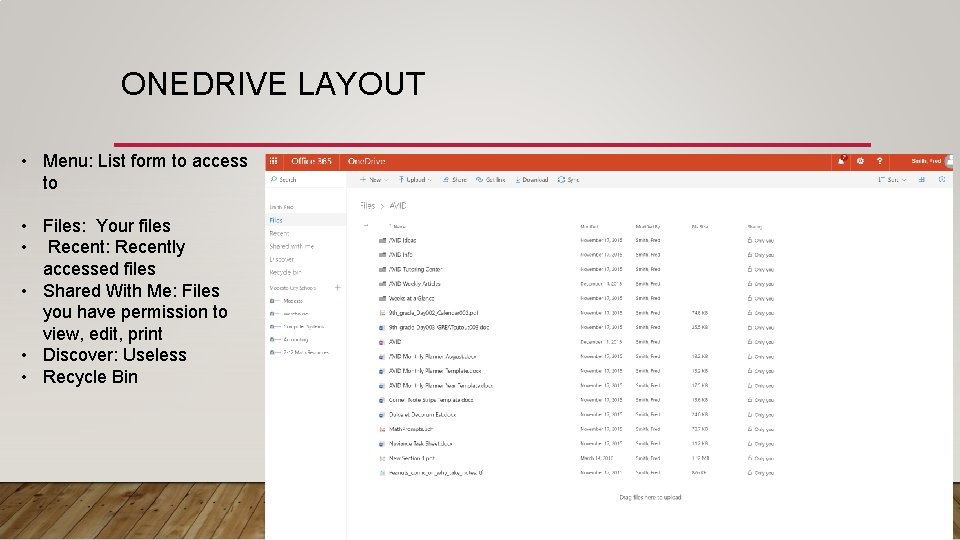
ONEDRIVE LAYOUT • Menu: List form to access to • Files: Your files • Recent: Recently accessed files • Shared With Me: Files you have permission to view, edit, print • Discover: Useless • Recycle Bin
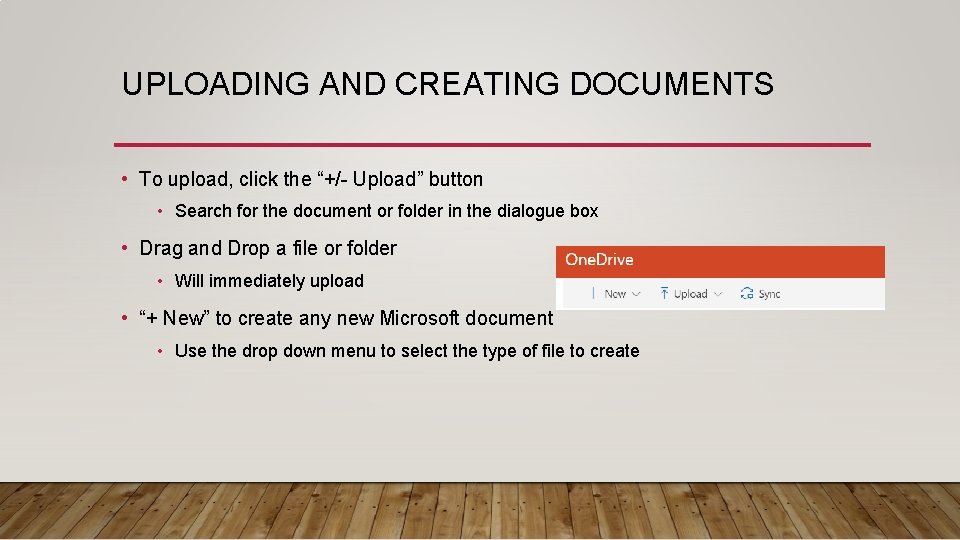
UPLOADING AND CREATING DOCUMENTS • To upload, click the “+/- Upload” button • Search for the document or folder in the dialogue box • Drag and Drop a file or folder • Will immediately upload • “+ New” to create any new Microsoft document • Use the drop down menu to select the type of file to create