
ONEDIMENSIONAL ARRAYS Need for Arrays Exercise Read the
- Slides: 15
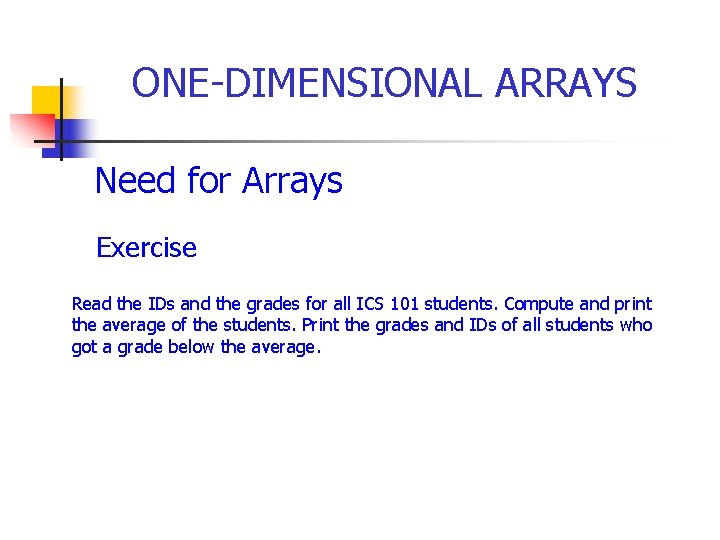
ONE-DIMENSIONAL ARRAYS Need for Arrays Exercise Read the IDs and the grades for all ICS 101 students. Compute and print the average of the students. Print the grades and IDs of all students who got a grade below the average.
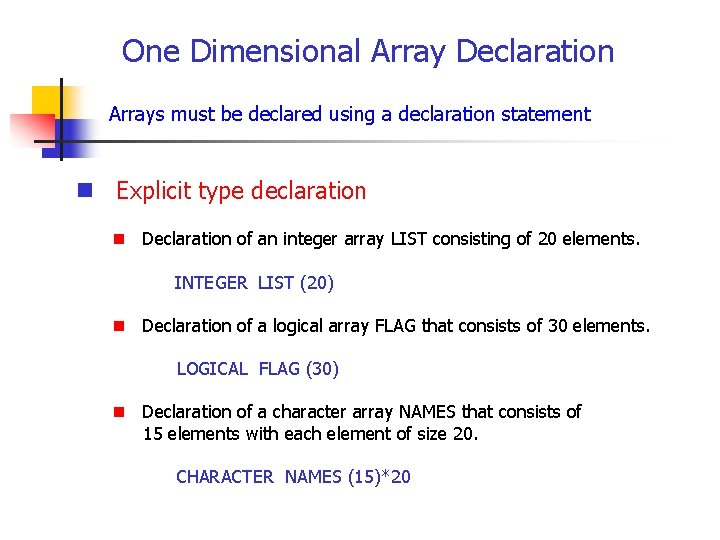
One Dimensional Array Declaration Arrays must be declared using a declaration statement n Explicit type declaration n Declaration of an integer array LIST consisting of 20 elements. INTEGER LIST (20) n Declaration of a logical array FLAG that consists of 30 elements. LOGICAL FLAG (30) n Declaration of a character array NAMES that consists of 15 elements with each element of size 20. CHARACTER NAMES (15)*20
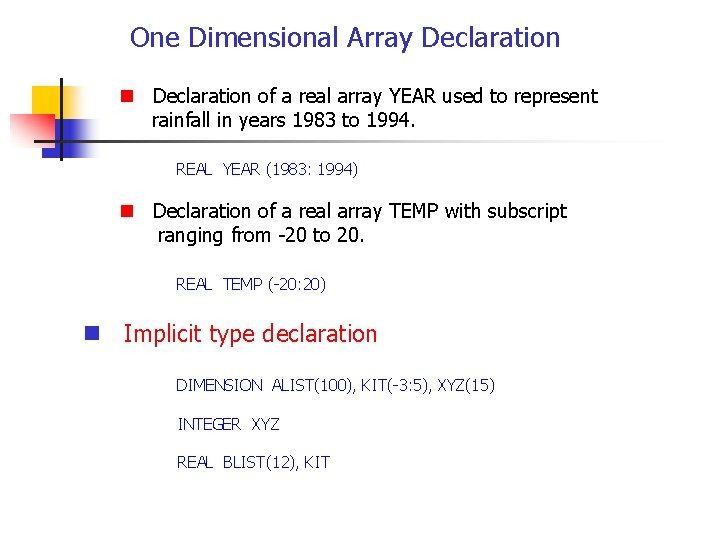
One Dimensional Array Declaration n Declaration of a real array YEAR used to represent rainfall in years 1983 to 1994. REAL YEAR (1983: 1994) n Declaration of a real array TEMP with subscript ranging from -20 to 20. REAL TEMP (-20: 20) n Implicit type declaration DIMENSION ALIST(100), KIT(-3: 5), XYZ(15) INTEGER XYZ REAL BLIST(12), KIT
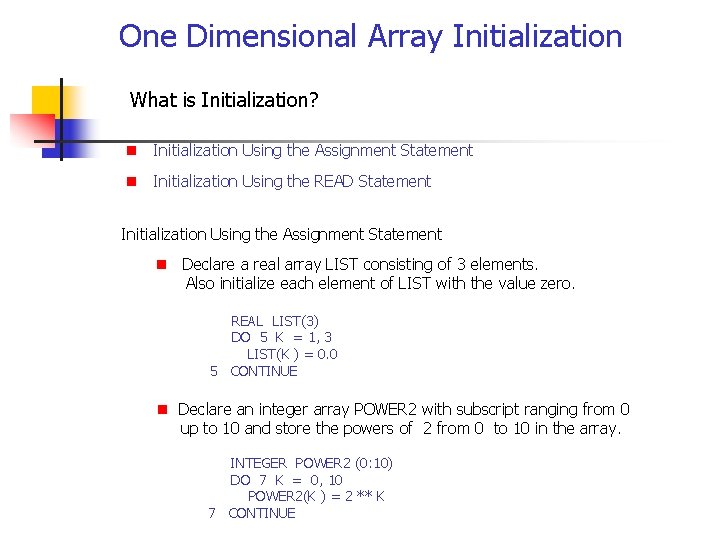
One Dimensional Array Initialization What is Initialization? n Initialization Using the Assignment Statement n Initialization Using the READ Statement Initialization Using the Assignment Statement n Declare a real array LIST consisting of 3 elements. Also initialize each element of LIST with the value zero. REAL LIST(3) DO 5 K = 1, 3 LIST(K ) = 0. 0 5 CONTINUE n Declare an integer array POWER 2 with subscript ranging from 0 up to 10 and store the powers of 2 from 0 to 10 in the array. INTEGER POWER 2 (0: 10) DO 7 K = 0, 10 POWER 2(K ) = 2 ** K 7 CONTINUE
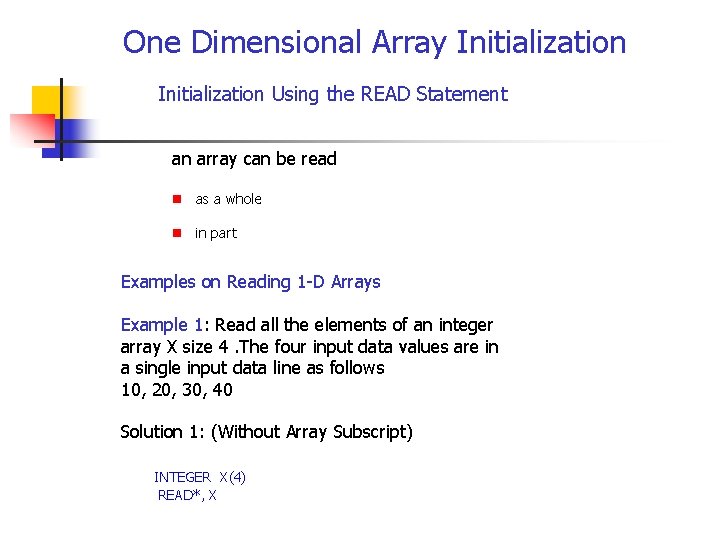
One Dimensional Array Initialization Using the READ Statement an array can be read n as a whole n in part Examples on Reading 1 -D Arrays Example 1: Read all the elements of an integer array X size 4. The four input data values are in a single input data line as follows 10, 20, 30, 40 Solution 1: (Without Array Subscript) INTEGER X(4) READ*, X
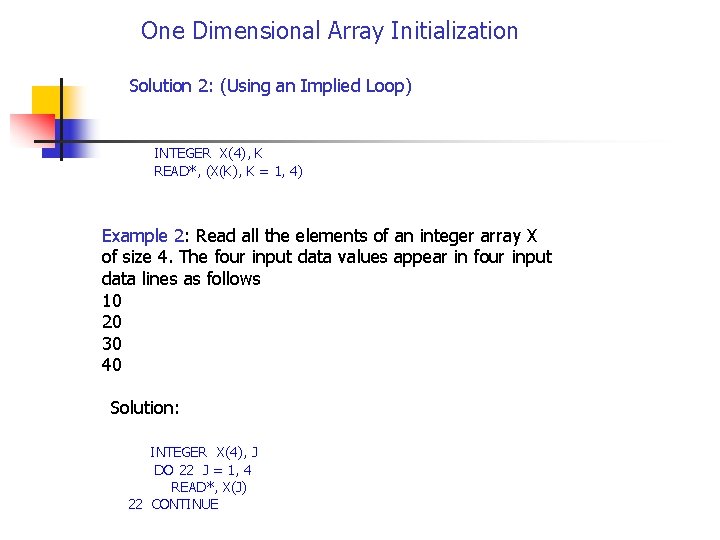
One Dimensional Array Initialization Solution 2: (Using an Implied Loop) INTEGER X(4), K READ*, (X(K), K = 1, 4) Example 2: Read all the elements of an integer array X of size 4. The four input data values appear in four input data lines as follows 10 20 30 40 Solution: INTEGER X(4), J DO 22 J = 1, 4 READ*, X(J) 22 CONTINUE
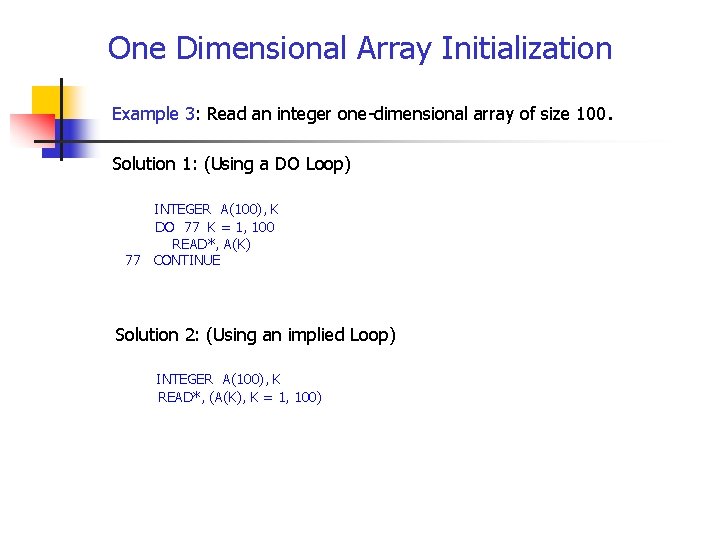
One Dimensional Array Initialization Example 3: Read an integer one-dimensional array of size 100. Solution 1: (Using a DO Loop) INTEGER A(100), K DO 77 K = 1, 100 READ*, A(K) 77 CONTINUE Solution 2: (Using an implied Loop) INTEGER A(100), K READ*, (A(K), K = 1, 100)
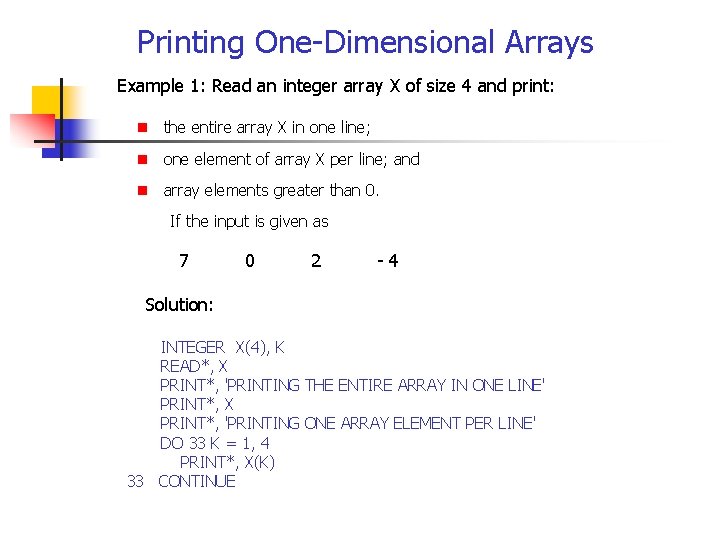
Printing One-Dimensional Arrays Example 1: Read an integer array X of size 4 and print: n the entire array X in one line; n one element of array X per line; and n array elements greater than 0. If the input is given as 7 0 2 - 4 Solution: INTEGER X(4), K READ*, X PRINT*, 'PRINTING THE ENTIRE ARRAY IN ONE LINE' PRINT*, X PRINT*, 'PRINTING ONE ARRAY ELEMENT PER LINE' DO 33 K = 1, 4 PRINT*, X(K) 33 CONTINUE
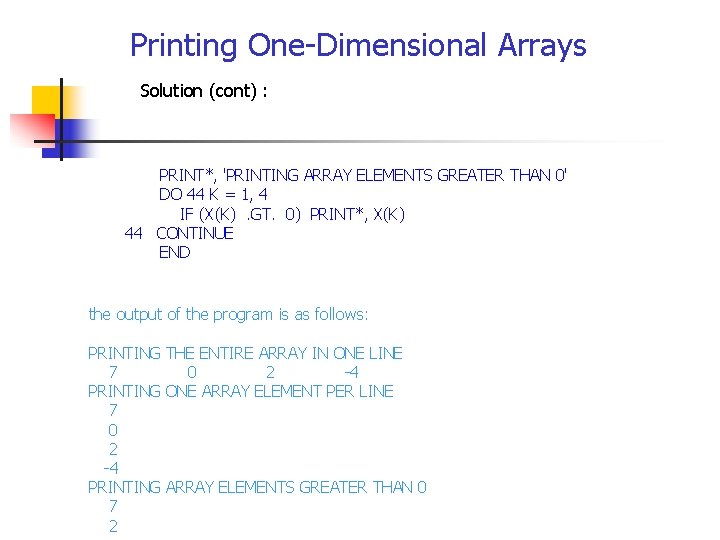
Printing One-Dimensional Arrays Solution (cont) : PRINT*, 'PRINTING ARRAY ELEMENTS GREATER THAN 0' DO 44 K = 1, 4 IF (X(K) . GT. 0) PRINT*, X(K) 44 CONTINUE END the output of the program is as follows: PRINTING THE ENTIRE ARRAY IN ONE LINE 7 0 2 -4 PRINTING ONE ARRAY ELEMENT PER LINE 7 0 2 -4 PRINTING ARRAY ELEMENTS GREATER THAN 0 7 2
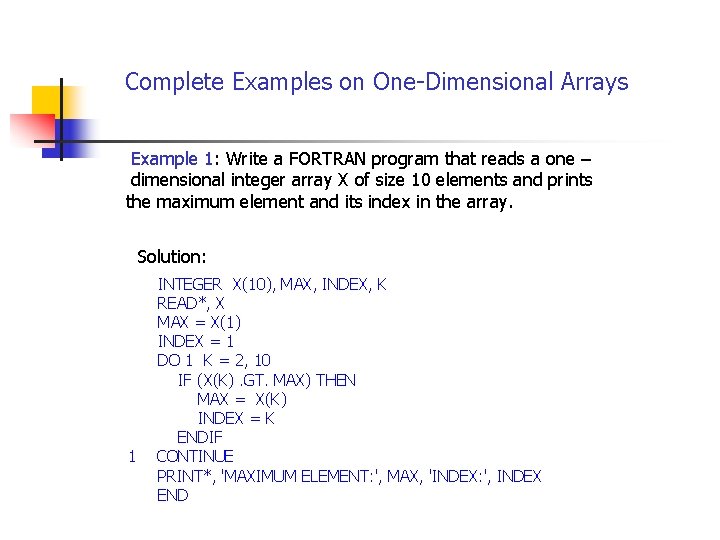
Complete Examples on One-Dimensional Arrays Example 1: Write a FORTRAN program that reads a one – dimensional integer array X of size 10 elements and prints the maximum element and its index in the array. Solution: INTEGER X(10), MAX, INDEX, K READ*, X MAX = X(1) INDEX = 1 DO 1 K = 2, 10 IF (X(K). GT. MAX) THEN MAX = X(K) INDEX = K ENDIF 1 CONTINUE PRINT*, 'MAXIMUM ELEMENT: ', MAX, 'INDEX: ', INDEX END
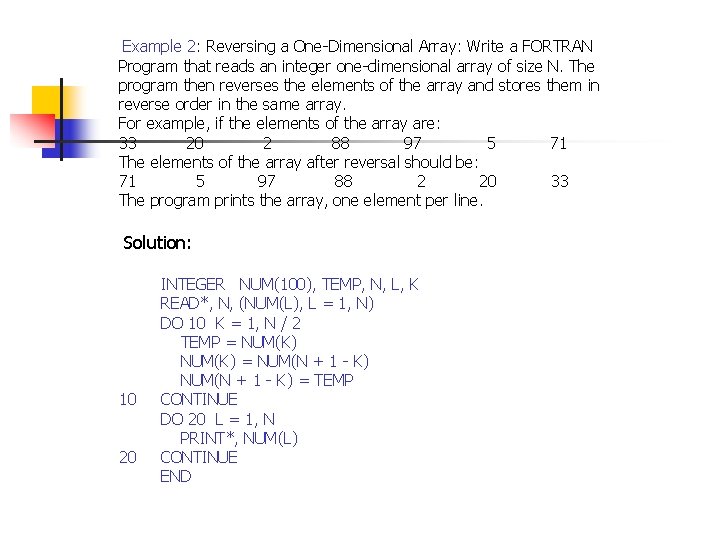
Example 2: Reversing a One-Dimensional Array: Write a FORTRAN Program that reads an integer one-dimensional array of size N. The program then reverses the elements of the array and stores them in reverse order in the same array. For example, if the elements of the array are: 33 20 2 88 97 5 71 The elements of the array after reversal should be: 71 5 97 88 2 20 33 The program prints the array, one element per line. Solution: 10 20 INTEGER NUM(100), TEMP, N, L, K READ*, N, (NUM(L), L = 1, N) DO 10 K = 1, N / 2 TEMP = NUM(K) = NUM(N + 1 - K) = TEMP CONTINUE DO 20 L = 1, N PRINT*, NUM(L) CONTINUE END
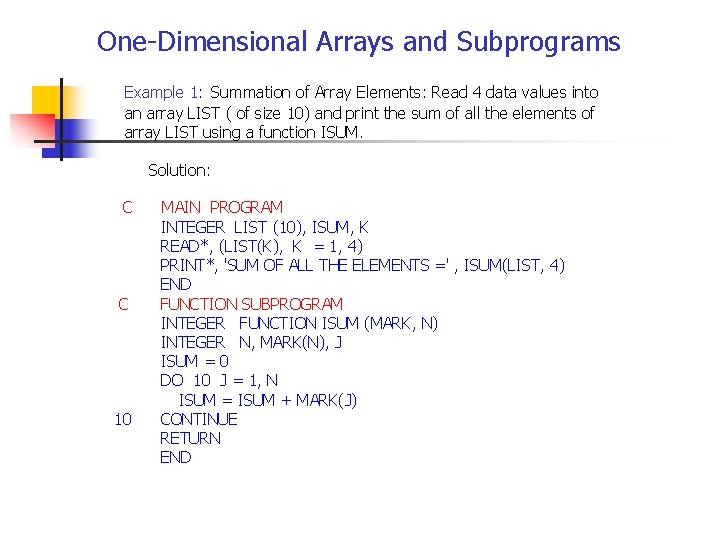
One-Dimensional Arrays and Subprograms Example 1: Summation of Array Elements: Read 4 data values into an array LIST ( of size 10) and print the sum of all the elements of array LIST using a function ISUM. Solution: C MAIN PROGRAM INTEGER LIST (10), ISUM, K READ*, (LIST(K), K = 1, 4) PRINT*, 'SUM OF ALL THE ELEMENTS =' , ISUM(LIST, 4) END C FUNCTION SUBPROGRAM INTEGER FUNCTION ISUM (MARK, N) INTEGER N, MARK(N), J ISUM = 0 DO 10 J = 1, N ISUM = ISUM + MARK(J) 10 CONTINUE RETURN END
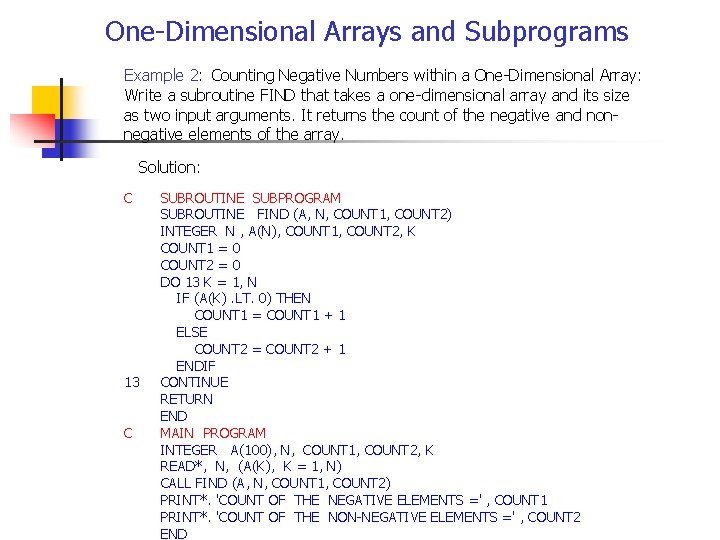
One-Dimensional Arrays and Subprograms Example 2: Counting Negative Numbers within a One-Dimensional Array: Write a subroutine FIND that takes a one-dimensional array and its size as two input arguments. It returns the count of the negative and non negative elements of the array. Solution: C SUBROUTINE SUBPROGRAM SUBROUTINE FIND (A, N, COUNT 1, COUNT 2) INTEGER N , A(N), COUNT 1, COUNT 2, K COUNT 1 = 0 COUNT 2 = 0 DO 13 K = 1, N IF (A(K). LT. 0) THEN COUNT 1 = COUNT 1 + 1 ELSE COUNT 2 = COUNT 2 + 1 ENDIF 13 CONTINUE RETURN END C MAIN PROGRAM INTEGER A(100), N, COUNT 1, COUNT 2, K READ*, N, (A(K), K = 1, N) CALL FIND (A, N, COUNT 1, COUNT 2) PRINT*. 'COUNT OF THE NEGATIVE ELEMENTS =' , COUNT 1 PRINT*. 'COUNT OF THE NON-NEGATIVE ELEMENTS =' , COUNT 2 END
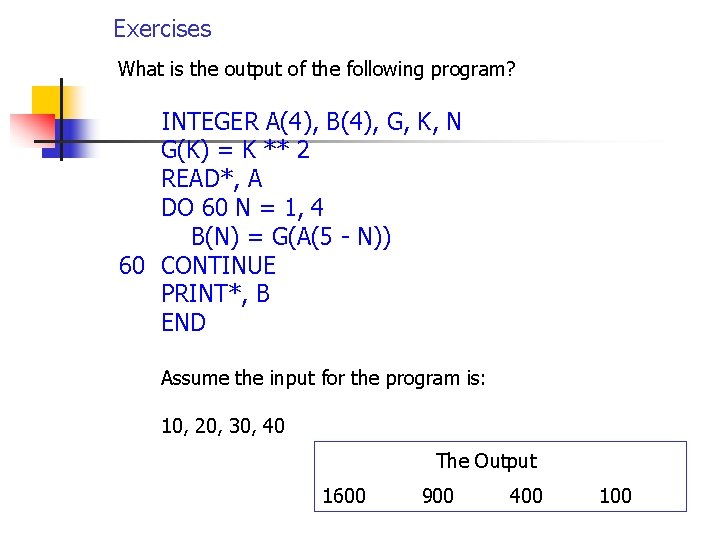
Exercises What is the output of the following program? INTEGER A(4), B(4), G, K, N G(K) = K ** 2 READ*, A DO 60 N = 1, 4 B(N) = G(A(5 - N)) 60 CONTINUE PRINT*, B END Assume the input for the program is: 10, 20, 30, 40 The Output 1600 900 400 100
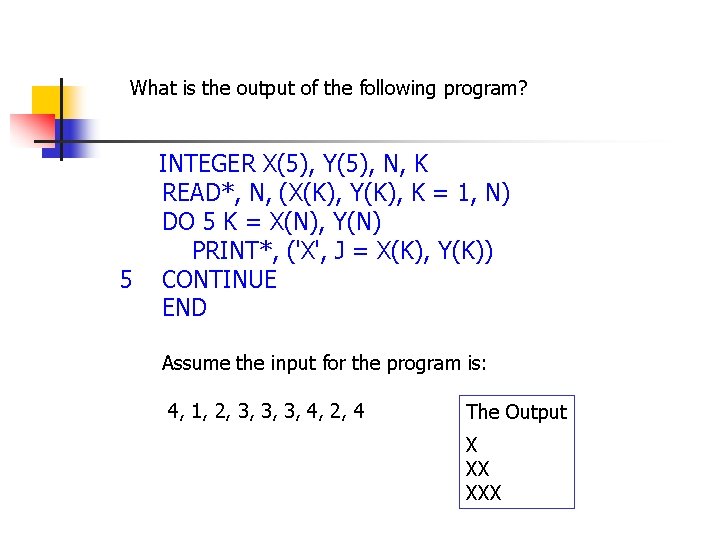
What is the output of the following program? INTEGER X(5), Y(5), N, K 5 READ*, N, (X(K), Y(K), K = 1, N) DO 5 K = X(N), Y(N) PRINT*, ('X', J = X(K), Y(K)) CONTINUE END Assume the input for the program is: 4, 1, 2, 3, 3, 3, 4, 2, 4 The Output X XX XXX