
One Stop Service Tracking Module 1 Overview Lets

- Slides: 12
One Stop Service Tracking Module 1: Overview
Let’s Get Started! l What is the One Stop Service Tracking system? l Who designed OSST? l How will OSST help you do your work? • How does OSST address some currently common challenges?
Additional Benefits l Puts the World at Your Fingertips l Enhanced Case Tracking Functionality l Provides Accountability for Actions l User Friendly Environment l Skill Match Component
Course Objectives This course is intended to do the following: ü Familiarize you with how to operate in a web-based, case tracking environment ü Familiarize you with the customer management and caseload management functions within the One Stop Service Tracking system ü Demonstrate the enhanced functionality within the One Stop Service Tracking system ü Demonstrate how to access field, process and policy level help
Introductions • Name • Location • Job Title • Expectations for this course
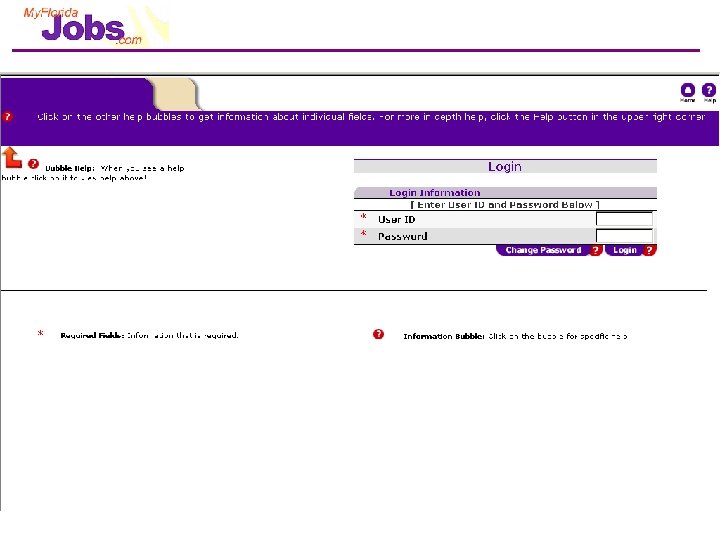
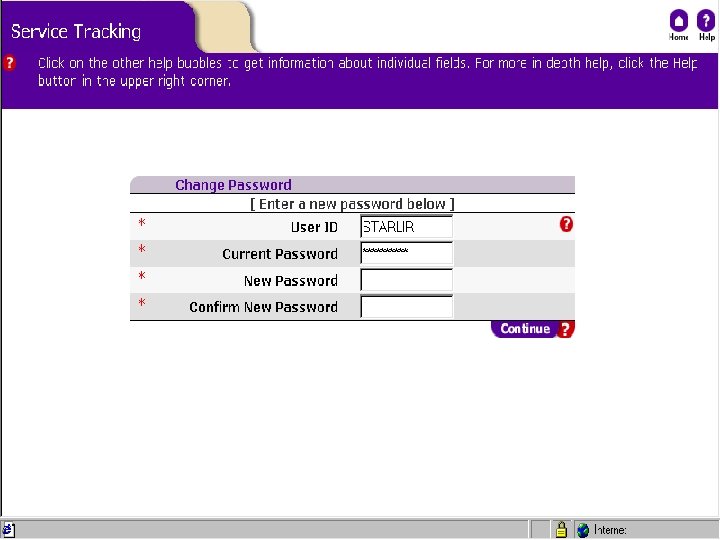
Module 1: Overview of the System At the end of this module, you will be able to: ü Explain the differences between WAGES MIS and the One Stop Service Tracking system (OSST) ü Explain the benefits of using OSST to complete tasks ü Understand the General Navigation of OSST ü Login to the system
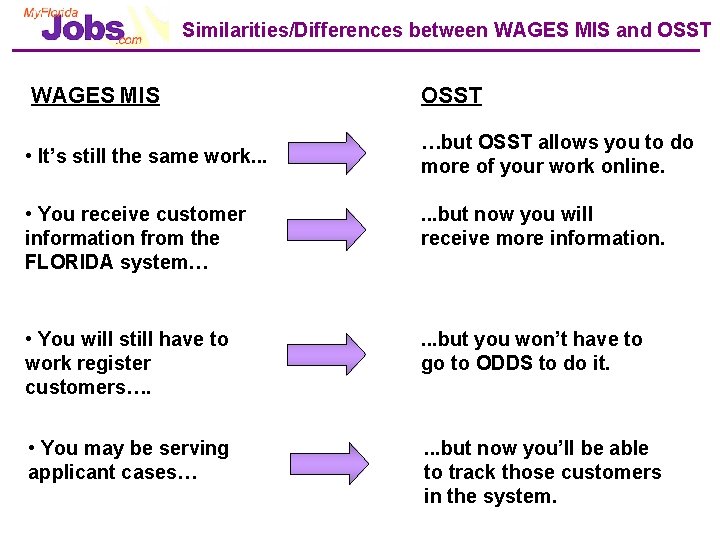
Similarities/Differences between WAGES MIS and OSST WAGES MIS OSST • It’s still the same work. . . …but OSST allows you to do more of your work online. • You receive customer information from the FLORIDA system… . . . but now you will receive more information. • You will still have to work register customers…. . but you won’t have to go to ODDS to do it. • You may be serving applicant cases… . . . but now you’ll be able to track those customers in the system.
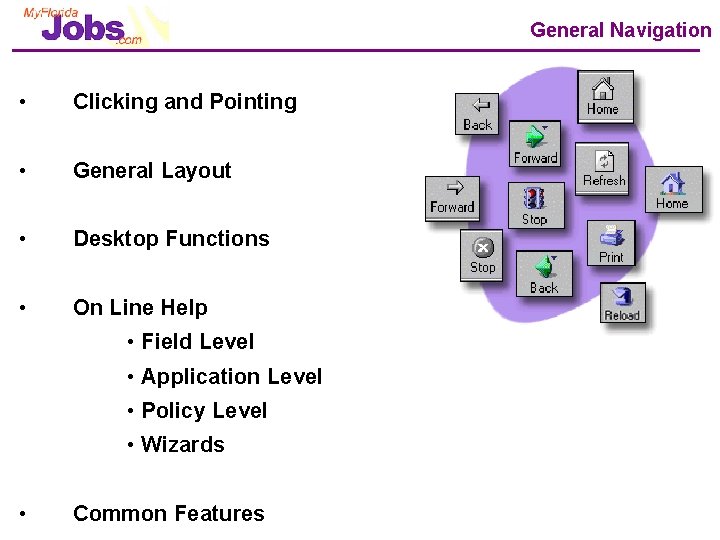
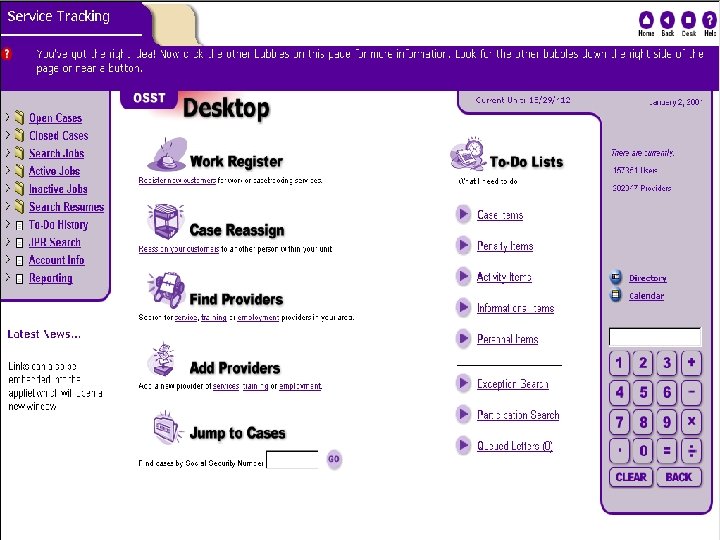
General Navigation • Clicking and Pointing • General Layout • Desktop Functions • On Line Help • Field Level • Application Level • Policy Level • Wizards • Common Features
Questions? ? ? ? ? ?