
One Dimensional Arrays Outline Reversing numbers problem Arrays
One Dimensional Arrays
Outline • Reversing numbers problem • Arrays of primitives and Strings • Application: Student class – multiple assignment grades per student – multiple students per class

Problem • Write a program to read six integers. . . • . . . & print them out in reverse order • For example: Enter the six numbers below: 5 3 7 2 99 41 In reverse order they are: 41, 99, 2, 7, 3, and 4
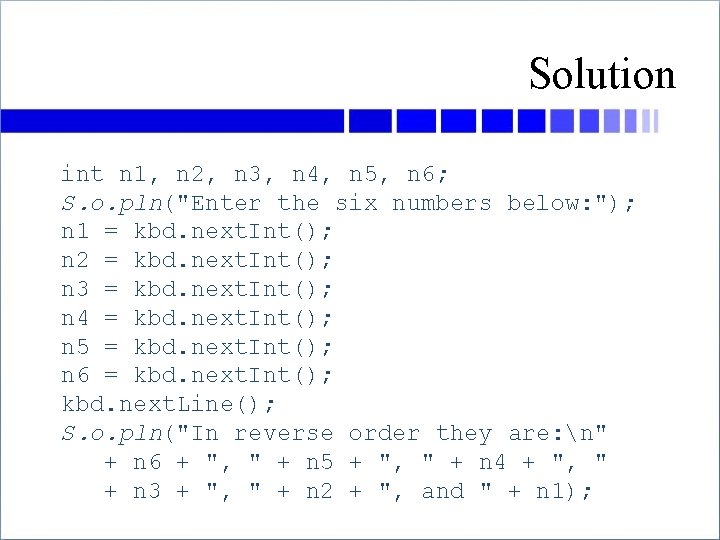
Solution int n 1, n 2, n 3, n 4, n 5, n 6; S. o. pln("Enter the six numbers below: "); n 1 = kbd. next. Int(); n 2 = kbd. next. Int(); n 3 = kbd. next. Int(); n 4 = kbd. next. Int(); n 5 = kbd. next. Int(); n 6 = kbd. next. Int(); kbd. next. Line(); S. o. pln("In reverse order they are: n" + n 6 + ", " + n 5 + ", " + n 4 + ", " + n 3 + ", " + n 2 + ", and " + n 1);
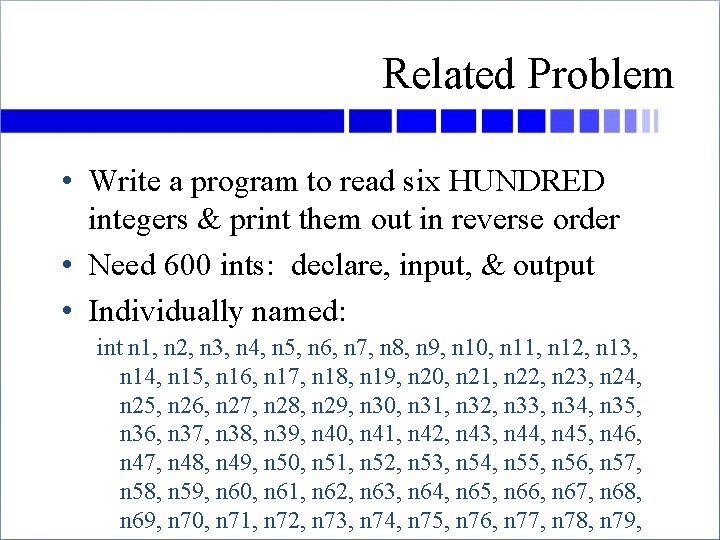
Related Problem • Write a program to read six HUNDRED integers & print them out in reverse order • Need 600 ints: declare, input, & output • Individually named: int n 1, n 2, n 3, n 4, n 5, n 6, n 7, n 8, n 9, n 10, n 11, n 12, n 13, n 14, n 15, n 16, n 17, n 18, n 19, n 20, n 21, n 22, n 23, n 24, n 25, n 26, n 27, n 28, n 29, n 30, n 31, n 32, n 33, n 34, n 35, n 36, n 37, n 38, n 39, n 40, n 41, n 42, n 43, n 44, n 45, n 46, n 47, n 48, n 49, n 50, n 51, n 52, n 53, n 54, n 55, n 56, n 57, n 58, n 59, n 60, n 61, n 62, n 63, n 64, n 65, n 66, n 67, n 68, n 69, n 70, n 71, n 72, n 73, n 74, n 75, n 76, n 77, n 78, n 79,
![A Better Way: Arrays • int[] n = new int[600]; // creates 600 ints](http://slidetodoc.com/presentation_image_h/22756927be1bcdf14f43b492bc31e9b3/image-6.jpg "A Better Way: Arrays • int[] n = new int[600]; // creates 600 ints")
A Better Way: Arrays • int[] n = new int[600]; // creates 600 ints • n is called an array (of ints) • n has 600 components or elements – each one is an int variable • Their “namesˮ are: – – n[0], n[1], n[2], n[3], n[4], . . . , n[599] but the name of the array is just n • The number in [brackets] is called the index
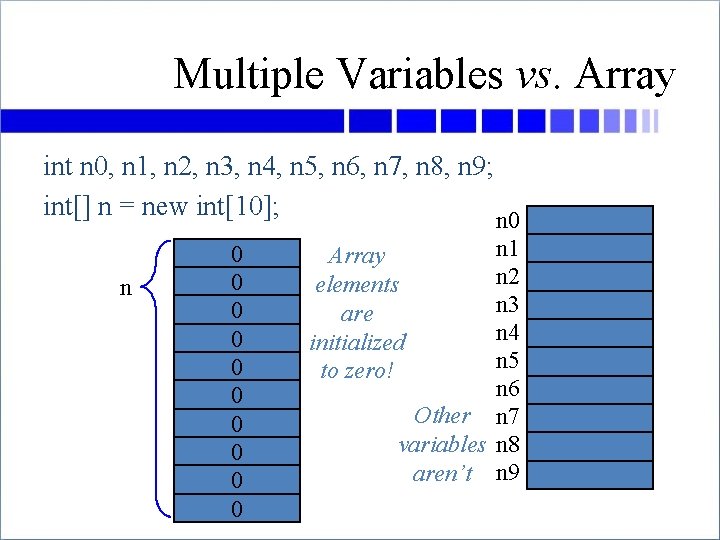
Multiple Variables vs. Array int n 0, n 1, n 2, n 3, n 4, n 5, n 6, n 7, n 8, n 9; int[] n = new int[10]; n 0 0 0 n 1 n 2 n 3 n 4 n 5 n 6 Other n 7 variables n 8 aren’t n 9 Array elements are initialized to zero!
![Note on Array Indices • We declare int[] n = new int[10]; • But](http://slidetodoc.com/presentation_image_h/22756927be1bcdf14f43b492bc31e9b3/image-8.jpg "Note on Array Indices • We declare int[] n = new int[10]; • But")
Note on Array Indices • We declare int[] n = new int[10]; • But there is no element called n[10] • Elements go from 0 to 9 “n” is the name of the whole array; it has 10 elements in it n n[0] n[1] n[2] n[3] n[4] n[5] n[6] n[7] n[8] n[9] n[0] is the “front” or “top” element of the array n[9] is the “back” or “bottom” element of the array
![Thinking of Array Elements • n[0], n[1], n[2], . . . are just better](http://slidetodoc.com/presentation_image_h/22756927be1bcdf14f43b492bc31e9b3/image-9.jpg "Thinking of Array Elements • n[0], n[1], n[2], . . . are just better")
Thinking of Array Elements • n[0], n[1], n[2], . . . are just better ways to write n 0, n 1, n 2, . . . • Why? – because you can say n[i] for the ith n… – …and then you can put it in a loop for (int i = 0; i < 600; i++) { … n[i] … } – learn that loop!
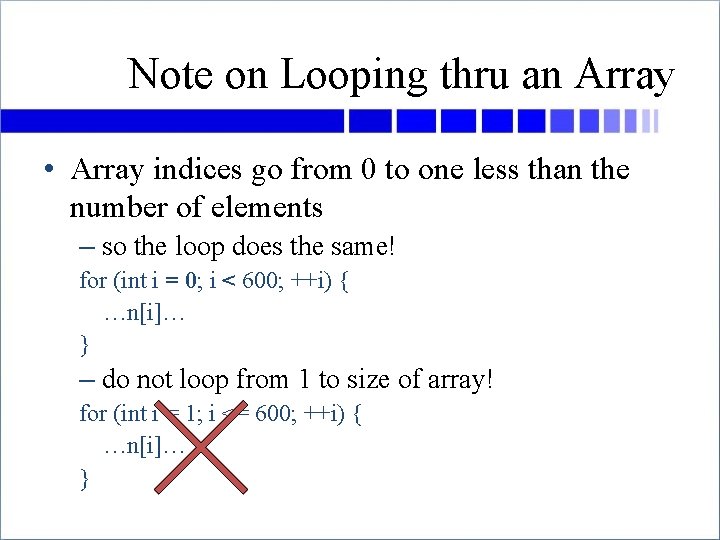
Note on Looping thru an Array • Array indices go from 0 to one less than the number of elements – so the loop does the same! for (int i = 0; i < 600; ++i) { …n[i]… } – do not loop from 1 to size of array! for (int i = 1; i <= 600; ++i) { …n[i]… }
![Using Arrays • Reading those 600 ints? n[0] = kbd. next. Int(); n[1] =](http://slidetodoc.com/presentation_image_h/22756927be1bcdf14f43b492bc31e9b3/image-11.jpg "Using Arrays • Reading those 600 ints? n[0] = kbd. next. Int(); n[1] =")
Using Arrays • Reading those 600 ints? n[0] = kbd. next. Int(); n[1] = kbd. next. Int(); … System. out. print(n[599] + ‘ ’ + n[598] + ‘ ’ …); • No—use a variable to loop thru them for (int i = 0; i < 600; i++) { n[i] = kbd. next. Int(); } for (int i = 599; i >= 0; i--) { System. out. print(n[i] + " "); }
![Array Types • Arrays can be of any type, (almost) any size int[] scores](http://slidetodoc.com/presentation_image_h/22756927be1bcdf14f43b492bc31e9b3/image-12.jpg "Array Types • Arrays can be of any type, (almost) any size int[] scores")
Array Types • Arrays can be of any type, (almost) any size int[] scores = new int[600]; double[] weights = new double[700000]; boolean[] answers = new boolean[10]; String[] words = new String[5000]; Scanner[] scanners = new Scanner[10]; Thingamajig[] things = new Thingamajig[2]; – etc… • And even: int[][] matrix = new int[10][20]; char[][][] boards = new char[2][24][80];
![Array Components • Used just like any other variable double[] x = new double[100];](http://slidetodoc.com/presentation_image_h/22756927be1bcdf14f43b492bc31e9b3/image-13.jpg "Array Components • Used just like any other variable double[] x = new double[100];")
Array Components • Used just like any other variable double[] x = new double[100]; double y; x[0] = 23. 502; x[1]++; y = Math. sqrt(x[2]) + x[1] + 77. 9; Do. Something(x[8], y, x[66]); • Called “elements” of the array
![Array Index • Any int-valued expression will do char[] s = new char[81]; char](http://slidetodoc.com/presentation_image_h/22756927be1bcdf14f43b492bc31e9b3/image-14.jpg "Array Index • Any int-valued expression will do char[] s = new char[81]; char")
Array Index • Any int-valued expression will do char[] s = new char[81]; char ch; int i = 5; int r = 2 int c = 3; ch = s[7]; // ch = s[7] s[i] = ch; // s[5] = ch ch = s[10*r + c]; // ch = s[23]
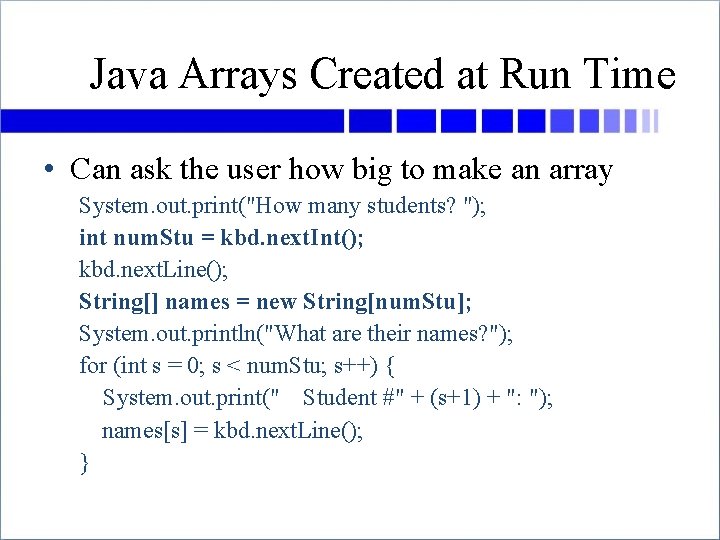
Java Arrays Created at Run Time • Can ask the user how big to make an array System. out. print("How many students? "); int num. Stu = kbd. next. Int(); kbd. next. Line(); String[] names = new String[num. Stu]; System. out. println("What are their names? "); for (int s = 0; s < num. Stu; s++) { System. out. print(" Student #" + (s+1) + ": "); names[s] = kbd. next. Line(); }
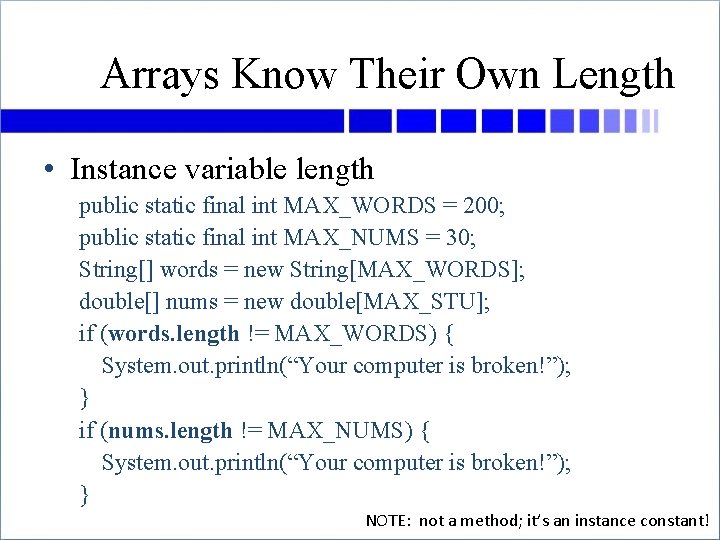
Arrays Know Their Own Length • Instance variable length public static final int MAX_WORDS = 200; public static final int MAX_NUMS = 30; String[] words = new String[MAX_WORDS]; double[] nums = new double[MAX_STU]; if (words. length != MAX_WORDS) { System. out. println(“Your computer is broken!”); } if (nums. length != MAX_NUMS) { System. out. println(“Your computer is broken!”); } NOTE: not a method; it’s an instance constant!
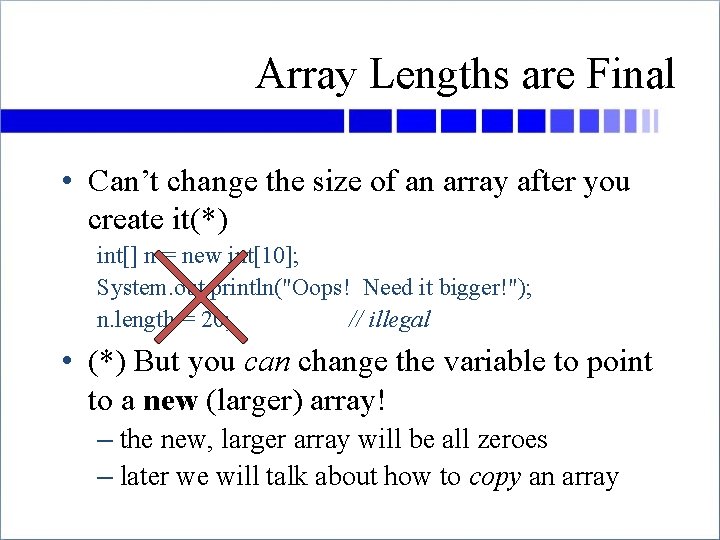
Array Lengths are Final • Can’t change the size of an array after you create it(*) int[] n = new int[10]; System. out. println("Oops! Need it bigger!"); n. length = 20; // illegal • (*) But you can change the variable to point to a new (larger) array! – the new, larger array will be all zeroes – later we will talk about how to copy an array
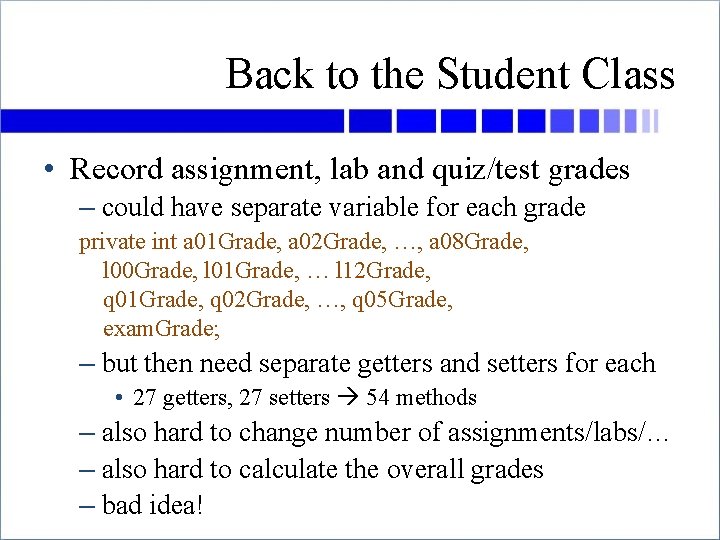
Back to the Student Class • Record assignment, lab and quiz/test grades – could have separate variable for each grade private int a 01 Grade, a 02 Grade, …, a 08 Grade, l 00 Grade, l 01 Grade, … l 12 Grade, q 01 Grade, q 02 Grade, …, q 05 Grade, exam. Grade; – but then need separate getters and setters for each • 27 getters, 27 setters 54 methods – also hard to change number of assignments/labs/… – also hard to calculate the overall grades – bad idea!
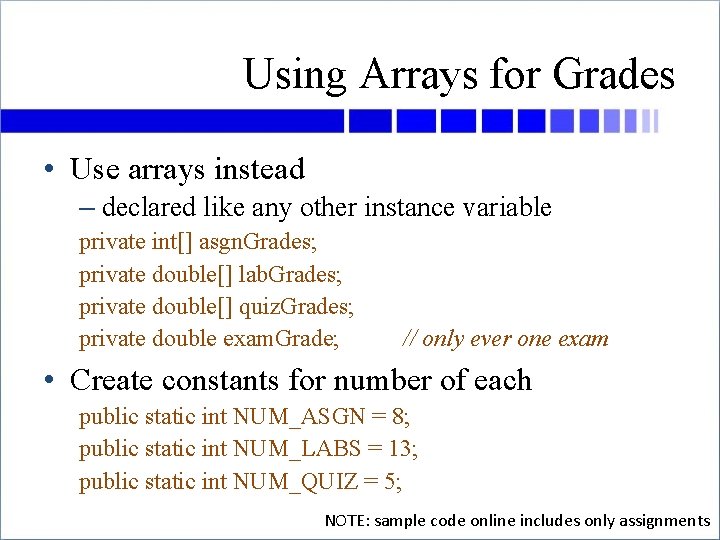
Using Arrays for Grades • Use arrays instead – declared like any other instance variable private int[] asgn. Grades; private double[] lab. Grades; private double[] quiz. Grades; private double exam. Grade; // only ever one exam • Create constants for number of each public static int NUM_ASGN = 8; public static int NUM_LABS = 13; public static int NUM_QUIZ = 5; NOTE: sample code online includes only assignments
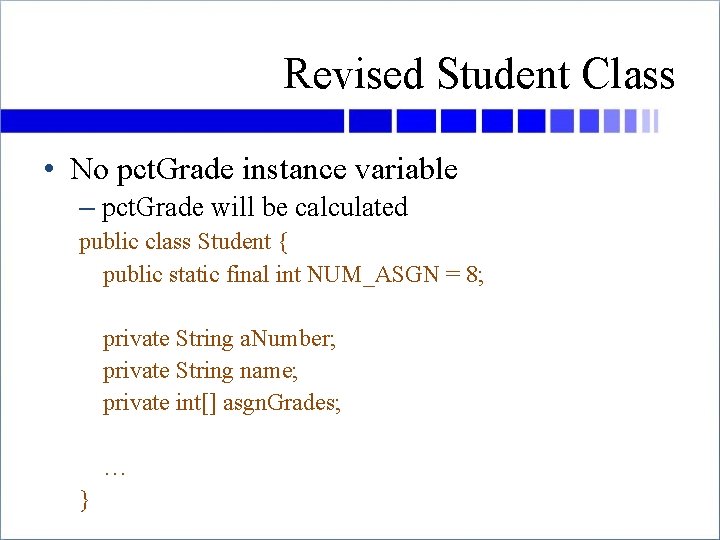
Revised Student Class • No pct. Grade instance variable – pct. Grade will be calculated public class Student { public static final int NUM_ASGN = 8; private String a. Number; private String name; private int[] asgn. Grades; … }
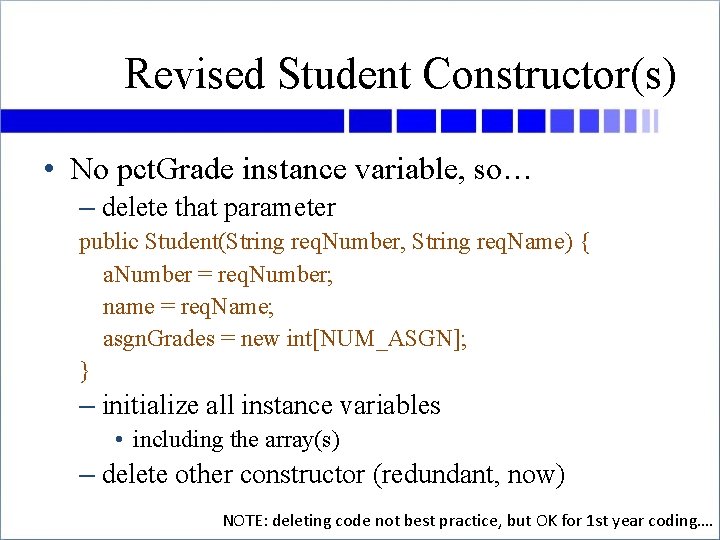
Revised Student Constructor(s) • No pct. Grade instance variable, so… – delete that parameter public Student(String req. Number, String req. Name) { a. Number = req. Number; name = req. Name; asgn. Grades = new int[NUM_ASGN]; } – initialize all instance variables • including the array(s) – delete other constructor (redundant, now) NOTE: deleting code not best practice, but OK for 1 st year coding….
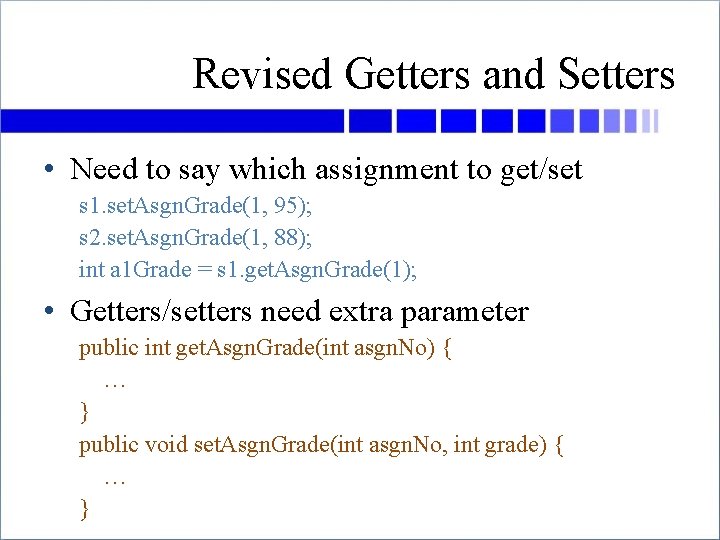
Revised Getters and Setters • Need to say which assignment to get/set s 1. set. Asgn. Grade(1, 95); s 2. set. Asgn. Grade(1, 88); int a 1 Grade = s 1. get. Asgn. Grade(1); • Getters/setters need extra parameter public int get. Asgn. Grade(int asgn. No) { … } public void set. Asgn. Grade(int asgn. No, int grade) { … }
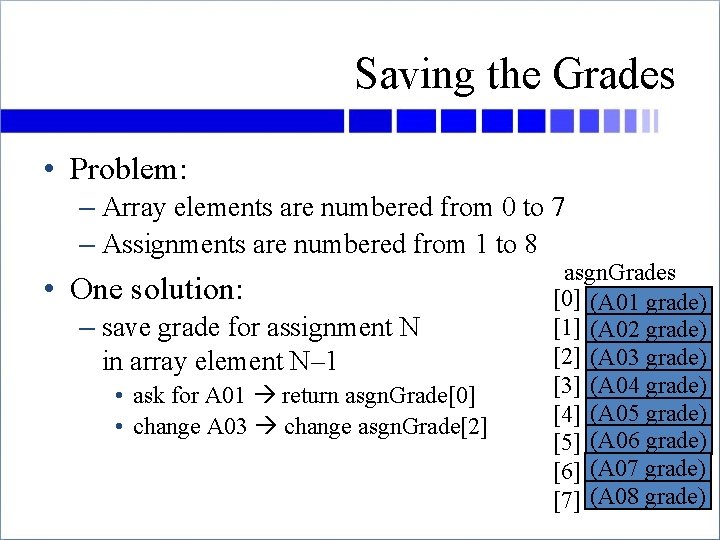
Saving the Grades • Problem: – Array elements are numbered from 0 to 7 – Assignments are numbered from 1 to 8 • One solution: – save grade for assignment N in array element N– 1 • ask for A 01 return asgn. Grade[0] • change A 03 change asgn. Grade[2] asgn. Grades [0] (A 01 grade) [1] (A 02 grade) [2] (A 03 grade) [3] (A 04 grade) [4] (A 05 grade) [5] (A 06 grade) [6] (A 07 grade) [7] (A 08 grade)
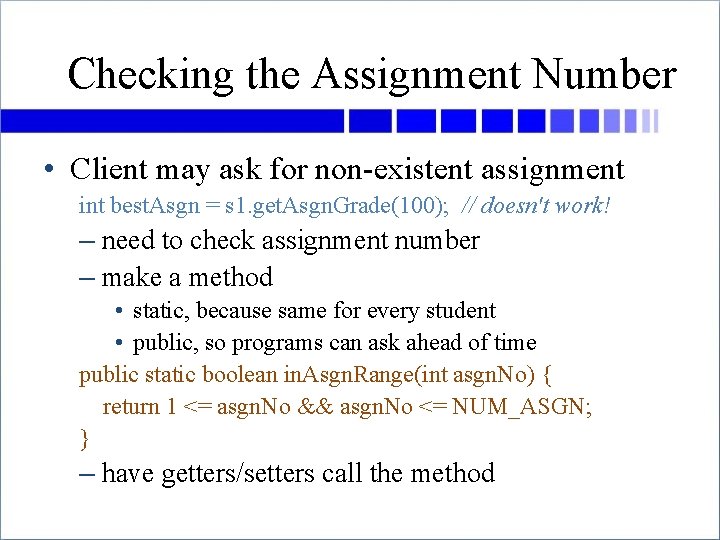
Checking the Assignment Number • Client may ask for non-existent assignment int best. Asgn = s 1. get. Asgn. Grade(100); // doesn't work! – need to check assignment number – make a method • static, because same for every student • public, so programs can ask ahead of time public static boolean in. Asgn. Range(int asgn. No) { return 1 <= asgn. No && asgn. No <= NUM_ASGN; } – have getters/setters call the method
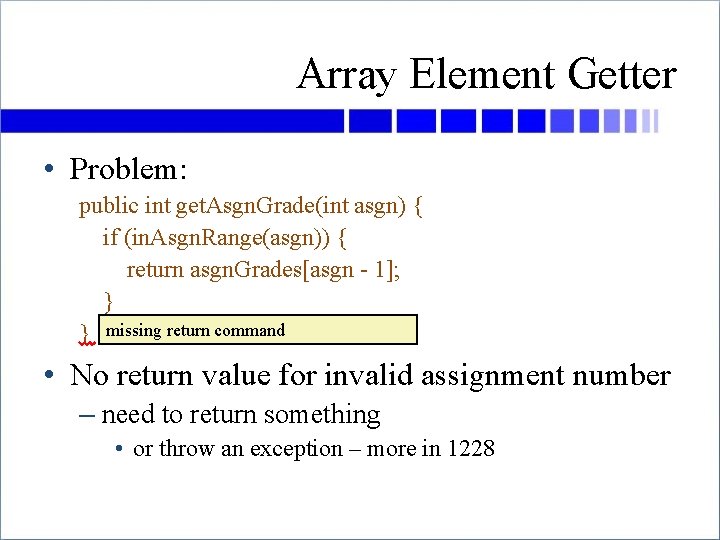
Array Element Getter • Problem: public int get. Asgn. Grade(int asgn) { if (in. Asgn. Range(asgn)) { return asgn. Grades[asgn - 1]; } } missing return command • No return value for invalid assignment number – need to return something • or throw an exception – more in 1228
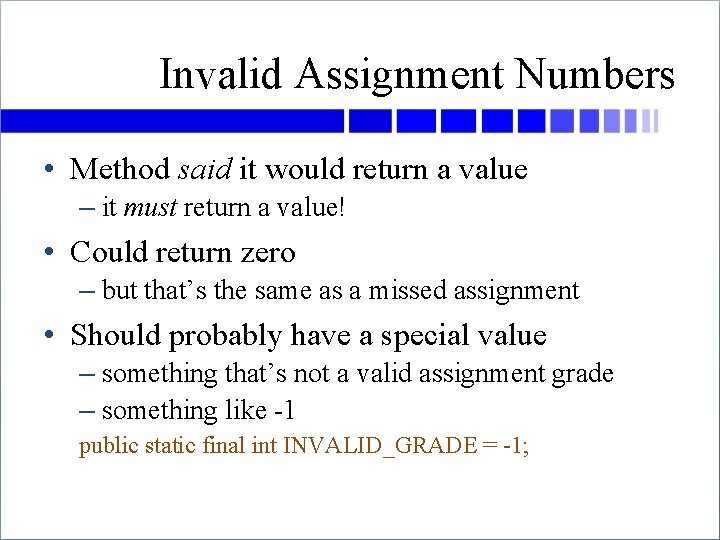
Invalid Assignment Numbers • Method said it would return a value – it must return a value! • Could return zero – but that’s the same as a missed assignment • Should probably have a special value – something that’s not a valid assignment grade – something like -1 public static final int INVALID_GRADE = -1;
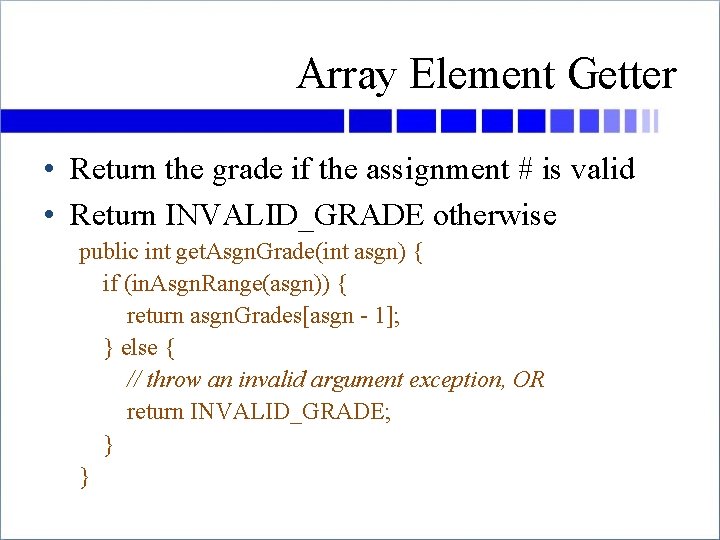
Array Element Getter • Return the grade if the assignment # is valid • Return INVALID_GRADE otherwise public int get. Asgn. Grade(int asgn) { if (in. Asgn. Range(asgn)) { return asgn. Grades[asgn - 1]; } else { // throw an invalid argument exception, OR return INVALID_GRADE; } }
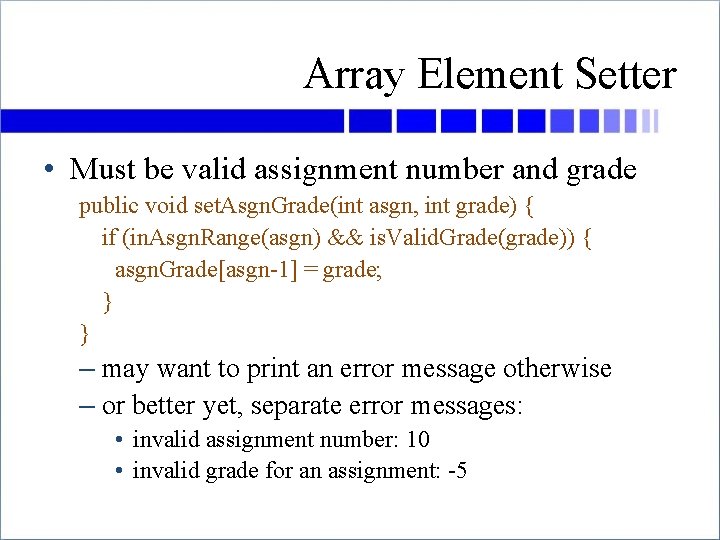
Array Element Setter • Must be valid assignment number and grade public void set. Asgn. Grade(int asgn, int grade) { if (in. Asgn. Range(asgn) && is. Valid. Grade(grade)) { asgn. Grade[asgn-1] = grade; } } – may want to print an error message otherwise – or better yet, separate error messages: • invalid assignment number: 10 • invalid grade for an assignment: -5
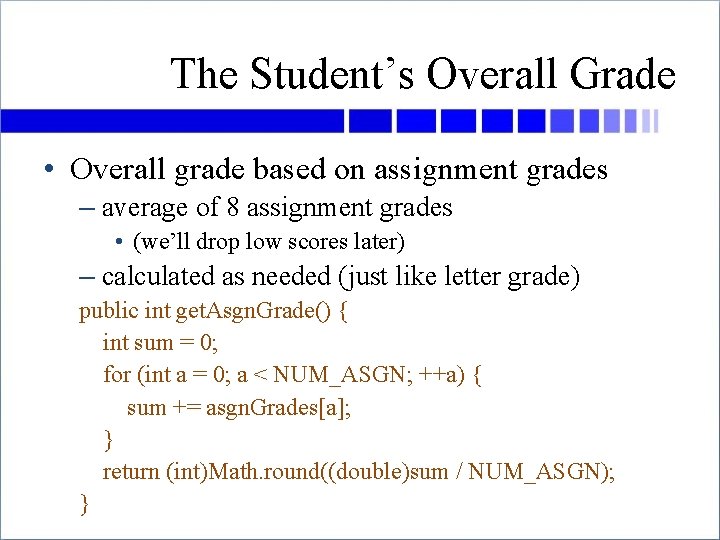
The Student’s Overall Grade • Overall grade based on assignment grades – average of 8 assignment grades • (we’ll drop low scores later) – calculated as needed (just like letter grade) public int get. Asgn. Grade() { int sum = 0; for (int a = 0; a < NUM_ASGN; ++a) { sum += asgn. Grades[a]; } return (int)Math. round((double)sum / NUM_ASGN); }
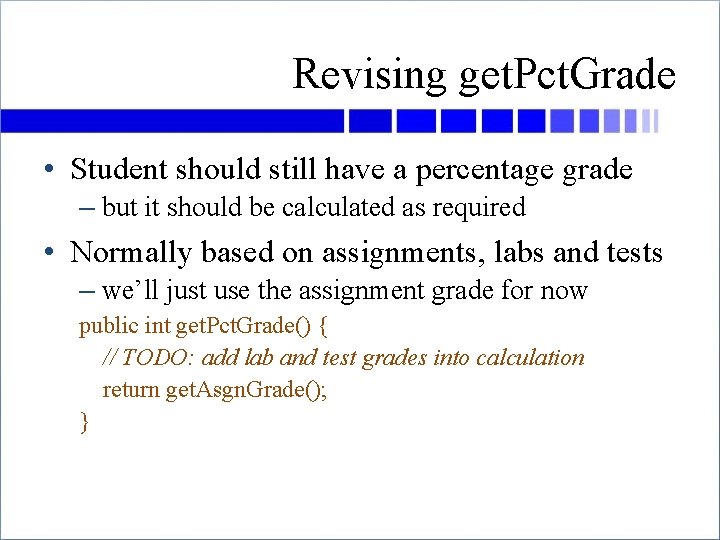
Revising get. Pct. Grade • Student should still have a percentage grade – but it should be calculated as required • Normally based on assignments, labs and tests – we’ll just use the assignment grade for now public int get. Pct. Grade() { // TODO: add lab and test grades into calculation return get. Asgn. Grade(); }
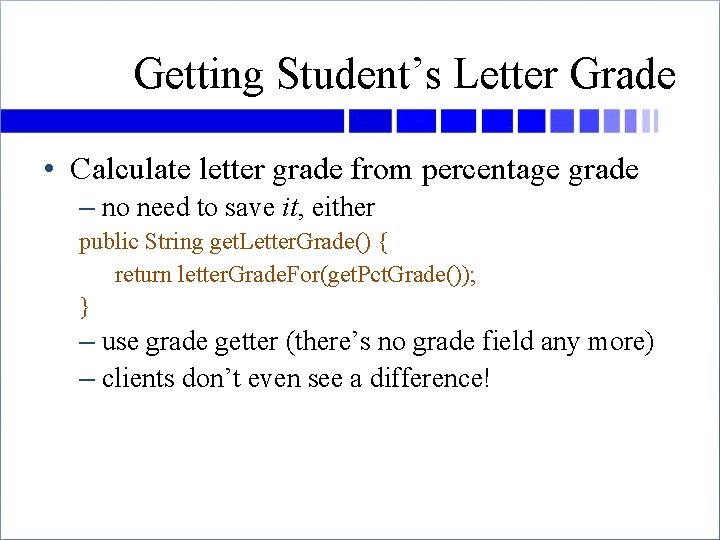
Getting Student’s Letter Grade • Calculate letter grade from percentage grade – no need to save it, either public String get. Letter. Grade() { return letter. Grade. For(get. Pct. Grade()); } – use grade getter (there’s no grade field any more) – clients don’t even see a difference!
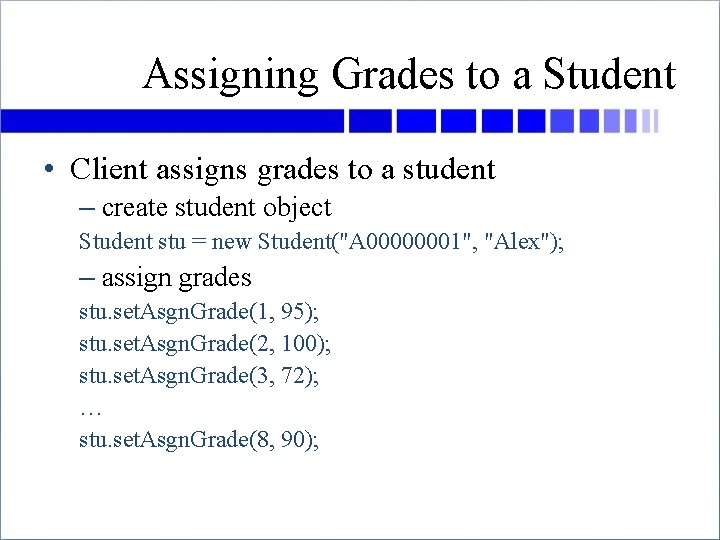
Assigning Grades to a Student • Client assigns grades to a student – create student object Student stu = new Student("A 00000001", "Alex"); – assign grades stu. set. Asgn. Grade(1, 95); stu. set. Asgn. Grade(2, 100); stu. set. Asgn. Grade(3, 72); … stu. set. Asgn. Grade(8, 90);
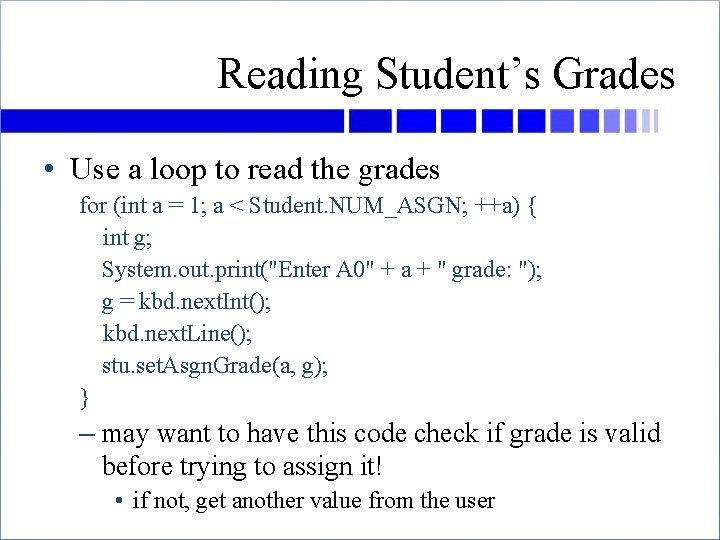
Reading Student’s Grades • Use a loop to read the grades for (int a = 1; a < Student. NUM_ASGN; ++a) { int g; System. out. print("Enter A 0" + a + " grade: "); g = kbd. next. Int(); kbd. next. Line(); stu. set. Asgn. Grade(a, g); } – may want to have this code check if grade is valid before trying to assign it! • if not, get another value from the user
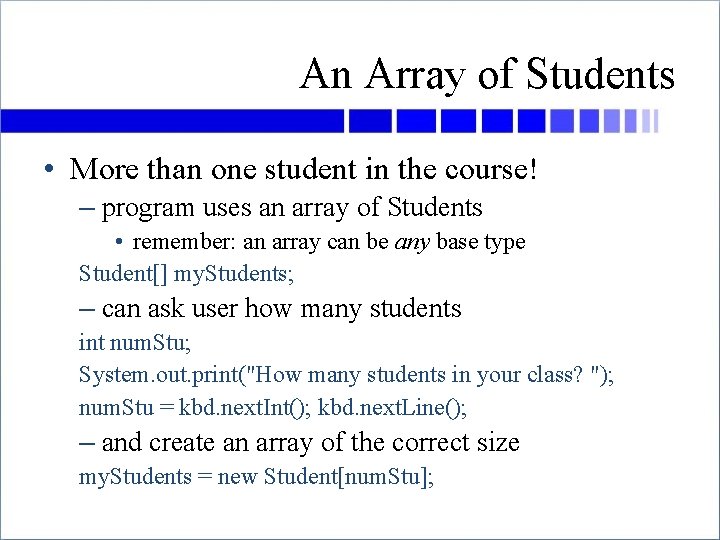
An Array of Students • More than one student in the course! – program uses an array of Students • remember: an array can be any base type Student[] my. Students; – can ask user how many students int num. Stu; System. out. print("How many students in your class? "); num. Stu = kbd. next. Int(); kbd. next. Line(); – and create an array of the correct size my. Students = new Student[num. Stu];
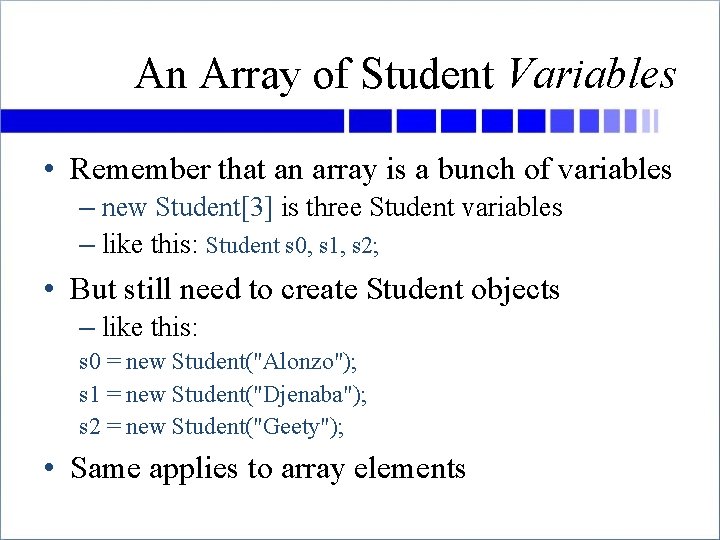
An Array of Student Variables • Remember that an array is a bunch of variables – new Student[3] is three Student variables – like this: Student s 0, s 1, s 2; • But still need to create Student objects – like this: s 0 = new Student("Alonzo"); s 1 = new Student("Djenaba"); s 2 = new Student("Geety"); • Same applies to array elements
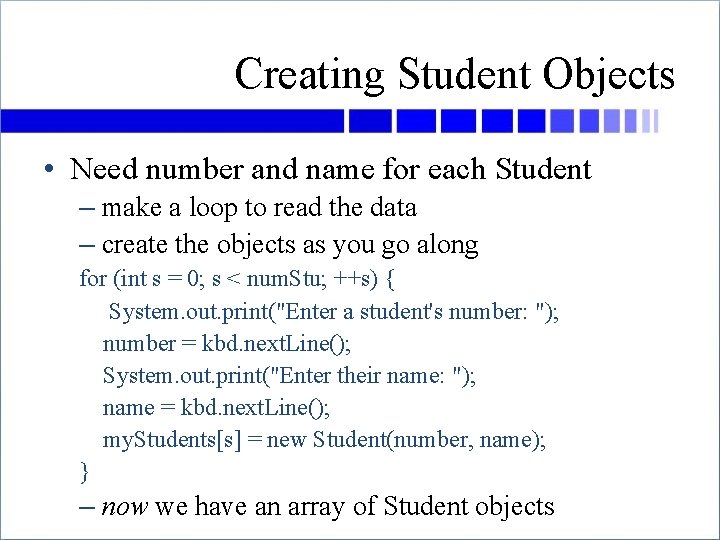
Creating Student Objects • Need number and name for each Student – make a loop to read the data – create the objects as you go along for (int s = 0; s < num. Stu; ++s) { System. out. print("Enter a student's number: "); number = kbd. next. Line(); System. out. print("Enter their name: "); name = kbd. next. Line(); my. Students[s] = new Student(number, name); } – now we have an array of Student objects
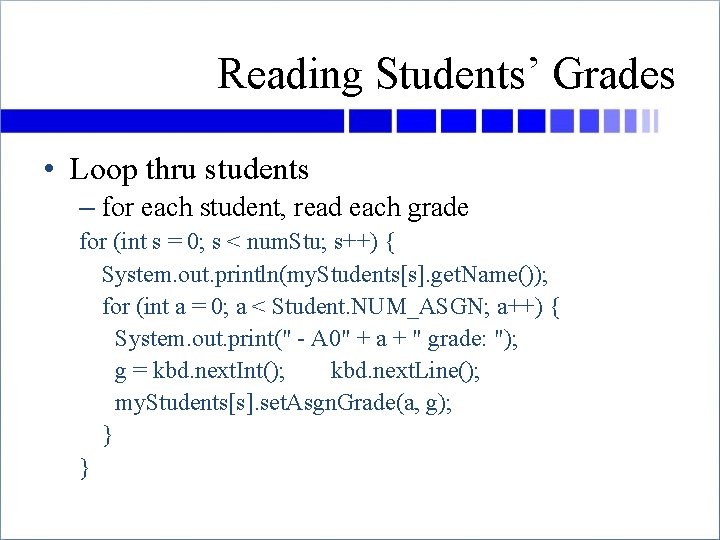
Reading Students’ Grades • Loop thru students – for each student, read each grade for (int s = 0; s < num. Stu; s++) { System. out. println(my. Students[s]. get. Name()); for (int a = 0; a < Student. NUM_ASGN; a++) { System. out. print(" - A 0" + a + " grade: "); g = kbd. next. Int(); kbd. next. Line(); my. Students[s]. set. Asgn. Grade(a, g); } }
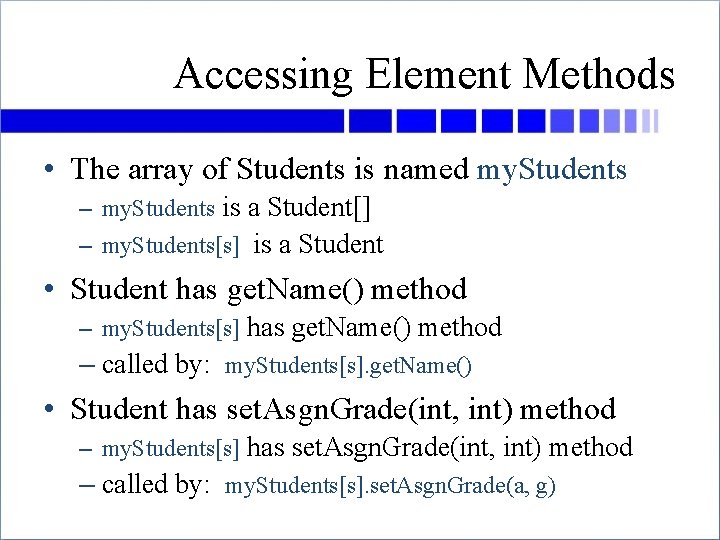
Accessing Element Methods • The array of Students is named my. Students – my. Students is a Student[] – my. Students[s] is a Student • Student has get. Name() method – my. Students[s] has get. Name() method – called by: my. Students[s]. get. Name() • Student has set. Asgn. Grade(int, int) method – my. Students[s] has set. Asgn. Grade(int, int) method – called by: my. Students[s]. set. Asgn. Grade(a, g)
Exercise • Write a loop to print out the length of each String in an array of Strings – the array is called words – the array elements have all been given a value • A bit harder (but not much!) – Write a loop to print out the length of each student’s name (array my. Students – also full)
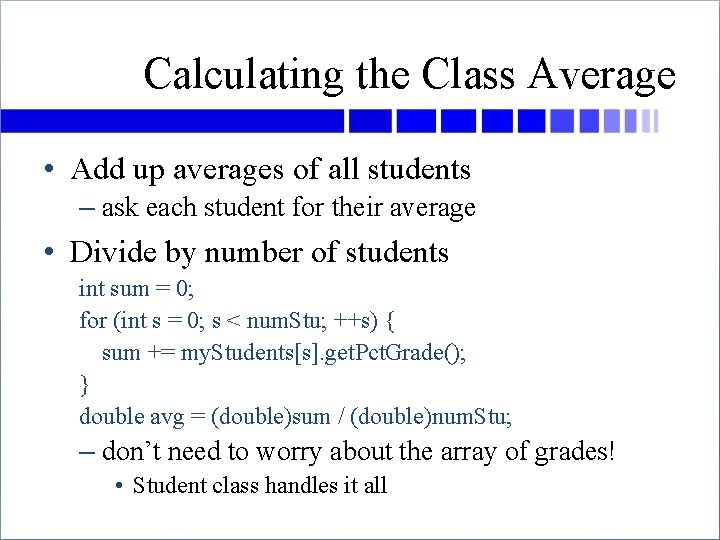
Calculating the Class Average • Add up averages of all students – ask each student for their average • Divide by number of students int sum = 0; for (int s = 0; s < num. Stu; ++s) { sum += my. Students[s]. get. Pct. Grade(); } double avg = (double)sum / (double)num. Stu; – don’t need to worry about the array of grades! • Student class handles it all
Exercise • Write a loop to print out the name and grade of each student in the class
Questions
- Slides: 42