
One consistent set of device management capabilities across
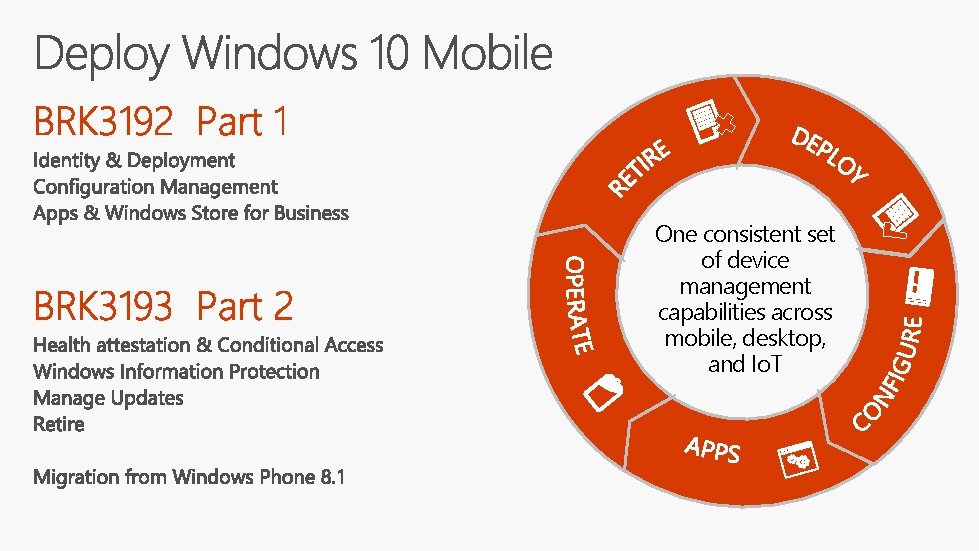
One consistent set of device management capabilities across mobile, desktop, and Io. T
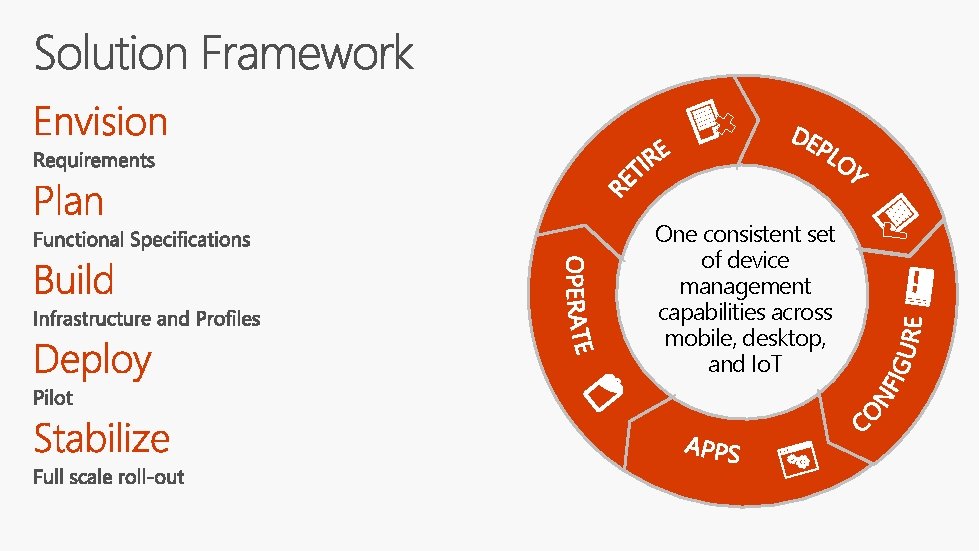
One consistent set of device management capabilities across mobile, desktop, and Io. T
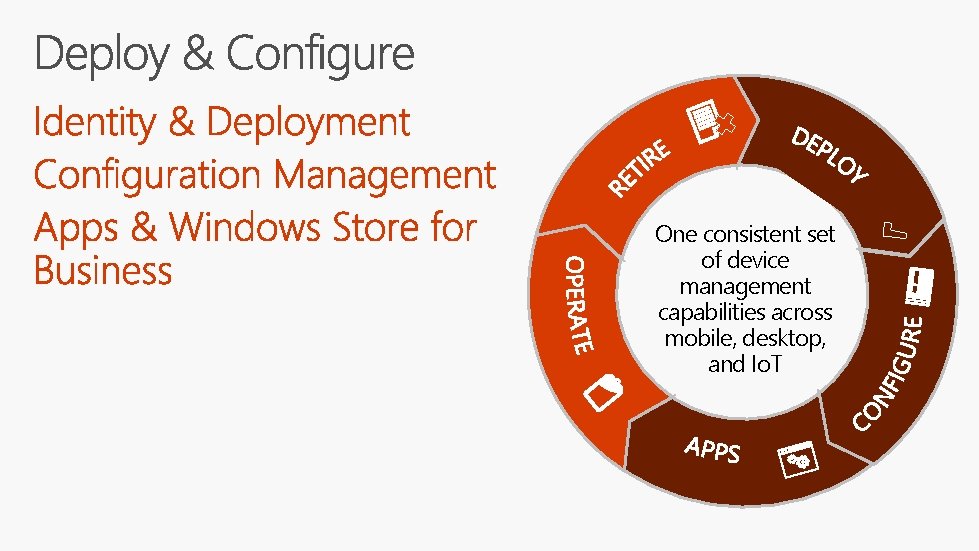
One consistent set of device management capabilities across mobile, desktop, and Io. T
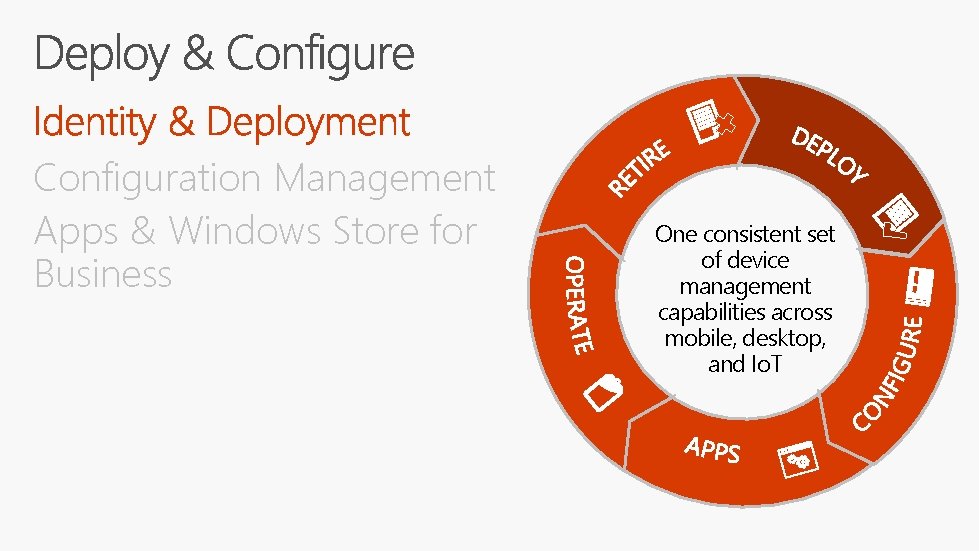
Configuration Management Apps & Windows Store for Business One consistent set of device management capabilities across mobile, desktop, and Io. T
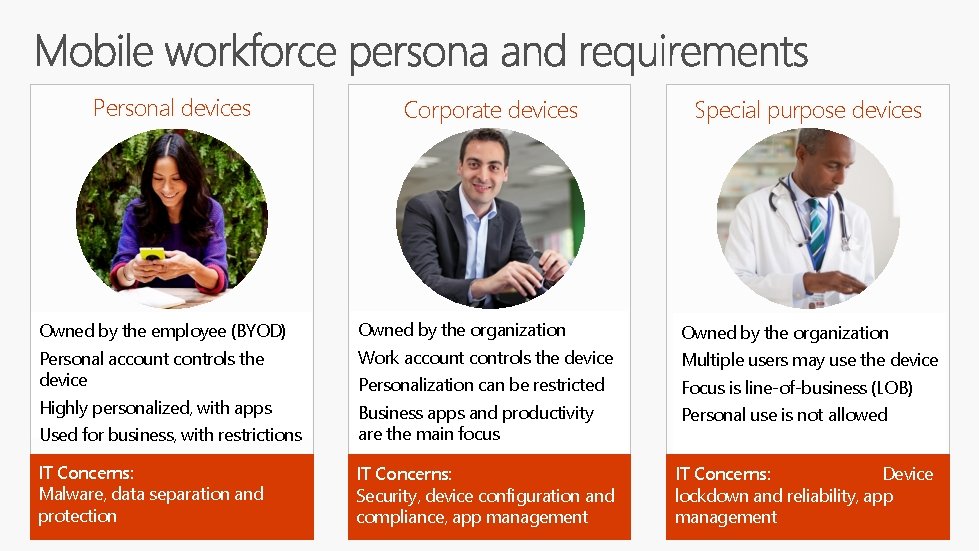
Personal devices Corporate devices Special purpose devices Owned by the employee (BYOD) Owned by the organization Personal account controls the device Work account controls the device Multiple users may use the device Highly personalized, with apps Personalization can be restricted Focus is line-of-business (LOB) Used for business, with restrictions Business apps and productivity are the main focus Personal use is not allowed IT Concerns: Malware, data separation and protection IT Concerns: Security, device configuration and compliance, app management IT Concerns: Device lockdown and reliability, app management
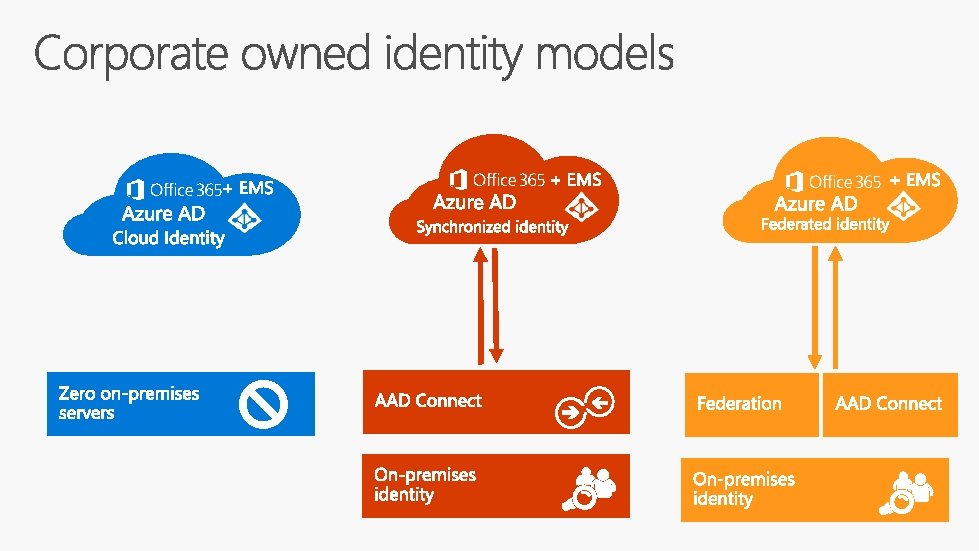
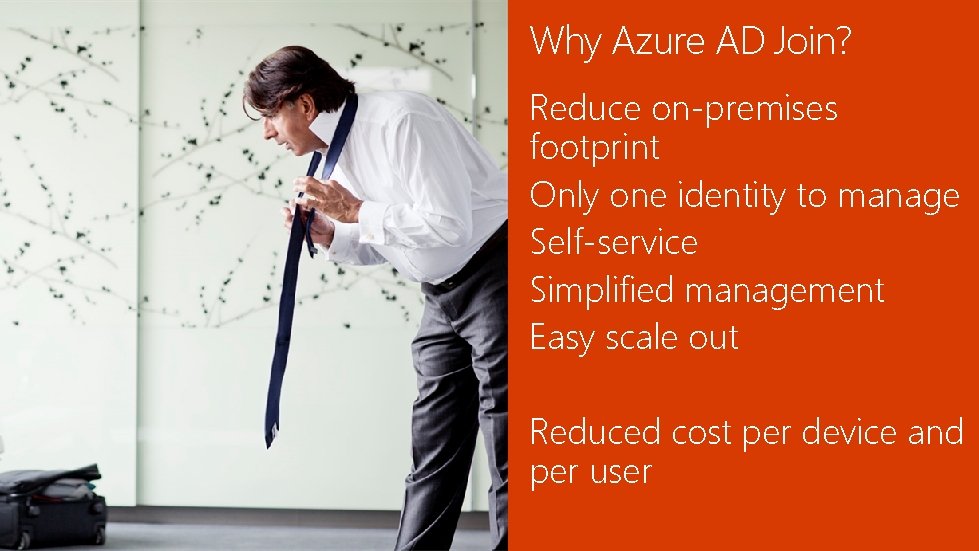
Why Azure AD Join? Reduce on-premises footprint Only one identity to manage Self-service Simplified management Easy scale out Reduced cost per device and per user

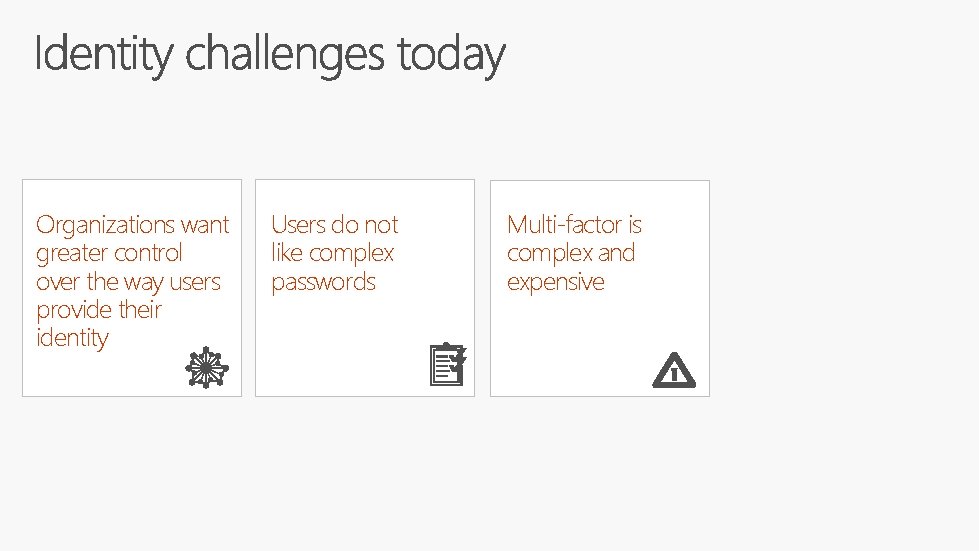
Organizations want greater control over the way users provide their identity Users do not like complex passwords Multi-factor is complex and expensive
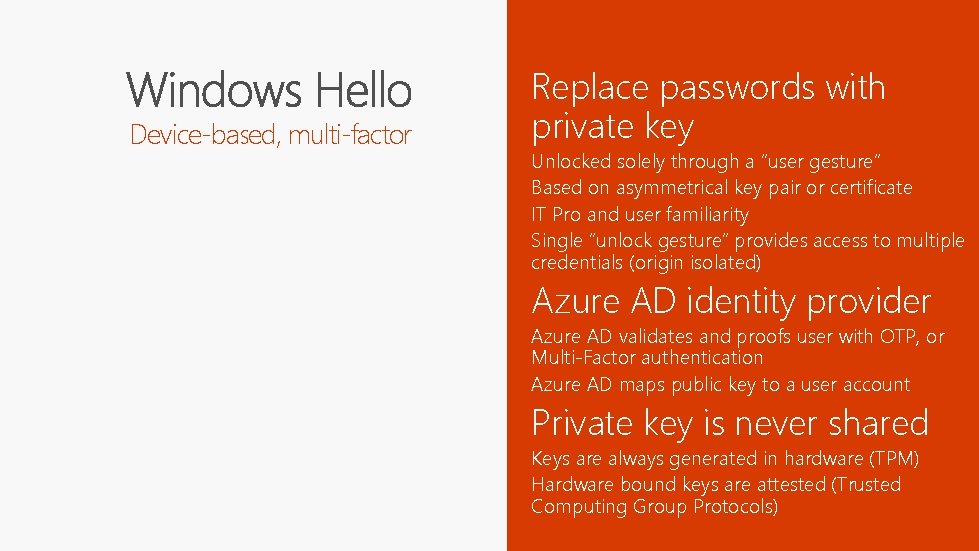
Device-based, multi-factor Replace passwords with private key Unlocked solely through a “user gesture” Based on asymmetrical key pair or certificate IT Pro and user familiarity Single “unlock gesture” provides access to multiple credentials (origin isolated) Azure AD identity provider Azure AD validates and proofs user with OTP, or Multi-Factor authentication Azure AD maps public key to a user account Private key is never shared Keys are always generated in hardware (TPM) Hardware bound keys are attested (Trusted Computing Group Protocols)
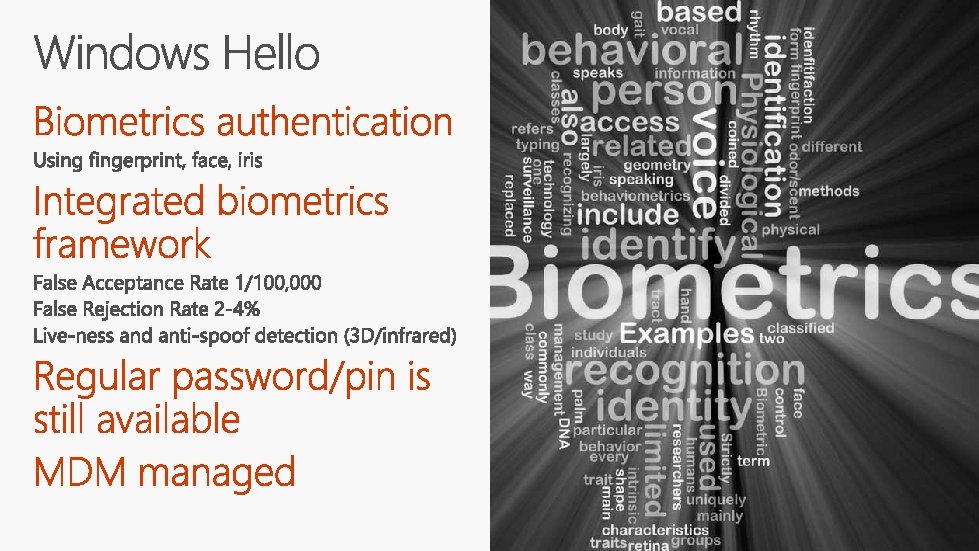
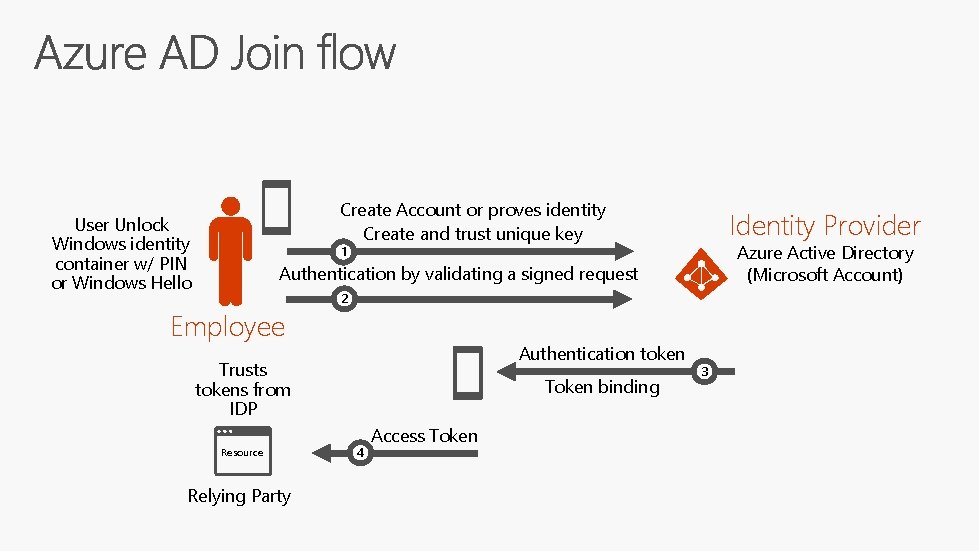
Create Account or proves identity Create and trust unique key User Unlock Windows identity container w/ PIN or Windows Hello Identity Provider Azure Active Directory (Microsoft Account) 1 Authentication by validating a signed request Employee 2 Authentication token Trusts tokens from IDP Resource Relying Party Token binding 4 Access Token 3
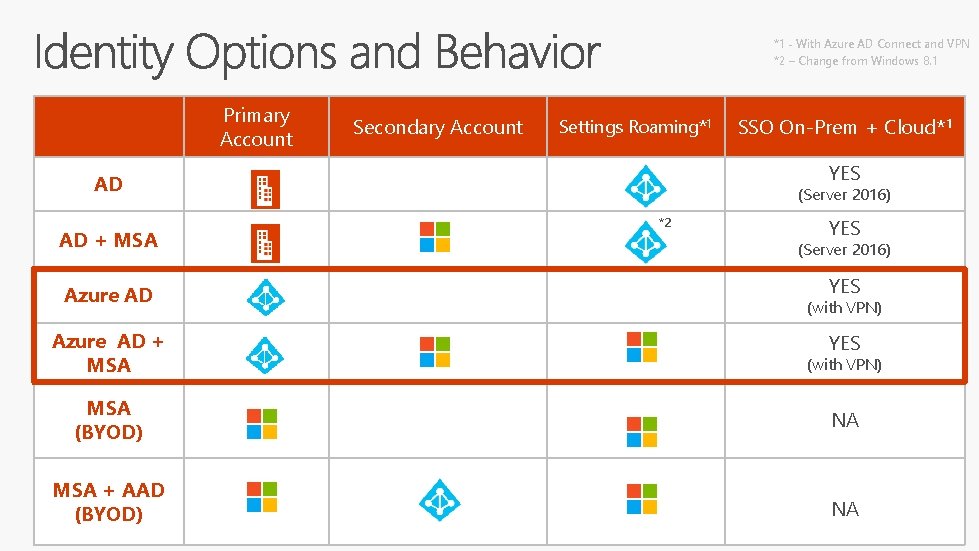
*1 _ With Azure AD Connect and VPN *2 – Change from Windows 8. 1 Primary Account Secondary Account Settings Roaming*1 YES AD AD + MSA Azure AD + MSA SSO On-Prem + Cloud*1 (Server 2016) *2 YES (Server 2016) YES (with VPN) MSA (BYOD) NA MSA + AAD (BYOD) NA
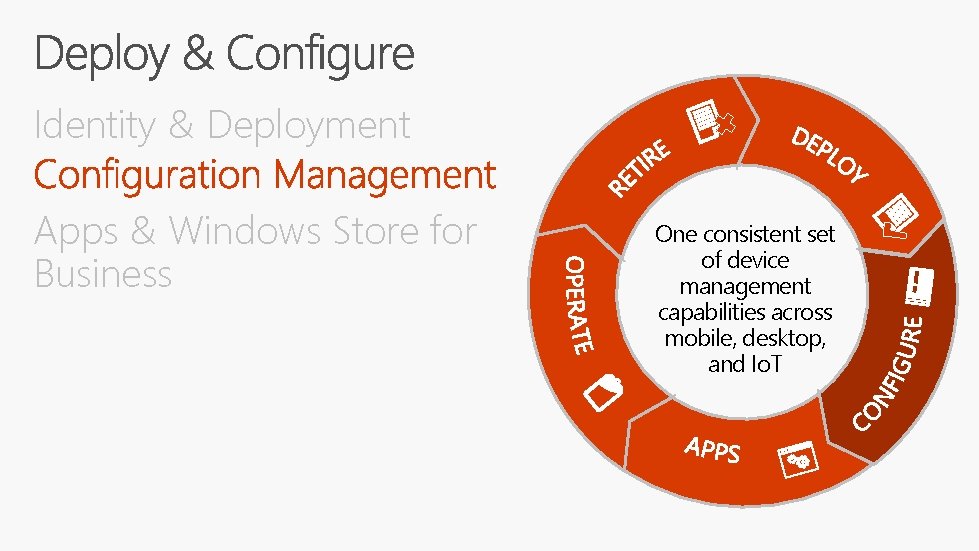
Identity & Deployment Apps & Windows Store for Business One consistent set of device management capabilities across mobile, desktop, and Io. T
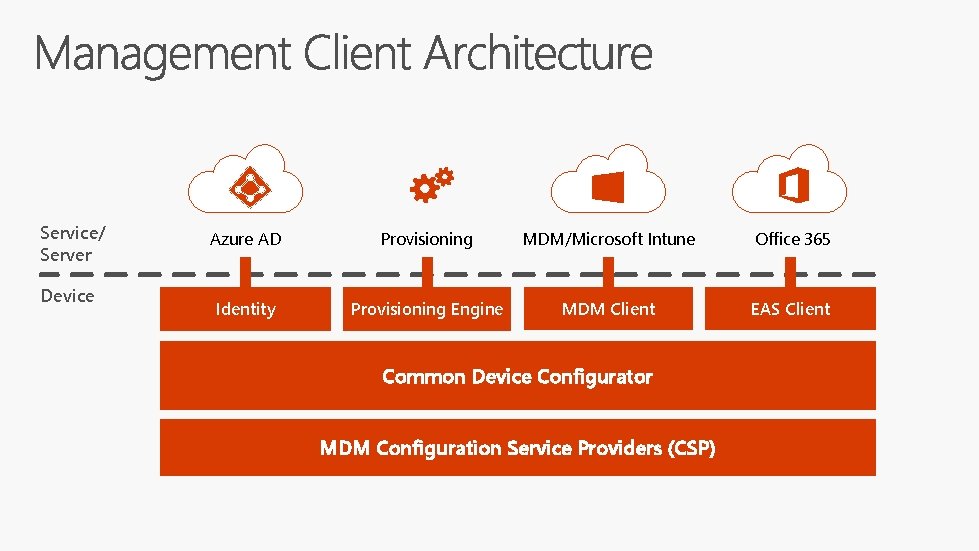
Service/ Server Device Azure AD Provisioning MDM/Microsoft Intune Office 365 Identity Provisioning Engine MDM Client EAS Client Common Device Configurator MDM Configuration Service Providers (CSP)
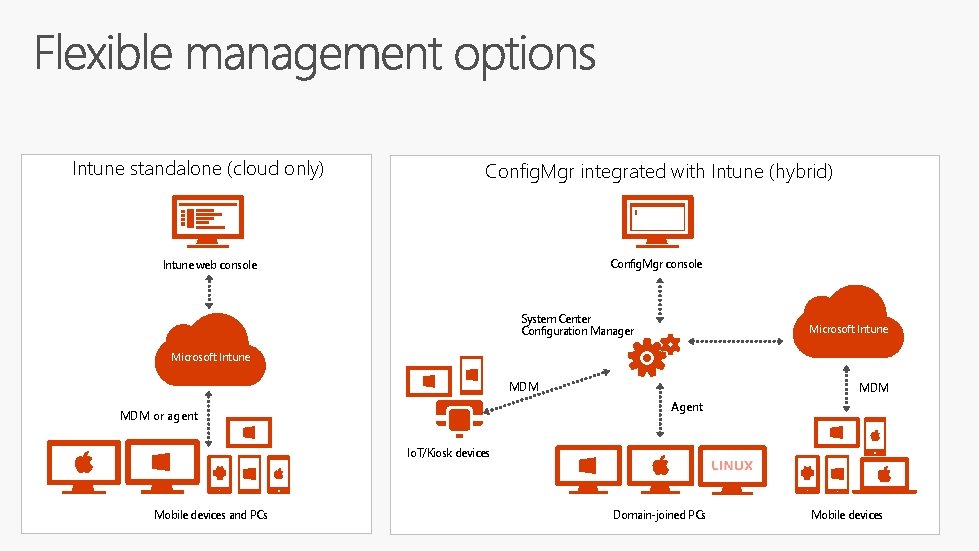
Intune standalone (cloud only) Config. Mgr integrated with Intune (hybrid) Config. Mgr console Intune web console System Center Configuration Manager Microsoft Intune MDM Agent MDM or agent Io. T/Kiosk devices Mobile devices and PCs Domain-joined PCs Mobile devices
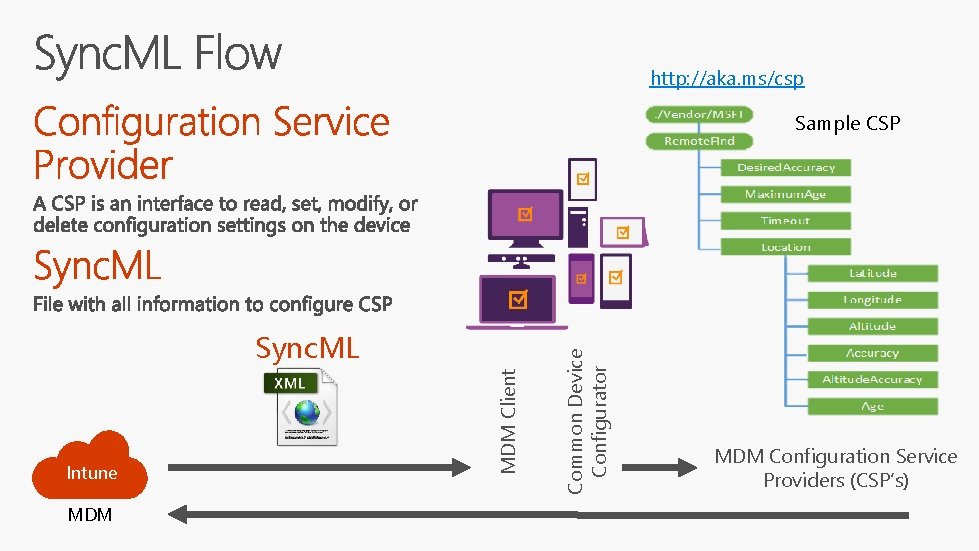
http: //aka. ms/csp Intune MDM Client Sync. ML Common Device Configurator Sample CSP MDM Configuration Service Providers (CSP’s)
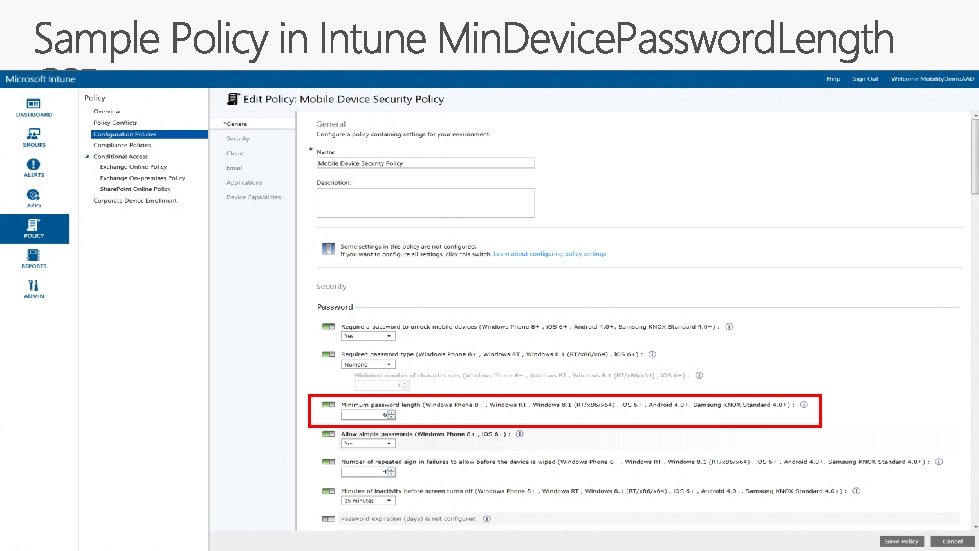
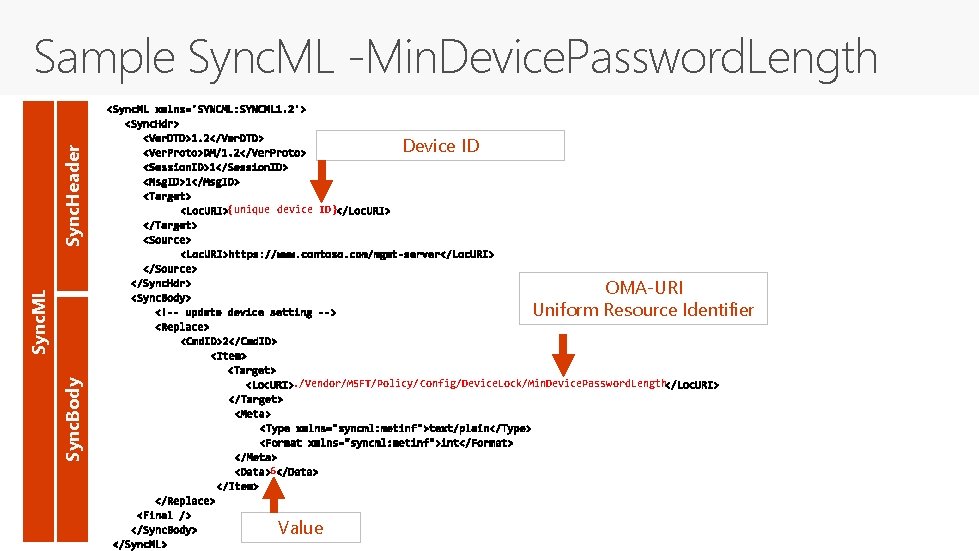
Sync. Header Sample Sync. ML -Min. Device. Password. Length Device ID {unique device ID} Sync. ML OMA-URI Uniform Resource Identifier Sync. Body . /Vendor/MSFT/Policy/Config/Device. Lock/Min. Device. Password. Length 6 Value
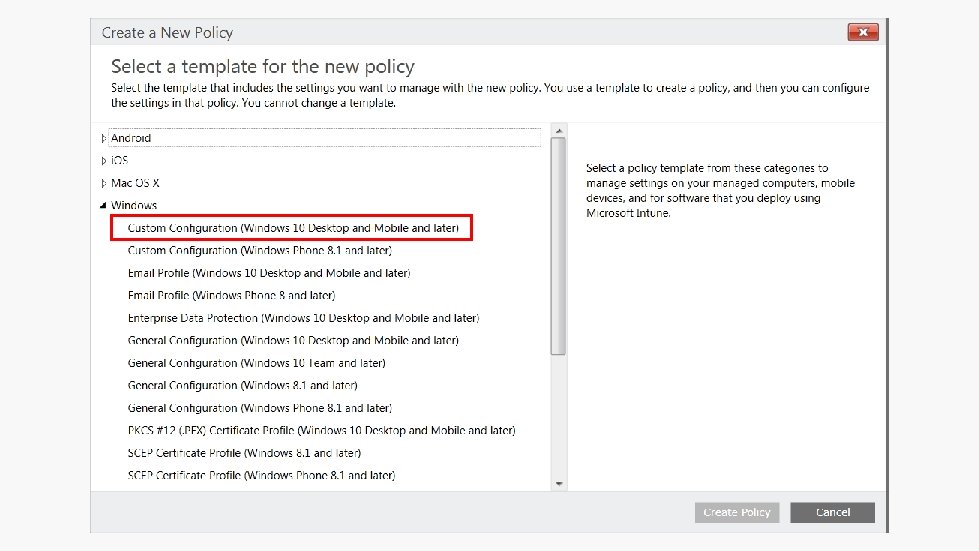
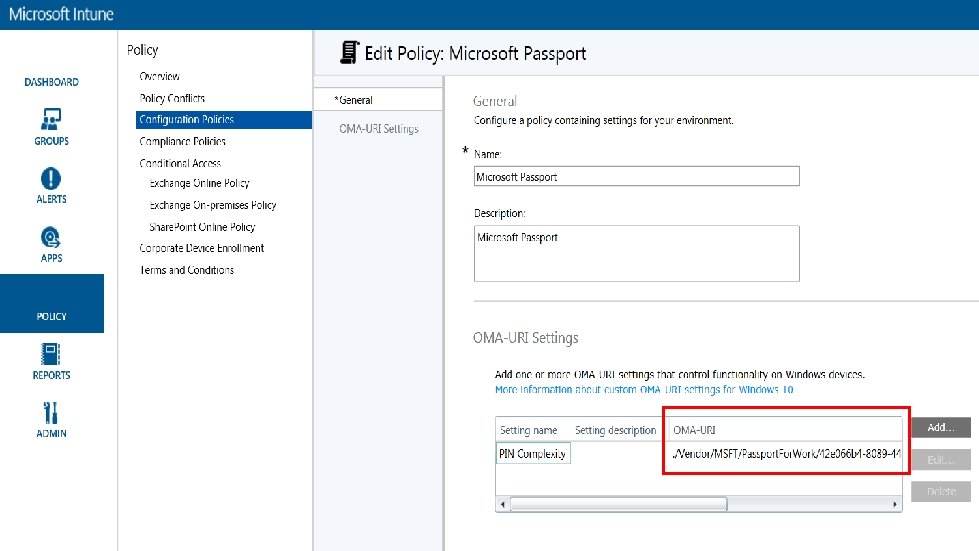
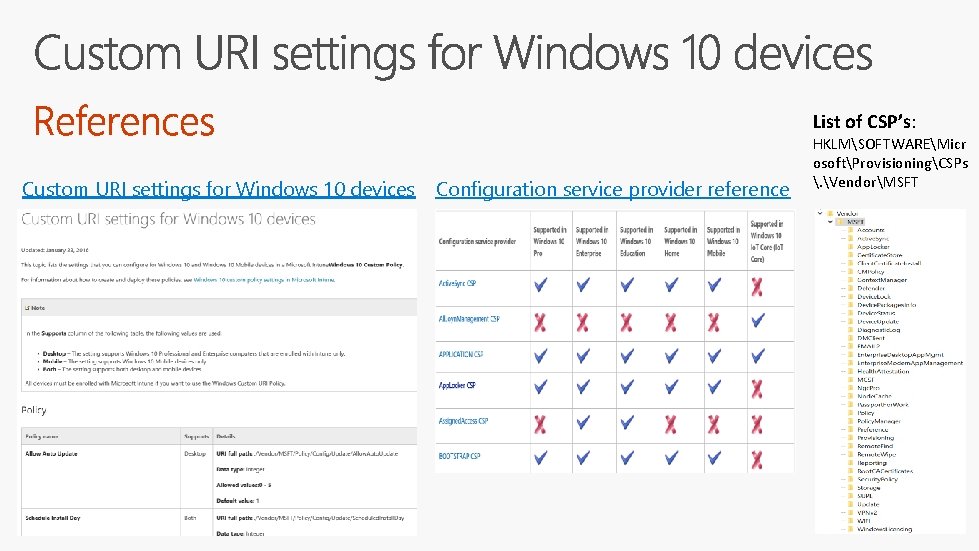
List of CSP’s: Custom URI settings for Windows 10 devices Configuration service provider reference HKLMSOFTWAREMicr osoftProvisioningCSPs . VendorMSFT
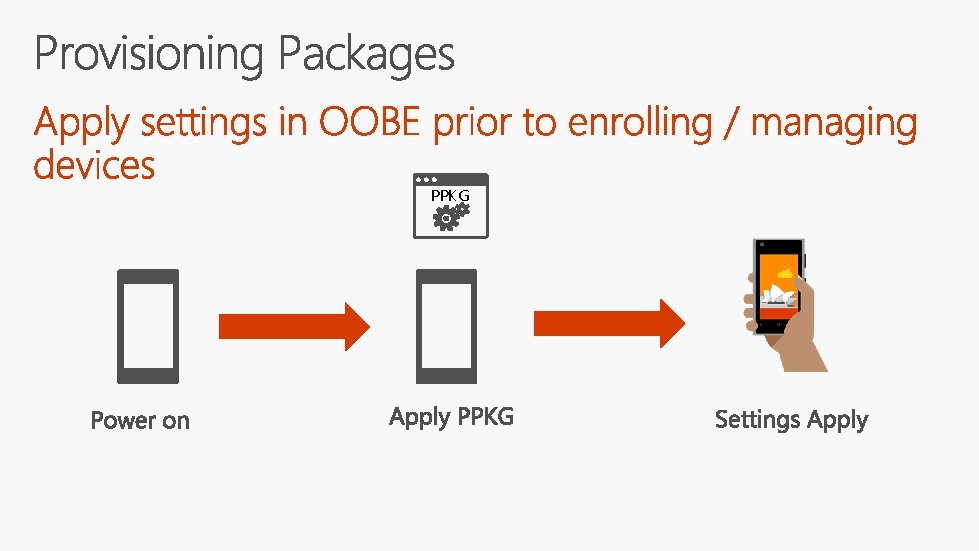
PPKG
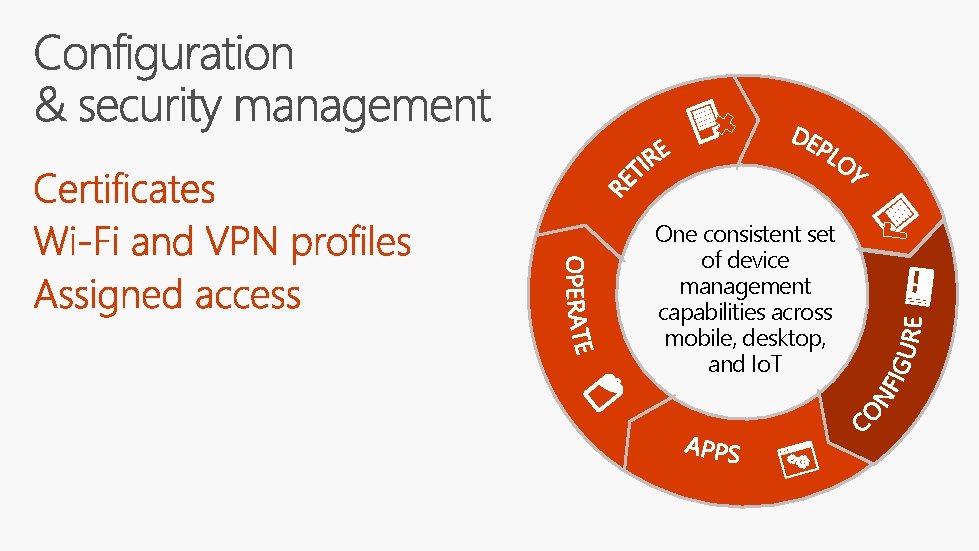
One consistent set of device management capabilities across mobile, desktop, and Io. T
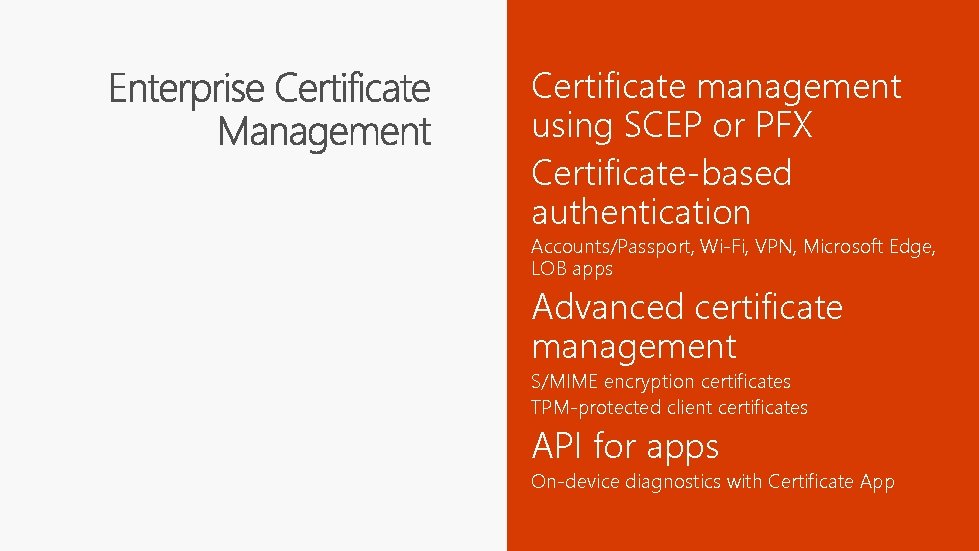
Certificate management using SCEP or PFX Certificate-based authentication Accounts/Passport, Wi-Fi, VPN, Microsoft Edge, LOB apps Advanced certificate management S/MIME encryption certificates TPM-protected client certificates API for apps On-device diagnostics with Certificate App
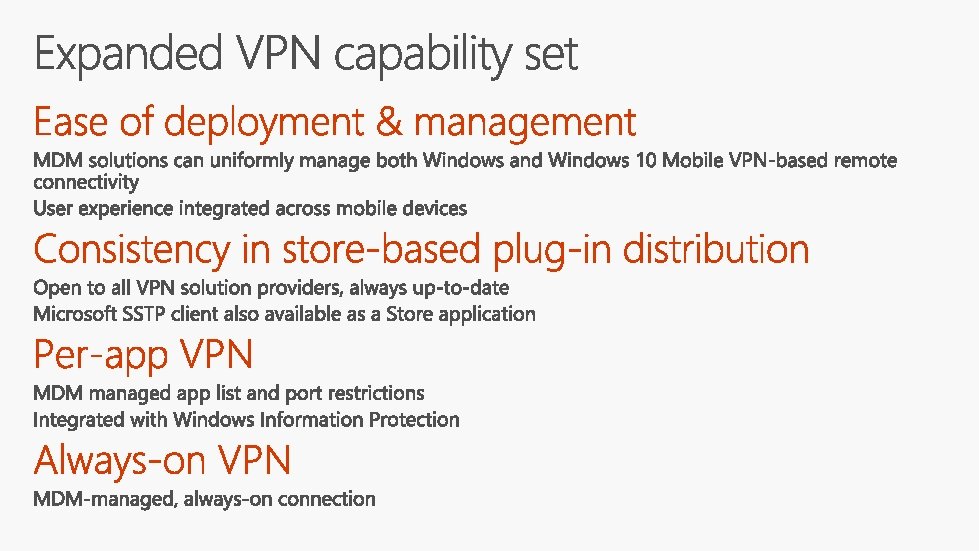
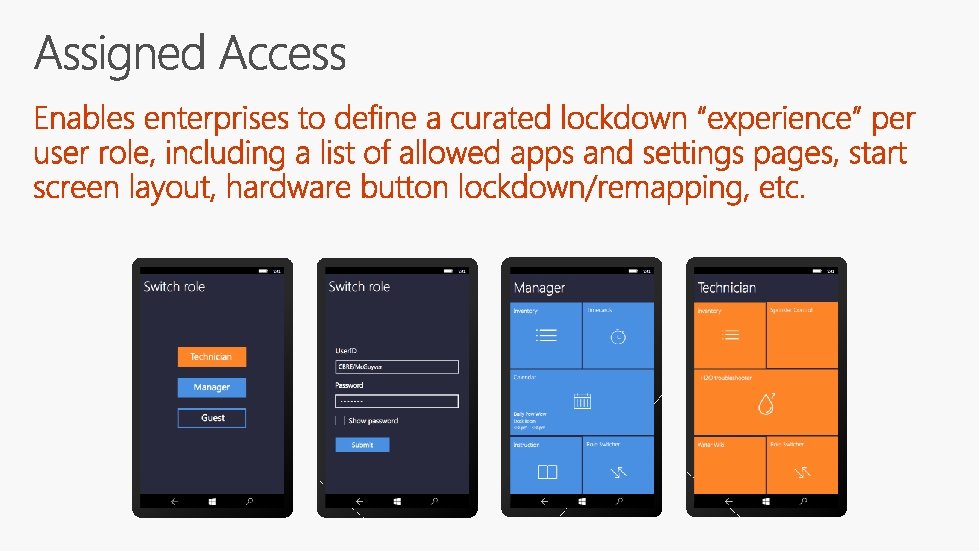
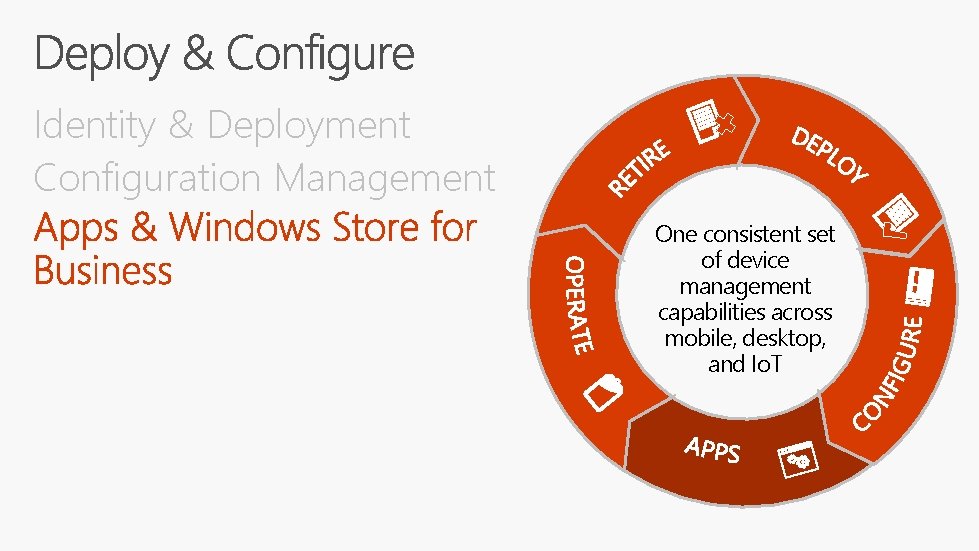
Identity & Deployment Configuration Management One consistent set of device management capabilities across mobile, desktop, and Io. T
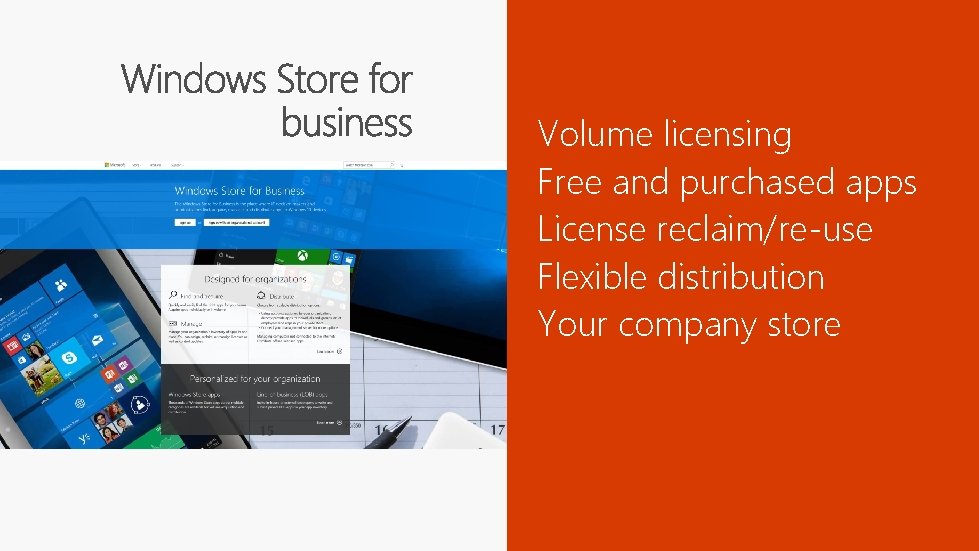
Volume licensing Free and purchased apps License reclaim/re-use Flexible distribution Your company store
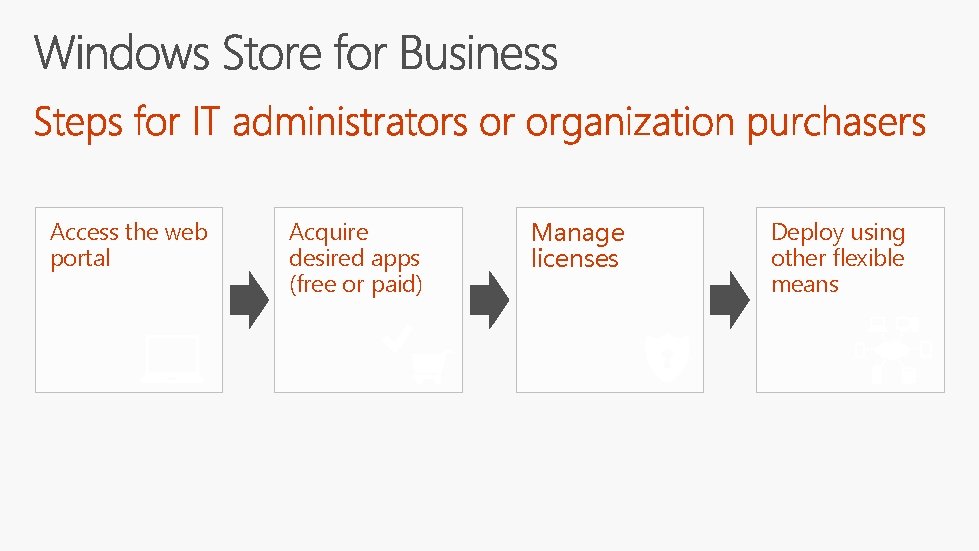
Access the web portal Acquire desired apps (free or paid) Manage licenses Deploy using other flexible means
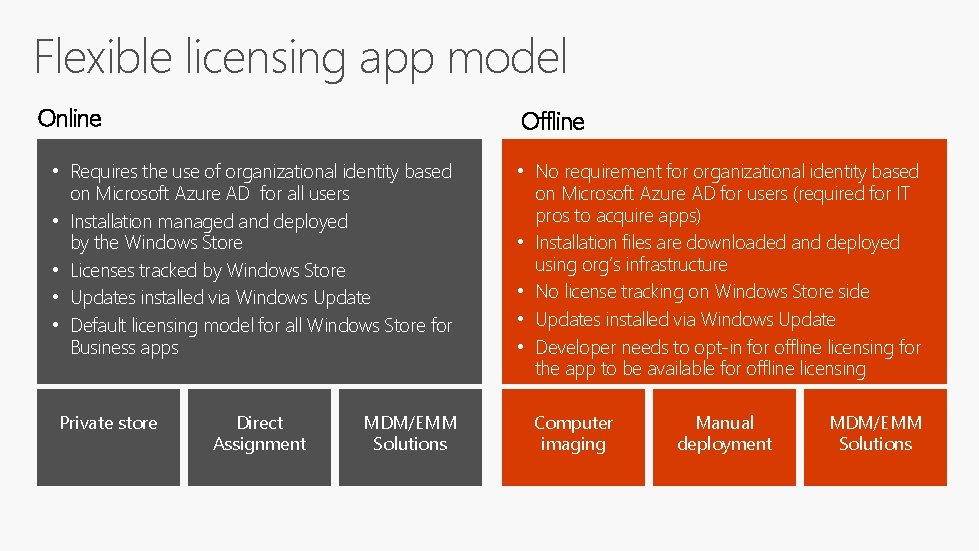
Flexible licensing app model Online Offline • Requires the use of organizational identity based on Microsoft Azure AD for all users • Installation managed and deployed by the Windows Store • Licenses tracked by Windows Store • Updates installed via Windows Update • Default licensing model for all Windows Store for Business apps Private store Direct Assignment MDM/EMM Solutions • No requirement for organizational identity based on Microsoft Azure AD for users (required for IT pros to acquire apps) • Installation files are downloaded and deployed using org’s infrastructure • No license tracking on Windows Store side • Updates installed via Windows Update • Developer needs to opt-in for offline licensing for the app to be available for offline licensing Computer imaging Manual deployment MDM/EMM Solutions

Lesson Learned Delegation of Administration Additional payment options Faster App acquisition App Categorization Start Store app in the private store
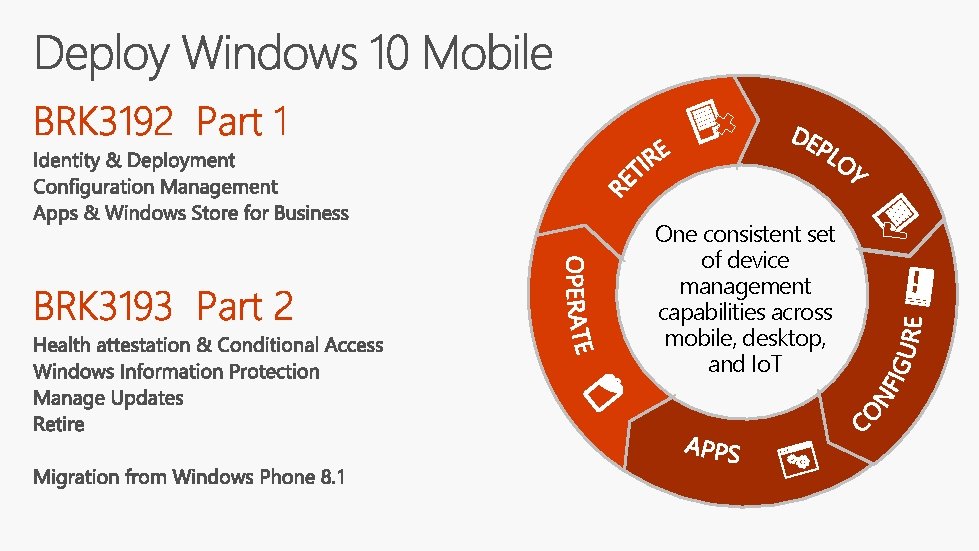
One consistent set of device management capabilities across mobile, desktop, and Io. T
http: //myignite. microsoft. com https: //aka. ms/ignite. mobileapp
Q&A
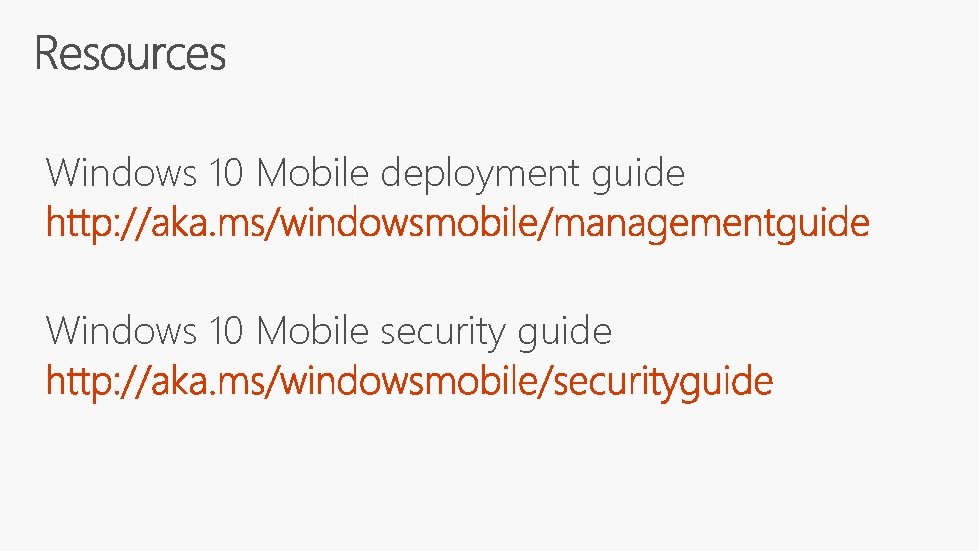
Windows 10 Mobile deployment guide Windows 10 Mobile security guide

- Slides: 41