
ON What is Blackboard on A textbookspecific online
ON
What is Blackboard? on A textbook-specific online study aid with. . . • Chapter-by-Chapter – Study Material and Practice Quizzes • Web-based Content – To Support Topics and Concepts • Communication Tools - Allow You to Interact with Others in Your
How will me ? benefit • Preparation for class – Discussions and Exams • Immediate Feedback – Gauge Comprehension and Focus • Interact – With Content and Others in the Class
How do I Access ? • Go to the Course URL – That Your Instructor Gives You • Login with your User Name and Password – That Has Been Given to You • Click on Your Course – From the My Institution or Courses Tab • Click on Course Information, Course Documents, or Assignments – To Display the Access Key Prompt • Enter Your Access Key – When You Are Prompted the First Time Only
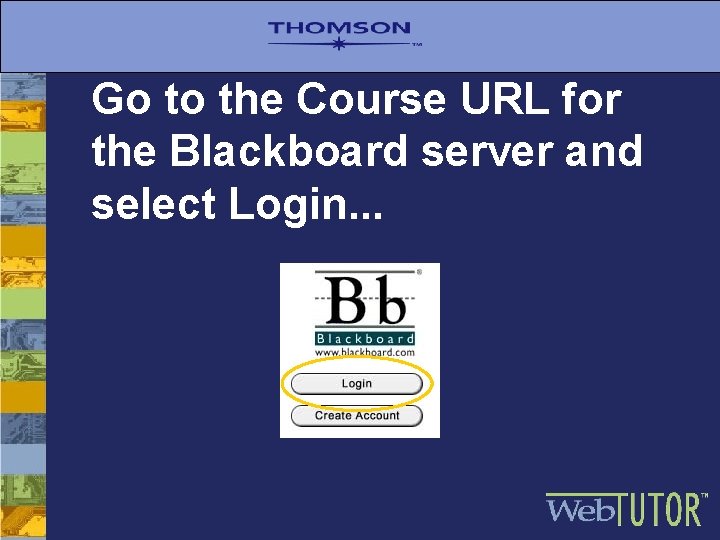
Go to the Course URL for the Blackboard server and select Login. . .
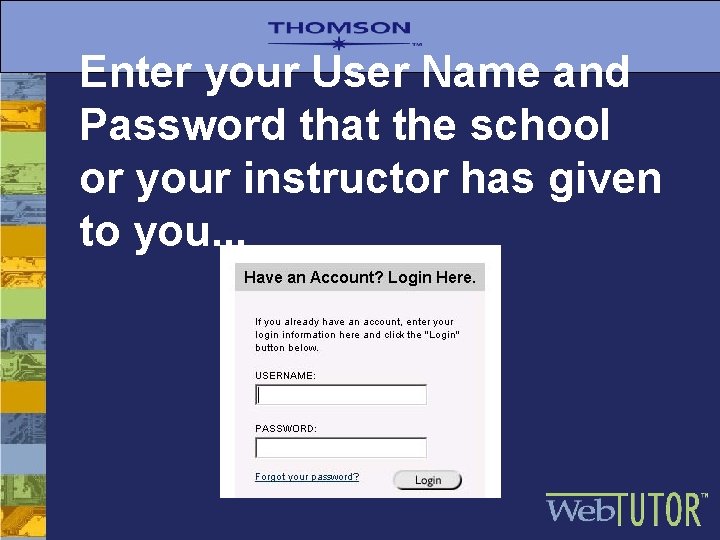
Enter your User Name and Password that the school or your instructor has given to you. . .
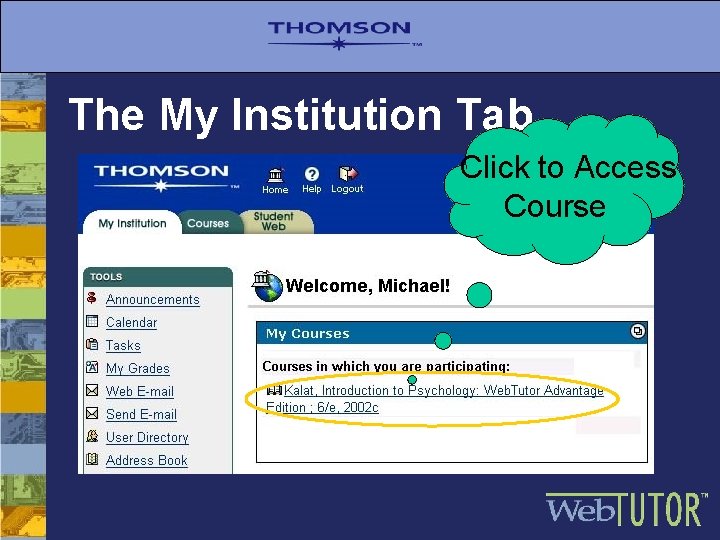
The My Institution Tab Click to Access Course
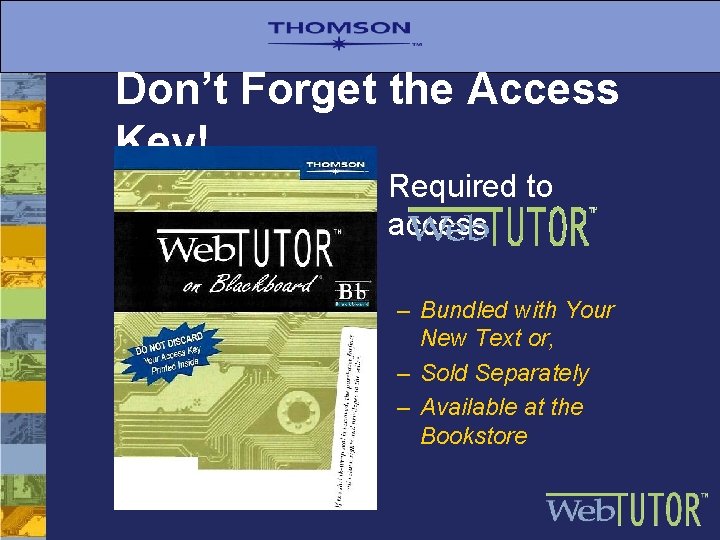
Don’t Forget the Access Key! • Required to access – Bundled with Your New Text or, – Sold Separately – Available at the Bookstore
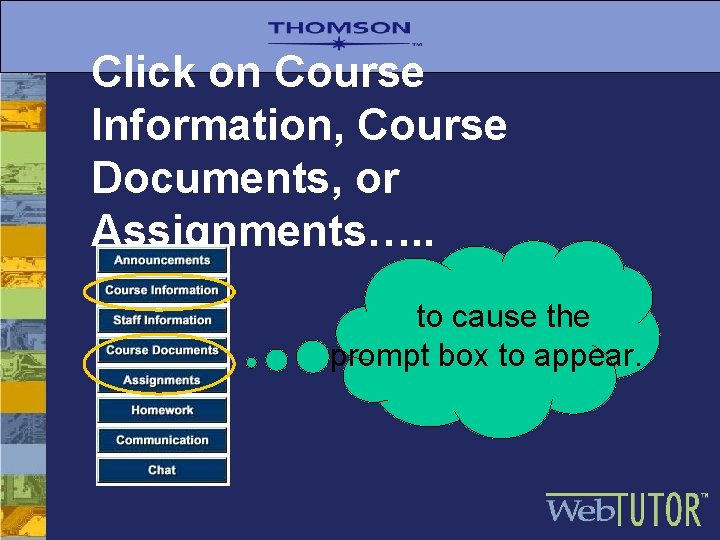
Click on Course Information, Course Documents, or Assignments…. . to cause the prompt box to appear.
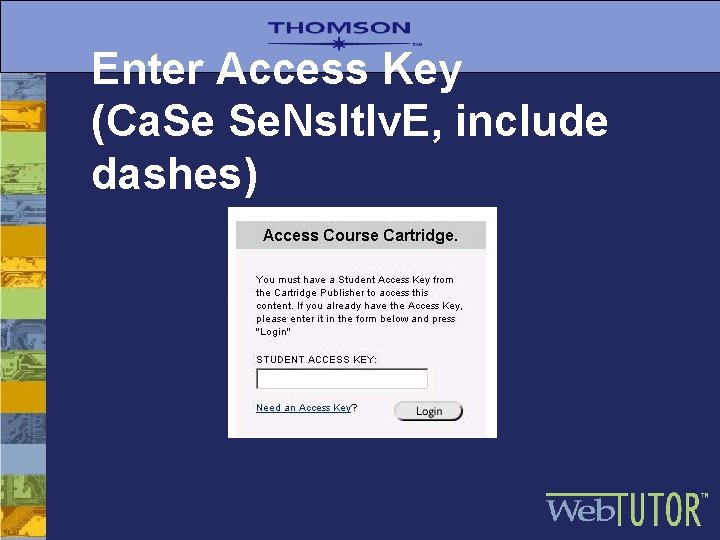
Enter Access Key (Ca. Se Se. Ns. It. Iv. E, include dashes)
For Additional Support. . . • Go to Manual, under Tools in Blackboard • Contact your campus IT Department • Access the Web. Tutor Web Site http: //webtutor. thomsonlearning. com/student help • Call Thomson Help Desk…. .
- Slides: 11